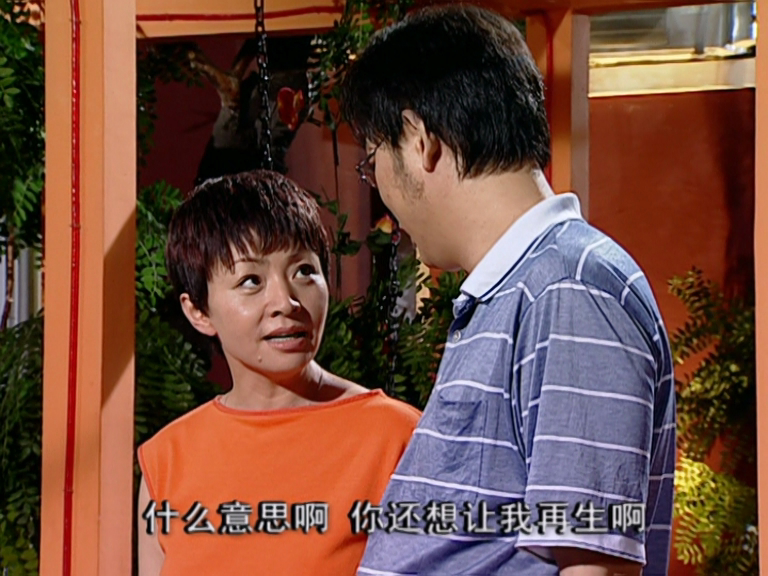
I am seeking paid workflows for upscaling and restoring a classic TV series titled “Jia You Er Nv”.
Currently, I use a workflow that yields decent results (mainly SeedVR2 and Iris3, SeedVR2 upscale to 1080p, then Iris3 to 4K), but it involves some manual steps, which makes it difficult to scale across the full series. I am looking for a solution that can be fully automated—even if the restoration quality is comparable to my current output, that would be perfectly acceptable.
If you are interested, please try processing the two sample clips below:
Once completed, kindly share your test results with me (output resolution: 2880x2160). If the quality meets my expectations and the workflow is automatable, I would be happy to pay for your solution—price is negotiable.
Unfortunately, there isn’t a single app for this, because each app has its own advantages and disadvantages. I’ve actually been doing the same thing for a year now, 24/7, and I’ve tried almost every app and repository imaginable. For corrupted old videos, SeedVR2 is currently the best, but after that, you can use Iris or Proteus for quick enlargement. You can’t do everything with a single app, unfortunately. I also use separate apps for cleaning up audio and color correction. So you have to use at least 4-5 apps.
Couldn’t agree more! A single model is rarely the solution for such challenges. My current outcome was precisely achieved through an ensemble of three models.
It looks great, except for the fact that the image is quite abruptly updated every few seconds… Is there any way to avoid this? As I understand SeedVR2 and FlashVSR work with a group of pictures, and then the next group, and so on… Which leads to these visible updates.
I tried running the 20s clip through Starlight Sharp and then upscaling it via another model to 4K. Looked quite good. Perhaps not as good as your FlashVSR upscale in every way, but it was free from these visible updates.
the naxci1 sample is the best, but a bit oversharpen and tends to plastic look. blur it a little bit, maybe Dehalo, then add Grain. Staticmotion, yours is solid and looks natural.
The problem is, he wanted to do it in a single step, so it needs to be done with just one process; otherwise, further improvements would be possible with several processes.
yes, yes, I fully understant that a single process is rarely the solution for such challenges. My current outcome was precisely achieved through an ensemble of three models.
oops, this is a misunderstanding! I fully understant that a single model is rarely the solution for such challenges. My current outcome was precisely achieved through an ensemble of three models.
What I want is the best result. It can be done with several processes. My current solution involves a few mannual adjustments for a few specific frames. I want to avoid those mannual adjustments.
I experiment topaz all the time. I’m willing to speak to you about a possible partnership in upscaling projects. I can also make native color graded HDR upscale along with full 3D for Apple Vision Pro/meta quest pro headset for full inside world unlocking new viewing
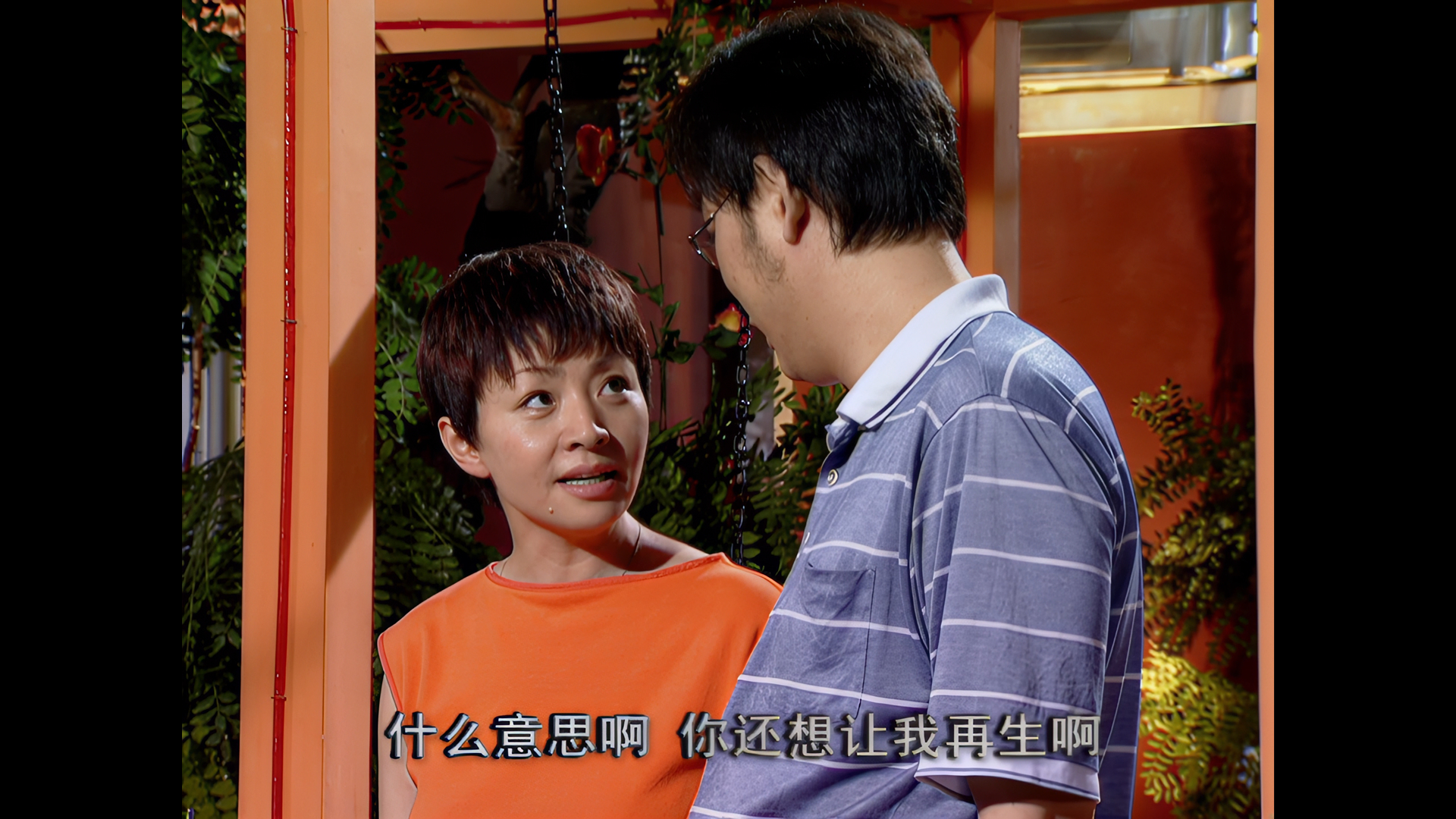
 PROCESSING SUMMARY
 Input Resolution: 768x576 (460 frames)
 Output Resolution: 3072x2304 (460 frames)
 Peak VRAM Used: 14.03 GB