I know what you mean. Even back then, I thought I was crazy for paying $2,300 for a graphics card. But somehow I had a feeling that prices weren’t going to get any better—only worse. Looking at today’s market, I could actually sell my used card for a profit 
What upscaling workflow would you recommend for SD → Starlight (SLP) x3 (final output: 2160×1728)?
I’m currently considering two options. I’ve noticed that Starlight sometimes leaves behind what looks like compression blocks (most likely inherited from the original source). Since I plan to remaster several hundred episodes, I’m trying to find the best balance between quality and processing time.
Option 1:
Upscale with Proteus to a custom resolution of 3840×2812 using the following settings:
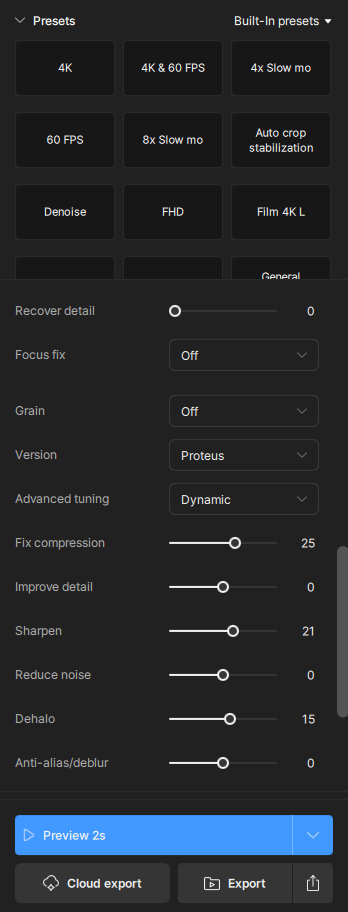
Option 2:
Leave the Starlight x3 output as it is. The remaining artifacts aren’t terrible, but when you’re remastering hundreds of episodes, even small compression blocks or occasional softness become noticeable over time.
One more question:
What final bitrate would you recommend for:
- 3840×2812
- 2160×1728
The output should look visually transparent while still being suitable for future editing. Storage space isn’t unlimited, so I’m looking for a reasonable balance between quality and file size.
Example for a problem (a section cut out of the image):
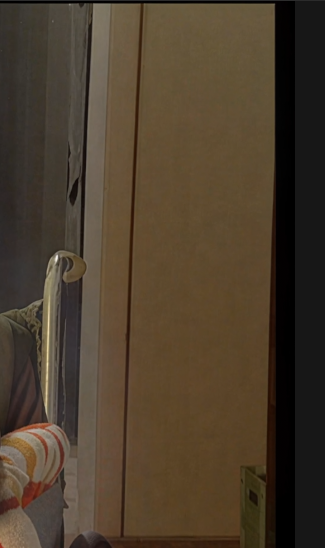
SLP does this. That is why I often use a SLM 1x or 2x pass on the SLP result.
Maybe try SLP3x first followed by SLM 1x?
I’ll have to test SLM and SL HQ on the results, but I’m more concerned with not doubling the processing time and keeping the increase to a maximum of +30%. I’m waiting for more suggestions, but thanks.
Some people also say that running Nyx on SLP outputs work well for removing noise that SLP left in the video.
I guess this would mostly work for better quality sources but it might be something to try as well.
Has anyone tried pre-upscaling SD footage to 720p before feeding it into Starlight x2?
My idea is to first upscale a 576p source to 720p using a traditional scaler (e.g. Lanczos), then run Starlight x2.
The reasoning is that Starlight x2 would produce a final output of 1440p instead of 1152p, while still being much faster than Starlight x3.
I know that pre-upscaling doesn’t add any new information, but I’m wondering whether giving the AI a larger input image (720p → 1440p instead of 576p → 1152p) changes the quality of the reconstruction in any meaningful way.
Has anyone actually tested this workflow? If so, how did the results compare to:
- native 576p → Starlight x2
- native 576p → Starlight x3
I’m looking for the best balance between quality and processing time, since I have several hundred SD episodes to remaster.
I’ve already cluttered up this thread a bit, but it’s really hard to find information about workflows on this forum.
GPU: RTX 5080
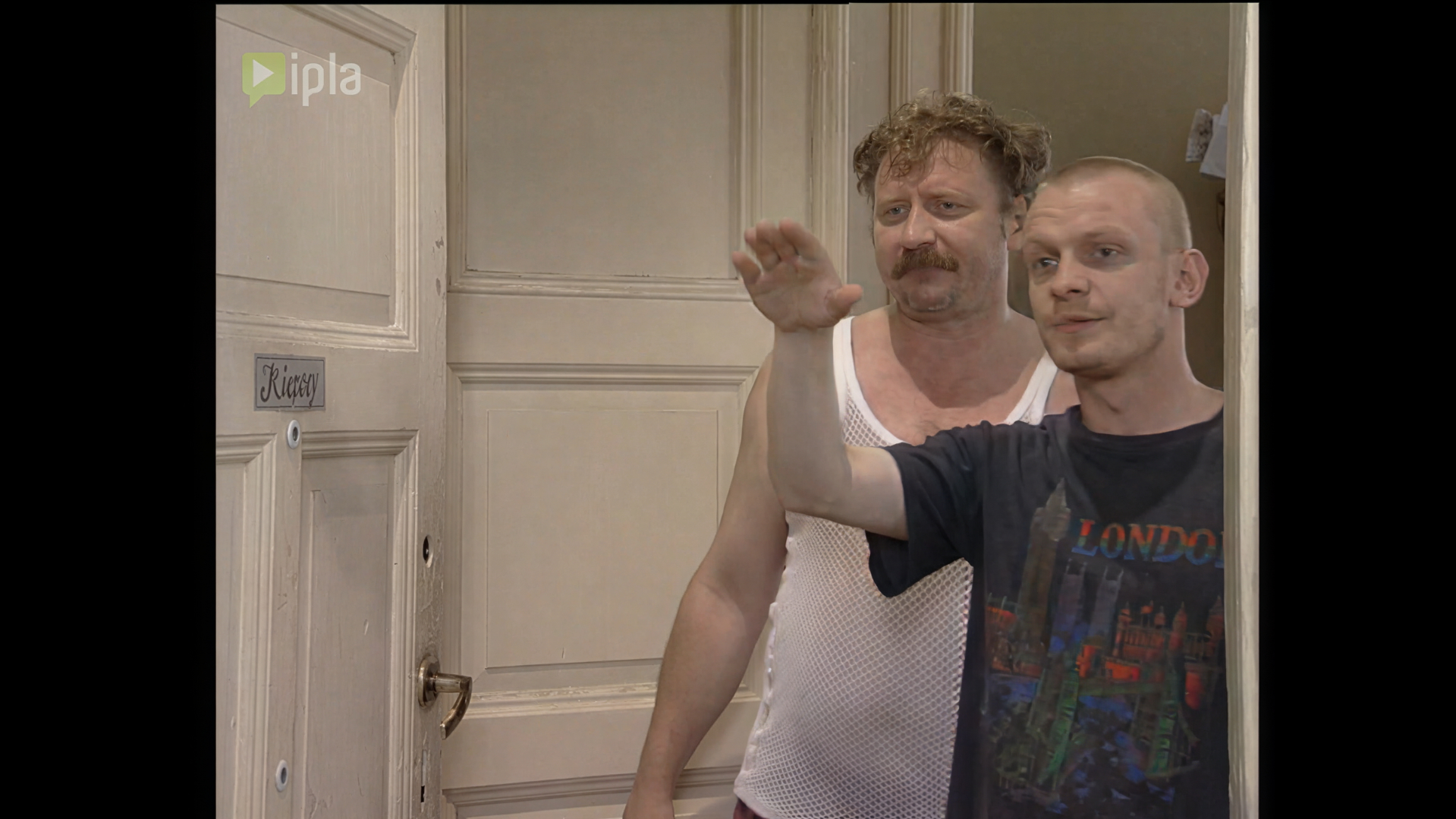
So I checked it out myself and am eager to share my comparison—the clip is 5 seconds long ( 25 fps ); I upscaled the 576p source using Lanchos and got the following processing times (SLP):
I didn’t notice any particular differences in quality:

576p (original):
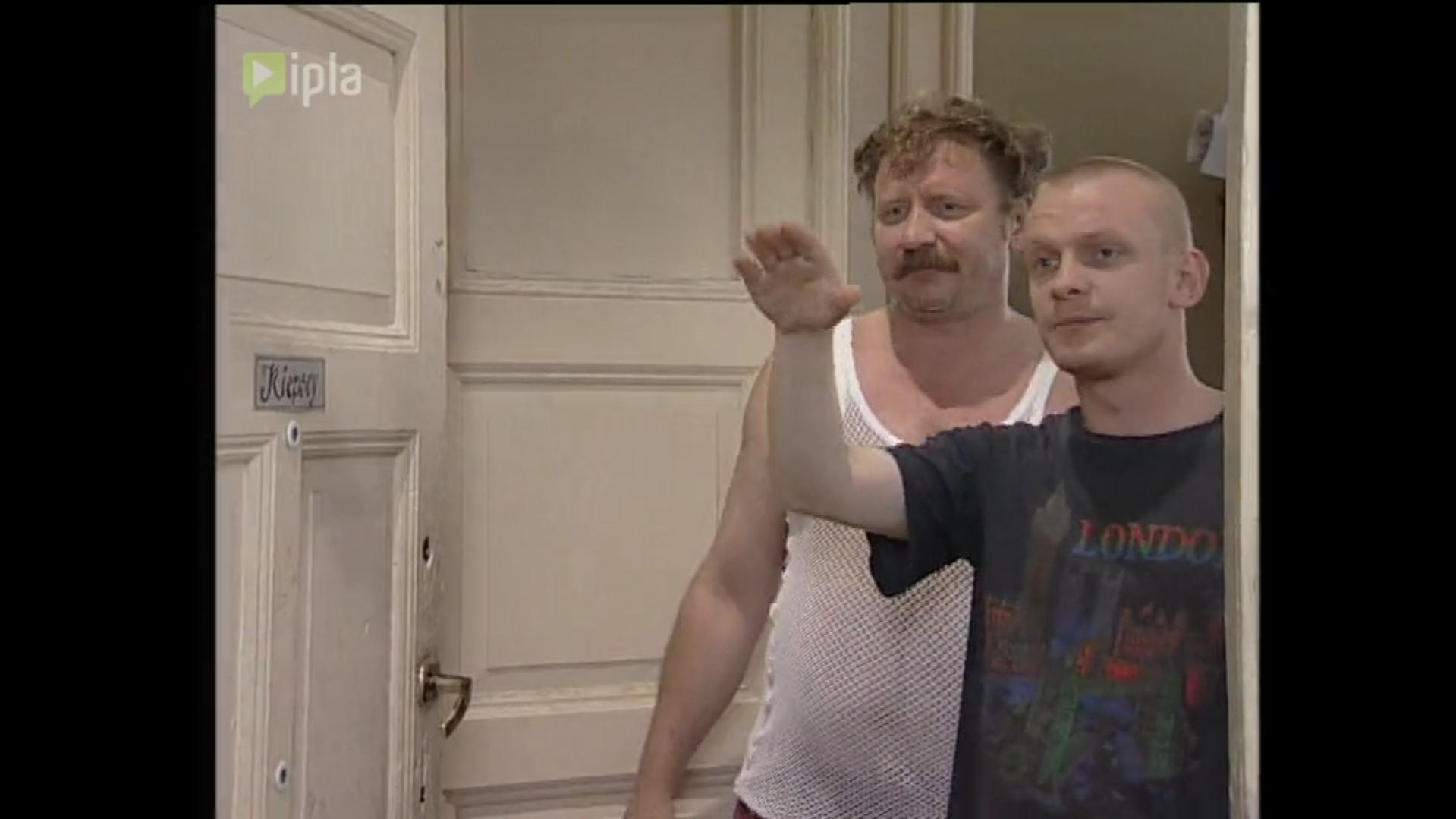
576p x2 → 1152p:

576p x3 → 1728p:
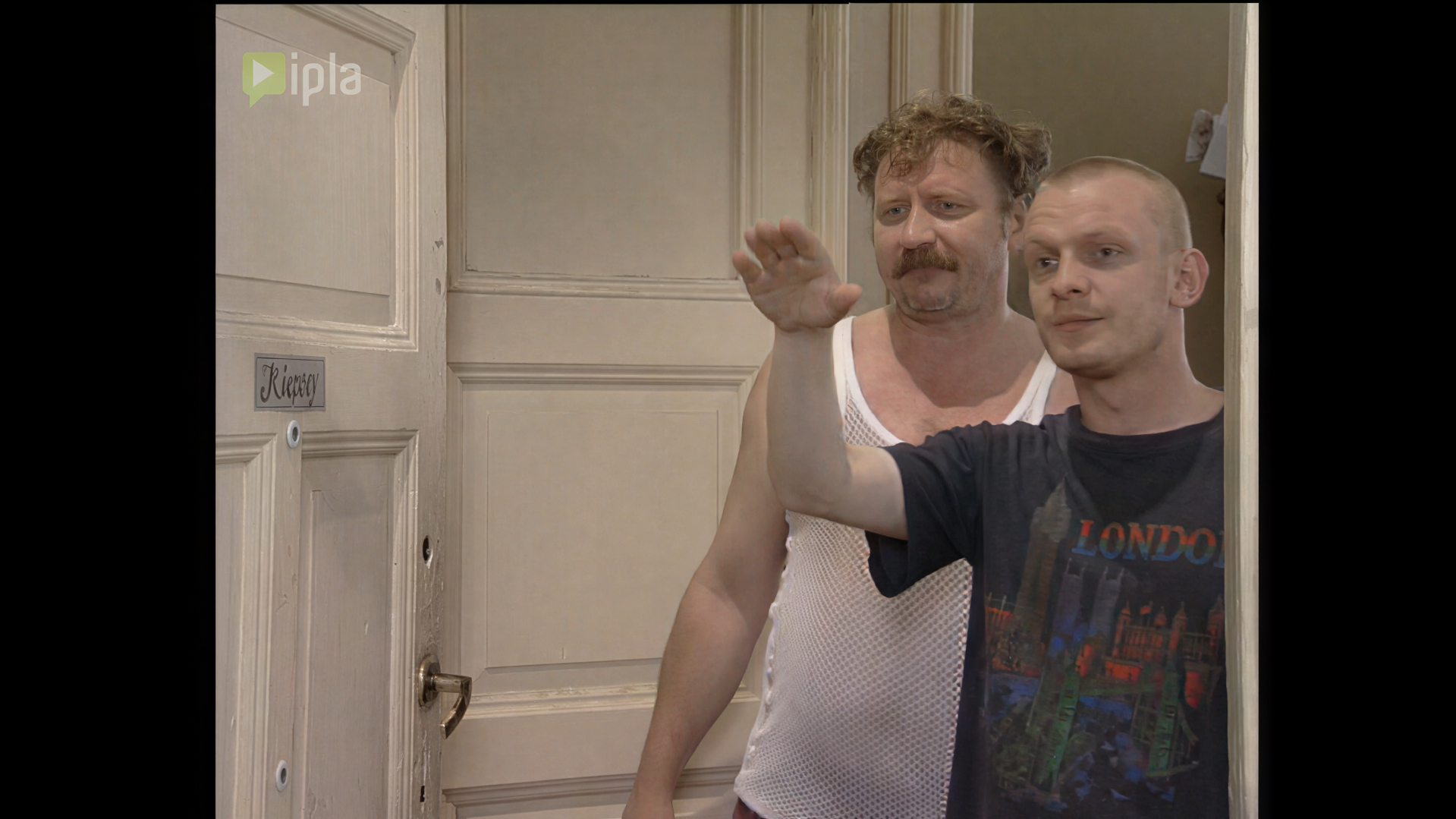
640p x2 → 1280p:
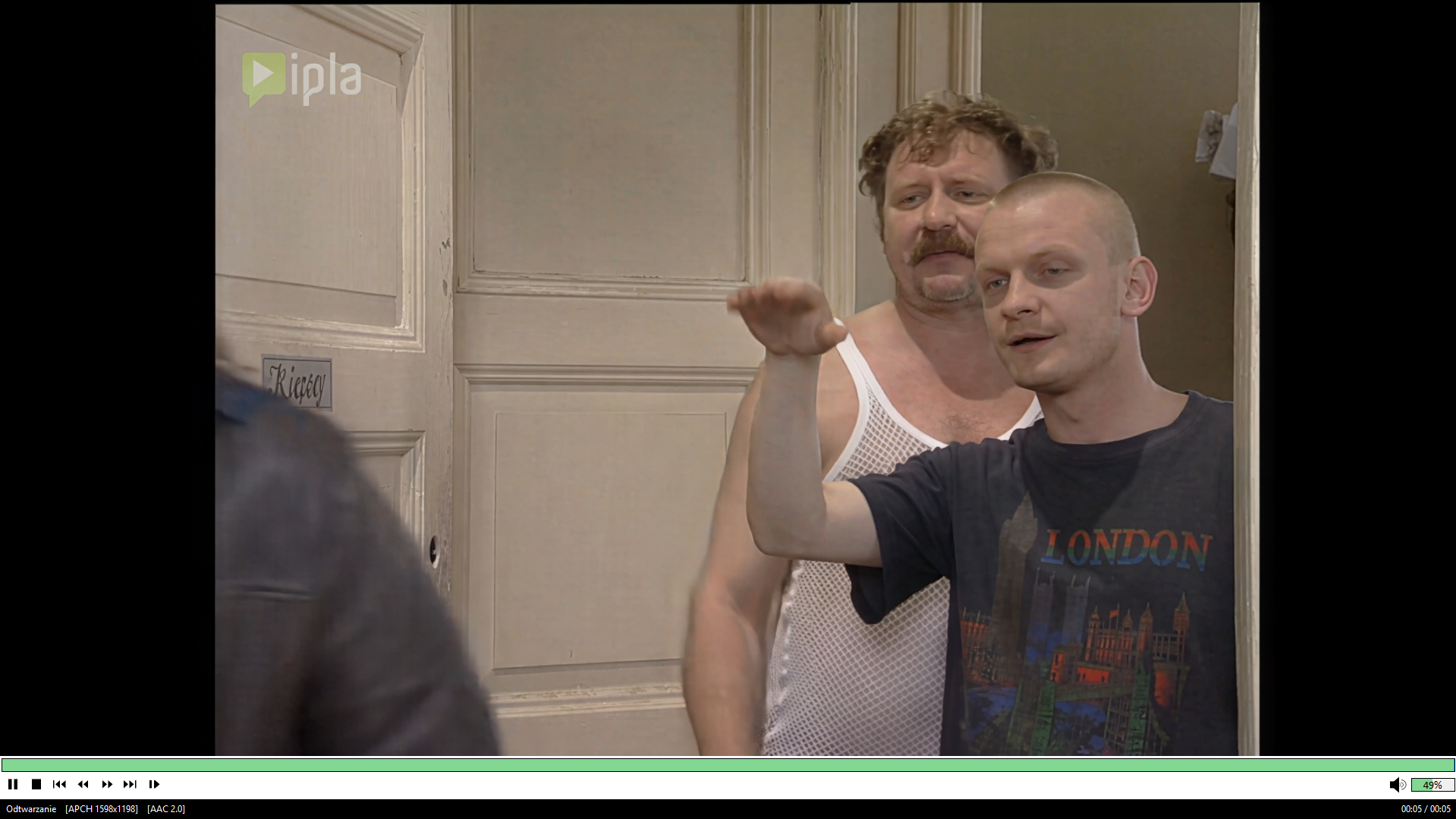
720p x2 → 1440p:
I’ve even written a simple utility app for Topaz so I don’t have to use several different apps and ffmpeg in the console 

The NYX thing you can try, but I’m not a fan of NYX. What you can do remove noise is a ffmpeg hqdn3d step before feeding SLM with the SLP upscale.
I’d say premium upscale would be SLP Upscale, then SLM 1×, and optional finish with (1)Iris MQ 1×. If the compression artifacts are still too noticeable or the pixel structure isn’t refined enough, it’s better to go with SLP 2× followed by SLM 2×.
Even maybe better results are possible by doing an SLM upscale and a separate SLP upscale, then overlaying the two upscales and setting the opacity to around 50%, followed by post-processing and the finisher. However, that workflow is even more time-consuming.
The quick and easy approach would be to just do an SLP 2× going to 1080p, then apply a bit of post-processing to reduce the oversharpening / tiny details blur (I use here Smartblur), and finish with Iris MQ 1×. If Iris ends up producing distorted faces, leave it out.
But for me, though, SLP still isn’t ready for scaling dozens of episodes, mainly because of the jittering Im waiting doing that for masses.
(1)optional you can denoise with the Iris MQ step, using “Fix Compression” + “Improve Details”, has a NYX simillar effect.
Did you try the 1.7.0 beta?
They said to have fixed that issue on Nvidia GPUs in that version (or at least made it less obvious)..
BTW here is an example of a more extreme case where SLP left much blocking and also smeared text - which is then cured by an extra SLM run:

Left: SLP: 2x - Right: additional SLM 2x on the SLP output.
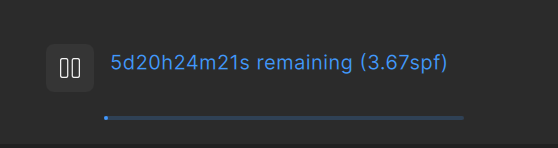
Unfortunately this takes quite forever on my M2 Ultra:
I still have to try if an SLM 1x after the SLP 2x would suffice.
In my opinion, x2 is too weak for SLP models when upscaling a heavily compressed 576p source. I ran a few tests, and it turns out that the best compromise is SLP x3 (at this setting, the effect is strong enough to trick the brain). After upscaling to x3, I apply Proteus (with the settings I mentioned earlier) or Proteus Natural. Nyx and Mini over-smooth the image, removing recovered details and flattening the picture too much.
As for the workflow with heavily compressed 576p (5:4) footage, I’ve also run a few tests here:
1. SLP x2 → Starlight HQ x1: a totally misguided idea—SHQ reinvented the reconstruction of faces and details, and the results were disastrous.
2. SLP x2 → Starlight Fast 2 x1: the same effect as with HQ.
3. SLM x2 → SLP x1: same result as SLP x2 alone (a waste of time).
4. SLP x3 alone: best result.
I also ran some upscaling tests with Lynchos starting from 576p:
- to 640p
- to 720p
And the results are just as I expected: SLP x2, when upscaling to a higher resolution, has more room to work with and produces fewer artifacts. 720p x2 > 640p x2 > 576p x2
I would, but i have no access to beta - sounds great when this is fixed!
Didn’t they say that the Betas are open for all some days ago?
Or was that only for the iPhoto Apps?
When I posted saying I could not access the beta because I had read it was public someone got in touch and gave me access. I would suggest maybe emailing support.
Yes, I mostly use SLP x3, and SLP x2 when upscaling higher res footage. However, if the 576p source is already of good quality, SLP x2 can work just fine. It really depends on the content, as you mentioned, especially on how severe the compression artifacts are. If those artifacts can’t be broken up properly, it’s impossible to achieve a really good result. That’s why scaling higher often helps, whereas it brings much less benefit when the source is already clean.
You’re also right that SLM partially changes some of the recovered details, but that’s not always a bad thing, SLM doesn’t produce that “dirty” effect soemtimes SLP does. You can actually get a mix by upscaling with both models and then blending them together using an overlay. But to be honest, that’s something I’d rather avoid. In the past I spent a lot of time combining two different models, and I was hoping there would finally be a single model that made that unnecessary…but unfortunately, I have to admit that the overlay technique is superior once again
There is one thing i prefer Iris MQ over Proteus, how Iris handles rounded shapes and “lines”, these areas remain not straightened out as much as they are with Proteus. I also like what Iris MQ does with leftover compression artifacts — it seems to break them down into finer pieces. It’s difficult to describe; I would probably need to provide a side-by-side example comparison.
But Iris unfortunately seems to lack a bit of processing power where Proteus Natural delivers more consistent/homogeneous results in that regard. I think in the end it comes down to personal preference.
