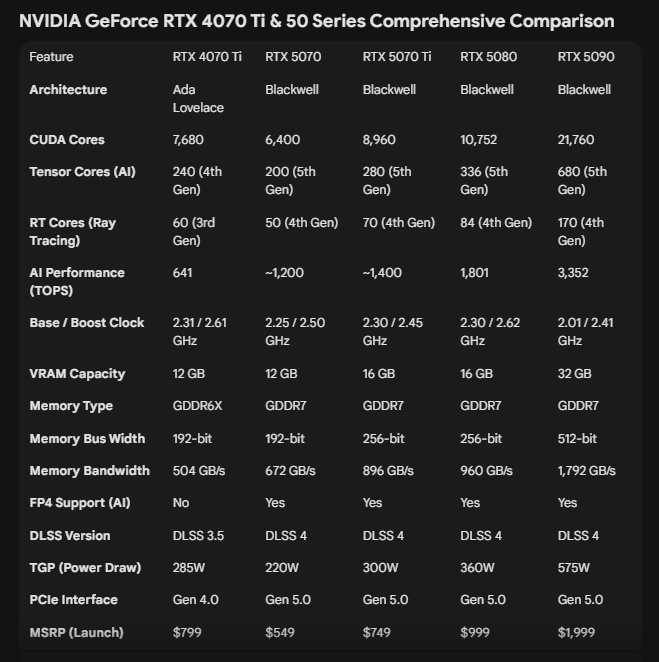
I bought 5080 and it’s faster than 5070Ti (I have both). 5080 is totally worth the money.
The 5080 is definitely better; even with the same VRAM, it has more CUDA cores and TRT. I wrote that the 5070Ti is the best option for its price, but the price difference between the two is huge. Of course, those with the money should get the 5090; even the RTX 6000 Pro would be a perfect choice for AI.
I’ve tested your preset:
4m18s to execute, 5.9fps.
My CPU is Core i7-10700, and it’s a limiting factor, I know. Also a DDR-2666 RAM 
NVIDIA drivers are 581.94 studio version.
7.3 fps on 5070Ti.
3m 31s
Sorry, but something is wrong about your Setup. Look here:
TLDR: 5070 Ti is in all cases faster than a 4070Ti.
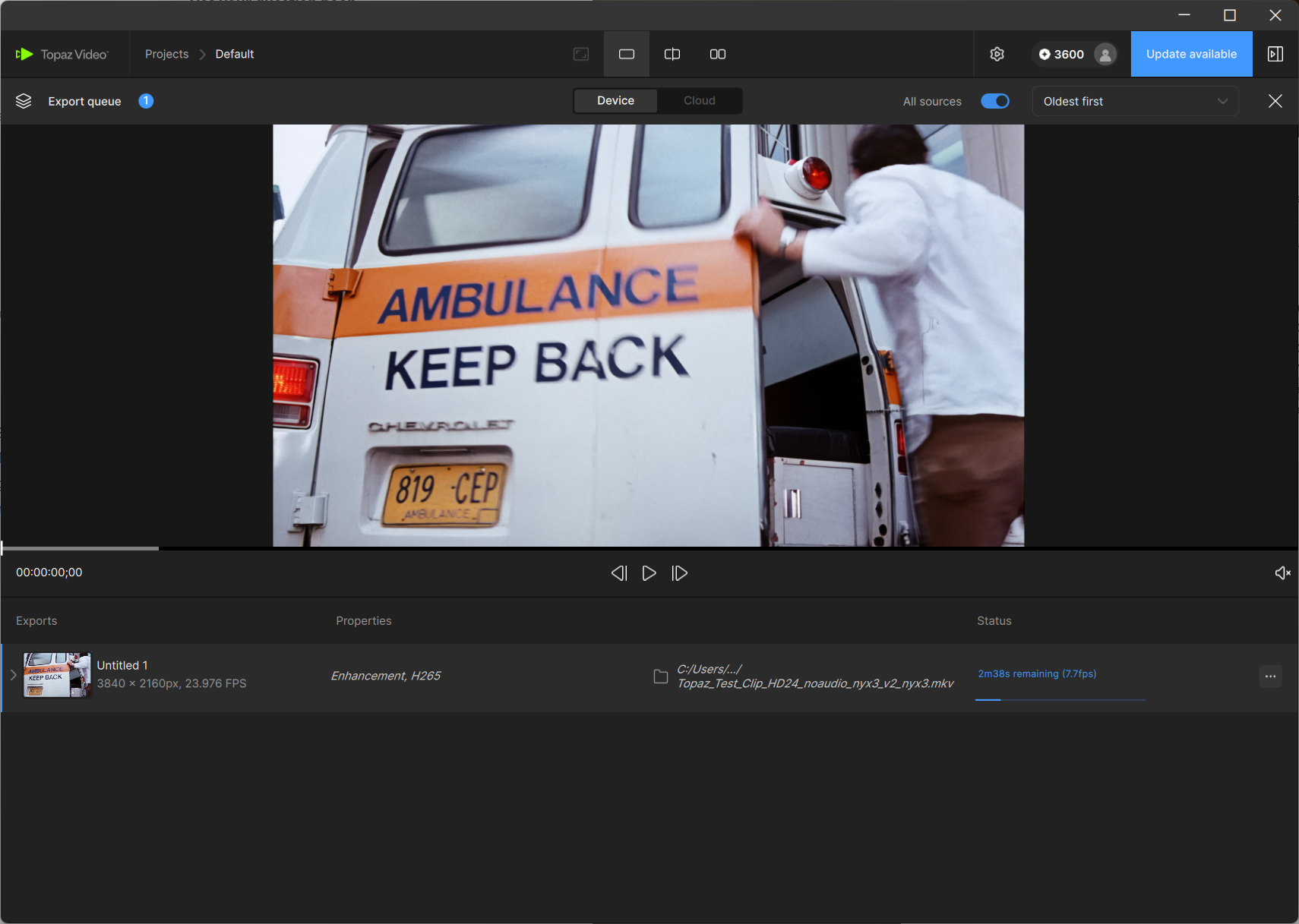
many thanks for testing. Yes, the i7 is definitely a bottleneck here.
You should test other filters as well; I think this difference is specific to the NYX filter.
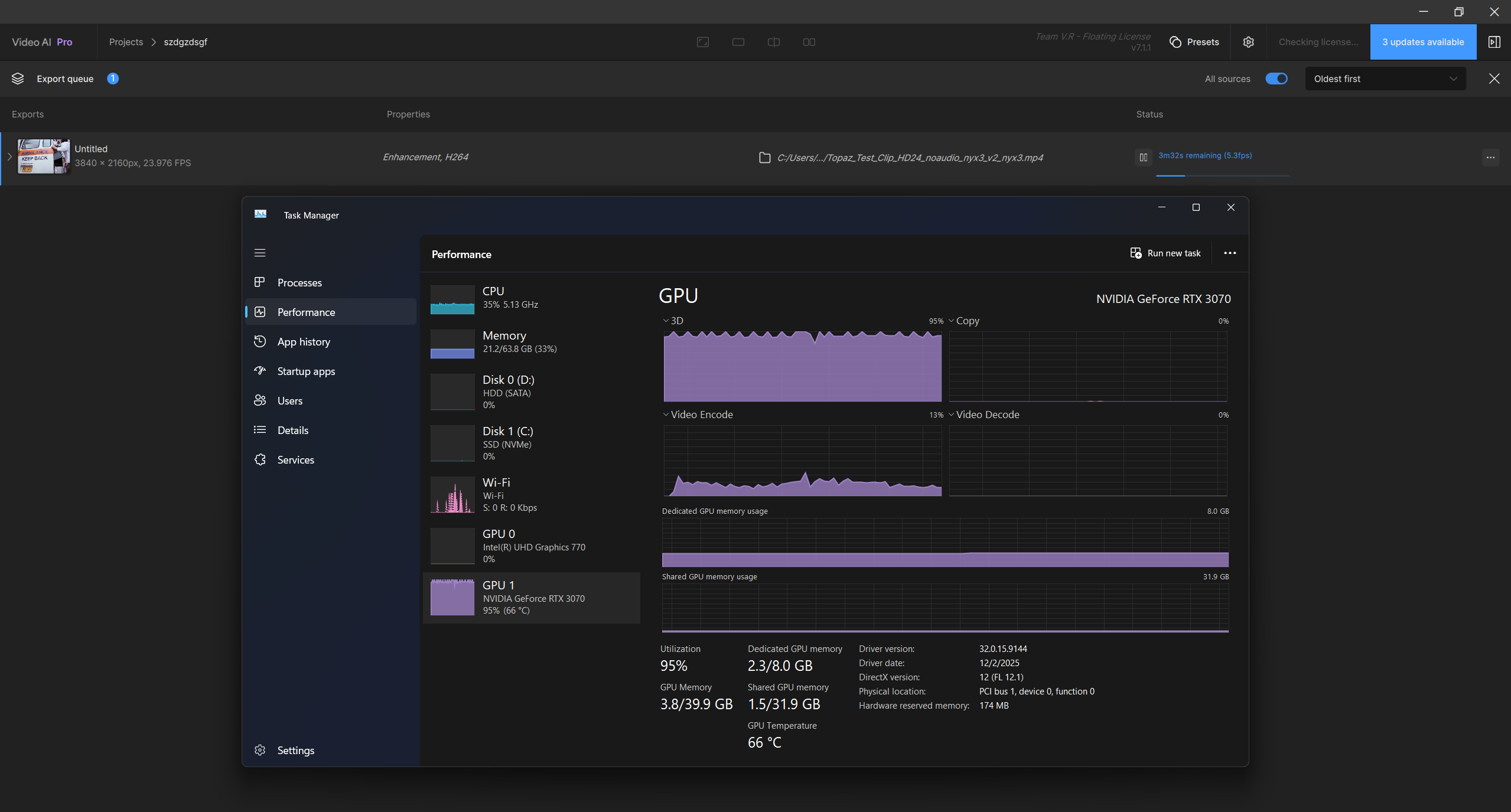
I’m getting 5,3FPS on NYX 4K resolution, Starlight mini 1080p 0.1fps and 0.0fps on 4k.
My PC is I7 14700K 64GB DDR5 6000mhz and RTX 3070 SUPRIM 8Gb.
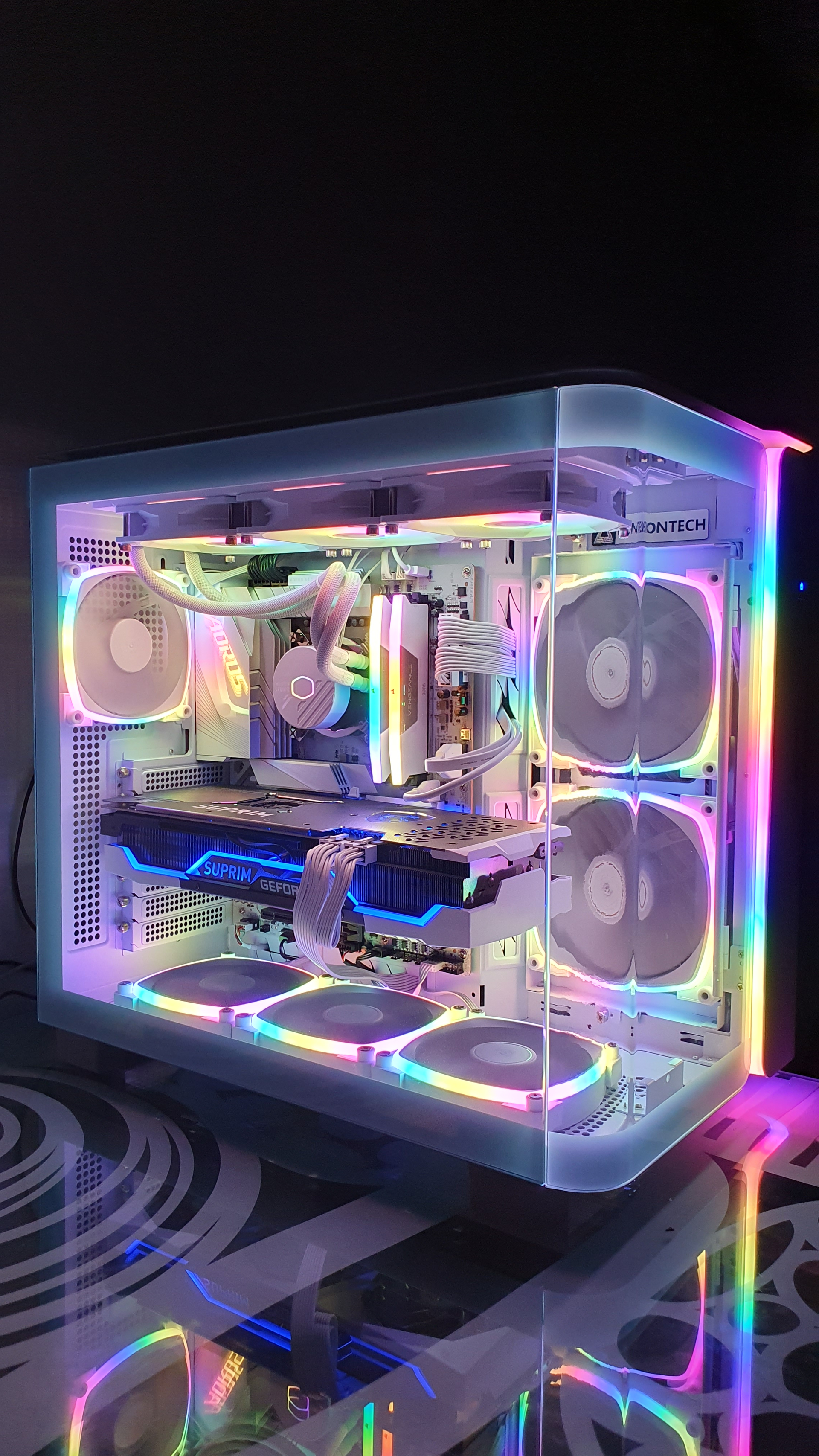
BTW I just ordered a brand new MSI 4070 TI 12Gb with 1 year warranty for 640 USD with 30 days free return. I’m thinking maybe to get 5070 as well and do some tests and see which one preform better. I would like to get 5070 Ti or 5080 but it’s too much costly for me right now. Not sure how much I would get gain as the plan is to use starlight mini and run it on few old movies and some old videos. Right now the wait time on my 3070 is ridiculously long It can be more then a few weeks for single old DVD movie but it looks nice in the PC case 
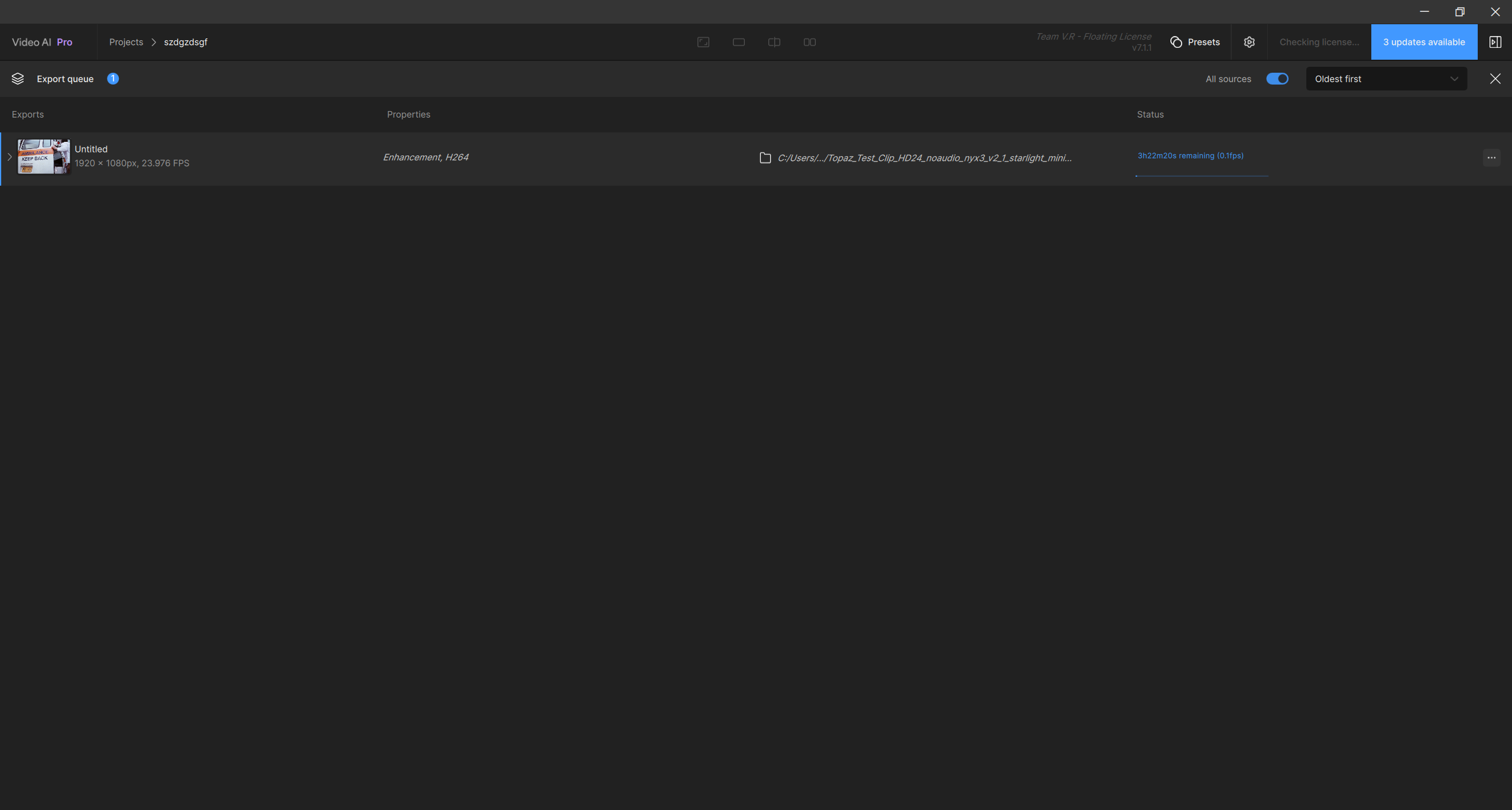
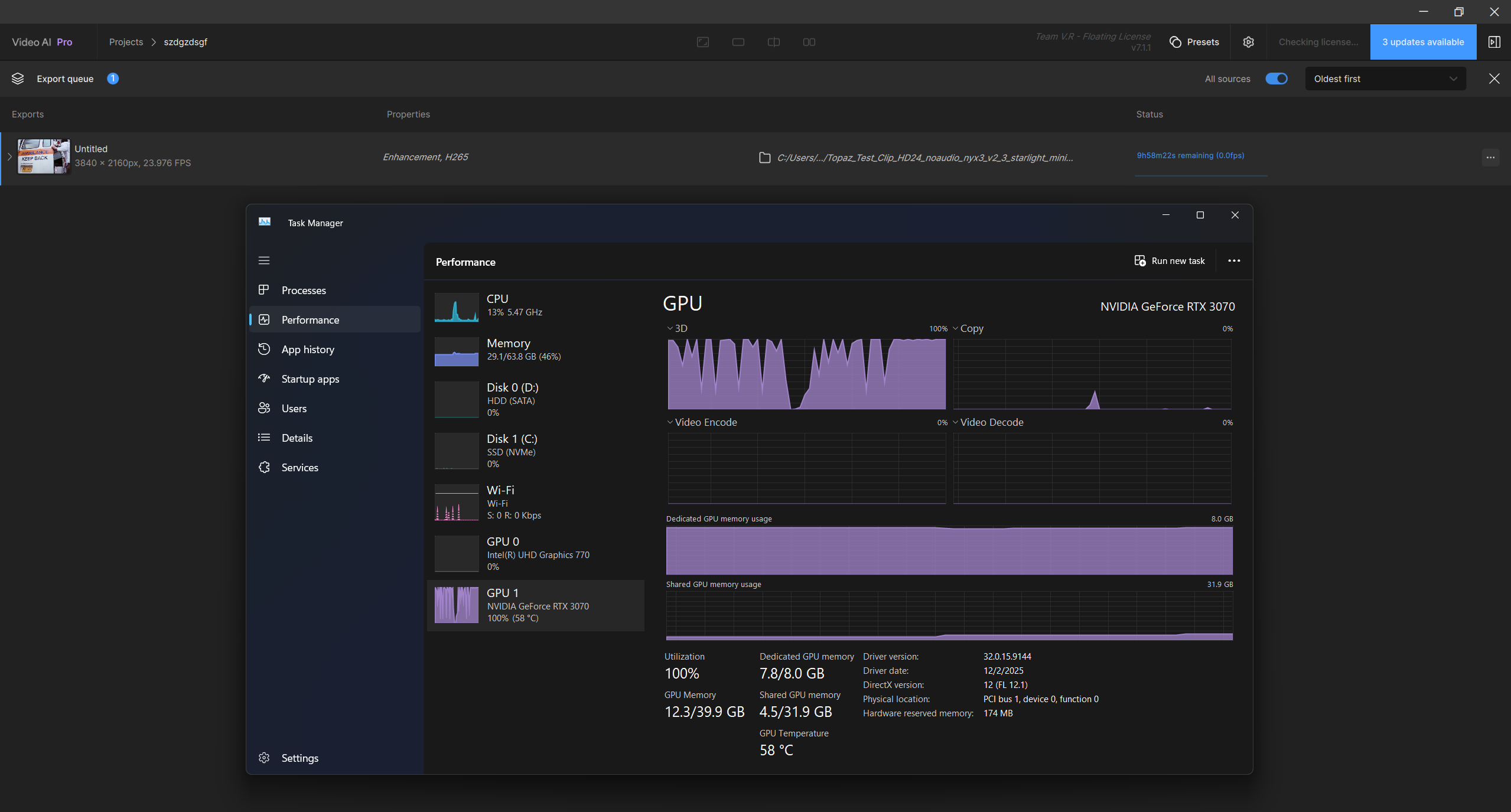
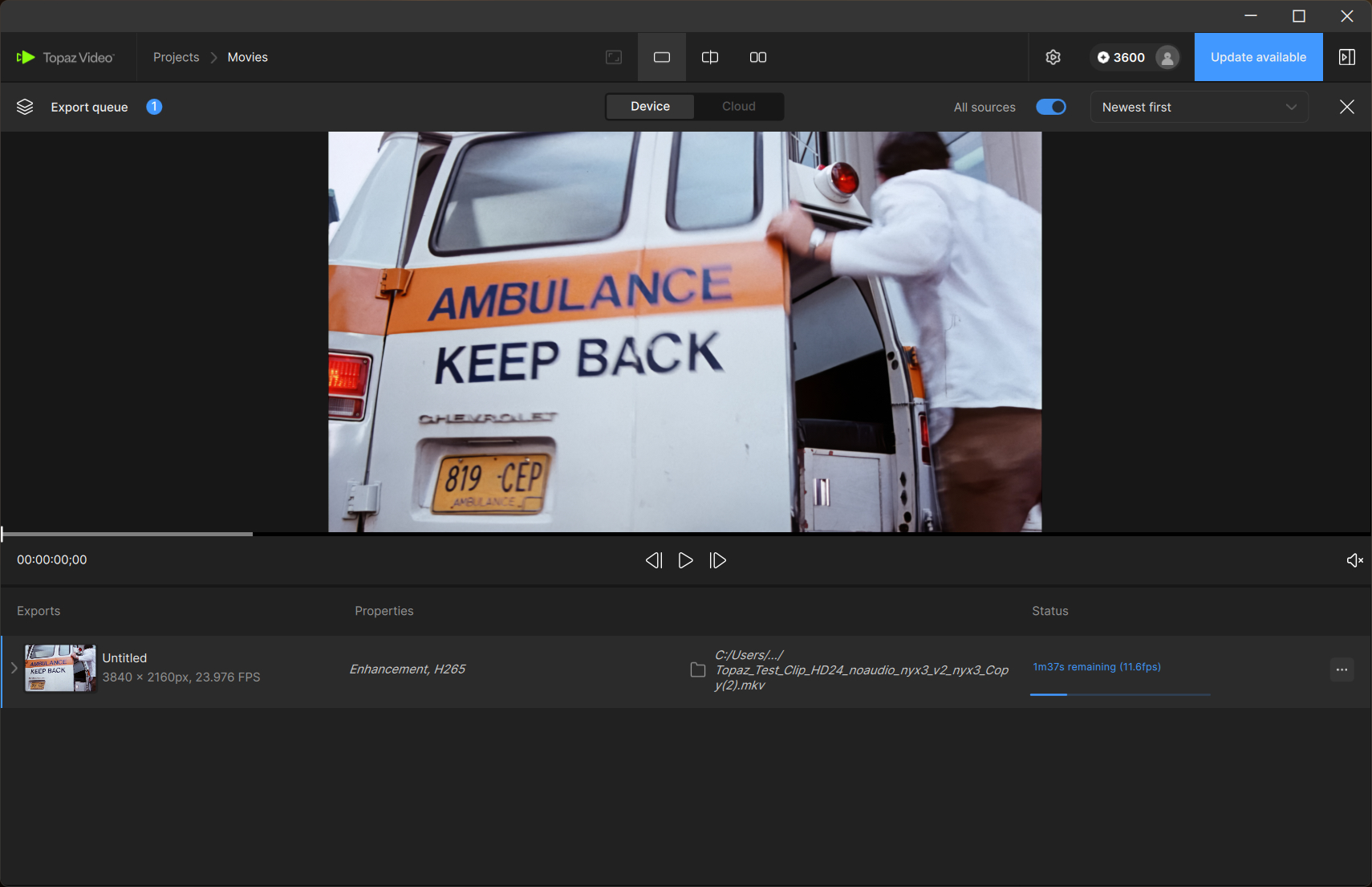
If you’re going to use the Starlight Mini, you should definitely get at least a 5070Ti.
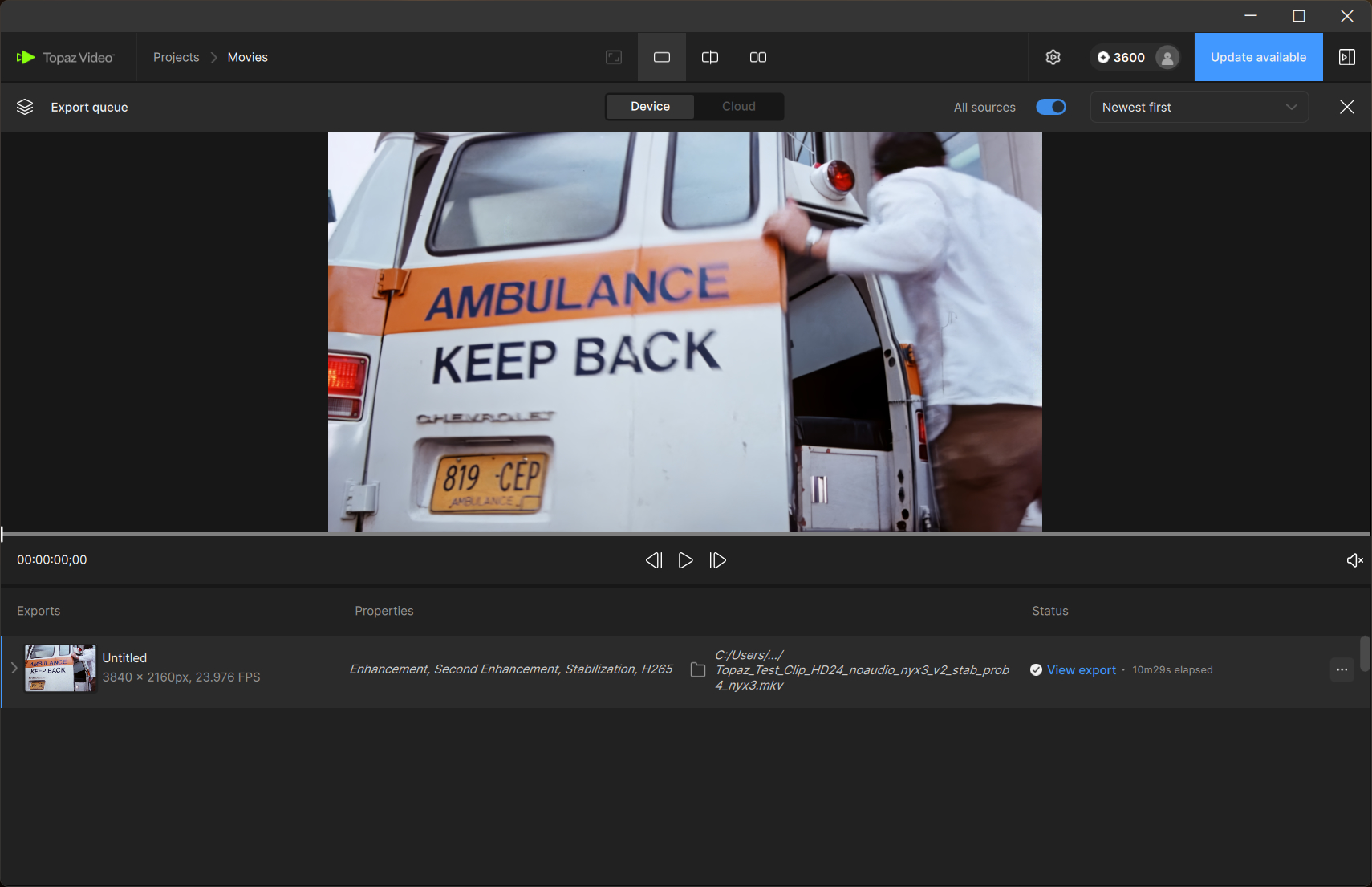
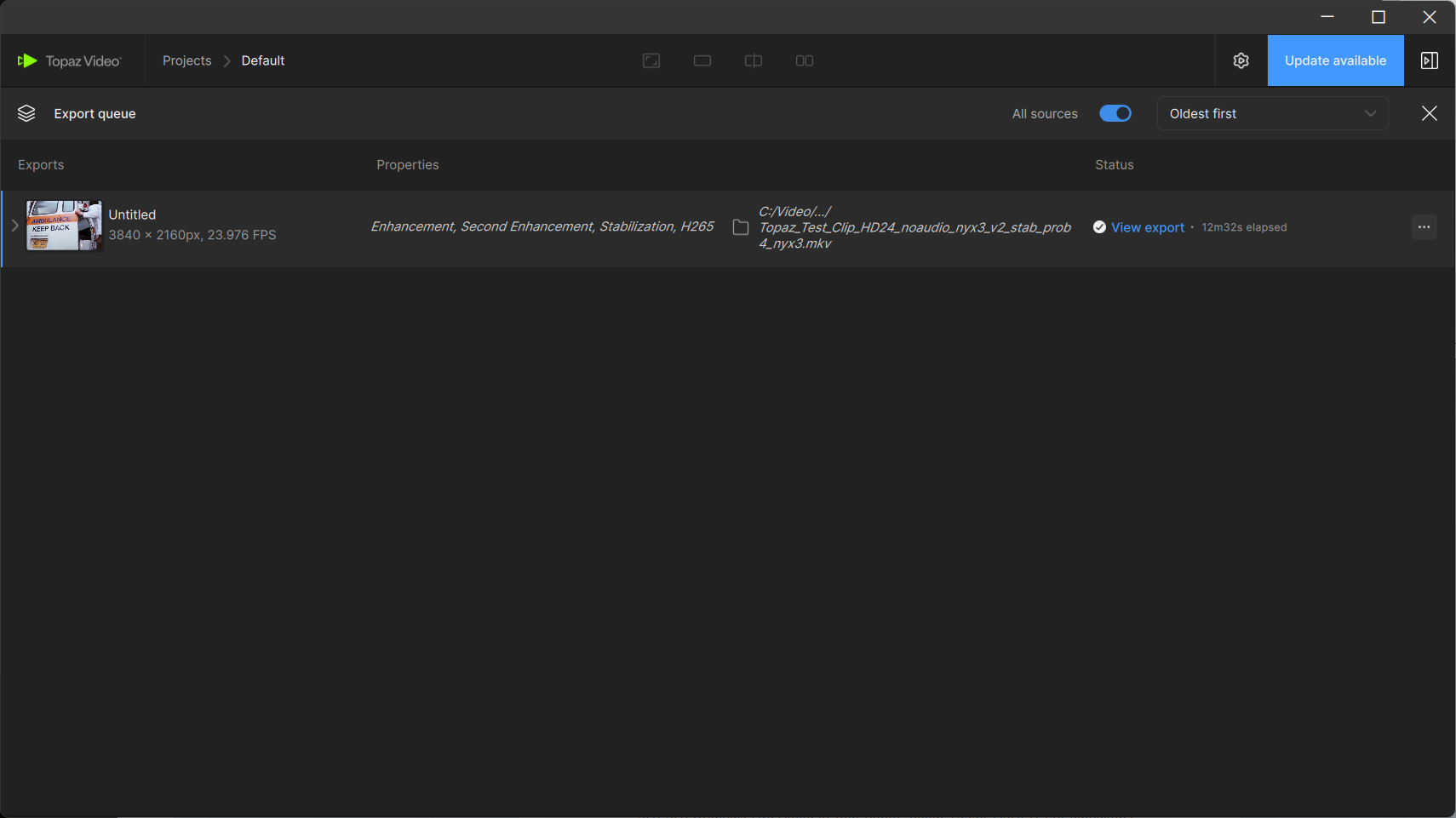
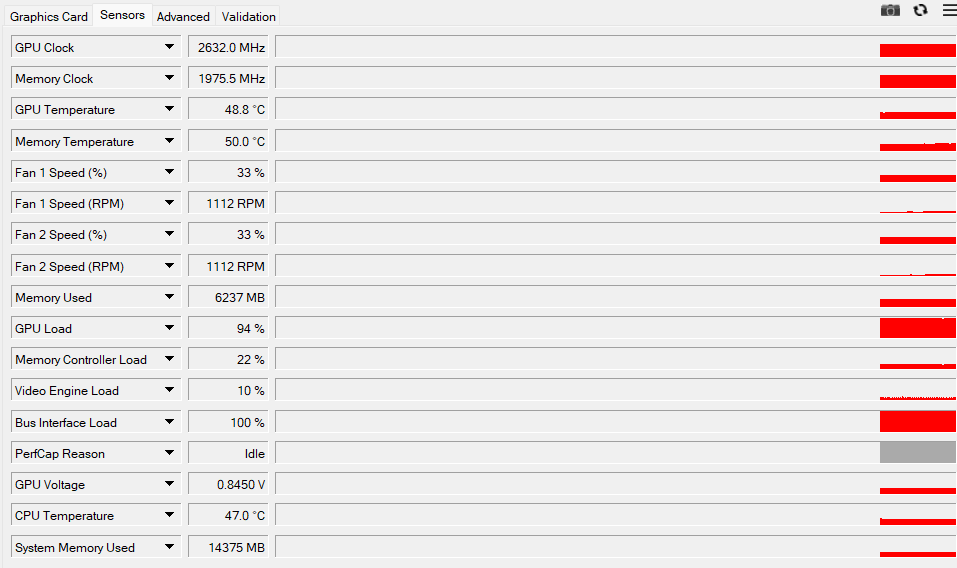
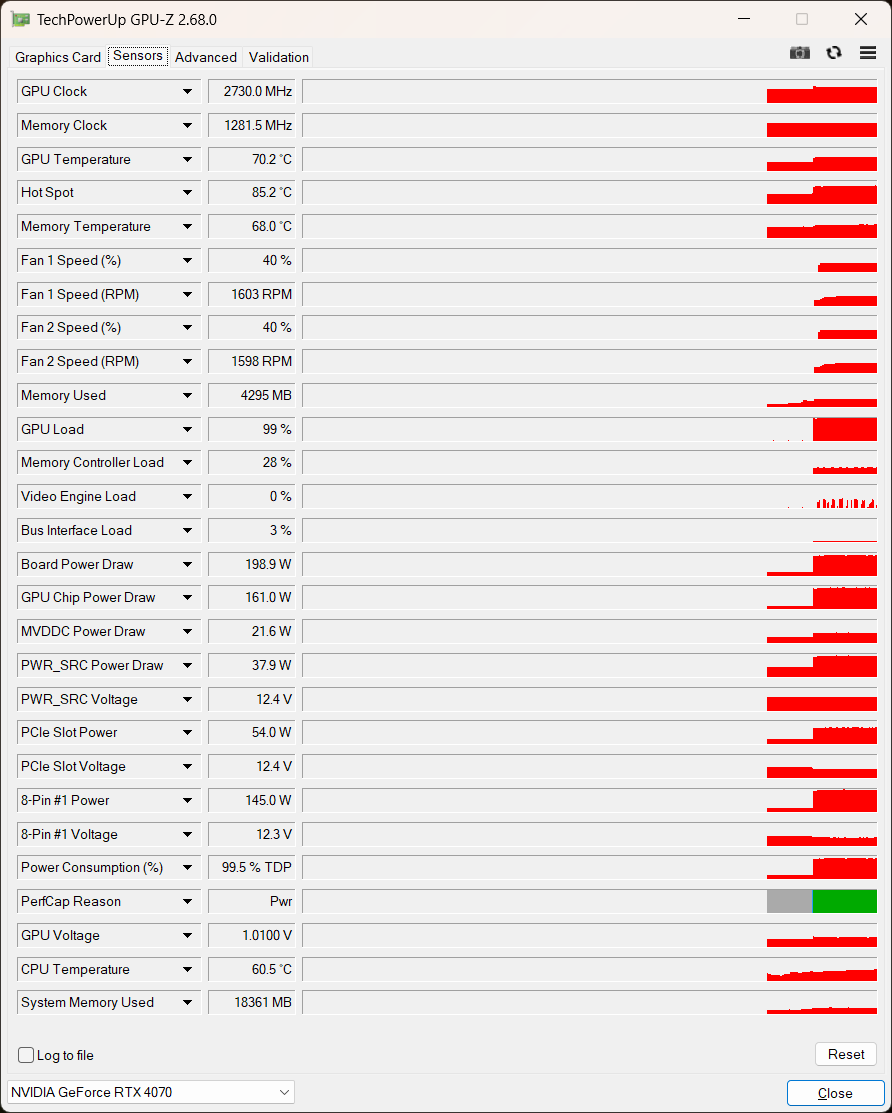
Attention: this was a 5070 Ti vs. 4070 non-Ti…
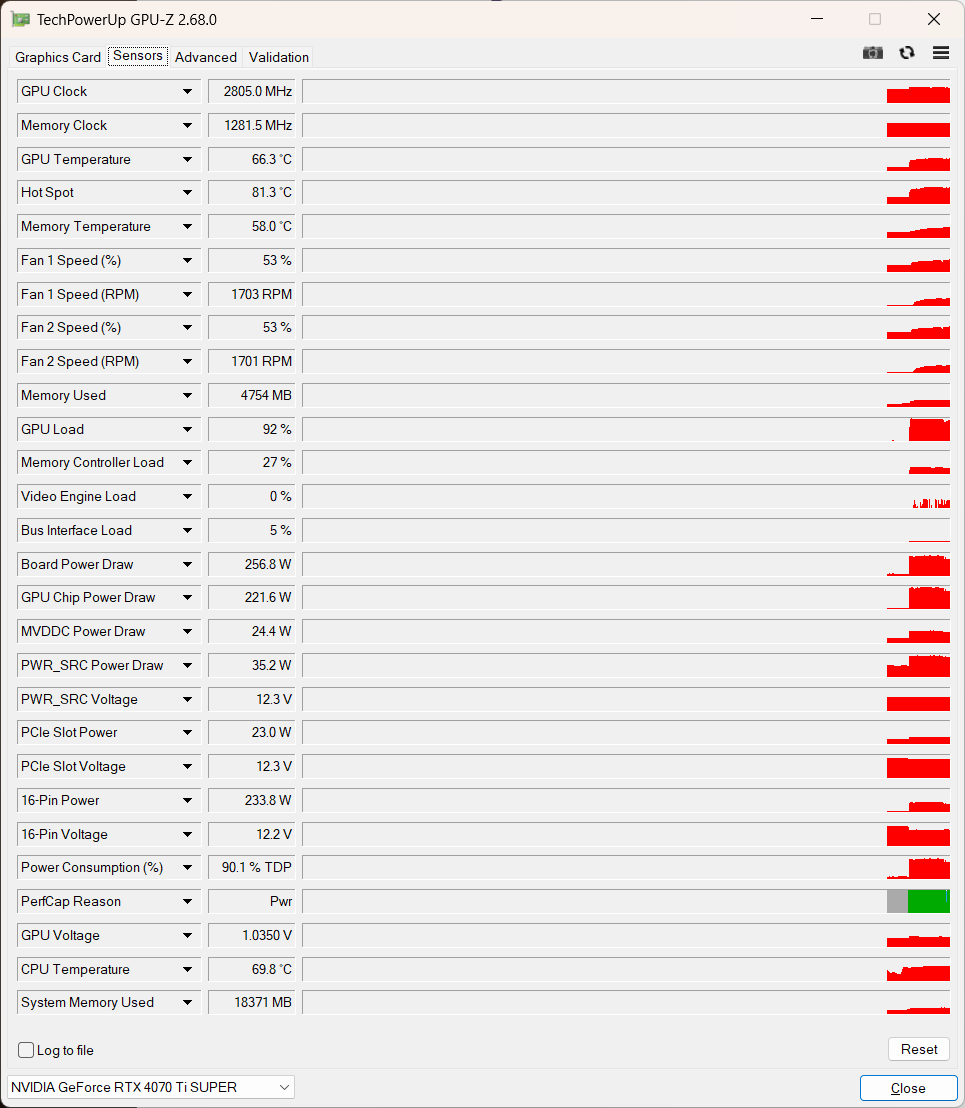
The Bus Interface Load is also at 100% while using HD→4K Artemis Medium on the RTX 5070 Ti System, although in this case the RTX 4070 Ti SUPER is only slightly faster (approx 9,4fps) than the RTX 5070 Ti (approx. 8,9fps). This may be an indication on where the issue is here.
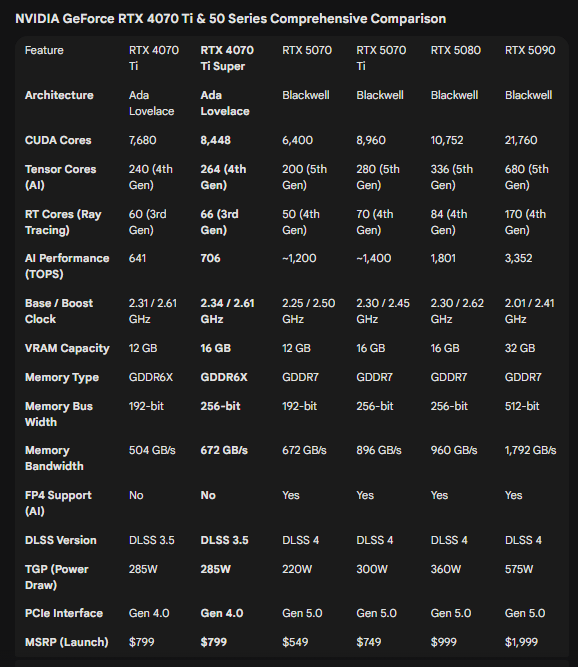
thanks for sharing the comparison. From what i read, the RTX 5070 Ti should definitely be faster than the RTX 4070 Ti SUPER and especially in Topaz Video due to FP4 support and double the AI Performance. Maybe not that much using NYX, since this is most likely more CPU heavy. But i would expect at least 15% in performance gain in all situations. I am pretty sure there is either something wrong with the NVIDIA drivers or with Topaz due to the 100% bus load.
i anyone is reading this who has a different RTX 50 series GPU and can test with my presets (see download link to all files in one of my post) this would be very helpful. I would like to know which 50 series GPU is needed to match the RTX 4070 Ti SUPER’s performance and also how the lower end GPUs (RTX 5060 Ti) perform.
