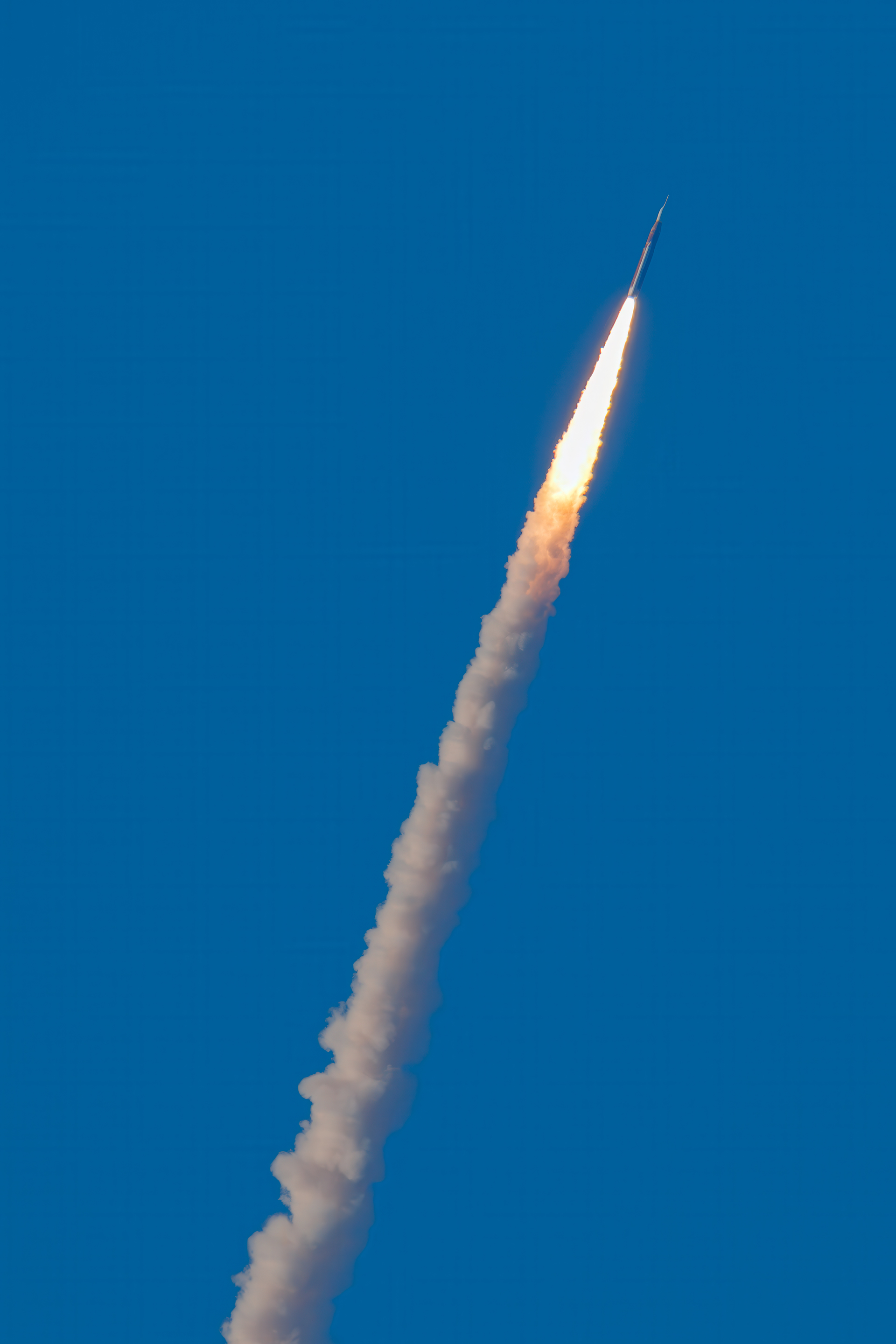
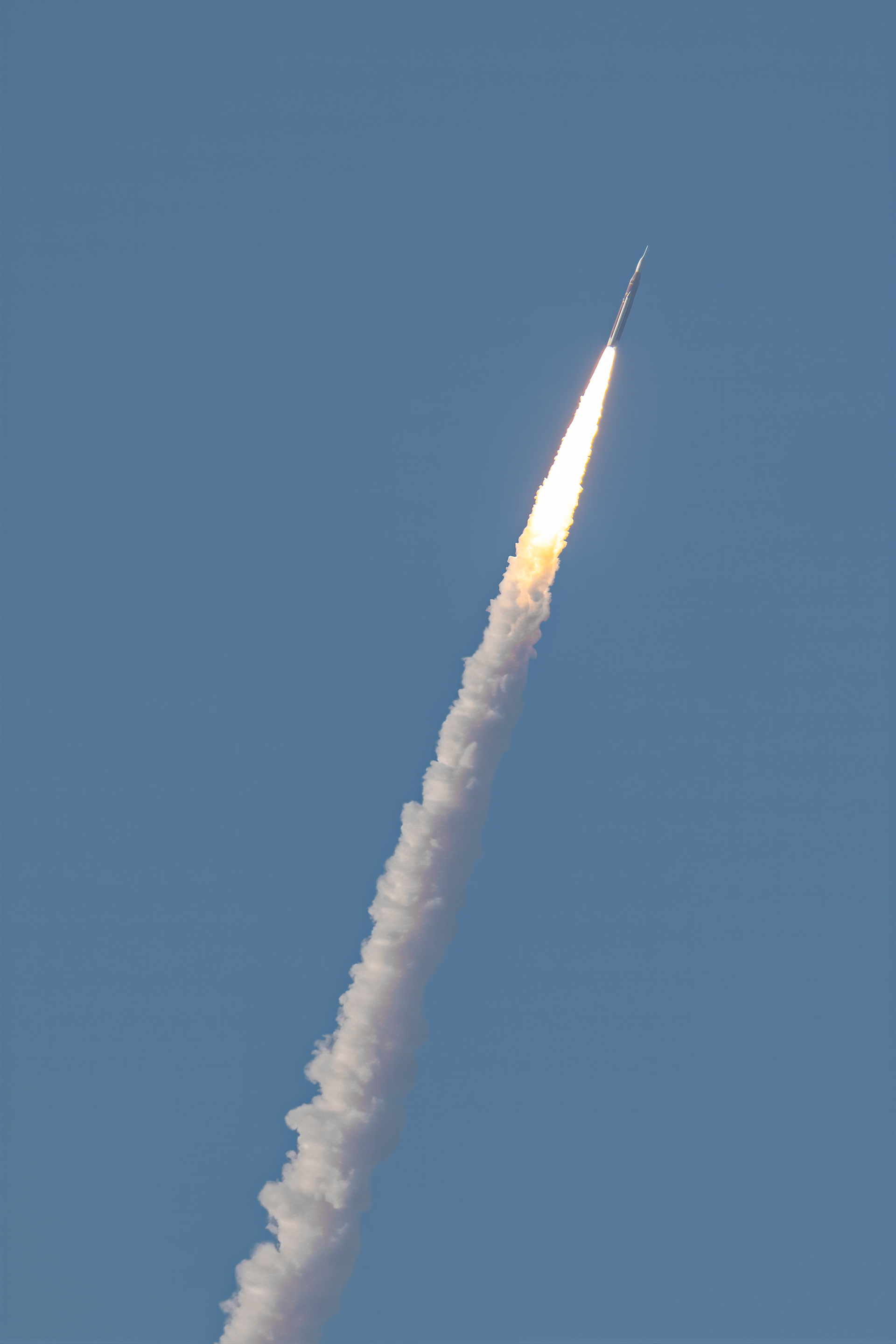
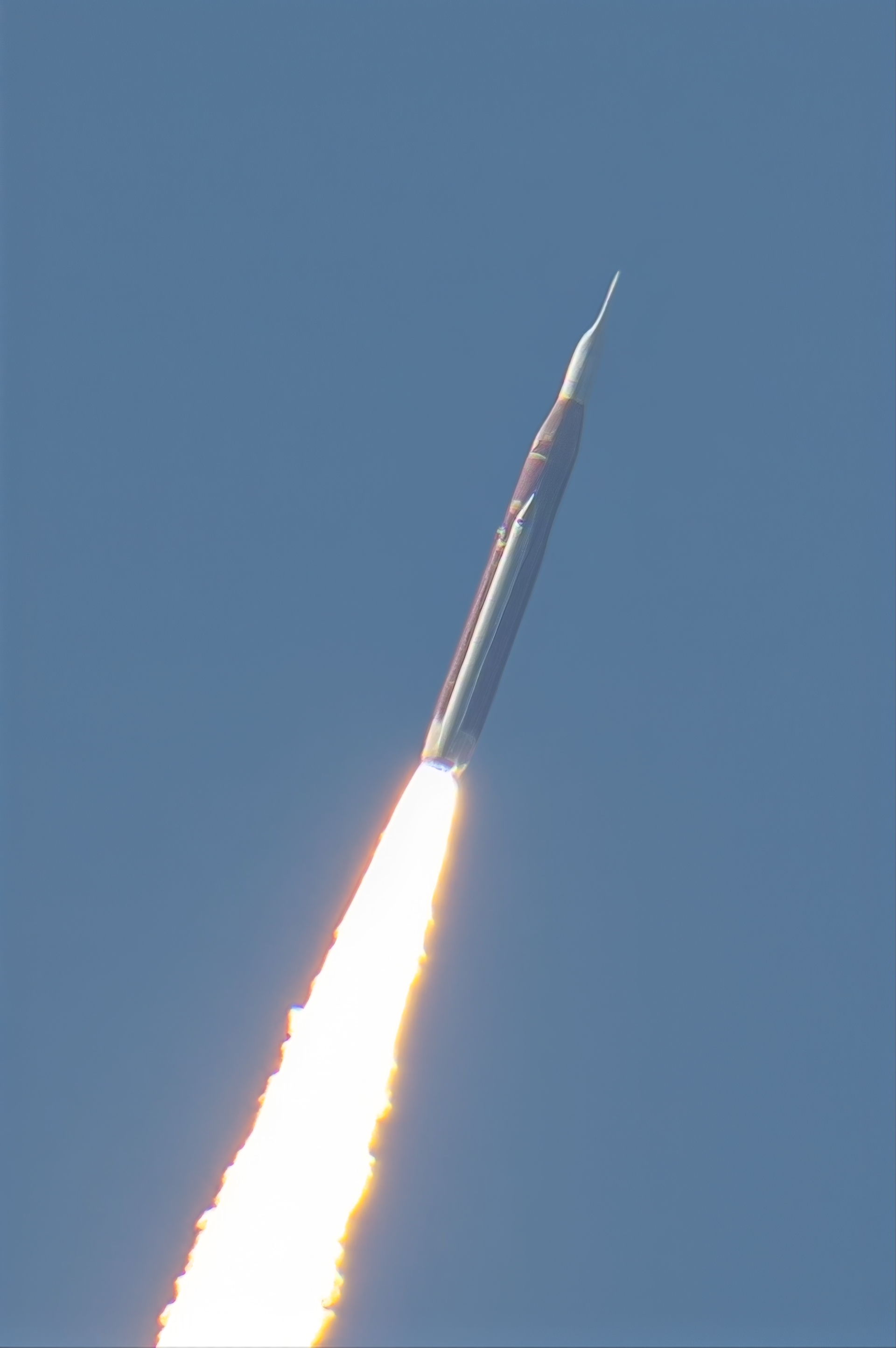
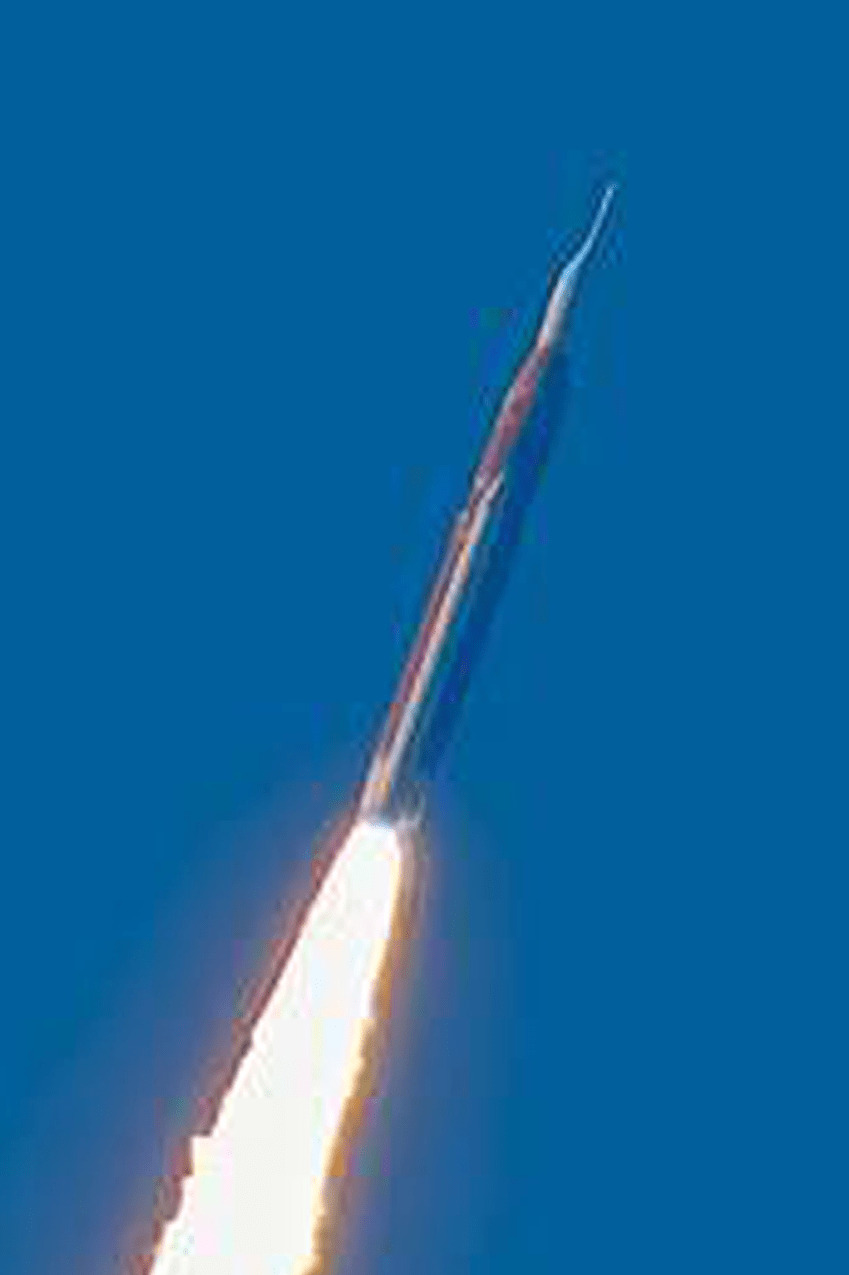
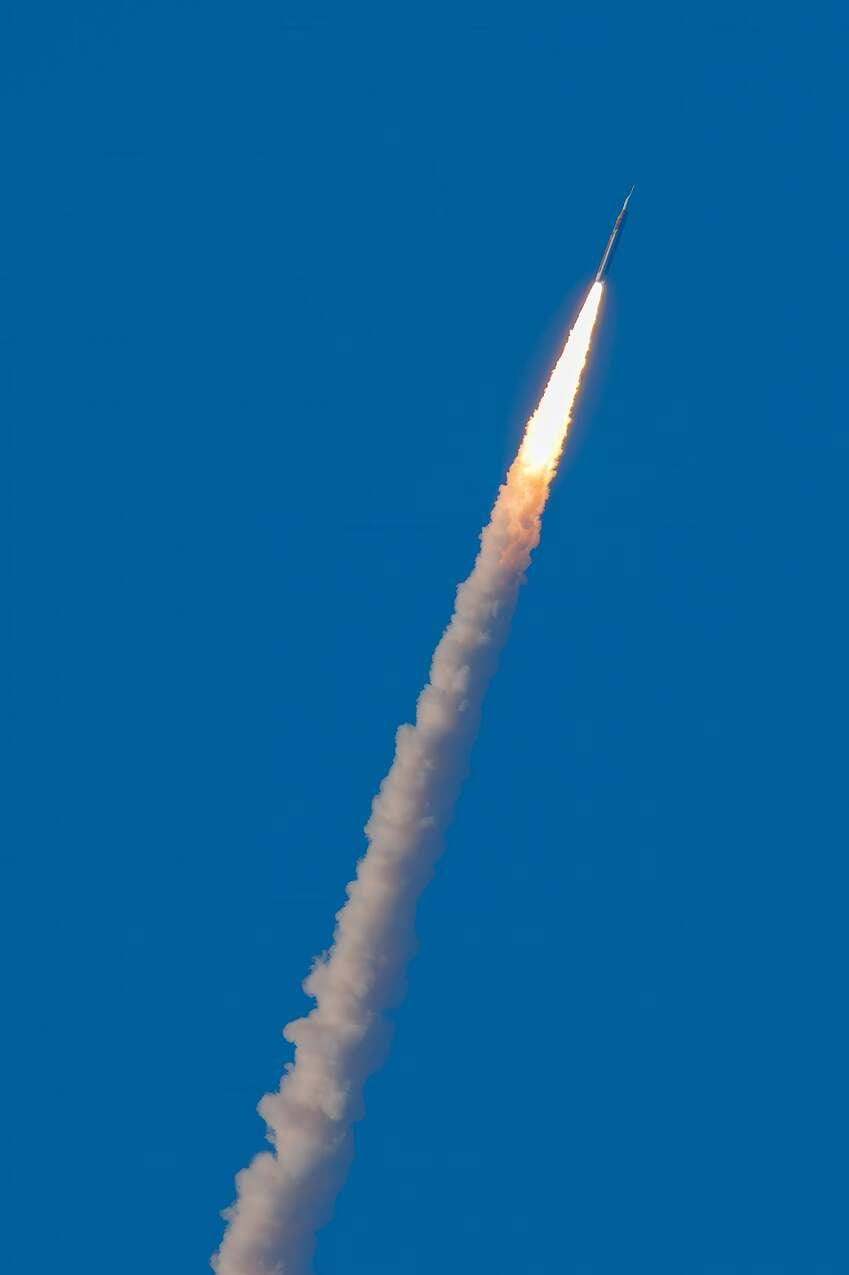
This has been reported many times in the past few years and it’s very disappointing that this still exists. I wanted to crop and upscale a photo or the Artemis II launch, just to try to eke out anything I could get from this not-so-great pic. I couldn’t get close enough to get something I would call good but just for socials, I wanted to make this as good as I could.
The lines/checkerboard pattern is so awful in the sky that I went with using Photoshop (not the Topaz upscale) to get something for my personal socials. I tried with the latest Topaz Photo and the results were very similar. Given how long this issue has persisted, is this something that Topaz engineers just can’t fix?
The grid issue has been fixed in our apps, but it’s still possible to occur on specific photos or when the photo is over-processed. Can you share the original with us so we can test on our end?
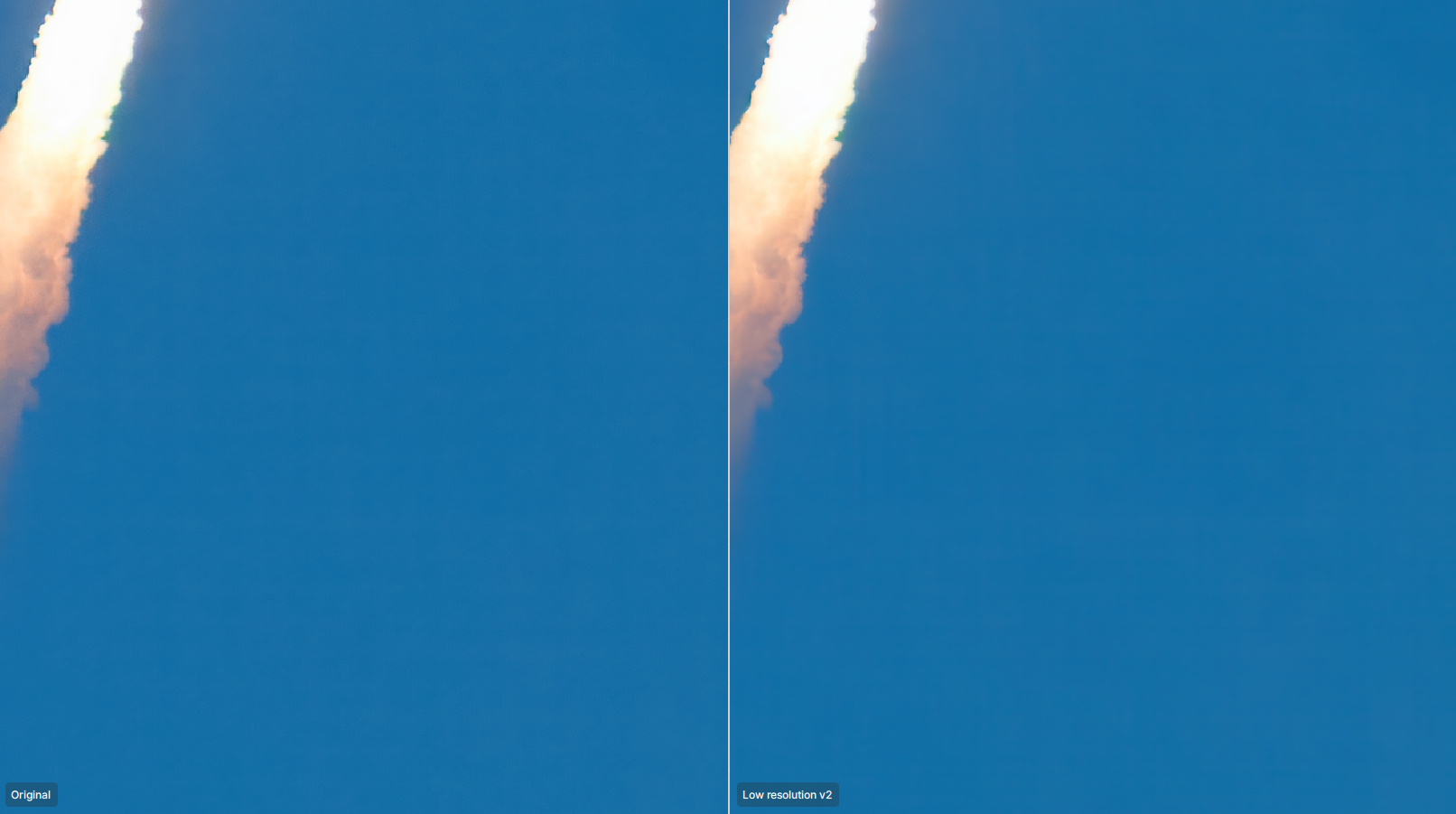
This effect happens as Alexandre stated with Over-Processed Subjects set against a large area of blank Colour or in this case the Blue Sky here’s a crop of your image to show this Over-Processing Behaviour
Here’s the Gigapixel info that was added to the caption in Lightroom:
”Upscaled with Gigapixel v1.1.3. 4000x6000 => 3920x5881 (2x) Model: Low Resolution V2, denoise: 0.16097412109375, sharpen: 0.5285120484232902, decompression: 0.06765683593750002”
Processing was not significant other than really cranking up the Dehaze slider. As I said, this photo is less than meh but given the event, I just wanted something slightly meh for socials and phone screens.
The issue you have is probably that you don’t remove the RAW noise before sending to Topaz Gigapixel. Topaz Gigapixel is not meant to process RAW images, and if the RAW noise is not removed before in Topaz Photo, our other app, or in another program. This artifact can happen. This is not an issue with the app itself, but rather with the workflow. I can’t reproduce the issue on my end when using Topaz Photo, then Topaz Gigapixel. You can also use Topaz Photo only for RAW images, as you can upscale and crop in that app as well.
I hope you don’t mind but, I took the liberty of Processing your image in Adobe Camera RAW & Topaz Photo by removing the Noise in Topaz Photo then Reducing the Highlights Slightly, Lighten the Shadows increasing Texture by 30, Clarity by 20 and Dehaze by 10 then back to Topaz Photo and applying a combination of Standard MAX and Wonder 2 which as you know are both available within Topaz Gigapixel before finally Blending in Photoshop
I did apply denoise before upscaling, both in Adobe Lightroom and using Photo AI’s raw process. It’s interesting that your results are not consistent with mine.
You’ve marked this resolved based on your results so I’ll just have to keep this experience in mind when editing and make necessary changes to my workflow to adjust for these inconsistencies.
Hi. Thanks for giving it a try. I’m seeing some clumpyness in the skies and there are squares in the sky of the 4th image. Maybe it’s compression from uploading? IDK and this photo really isn’t worth dragging this on.
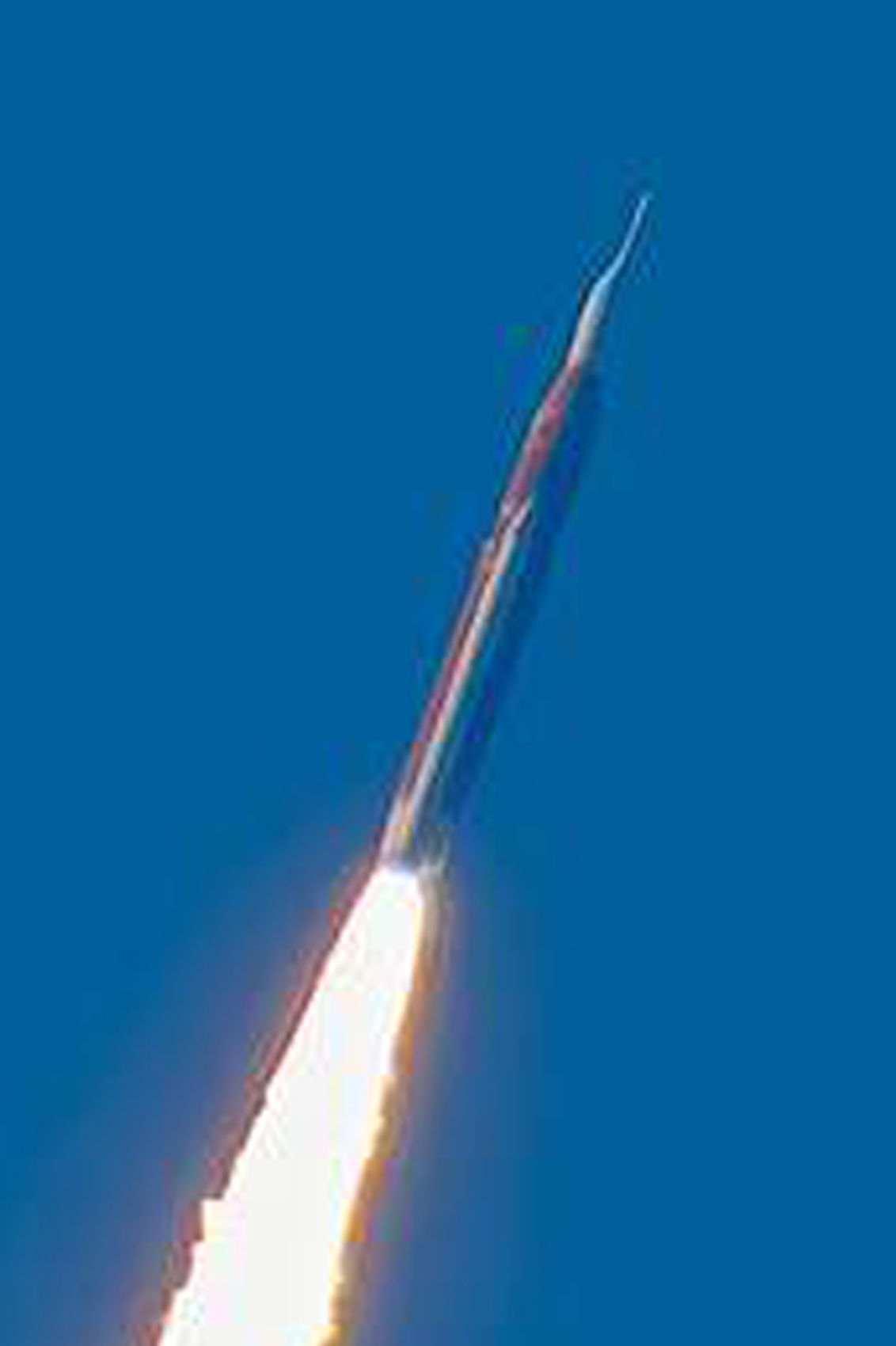
The first and second images are my versions from your CR3 original and if you either Click on them twice or Download them you will see the Sky is clear and there are no artifacts.
The third image is a crop of the fourth image which I posted in my previous reply showing you the artifacts from your Over-Processing and the fourth image is the Over-Processed one you posted in the first place suggesting Topaz Gigapixel was at fault.
I only reposted them together with my two versions so, you could easily see the difference between my Topaz Photo versions and your Topaz Gigapixel versions.