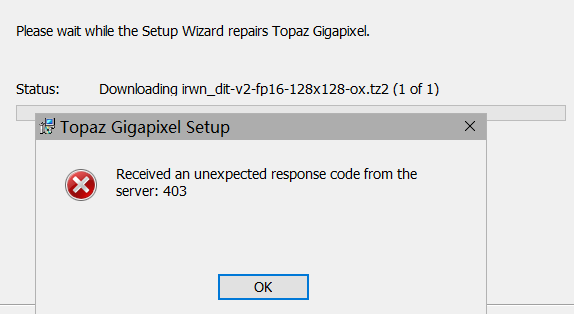
I can’t get the the update to work and am now stuck.
TRIED:
UNINTALLING
REPAIRING INSTALL
TURNING OFF FIREWALL
LETTING IT LOAD MODELS IN APP.
Nothing Works!!
Hello,
The issue stems from permission conflicts on reloaded model files.
Rerunning the installer, then using “Run as Administrator” on the first launch should resolve the issue.
Users should ensure that the network & browser are free from security blockers:
- Please download the desired installer and rerun it to repair the app and reload the model files.
- From the Start menu, right-click Gigapixel, select “More,” then “Run as administrator”
Having multiple versions installed could also cause an issue and users would first want to uninstall all versions before running the desired installer.
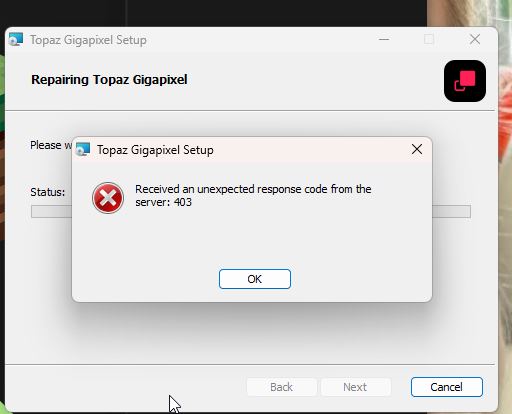
If 403 errors continue to appear, it is vital to attempt these steps when connected to a mobile hotspot or different network from the one that had previously failed.

We just released a fix January 2nd 2026 for this on the server. Can you try again?
thanks
This topic was automatically closed after 60 days. New replies are no longer allowed.
