If I install updates Gigipixel there is a message cant install with Windows installer.
Hi Topaz,
Tried to update from 1.3.3 to 1.3.5 on Windows and was given the message(shrunk it) “…cannot be installed…because the program to be upgraded may be missing”
I think this is my first post despite using these tools a year or so, or it may have been about the shared model storage like the person above.
I have some bugs which always happen, but as i only have an old-ish 8GB Gfx card atm (AMD 5700 XT - waiting on the next gen before i finally upgrade) i didn’t know if they’d be worth fixing. Basically the worst one is when you run a model which just about runs in that limitation, Gfx card memory isn’t freed, so if you switch to another model even if it’s a simpler one you may not be able to run it. I always have GPU-Z running along side now after noticing this odd behaviour. The only way to resolve this is to restart the program, this affects both Gigapixel and Photo.
I got the same error when updating from 1.3.1 to 1.3.5 within the app. Downloading the full installer worked.
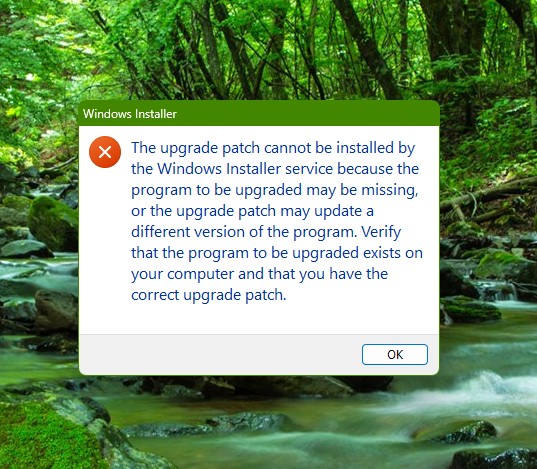
I have the exact same issue and can’t update.
I moved a few threads here. If the upgrade button from inside the app is giving an error, Using the direct links shared above should work.
Is the upgrade incremental by default?
We choose the version number depending on whether it’s a fix, a new feature, or a major upgrade.
