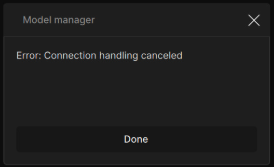
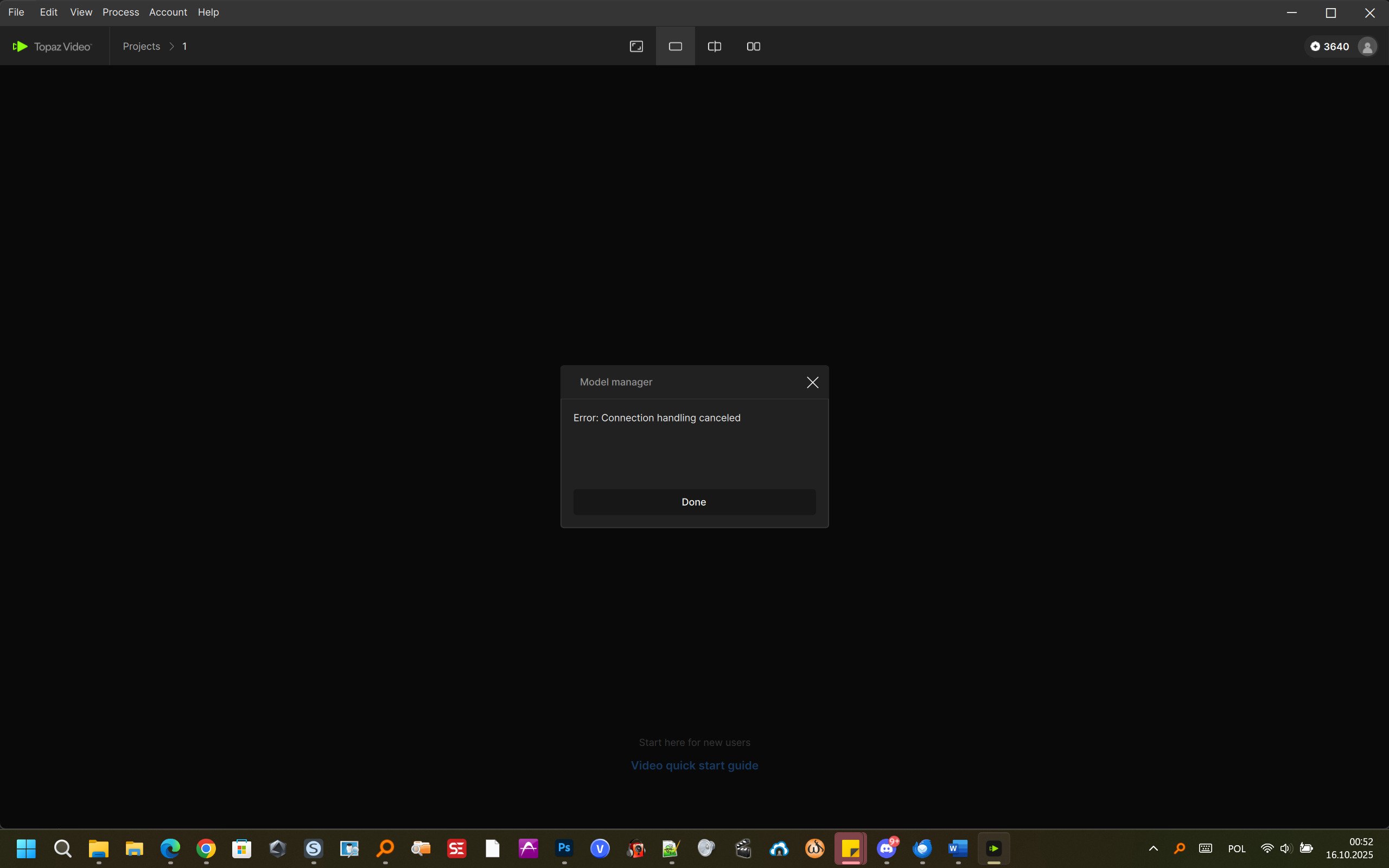
Users may run into the error message below when trying to download the Stabilization model using the model manager (File > Model Manager) in Video AI 6, 7 and Topaz Video 1 on Windows systems.
If you are still running into this error in 1.1.0 and above, please reach out to support with your app’s logs and a link to this post help@topazlabs.com
To gather logs, please open the app and select Help > Logging > Get Logs for Support and attach the zip file to your reply.
For unknown reasons I cannot download Stabilization model for my NVIDIA GeForce 3070 Ti GPU. Topaz Video only allows me to download Stabilization for my iGPU (AMD), when I try to download a model for NVIDIA it throws me an error: Connection handling cancelled.
This is a known issue that the devs are trying to get resolved. The model should still download and be applied when selected to run a preview or export though. The model manager has been seeing some issues with pre-downloading models though.
This issue was resolved in Topaz Video release of version 1.1.0.
Video AI was not updated though, some users did report that running the Admin priviledges on Windows systems helped the models download at times via the model manager. However, the models should still run when applied to a video source.
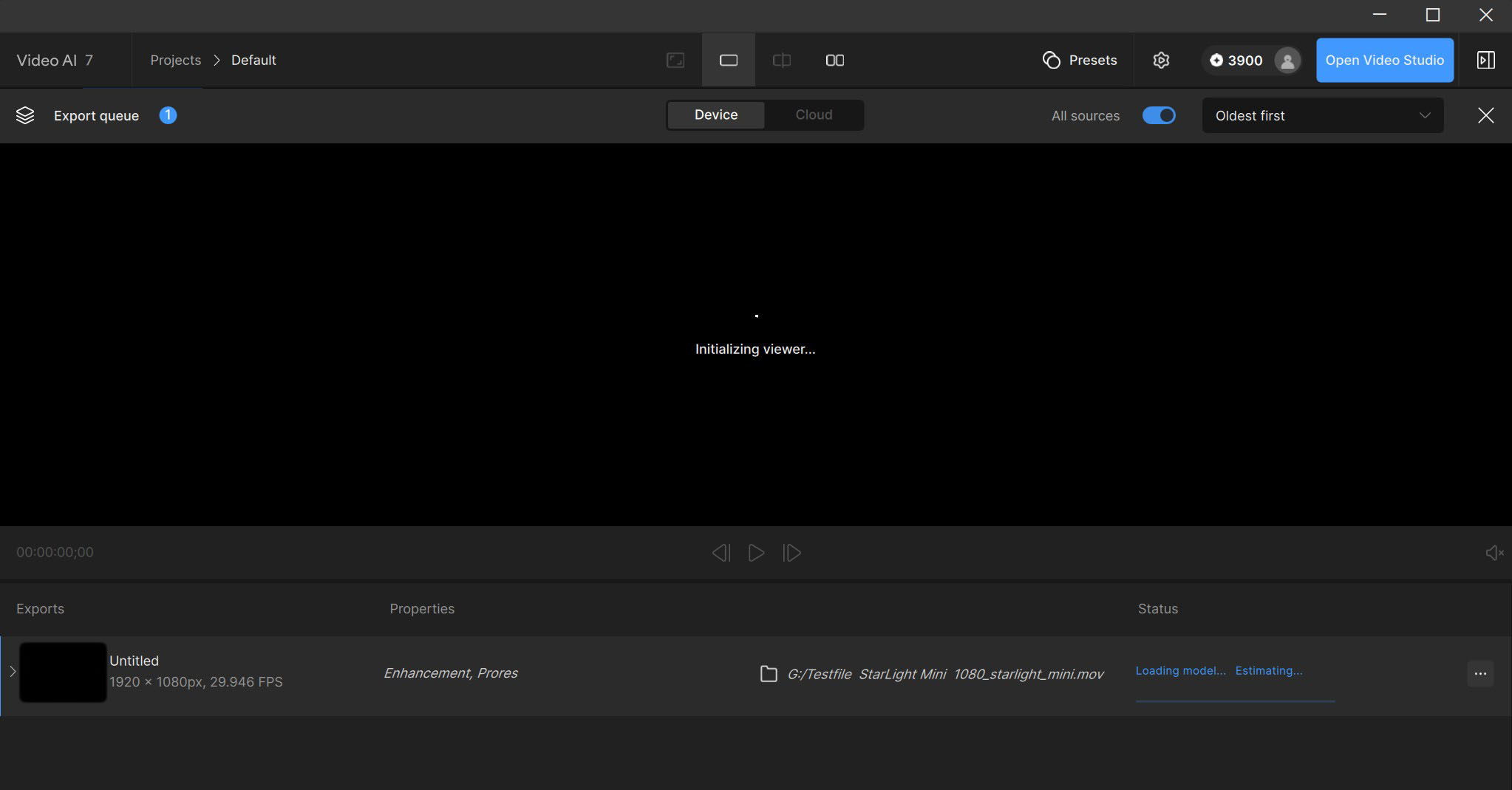
zu 1: Okay, I opened VideoAI 7.1.5 as an administrator → this particular part of the models (Stabilization and Starlight) still cannot be downloaded.
zu 2: Stabilization works on a video source
→ starlight mini but not !
→ and I know that I was still working with it a few months ago!
→ It’s one thing to discontinue the development of a product, but it’s another thing entirely when it no longer works, even though it has been paid for…