[If you are posting a new bug, please include the following]
The bug / behavior you have encountered
Your system profile
Your log files (Help > Logging > Get Logs for Support)
Any screenshots as necessary
[Please be sure to have searched for your bug before posting. Duplicate posts will be removed.]
After any restart of Topaz 7.x the Starlight Model Needs to do System Check & Downloads.
Passes all checks, downloads and finalises OK after topaz check
Noticed after latest upgrade
Has RTX5080, latest nvidia drivers installed, latest win10 updates installed
Consistent fails
The same problem. Why do I have to check the system and the download of starlight after every new start? Win 11 RTX3070, 32GB RAM newest Topaz Video, 1TB of disc space available
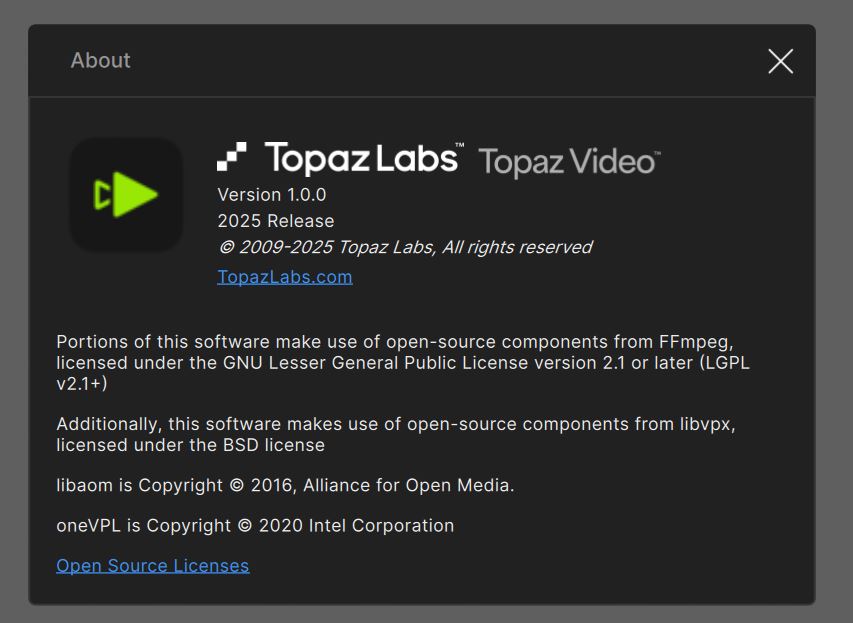
The first time I use Starlite model → system check (ok) and then download (ok) and I can run the model. But when I close Video 1.0.0 and launch the soft again, when I want to use Starlite model, Video starts once more the system check and then download again the model (3.5 Gb). This behavior is the same each time I start Video 1.0.0 and want to use Starlite
Never had this issue with Video AI 7.x.x
I tried a complete reinstall of Video 1.0.0, the problem remains
Same with me. It checks my system, downloaded the models and when I start the program again it wants to download another 3+ gb of models. Now I don’t have the option to render locally.
This was an issue that was patched in version 1.0.1, if anyone is still seeing it after that patch, please contact the support team directly at help@topazlabs.com and share their logs for review.