The idea is to create a new mode/model that will upscale and increase picture quality using a higher quality picture (one or maybe more) of the same subject (human figure or face, an object or a scene) as a reference or guidance that is effectively telling the model how the high quality picture should look like.
How it could work:
Guided upscaling with reference
The software could use a higher-quality reference image of the same subject or scene to learn the specific features, textures, and details that the user wants in the final upscaled output. This way, the AI wouldn’t be just predicting or trying to create details based only on its trained dataset but also matching them against the provided high-quality reference.
Enhancing with feature transfer
By comparing the high-quality reference with the lower-quality version, the model could recognize common important details or patterns. It could then use this information to more accurately fill in the missing or blurred details in the upscaled version.
Such model would be a great help and a timesaver, especially when:
upscaling low-resolution variants of a photo using the final edited or raw version as the reference
enhancing and/or upscaling scenes rendered in low resolution or with low number of samples (to shorten the rendering time) using high resolution/posprocessed render as a reference
First, I apologized for my poor English skill.
I have use Gigapixel AI since Version 5 but Version 8 really impress me with the “redefined” tool that Topaz gave us. I think Topaz is choosing the right way for the future and I’m really looking forward to it.
. However, it is almost IMPOSSIBLE to “recover” or “redefine” a very low resolution photo (or illustration) to maintain the detail of its original source material.
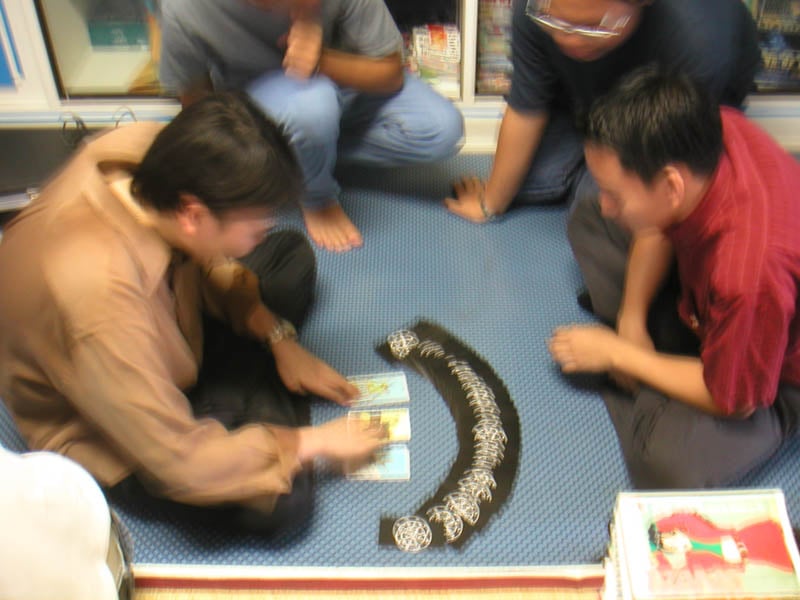
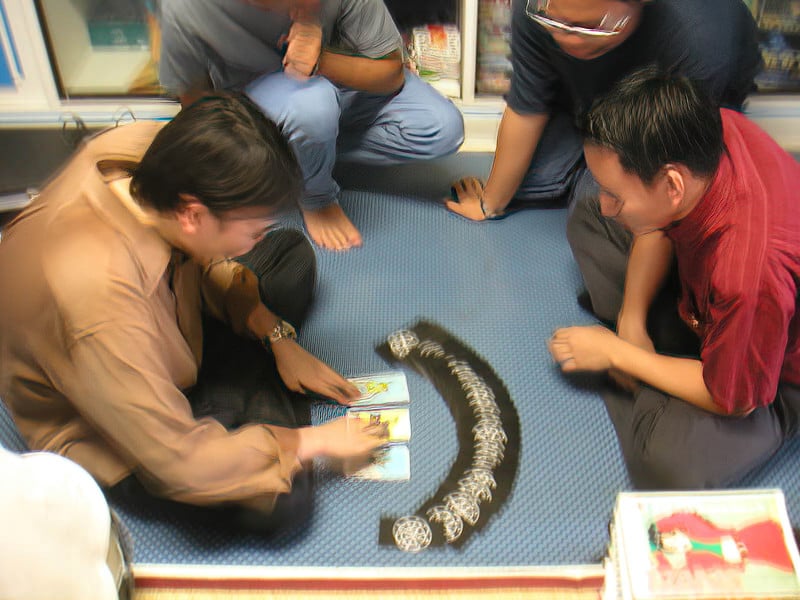
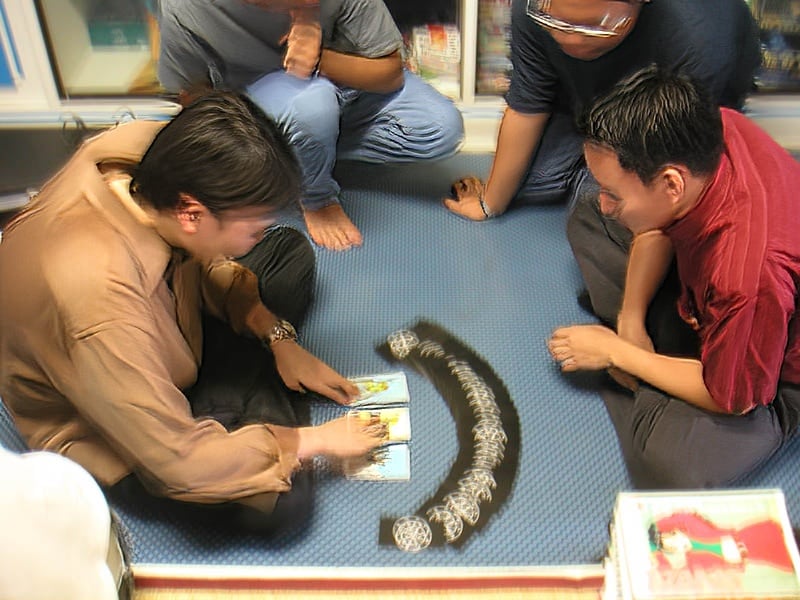
For example, I have attached a photo which is taken about 20 years ago. It is a very small image, poor quality, and also super blurry!
So even though how much advance the AI technology can be, it will “never” bring the right person in this photo back at all, which is sad.
The AI may create another image with sharp and clear detail of this photo, but the people in this picture will be a COMPLETELY different stranger anyway!
. So how should we solve this problem in the photo, illustration, and video sector? It is very challenging.
The solution might be:
Make the program (App) be able to detect a “face” or a “whole person” in the image with the square selection tool like the previous app.
However, with each selection, you can “upload” the REFERENCE material such as other image of that person in other angles for the AI to recognize and learn.
So the AI can use that as a reference to redefine or replace the target image with the right person. It will create a new image with the same face (and body) no matter how bad the quality of the original is.
.
I know this is a lot of work and improvements to be done… but it is possible. This can also to applied with the Topaz Video AI too.
Sorry, if this is a stupid idea from an armature user. But if Topaz can do this, I am willing to pay much more for the advancement of the technology. Thank you for reading.
I hope Topaz consider some of those ideas especially the Reference Image
Although, Gigapixel is a wonderful achievement it’s speciality is in image Entertainment plus Upscaling and now includes the brilliant Gigaprint and certainly not the place for Restoration or fixing extreme blurriness.
I see you own Photo AI which, is far better equipped at fixing this kind of distortion and always will be for instance, Motion Blur, Lens Blur, Refocus and the incredibly powerful Super Focus Model plus the fact all these options have advanced Masking to achieve the results you require
In addition, you have Denoise, other Sharpening options, Adjust Lighting with Colour Correction, Balance Colour, the Remove Tool and now Dust & Scratch Removal plus more to come.
Interesting to compare the legacy Sharpen AI to Photo AI’s version of sharpen with equivalent settings. (Motion Blur Sharpening, Subject Only, No Enlargement)
I am very happy with the latest Gigapixel. It has helped me recover a lot of old family photos that were in poor shape. One issue I find with face recovery is that sometimes the AI has to guess and whilst mostly it does a great job sometimes the results are grotesque. Often one will have a number of clear (er) photos of the person(s) in question and I wonder if it is possible to build in a system where the AI can refer to a clear reference image of the face (s) to be recovered? Maybe something to consider down the track.
Thanks
Paul
Reference Images has been mentioned several times before and let’s hope Topaz follow other other companies and introduced this kind of feature.
You’re asking about Gigapixel but, your profile suggests you only have a Photo AI licence from Feb 2023 is this a mistake as both applications have some similar yet, different functions and I’ll be able to give more information on the specific application
Would you be happy to provide examples images to give a better understanding of the images when you say faces are grotesque is that with using all three Face Recovery settings Gen One, Gen Two Realistic and Creative plus adjusting the Strength Slider.
Have you experimented with the new Genaitive AI Recover and either Redefine Realistic Subtle by adding an Image Description or one of the Creative Models also by trying different Image Descriptions
I have both Gigapixel and Photo AI. I have had your products from your very beginnings when you offered lifetime updates for free!!
Yes I do play around with settings and the results vary from grotesque to something looking nothing like the person. Now it is not a complaint just an observation. Some photos are in bad condition and whilst Topaz really helps improve them I accept faces are difficult particularly when it has nothing really to work with. It cannot recover what it really can’t see. Hence a reference point would help. Of course I can do editing and cut and paste a face in myself but that can take a lot of work and is it worth it?
Thanks for your reply and again I enjoy using your products even the original suite.
I don’t work for Topaz, I was interested in your post and perhaps seeing any examples as grotesque is a strong word to use.
I mentioned, several people have asked about implementing reference images before let’s hope, the more people who ask like yourself, the more likely it is Topaz will introduced the feature in a future release
Sometimes old 1980 photographs are taken badly that the subjects faces are blurred or in shade. This causes the face recovery to create horrific scary faces.
Please allow us to supplement additional reference photos or mugshots to help.
This is already available within the new Topaz Image Web App although it’s currently in Alpha so, I would have thought it might be a while yet before it reaches the Desktop Apps