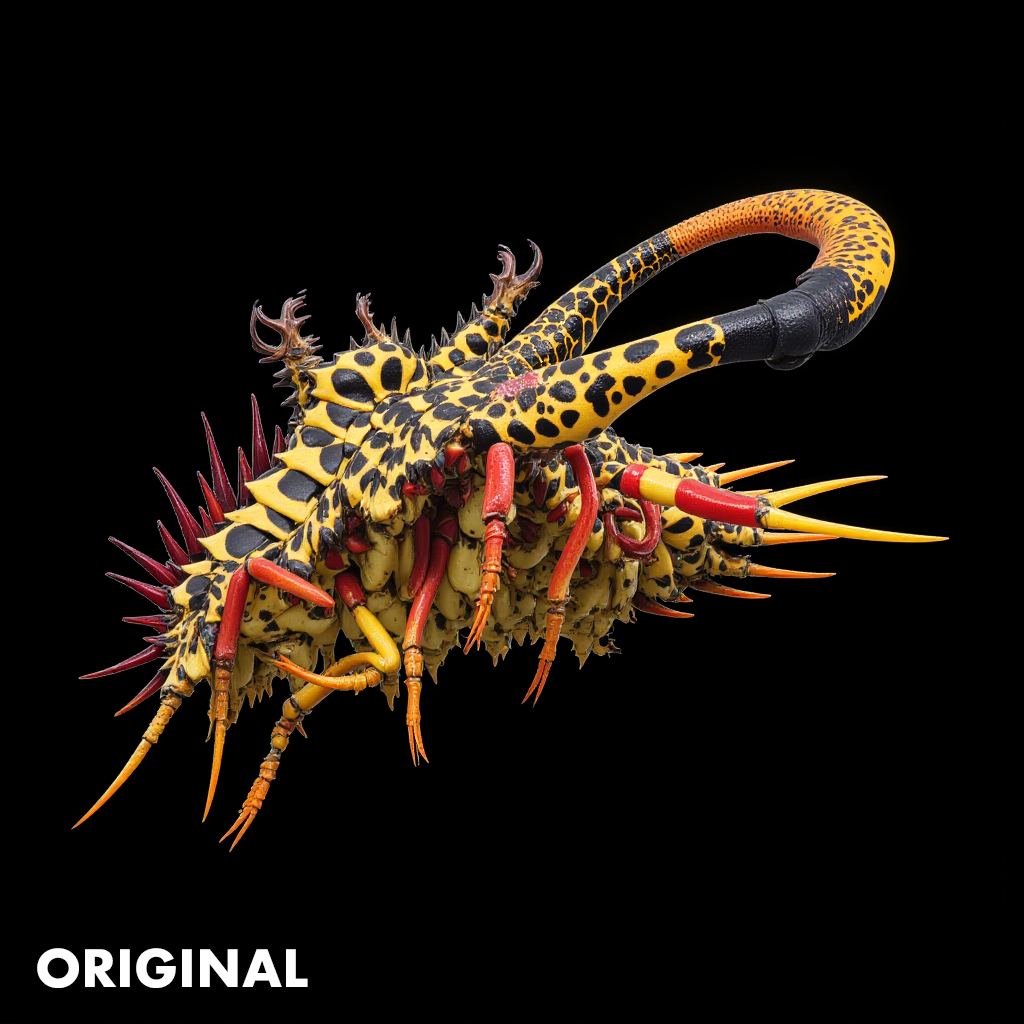
I’ve been using Gigapixel AI for a few months and love it. It’s become an important and frequently used tool for processing AI generated images.
Since many of the AI images I generate are similar, I will often run them through Gigapixel in batches of 20, 30, or even up to 100 photos or more using the Redefine BETA settings. Because the images are similar I often use an identical Image description text for all the images in a batch. Until recently I was able to select all the images and by entering an image description into one image, the same text would be populated into all the images I had selected.
However, a recent update fixed what Topaz described as a bug (I consider it a feature) and took away the ability to bulk populate the Image description text for all images. Now I have to paste the same text into the Image description field for each image individually.
My request is to please restore the ability to bulk populate the image description field back into Gigapixel. The rational is I lose nothing by being able to select all images and input the image description once to populate all images. If I want a unique image description for each image, I have to enter them individually anyway. The bug fix has taken away what I consider to be a very useful feature.
I use this “feature” so much that I have downgraded to version 8.1.1 which still has this ability and will not update beyond that version so long as the ability is not restored. I would like to be able to take advantage of new improvements, but the workflow becomes much too tedious when dealing with multiple images in a single batch.
Suppose that I import 700 images that I want to use the Redefine model and have the advanced settings enabled. With all of the images checkmarked, I can change the settings for all of the images all at once. Yet the text prompt does does not get applied to all of the images. This is very frustrating.
Request: If multiple images are selected, allow the text prompt to be changed for them all.
Scenario 1:
I’m currently using “Stable Diffusion WebUI Forge” (Flux model) and “StyleGAN2” to generate thousands of images of a single text prompt. I’m doing this so that I can have a library to curate from and select only the best images. From there I’ve imported 762 images into Topaz Gigapixel. I have found that the Redefine model is extremely good at adding new details when the Creative slider is at 4. Yet it tends hallucinate out of context and performs much better if I give it a simple text prompt that describes the image. See the rendered example below where I used the text prompt “insect”. When zoomed into the image at 100% actual size then the details are significantly different between the 2 rendered images.
Scenario 2:
It’s also useful leaning into happy accidents. I frequently use the Redefine model with the Creative slider at 4 or 5 and give it different text prompts to see what will happen. So I want to apply the text prompt to hundreds of images in batch mode.
For more use-cases and tech notes, here’s my website.
i agree but i think it should be something you select, like copy to too all images turn on, turn off. i would only like this as an option, sometimes I redefine similar images so the same prompt will work fine
Hello, yes I would like to have this feature also, because I use batch redefine also very often. And I have the same issue with creation level 4. You get very cool details, but very often you need to give the AI some guidelines to properly interpret the images. For example if I have a image with looming spaceships over a cityscape, often the AI turns spaceships into clouds or buildings into rocky structures. To avoid this I put the keywords “spacesship, scifi, futuristic, cityscape” into the text prompt field. But it is annoying to do this one-by-one on a hundred images. Please add this feature. Posibly as a kind of suffix or prefix in the settings.
Hi, it would be great, working with group of images, if it were possible to put the same setting once for all the images involved, e.g: if I want to upscale 5 pictures all with redefine creativity medium, and the same description