Hi Topaz Labs,
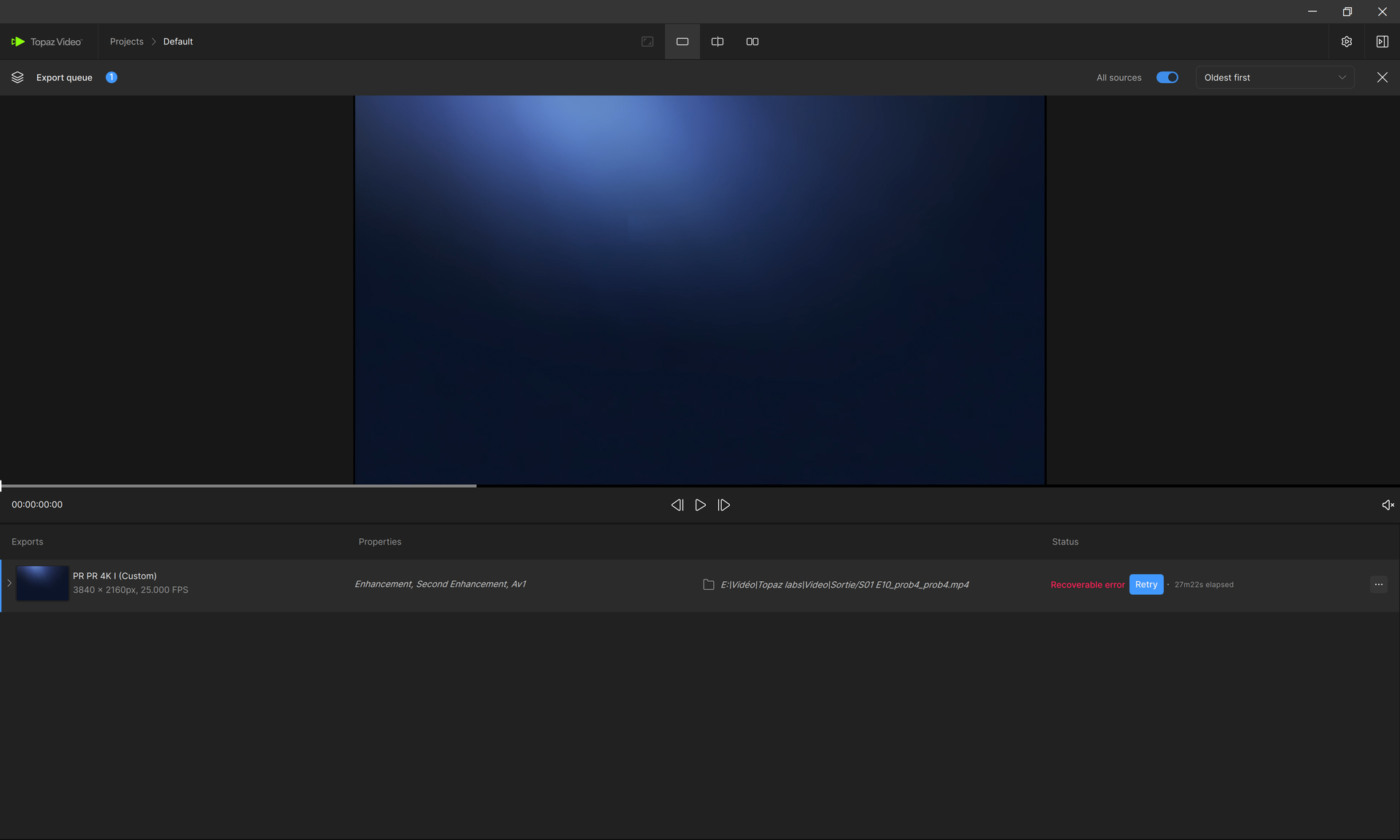
I tried two times to render a project that was working well previously, and two times I got a crash at same rendering time.
This is a screenshot:
I can not find the dump and log files.
I can not use Topaz Video and render projects, but my subscription is running!
Best regards, Vincent.
Vincent, are you not able to grab the logs from within the app?
To gather logs, please select Help > Logging > Get Logs for Support and attach the zip file to your reply.
If not, try going to this file path: C:\Users\Owner\AppData\Roaming\Topaz Labs LLC\Topaz Video\logs
Hi Kyle,
How clumsy I am?
I do apologize, I was lost.
logsForSupport.zip (2.6 MB)
As I can not do almost nothing with 1.5.0, I am actually downgrading to 1.4.0!
Best regards, Vincent.
Hi Kyle,
I found something strange while checking everything.
When I did the super resolution from SD anamorphic to 4K square pixels, I asked 4K square pixel 3840 × 2160 px resolution.
The AV1 output seems to be that.
But when I tried to convert it to HEVC with a third party application, before I was getting a true 4K resolution, but in these cases, I get 3838 × 2160 px.
It seems there is a PAR/DAR issue at one moment in the cascading rendering. The output is not true 4K square pixels.
The SD anamorphic source was cropped in Topaz Video for removing the overscan, the bars, and compression artefacts of the first lines contaminated by the SD encoding.
I hope it will help you.
Best regards, Vincent.
The logs do show that the source file in use has a different PAR/DAR sizes and the app could be reading them differently.
That is a previous issue that the team has been looking into.