Hello. On my 4K TV with Windows the Render Queue isn’t visible anymore. I can’t see the progress
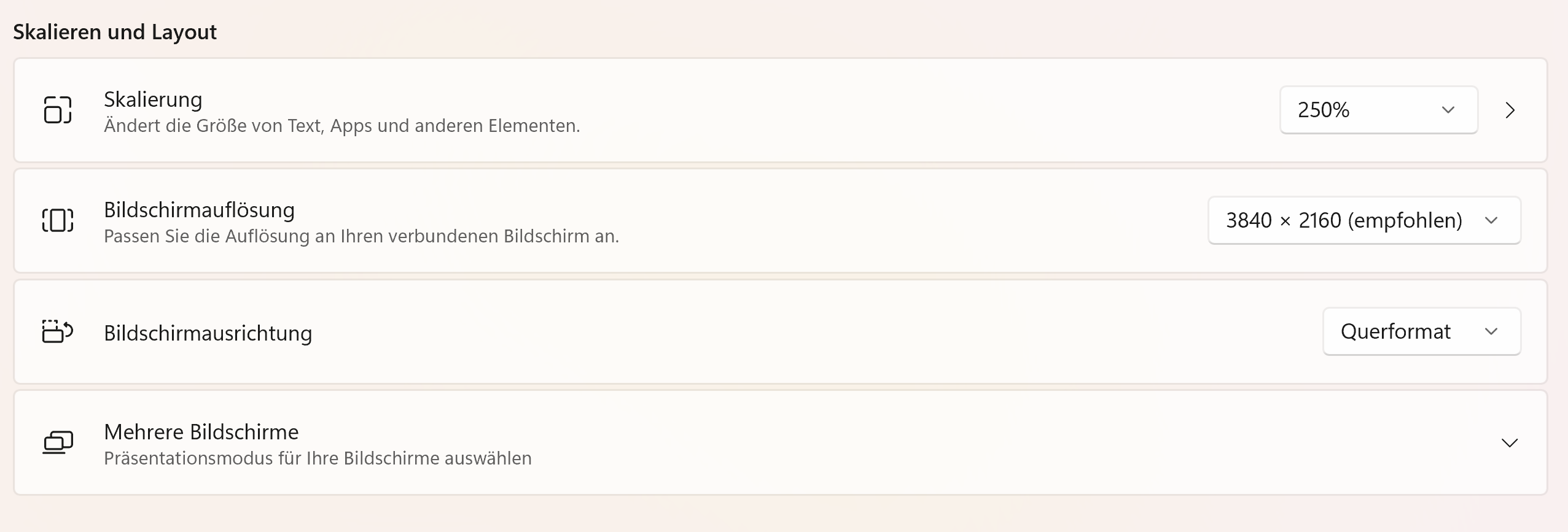
on it. If i want to see it i need to switch on my 2K Display connected with DisplayPort. My 4K TV is connected with HDMI fibre cable. I have completey removed and clean reinstalled topaz video. After that the queue was visible on my 4K TV. But after some time (Dont know what triggered this bug) its gone again. This seems to be an UI Bug. Here are my Settings:
Windows 11 Display Settings (Winver: Windows 11 25H2 (Build: 26200.8457)
Topaz Video UI Bug (Render Queue not visible)
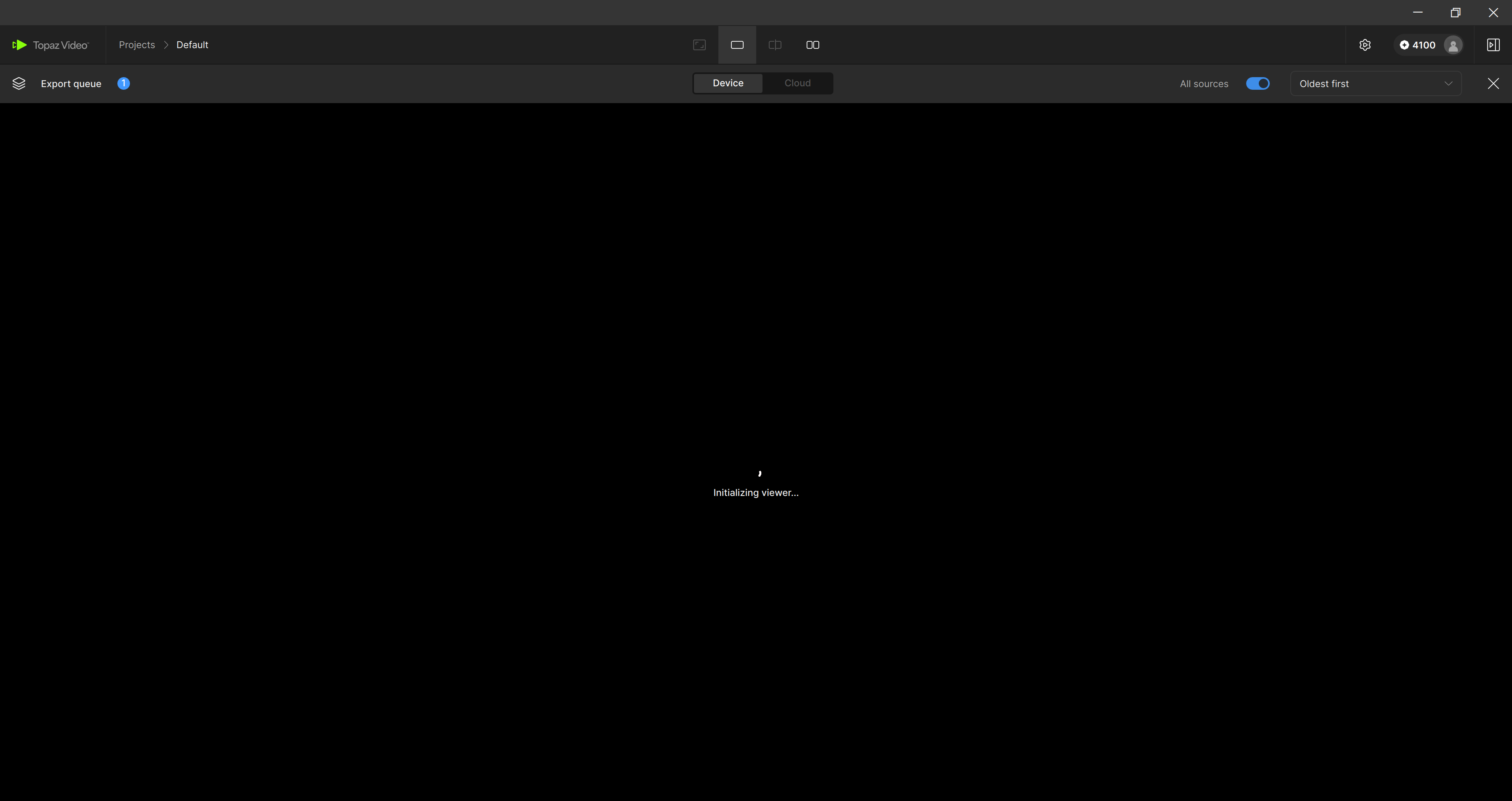
It doenst matter if i maximize the Topaz Window. It is not visible and not possible to get this visible on my 4K TV without completely clean reinstall Topaz Video everytime.
My Hardware is:
CPU: Amd Ryzen 9 3900X
GPU: Nvidia RTX 5080
RAM: 64GB DDR4 Corsair Vengeance
Power Delivery: BeQuiet Pure Power 850W
Mainboard: Gigabyte Aorus Elite v2 rev 1.2 AM4 B550
If you need log files or other information let me know. Hopefully this bug could be fixed. I tested already the high dpi scale app settings from windows compatibility. Nothing worked.
