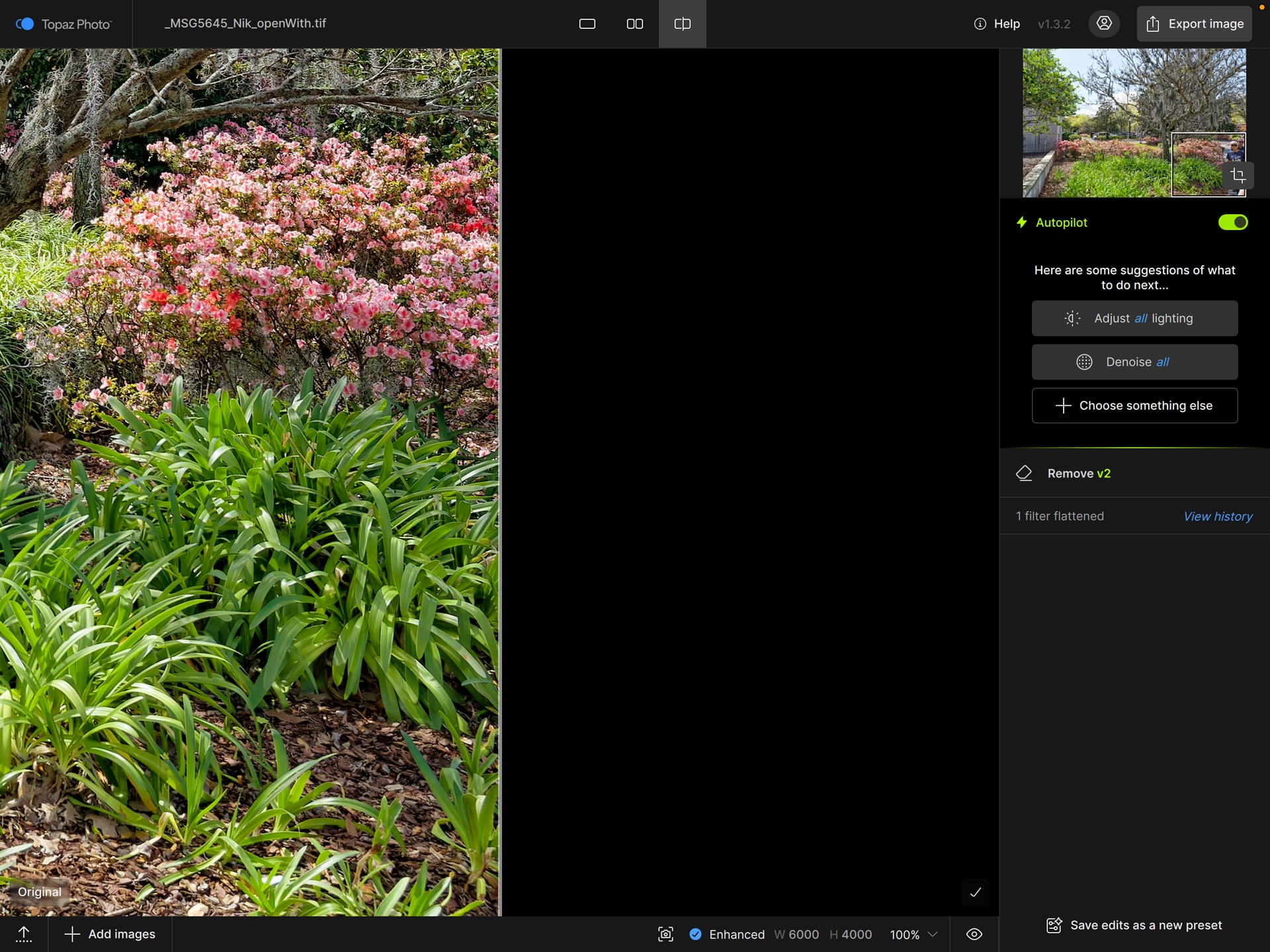
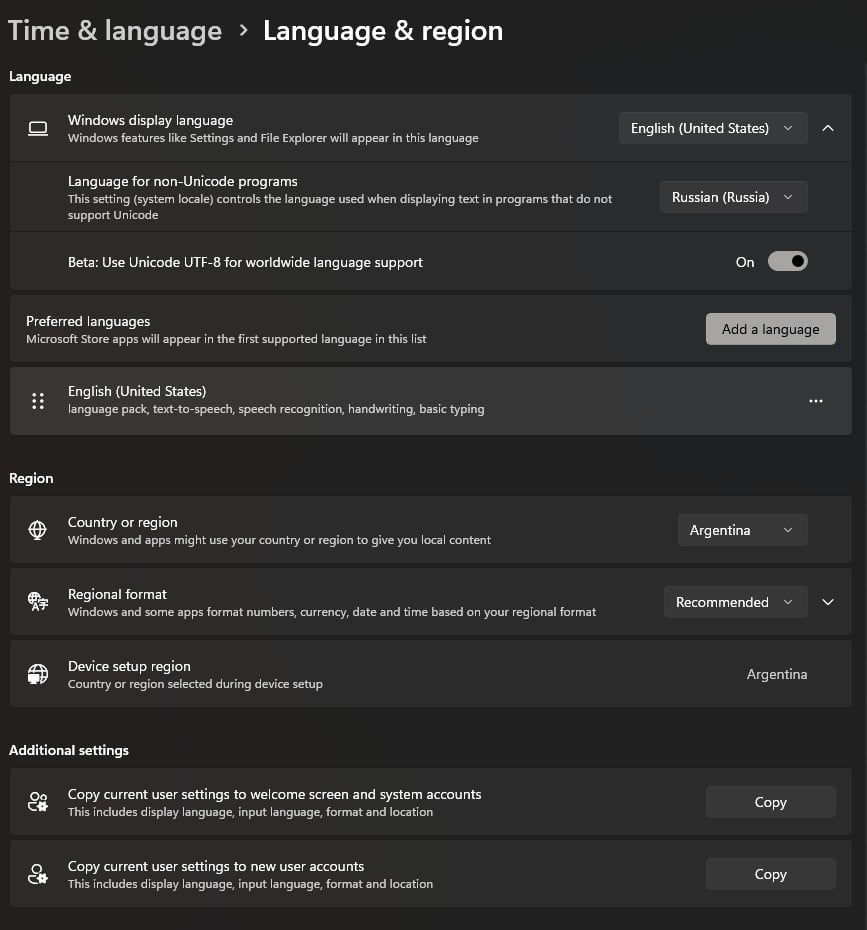
We are investigating an issue in version 1.3.2 where the preview screen goes black after using Remove v2. We will reply here when we release a fix for this.
Solution:
While we are investigating this, please revert to Topaz Photo v1.2.1
After installing version 1.3.2, remove tool not working. After applying a remove, screen goes totally black.
Same for me?
Same problem as you..
Have even tried to install a new windows 11 pro and all new drivers and many more tests…still the same problem …sigh
The problem began first time, when the area you wanted to remove, got a strange pixelmix. Think it was version 1.3 it started.
It doesn’t mater if you change it from to GPU-work to CPU-work now. So just like you, after applying a remove, screen goes totally black. Would say I have tried almost anything to get it work from my point of view. Its VERY fustration. Hope Topaz Labs will come with a fix that works. The problem have been there for many many weeks now…sigh…
@joseph.gruszka @msgreenfield1-78202 @PhotoPete @michael.rasmussen
I moved you to this thread. The solution for now is to revert to version 1.2.1
Since todays update 11/03/2026 the removal tool and spot healing tool are not working,
they leave a blacked out image after processing?
Me too.
I moved you to this thread. The solution for now is to revert to version 1.2.1
I just updated to the latest version today, and every time I use a removal tool in both “regular“ and “object“. The overall image turn to black.
Try closing and re-open the app but still not working.
same for me
Pareil pour moi
@atthidej.nimmanhaemi @phoenix2583
I moved you to this thread. The solution for now is to revert to version 1.2.1
Don’t you mean revert to 1.3.1? You mentioned going to “1.2.1”. Problem for me occurred after going from 1.3.1 to 1.3.2. I’ll follow the link you provided to 1.2.1 if you confirm you want me to go back that far.
Thanks for your swift responses by the way,
Joseph Gruszka
If v1.3.1 worked for you, yes, but there were other issues and 1.2.1 is the most stable one for now (unfortunately)
2026-03-11-08-21-48.zip (1.08 MB)
It’s not only the preview screen that goes black. It’s the image output after exporting as well.
Version 1.2.1 is too fart back. The removal tool is not great in that version. So I will have to wait for the update patch.
It’s not only the preview screen that goes black. It’s the image output after exporting as well.
Version 1.2.1 is too fart back. The removal tool is not great in that version. So I will have to wait for the update patch.
Do you have a link for me to install version 1.3.1 for now?
I need to use the program urgently.
Thanks