One of my hobbies is restoration of old movies and videos and I’ve just started using Topaz for cleaning and upscaling the really bad ones.
I’ve had some great results with 480p and higher, but I wanted to see if it was capable of restoring the worst one in my libarary.
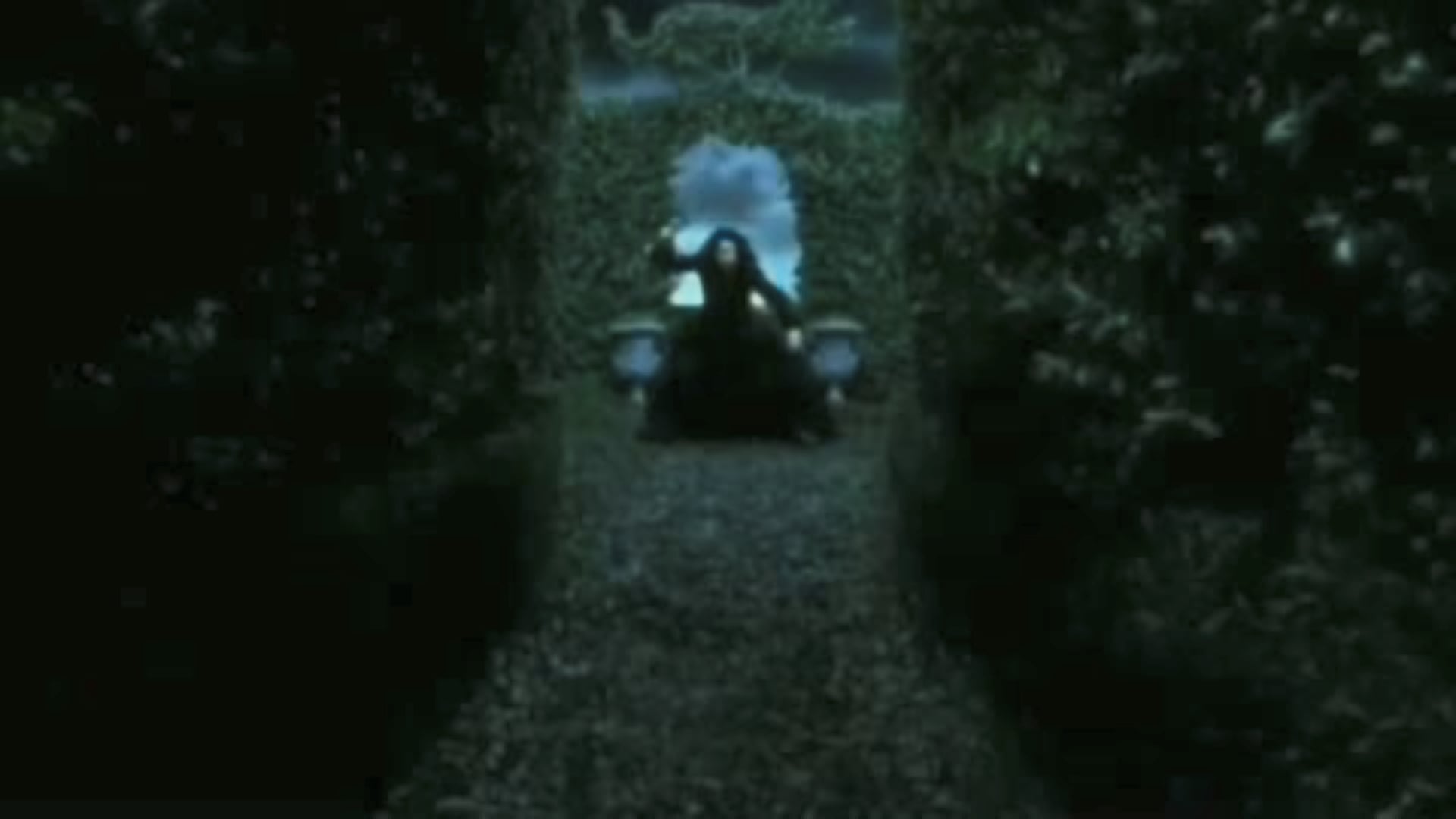
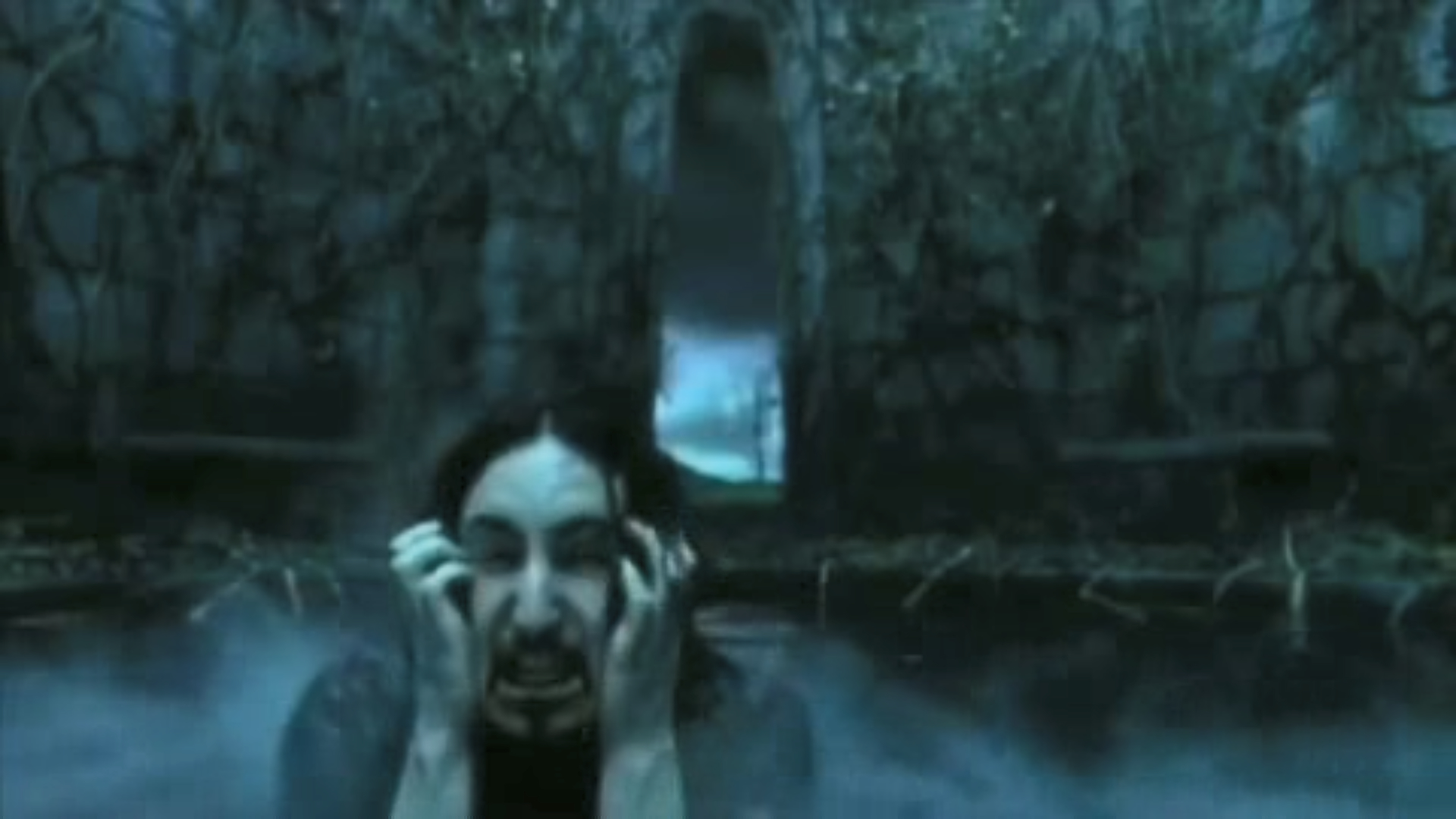
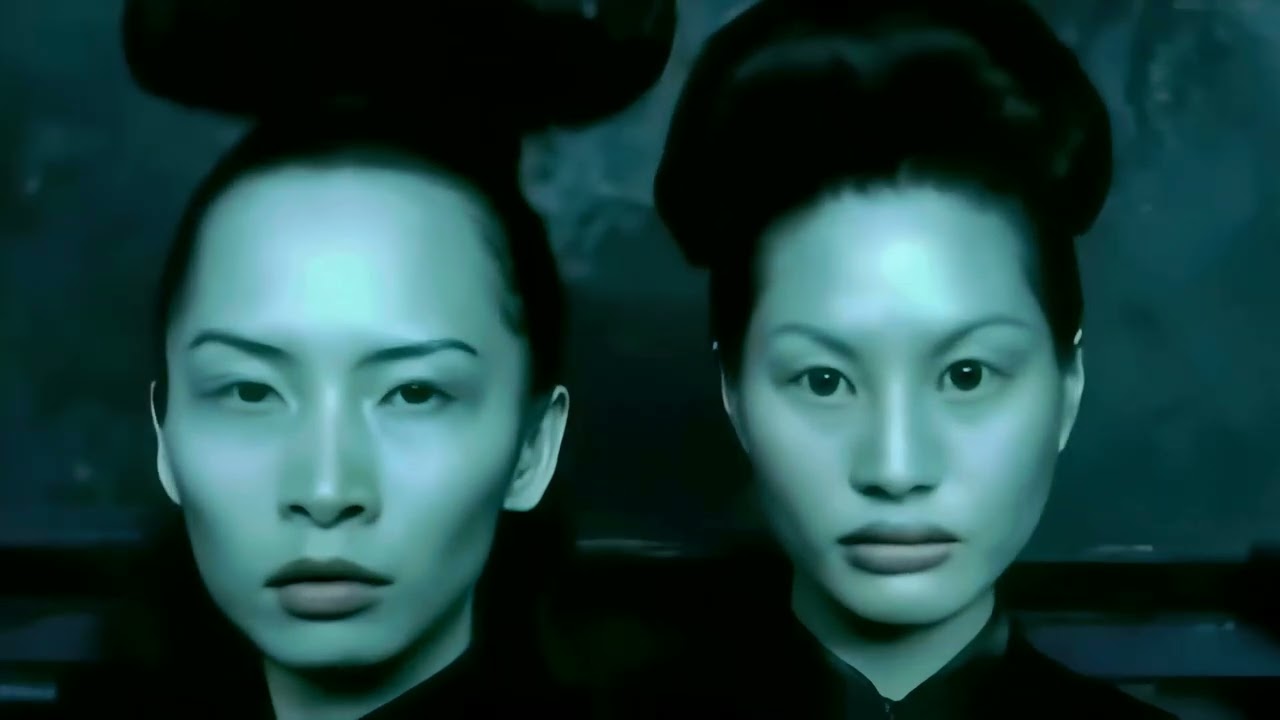
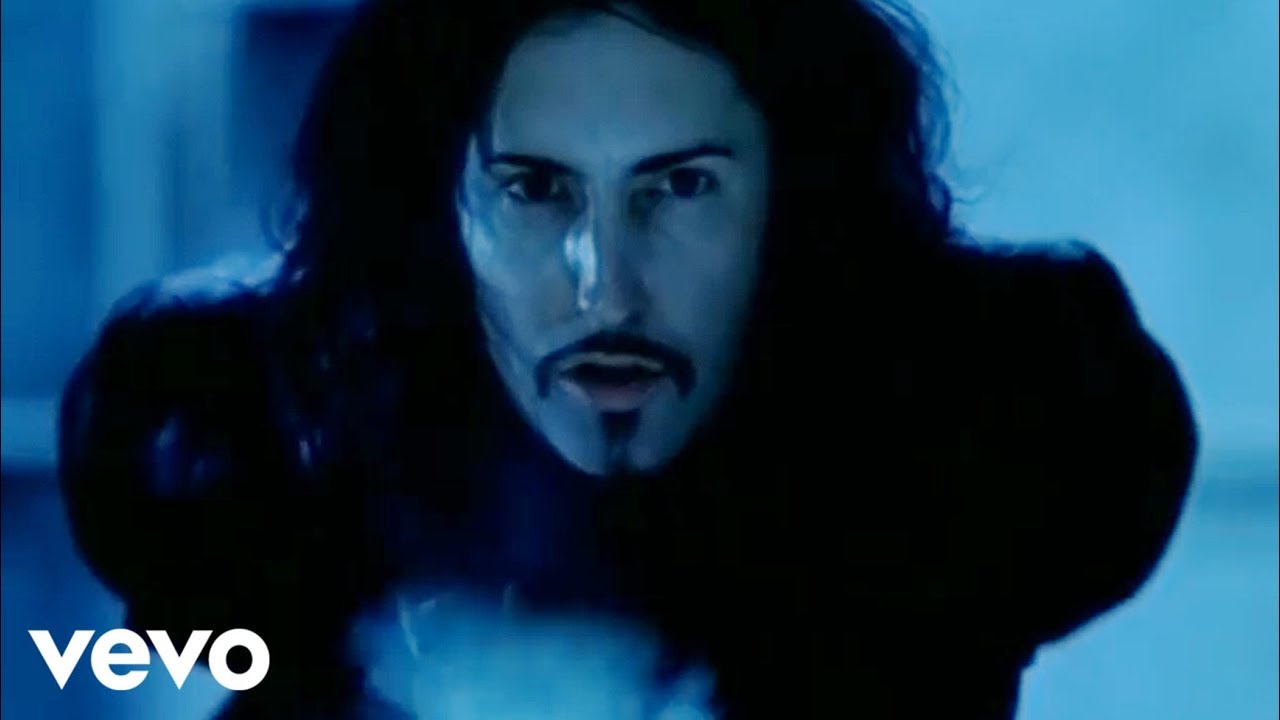
The only complete version of “The Perfect Drug” by Nine Inch Nails is only available as 480 x 270, 30fps. It looks like it was once interlaced but was converted to progression poorly as there are some frames with horizontal lines. Compression and noise artifacts are the worst I’ve ever seen. Many of the frames have faces so blurred that you can’t see any detail at all.
The best results with the fewest artifacts I had so far was to just to use Proteus Natural. I also found that if I add Iris as a 2nd Enhancement it does a good job of adding details to the blurred faces but it adds a lot of artifacts (like 0s and 1s to some bright objects) and oversharpening of small objects like leaves and branches.
Anyone have any suggestions I can try? when using manual with this video I set compression to high, details around 20, sharpen to around 15, Noise to 10, halo to 15 and Anti-alias/deblur has me confused as I’ve had good and bad results with either side.
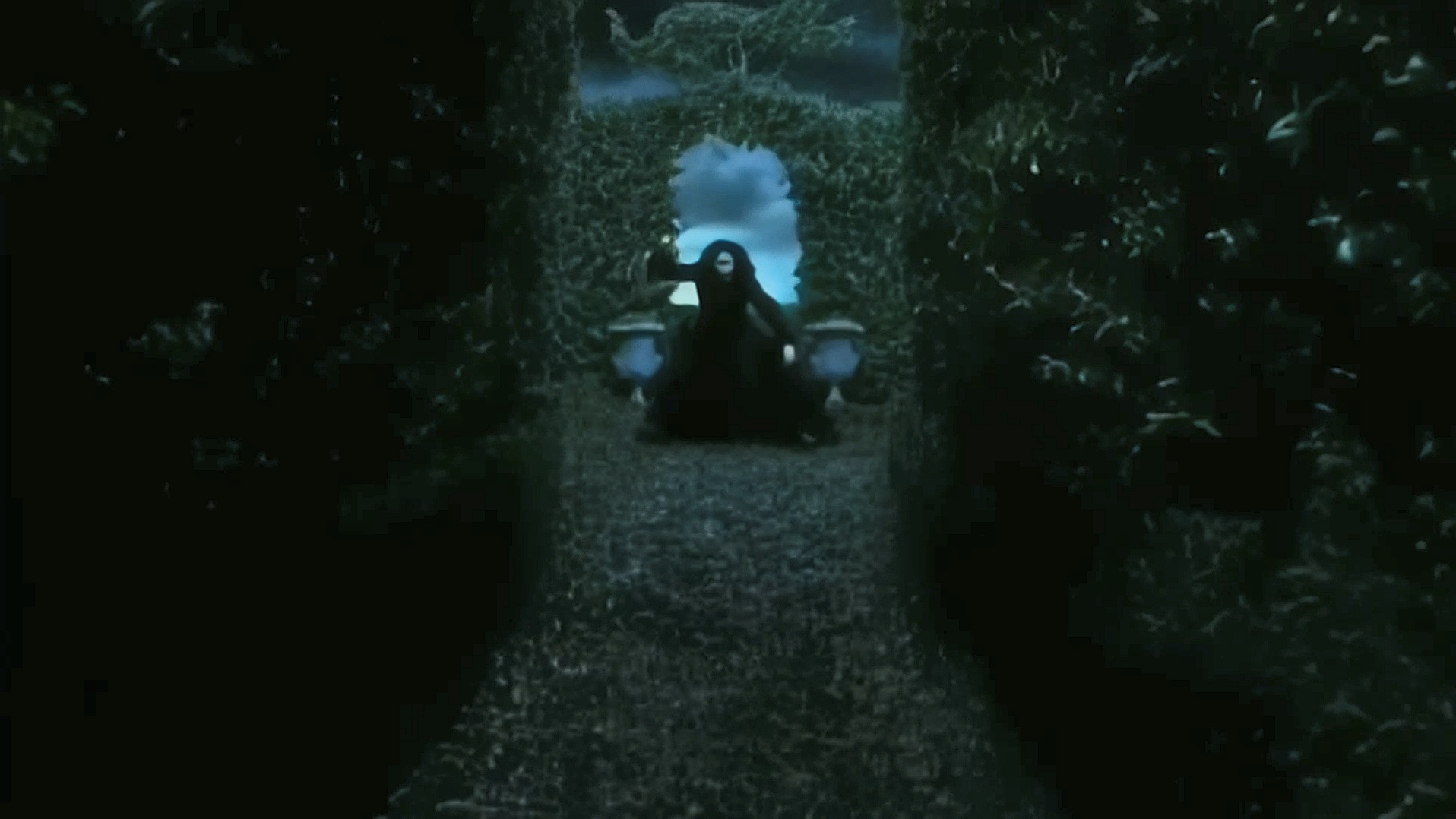
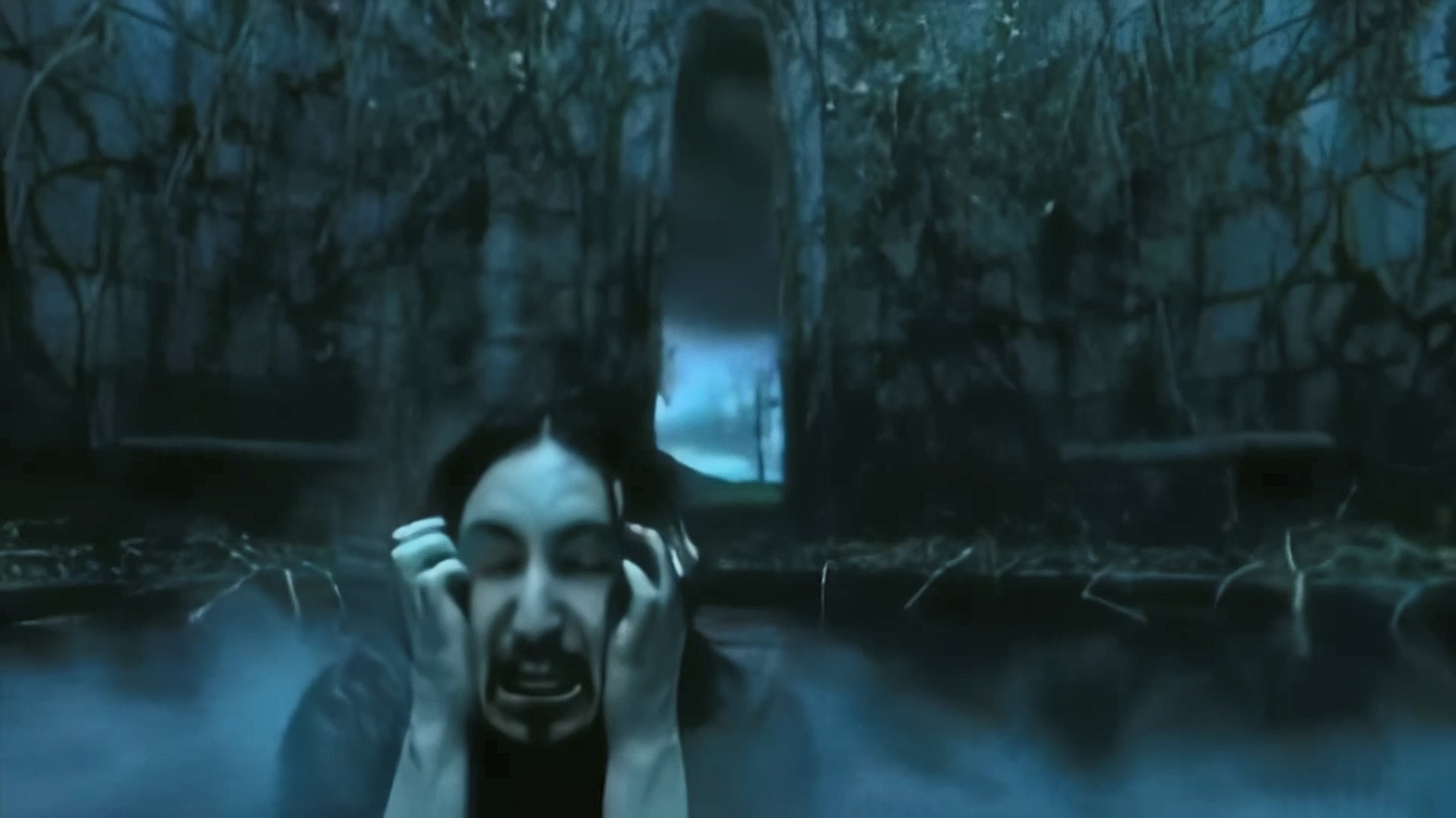
I included some images of the original and after using Proteus Natural with 4x Upscale and 0 Recover Detail.
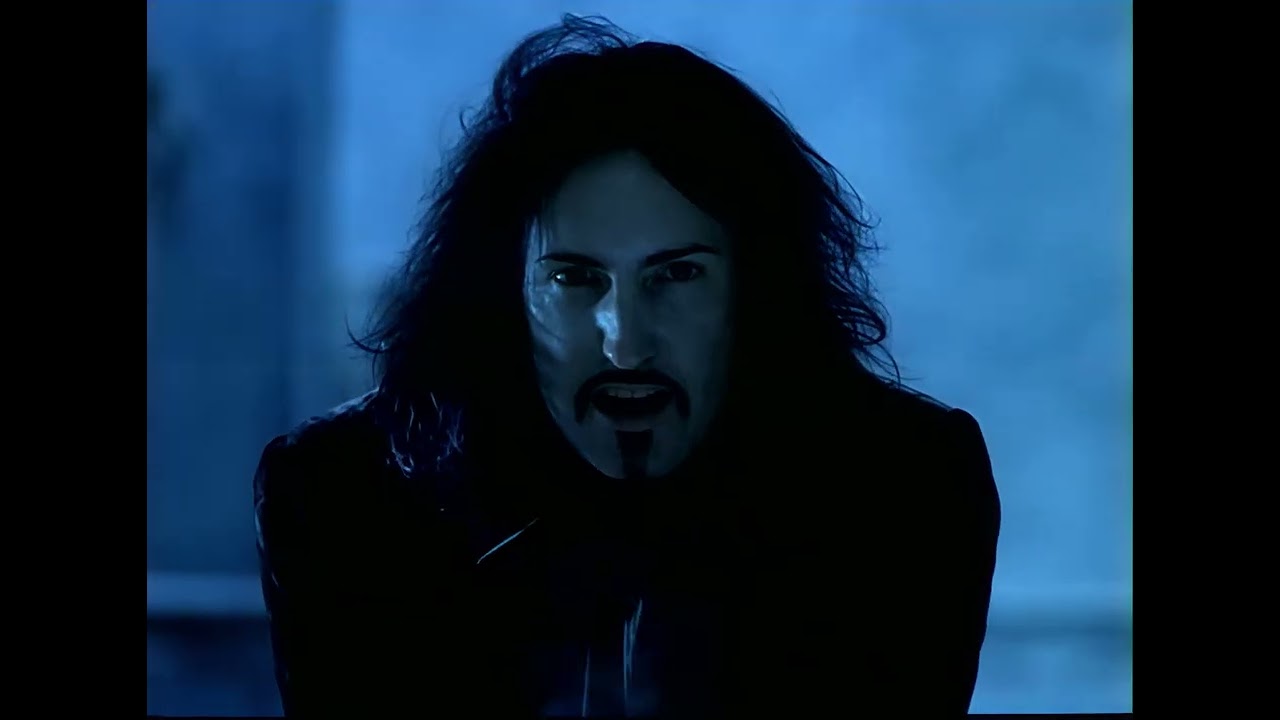
This is the best results I have been able to do with the source.
As before, I used Proteus Natural then Iris, but this time I ran it through 3 times. First to Denoise and upscale to 1080p, then I used Iris to fine tune the faces and upscaled further to 4k. Finally, ran it through the third time to add 60fps, HDR and Deblur, which was causing problems before when processed at the same time with the 2nd step. There are a few minor artifacts and during the green flashing section the interlace lines can be seen (but there is no way I know that Topaz can remove them since the source was progressive).
Without SeedVr, you can try 480 x 270 doing 2x Starlight Mini, gives you 960 x 540, then do again SLM 2x gives you 1080p
Or upscale the 960 x 540 SLM result with SLS (Starlight Sharp) 2x, you get again 1080p. SLS uses no built in NYX-XL for upscaling when output ist 1080p, which is good.
What also works is 480 x 270 doing 4x SLM gives you again 1080p. I wouldn’t go higher than 1080p if the source only has 270 pixels, there is no need for it.
Without Topaz or SeedVR, experiment with Proteus, what you’ve done remains. Iris LQ is problematic when it comes to small faces, as it can lead to monster faces. Settings such as fix compression Dehalo amplify the effect. This is not the case (or very low) with Proteus and “Iris MQ”, where this functions can be useful for denoising.
The Starlight Mini model is compatible with AMD cards within the new app Topaz Video when accessed with an Individual subscrition with the Founder tag or a Pro subscription. It does require an AMD GPU with at least 20GB of VRAM though to run.
I paid over $300 when Topaz 7 was first released and after a year later I no longer qualify for updates. If it was cloud based, I could understand why it’s paywalled, but if it’s local it should be included. I don’t use it commercially or often enough to justify a resubscription.