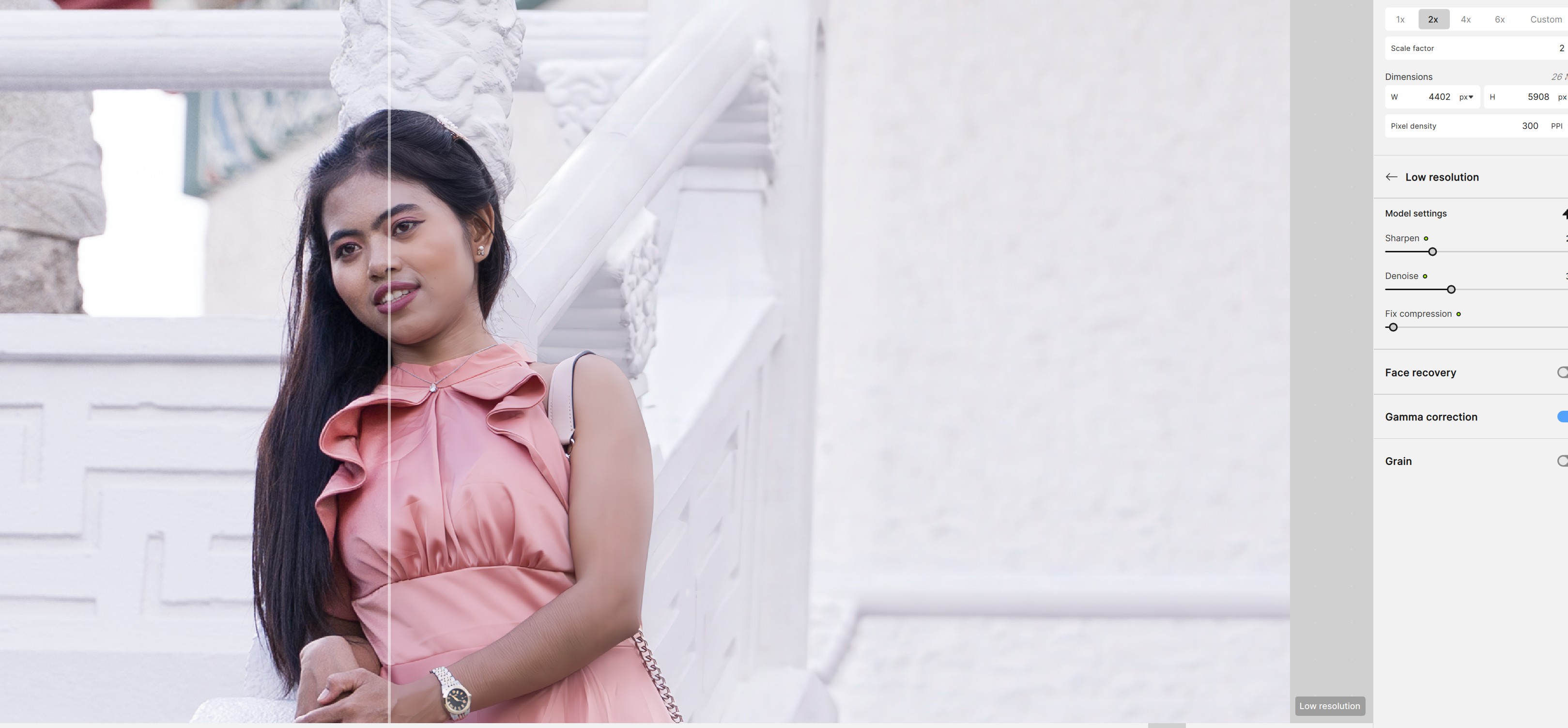
越來越差,除了放大没有其他的用处,什至弄坏照片人物的皮肤,要用很多时间要用很多时间修復
Hi Gim.
Please would you be good enough to post some before and after example photos and the settings you used to get a better understanding of your issue
Thank you for your help
AND-E via Topaz Community <noreply@topazlabs.com> 于2026年2月15日周日 20:06写道:
Hi.
Apologies if you think I’m ignoring you but, I sent you two private messages but they don’t seem to be appearing my end so, here it is again
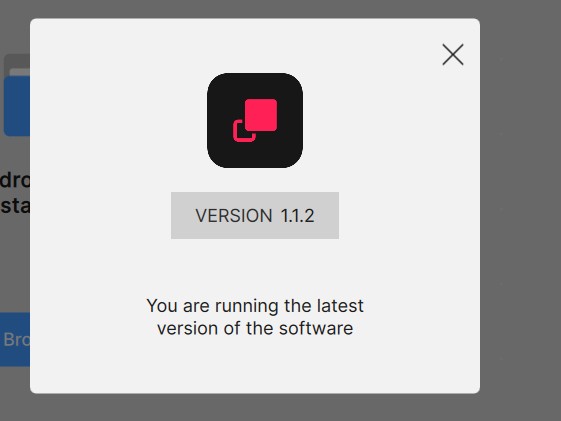
As I can’t see the whole Image I’m unable to tell which version of Topaz Gigapixel you’re using so, as you’re posted under the old Topaz Gigapixel AI category I will assume for now you are referring to the old Topaz Gigapixel AI
Looking at your image I see the young Lady has wrinkles on her arm and I’m guessing this is the issue and I’m guessing you’re probably tried all the different Models to try and fix this issue
But, have you tried either the Genaitive Redefine Realistic or Creative for this you can still use Face Recovery with Redefine Realistic and with Levels 1 & 2 for the Creative version.
In case you do indeed have access to the new Topaz Gigapixel (Studio) the Subscription version then, you have several options available for you including the following
Standard Max, is great for low resolution images
Wonder V2 and Recover V3 are the latest Genaitive Models which again are great for restoring images and adding details
Plus you still have access to both the Redefine Realistic and Creative Models
I don’t work for Topaz but, if you like you can send your original image to me via the messaging service and I’ll be happy to do fix it for you
Hope this helps
我使用的是这个,还是可以发给使用教程的影片给我
AND-E via Topaz Community <noreply@topazlabs.com> 于2026年2月16日周一 02:33写道:
Gim Chye Soh <soh0741@gmail.com> 于2026年2月16日周一 07:21写道:
Thank you for your help, as you have the latest version would I’ve right in assuming you also have access to Topaz Photo and Topaz Bloom
Gigapixel, can do miraculous things with Photographs, Art, illustrations, CGI and general Upscaling tasks but, when it really comes to Photographs then, as it’s name implies Topaz Photo is your best option because, as you know you have a whole host of tools at your disposal including Upscaling, Denoising and Sharpening.
For example for your image applying Denoise first then Upscaling and Sharpening might do the trick
Yes I realise, Gigapixel also has Denoising and Sharpening but believe me they aren’t the same thing their not AI as in Topaz Photo only general purpose noise removal and sharpening to help remove artefacts that have been enhanced by the Upscaling or giving the image a boost in Sharpness if the Upscaling has softened the image.
Bloom on the other hand is the latest Upscaling and Enhancing Application from Topaz which includes the new Wonder Model but also a Realism AI Model which is incredible for image enhancement think of it as the next level Gigapixel Redefine.
I hope these options help
Andy
谢谢你的指点
AND-E via Topaz Community <noreply@topazlabs.com> 于2026年2月16日周一 12:08写道:
Looking at the example you shared, you might be using the wrong model. If you share the original here, we can help test with you.
1 Like
