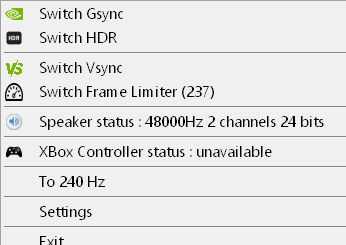
This may be old news to everyone, but I switched G-Sync monitors from IPS to QD-OLED this weekend and discovered that the TOPAZ apps were no longer compatible with G-Sync. I was getting considerable flickering in Dark Mode and the only cure was to disable G-Sync.
I still want G-Sync for all my other programs, so I installed GSync Switch to make it easier to turn on and off.
Link to version 3.3 Download
1 Like
I finally found a way to make this more automatic using the legacy Nvidia Control Panel (not Nvidia App). The first challenge is that it recognizes the old “Topaz AI” app names, but not the new ones without “AI”. Browsing directly to them through the Add Program function resolved that. Then you have to set the Monitor Technology to Fixed Refresh Rate just for the Topaz programs (not globally). You may have to double-check that this fix persists after a driver update.
1 Like