Yesterday, another run with 4K:
Iris and Apollo simultaneously, output 4K ProResLT.
Started at 3,1 fps. OK. (GPU 90%)
After about 45 minutes, the reading terror began again.
The speed dropped to 2.7 fps.
The graphics card utilization decreases.
Then I had an idea !
Just quit Topaz in Task Manager.
And lo and behold, the useless read load disappeared immediately, and ffmpeg ran smoothly.
The graphics card utilization rises above 92% again.
The job took 6 hours; with the read terror brake, it would certainly have taken 7 or 7.5 hours.
Now there is no progress bar, and the final file has no file header. 
(This means that most players cannot read it (crash), especially if it is large/long).
Bandicut takes care of this: file in, and out again as SmartRenderer.
Duration for 125 gigabytes approx. 3 min.
(Unfortunately not measured, only estimated).
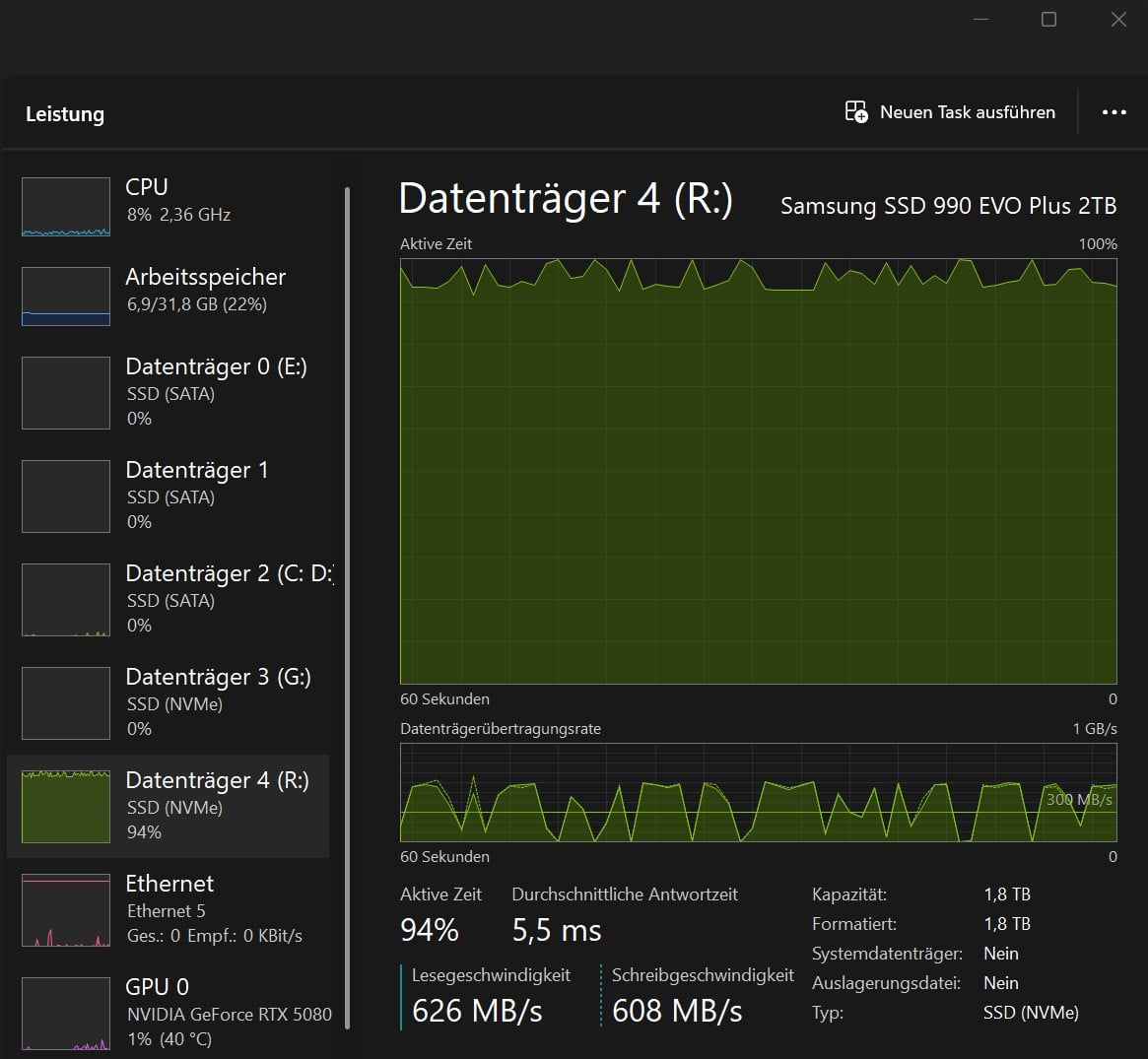
PS: I get the best graphics card utilization when the source and destination files are located on different system buses and Topaz does not interfere. 
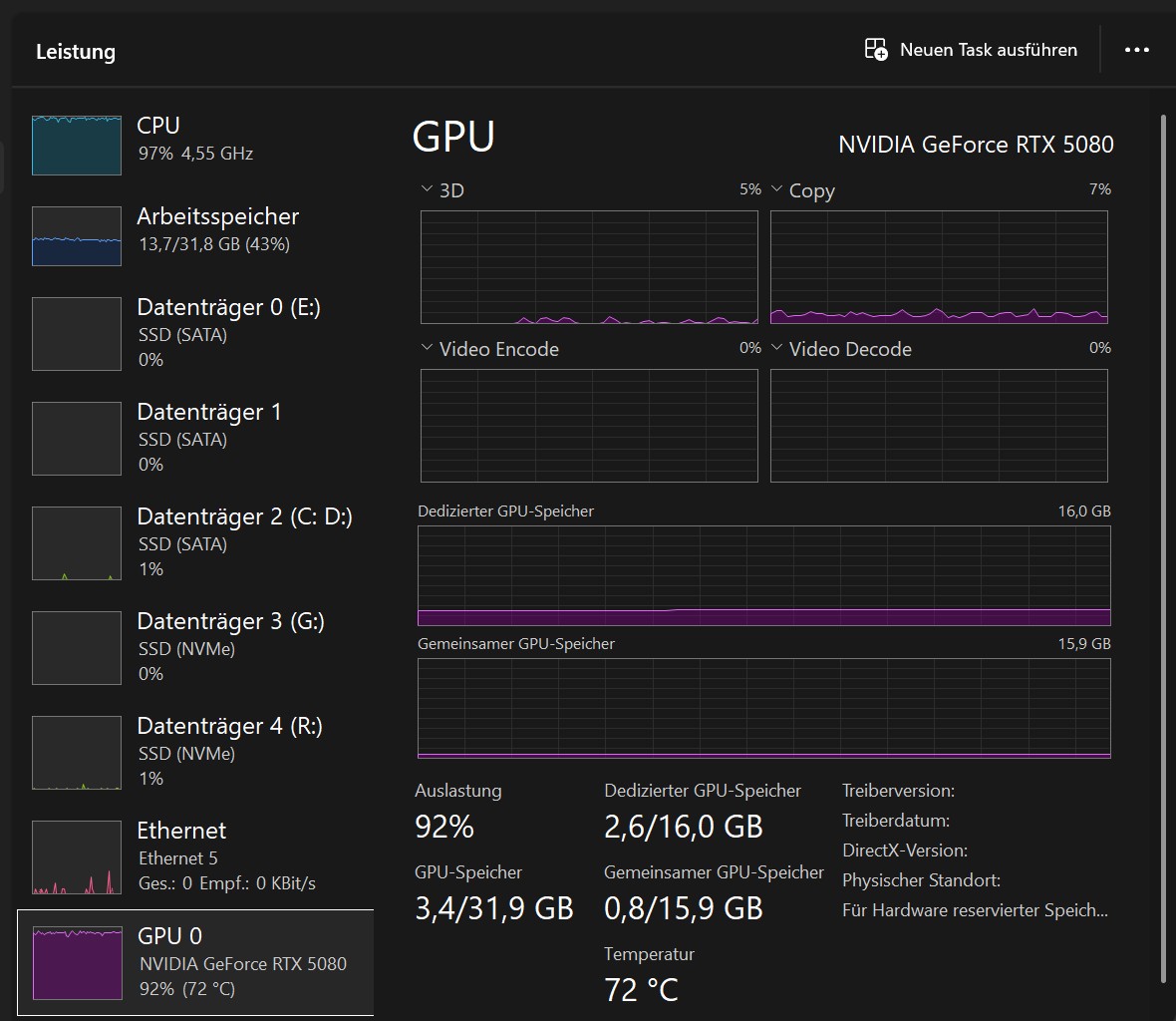
That’s how you want your graphics card to be utilized!
Is there actually a Topaz wiki where users can look up how a Topaz computer should be structured?
Best regards
