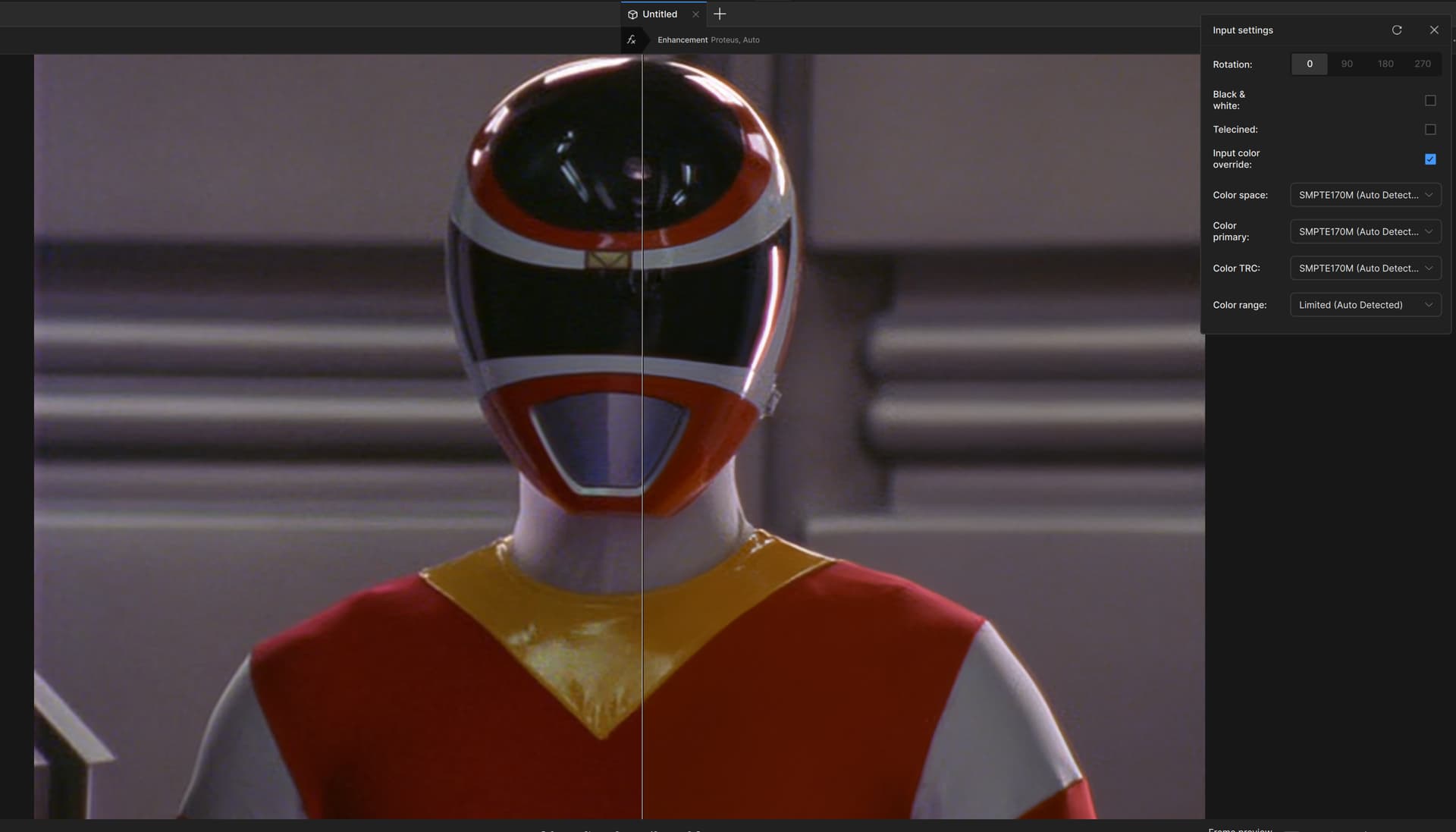
When previewing a video in Topaz Video, the previewer always assumes BT.709, even if the input has different color characteristics. This results in the appearance of the colors (especially reds) changing significantly when previewing BT.601 videos. This also affects Live Export previews.
This only appears to affect the in-app preview functionality. The exported videos have the correct color data set on them (at least when exporting to FFV1), so they render with the correct colors on playback.
Sample screenshot, note that the input preview (left) appears to be correct, while the output preview (right) appears to be assuming BT.709 even though the input is not BT.709 and Topaz Video is aware of this noted in the auto-detected settings: