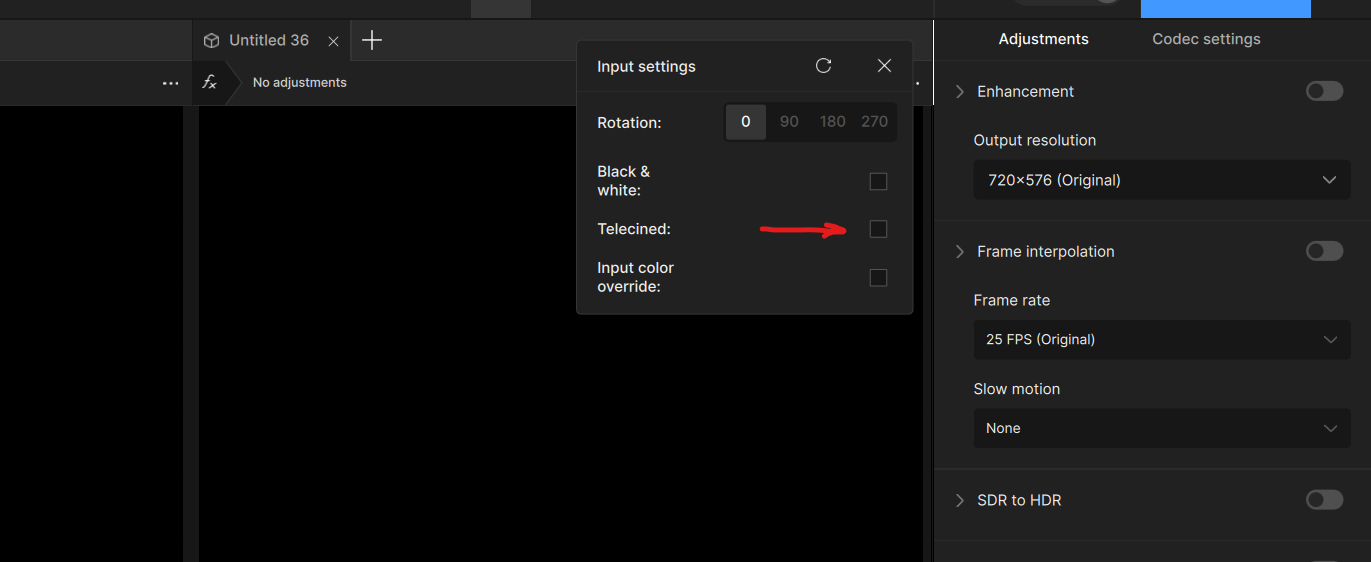
I’m upscaling videos from my DVD collection - and had been using Topaz Video AI for a few years. However, I’ve noticed that there are visible jerky frame jumps in my recent videos - which looks to be an incorrectly determined frame rate.
Being in Australia and using mostly Australian-sourced DVDs, the format is PAL with a 25fps approx frame rate.
- Using Handbrake to look at the MKV files extracted from my DVD originals (using MakeMKV) my sources appear to 23.976 fps
- Topaz Video 1.01 is reporting these being 29.970 fps … which is then also applied to the upscaled exports. I think this likely explains the occasional jerky motion and jumps that I’m now seeing.
I’ve only noticed this occur recently - with the last few versions of Topaz Video AI and the new Topaz Video. I’ve only done a few upscales in the last few months. The problem only noticeable in the recent ones although it’s tricky to say how far it goes back.
Has anyone else had issues with Topaz incorrectly determining frame rate in sources? Is there anyway to override and tell it the correct frame rate?
Thanks