If used as a plugin, I really don’t see any use for the “adjust lighting” or “balanced color” controls. Same adjustments can be done in PS or LRc or …
I actually found the lighting and balance to be such a time saver in Lightroom because it got me there quicker than my step by step checks. When it says “…will not save to DNG…” it would be nice to have an option to then export.
1 Like
From V2 release notes:
“Known Issues:
The Adjust Lighting and Balance Color enhancements may produce poor results when exporting as DNG”
2 Likes
Thanks. I see that now. Then TIFF or JPG. Some form of "that looks great, I’d like to keep that even if I can’t get it back into LR as a DNG (yet).
2 Likes
is there support for Nikon z9 raw files? so far I edit as tiff from lightroom classic.
Please lead with the technical requirement your “new” releases… no where are the “minimum”
configurations listed… I download and wasted 2 days trying to get your “new/“  slick tool… only to be told, my 3 year old computer wasn’t up to your minimums…. **I will never get this time back, your product wasted my most valuable treasure **. Not very user friendly is it?
Was the “minimum” configurations changed for V2? If so what? I just went to the website and looks the same to me. System Requirements | Topaz Photo AI
I have played around with the new 2.00 version.
Very good marks on Sharpening improvements. I have the impression, the new algorithm is acting much more careful and works pretty well on slight defocus and very slight motion blur. In the past, I had the impression, only “motion blur” brought a significant effect, but now it is much better.
At Denoising I can’t find a significant change - works well, but my DXO is on the same level. Plus for you guys is that I can influence the algorithms.
Gigapixel is the one, I use most - my preferred genre is bird photography and I need to crop very often. The problem I have is that Topaz is ignoring my settings in PhotoLab6, I need to making a TIFF - and there the Sharpening doesn’t work as well as it does with the pure RAW file. So I need to do the sharpening, store in Tiff, use my DXO settings and bring back to Topaz - very complicated.
The new algorithms for Lighting and Color balancing have very mixed results - sometimes brilliant, sometimes poor - need possibly more pictures to train the algorithm.
If I could set a wish list: Bokeh AI - Your masking algorithm is rocking the industry. If I can have that masked bird in front, I could - very carefully - get some blur in the background. Would be very helpful
1 Like
Interesting, I never thought TPAI Raw denoising could ever be as good as DeepPRIME xd especially at extreme high ISO. 
Can anyone help me test this extreme case example using the new denoise RAW strong V2 ? Thank you. 
Click here to download the Raw File
(It is a raw file from dpreview)
Here are the results I get from DeepPRIME xd using the default setting.
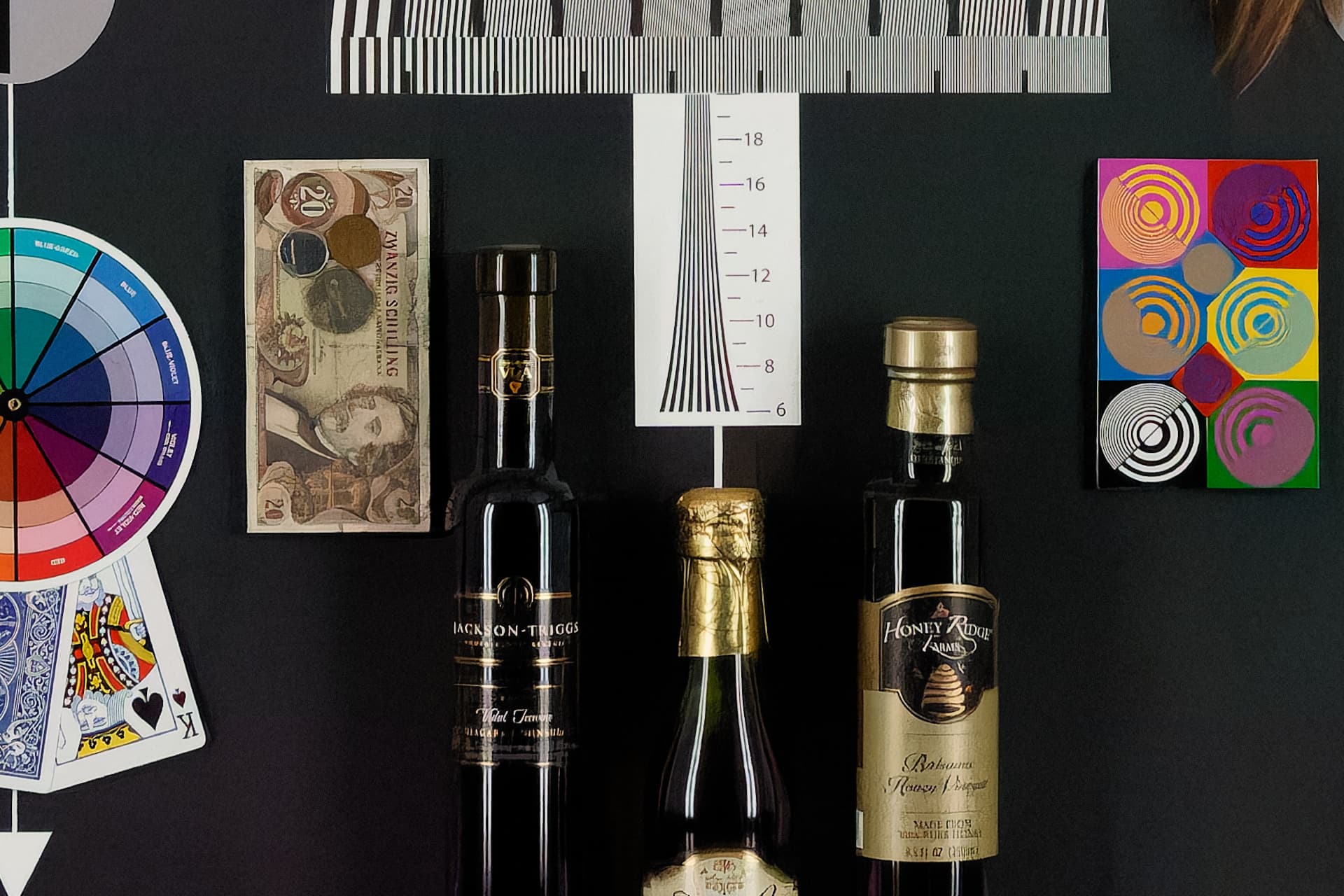
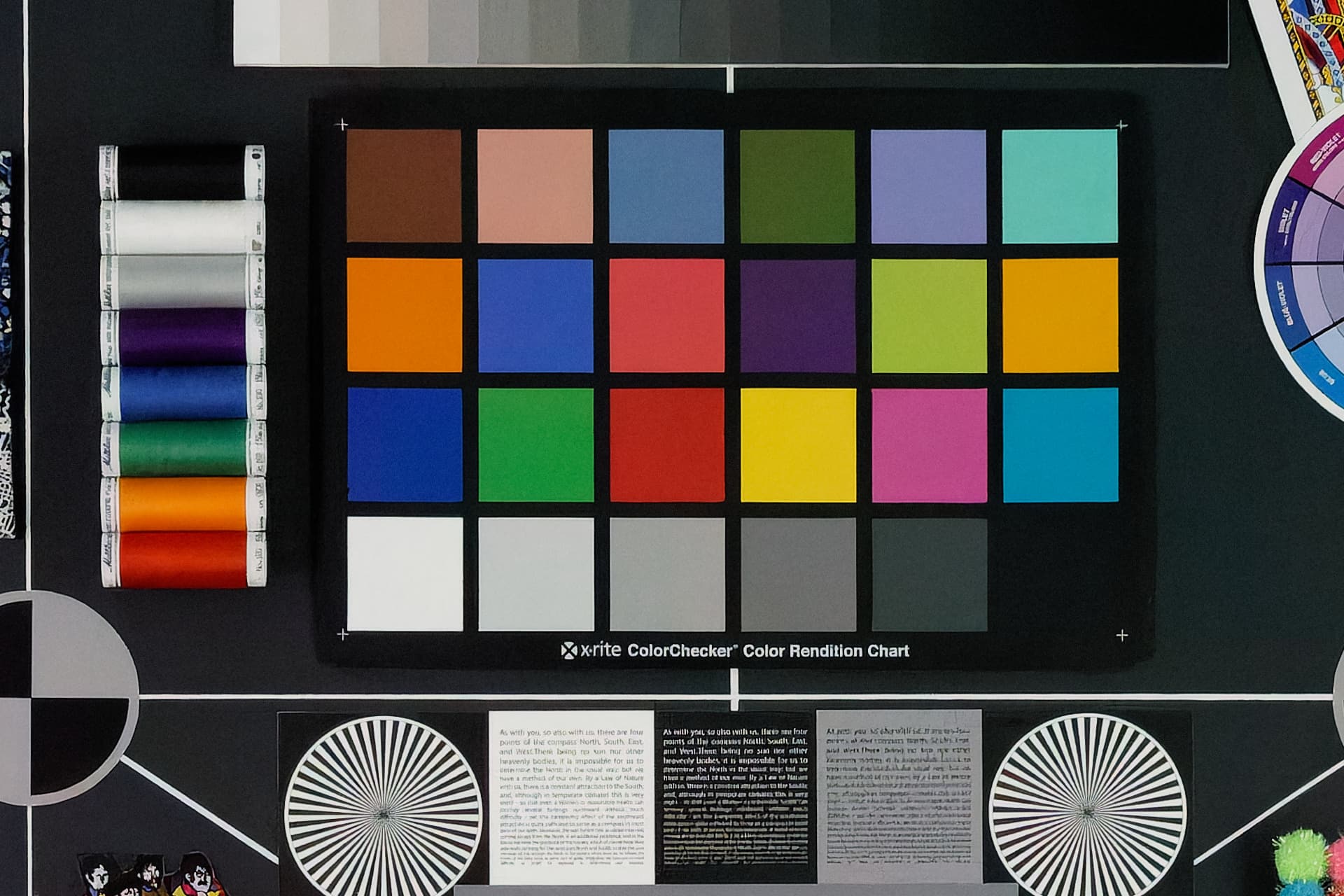
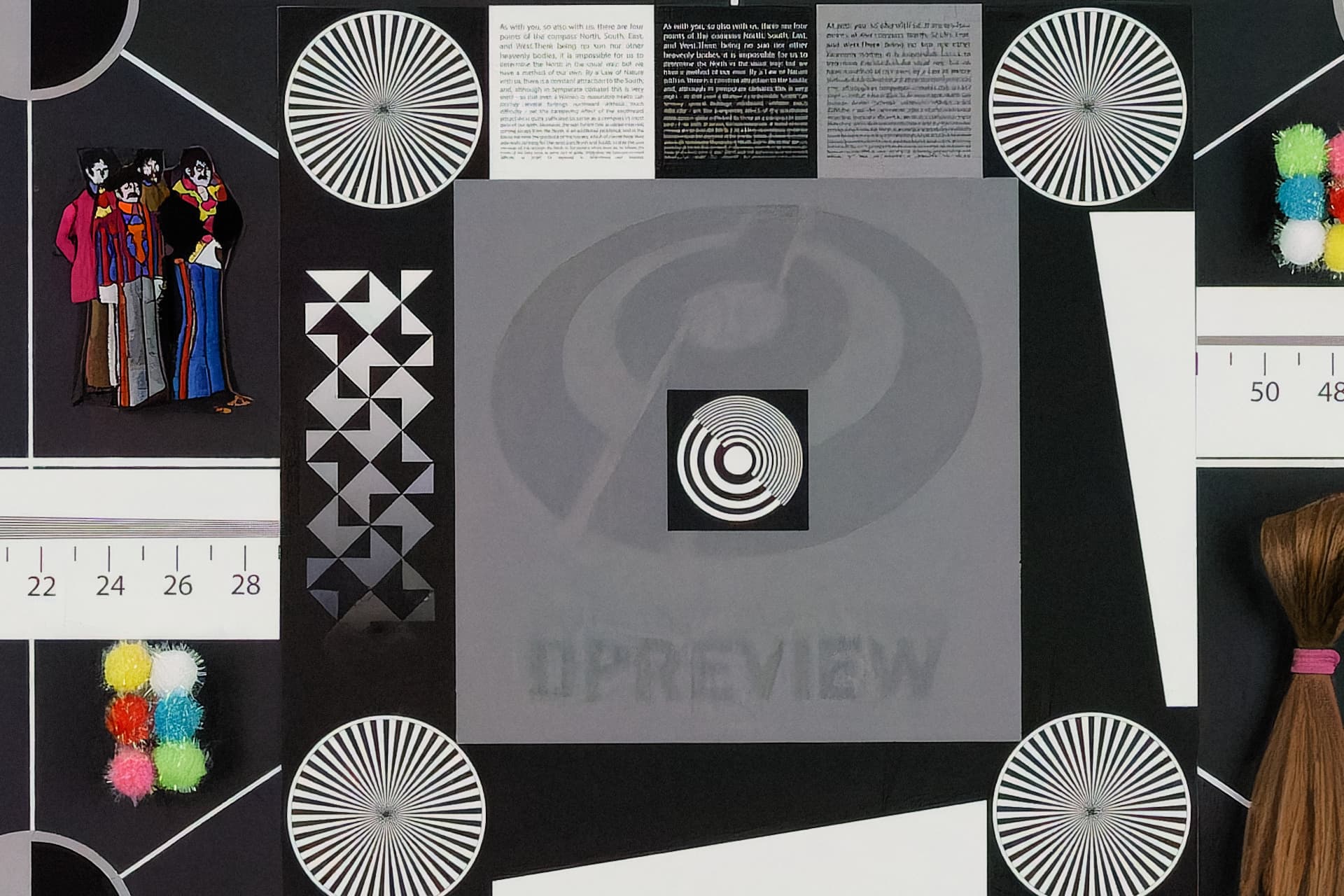
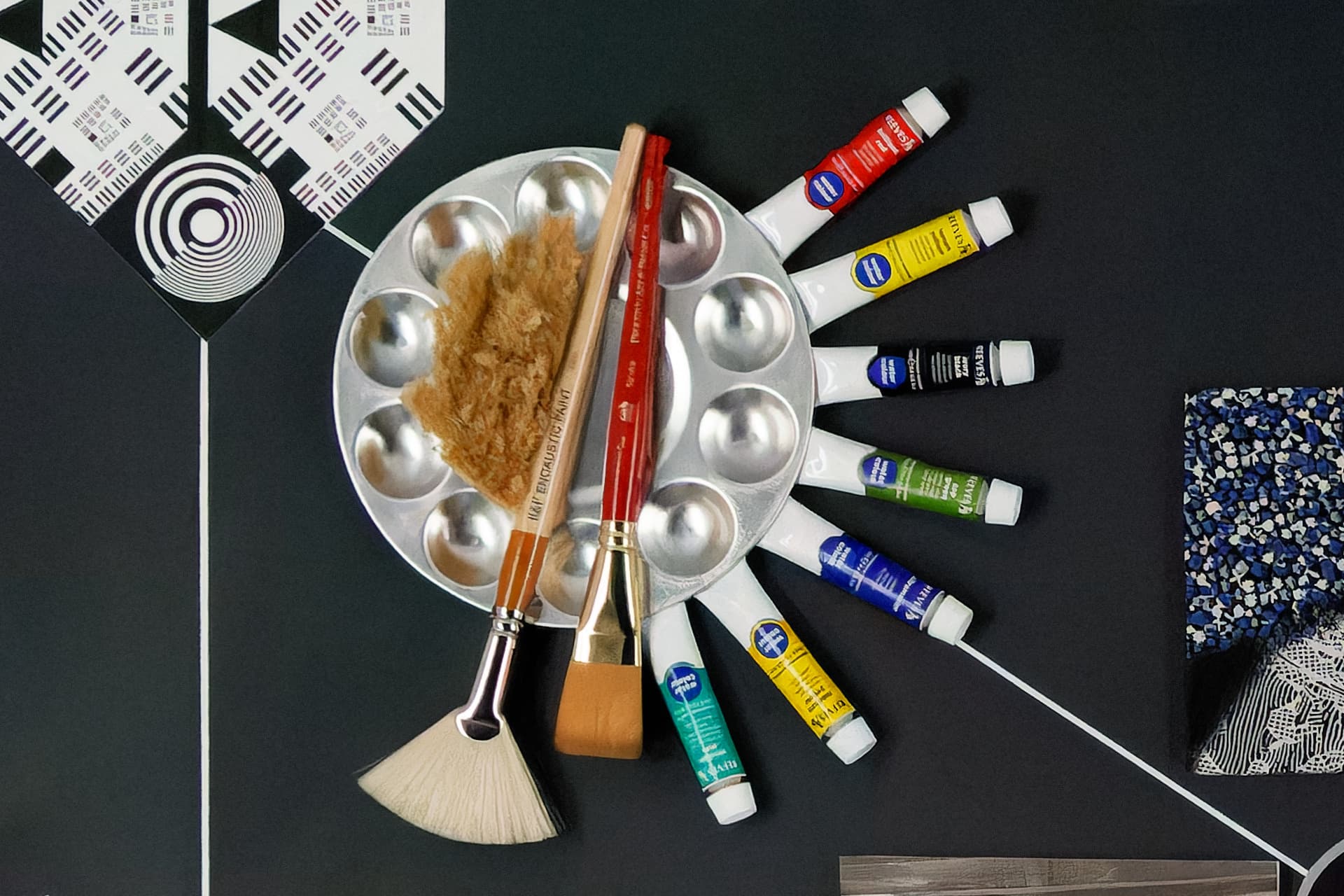
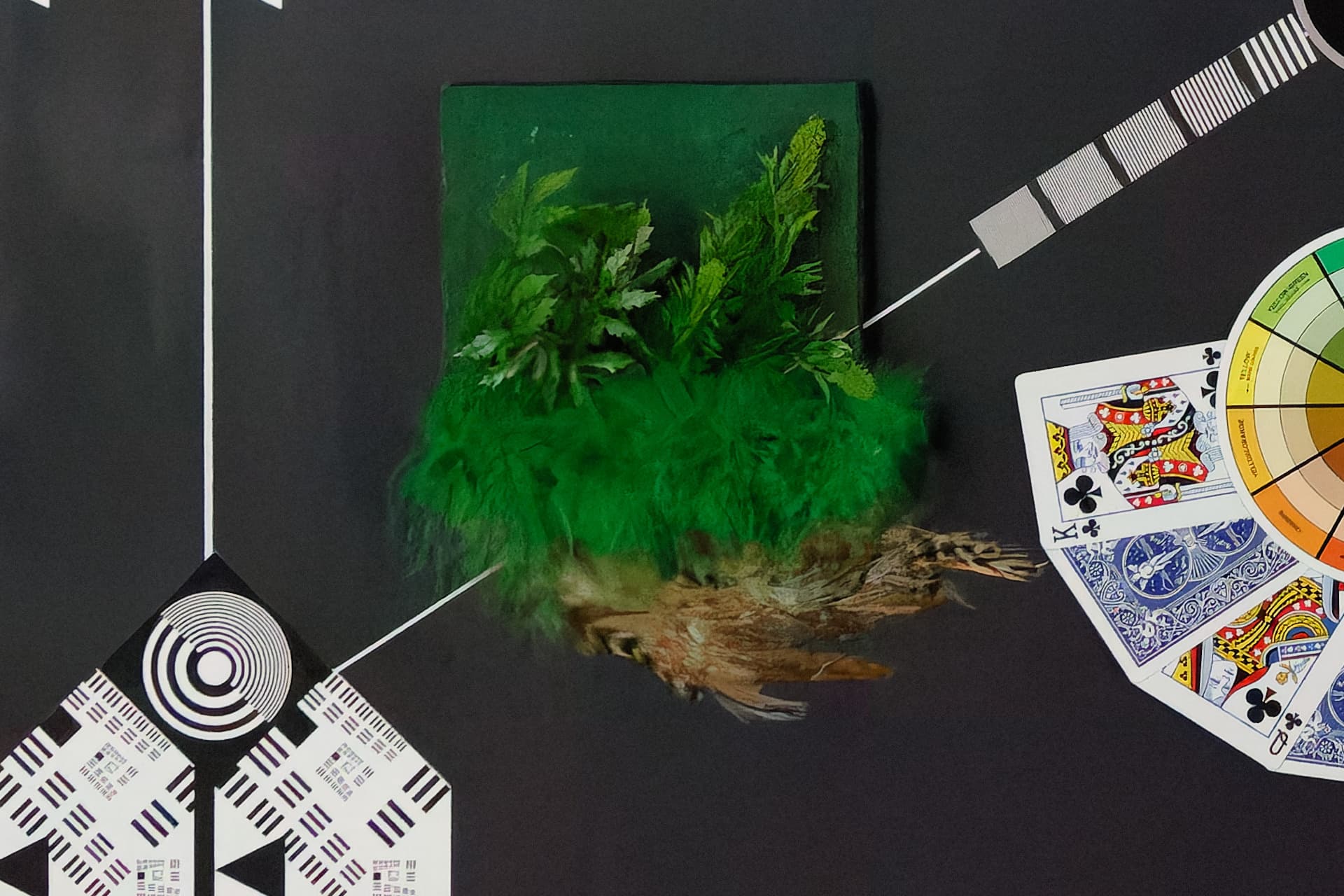
2 Likes
Very interesting, your results!
I’ve tested TPAI using RAW strong V2; once without removing large grain noise, once with removing large grain noise (strength of 20) and once with a strength of 50. There is a difference in contrast, colour balance (redish tint in the blacks) and in some parts of the image, also details (bottle).
I am not sure how to post my exported images, maybe I’m not yet allowed since up to this point I was only reading, not posting 
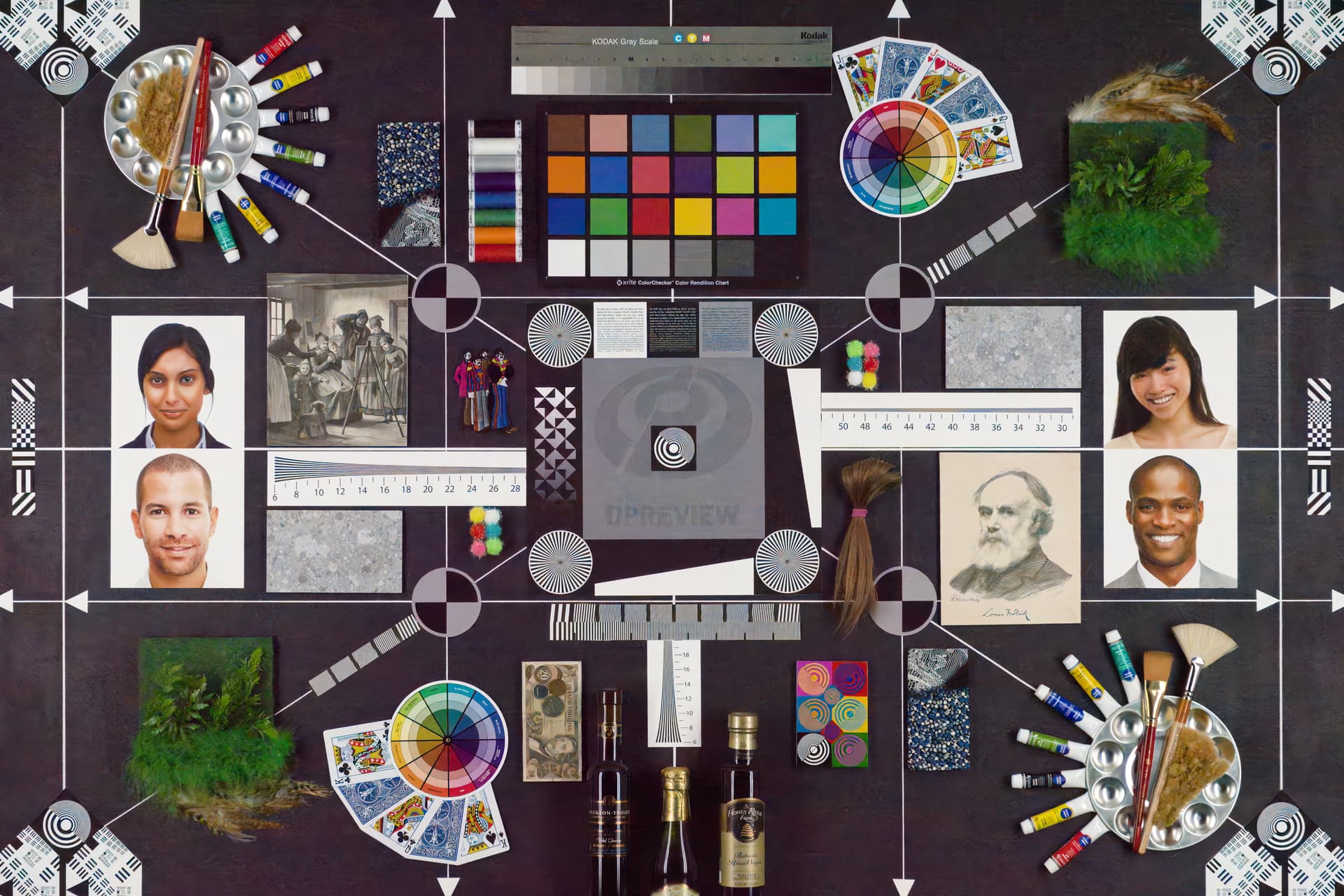
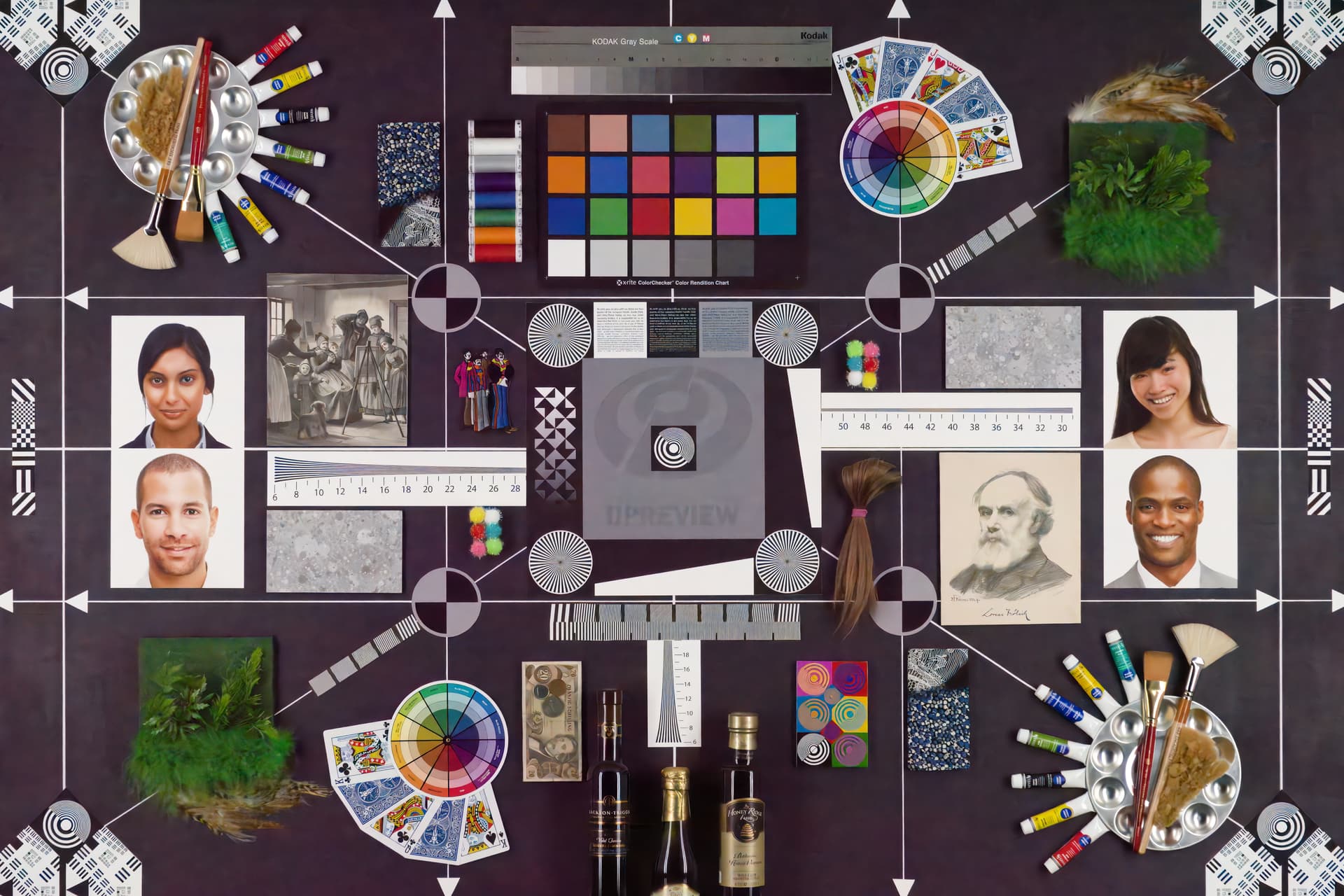
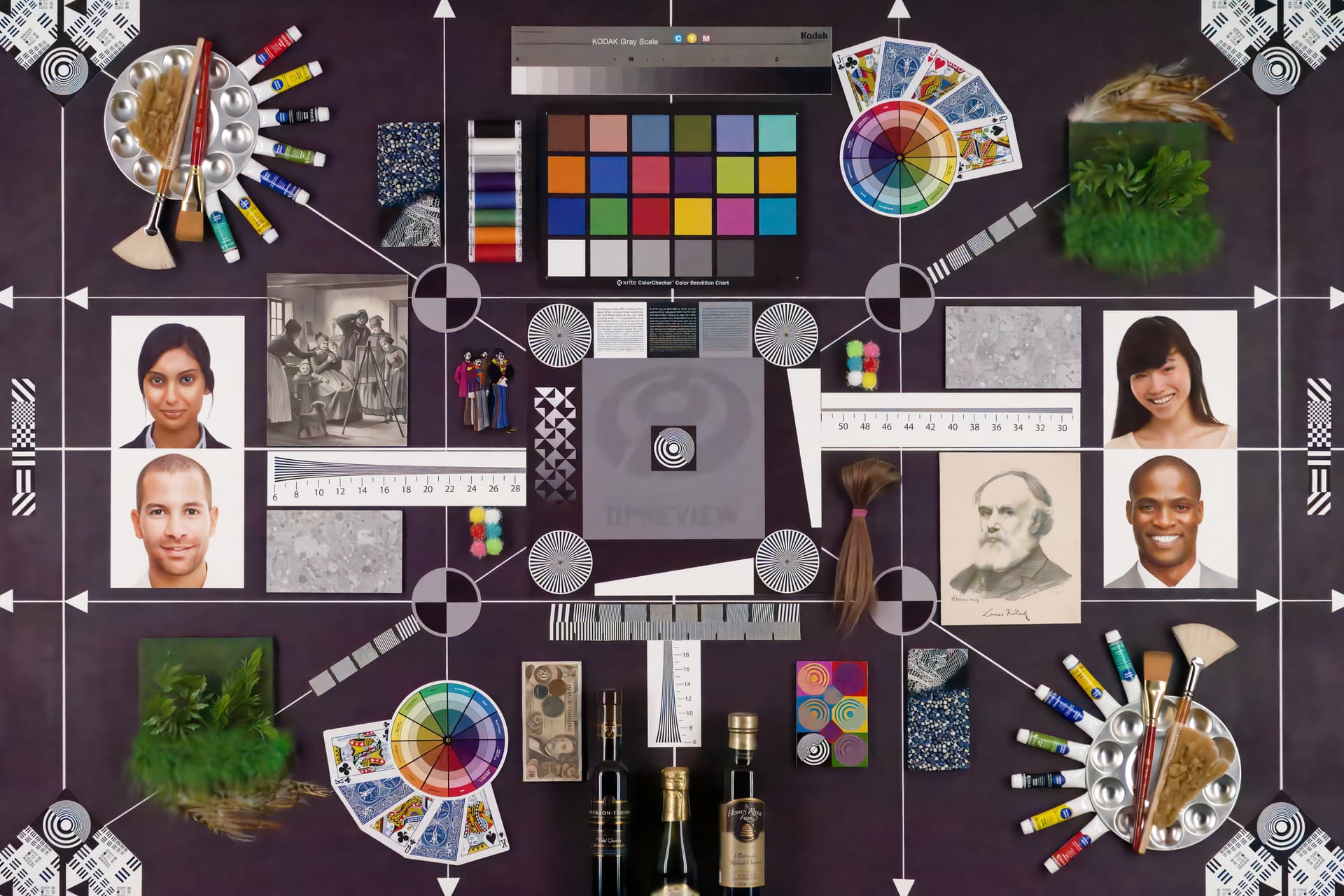
Edit: Nevermind, just missed the upload button!
2 Likes
Thank you so much for taking the time to test! 

It seems that the new RAW Strong V2 has improved significantly over V1. 
The above High ISO RAW file represents the worst-case scenario I would ever encounter.
In the past, I would have never considered using an APS-C camera at such high ISO.
2 Likes
