I am having issue after updating this software. Even after logging , I see this log on screen. I even restarted but it didn’t worked.
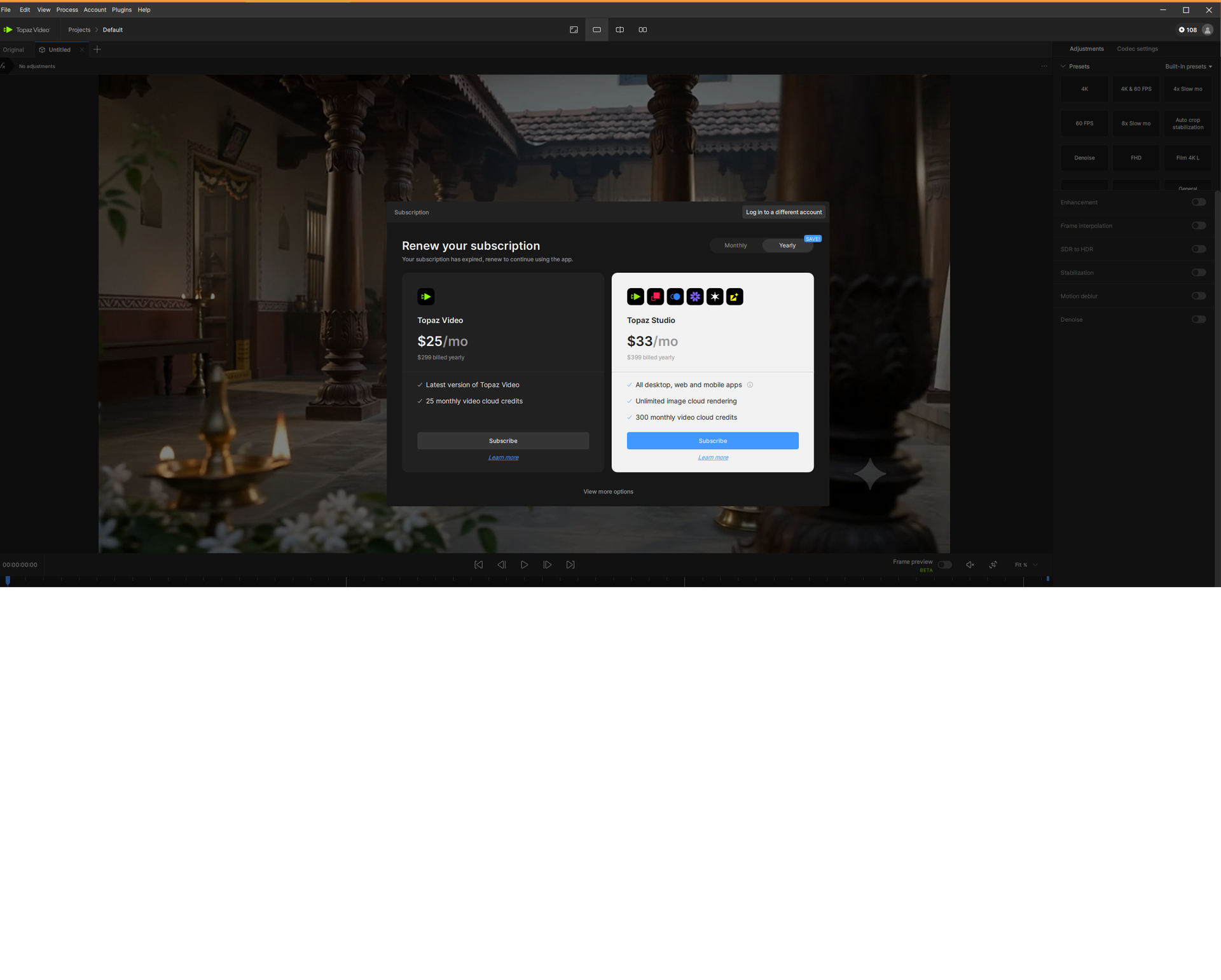
Can you grab the logs and send to the support team for review? help@topazlabs.com
To gather logs, please select Help > Logging > Get Logs for Support and attach the zip file to your reply.
Here is a video to help with the steps of how to collect the logs.
Some users have seen this as the auth token file is not being cleared from a previous login that has expired. There were a few that were getting this as they changed the install path from default settings and the token was being generated but placed in the wrong folder. If you send the logs into the support team we can investigate further to help get this sorted out.
