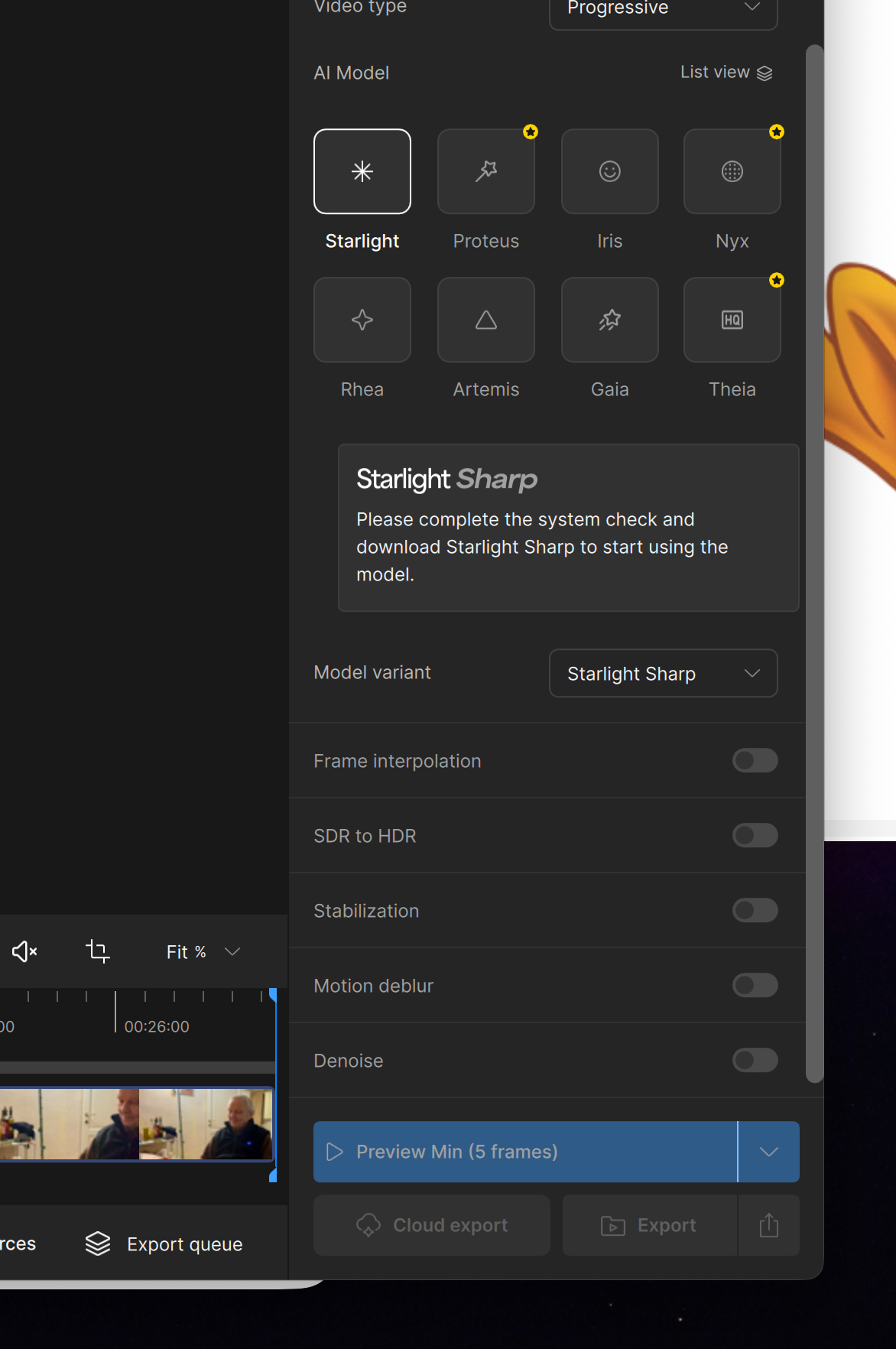
If I try to run Starlight Mini, the progress indicator sticks at 0.0% no matter how long I leave it processing. If I want to switch to Starlight Sharp, I am requested to complete the system check and download Starlight Sharp to start using the model.
I’d be very happy to, but I can’t see how to do it. In your online documentation, I find «If this is your first time using the Starlight Model, you will be prompted to “Run system check” before you can download the model Once you click on the button, the system check will conclude if your system can indeed run the model and you will be given access to download.»
Well… there is no button. Or at least, I can’t find it. Please take a look at the attached screenshot.
There is no local Starlight sharp on the Mac (at least not up to now). Only cloud…
For starlight mini: that one should start but is totally broken under macOS 26.2 (in all Topazvideo versions). So you’re not missing out anything there, either.
Hi, I updated just today to macOS 26.3 and, sadly, the problem persists.
Processing stuck to 0s (0.0 FPS) even if I’m trying to have a 5 frames preview with no upscale…
I never saw the system check either. But it is working now using the Starlight on 26.3 Beta 3 and it works incredibly well on my M1 Ultra. As far as i remember (as my computer is busy doing a Starlight upscale taking over 2 weeks!) you can not do previews in Starlight. Try to export a very short clip or look at the other forum pages. [KNOWN ISSUE] Grid-RGB artifacts with Starlight on macOS 26 (Apple silicon) - #42 by jo.vo There are some clever folk on here.
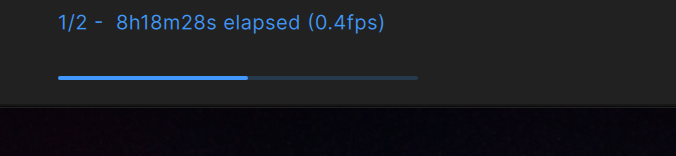
Thanks, you’re perfectly right: no preview but at least the export is not stuck. Still, I left a 6 minute clip exporting when I went to bed and the next morning, after 8h18’ elapsed, other 6h51’ were estimated to complete the task.
A M4 Pro Max processor held in hostage. There’s still a lot of work to do for Topaz.