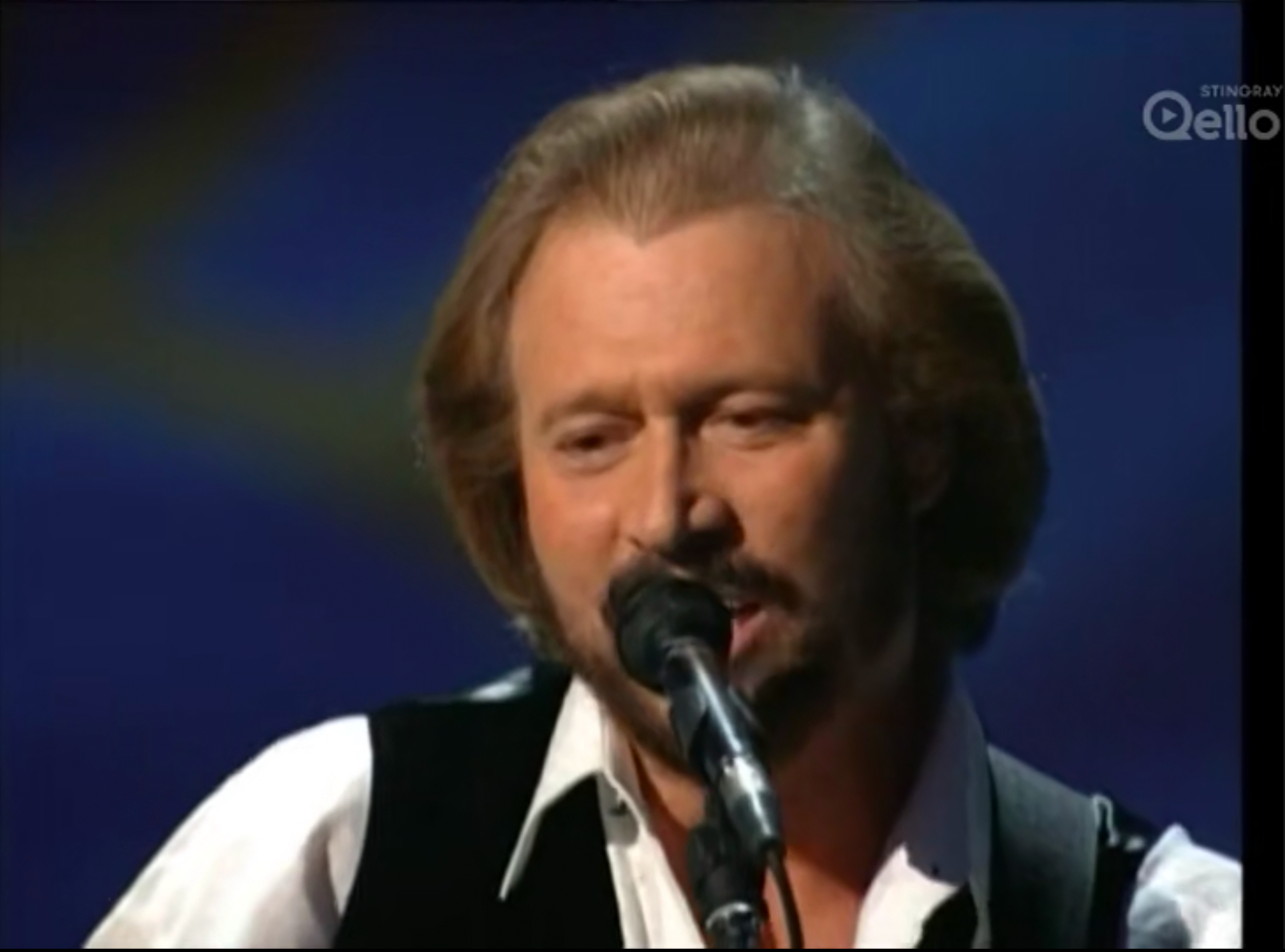
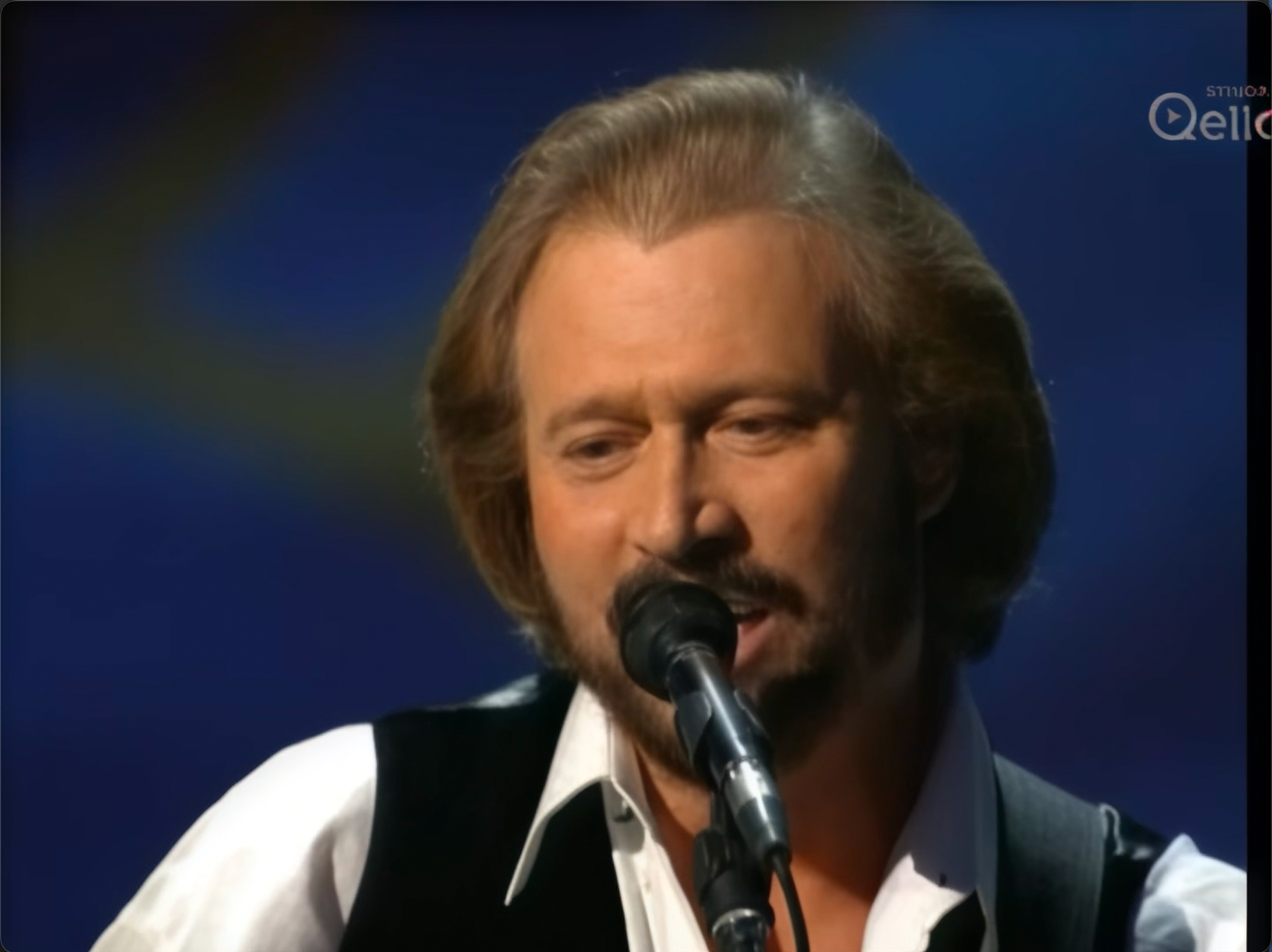
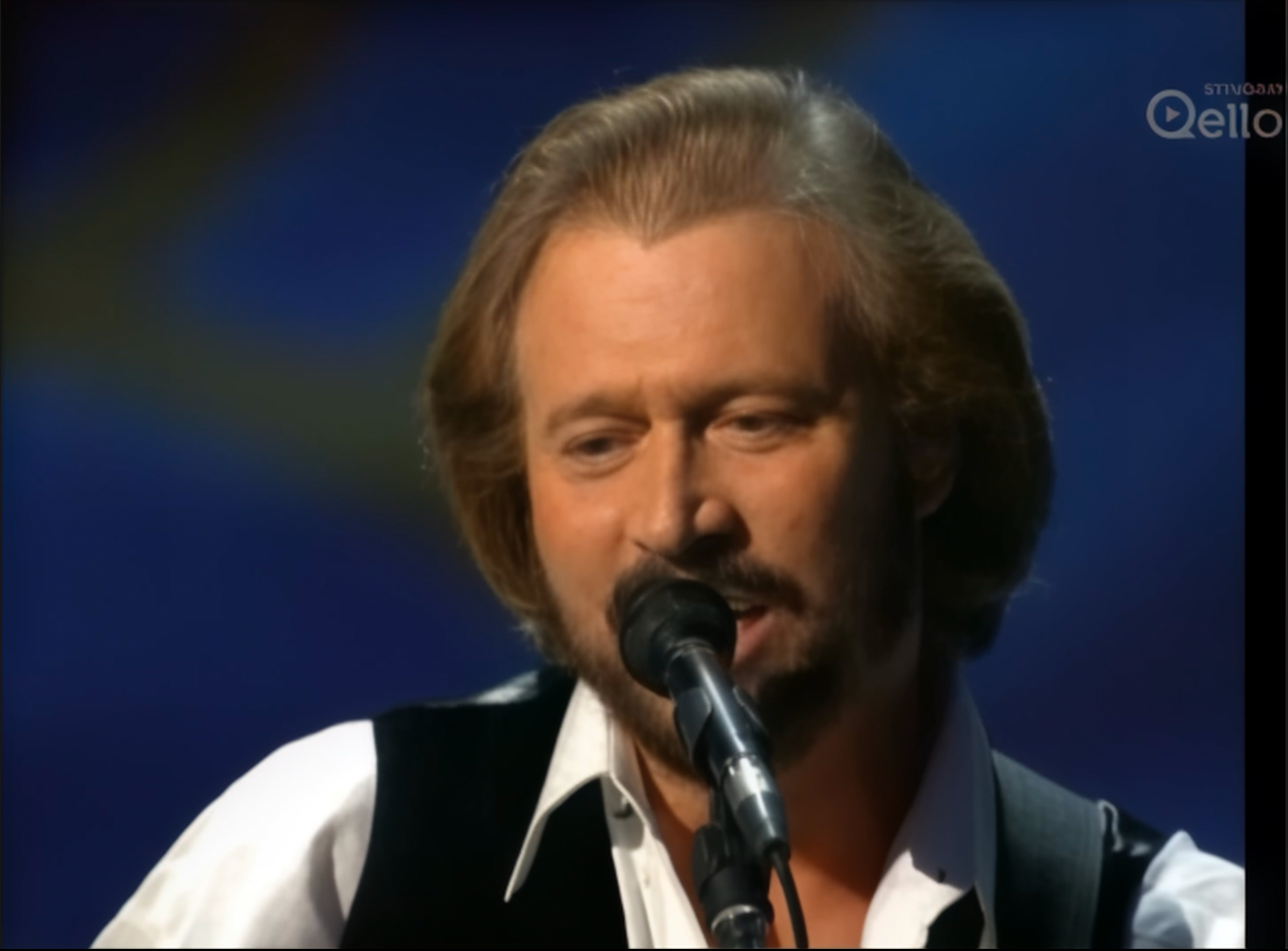
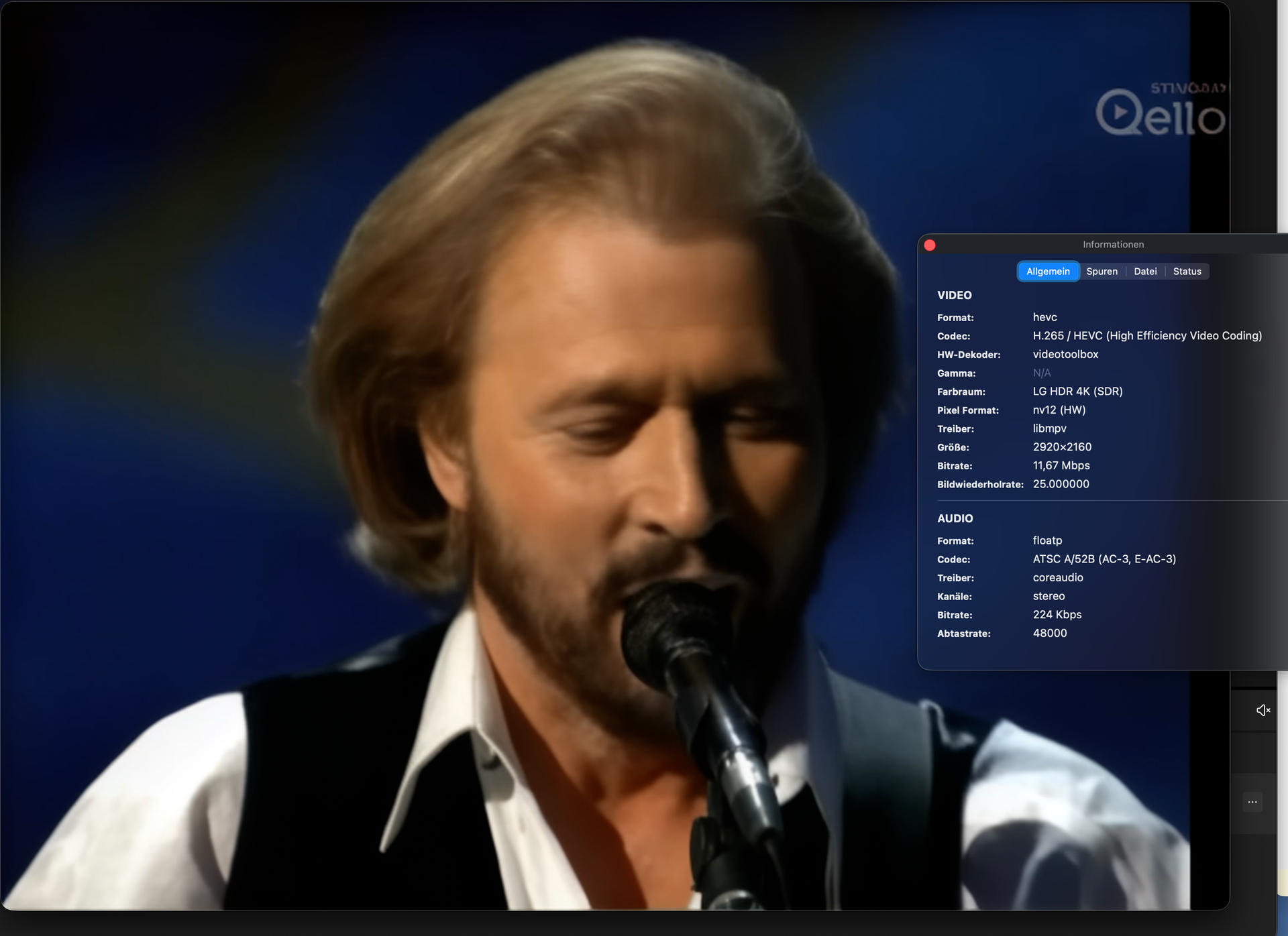
Be aware though, that after TopazVideo 1.0 (maybe 1.0.1 - I never tested this release) every local Starlight version on AppleSilicon is severely broken up to a point where it’s just useless
Hey @jo.vo just to clarify here, the issue you’re likely referring to (the RGB/color-related behavior on Apple Silicon) affects a small subset of systems and specific input files, rather than all local Starlight processing on Apple Silicon.
In general, Starlight isn’t broken across the board on M-series Macs, but we are aware of the cases where this shows up and the team is actively working on a fix in an upcoming patch.
If you’re seeing this consistently with particular source files, feel free to share details or logs so we can track those cases more closely.
Well I own 3 Macs with different M chips and it´s broken on all of them. I mean it´s exporting but it looks very strange with strange colors and halos and it´s completely useless. Please fix that asap.
Starlight mini only partly works well on AppleSilicon based machines in the last pre-Studio beta (7.2.0.3b) and the first Studio Version (1.0) - which isn’t really surprising considering the fact that the first Studio release is said to have gotten the unchanged beta model.
The subsequent releases (maybe except for 1.0.1 as I never tested that) all have bigger issues with the RGB bug in the 1.0.4 only being the icing on the cake / being the most obvious and embarrassing one (as it’s quite unbelievable how something like that could really be in a non-beta release - at least not if just one single person had ever tried it before release). And no, it wasn’t just a “small subset of systems” but occurred on M1, M2 and at least one M4 system with that bug.
So, the majority if not all Apple silicon systems were affected. It’s not as if you could vary the hardware much with Apple, you know… (which should be a dream for any developer).
And, the resolution bug together with quality issues is still there. According to my tests SL mini now always seems to do the 2x model and then (sometimes) simply lanczos scales to the final resolution.
So, selecting 1x, 2x and 4x always give the same quality and also run at similar speed. Selecting by the factor often gives a wrong output size different from that shown in the export window. Selecting custom resolution gives the correct output size but not the correct quality as it’s simply “faking” the resolution by a plain upscale. Any video player does that in real-time, so this is simply blowing up file-size without any use.
In the earlier SL mini model there was a MAJOR difference in1x/2x/4x renderings (concerning both quality and speed).
so that’s the output quality expected from Starlight, very similar to what Nvidia users get.
Unfortunately while delivering decent quality that7.2.0.3b model is quite picky with input resolutions and also not fully stable / crashes quite some times. Also its really slow as it is often taking “naps” during rendering but again: it did deliver the result your users do expect from Starlight. This model is all about quality, at the cost of performance, right?
TL;DR: You already had a Starlight mini model for Apple Silicon that had decent quality. Just get back to that and iron out the bugs with input resolutions and stability/speed while maintaining the output quality and all would be fine.