The most powerful AI image enhancements are now on your iPhone. Access the latest Topaz image models directly, or choose a workflow of expertly crafted enhancements. A whole new experience, built to maximize every image on your phone. Plus, everything runs on powerful machines in the cloud, so your phone delivers the same professional output as your desktop.
If you’ve used Topaz Image Web, you’ll feel at home in Topaz for iOS—Autopilot, Wonder 3, Unblur, Denoise Max, Colorize, Photo Restoration, and all Topaz Image Web features are here. Topaz for iOS and Topaz Image Web are the same experience, built specifically for where you want to work.

Configured Workflows
Get the best result for every image with expertly crafted workflows like Autopilot, Colorize, Photo Restoration, and more. Pick a workflow built for the result you want and let the app handle the rest
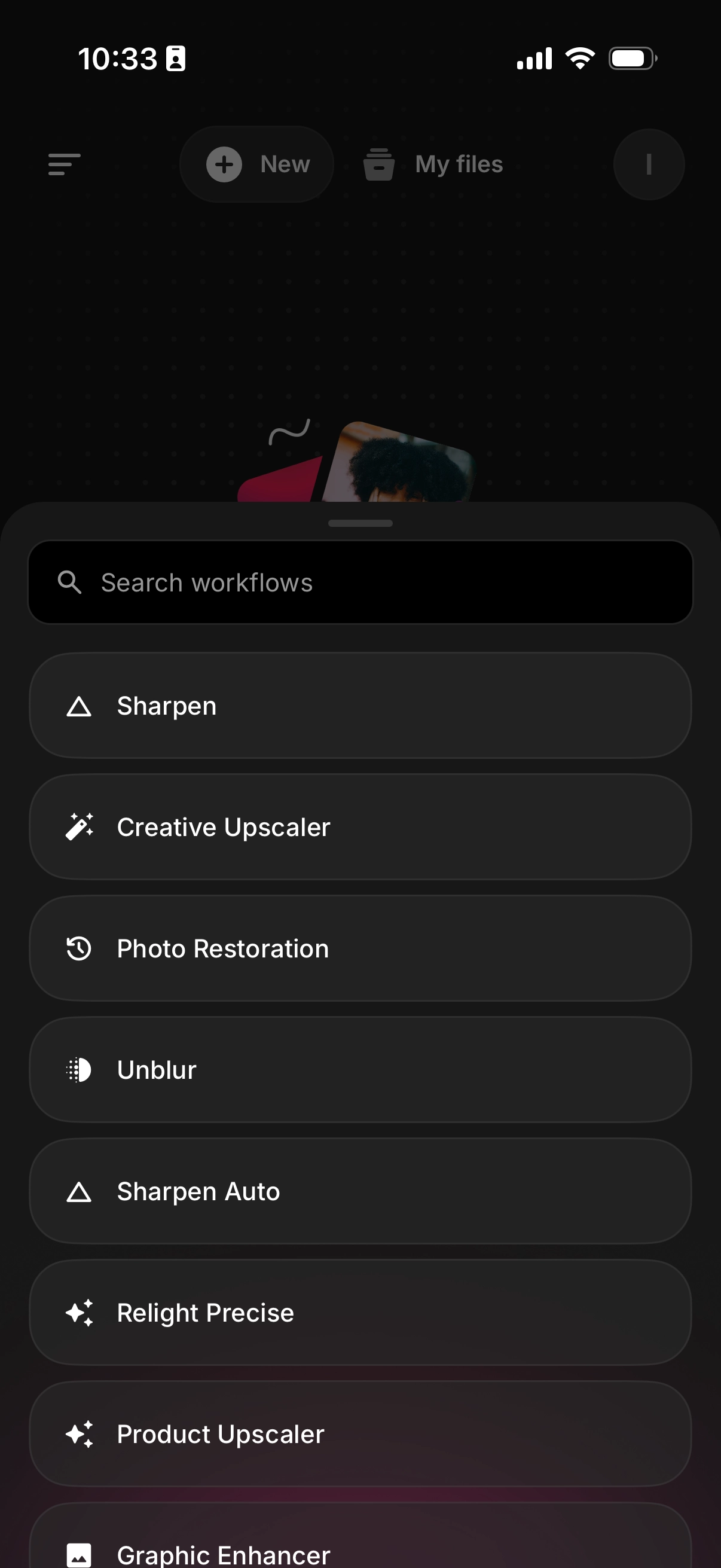
Upload From Anywhere
Pull images straight from your camera roll or select from your existing library. Shoot on your phone, enhance on your phone — get professional results without transferring files to your computer.
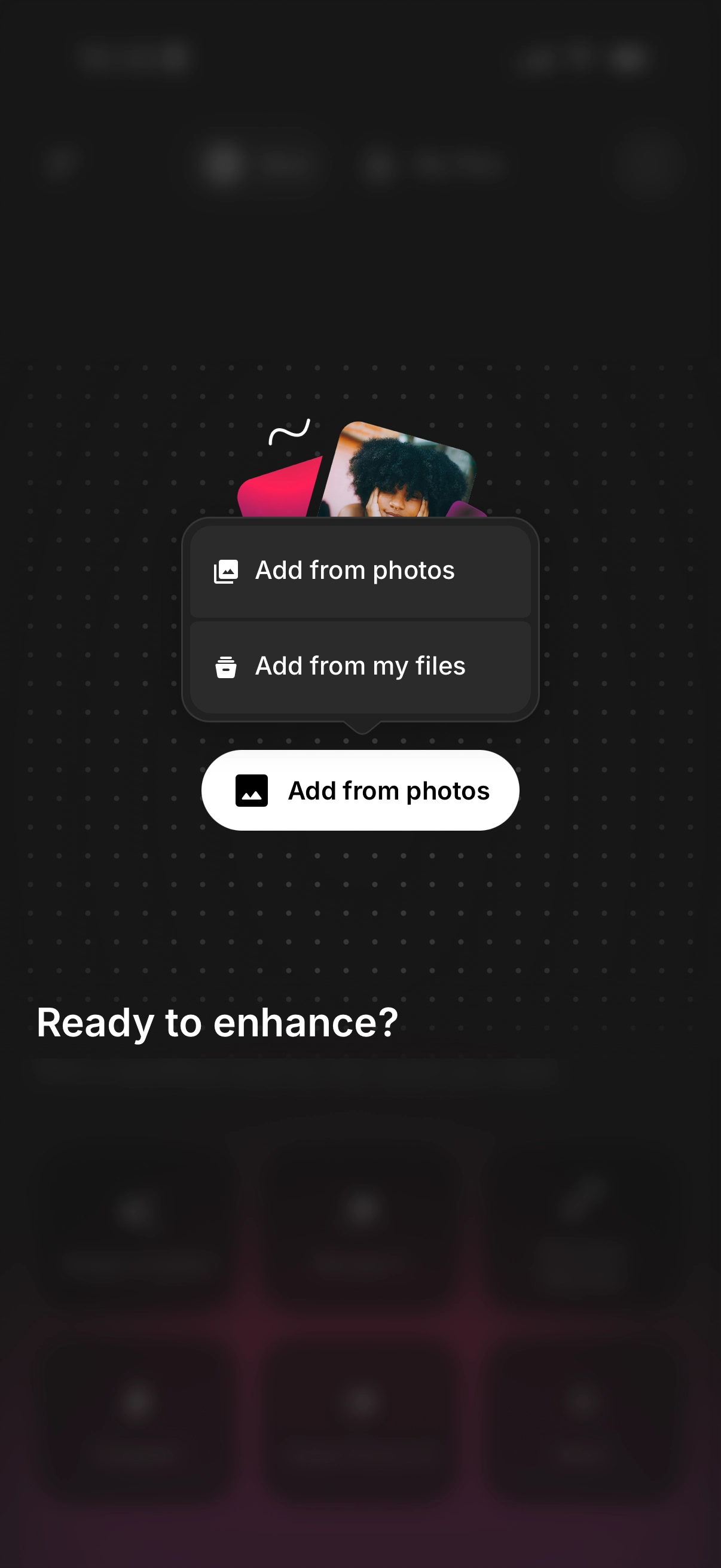
Batch Processing On The Go
Upload dozens of images at once, set your workflow and settings, and send them off. The cloud does the heavy lifting.
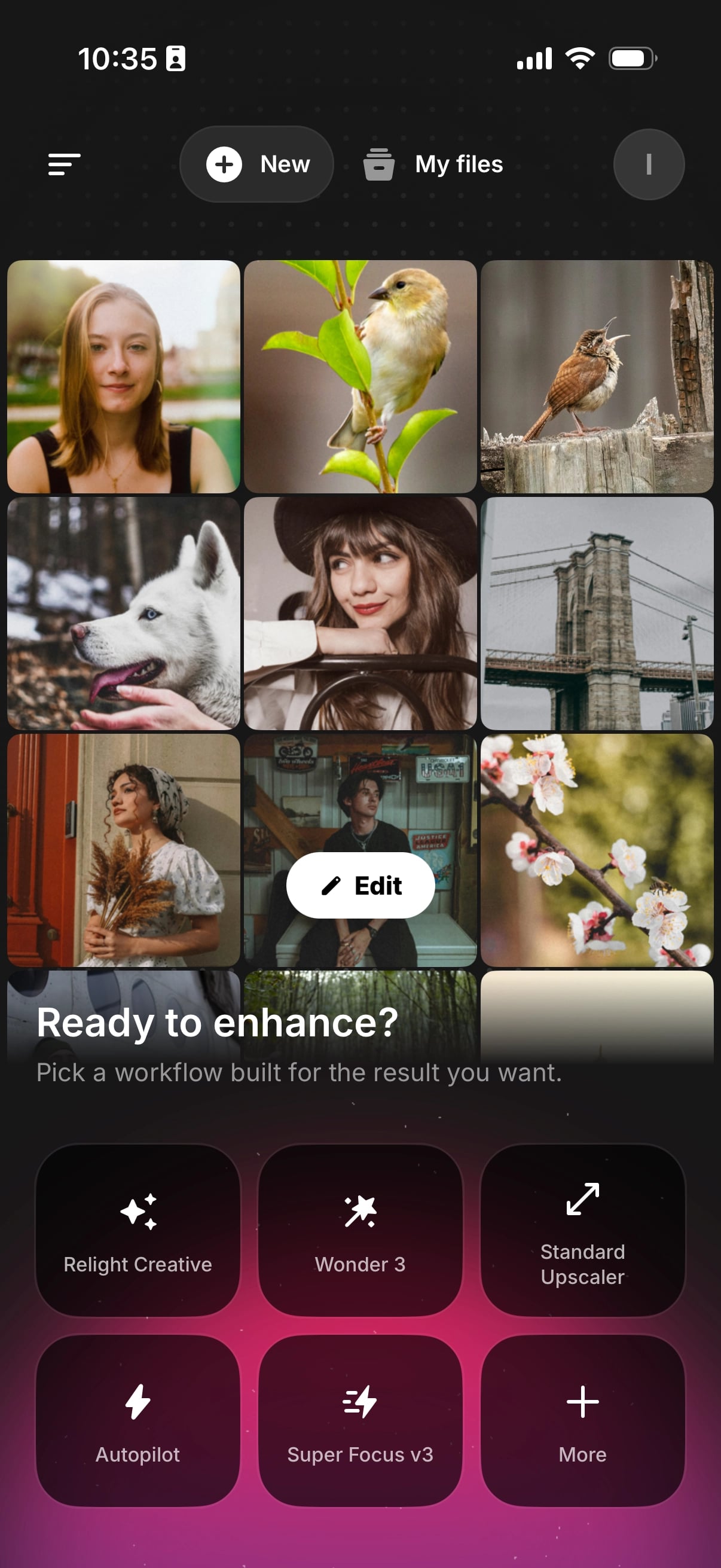
Render Notifications
Get a push notification the moment your renders finish. No need to keep the app open or check back in.
Anywhere Access
Your full library, everywhere you go. Browse your enhanced images, compare results, and filter by workflow — all synced with the web app.
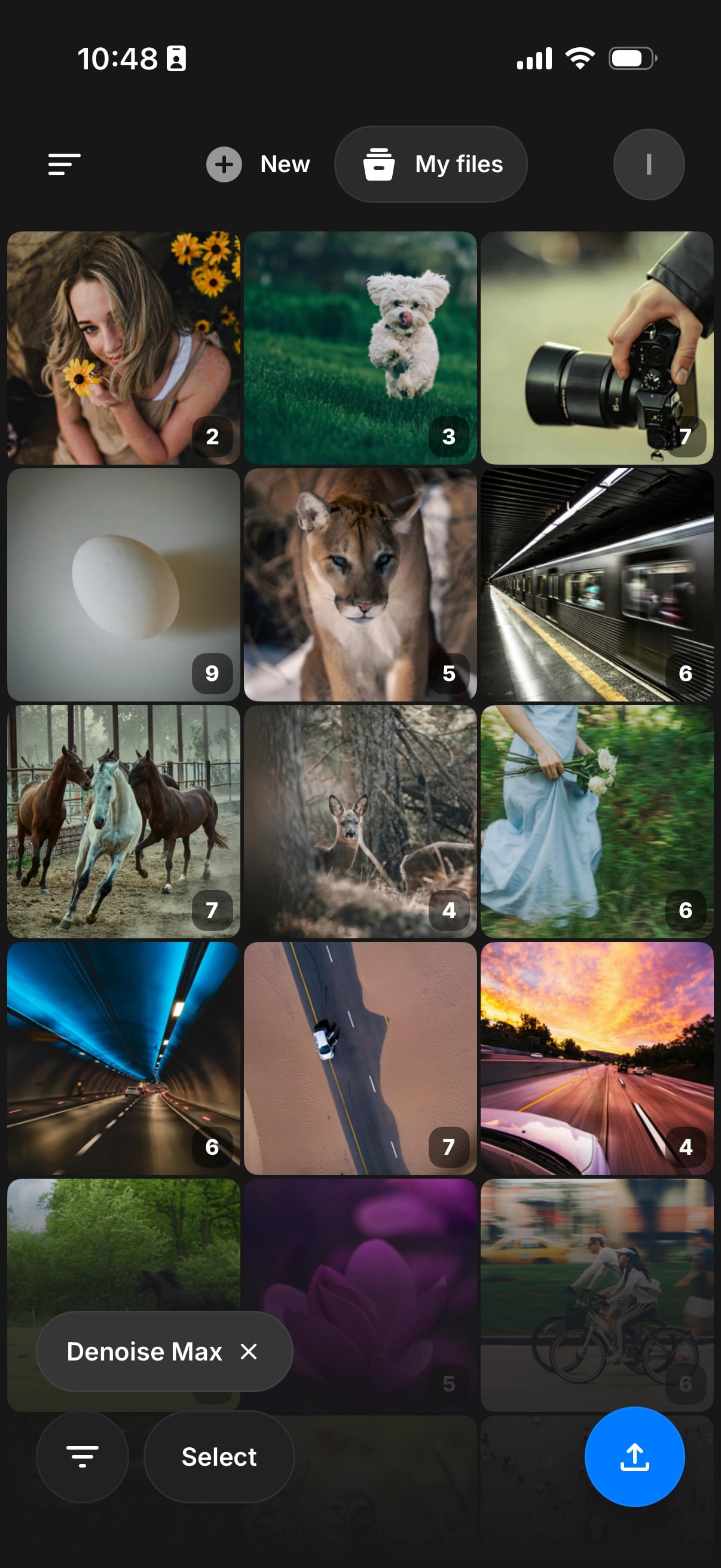
One Subscription, Both Platforms
Your Topaz Image Web plan covers web and mobile. Start a batch on your phone, then review it on desktop — everything stays connected to one account.
For Gigapixel iOS Users
The Gigapixel iOS app has been replaced by Topaz for iOS. (However, the Gigapixel desktop app is unaffected by this update.) As a Gigapixel iOS user, you’ll be migrated over automatically at your same subscription price and the same account, but now with more capabilities.
Download it today on the App Store.
Android users — we hear you. An Android version is in the works. Stay Tuned!
Plans & Access
Whether you’re just getting started or need full professional output, there’s a plan for you — and every plan now covers both web and mobile.
Topaz Image Web — $19 $12/mo — Unlimited cloud rendering, up to 32 MP resolution, 2-concurrency limit, image workflows, limited commercial use*
Image Web Pro — $59 $35/mo — Unlimited cloud rendering, up to 256 MP resolution, 8-concurrency limit, image workflows, full commercial use
Topaz Studio — $69/mo — Everything, all apps including Topaz Image Web, unlimited local + cloud rendering, 300 monthly video cloud credits
- Personal and commercial use for orgs under $1M USD annual revenue.
Already subscribed? You’re ready to go on both platforms right now — head to app.topazlabs.com or download the mobile app.
What are Workflows?
Workflows are designed to help you achieve great results for a specific enhancement goal. Some workflows are single model based, like Creative Upscale, where you simply choose which model to use. Others automatically combine multiple models and steps behind the scenes to get the best result for your image. Select the workflow that matches what you want to achieve and Topaz handles the rest.
 The New Workflows Page
Discovering the right workflow just got a whole lot easier. The new Workflows page is a dedicated hub for everything Topaz Image Web can do.
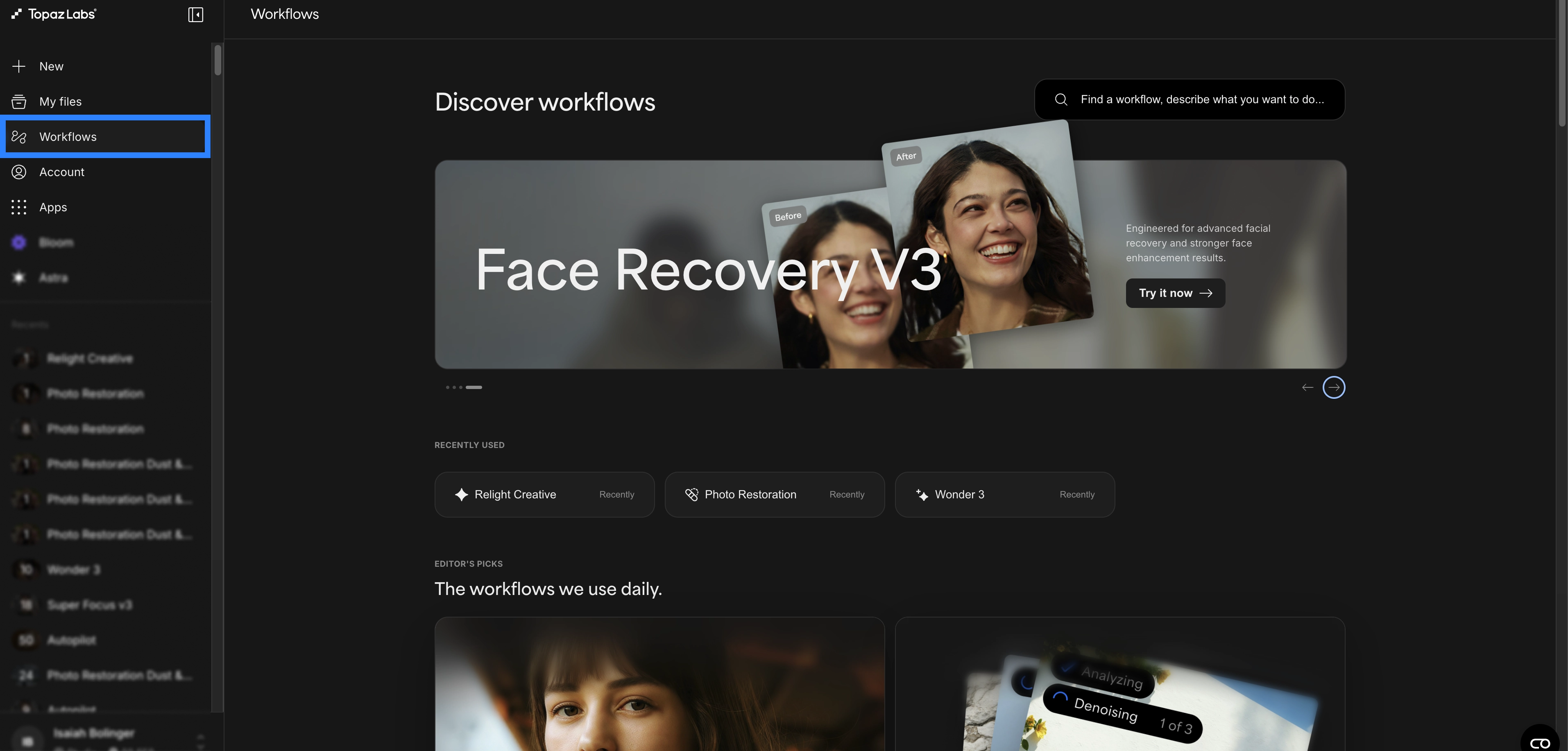
Recently Used — Your go-to workflows are one click away at the top of the page.
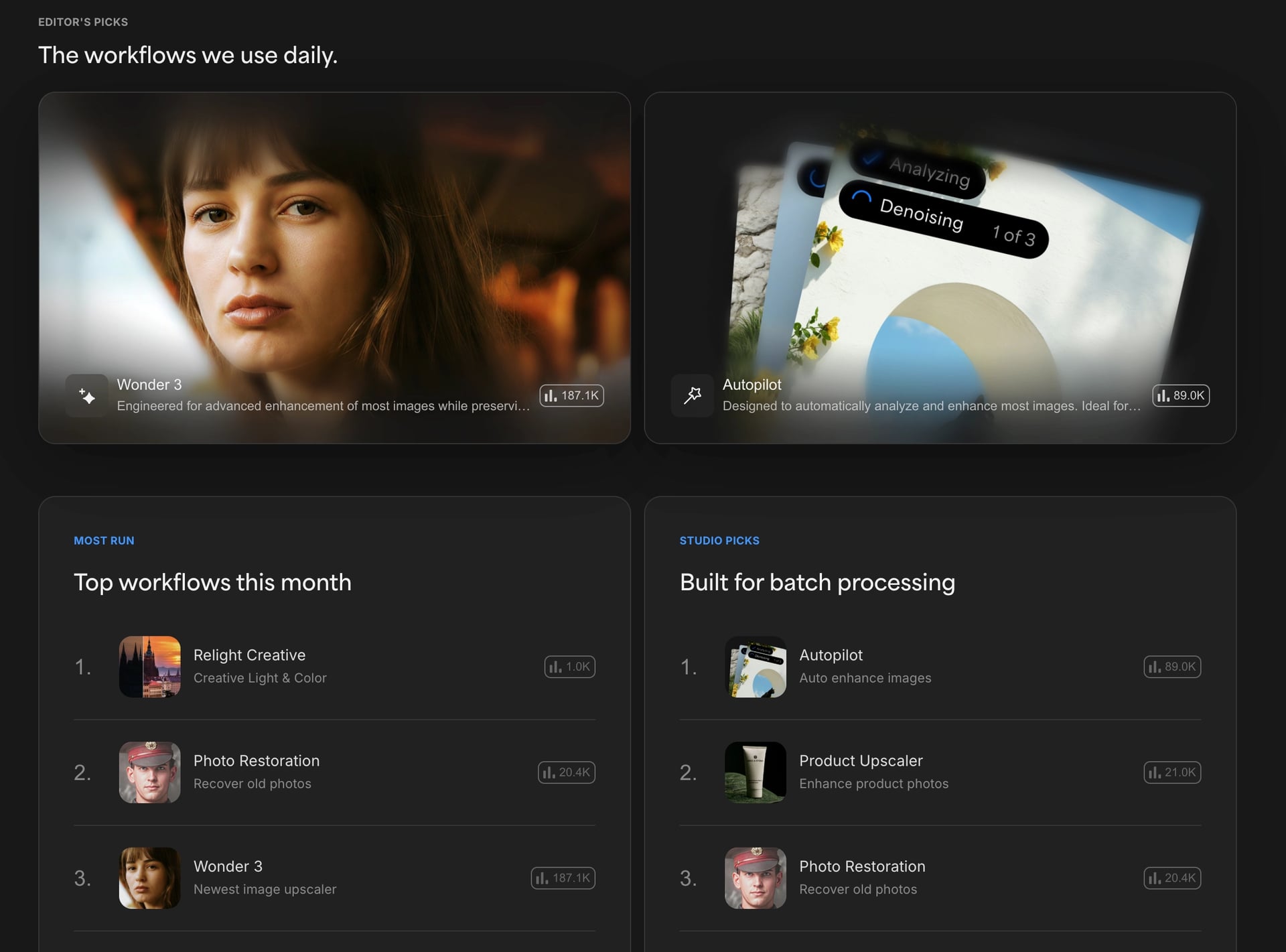
Editor’s Picks, Most Run & Studio Picks — See the workflows we use daily, what’s trending this month, and which workflows are built for batch processing.
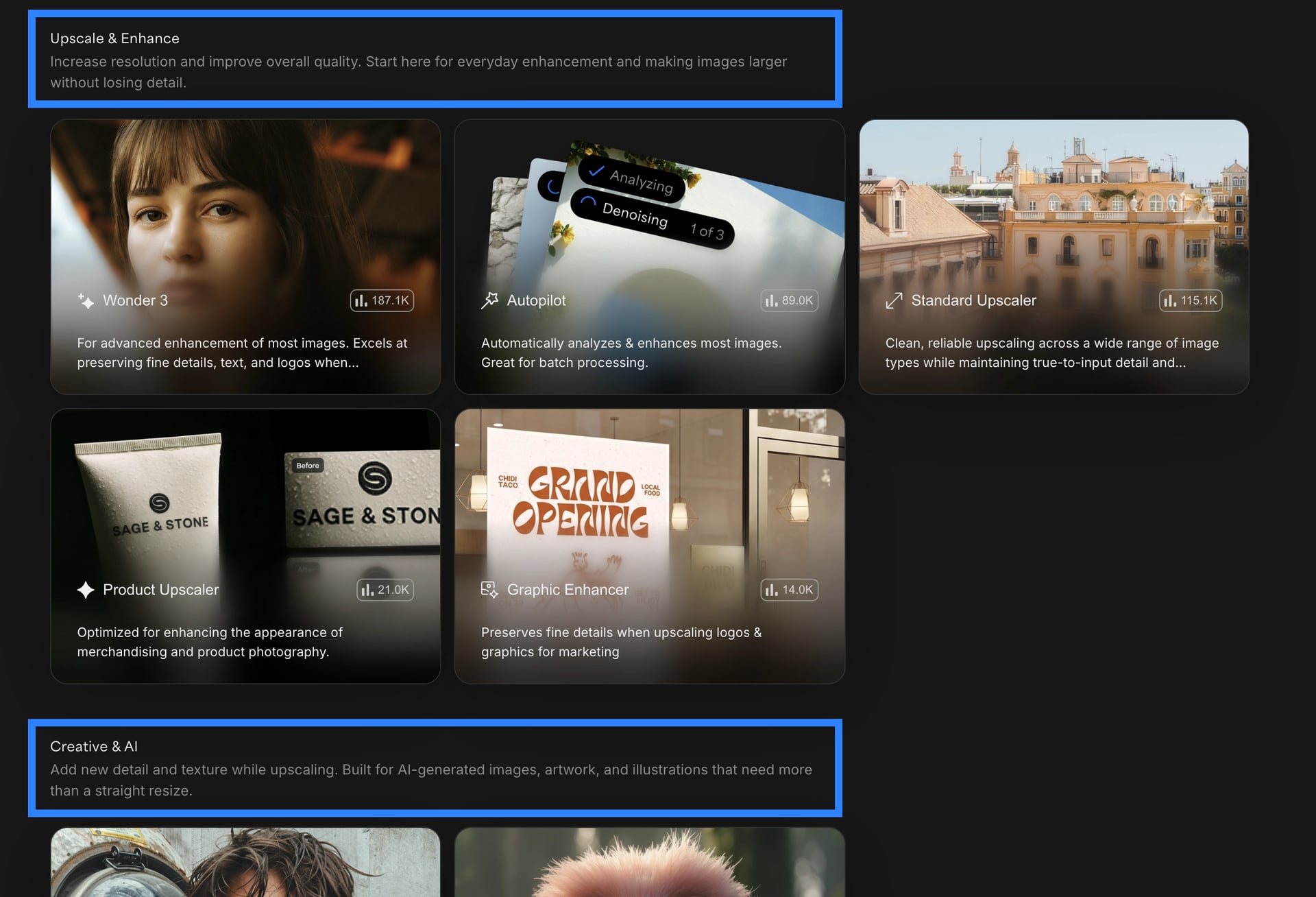
Organized by goal — Every workflow now lives in a clear category: Upscale & Enhance, Creative & AI, Sharpen & Focus, Denoise, Light & Color, Restoration, Faces, and Utility. Each card shows what the workflow does and how many renders it’s powered.
 Workflow Updates
Relight Creative — A brand new model for light and color. Restore, enhance, and creatively restyle the lighting and color in any photo with selectable styles.

Relight Precise — Improves exposure, contrast, and tonal balance while preserving the natural appearance of your image.
Photo Restoration — Now with more precise enhancements and better colorization for old, damaged, and archival photos.

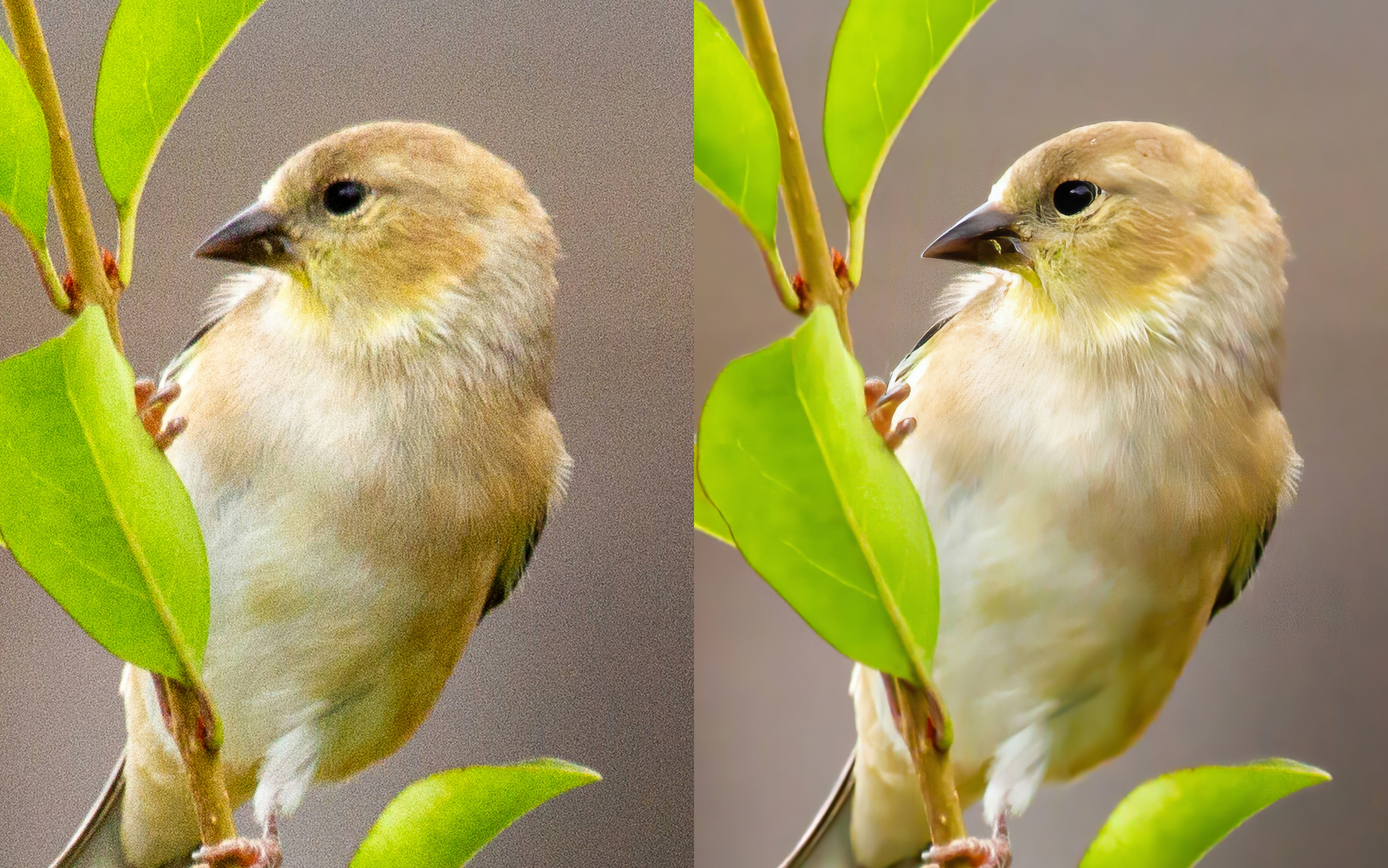
Denoise Auto — Updated with new models and smarter logic that automatically applies the right denoising strength for each image. Great for batch processing.
 Bug Fixes
- Render time / speed — ongoing improvements
- Stalled renders
- Zip file download errors — switched to TAR files
- HDR colorization
- Mobile image rotation / aspect ratio issue
Learn More
For guides, workflow breakdowns, and support, visit our documentation at Topaz Image Web | Cloud Apps. For any questions or issues, click the Support button in the bottom right corner of the docs page.
Download the iOS app today on the App Store
We can’t wait to see what you create.
— The Topaz Team
