Are you getting an error or alert about specific models failing to download?
ssddec0_0-v1-fp16-64x64-ox
ssddec1_0-v1-fp16-64x64-ox
ssddec0_5-v1-fp16-64x64-ox
ssdunet-v1-fp16-64x64-ox
Resolution
Ensure that your network & browser are free from security blockers:
- Please download the latest installer from your Apps page and rerun it to repair the app and reload the model files.
- From the Start menu, right-click Gigapixel, select “More,” then “Run as administrator”
Troubleshooting
If you had multiple versions installed, a full reinstall may be necessary. Use the special tool for Windows linked in the instructions below:
- Disable any antivirus or blockers that prevent the Gigapixel Support Tool from working
- Remove all versions of Gigapixel using Window’s Installed apps utility
Continue to the next steps, the order is important:
1. Download and run Gigapixel Support Tool
2. Choose legacy + studio
3. Check Box 5 only
4. Click execute
-Do not rerun the installer
5. Open Gigapixel
-If you get stuck on Initialization, close the app and reopen it
6. Import an image
-This should trigger the models to download; let this process finish
Gigapixel should now work normally.
Need Help
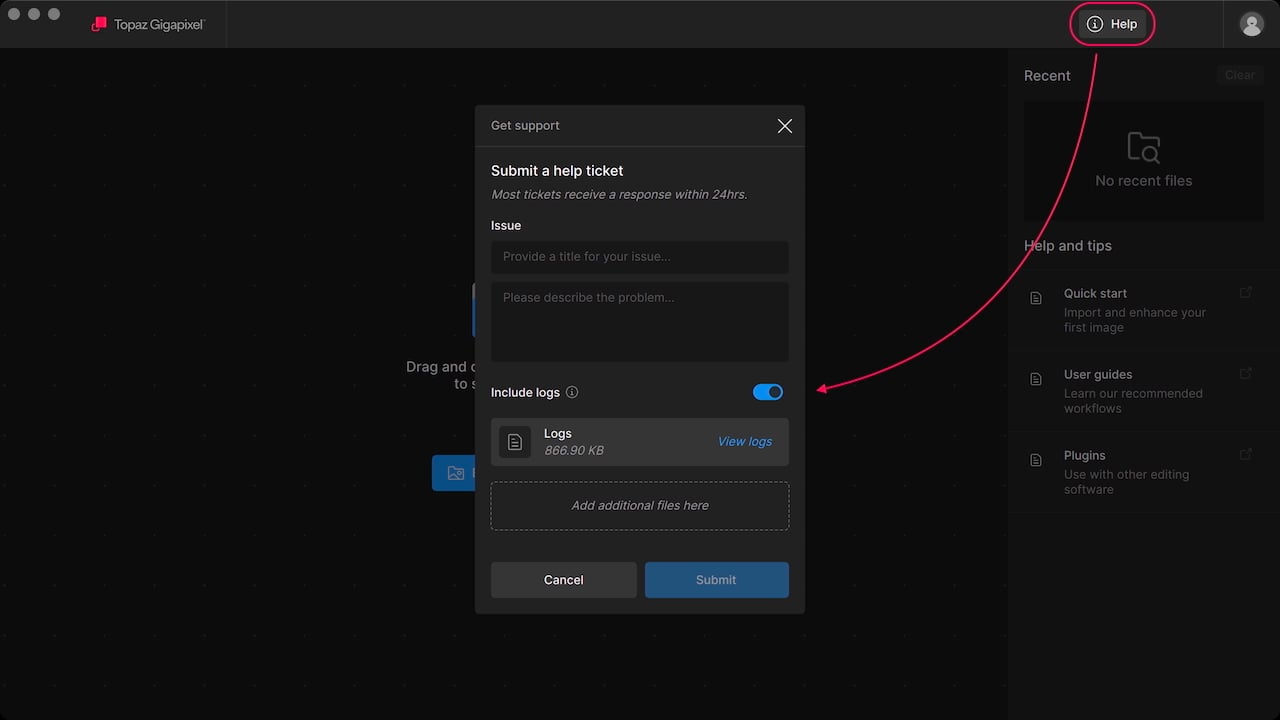
Use the Help button in the app toolbar to contact support for more assistance.