Does the image look too green after filtering (Proteus)?
I haven’t tried other filters.
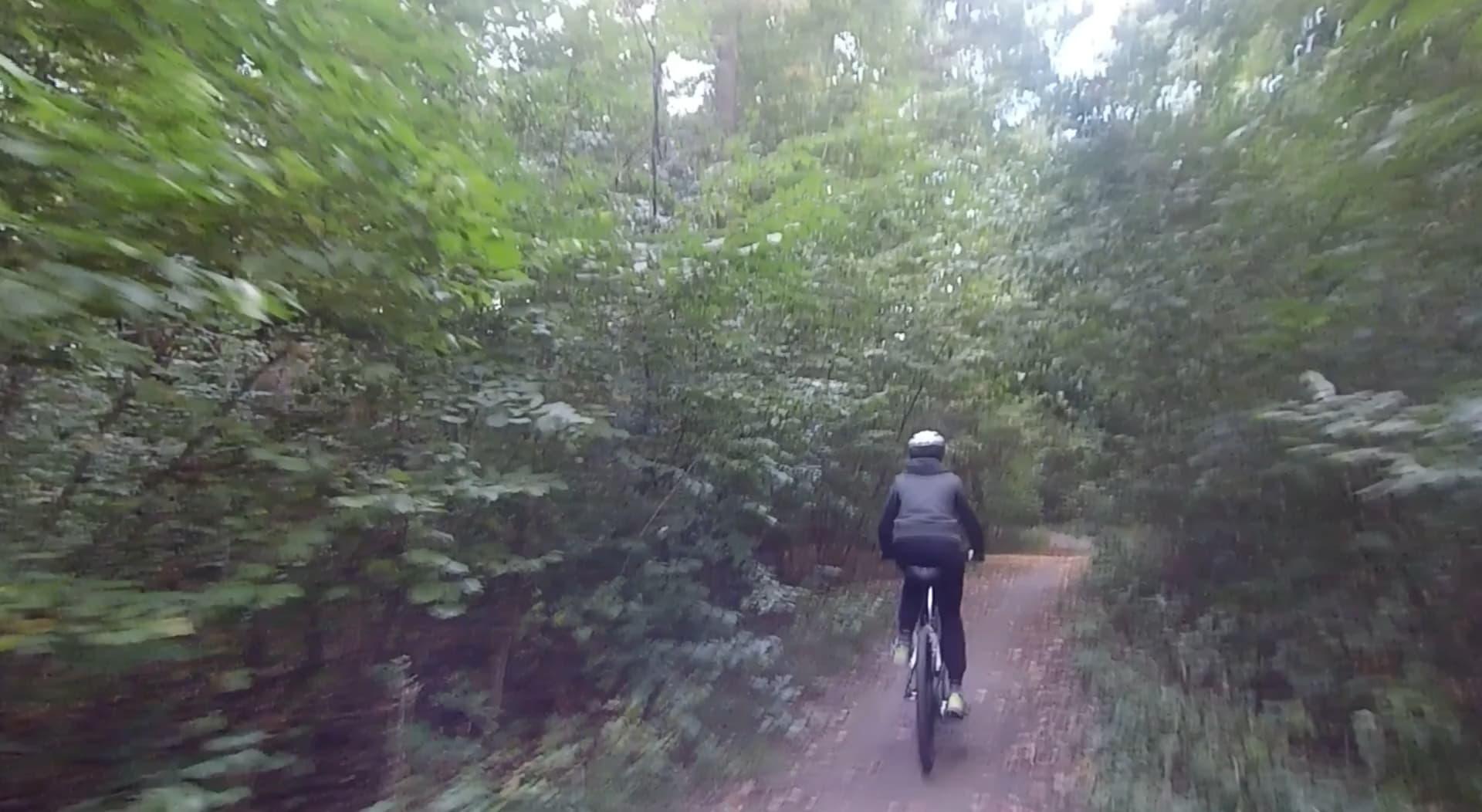
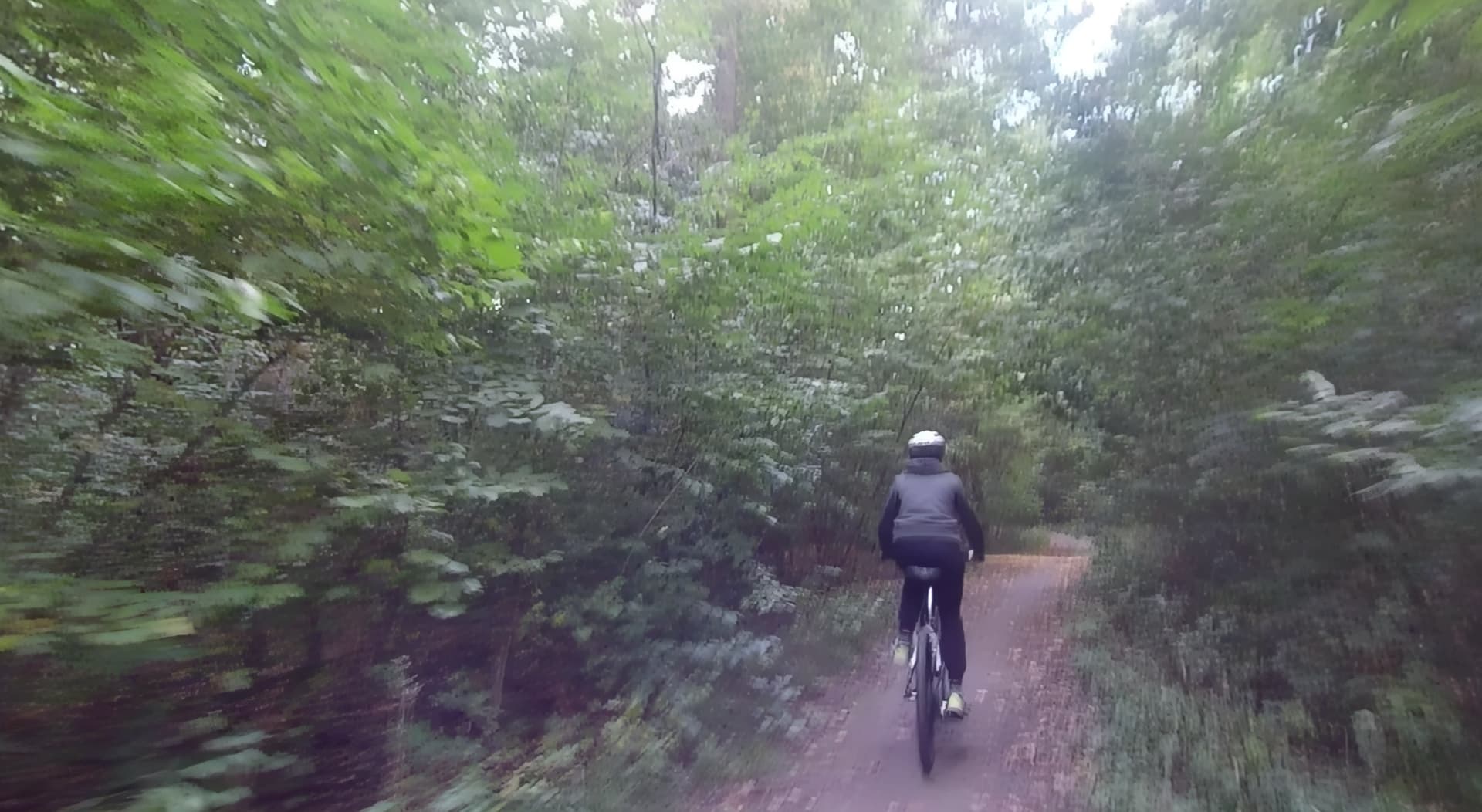
Depending on the original source materials’ color profile the models can cause some color shifts. However, these screenshots are looking pretty even in color values.
The source is AVI/FFV1/Rec709, manually confirmed in the program, and the output is in the same format, so there shouldn’t be any color shift. Thanks for the reply.
Thank you for that info. There are currently some issues that the team is looking into with AVI content.
If you convert the file to a different format or container do you still see the color shift?
OK, I’ve investigated the problem.
If we convert YUV to RGB before calling the tvai_up library, the colors will be distorted, as in my first post.
So something like this won’t work:
ffmpeg -avisynth_flags +all "test.avs" -c:v rawvideo "-sws_flags" "spline+accurate_rnd+full_chroma_int" -pix_fmt rgb48 -c:a copy -f nut - | "C:\Program Files\Topaz Labs LLC\Topaz Video AI\ffmpeg.exe" "-hide_banner" "-i" "pipe:" "-sws_flags" "spline+accurate_rnd+full_chroma_int" "-filter_complex" "tvai_up=model=prob-4:scale=0:w=1972:h=1080:preblur=0:noise=0:details=0:halo=0:blur=0.25:compressi on=0:estimate=8:blend=0.2:device=-2:vram=1:instances=1,scale=w=1972:h=1080:flags=lanczos:threads=0" "-c:v" "prores_ks" "-profile:v" "5" "-pix_fmt" "yuv444p10le" "-colorspace" "1" "-map" "0:a?" "-map_metadata:s:a:0" "0:s:a:0" "-an" "-map_metadata" "0" "-map_metadata:s:v" "0:s:v" "-fps_mode:v" "passthrough" "-movflags" "frag_keyframe+empty_moov+delay_moov+use_metadata_tags+write_colr" "-bf" "0" "OUT.mov
However, if we change -pix_fmt rgb48 to yuv444p16 (the first ffmpeg command), the colors become correct.
It turns out that the tvai_up library is misinterpreting RGB sources.
This seems strange, as I suspect it works in RGB internally anyway.
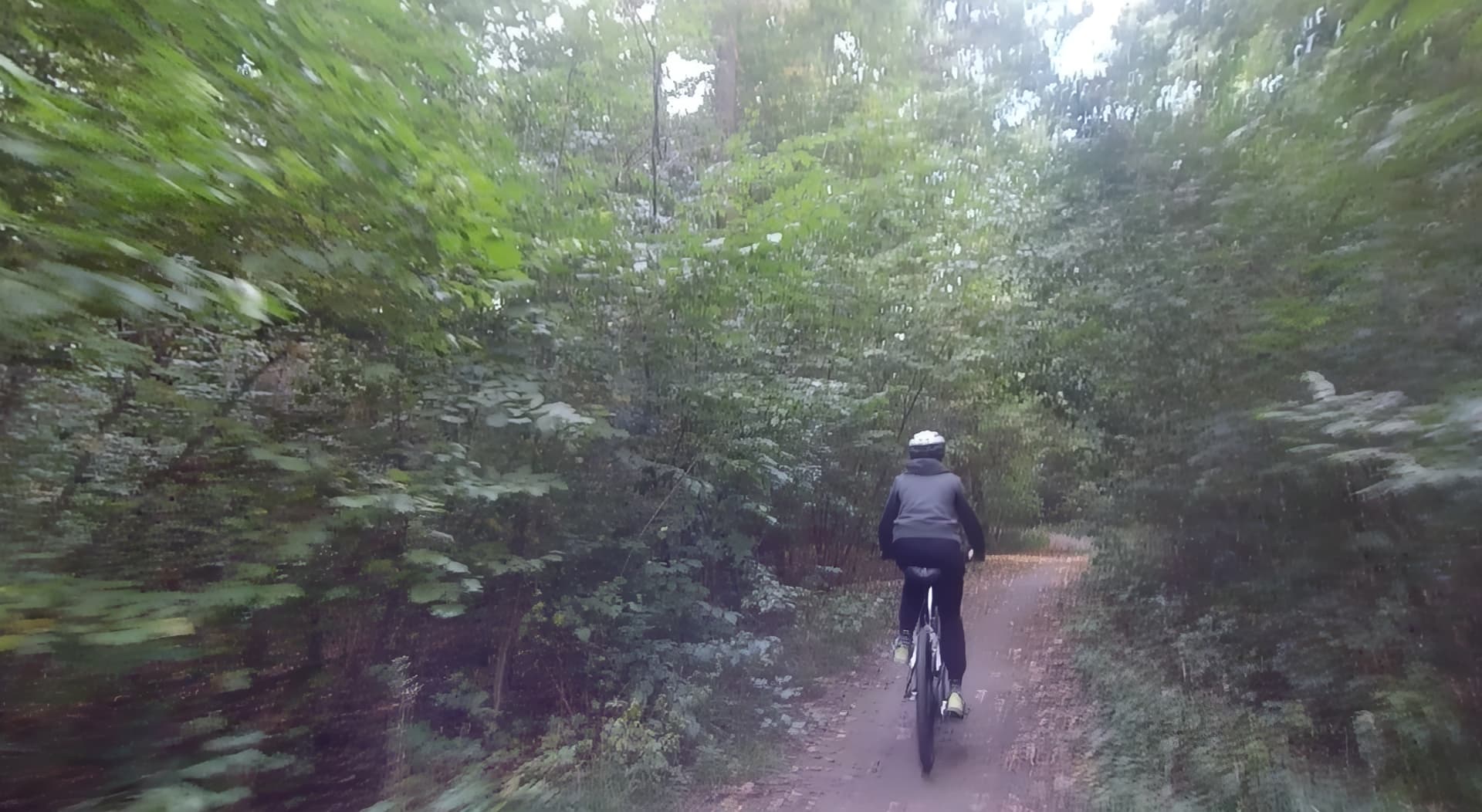
If you compare the output images, it seems like a lot of things look MUCH BETTER when the source is YUV rather than RGB.
Continued.
The color problem probably results from some BT601 ↔ bt709 conversion, but I can’t diagnose where.
If I remove “-colorspace 1” from the command line, then MOV is saved in BT709, but it is read as BT601 (by VDUB and by MPC). To some extent correctly, because no flag is then set (although by default it should be read as BT709 due to the vertical resolution> = 720p).
If I restore “-colorspace 1” to mark the output file as BT709, it is marked correctly. But at the same time a conversion of the video stream from BT601 to BT709 is carried out and, as a result, the colors are distorted as in my first post.
I have no idea how to obtain a clip in BT709 and correctly mark it as BT709. What format does the TVEAI library return the clip in if the source is RGB?
There’s a solution, but something’s wrong with the space conversion.
Adding a filter that changes the flags in the stream helps:
-c:v" “prores_ks” “-profile:v” “5” -bsf:v prores_metadata=color_primaries=bt709:color_trc=bt709:colorspace=bt709
But there’s an error somewhere – I just don’t know if it’s in the TVAI library or the prores_ks codec.
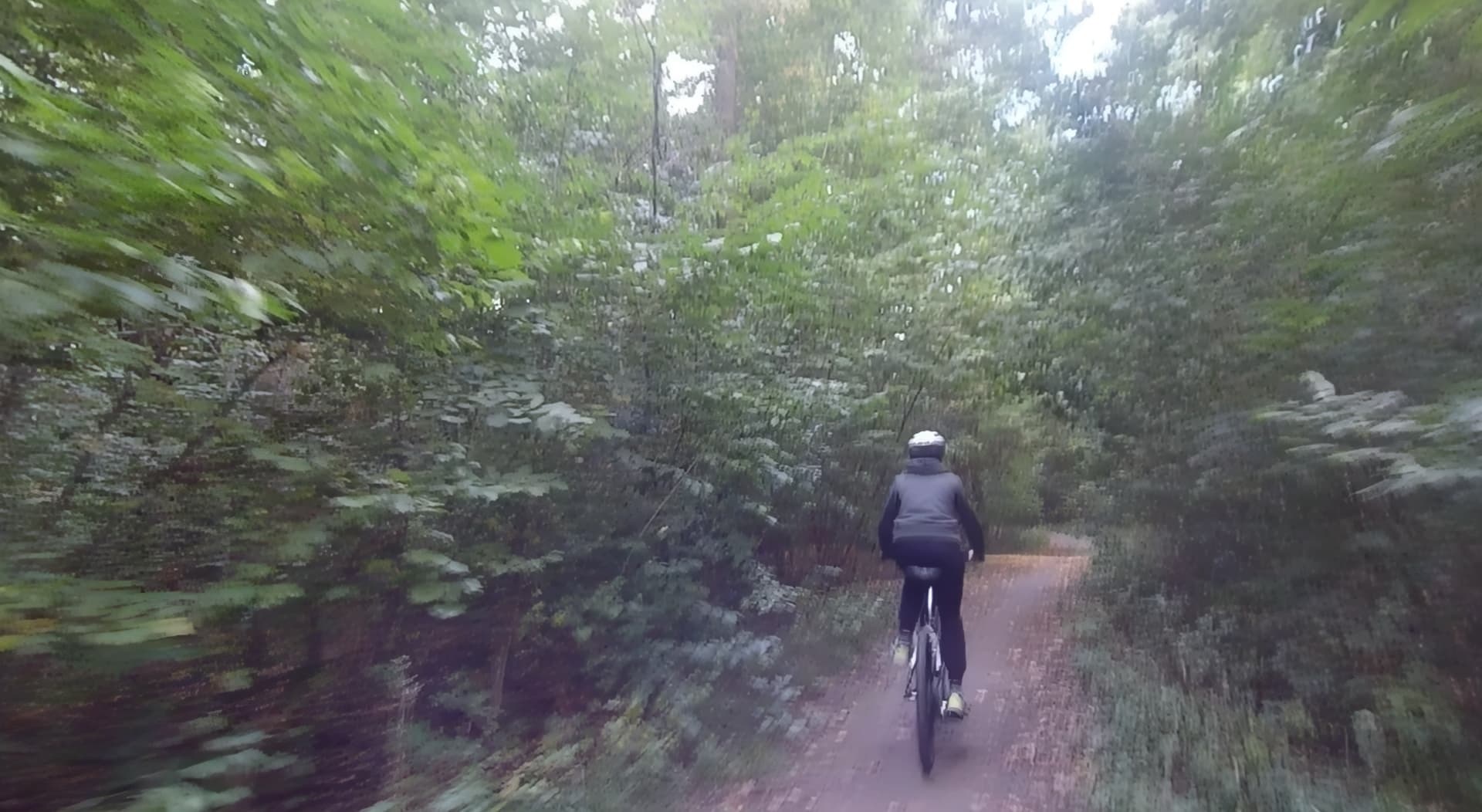
I will check soon and let you know, attaching the logs.
Im forwarding all of your info and that command line to the team to review as well.
I know that some on the team are working on the color pipeline and seeing how that can be improved for wider support.
1. Regarding the difference between RGB and YUV sources.
It’s not the source that’s the problem, but the CPU or GPU usage.
I get the better image (those screenshots incorrectly labeled as YUV) using the CPU (device=-2 in the command line), and the worse image (the screenshots labeled as RGB) using the GPU (device=1, Radeon).
But! But not in every frame. Some frames are the same, while individual frames are different, just like in my screenshots. It’s as if the filter wasn’t working properly using the GPU. I’ll generate short clips and post them.
2. Regarding other codecs – I haven’t tried any besides “prores_ks” yet; I’ll let you know.
But there’s a problem with the logs. When using the command line, the logs don’t seem to be saved. I cleared them, ran the command, and after finishing, the log is still empty.
Edit: I suspect that DaVinci Resolve (or rather the Topaz plugin, even though it’s not used) is blocking writing to the log, but I can’t check now until the project is rendered.
Logs will not be generated unless you are in the standard GUI. If you are using the command line workflow they are not recorded in that manner.
Here I placed a Windows script that generates output files of different quality depending on whether the processing is on the CPU or GPU.
This is the classic problem that is still ever present in video upscalers, not just Topaz. It even happens some times in Adobe Premiere!
What has happened is that your result has had a rec.601 → rec.709 color mapping conversion applied to it by the encoder. Yes, it changes the colors. A lot of people mistakenly believe that this is actually the upscaler trying to improve the results; it is not, it is a rec.601 (aka bt.601 aka bt.470bg) to rec.709 color mapping conversion
It is fixable with Selur Hybrid, and in my experience, it may take several tries using various methods to fix it, as every video seems to be different with regard to this problem. In AviSynth for example, if you go to the color matrix tab in Hybrid, you can try unchecking the “by resolution” tab and doing a rec.709 → rec601 to shift it back. Always test the actual encoded output, not the previewer.
1 Like
It seems that the prores_ks codec in Topaz is implemented poorly and clearly has problems converting from RGB to YUV Rec709 and stubbornly saves to Rec601 instead. Since I solved the problem by streaming to the official ffmpeg, I’m not looking into it for now.
Regardless, it turned out that I had a better output image on the CPU than on the GPU.
1 Like
