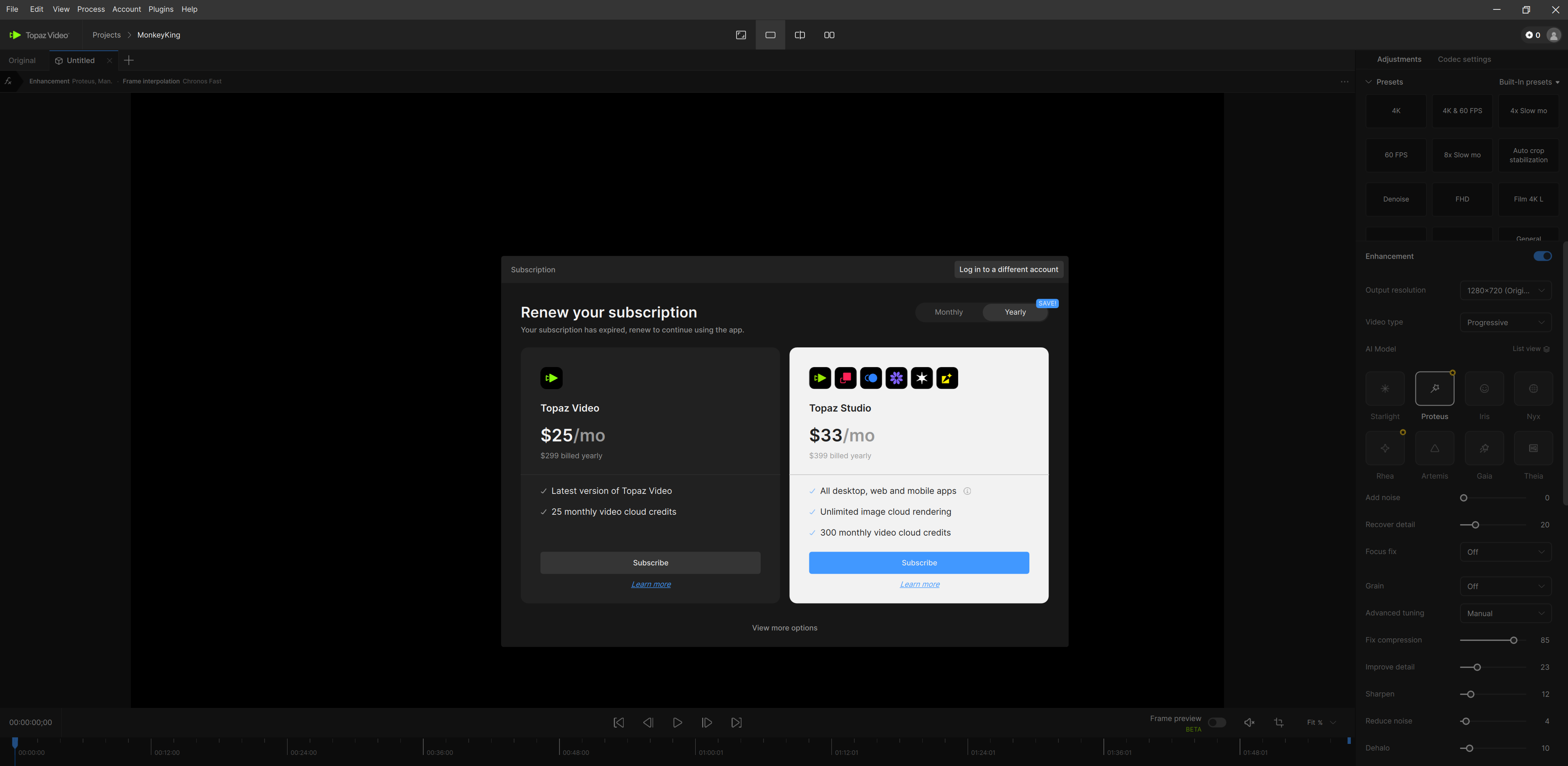
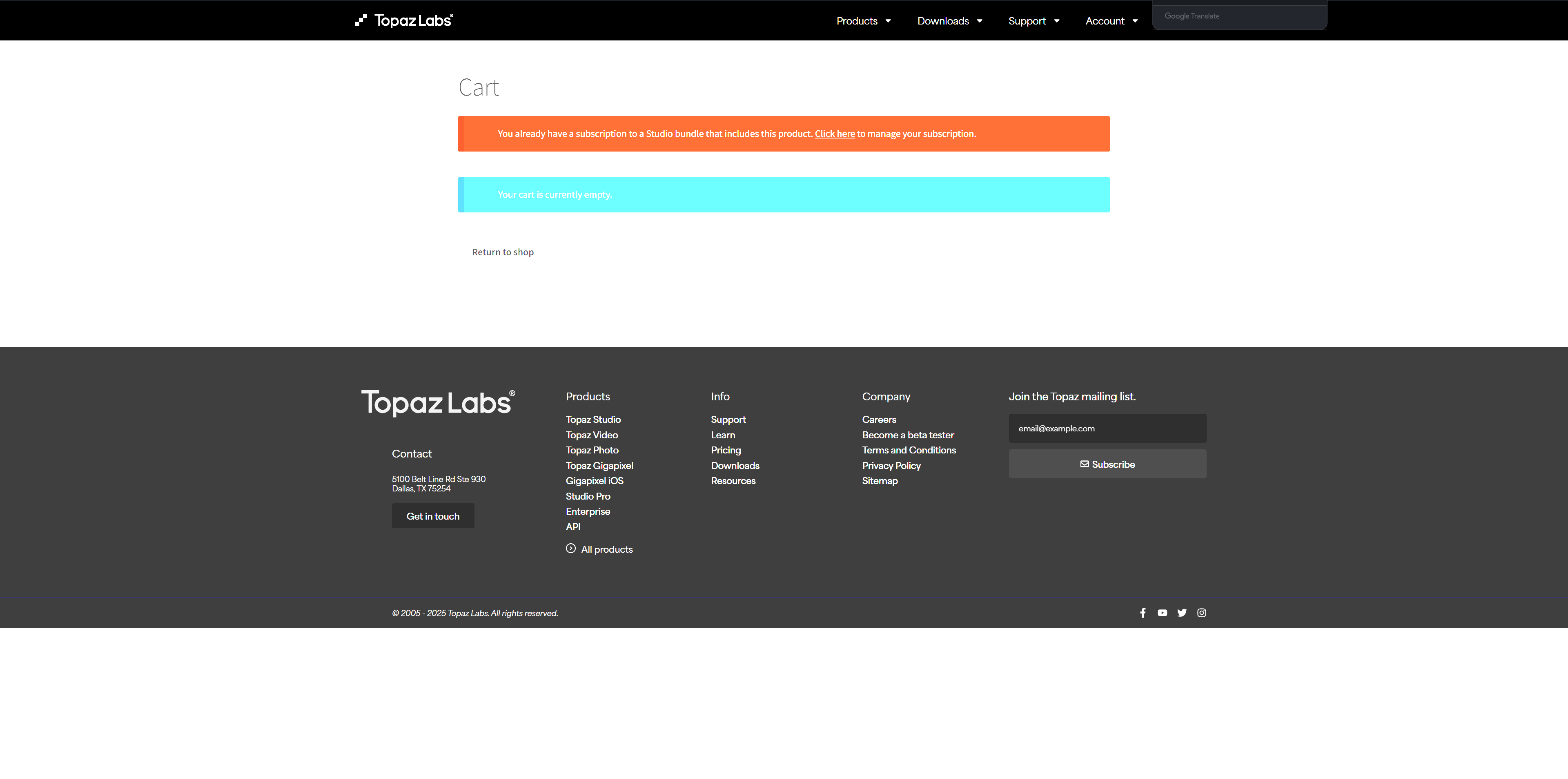
Did you try clicking the “log in to a different account” in the upper right of the dialog box and then logging into the app (with the creds you used to login to view your account info)?
Yes, of course. I’ve tried switching accounts multiple times and logging in with the account that has my active subscription, but it didn’t help.
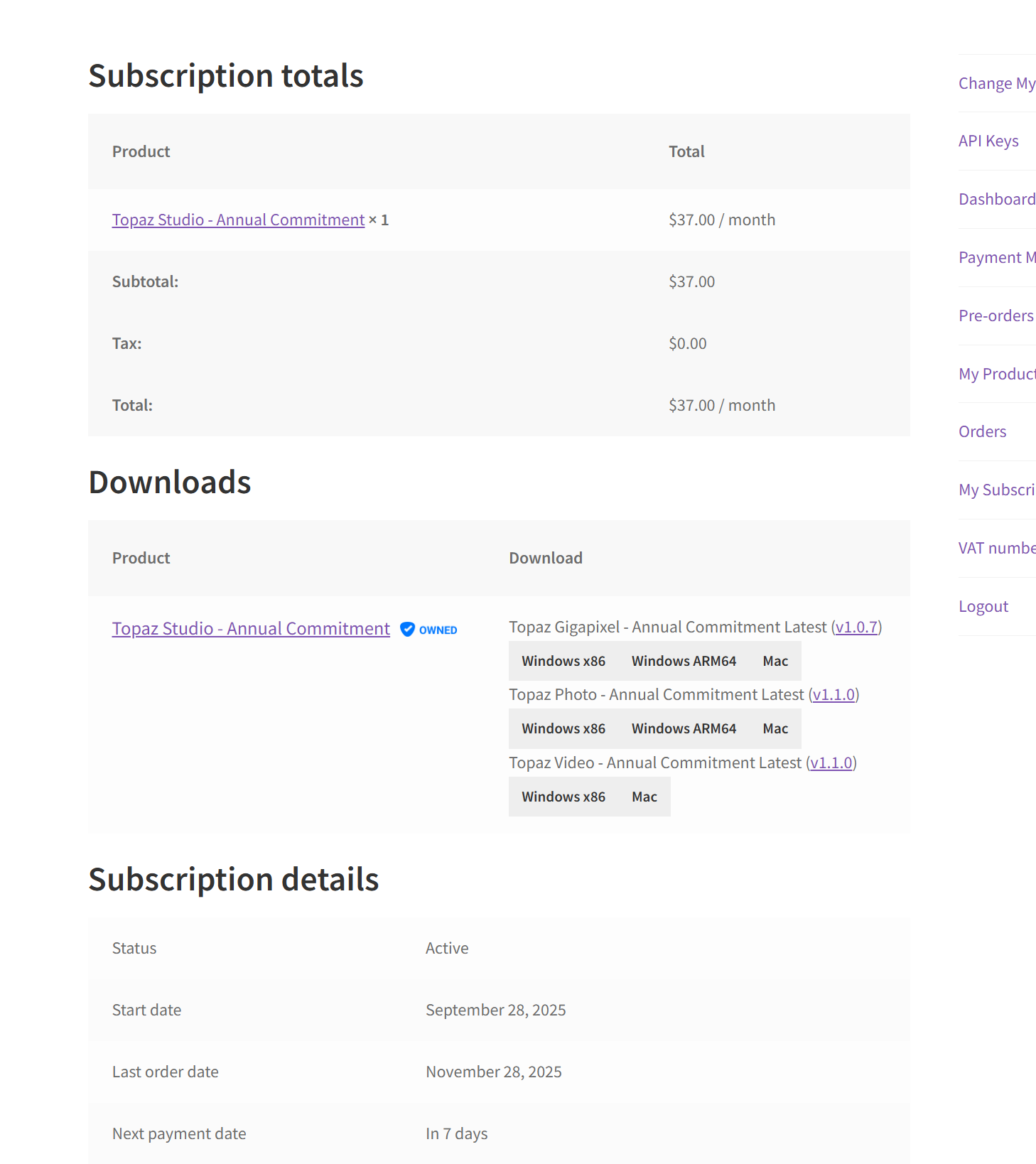
I’m logging in using my Google account, and every time I’m redirected to the browser to sign in. On the web, it clearly shows that I have an active subscription, including a one-year recurring plan that cannot be canceled. However, after logging into the desktop app, it still shows that my subscription has expired.
I’ve also tried uninstalling and reinstalling the app, but the same issue keeps happening and I’m still unable to use the software properly.
This situation is very frustrating for me — my account continues to be charged, yet I can’t actually access or use the product. I’m honestly not very happy about this and would really appreciate your help in resolving it as soon as possible.
Hi.
Please can you confirm are you saying you have never been able to Login to the new Topaz Video since you signed up for the Studio version
Thank you
I think I was initially able to log in, but after about a month, I could no longer log in. Maybe it happened after a certain update.
Have you tried emailing Topaz support directly? I think their email is help@topazlabs.com
I think should get a faster response that way. They are currently VERY slow to respond on this forum.
Andy
It appears, you are using the old Topaz Account yet, everything seems to be correct it shows the right Payment Details as well as the right Subscription Details which is Active.
In addition, I see you have Topaz Studio and Links to Download each of the three Applications Topaz Photo 1.1.0, Topaz Gigapixel 1.0.7 and Topaz Video 1.1.0 for both Windows and Mac.
But doesn’t show the Link to Download the older Topaz Video AI 7 which you mentioned worked
The strange thing is, my old Topaz Account shows the opposite mine, shows all the older Applications only plus the Links to Download them and not Topaz Studio
Like I said strange in deed.
Also, when I Login to my old Account I get a message informing me that the Topaz Account has moved and Click Here to go to the new Topaz Account Page
So in light of that, here’s the link for the new Topaz Account Page
Account Page
I know it’s a long shot but, just try Logging in your new Account and hopefully you’ll be able to get everything up and running from there
Hope this helps
Andy
If you are still having issues logging in to the app and nto able to get past that pop-up screen, please pull the logs from the app and send them to the support team so we can see what is going on. help@topazlabs.com
To gather logs, please select Help > Logging > Get Logs for Support and attach the zip file to your reply.
Here is a video to help with the steps of how to collect the logs.
Hi. Have exactly the same issue with Topaz. Payment made (Topaz Photo, monthly with annual commit.) but getting the same prompt to pay again…
Hi.
I don’t work for Topaz but, just wanted to mention the reply above yours is from Kyle who is a member of the brilliant Topaz Support Team and within his reply he was asking the person to gather, the Logs if possible and send them via a Support email
More information within Kyle’s reply
Hope this helps
I’m having this same issue, frustrating……
Im having the same issue with Sharpen AI and Denoise AI.
Hi, just to confirm are you saying you can’t login/Activate the software or both applications are no longer working
If it’s the case they are no longer working then, it could be a compatibility issue.
Because, I have Topaz DeNoise & Sharpen AI and they both work on my Windows Machine however, I know that Topaz Sharpen AI is no longer compatible with the latest Apple iOS as for DeNoise AI I’m not sure but, more than likely it’s a similar issue.
As discontinued software gets older meaning the software is no longer being developed then, it’s less likely newer more modern Operating Systems will be compatible with the older applications.
If on the other hand it’s an Activation Issues then you need to contact Topaz Support here’s the link to contact Topaz Support directly
Topaz Support
Hope this helps
having this exact same issue in Feb 2026….
Hi Dinesh.
I had a similar issue and in my case this window was popping up is this the same for you.
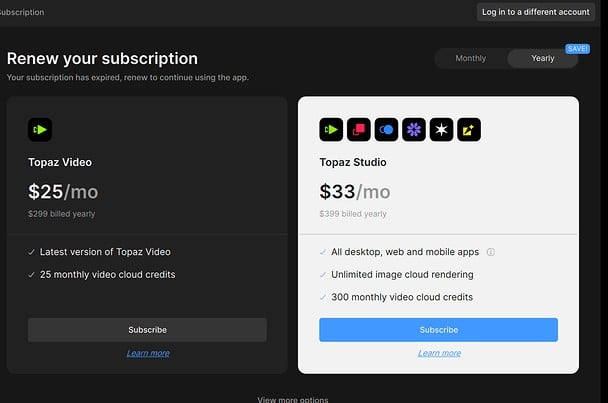
If this is the case then look in the top right hand corner you’ll see Log in to a different Account
Simply Click on it and Sign-in with your current email or Google Account and you should be good to go
If that doesn’t work then here’s the link to contact Topaz Support directly
Hope this helps
Dinesh, if you have not done so yet, please email us at help@topazlabs.com so we can help get this resolved for you.
BRO please tell me you found a fix
Hi.
Only Topaz Support can help you with this issue here’s the link to contact Topaz Support directly
Hope this helps
