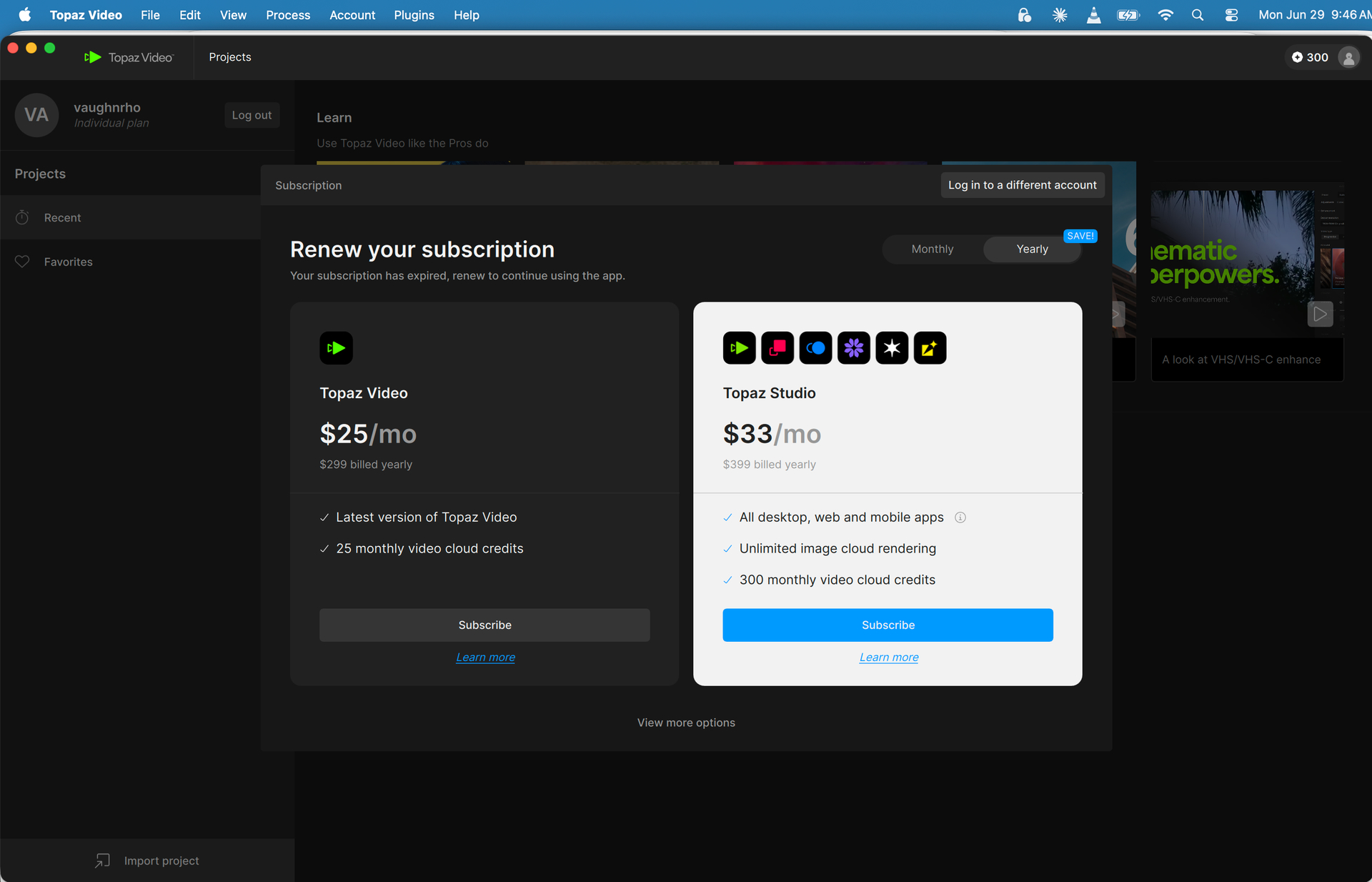
You’re using the wrong app - the perpetual licenses only apply to Topaz Video AI - you’ve downloaded the new Topaz Video which is a subscription based application.
Hi Vaughn.
Following up on Tomcat’s good advice if you login to your account you will see at the top Three Tabs General, API and Legacy simply Click on Legacy and you will see the version you own and a link to Download
Hope this helps
If you downloaded and installed the new app and had access for a bit from a previous perpetual license that still had an active upgrade plan, then you would have access to Topaz Video until that coverage plan expired. If you want to use your perpetual license you would need to use the Video AI app release instead of the new app Topaz Video.
If you want, you can email us at help@topazlabs.com and we can investigate further into your account and see what is going on and get you any older app installer links.
