Application is always opening about 10px from top of screen and doesn’t remember last window state:
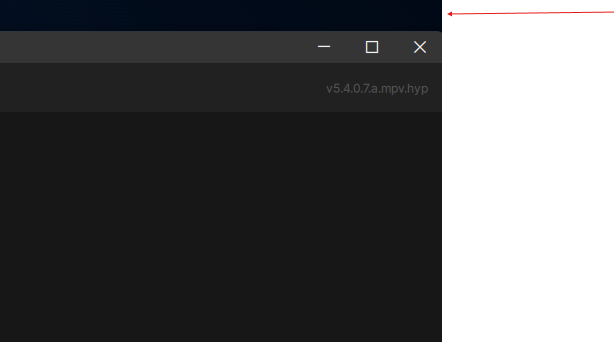
This is not an issue with the current release version.
Application is always opening about 10px from top of screen and doesn’t remember last window state:
This is not an issue with the current release version.
It seems to be fixed, thank you! I have a question - does VEAI ‘know’, that if I’m scrubbing through already ‘green’ areas, the app doesn’t need to render these frames again? I see it creating new folders with PNG files every time I scrub with the mouse and blue marker->press Play… 
All these folders are from 1 session with 360p->1080p try with RheaXL, with realtime playback. THe folders seems to contain different parts of the video as I pressed ‘Play’ multiple times, then stopped and scrubbed the video within the green line, to press 'Play; again:
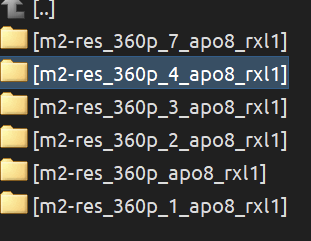
Second attempt, after changing the parameters a bit, doesn’t remove ‘old’ PNG files, it’s probably intended, right?
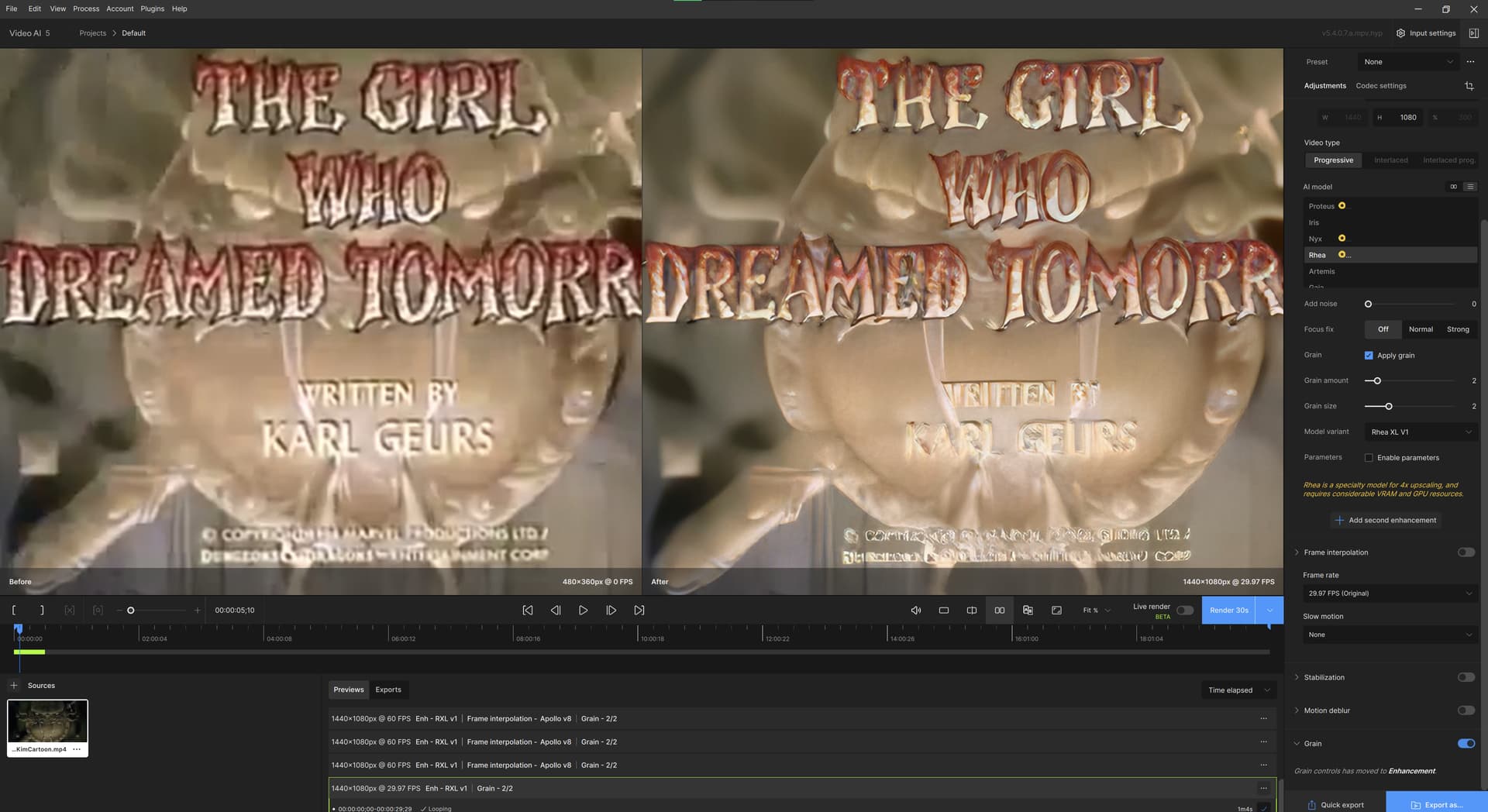
By the way, RheaXL massacres the text in this Baldur’s Gate III short video.
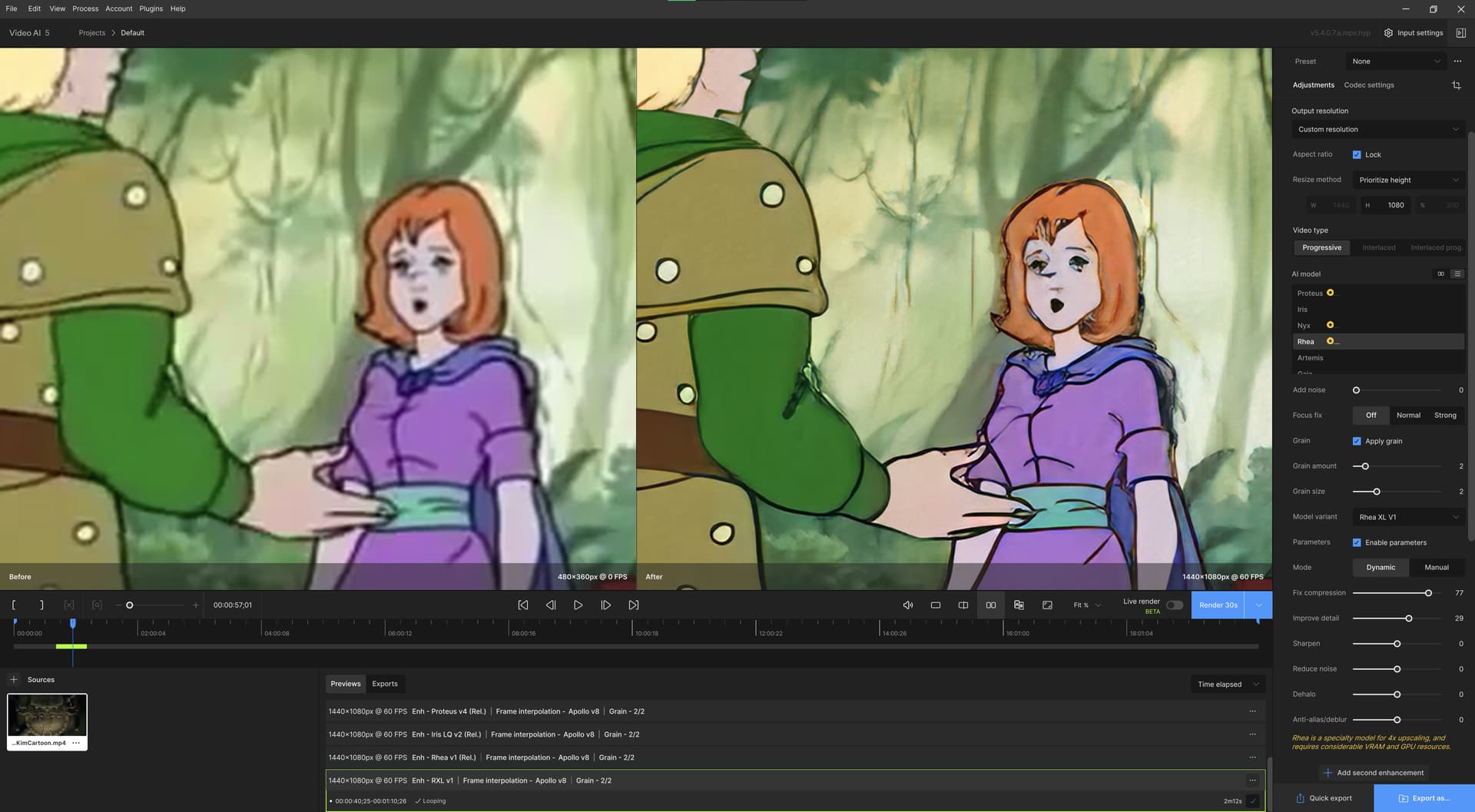
But it can do quite well with the destroyed 360p D&D cartoon.
Eww. It’s the keyframe ‘management’, I believe, the picture gets better, when a keyframe kicks in. This applies only to Rhea XL model, it seems.
There’s still this regression bug with frame interpolation, too, where it doesn’t work the way it does in v5.3.5 and v5.3.6 - namely, ‘duplicate frame replacement’ doesn’t seem to invoke when the target frame rate is the same as the original one at all.
It seems, that the performance of the VEAI v5.3.5 and 5.3.6 is higher with 360p->1080p of upscaling with Rhea v1 and Apollo v8 or even Aion frame interpolation - is that because now the app ‘returned’ to save the PNG image files before encoding the preview video?
With extensive preview rendering/playback with mpv - I really like this solution! It’s really performant now and I didn’t notice any crashes so far.
Hmm, how can I get this mpv to play? It just uses its own, old internal player.
Whoa! Rhea XL taxes my RTX 4090 for nearly the full 100%. This is either a very good thing, or a very bad thing.
EDIT: I also noticed Rhea XL makes ffmpeg work a lot less hard. Much seems offloaded on the GPU now.
Excellent idea to integrate mpv as the internal player! I support this! It would also be nice to finally get Aion model in TensorRT format.
That takes away from the incentive for testing tho…
If they were to give out licenses just for beta testing, that would improve things. Testing feels like a wash most of the time.
Why? You are clearly a Topaz Video AI Owner. Your license works on all Beta and Alpha versions too.
Sorry to say but your custom MVP HDR handling is completely wrong
TVAI 5.4.0.7.a MVP
MPC-BE + MadVR
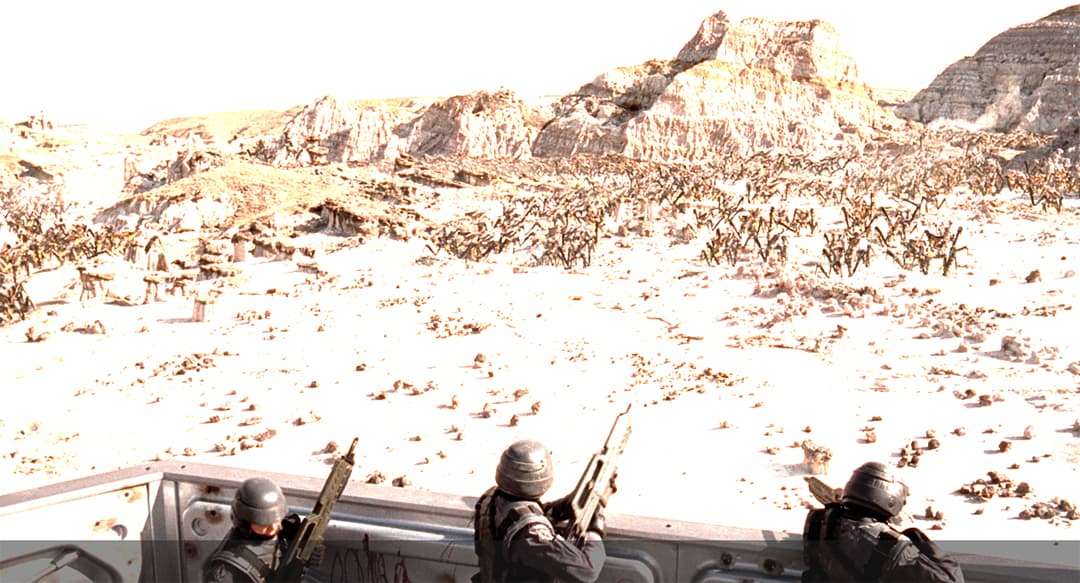
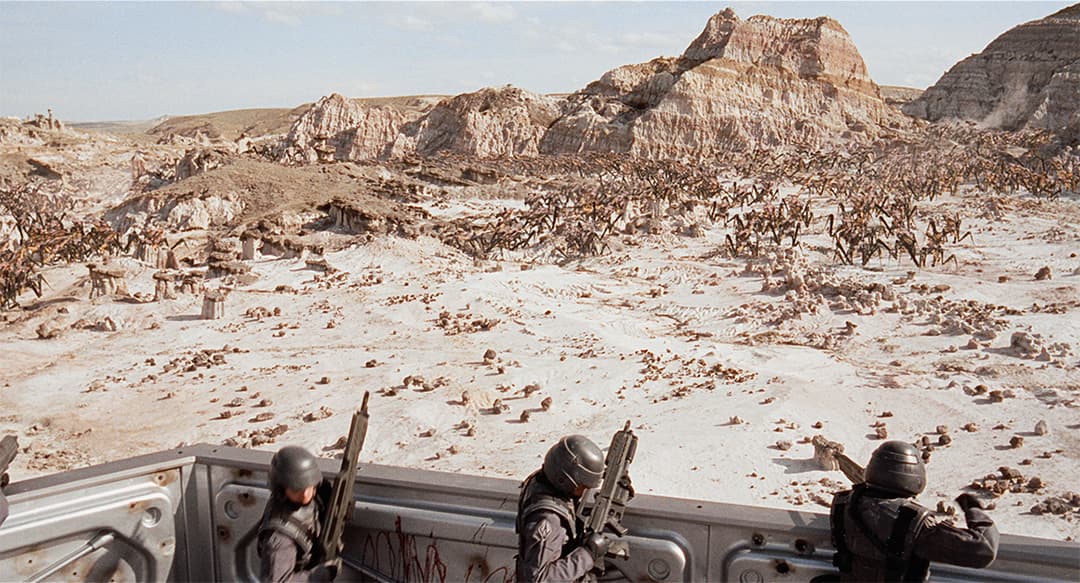
Whites are completely burnt
I was seeing washed out results too!
To me this render is different than a washed out.
Washed out often happen with uncorrect color range or color primaries
Here we have a super overbrightened image, which mean one of this value is badly handle
Again and again said, the data sent to the difuser MUST be handle correctly, it’s pointless to only set Color Primaries, Transfer Characteristics, Matrix Coefficient if evreything is ruined with MDD
MDD is the thing your difuser listen whatever the correct or incoorect source is, so you can look after your problems endless if this thing is not perfectly right.
So this brings me to point out another new feature that is missing from all Hyperion releases: Chroma Sample Position
BT2020 / SMPTE ST 2084 “generally” uses Chroma Sample Position to
“Horizontal aligned with luminance and vertical centered”, which in short means “Centered”
I voluntary said “generally” on purpose because it is not mandatory, but it also cannot be “random” or “whatever”
We have no information on how TVAI defines it, and there are 5 possibilities, which is not nothing
So could you tell us the choice you made?
Is that the same as the “–chromaloc 2” I use in x265? For HDR, I’ve never seen it set other than to 2.
With H.265 codec indeed, --chromaloc indicate the Chroma reference is top left located
This value is commonly used for DVD or streamed videos
The best scenario for top quality is Centered, which is now commonly used for BT.2020 with HDR10+ content
So it is VERY important to define it correctly so the HDR + colors are correctly handled
All corners are not good for state of the art quality
So if you go to an intermediate like I do ( 1080p → 8K → 4K) its is absolutely crucial to get it accurately defined, else chrominance and luminance is full missmatching (even more with 4:2:2 or 4:4:4)
Ya that’s what I meant actually…
Is it bad that I’m disappointed with the result? I know, SDR → HDR remains tricky business (especially when it comes to all matters color-related), but overbrightness is typically something one can weed out relatively easily.
The problem here only come from the player, nothing to do with the rendered stuff.
We did not even got a player since this release, so this is no such a drama
At least we can check “something” instead of black screen
When macos version? Any eta?
Personally I’d like for them to hire internal testers as well as still use public testers, (I mean, plenty of software/game development companies use this method of testing) that would make an immeasurable difference in my opinion.
I for one, am not a coder, as a coder would do a far better job at finding flaws at the coding level, not external issues like what I’m better equipped for as far as my limited expertise is concerned, as I’m a hobbyist which puts me only several notches above a layman!