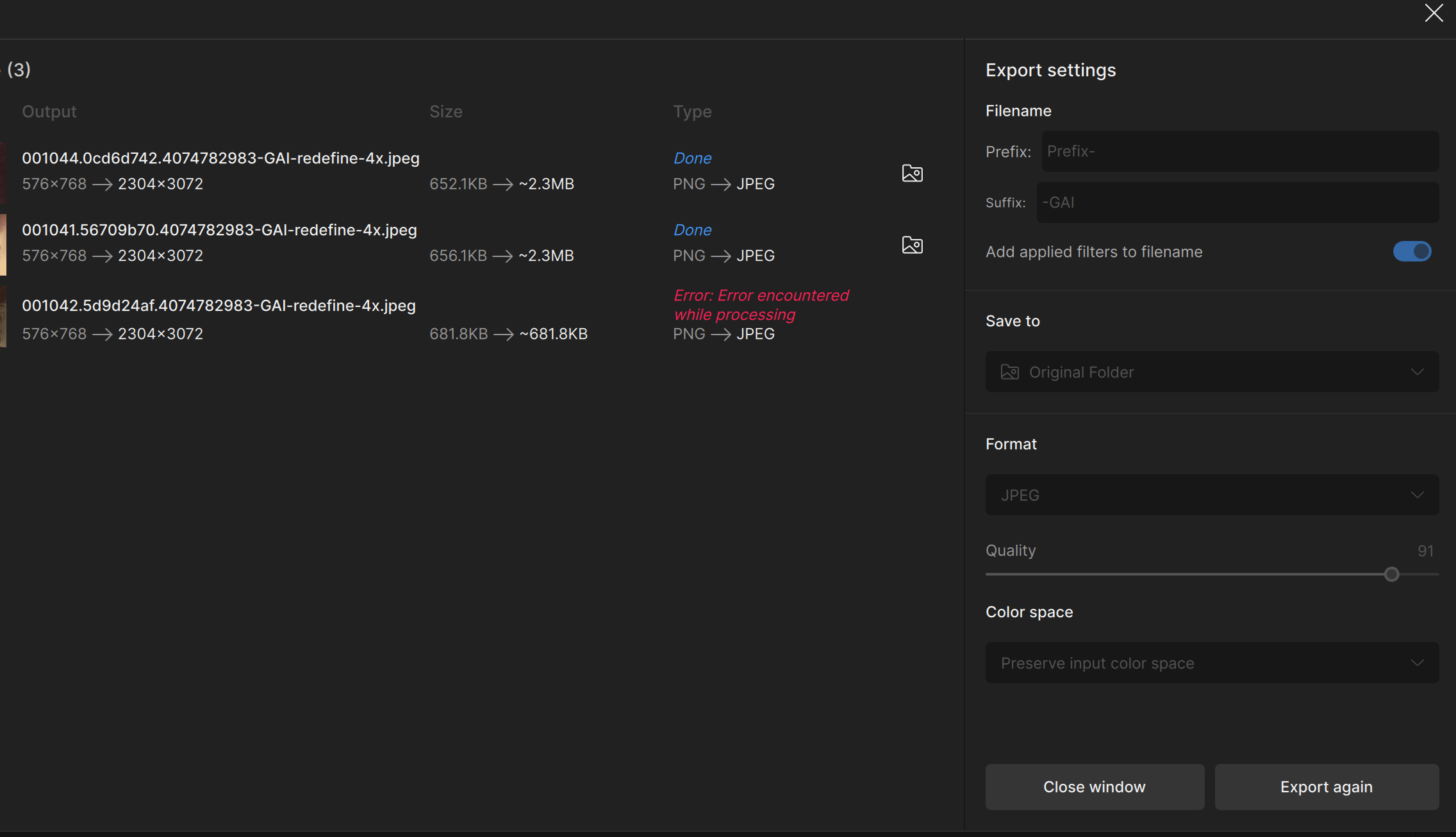
No matter what file I am trying to open (jpg, tiff, orf), Gigapixel immediately closes when opening the image. The log shows the following error:
[2025-03-21 22:05:07.112, 39.80 μs] [1020] Error | Could not load profile
I can hereby confirm that the luminosity/brightness/tint issues with the PS plug-in are indded gone with the version 8.3.1. Thank you, Topaz Team.
Still, I expereience differences between the preview and the final output image. The preview is outstanding, but after processing the picture is no match.
Just replying to this post to notify the thread here that we did release an update with version 8.3.1 fixing the color and lighting issues with running Gigapixel through the Photoshop plugin. Please try the new build links in the updated thread above. Cheers!
Just reporting that the errors stated above, still apply in v8.3.1
EDIT: I’ve just noticed something, which could just be a coincidence. A number of the regular upscaling model files have been changed to fp32 versions in the release, compared to fp16 versions in the last beta (including some HiFi v2 and Text&Shapes files). Which I guess begs the question, if it wasn’t broken before, why change it?
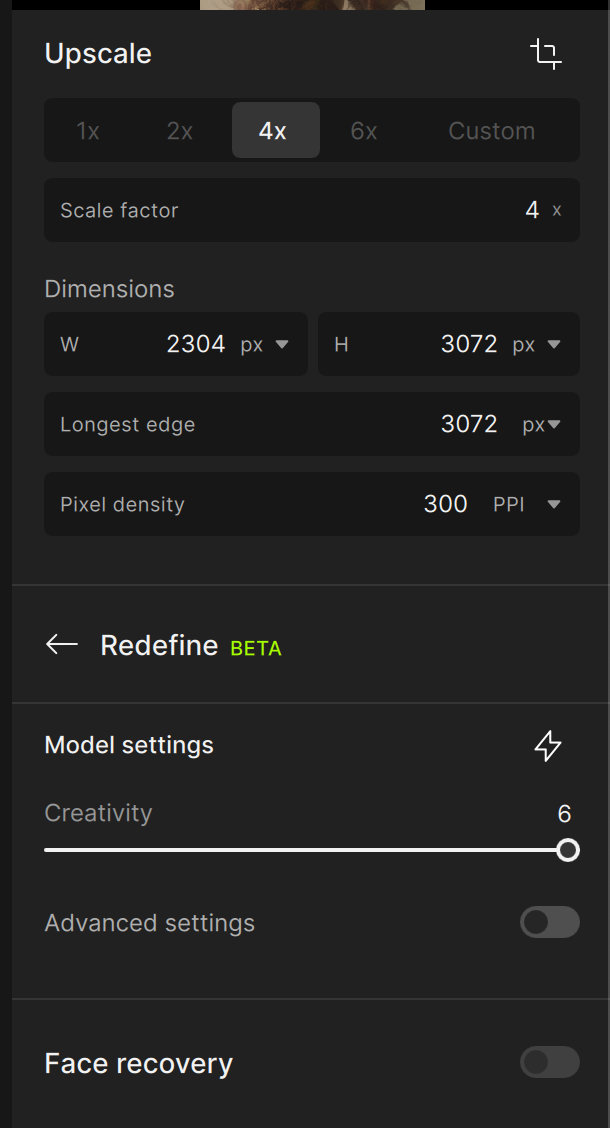
I hate that TOPAZ has removed the ‘Face Recovery’ when using ‘higher levels of Creativity’ (i.e. 2) for REDEFINE. In fact when I did try it just now it added goofy rows of teeth - something that COULD be avoided previously using the Slider settings on Face Recovery.
It must be a deliberate and conscious decision to have removed it (I can fathom several reasons why it was removed, and I do NOT like any of them), and a stupid retrograde action if I may say so.
I will not be using this version and strongly urge TOPAZ to reinstate the preceding models and tools for those who STILL wish to use them. If not, why not?
Does TOPAZ care to answer this?
Meanwhile I will try and revert to TopazGigapixelAI-8.2.2.
Face Recovery has been removed temporarily because, there are issues people are experiencing using it with Redefine
The workaround for now is to use Redefine to process your image first then, Export your image and Import the image back into Gigapixel then, use the Face Recovery.
Happy to report that Redefine also got boosted quite substantially in terms of speed, at least in my case. For a 12 MPX picture (output) it went down from ~40 mins to ~3 mins. That’s huge. I’m on 2080 Ti with 64 GB of RAM. Good job.
Still, just like for Recovery, the preview is much better than the final output picture. Unfortunately.
But it doesn’t always work properly. I also tested it on some images from the series, and the Com badge was a bit distorted. Although the facial detail was very good.
True.
A lot of manual tweaking is needed.
The Janeway picture is a composite of two different upscales, and the background needed to be re-blurred to get rid of some artifacts.
Face recovery worked well here and is/was the only way to keep people themselves with those generative models.
Why take it away from everyone just because few had issues (btw, I never saw a report of such here…)?
And the suggested „solution“ just isn’t one - as previously said by another poster this will just refine the replaced/wrong face but the face will stay someone different (e.g. the notorious TopazGirl).
So, in conclusion higher creativity levels are unusable for portrait shots in this version.
Thank you. This makes my iMac 5k 2017 obsolete as far as Topaz goes. Pity. Still works great with all other pro apps that I use, so I don’t intend to upgrade in the short term.
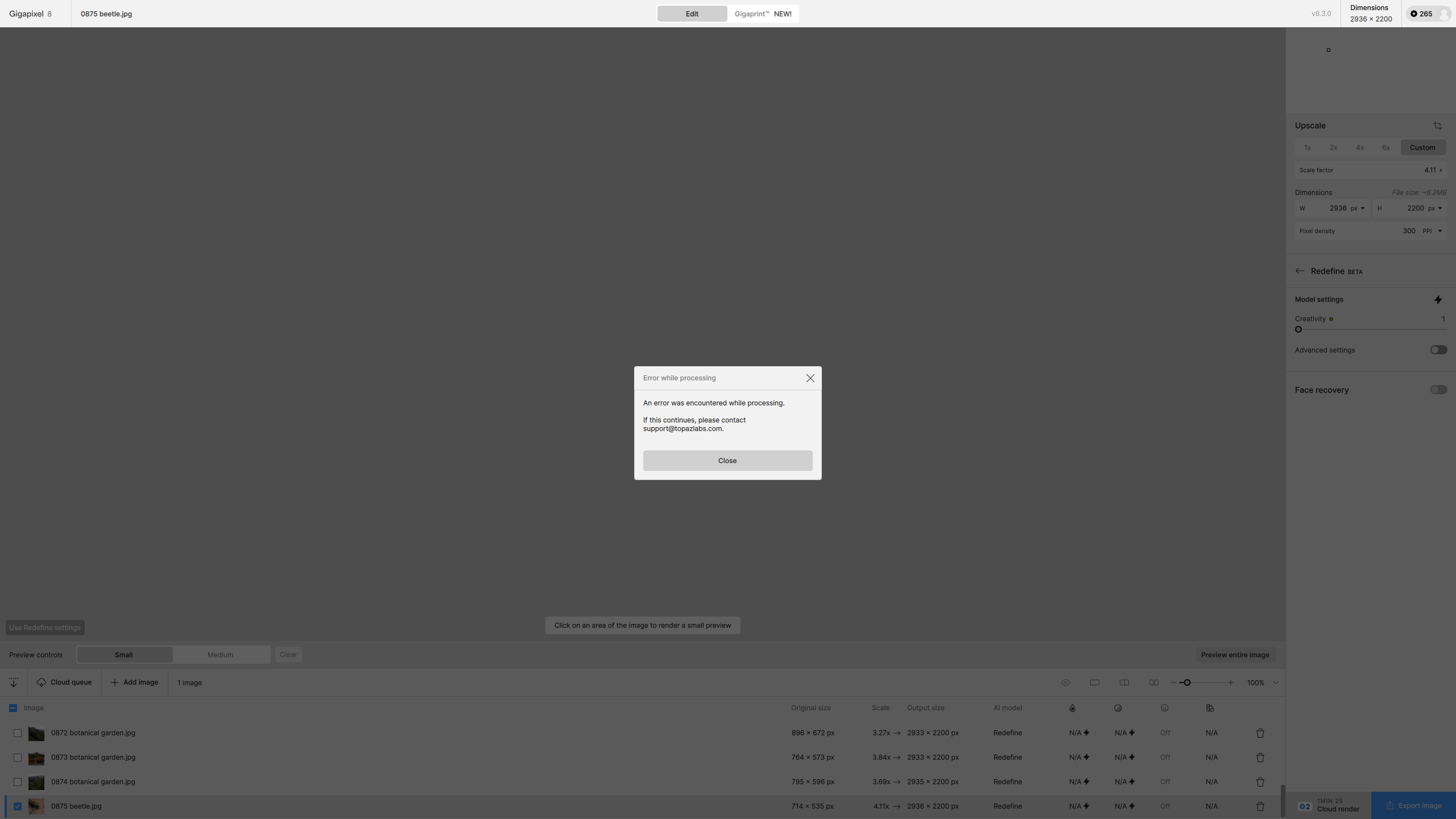
Every so often I am getting an error box, even when there was no error. I this instance (IIRC) I had cancelled batch processing using Redefine, then selected all the files and then clicked the remove button:
Thanks for the suggestion. However, it doesn’t solve the fact that Intel Mac hardware is not supported by Topaz’s newest models (produces garbled noise instead of an image). Also, there is the possibility that Sequoia would slow down processes for my other apps, so I’m sticking with Ventura.
This is true, computing has moved on by leaps and bounds since the Intel days. Also beware that Ventura will be dropped like a hot potato by Apple this Fall (ie, no more security updates).
In the case of old hardware, Topaz’ Cloud option is probably the way to go. I also have a 2008 MacBook Pro running Linux that can do non-Topaz generative AI (online) just fine