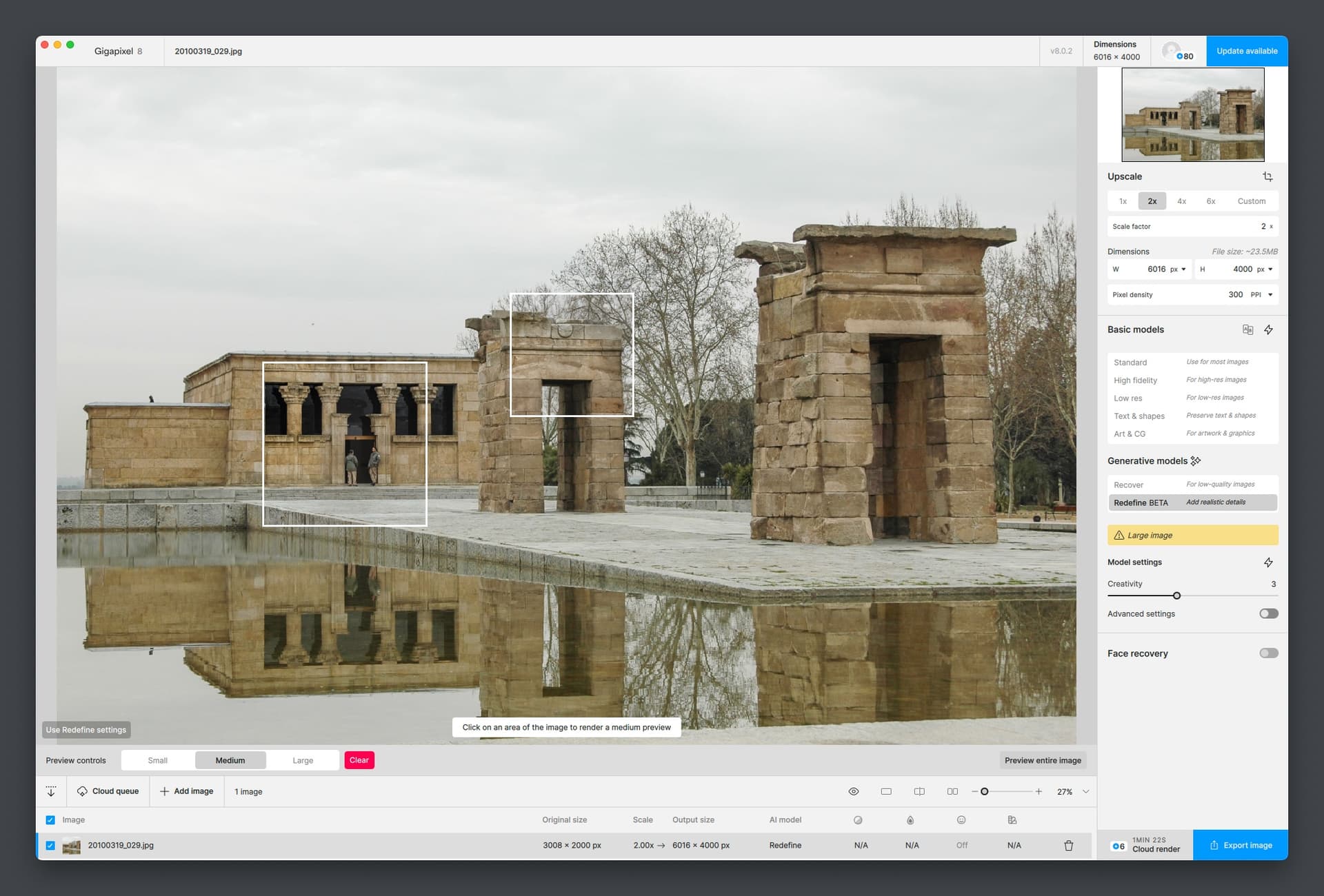
Yes. Rolling back to v8.0.2 worked. So I guess note to devs and users if you’re having this issue.
1 Like
Got a quick idea just before bed to make the high level Redefine Creativity renders less “baked”.
Duplicate layer, apply Gaussian Blur to lower layer, apply blending mode to upper layer (such as Overlay). Adjust Opacity, Levels and/or Shadows/Highlights on each layer as needed.
Thoughts? Quick before and after:
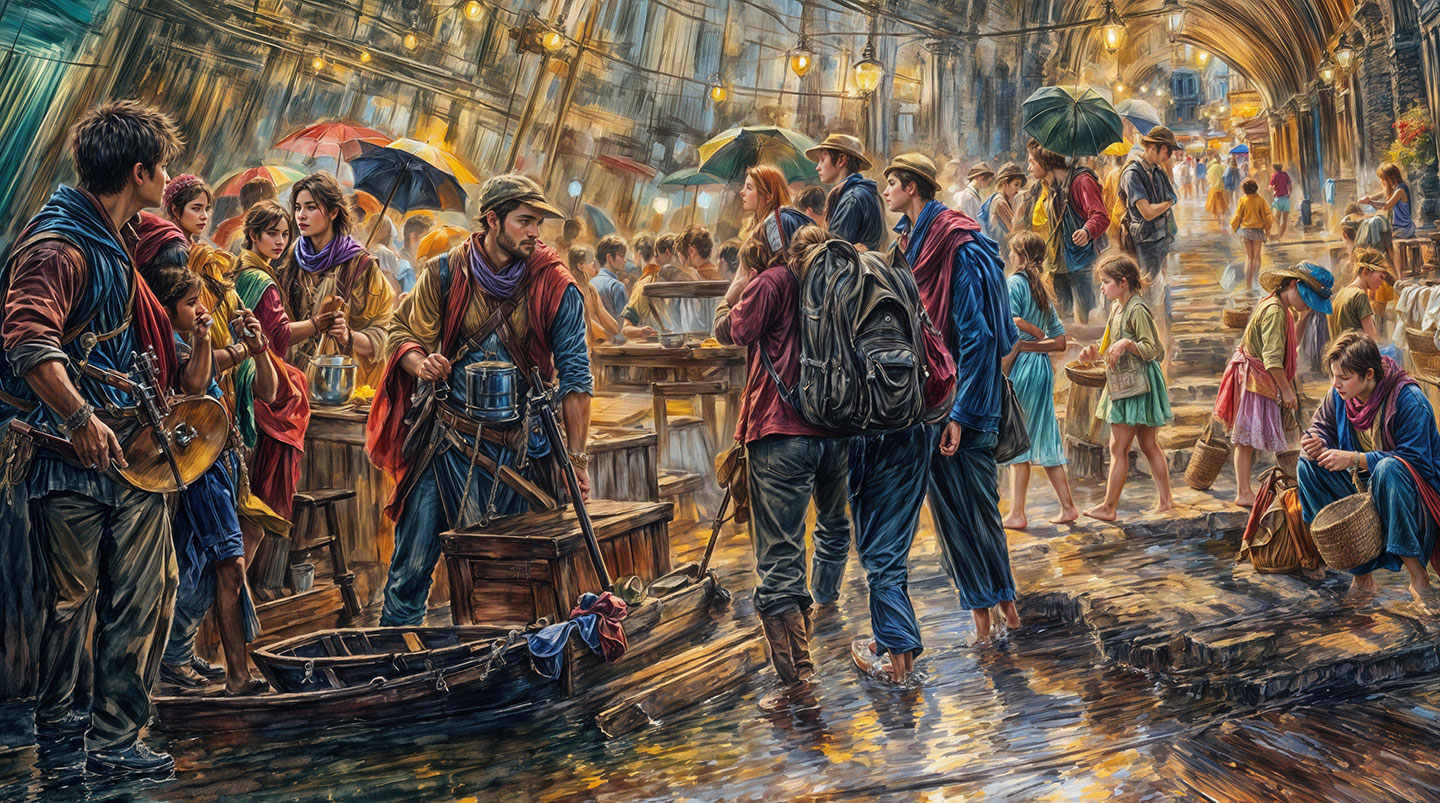

There’s a lot of room to try other things but – tomorrow!
Well…my immediate thoughts were, the top one looks awful, then I scrolled down to the bottom one. Oh dear. Truly horrible to my eyes - sorry. I need to go and scrub my eyes out now.
Yeah, in the light of morning…! What else can we do? To back down Creativity you get less fun details, to keep it high you get brickwalling.
So we need some kind of mitigating effect.
I guess it depends on your definition of fun. They all look a mess to me, but hey-ho.
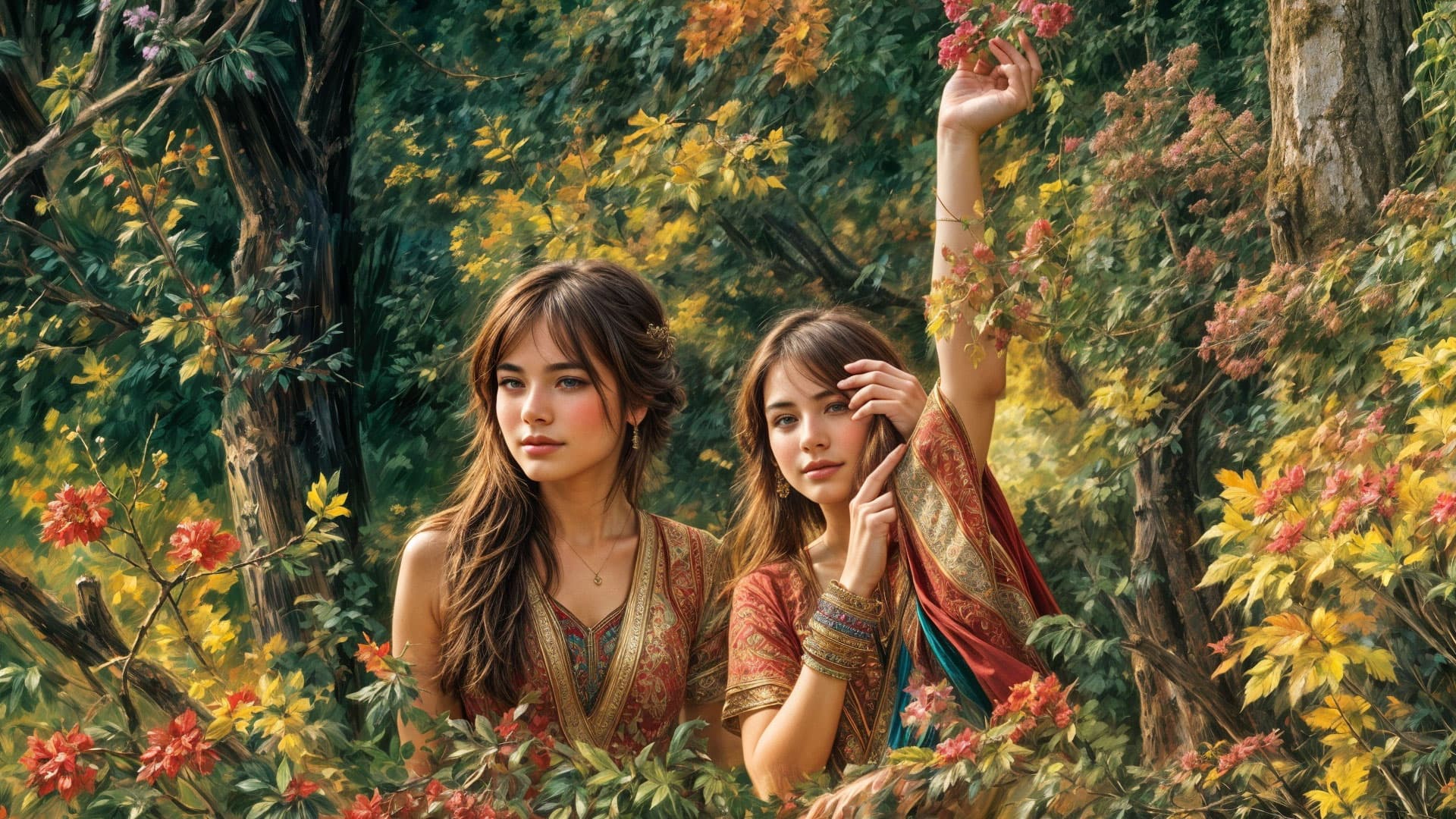
Depending on the scene it can be very busy, but there are also some very nice nature-type scenes or textures to be had which (when isolated from the rest of the composition) look like paintings, colored pencil drawings or watercolors. Individual people can look nice as well, so long as you like Topaz Girls 
Stylistically, everything looks the same, so I don’t find it creative. Topaz girls / people are a joke, and they expect people to waste money buying credits…just my opinion of course.
I’ll have to pull some other examples together because there is hope
Or you can use the cropped results as a base for further image-to-image work elsewhere to create something more “pleasing”.
I’m curious about the workings of the model(s) Topaz uses, not sure what they’re based on.
Gigapixel does a seriously great job on moving from low res to high. It gives me the chance to spend time on the details. Hands are a problem. Top of my wish list would be for this software to render realistic hands. I always fiddle with the eyes. These were two different colors/contrasts/lights. The eye on the left was oblong. For the unprofessional observer/audience that kind of thing registers–though they may not be able to identify exactly what is wrong, they can tell you something is wrong with the image.
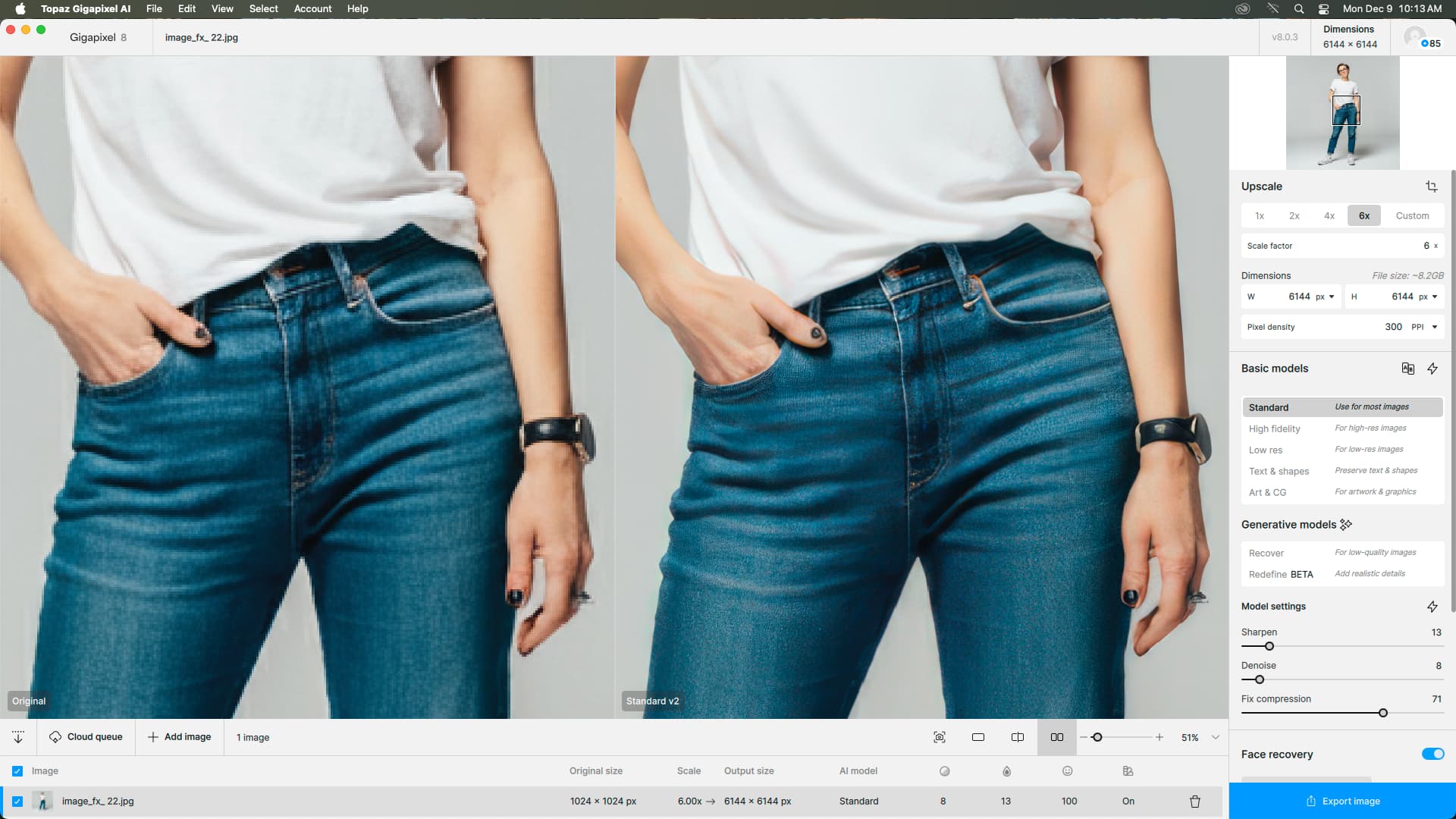
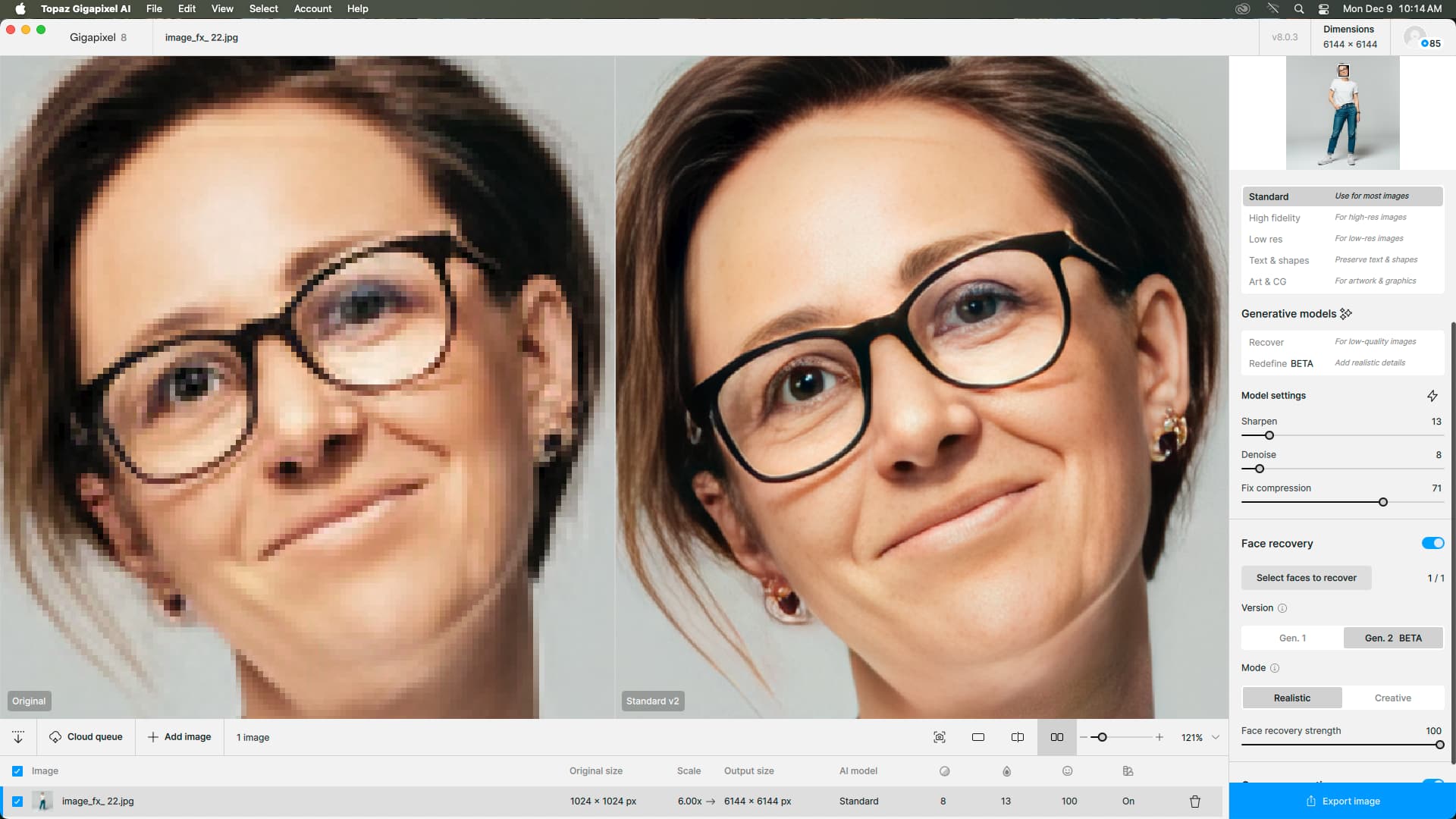


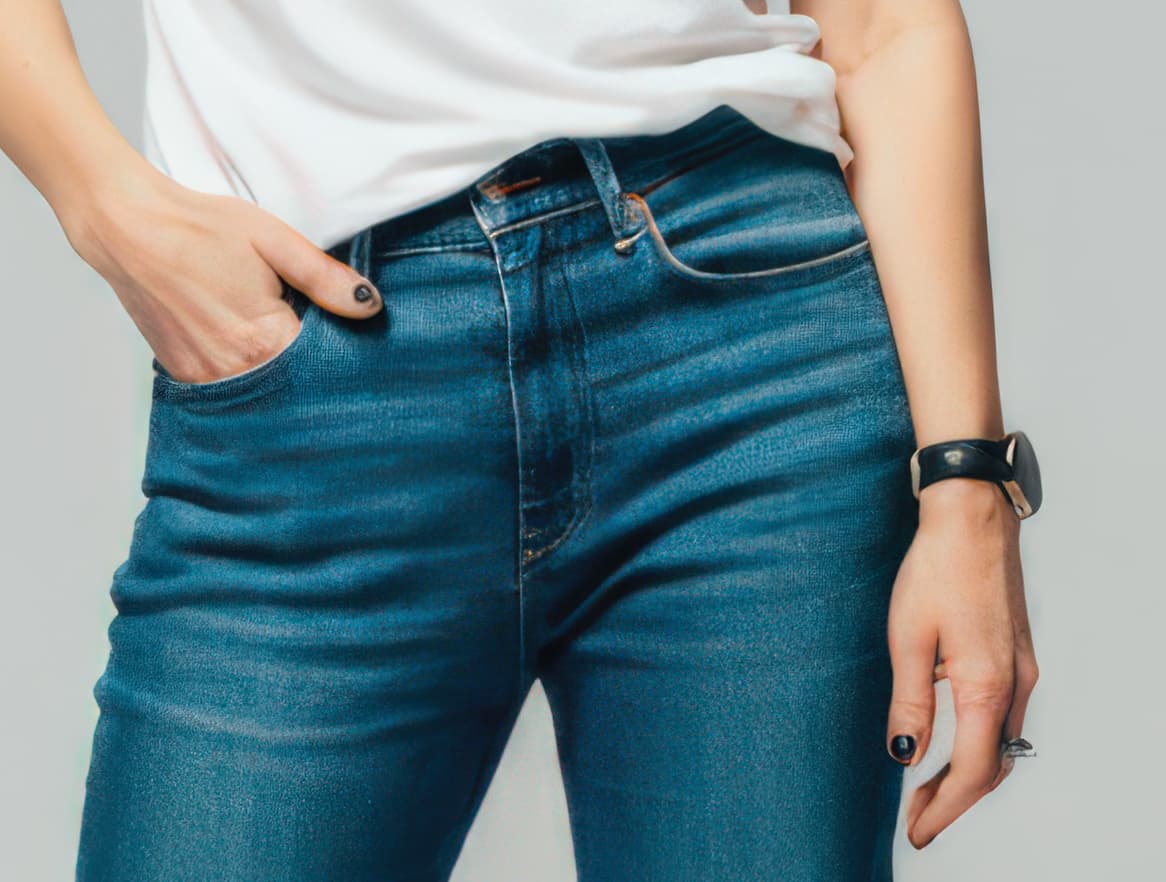
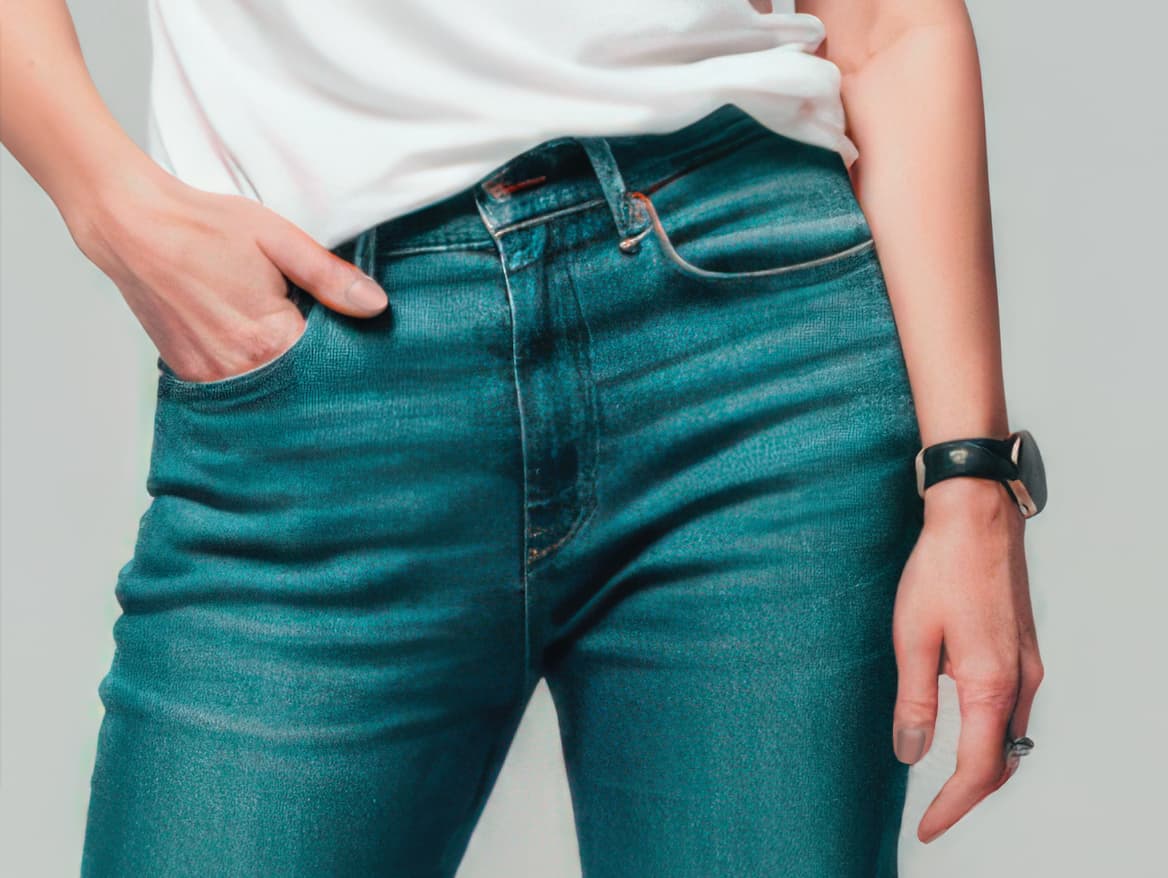
I’ve seen Photoshop and other AI apps mangle similar details as well so this is probably inherent to AI interpretations of the source material. Thankfully we can further spot-correct. I even did one example the other day with Photo AI’s Remove tool to replace a hairy arm.
Hello,
Next little project.
Still with red pandas hahaha.
This time, it’s from a raw image generated entirely by AI with ComfyUI. And then significantly enhanced with Gigapixel and compositing in Photoshop.
The prompt used to generate the image:
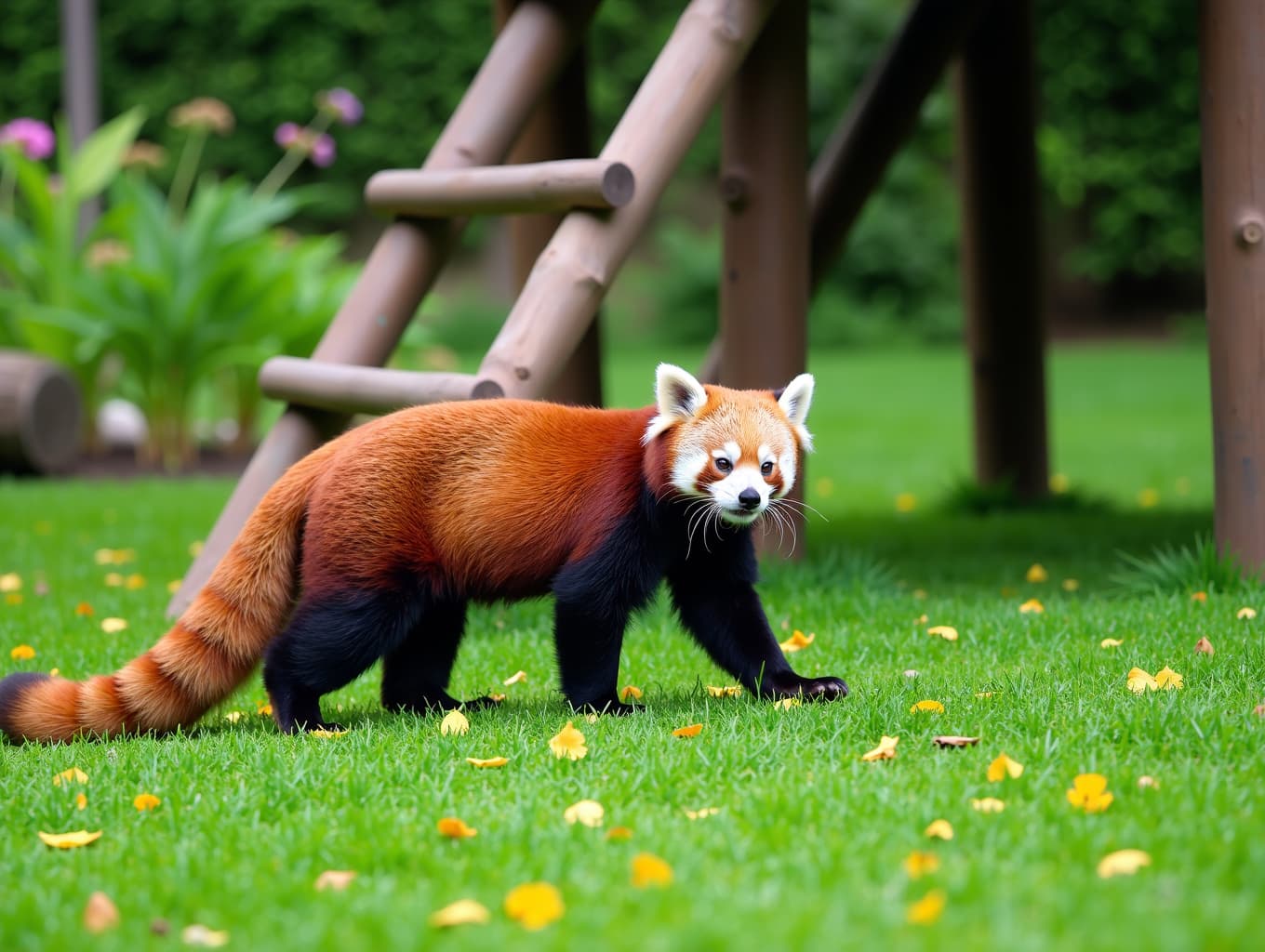
“A photograph of a red panda walking on all fours in a grassy area with a wooden structure in the background. The panda has a reddish-brown coat with white markings on its face and tail. The structure is made of wooden sticks and has a ladder leading up to it. The ground is covered in green grass with yellow leaves scattered around. The background features a lush garden with various plants and flowers. The lighting is natural and natural, with a soft focus on the panda’s fur.”
So here’s the raw image:
And here’s the significant improvement:
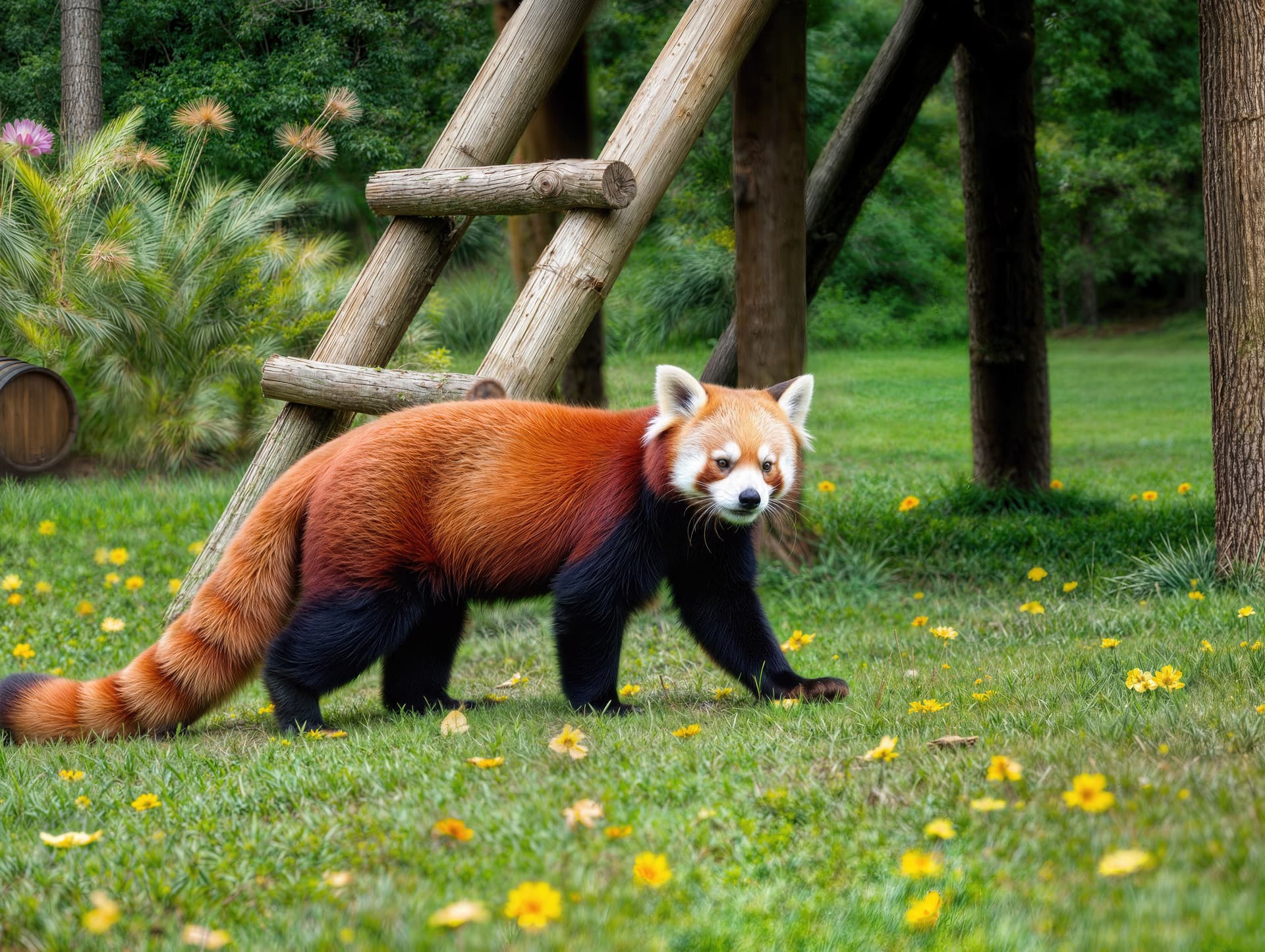
To achieve this result, I made at least 7 variations of the raw image with exponential adjustments to the creativity slider. The textures slider remained on 3. The others were set to 0. I started at 2 and ended at 6 for creativity. Of course, I have a prompt. I have x4 scaling from the source image.
Once I’d finished compositing in Photoshop, I scaled the image again to a resolution of 8064x6048.
I’ve done it twice. Once with Redefine and once with Low Resolution v2. I then combined the 2 new variants to correct the artifacts in the blurred areas caused by Redefine.
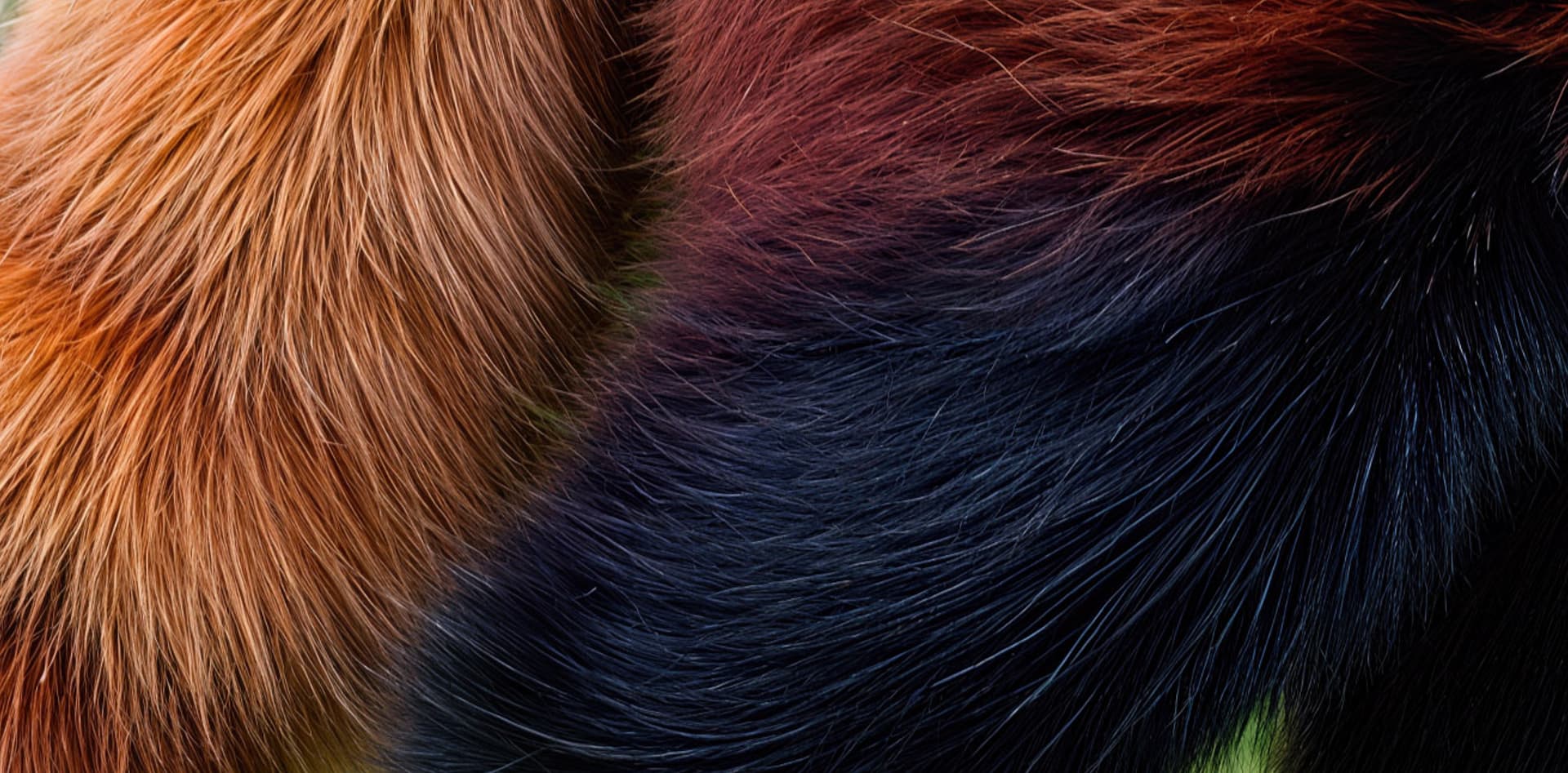
Note the quality of the details on some of the image zooms here:
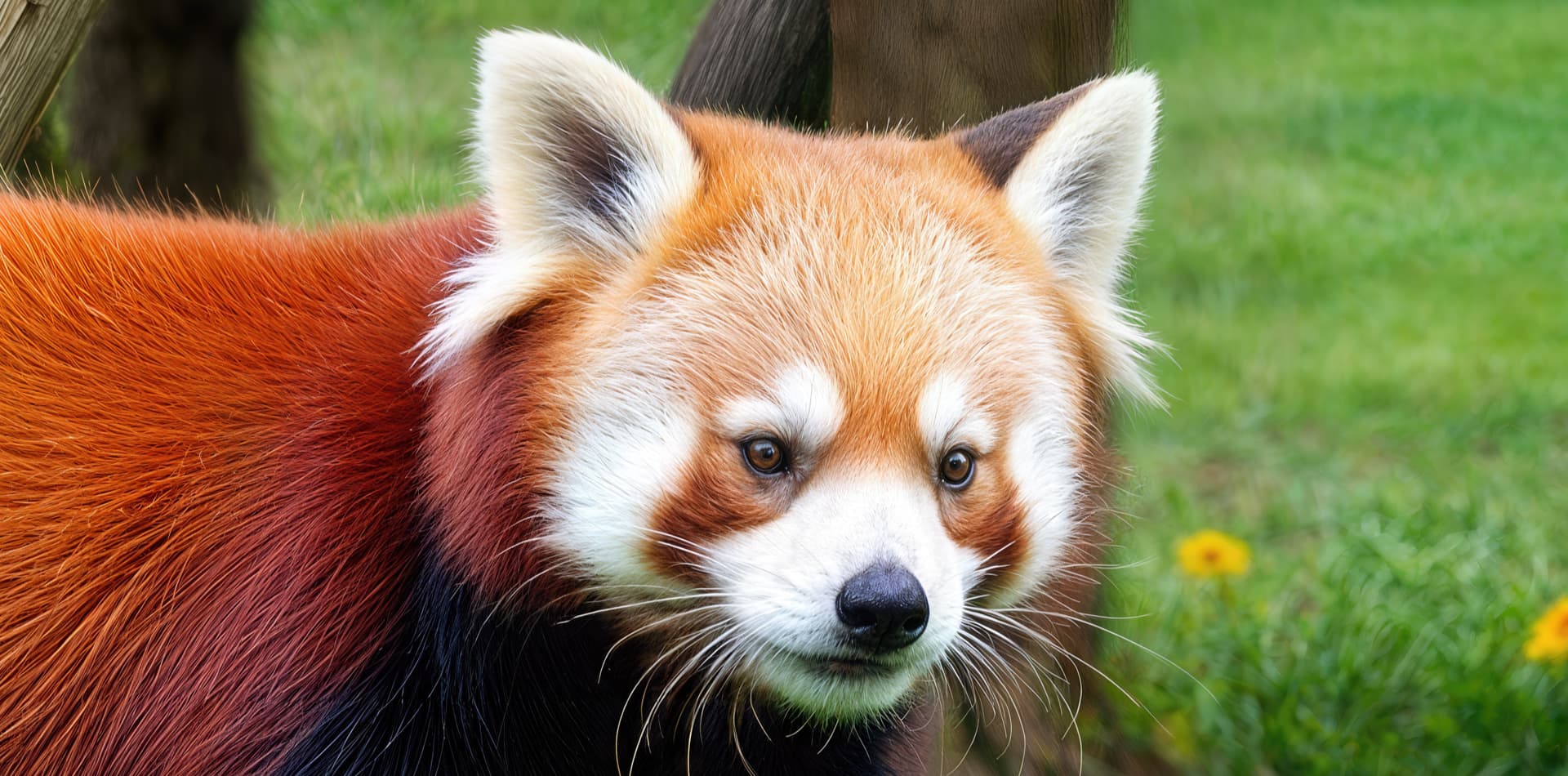
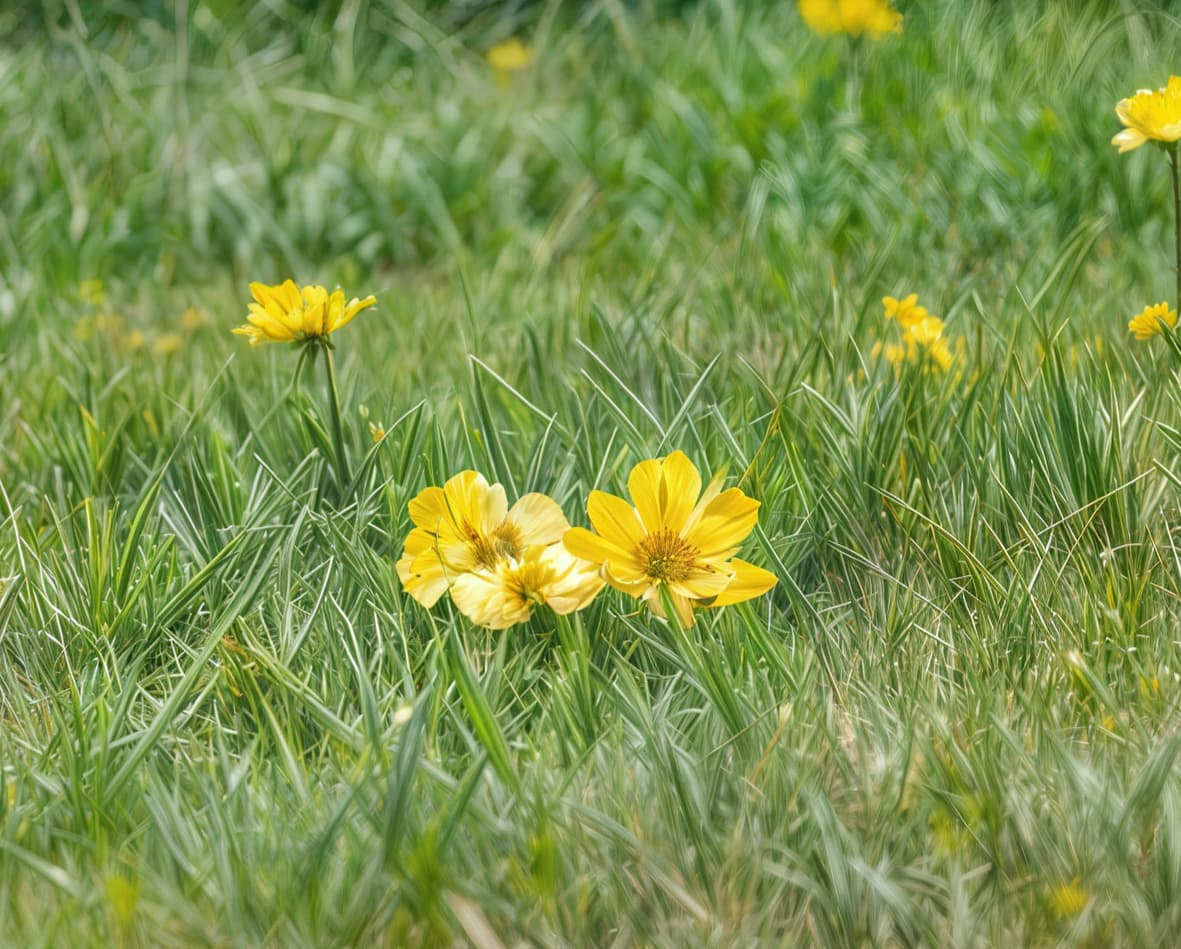
It’s amazing the details that have been added
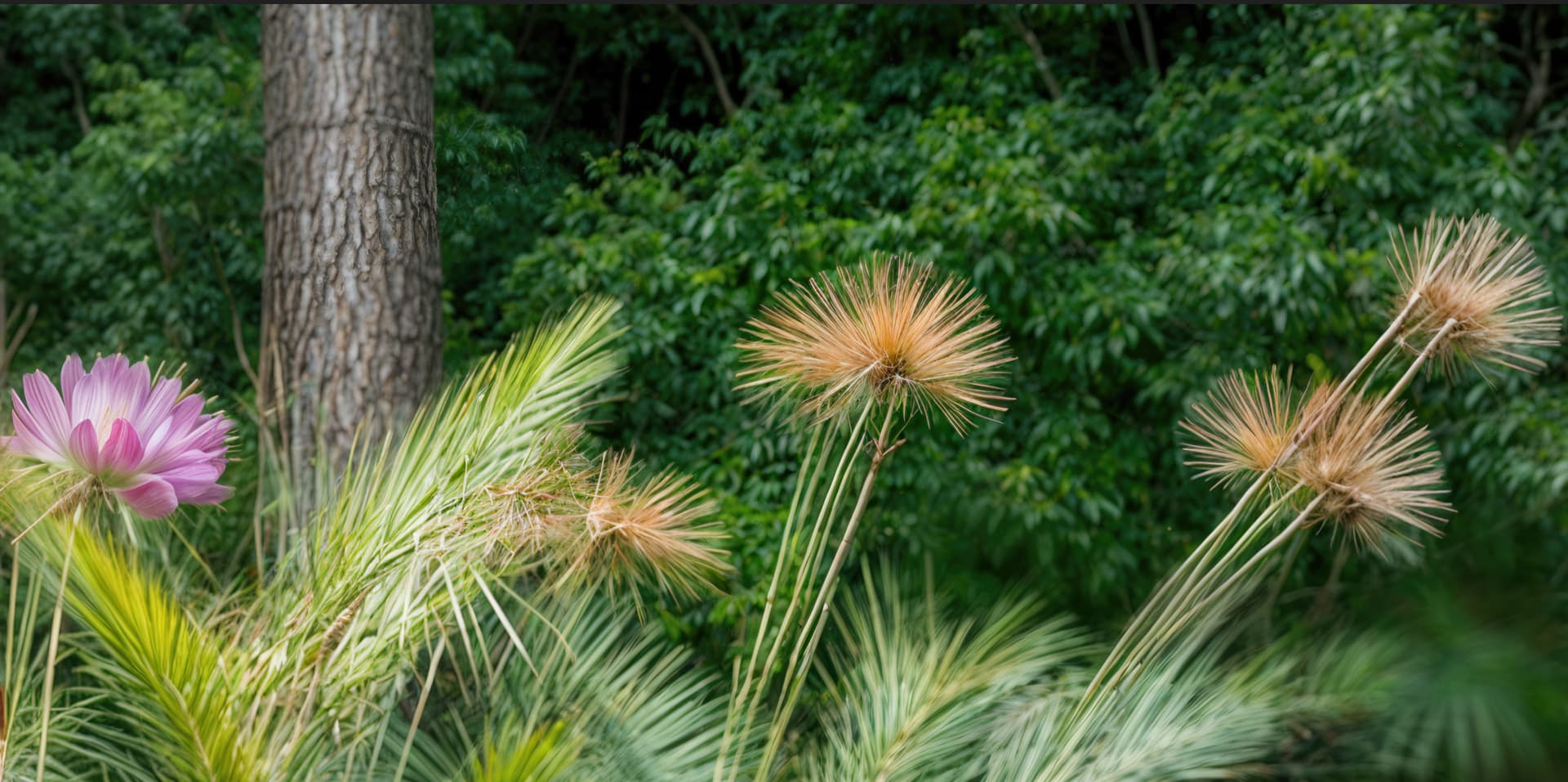
Even in the background
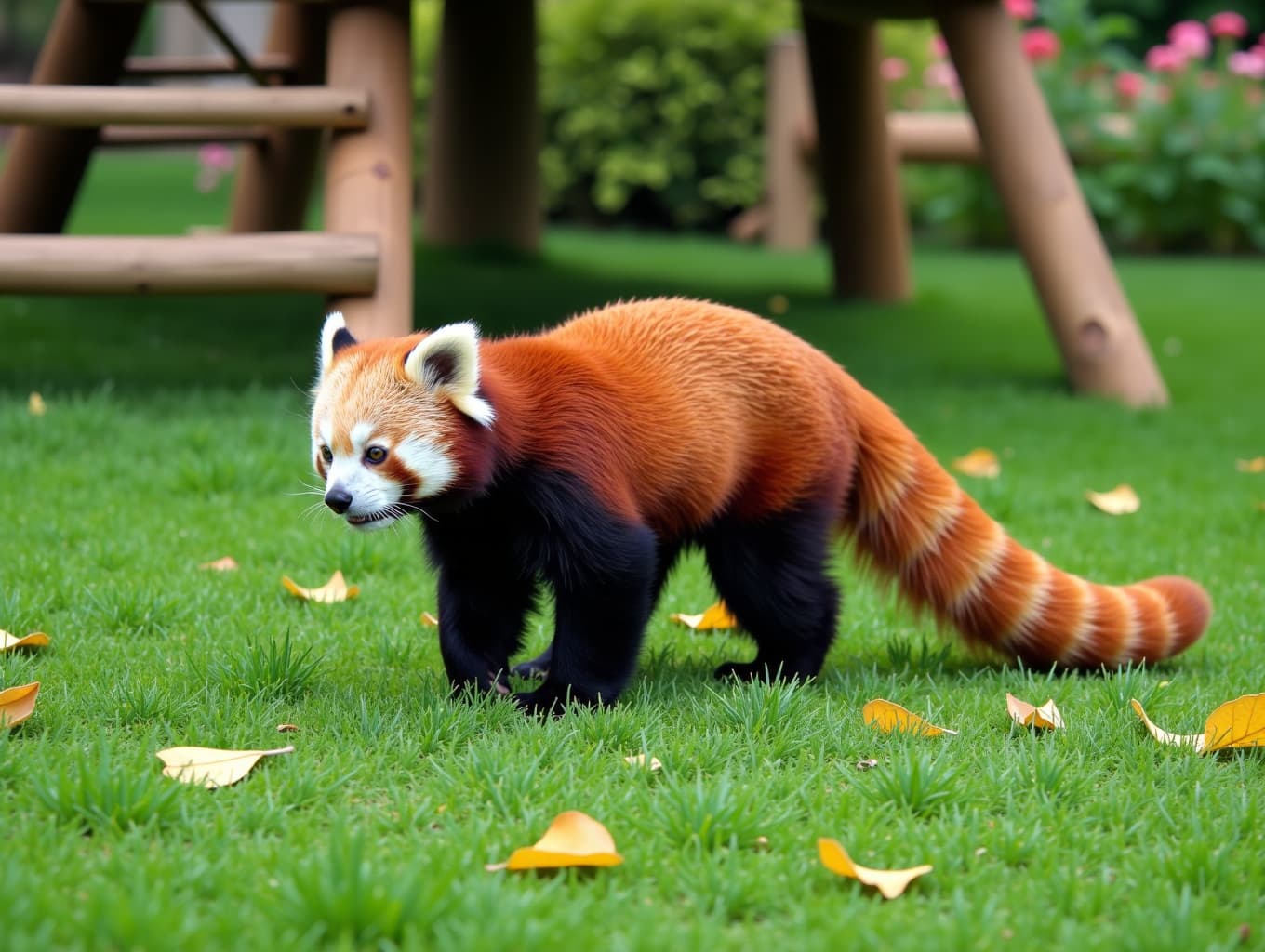
Here’s the 2nd and last processed image of the little project, still using the same process as the first.
The prompt used to generate the image:
“A red panda walking on all fours in a grassy area with a wooden structure in the background. The structure is made of wooden sticks and has a ladder leading up to it. The ground is covered in green grass with yellow leaves scattered around. The panda has a reddish-brown fur with white markings on its face and tail. The background shows a lush garden with various plants and flowers. The image is taken from a low angle, looking up at the panda.”
The raw version here
And the final version here:
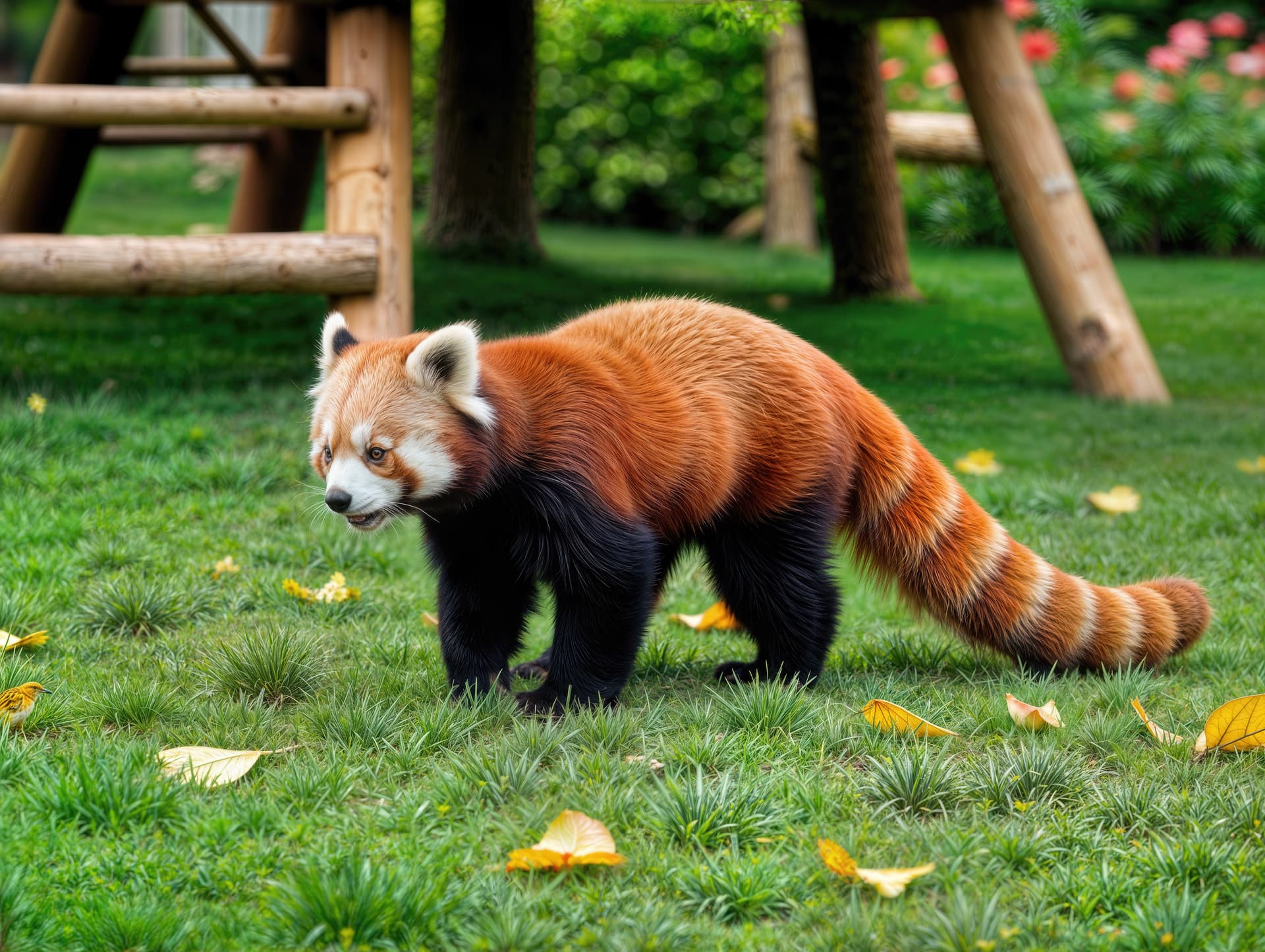
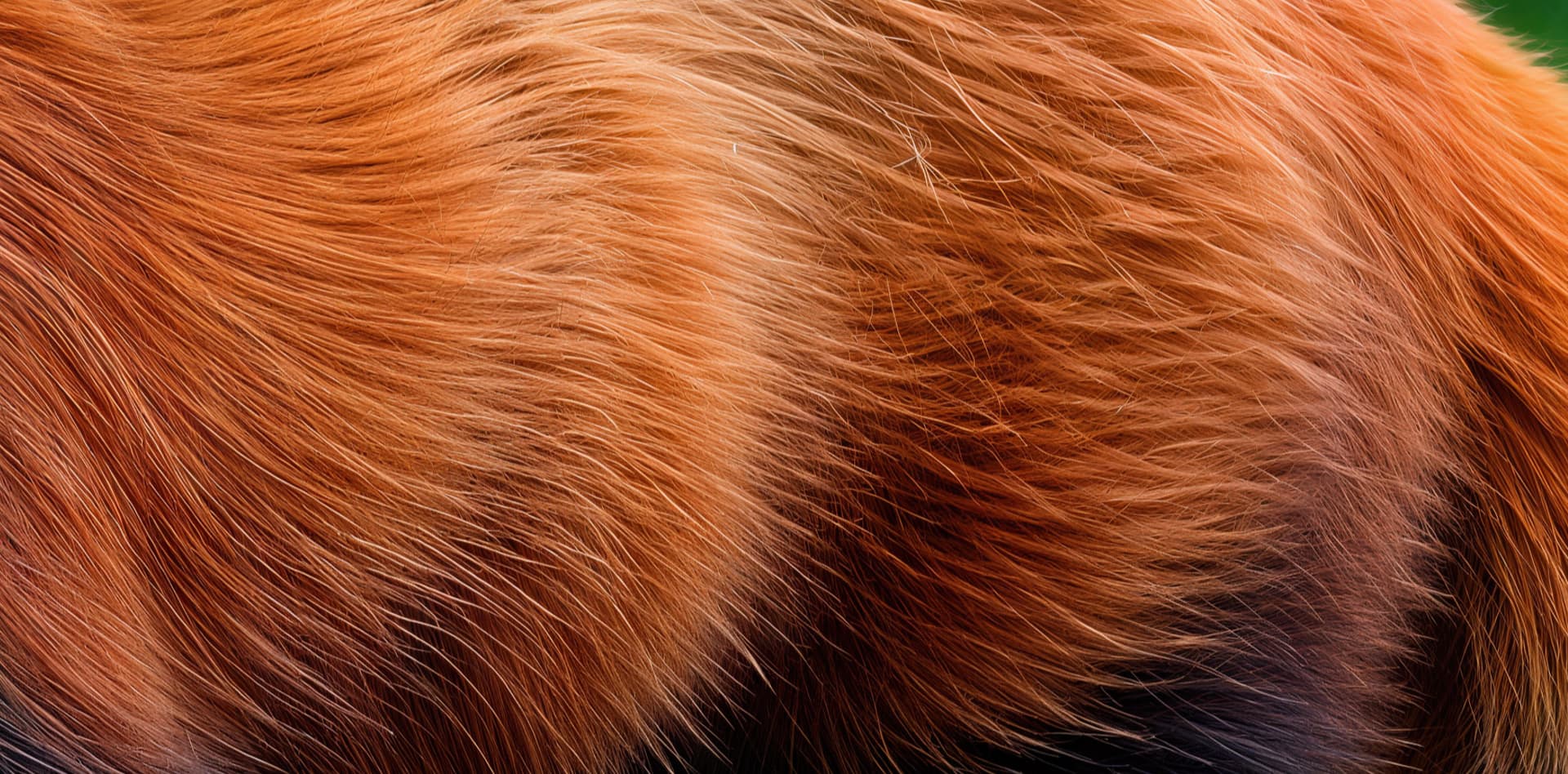
Here, too, we note the quality of detail in the zoomed-in areas of the image.
I love the quality of the red panda’s eyes. They are very realistic.

The quality of the grass and leaves seems quite convincing

The quality of the fur also looks very realistic and convincing.
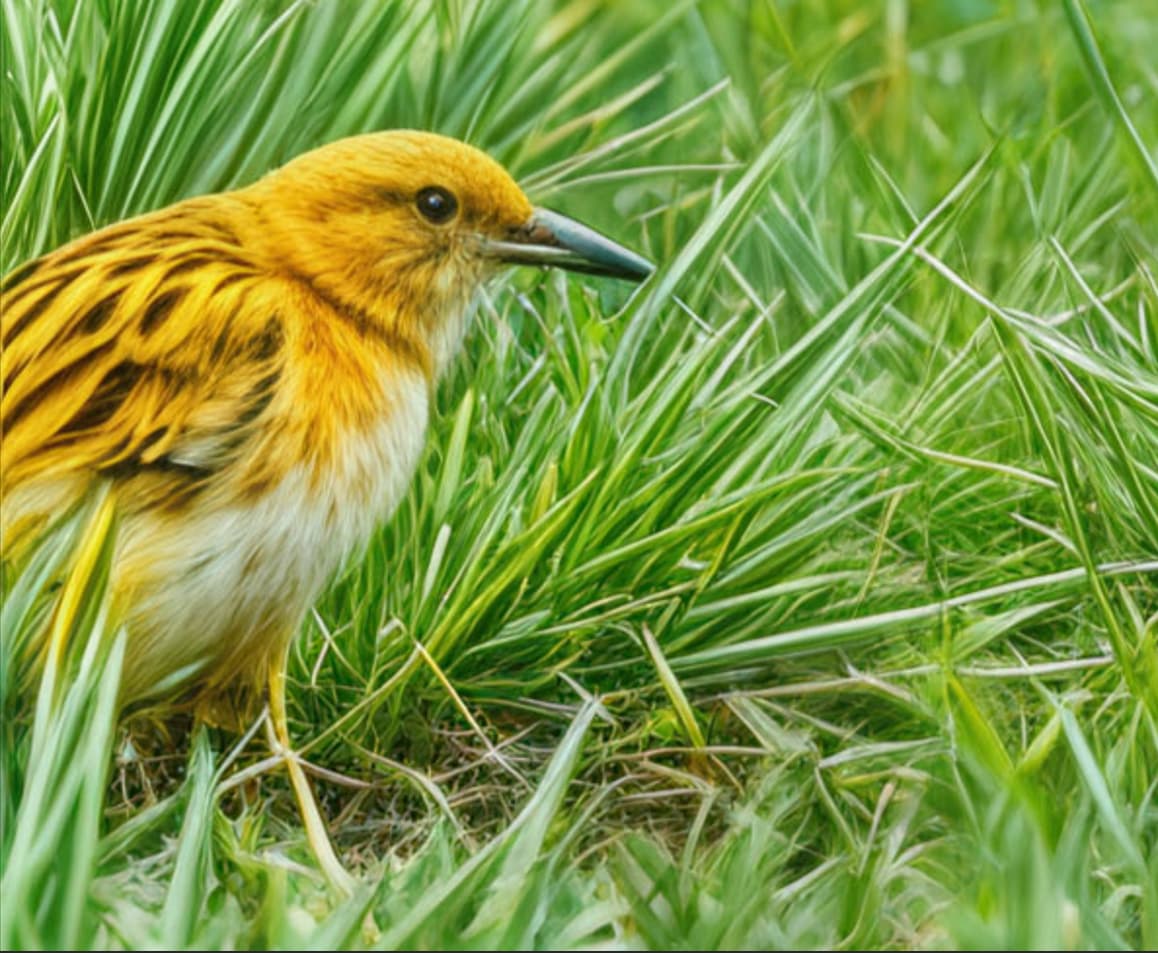
There’s even a little bird that slipped into the image while it was being enhanced hahaha. I don’t know what species it’s from, but it’s well done.
Edit:
I sent the image to Google image out of curiosity. And he found it hahaha. It’s a yellow warbler.
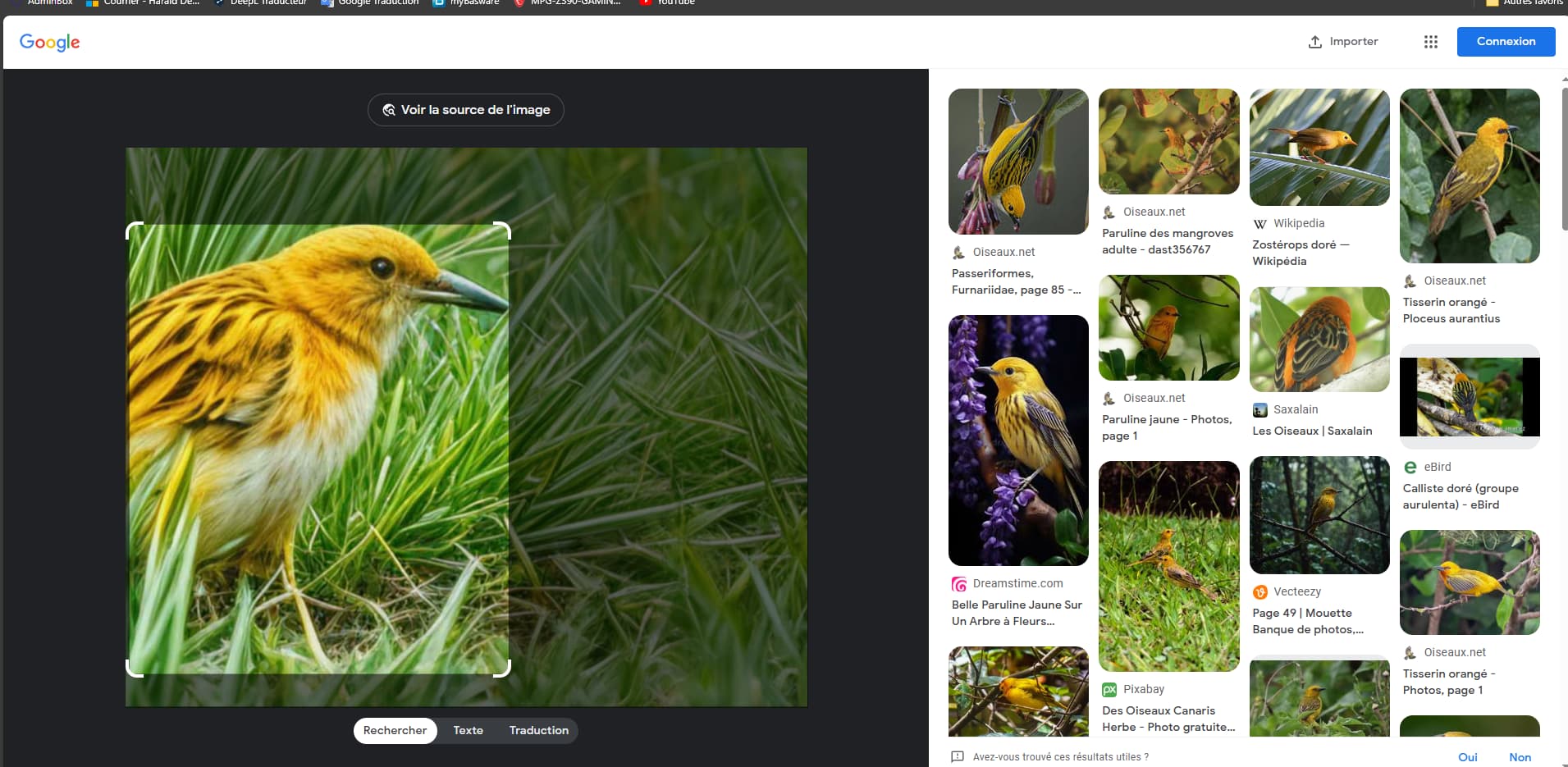
In conclusion, I think that anyone without a trained eye could be confused between a real photo and a 100% AI image if they were only shown the final result. And that’s the whole point. 

Tell me what you think of my 2 red panda images.
Well, that’s really excellent! Almost unbelievable. A beautiful demonstration of how to use the Redefine tool. For me, it was instructive, especially the composition and the use of the prompt. It will probably only interest a small part of Gigapixelists, but it would still be worth continuing to improve it on the part of the developers.
Yeah, that yellow bird. When comparing the images, you can see that Redefine turned one yellow leaf into that bird. It’s not bad at all here, but with other motifs, such strange artifacts often arise. Here, the AI lags quite a bit behind even mediocre biological intelligence, I dare say.
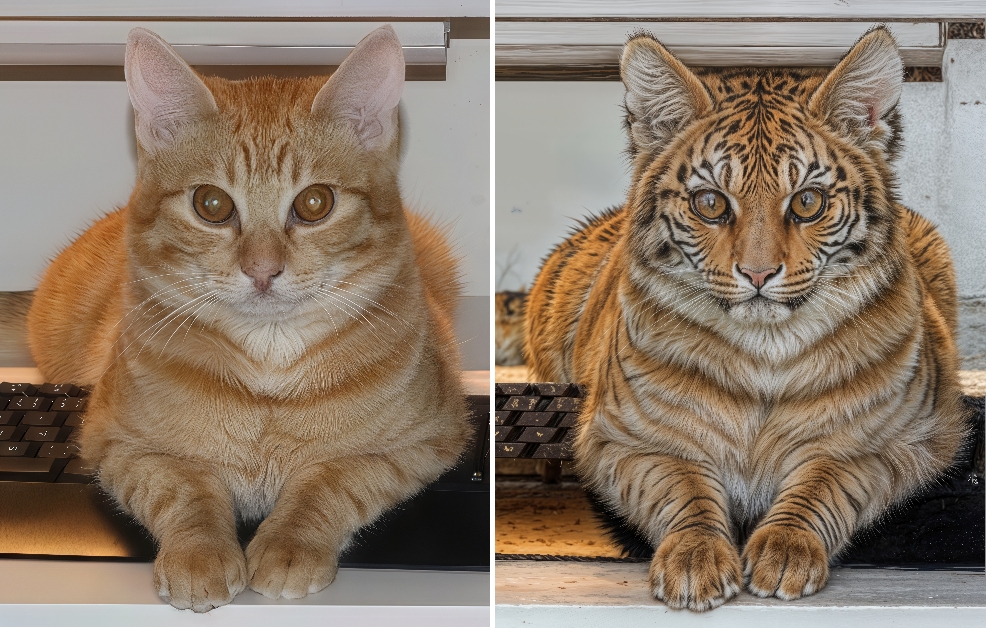
Not only individuals (including members of the Topaz Girl family), but also cats can look nice. For example, my cat, who joined me in the summer as a stray abandoned kitten. At home, he immediately mastered Gigapixel, among others, and no longer lets me near the keyboard or mouse. He especially likes the Redefinition, I don’t know exactly why. He recently created a work called “Who Wants to Be Who?”. Is it perhaps the left cat’s dream to be the one on the right, or maybe the other way around? I have no idea. The work of art is left to the viewer’s interpretation:
Just to add on what @michaelezra said, Prior to my update from 8.0.2 to 8.0.3 Redefine was working fine on my m1. I don’t know what your definition of “decent speed” is but I was getting images finished in under a minute (for small images ie 1000 x 1000 pixels) up to twenty minutes (where I knew in advance that I was working with a large file and could go make coffee). The previews were always done in under a minute. Maybe that’s not “decent speed” to you but it was fine for me.
The problem now is that even a preview never finishes, and it’s not even using noticeable CPU or GPU cycles.
If it were working in 7.x but failing in 8.x I’d understand that maybe a whole new technology was being used and that my computer just didn’t have the horsepower. But this is the same computer which was working well (by my standards) a few days ago and 8.0.2 to 8.0.3 is only a minor point release update.
1 Like
Thanks Steven, I use every new version as it comes along (for years) including betas and don’t recall ever being able to Redefine in reasonable time (ie, not 20 minutes for a preview; less than a minute would be great!) on any Mac. Photo AI’s Refocus did get an optimization and is now doable on an M2 Mini.
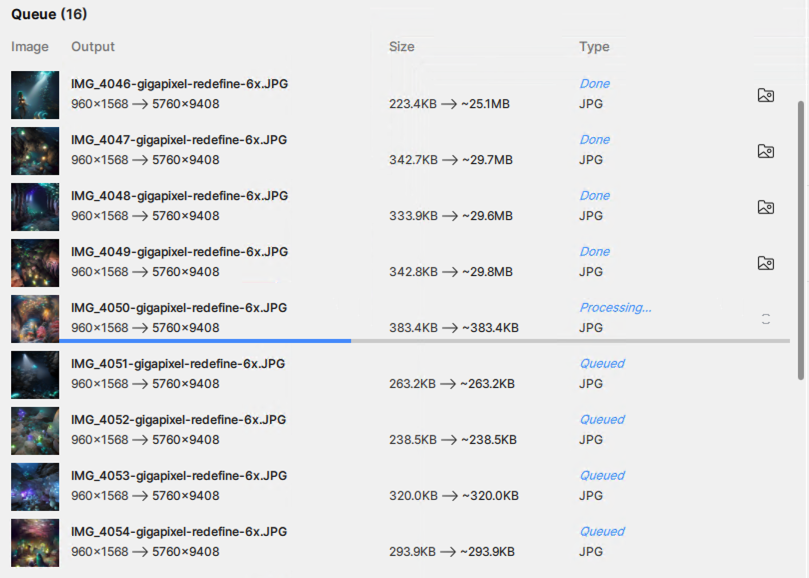
On the PC with 4090 GPU I can render a 6X (as shown in batch queue) in about 2-3 minutes with Creativity=6, Texture=3. (Since I took this screenshot it’s already on to the next one.)
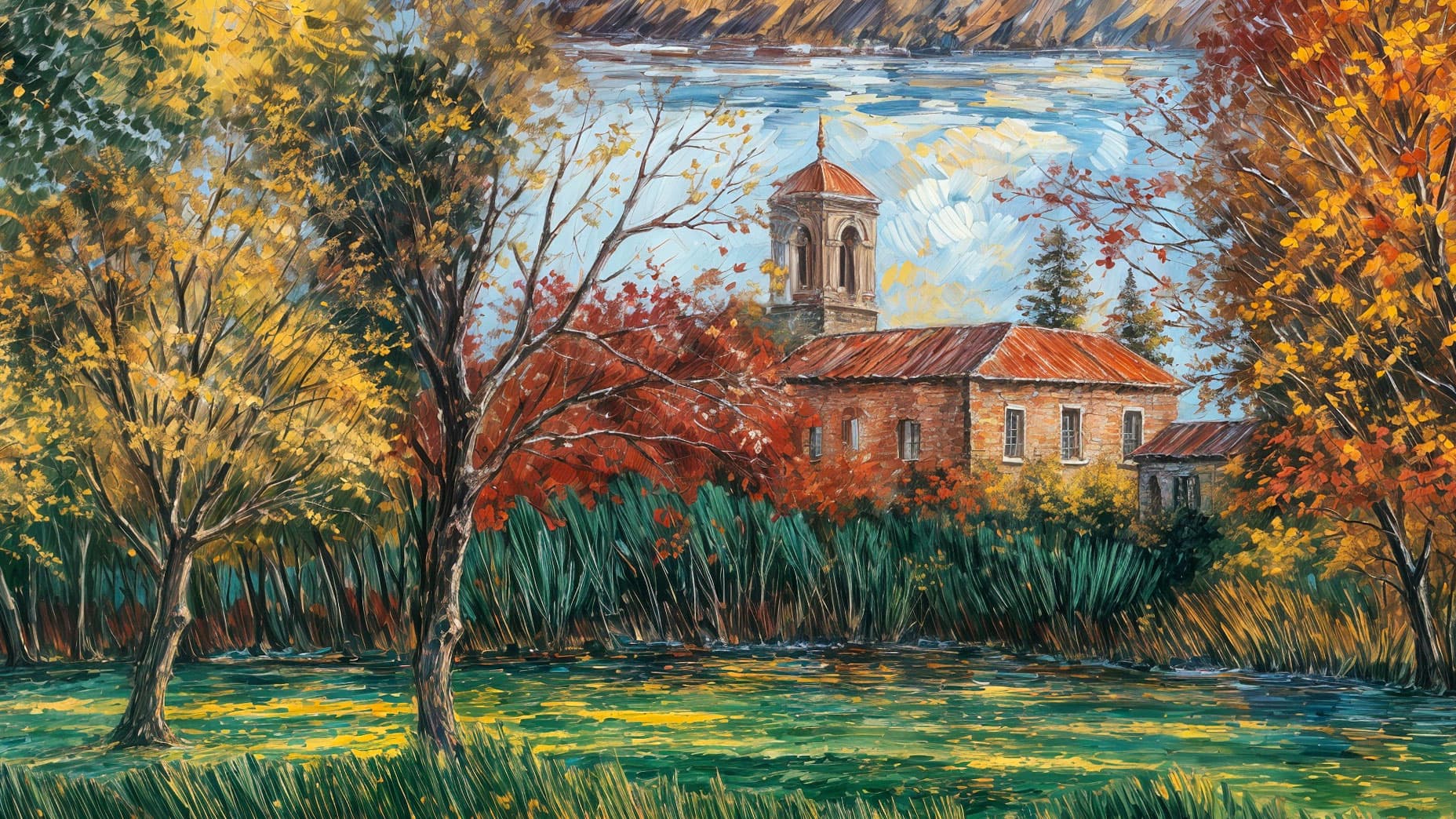
I happened to be in a waiting room today and thought of you after seeing some pretty bad traditional art on the wall! These were not much different than some of the Redefine renders I have gotten (busy, flat, detailed, stray human figures and animals scattered about).
So this whole art thing is very subjective, as I already thought.
Here are some Redefine 100% crop examples along more traditional lines that might be more inspirational than hurtful to your eyes:
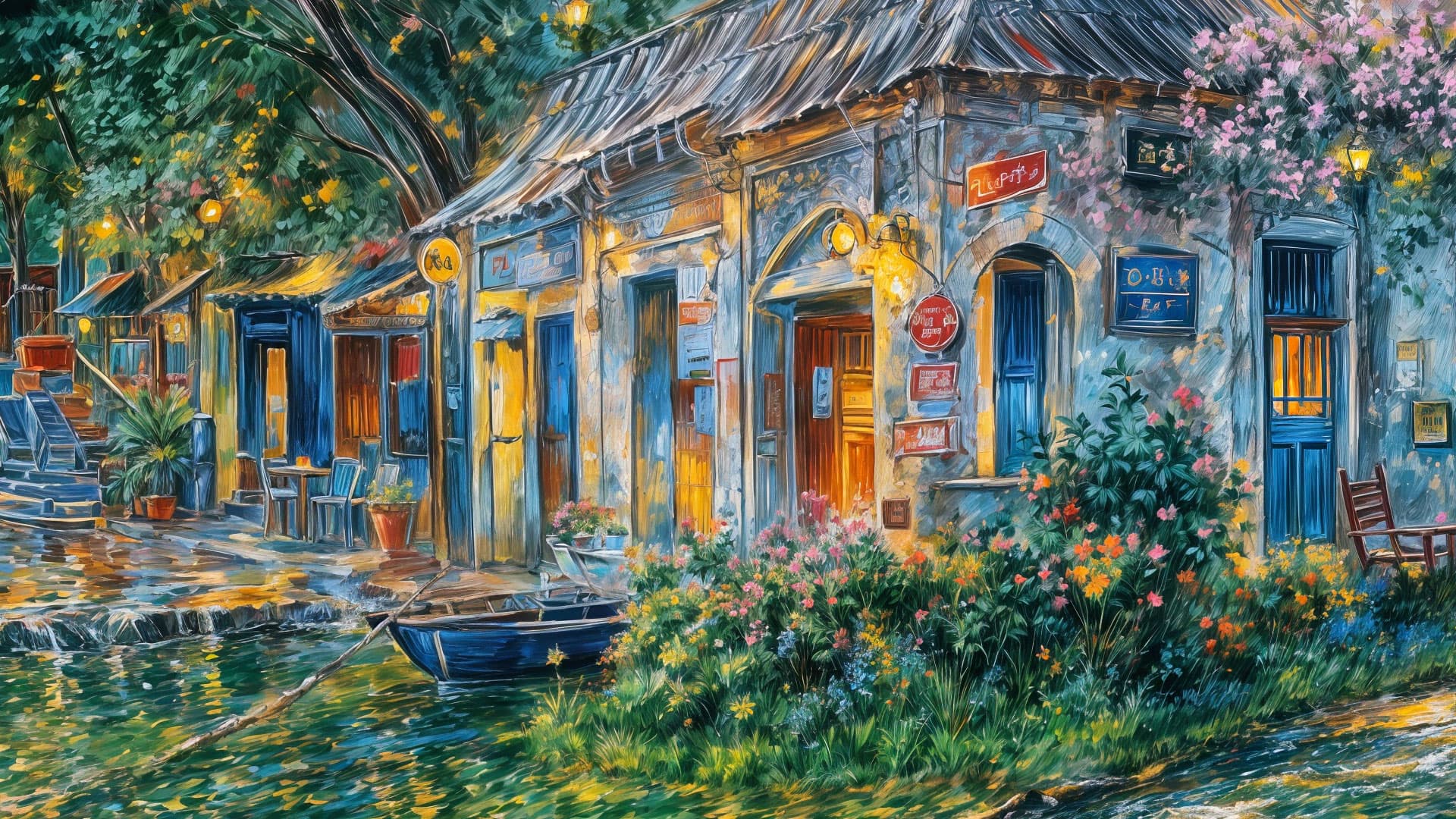
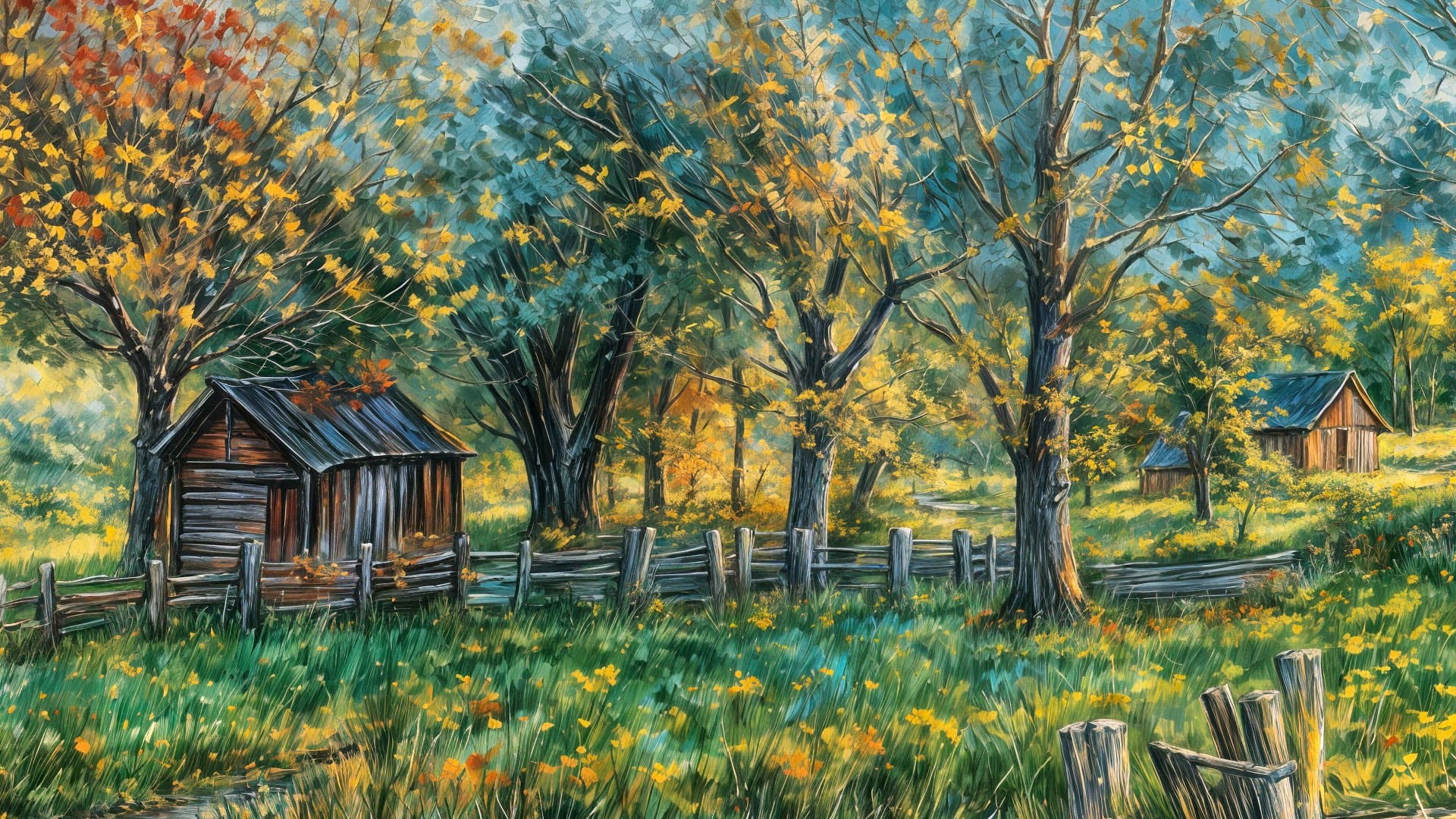
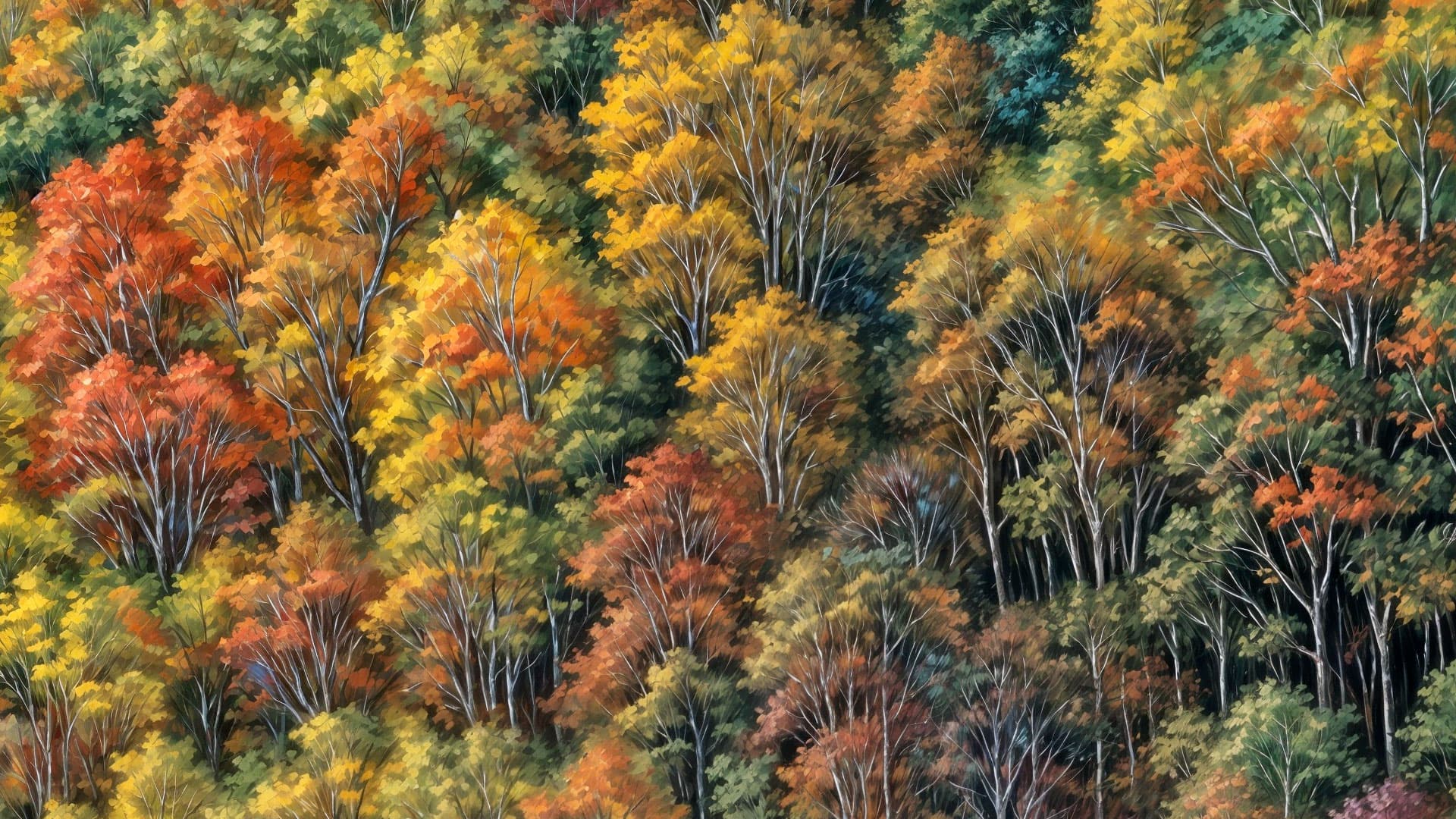
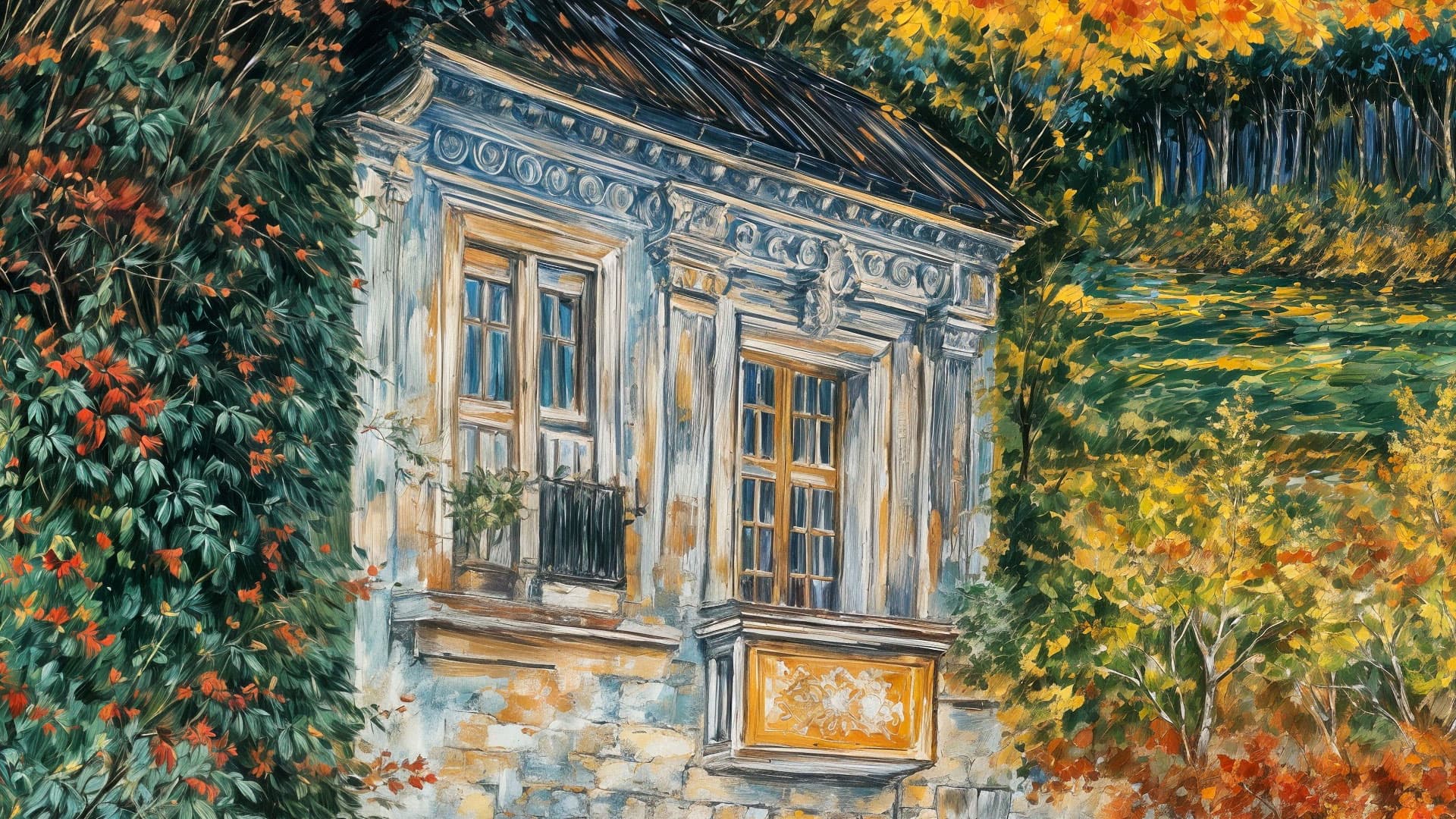
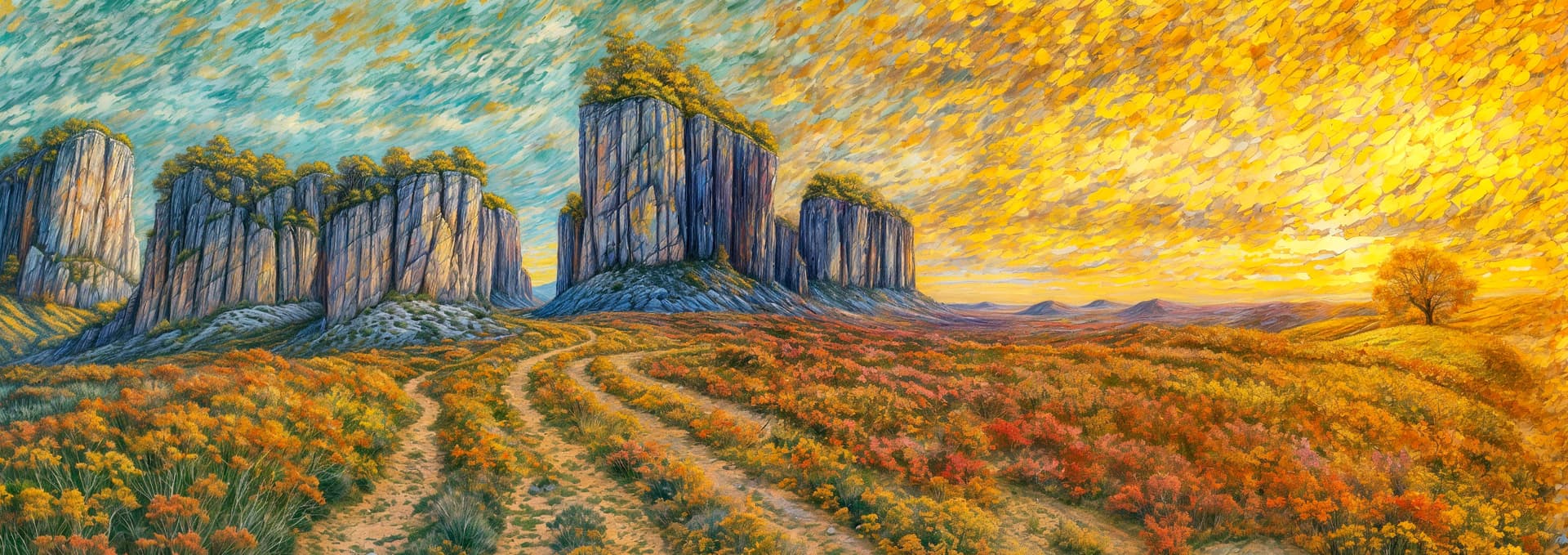
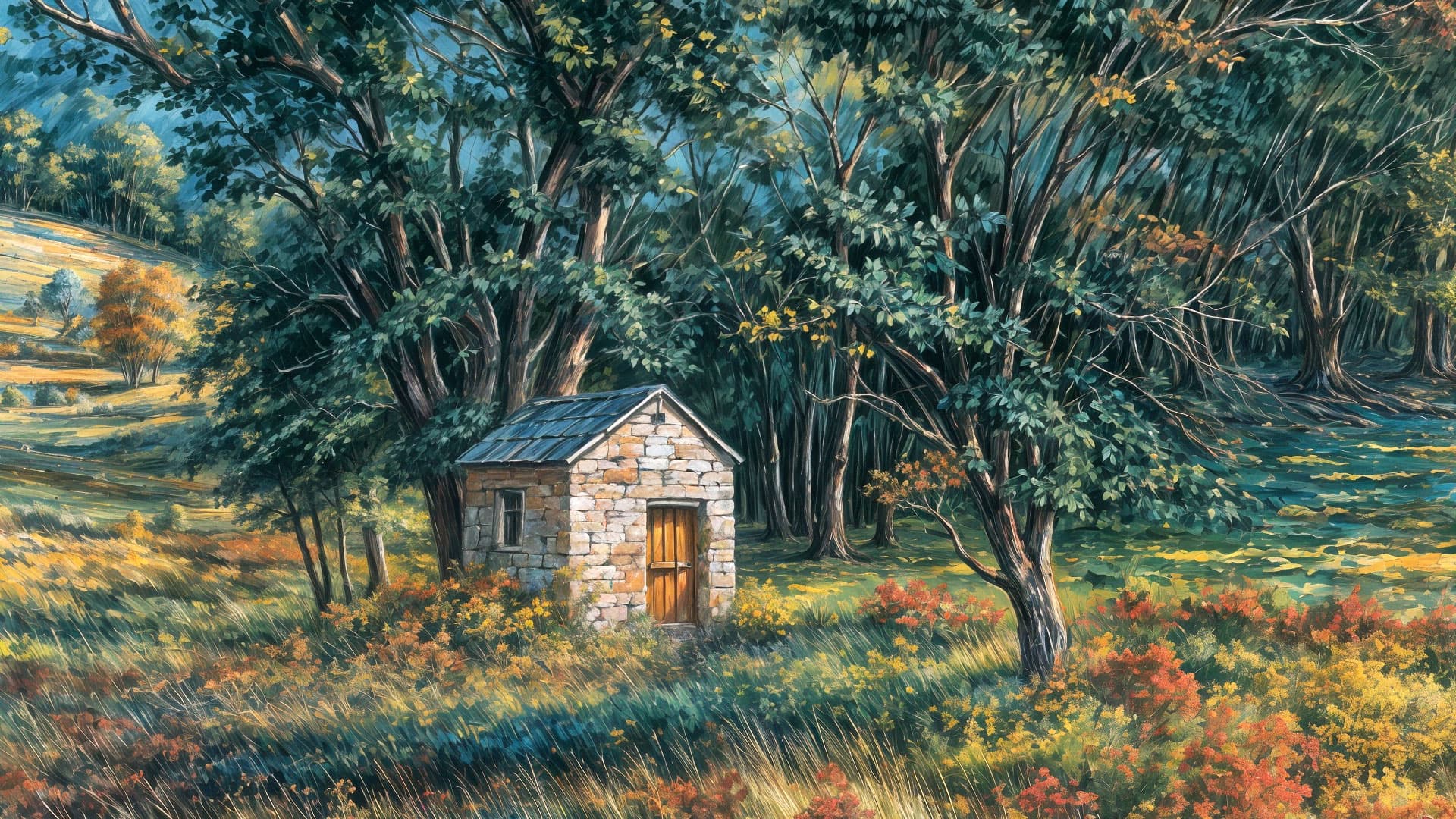
And the Topaz Girls wanted to say hi to you!
Thanks for replying and setting the expectation level.
2-3 minutes for a 6x on files of that size is a lot faster than I was getting, for sure. I never doubted that I could get faster results with different hardware. My MacBook Pro is two years older than your Mini but the M1 Max has more GPU cores (even if they aren’t as good as the newer cores). I’d bet the amount of available memory is a factor too but I don’t know how much your Mini has.
I wish I could return the favor and give you an exact comparison but I can’t now because I can’t run TGP at all anymore. Looking at my file timestamps doesn’t help because we don’t have the same workflow at all — not even close! I’ve been working on one image at a time, and going back and forth between Gigapixel, Photo AI, and Affinity for different changes for different parts of the images (as an example). Most of my redefines are 1× and I save bigger jumps for the final stage (when I can go watch TV or sleep while the computer works).
I’m probably doing it all wrong and my expectations are skewed. I think of image editing as a guy who learned Photoshop in the early 1990s on Photoshop 2.0 and who was doing print catalog production before Photoshop had layers, when rotating a print-resolution file was an occasion to go make a pot of coffee! So for every image I have I’m trying a couple dozen ideas in low-res before I even think about rendering big files, and I’ve got an Affinity file with layers of different versions, adjustments, and masks.
I probably ought to learn write prompts to “do that again but this time give her a third eye” instead of editing stuff myself. But for now and for me it doesn’t have to be fast. For now a multitasking OS is my friend and Gigapixel in the background hasn’t caused me problems running other apps.
My Mini has 16 gigs but it appears Gigapixel is not making much use of RAM or GPU, based on others’ reports and my own RAM monitoring (I don’t seem to ever get over about 24% usage, according to Memory Cleaner).
Photoshop 2.0! You must be some seriously old dude! Oh wait – I was teaching myself Photoshop 2.0 around 1992, so ha!.. I do remember the old Macintosh IIci’s, which is what I was using then.
No layers, yes! Here are some collages I made while learning back then, using scans of my own photos for the top one* and scans from books over a background photo of my own for the second:
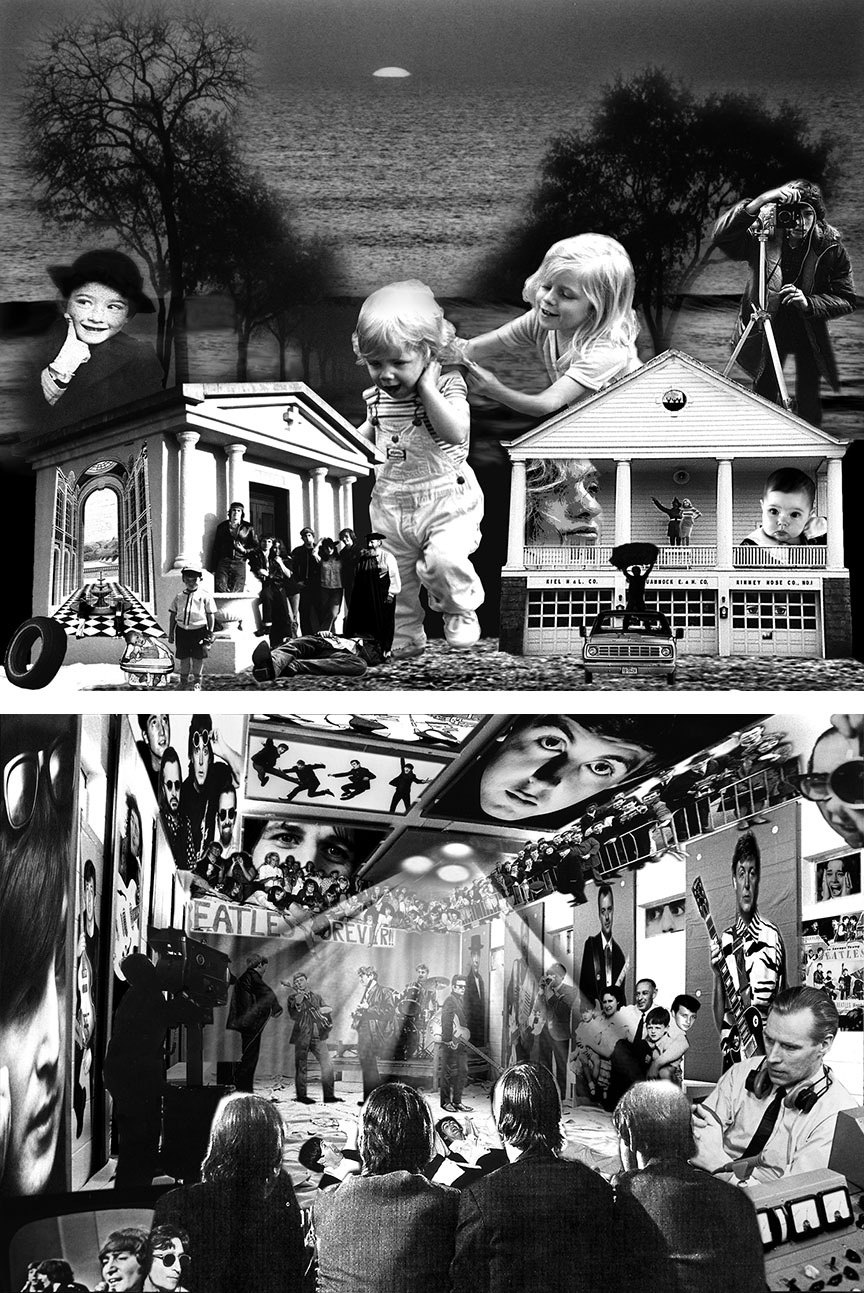
These images were originally stored on floppy discs and were transferred to Zip, etc. and survive to this day.
My main interest in using Gigapixel/Photo AI is for beta testing, showcasing functionality and print-on-demand (which is why I want to chop up these WOMBO renders into nice little vignettes. Otherwise I’ve been using my own photos for that purpose).
*That’s me with the camera, 1975
