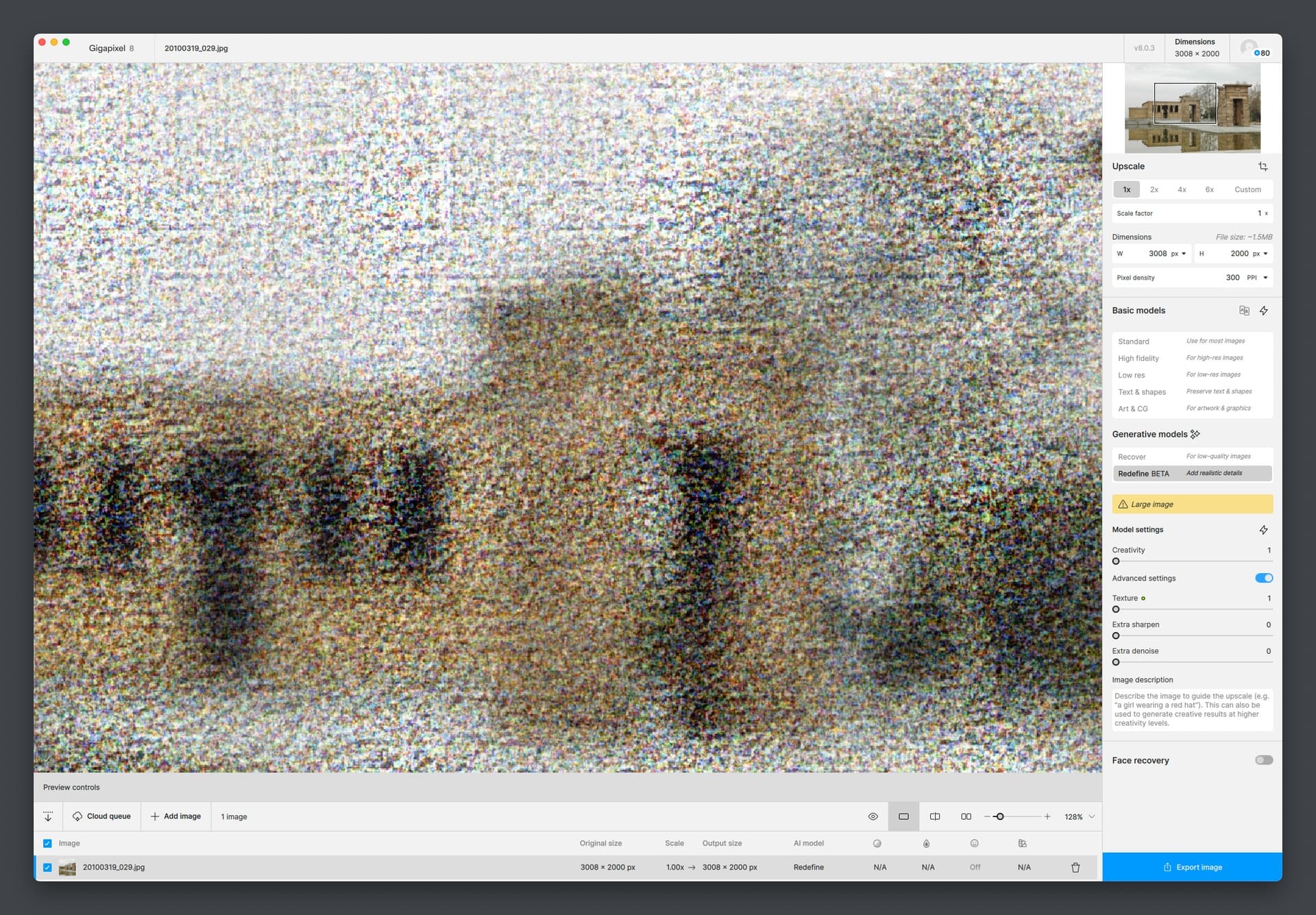
ISSUE: Gigapixel 8.0.3 is stuck - progress does not move forward.
Redefine. Latest MacOX M1 Max.
It will render later in your lifetime. You need to use a PC with dedicated GPU for decent speed.
I’ve tried M1 Ultra and M2 Max Mac Studios as well as M2 Mini along with Dell 3660s with NVIDIA 4090 so I am very familiar with this situation 
Refocus in Photo AI is as far as you can go on Macs right now in terms of the new options.
This issue really needs to get fixed (again…) in 8.04.
2 Likes
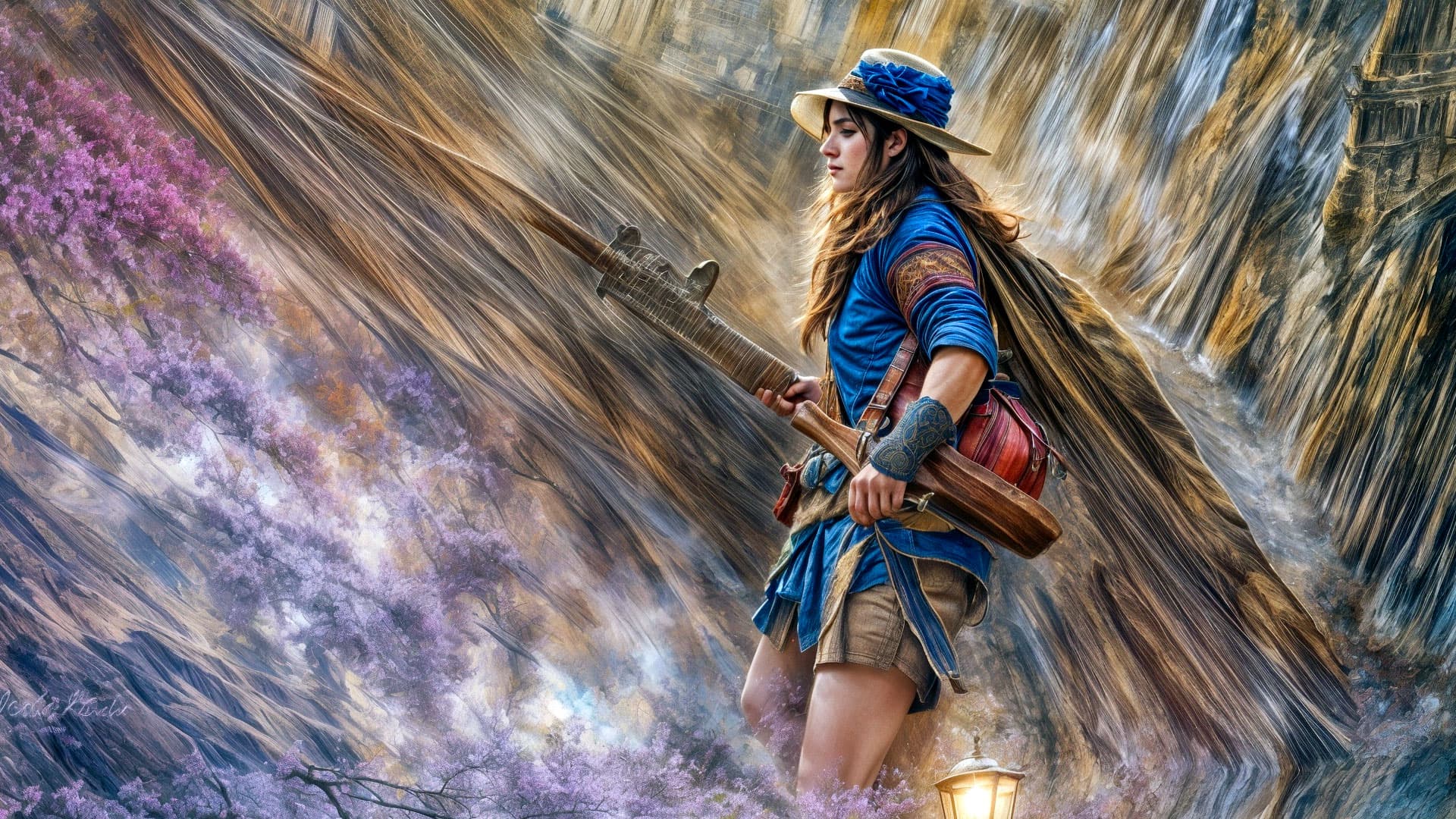
Promo scenes from the upcoming Indiana “Giga” Jones And The Temple Of Topaz, starring Zed and Zephara Zapot, brought to you by Redefine Studios:

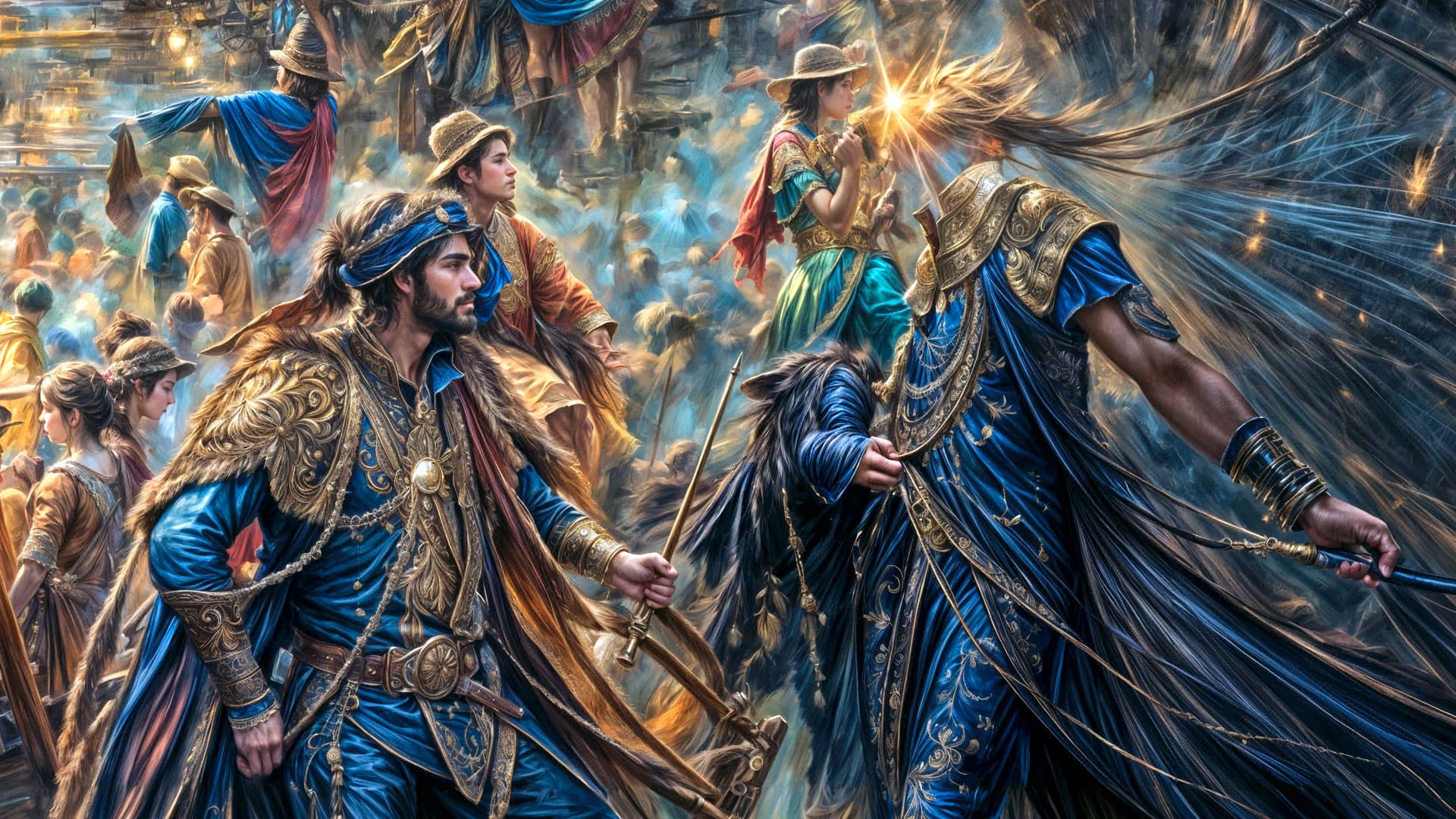
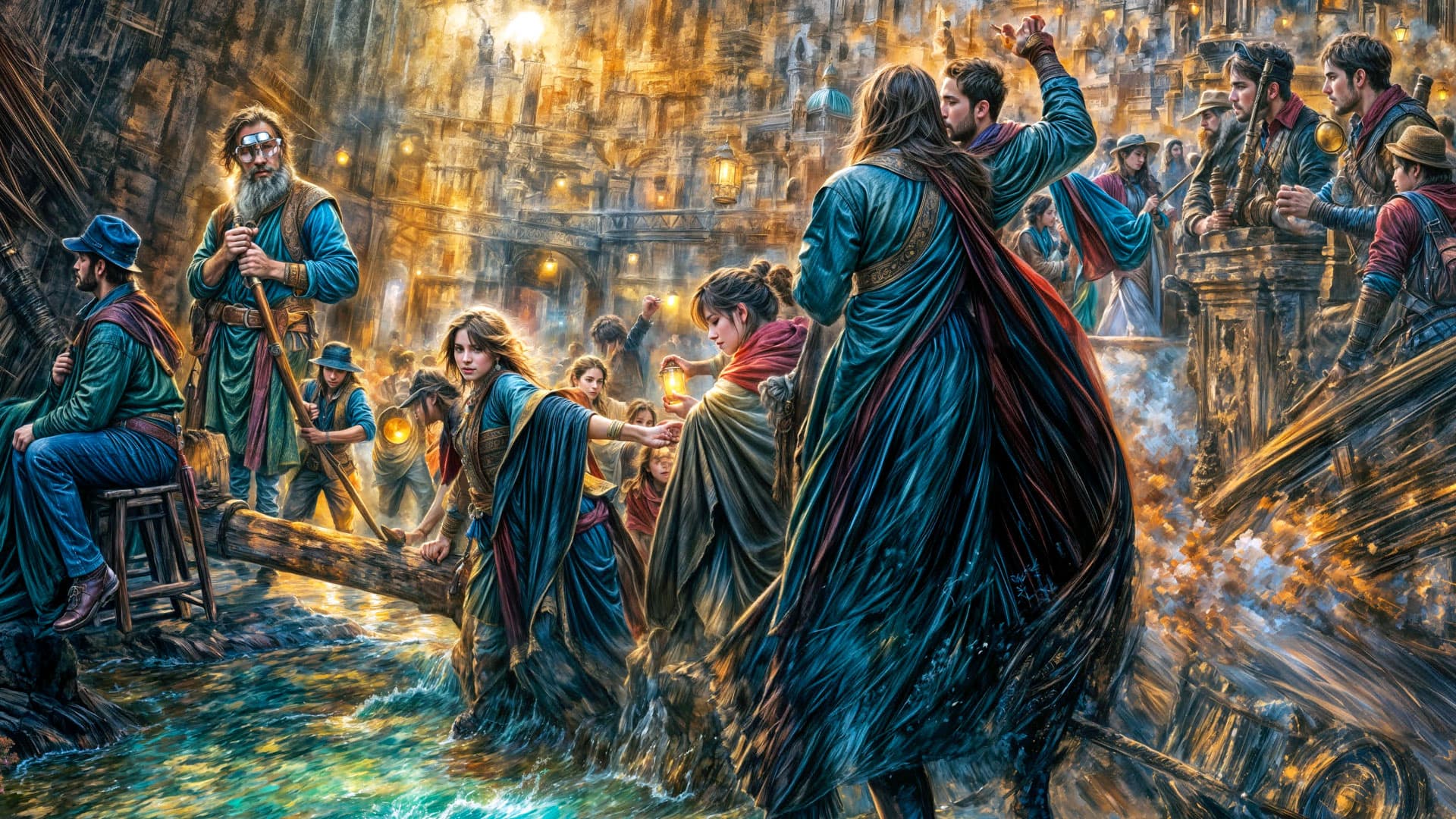
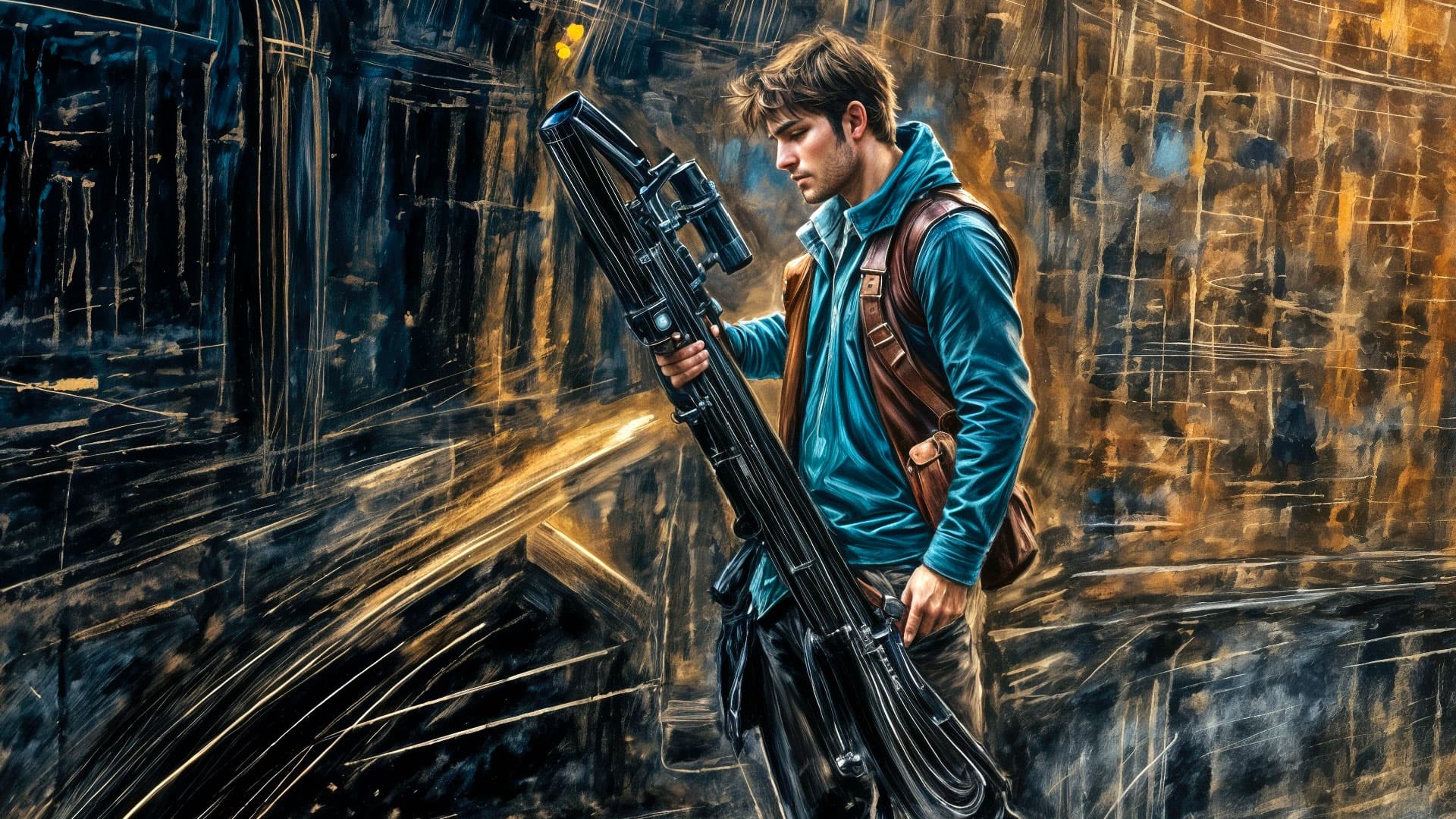
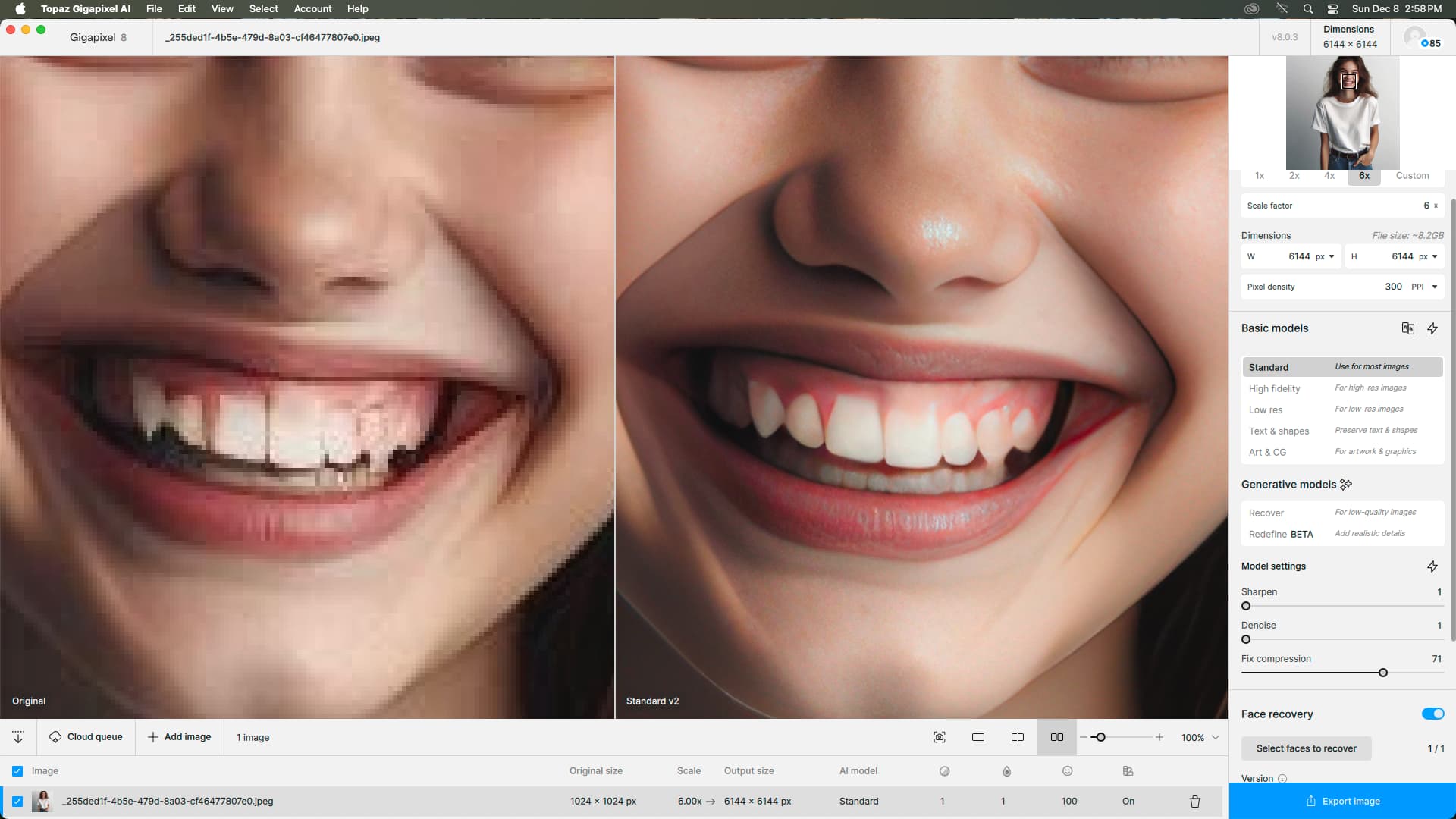
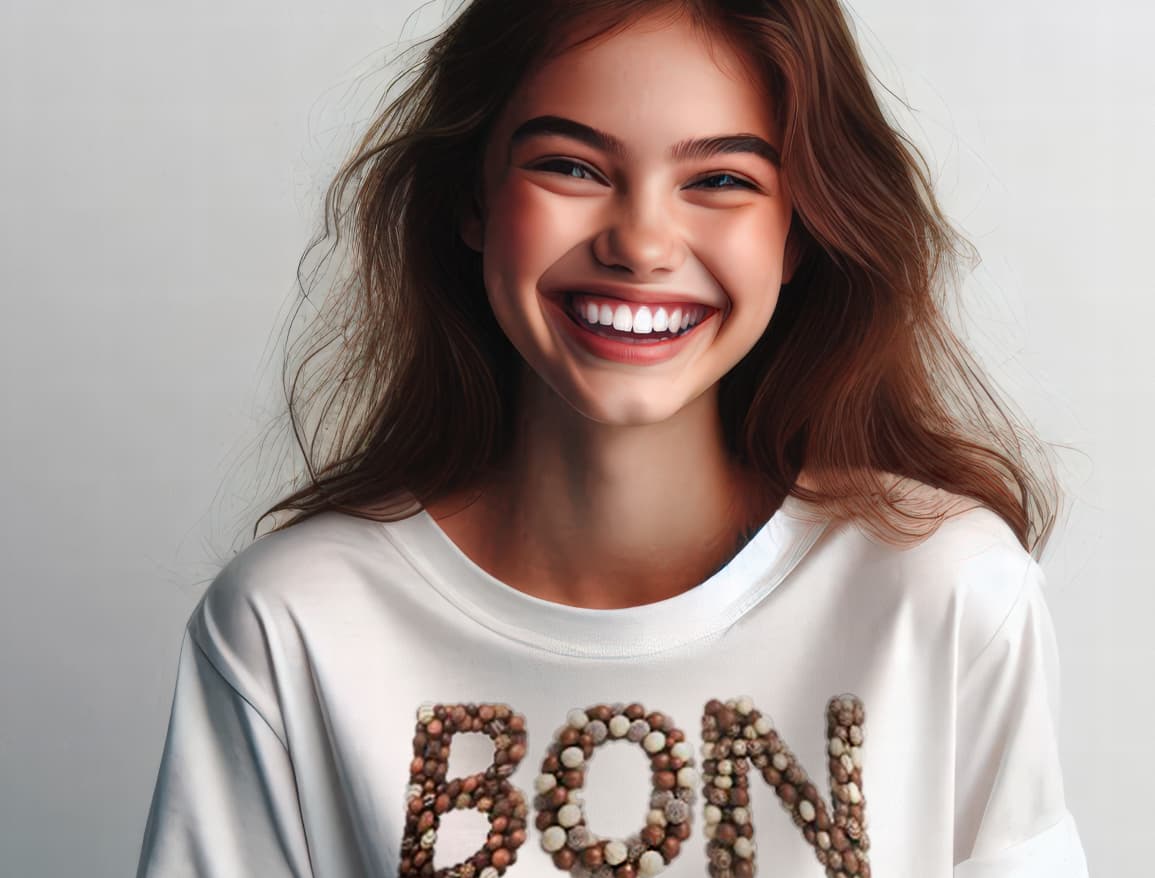
I guess I am too impatient. When I run up against something like these AI mangled teeth and they don’t resolve perfectly in Gigapixel ( I was very happy with everything else about the photo) I just go AI another set of teeth and pop them in.

After climbing the peaks of the Topazmore Mountains and reaching the highest point, a strange statue unexpectedly appeared across the river. Artificial intelligence suggests that there might be some connections there if the (allegedly already found) redefined creativity and texture values are used correctly:
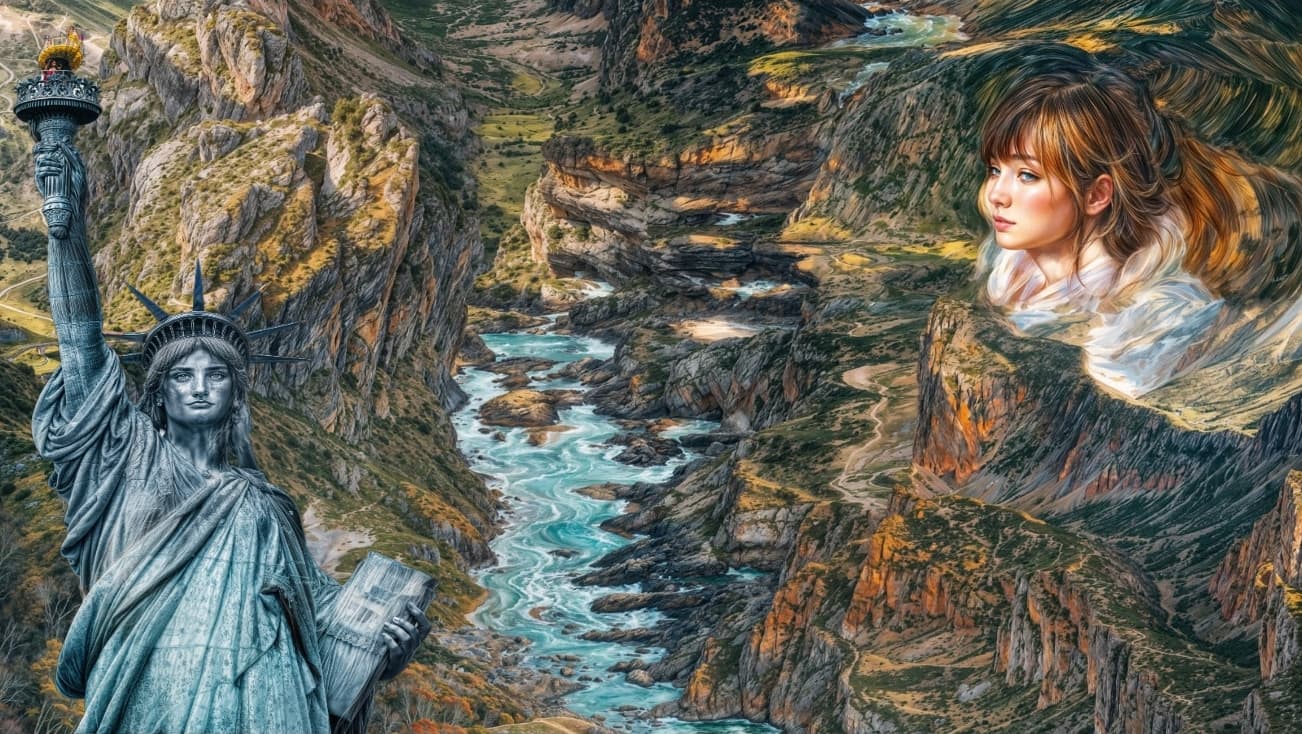
For me, many versions of Gigapixel already create scary teeth in photos of smiling people. And also squinting eyes. I guess it will stay that way. It’s best not to smile and wear dark glasses.
That’s funny! It’s amazing what AI is revealing to us these days, so much to learn about history and the world around us… We’ve taken so much for granted! So much rewriting to do.
Yow, I guess Sharpen and Denoise were not the culprits after all…
I bet Topaz Girl’s favor that the script is definitely written on a redefined L. C. Smith & Bros. typewriter (modernized version with AI). Keep it up, I hope there will be many sequels!
1 Like
I’m getting the same thing. Only with the Redefine Tried reinstalling but didn’t work. Can’t find a way to just redownload models. Hope this gets fixed.
1 Like
Welcome here!
Sorry to see what you’re dealing with. My immediate thoughts as a (mainly) Mac user:
Don’t try to Redefine on Macs… Gigapixel is not optimized for Mac GPUs yet. PC’s with very high end GPU’s work as you would expect, but it still takes time. I’m batching some right now:
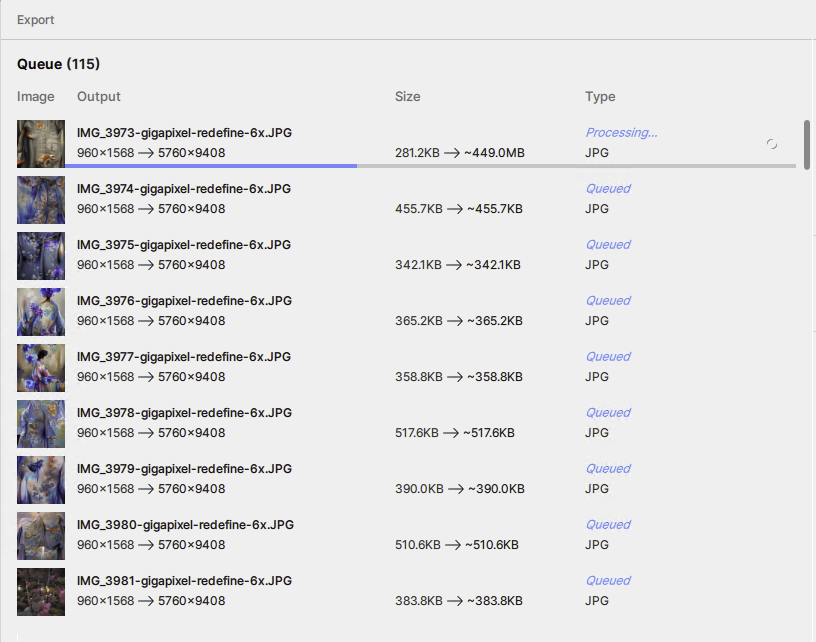
I’m trying to recall if I ever got the "noise"myself on my Macs, it looks familiar. But I switched over to PCs for these intense tasks so in that case I wouldn’t face it anymore anyway.
What are the specs of your Mac? How is your experience with videos?
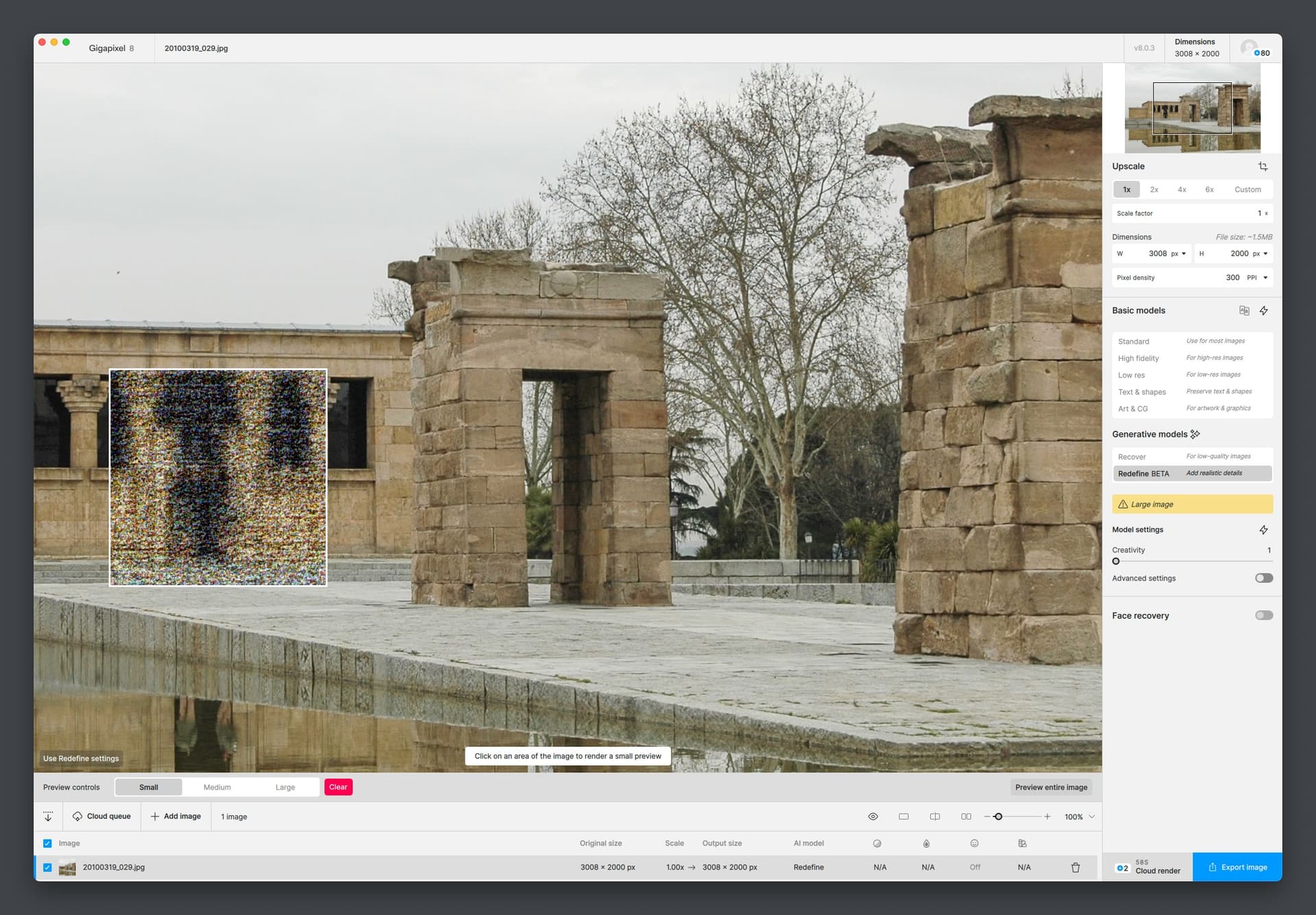
Hello. It Gigapixel Redefine was working fine in the previous version. Speed is slow but output was still fine. It’s just the latest update that seems to have this issue. Tried different resize scales and creativity settings but still creating the same colour noise images. Other models are also working fine.
Topaz Video has been fine. I updated to a new version of that today so haven’t tried it yet.
I’m on a MacBook Air 15" M3 2024 with 24GB RAM.
OK thanks, do you want to share your original image and I’ll try on my M2 Mini?
The problem is not a Mac. The problem is that GigapixelAi is doing absolutely nothing!
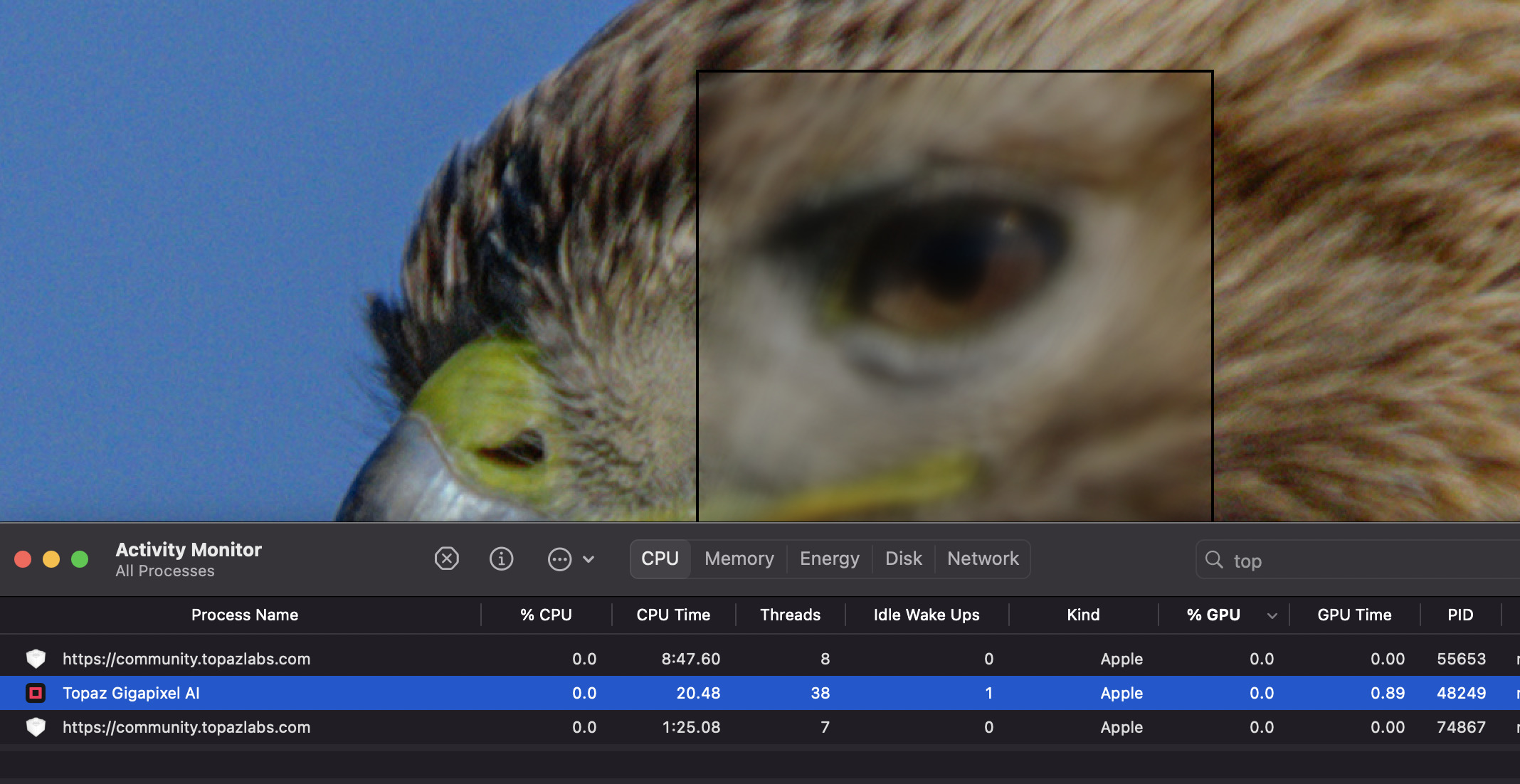
TopazLabs team, please fix this asap! Thank you
Macs definitely take longer, but I agree there seems to be lack of GPU/RAM activity during processing. Except somehow the computer locks up periodically, so something is going on.
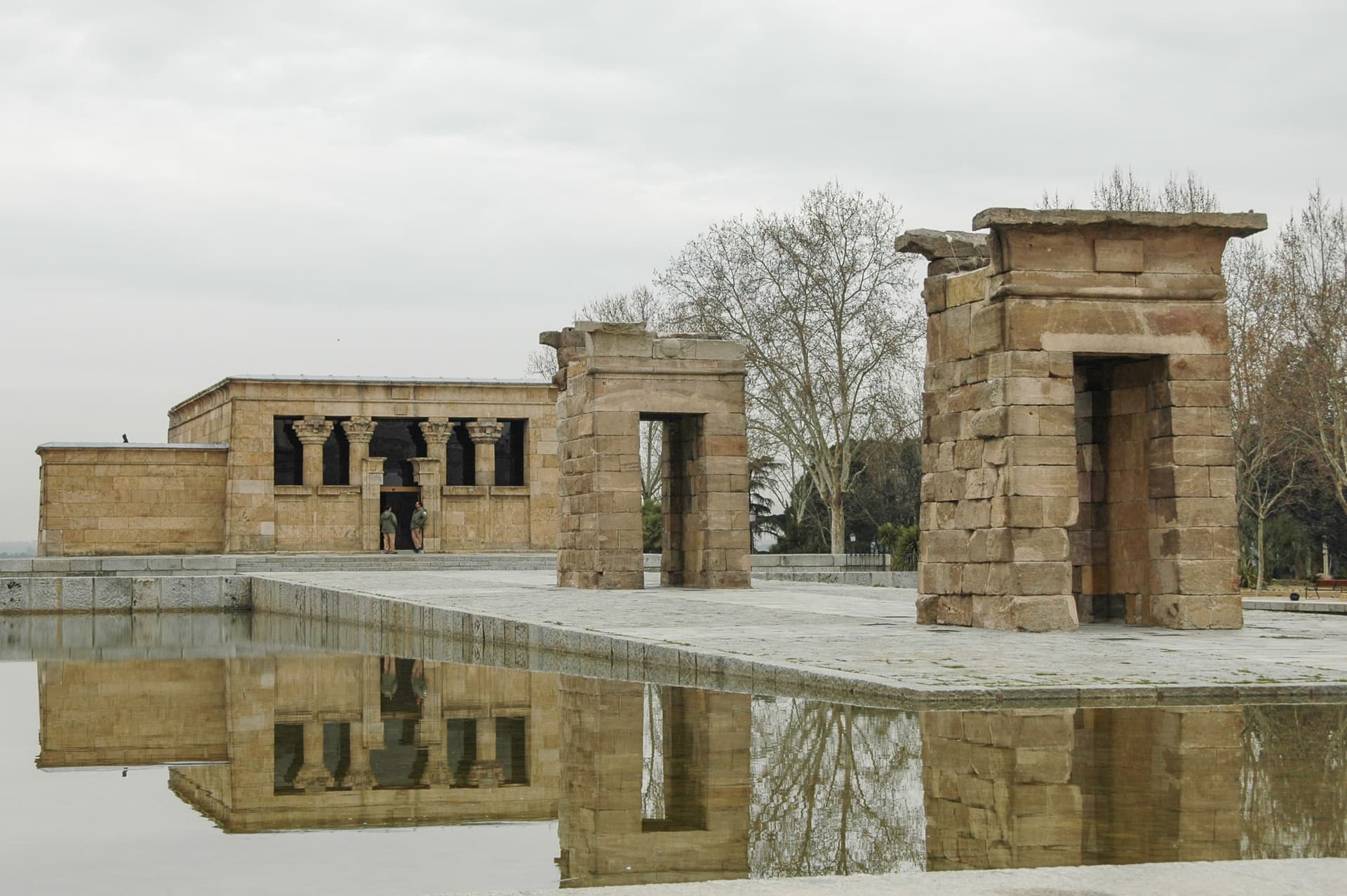
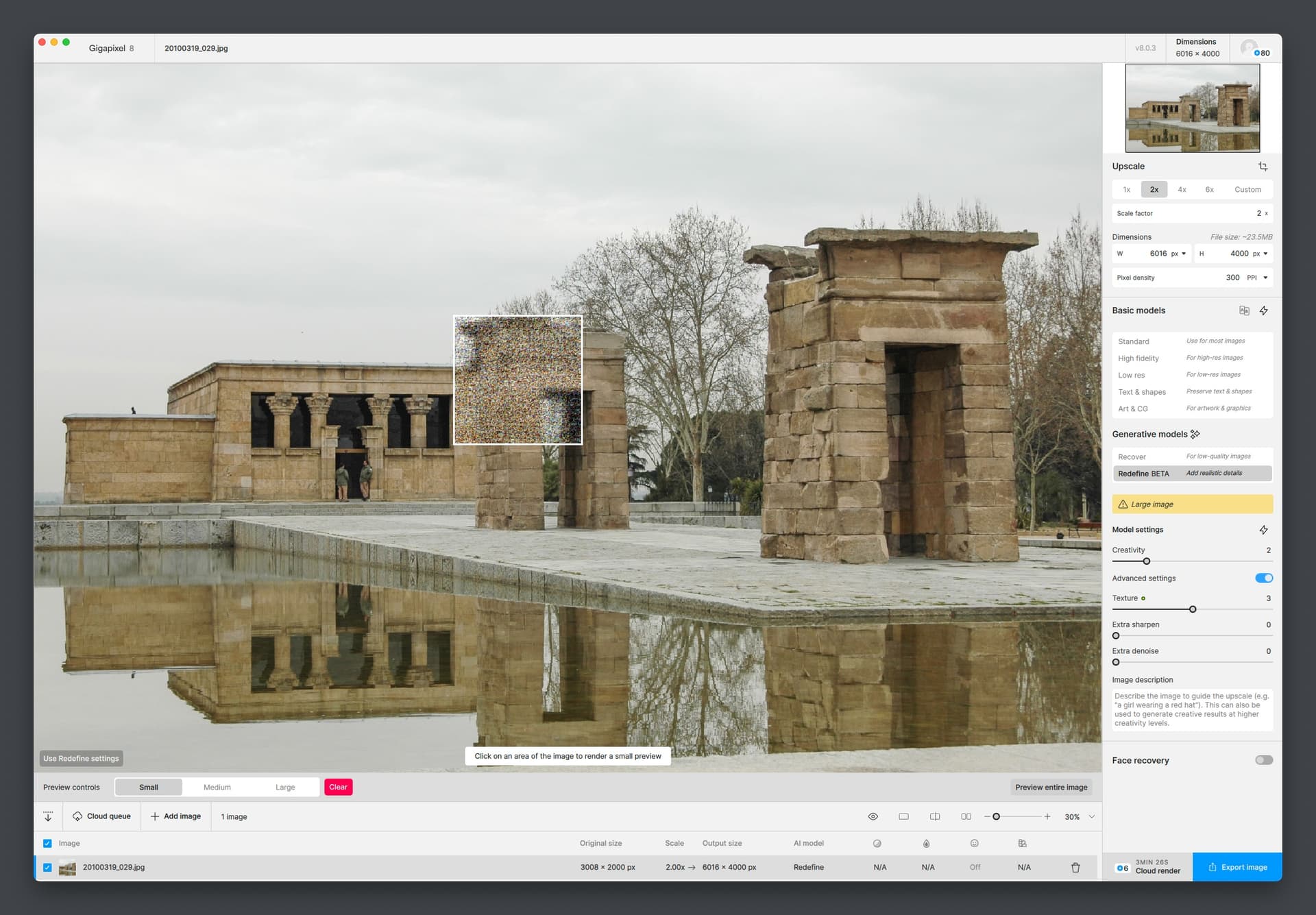
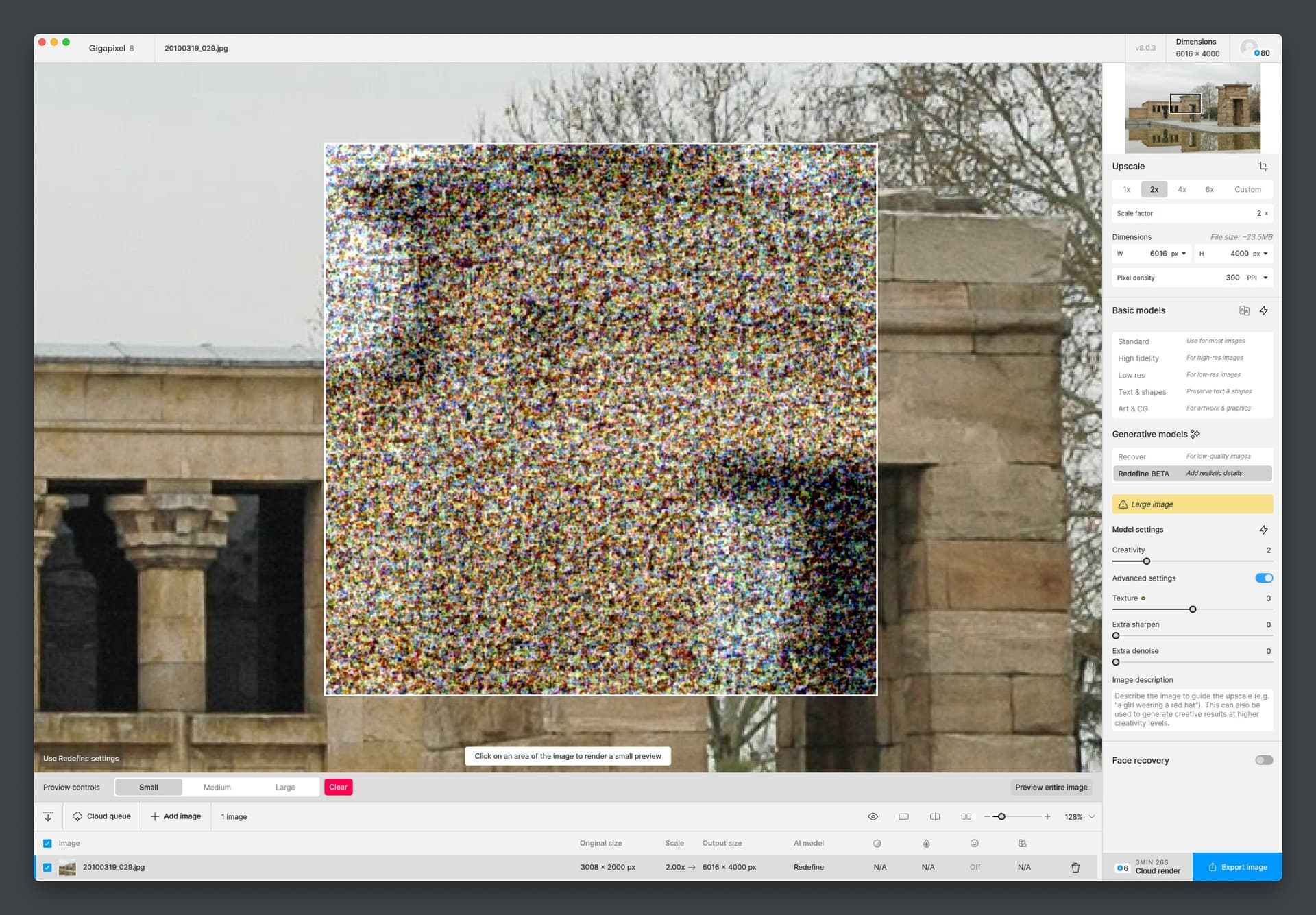
There you go, took almost 15 minutes to preview but was successful!
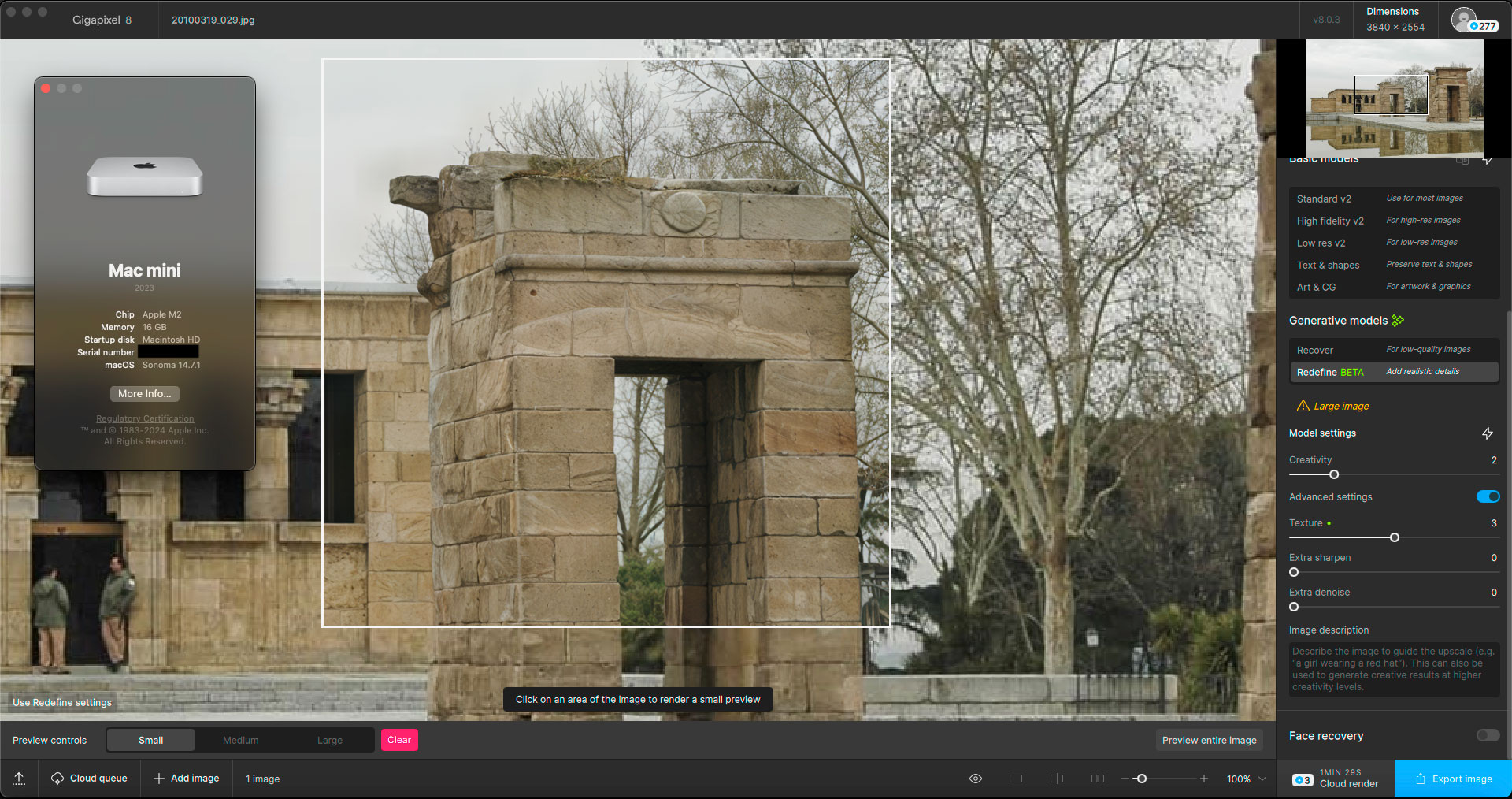
When I toggle the preview I can see at Creativity 2 the stones and trees are getting slightly reinterpreted (Redefined!) but we knew that happens.
Using the Classic models, not so much:
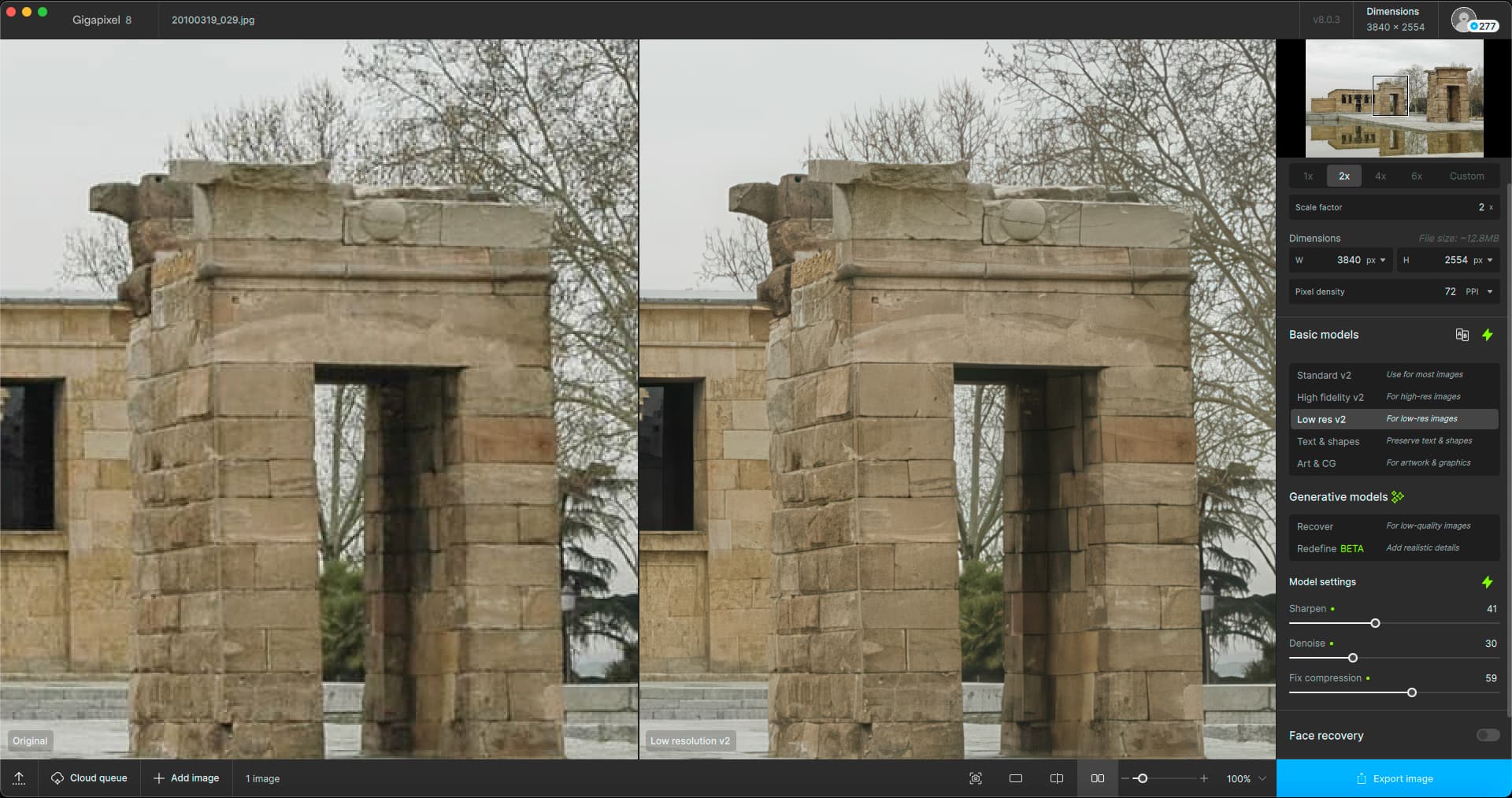
BTW, the higher the Creativity and Upscale, the longer it takes… So thanks for choosing 2/2!
Interesting. Thanks for that. I’ll try fully uninstalling and reinstalling to redownload the models. If it’s still the same then I may roll back to the previous version.
1 Like
THANK YOU!
Did notice a sweeeet improvement per today’s ‘update’. And really appreciate it.
I’ve been really slack about feeding back in recent weeks (apologies); so please allow me to lob a few general thoughts ~
[1.] I appreciate the frequent updates.
Because sometimes an update is not so great - worse than previous operation pre-update.
But since I know it’ll only be a few days until next update, I don’t worry - just write myself a note (in my To Do Journal) to
improve the specific image after next update. And it is almost always fine - the wait worth it.
[2.] Many times I want the text on an image sharper… but when select “Text and Shapes”, I’ll get a worse outcome.
Thus, my next step = try to improve the text by simply selecting “Standard” or “High Fidelity”…
and more often that the verison using “Text + Shapes”, “Standard” is usually the winner (though sometimes H.F. too)
Wish this weren’t so – many versions ago, Text improved significantly per “Text + Shapes”… but as long as can usually
get an improvement with the other 2 ‘types’ of improvements, am making myself accept + be ok with this.
All For Now - and I’ll Try to Kick You Feedback More Often in the Future,
M.
