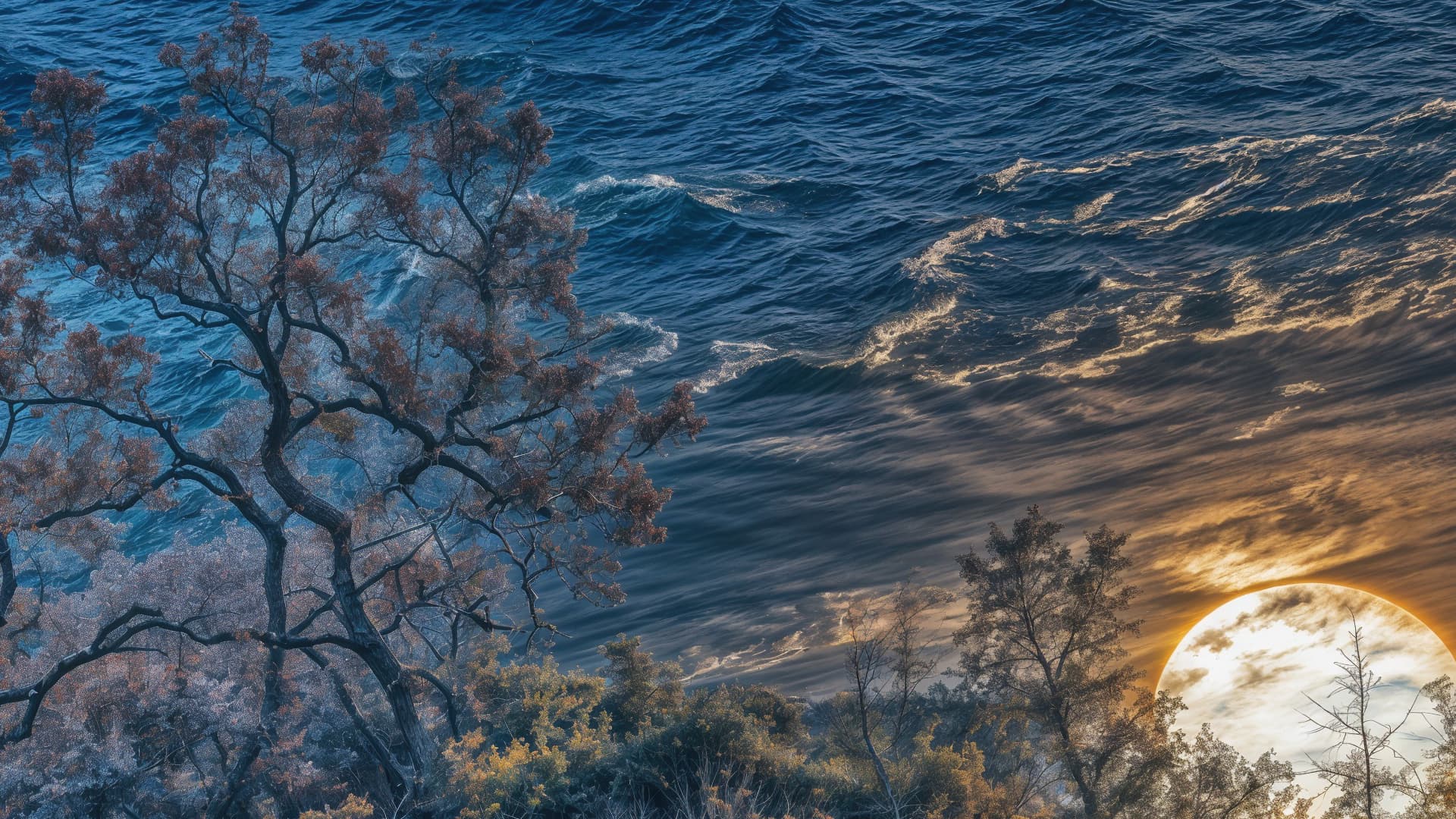
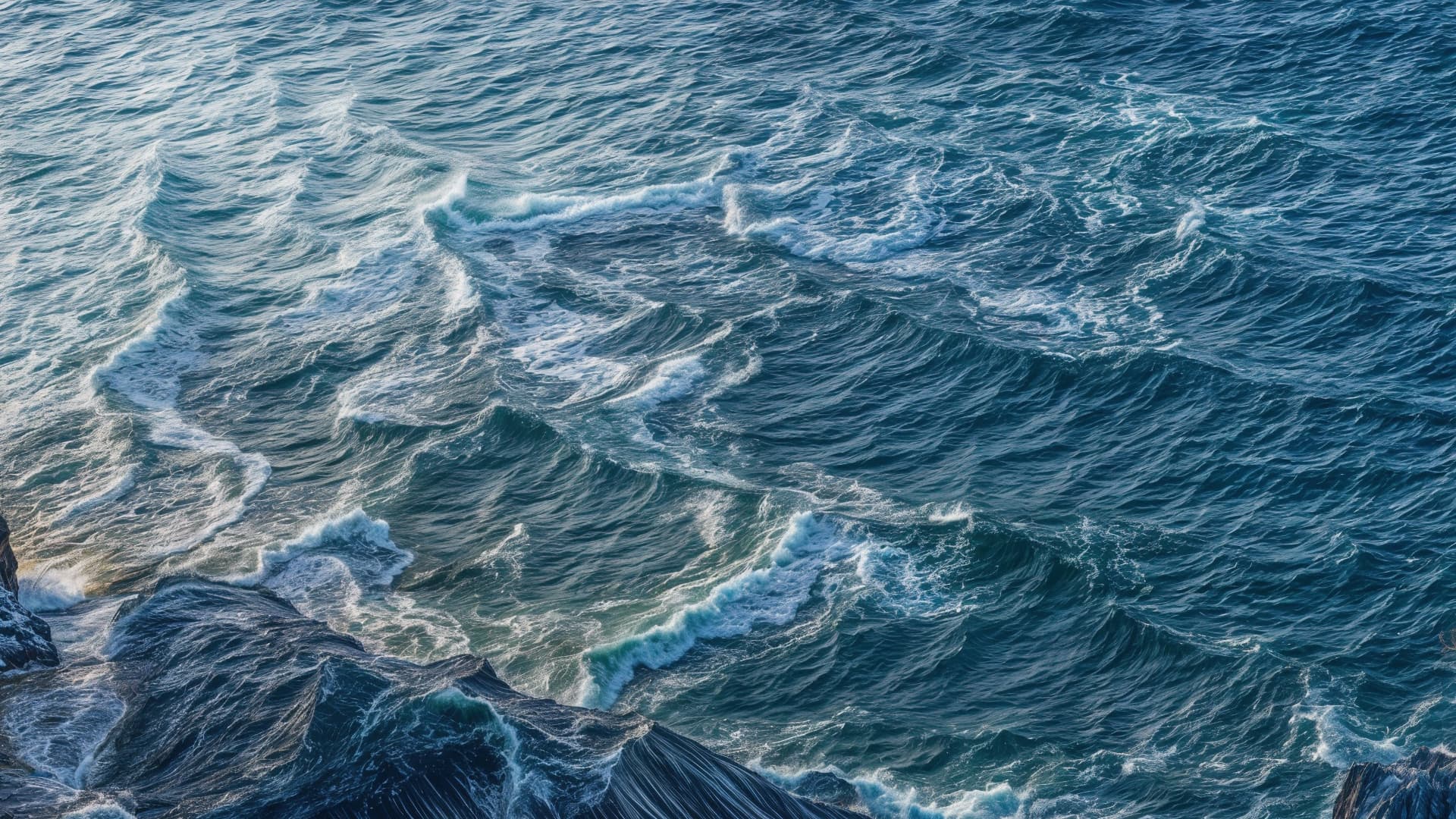
Gigapixel v8.0.3

As also reported in the current beta, Redefine is failing for me in this version at the end of the processing.

This failed 4x upscale was carried out at creativity 2, texture 3:

2024-12-05-10-46-48.tzlog (106.2 KB)

EDIT: Here’s a log from the 8.0.2 release on the same file at the same settings that completed successfully:

2024-12-05-11-43-42.tzlog (104.0 KB)

EDIT2: Excerpt from the failed log from 8.0.3:

[2024-12-05 11:02:17.978, 3.09 ms] [3d64] Info | [AIE] [XLResizeEnhancement] Begin decode
[2024-12-05 11:02:18.372, 394.59 ms] [3d64] Info | [AIE] Model: rxl_decoder0 Device: 0
[2024-12-05 11:02:18.373, 96.00 μs] [3d64] Info | [AIE] Selecting backend for device 0 from: onnx16,
[2024-12-05 11:02:18.373, 51.10 μs] [3d64] Info | [AIE] —TBlockProc 96x96 C: 3/3 R: 5/5 X: 48 Y: 48 inSize: 192 288 Pad: 0 0
[2024-12-05 11:02:18.373, 328.80 μs] [3d64] Info | [AIE] Selecting backend for device 0 from: onnx16,
[2024-12-05 11:02:18.373, 30.20 μs] [3d64] Info | [AIE] Loading onnx16 backend 0004
[2024-12-05 11:02:18.373, 35.50 μs] [3d64] Info | [AIE] TargetDevices: Selected 0
[2024-12-05 11:02:18.373, 24.60 μs] [3d64] Info | [AIE] [ 0:1 ]
[2024-12-05 11:02:18.373, 23.40 μs] [3d64] Info | [AIE] 1 instances for device 0
[2024-12-05 11:02:18.373, 78.30 μs] [3d64] Info | [AIE] Target Device: 0 Count: 1
[2024-12-05 11:02:18.373, 30.60 μs] [3d64] Info | [AIE] Loading default model file D:/ProgramData/Topaz Labs LLC/Topaz Gigapixel AI/models/rxl_decoder0-v1-fp16-96x96-ox.tz
[2024-12-05 11:02:18.373, 30.10 μs] [3d64] Info | [AIE] OX with device: 0
[2024-12-05 11:02:20.491, 2.12 s] [3d64] Info | [AIE] Loading time for model file D:/ProgramData/Topaz Labs LLC/Topaz Gigapixel AI/models/rxl_decoder0-v1-fp16-96x96-ox.tz is 2118
[2024-12-05 11:02:20.491, 147.70 μs] [3d64] Info | [AIE] Target Device: 0 Count: 1
[2024-12-05 11:02:20.491, 35.80 μs] [3d64] Info | [AIE] Loading default model file D:/ProgramData/Topaz Labs LLC/Topaz Gigapixel AI/models/ldclc-v1-fp16-96x96-ox.tz
[2024-12-05 11:02:20.491, 27.50 μs] [3d64] Info | [AIE] OX with device: 0
[2024-12-05 11:02:20.617, 126.06 ms] [3d64] Info | [AIE] Loading time for model file D:/ProgramData/Topaz Labs LLC/Topaz Gigapixel AI/models/ldclc-v1-fp16-96x96-ox.tz is 126
[2024-12-05 11:02:20.617, 105.40 μs] [3d64] Info | [AIE] decLoadTime: 2244 ms
[2024-12-05 11:02:20.619, 2.10 ms] [3d64] Info | [AIE] x_T size 288x192
[2024-12-05 11:02:20.619, 522.80 μs] [3d64] Info | [AIE] Updated model params
[2024-12-05 11:02:20.620, 69.80 μs] [3d64] Info | [AIE] Skipped 0 block(s) out of 15 block(s)
[2024-12-05 11:02:22.850, 2.23 s] [3d64] Info | [AIE] Creating cache
[2024-12-05 11:02:29.381, 0.00 μs] [3924] Info | [AIE] ONNX error at 256: Non-zero status code returned while running DmlFusedNode_0_1 node. Name:‘DmlFusedNode_0_1’ Status Message: D:\a_work\1\s\onnxruntime\core\providers\dml\DmlExecutionProvider\src\DmlGraphFusionHelper.cpp(1066)\onnxruntime.dll!00007FFFBD73FE31: (caller: 00007FFFBD7CD725) Exception(2) tid(3924) 887A0006 The GPU will not respond to more commands, most likely because of an invalid command passed by the calling application.

Excerpt from the successful log from 8.0.2:

[2024-12-05 11:59:45.709, 401.06 ms] [3bc0] Info | [AIE] [XLResizeEnhancement] Begin decode
[2024-12-05 11:59:45.710, 122.50 μs] [3bc0] Info | [AIE] Released buffers for 000002C039C7B0D0
[2024-12-05 11:59:45.760, 50.32 ms] [3bc0] Info | [AIE] Model: lddv21 Device: 0
[2024-12-05 11:59:45.760, 103.80 μs] [3bc0] Info | [AIE] Selecting backend for device 0 from: openvino,onnx16,
[2024-12-05 11:59:45.760, 49.10 μs] [3bc0] Info | [AIE] —TBlockProc 64x64 C: 5/5 R: 7/7 X: 40 Y: 40 inSize: 192 288 Pad: 16 8
[2024-12-05 11:59:45.761, 319.00 μs] [3bc0] Info | [AIE] Selecting backend for device 0 from: openvino,onnx16,
[2024-12-05 11:59:45.761, 30.50 μs] [3bc0] Info | [AIE] Loading onnx16 backend 0005
[2024-12-05 11:59:45.761, 35.30 μs] [3bc0] Info | [AIE] TargetDevices: Selected 0
[2024-12-05 11:59:45.761, 24.70 μs] [3bc0] Info | [AIE] [ 0:1 ]
[2024-12-05 11:59:45.761, 23.90 μs] [3bc0] Info | [AIE] 1 instances for device 0
[2024-12-05 11:59:45.761, 77.90 μs] [3bc0] Info | [AIE] Target Device: 0 Count: 1
[2024-12-05 11:59:45.761, 30.70 μs] [3bc0] Info | [AIE] Loading default model file D:/ProgramData/Topaz Labs LLC/Topaz Gigapixel AI/models/lddv21-v1-fp16-64x64-ox.tz
[2024-12-05 11:59:45.761, 31.60 μs] [3bc0] Info | [AIE] OX with device: 0
[2024-12-05 11:59:47.803, 2.04 s] [3bc0] Info | [AIE] Loading time for model file D:/ProgramData/Topaz Labs LLC/Topaz Gigapixel AI/models/lddv21-v1-fp16-64x64-ox.tz is 2041
[2024-12-05 11:59:47.803, 140.80 μs] [3bc0] Info | [AIE] Target Device: 0 Count: 1
[2024-12-05 11:59:47.803, 34.40 μs] [3bc0] Info | [AIE] Loading default model file D:/ProgramData/Topaz Labs LLC/Topaz Gigapixel AI/models/ldclc-v1-fp16-64x64-ox.tz
[2024-12-05 11:59:47.803, 27.80 μs] [3bc0] Info | [AIE] OX with device: 0
[2024-12-05 11:59:47.890, 86.93 ms] [3bc0] Info | [AIE] Loading time for model file D:/ProgramData/Topaz Labs LLC/Topaz Gigapixel AI/models/ldclc-v1-fp16-64x64-ox.tz is 87
[2024-12-05 11:59:47.890, 107.40 μs] [3bc0] Info | [AIE] decLoadTime: 2128 ms
[2024-12-05 11:59:47.892, 2.08 ms] [3bc0] Info | [AIE] x_T size 288x192
[2024-12-05 11:59:47.893, 670.70 μs] [3bc0] Info | [AIE] Updated model params
[2024-12-05 11:59:47.893, 361.50 μs] [3bc0] Info | [AIE] Skipped 0 block(s) out of 35 block(s)
[2024-12-05 11:59:48.849, 956.22 ms] [3bc0] Info | [AIE] Creating cache
[2024-12-05 12:00:22.721, 33.87 s] [3bc0] Info | [AIE] decProcessTime: 34829 ms
[2024-12-05 12:00:22.721, 112.00 μs] [3bc0] Info | [AIE] output size 2232x1300
[2024-12-05 12:00:22.729, 7.96 ms] [3bc0] Info | [AIE] [XLResizeEnhancement] Finish decode

The decode stage seems to be operating using a different model from the previous release. Plus there are a few other differences.
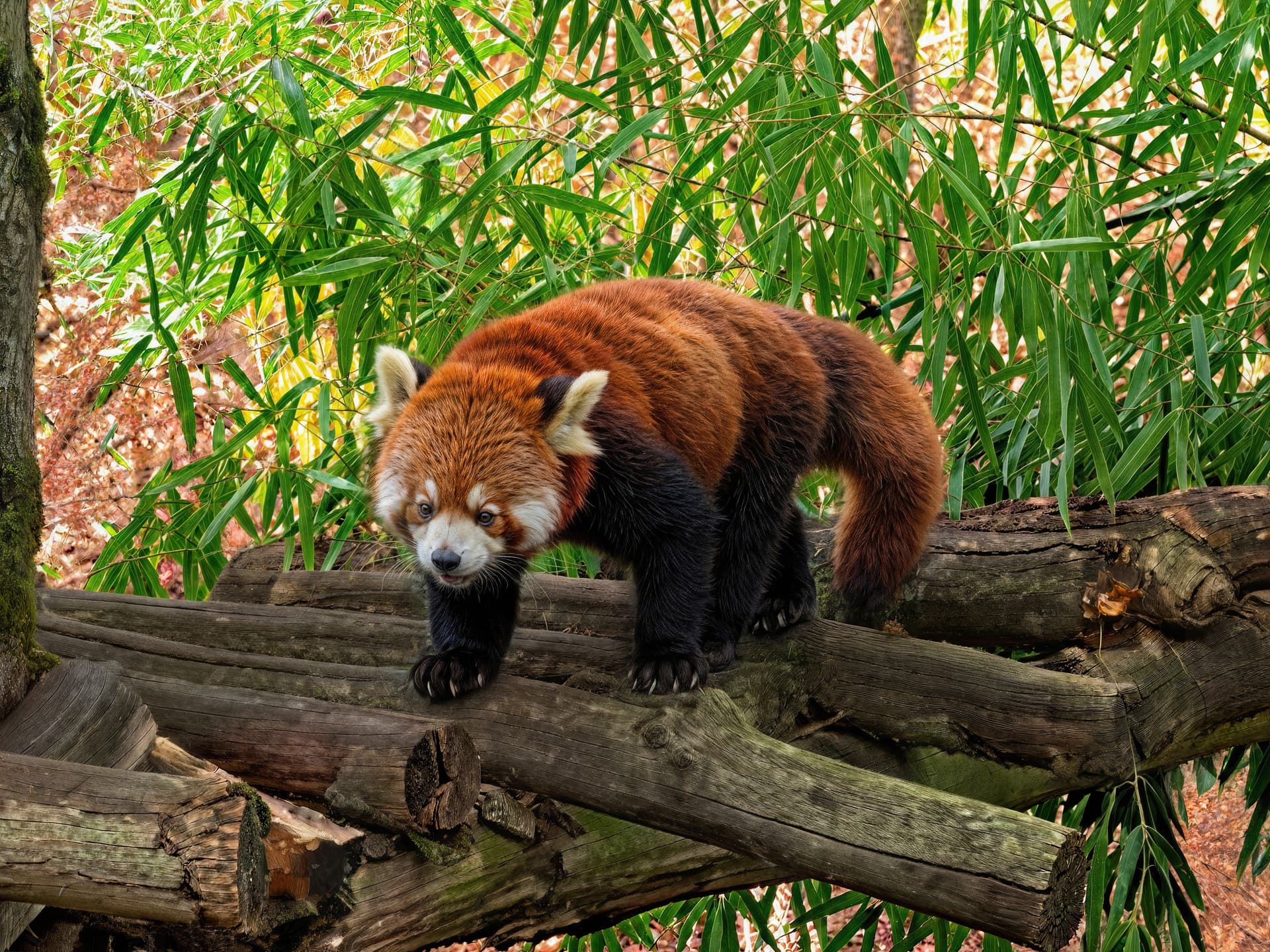
I corrected the background of my image. I based it on @lhkjacky correction. I improved his version a bit and then added it to mine.
I also took advantage of recovering some of the wood texture from @lhkjacky’s reworked version to make the logs a little more realistic.


I also made a version with focus afterwards, blurring the font a little with CameraRaw’s built-in focus AI.

I think the result is even better. This is definitely my work on this image hahaha. I think it’ll be hard to beat that.

2 Likes

They are heavily baked for sure! :wink:

I’m trying to think of a further process to tone them down and add depth while keeping the detail.

A layer of artsy (painting effects) is the one that first comes to mind. Or blending the result back into a Gigapixel-enlarged version of the original.

I’ll have to run an image through at different Creativity/Texture settings to see what we think.

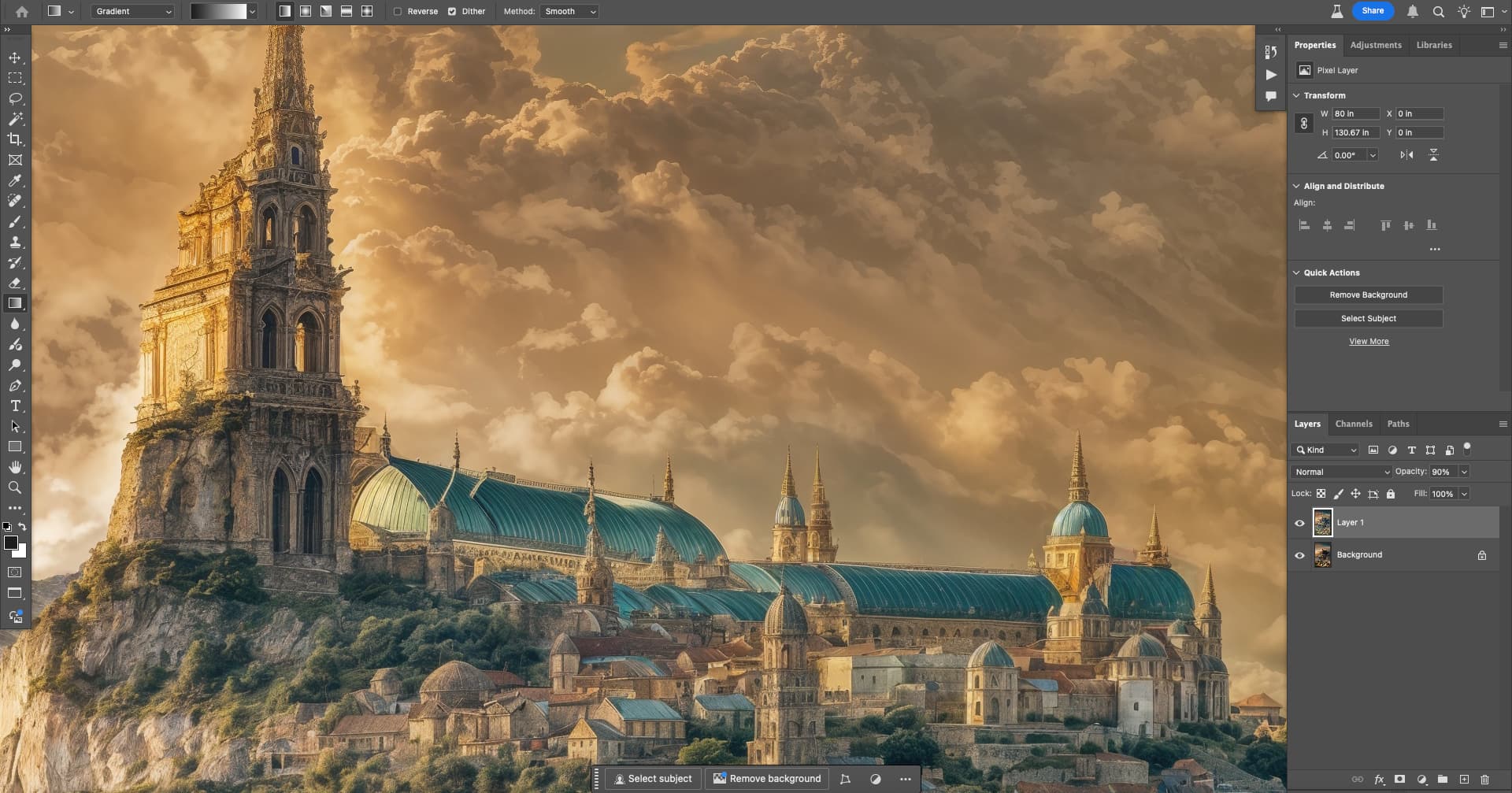
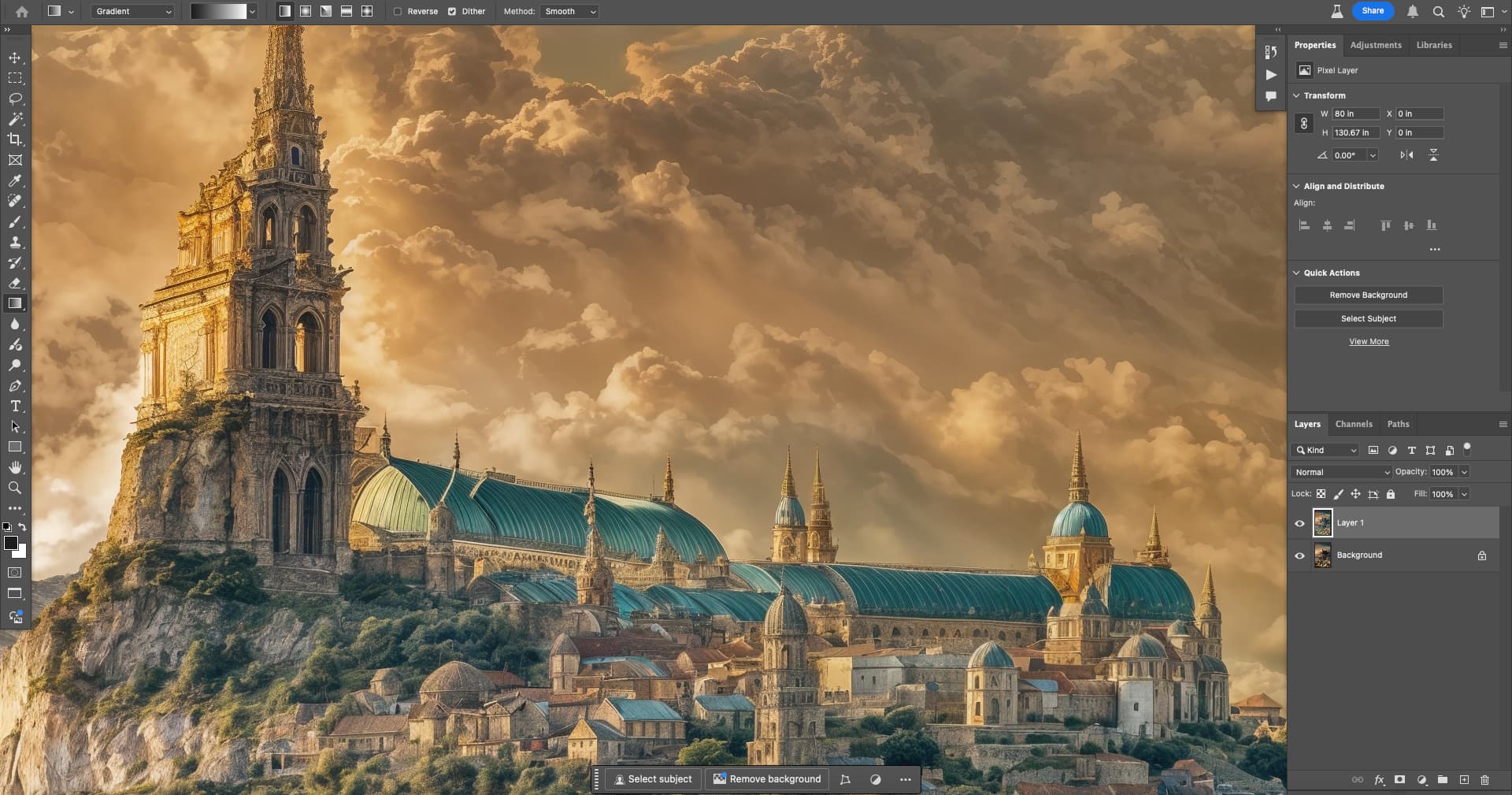
Here’s an example of a 90% blendback into the upscaled original (6X classic took only a few seconds on my M2 Mini).

Original detail crop at 100%:

Redefine Creativity result at 90% blend with the original:

No blend:

Does this help? Anything below 90% blend and you start seeing weird stuff from the original bleed through. Gaussian blurring the original underneath didn’t help either.

That does look much better now.

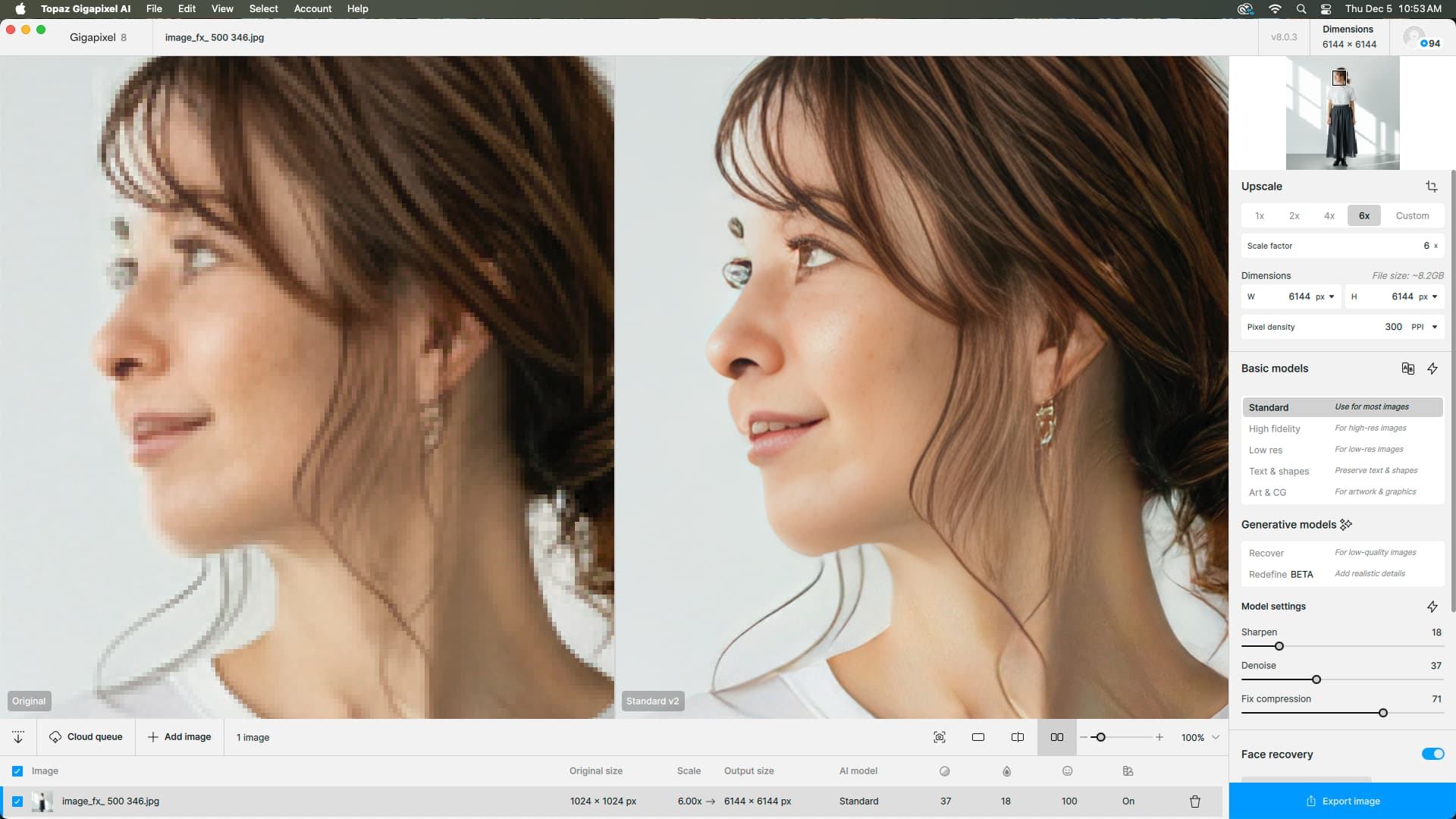
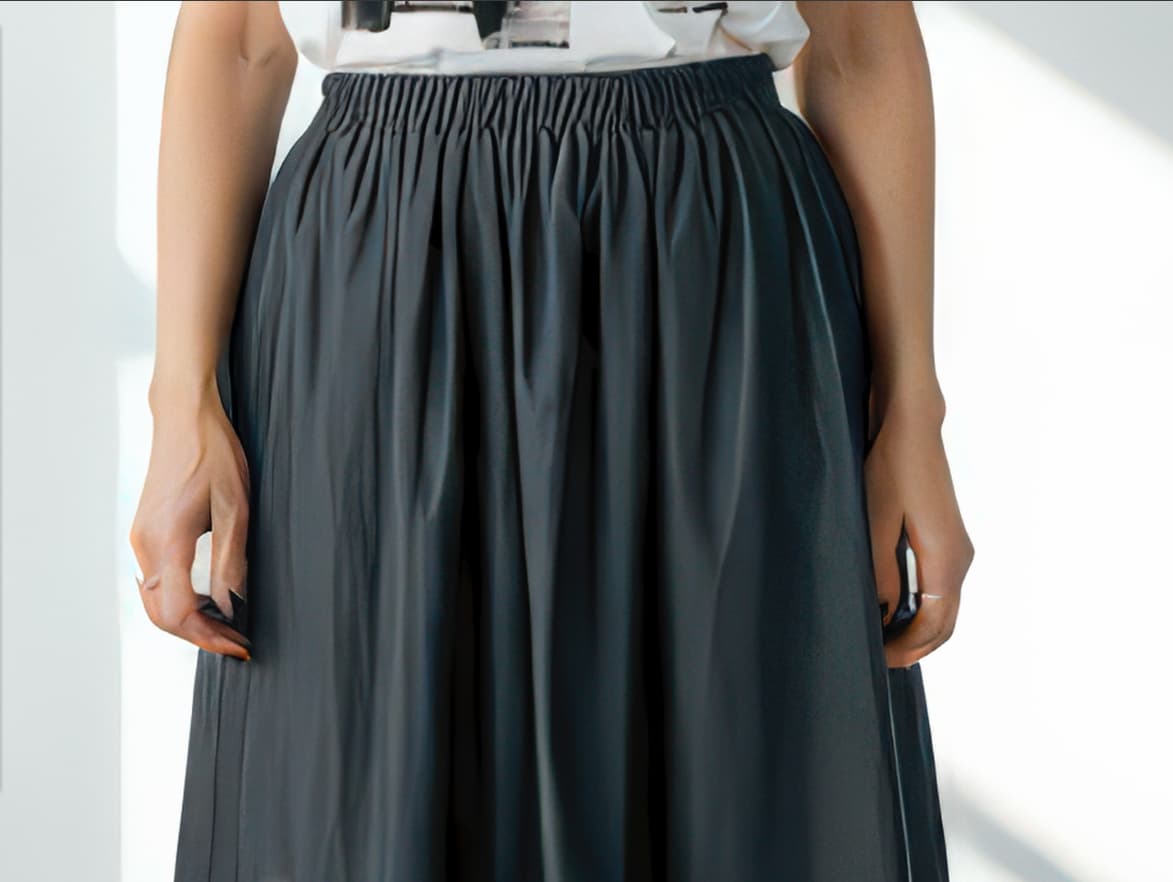
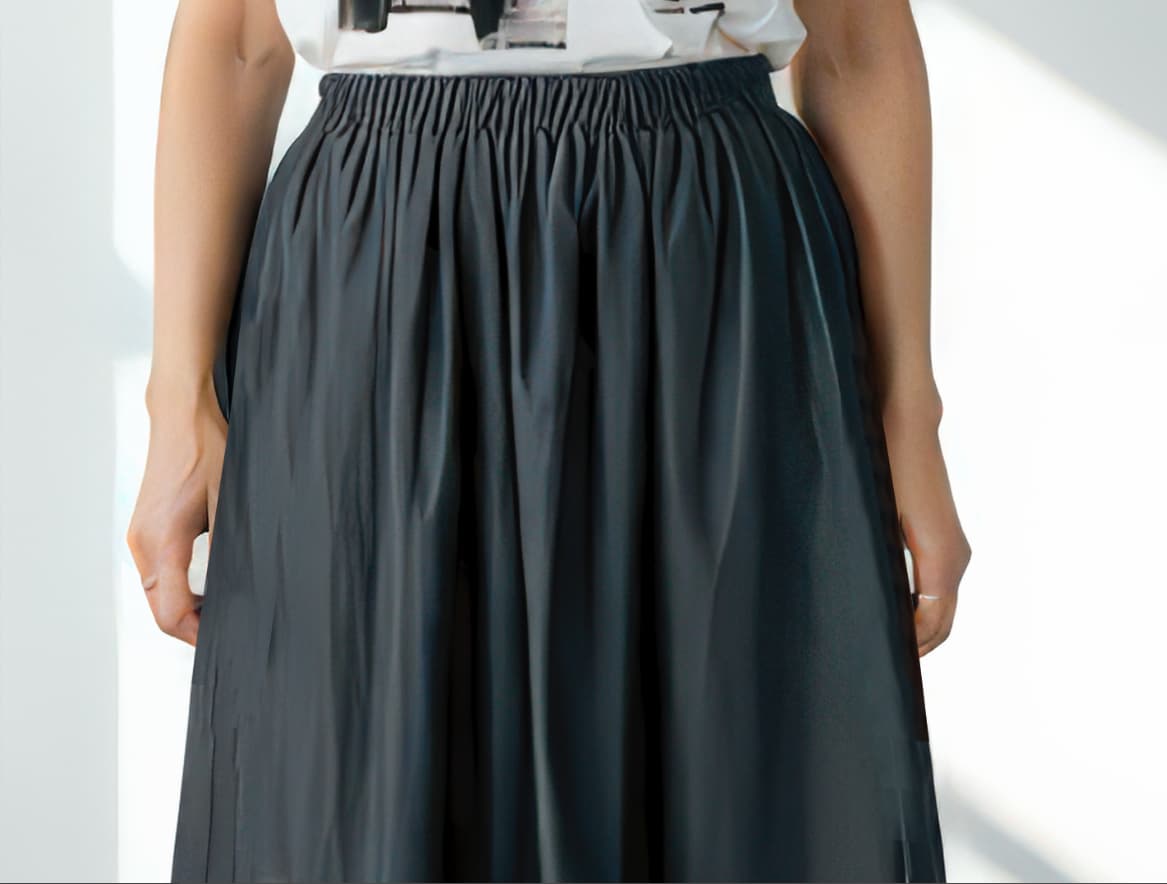
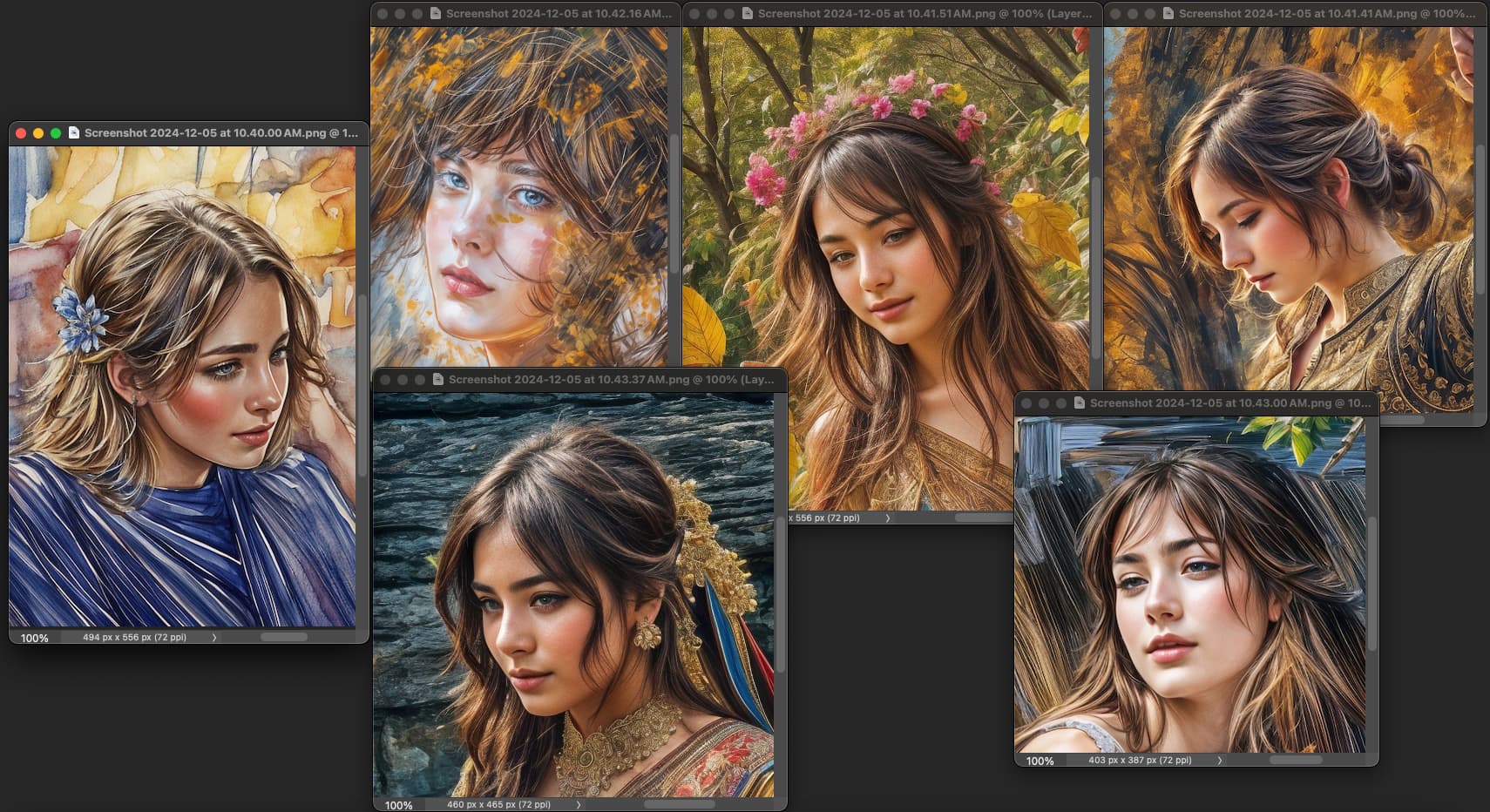
This image was the first one so far that failed. I have attached the original/first Gigapixel pass screen, a Photoshop screen of taking the image back into Gigapixel and working to recover the face, and finally I just retouched the face. Even though I will use the image full figure, I couldn’t have teeth and eyeballs flying all over her face. The hands , I put behind her skirt rather than try to retouch them. The original was generated in Google AI.


Thanks :blush:

The best thing to do would be to run the final image through (for example) ComfyUI or Fooocus AI and make a Canny with Flux or SD3.5 or any other model good enough to reconstruct the character.

I promised a test of my WOMBO Redefine renders using different settings.

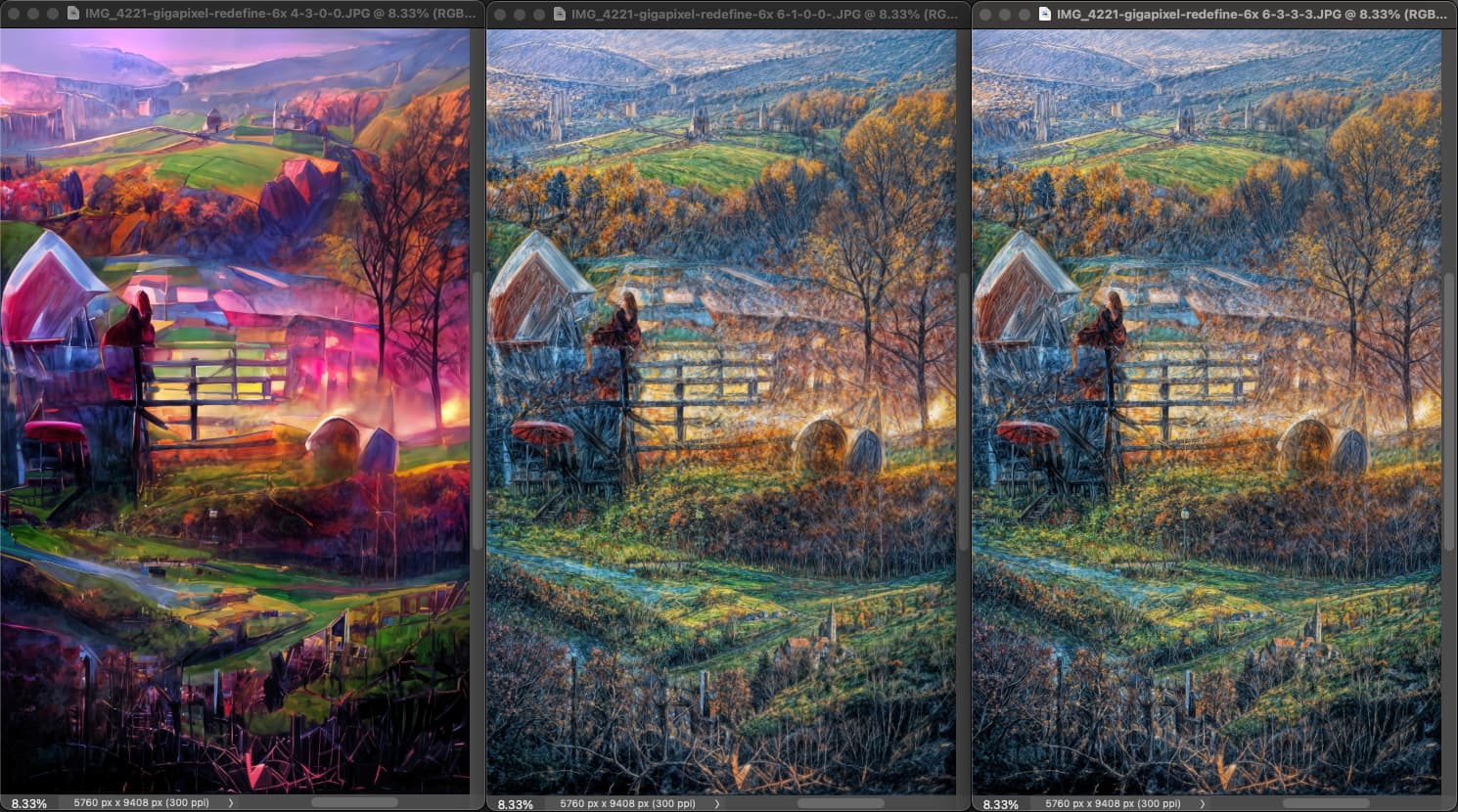
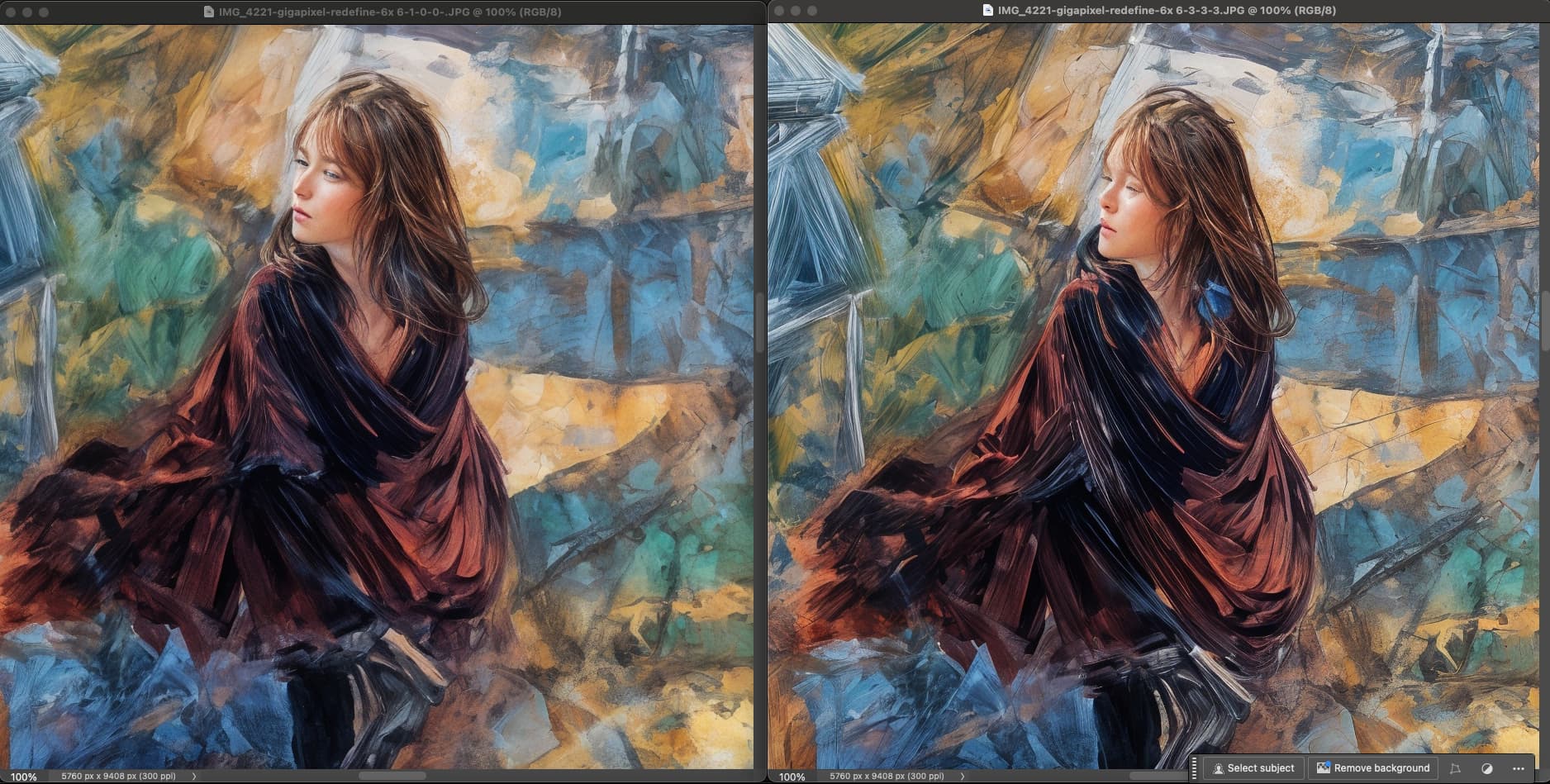
Here are 3 results using Creativity-Texture-Sharpen-Denoise (numbered from L-R in the image names). I usually use 6/3/0/0 but the beta I am now using (with no issues) was adding Sharpen and Denoise at 3/3 before I noticed it.

So the lower Creativity setting [4] is not what we want here, [6] is the best I think.

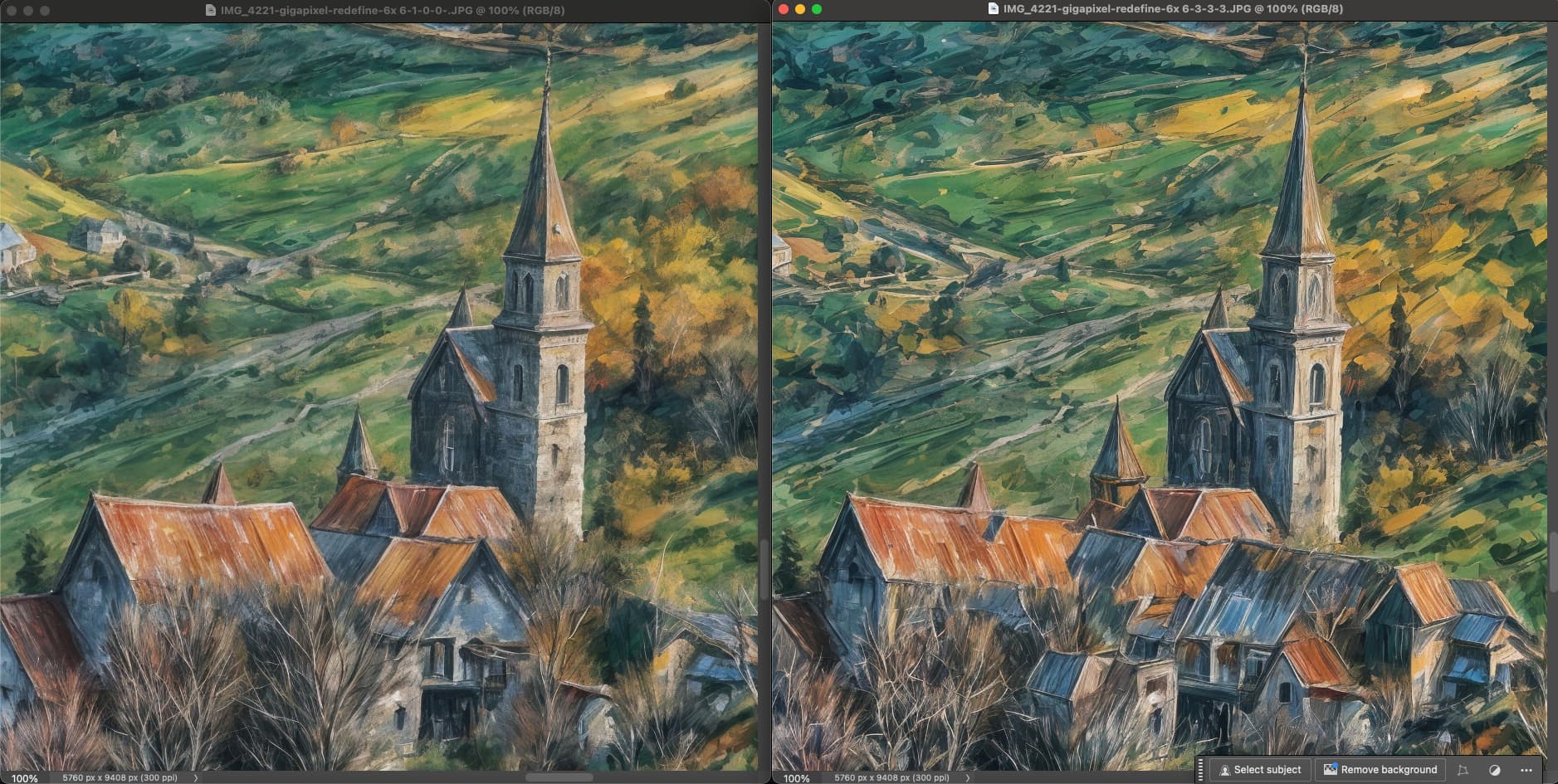
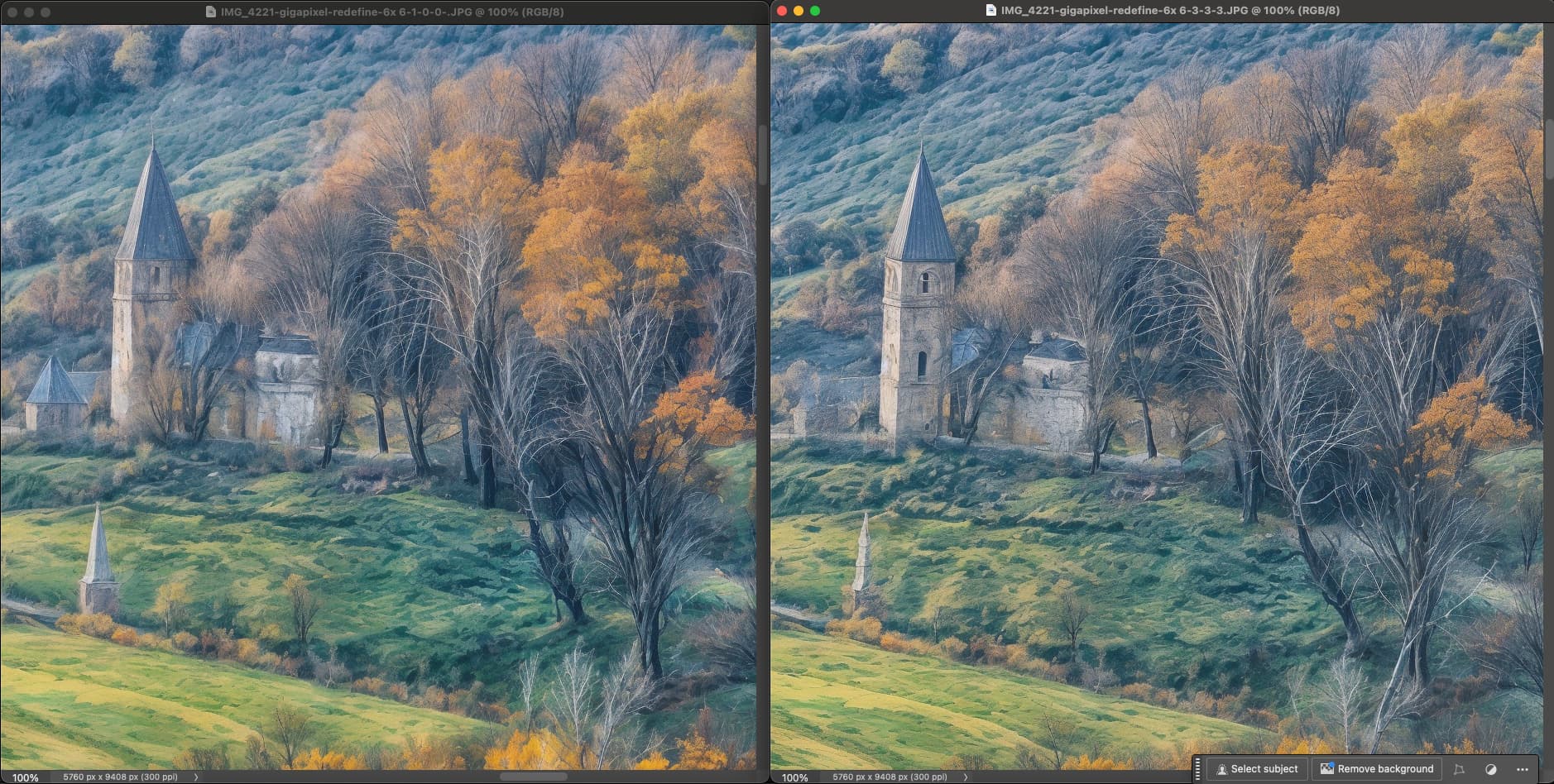
Here is the difference between 6-1-0-0 and 6-3-3-3 in the same scene:

I did not do a 6-3-0-0 before starting another batch…

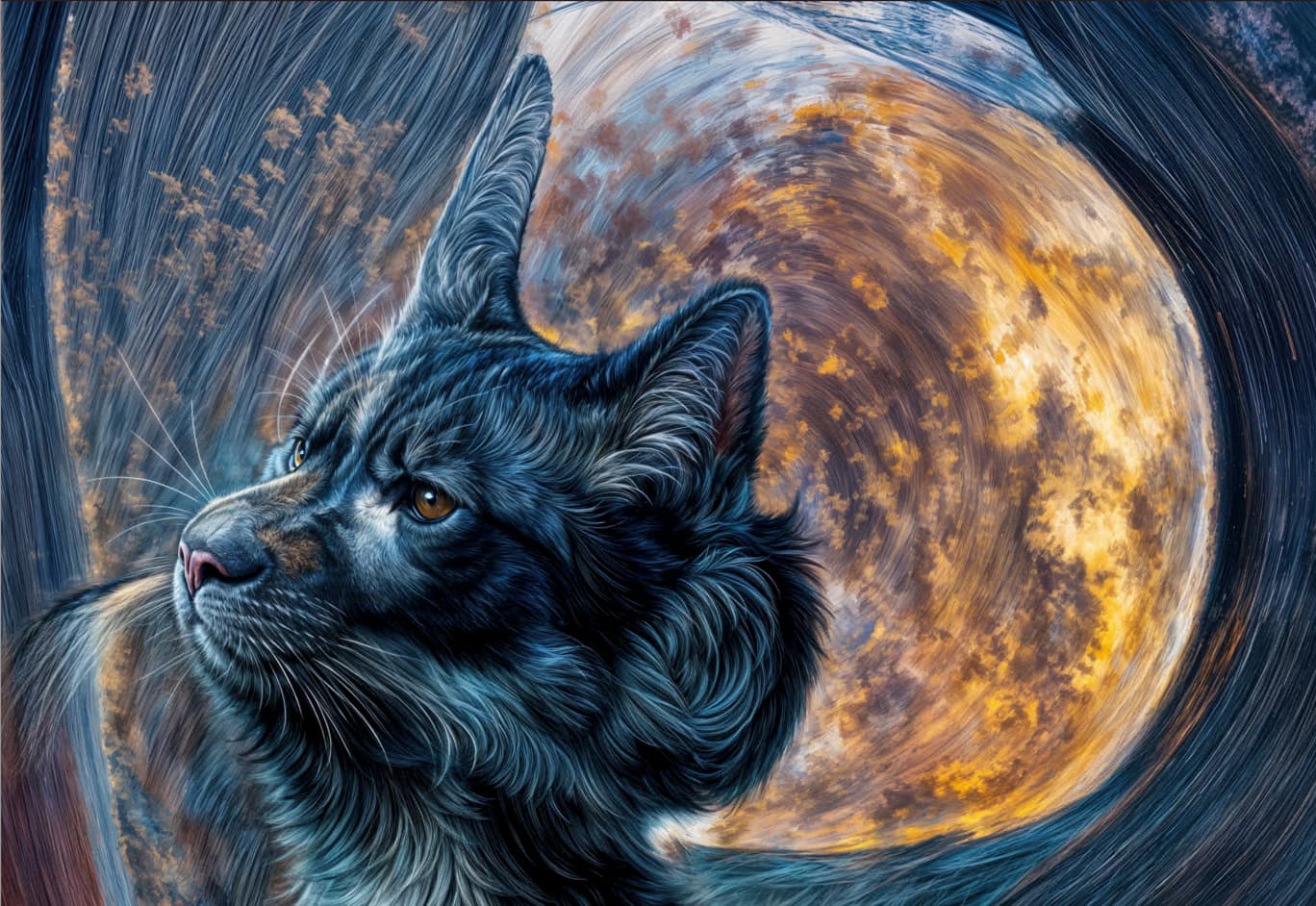
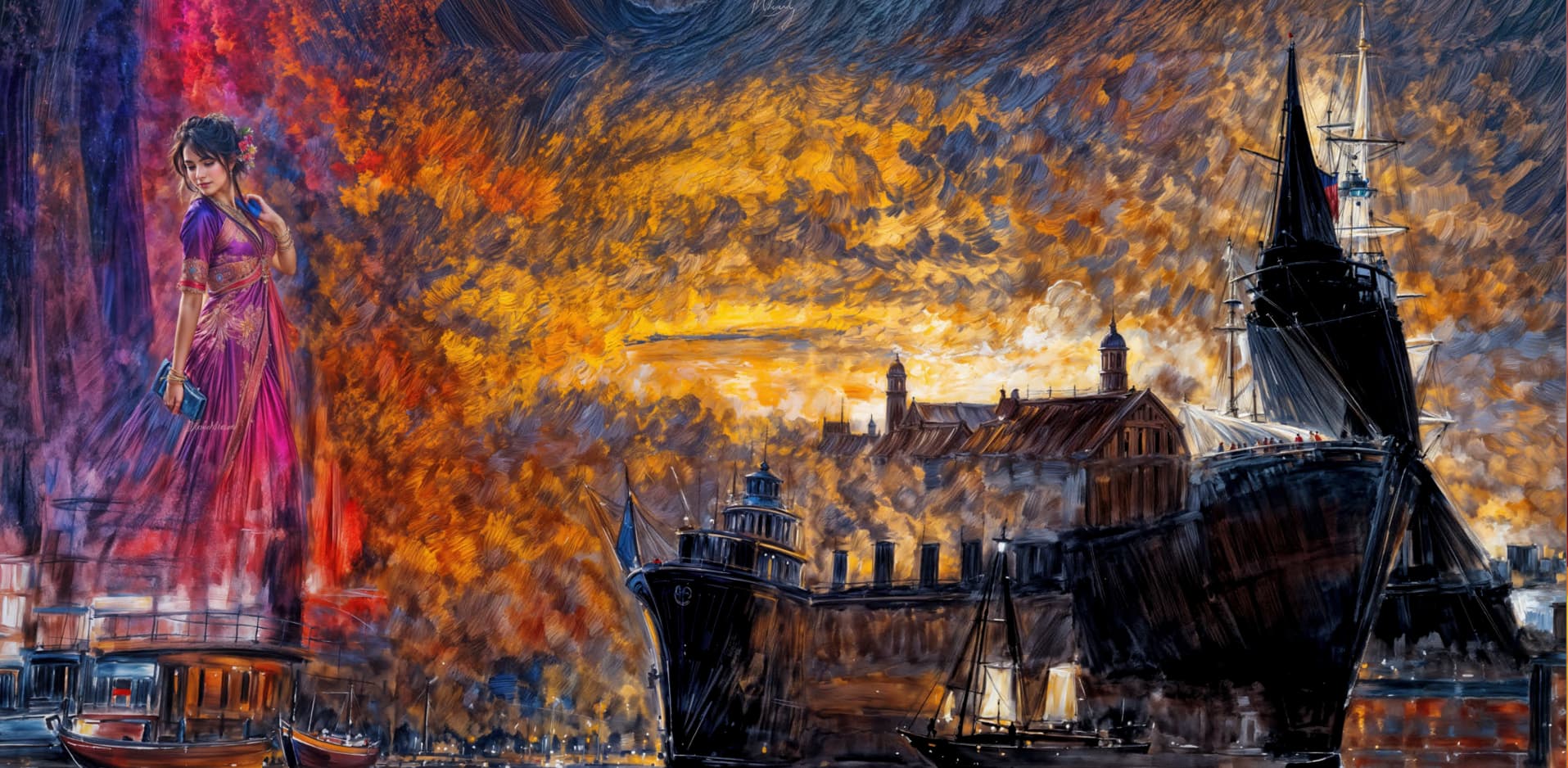
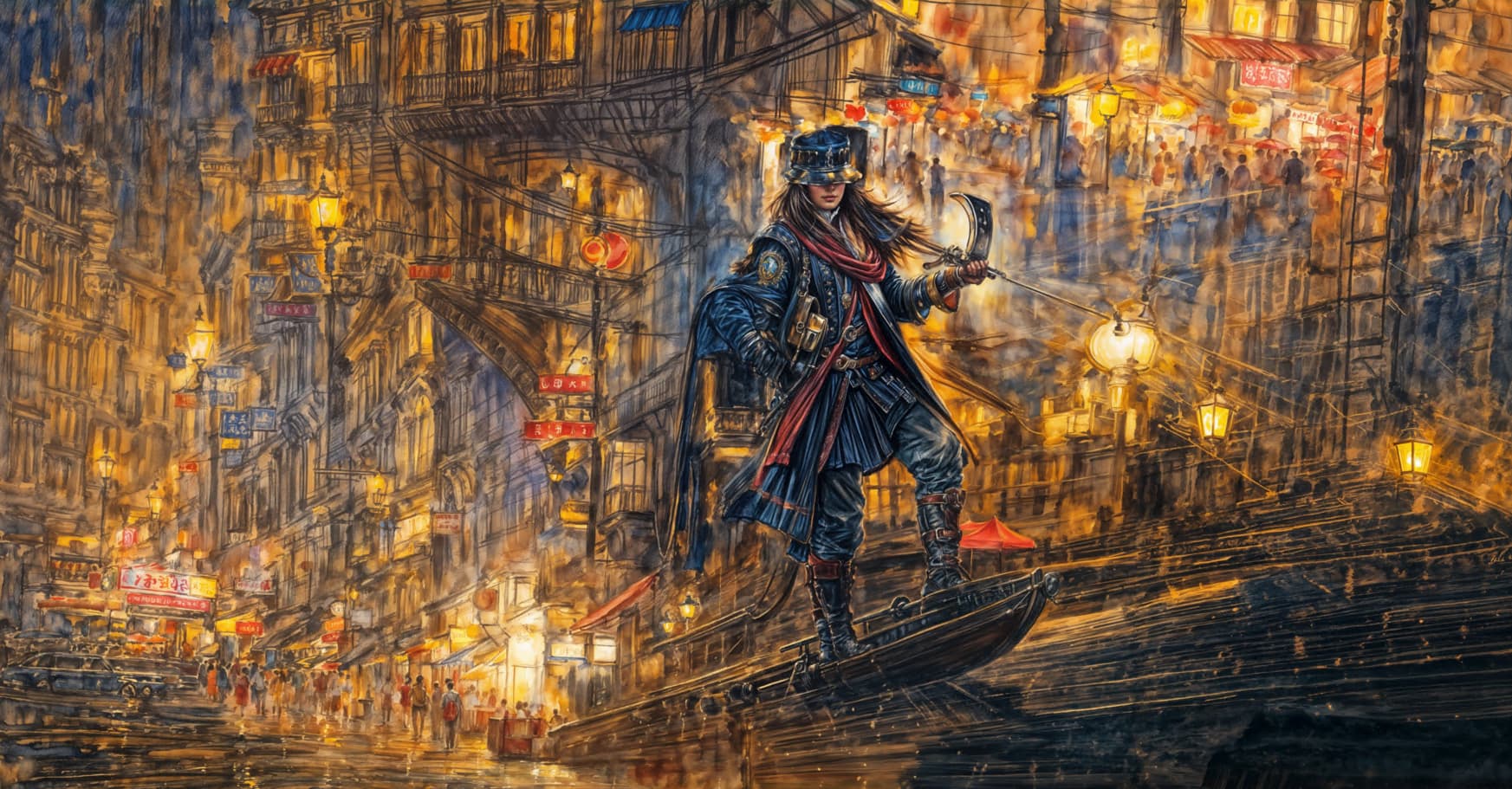
But as a consolation, here are a few fun crops from the latest renders!

Topaz Influencer Girl on the way to the cruise or something:

Topaz Kid of the future out on the town:

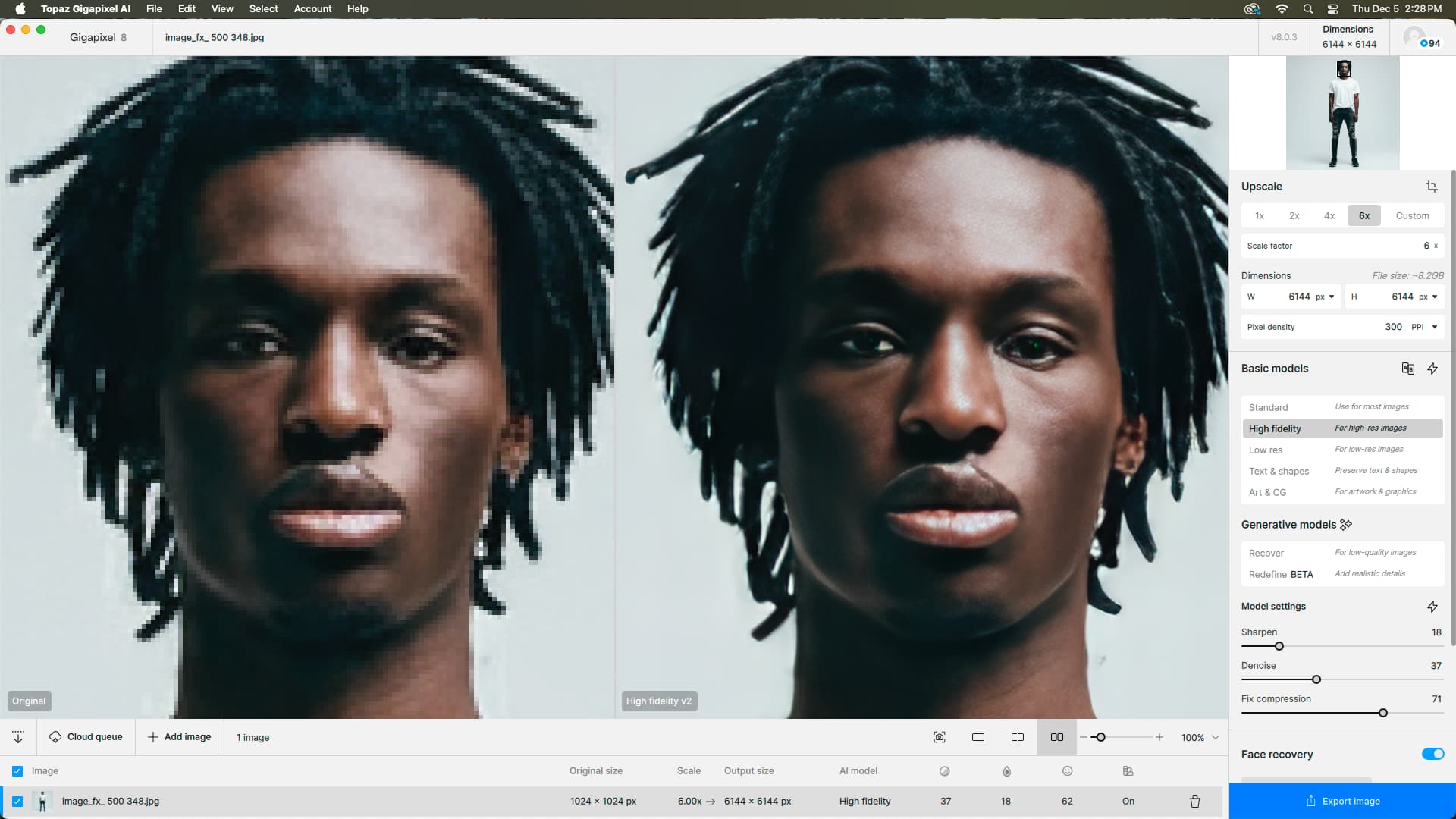
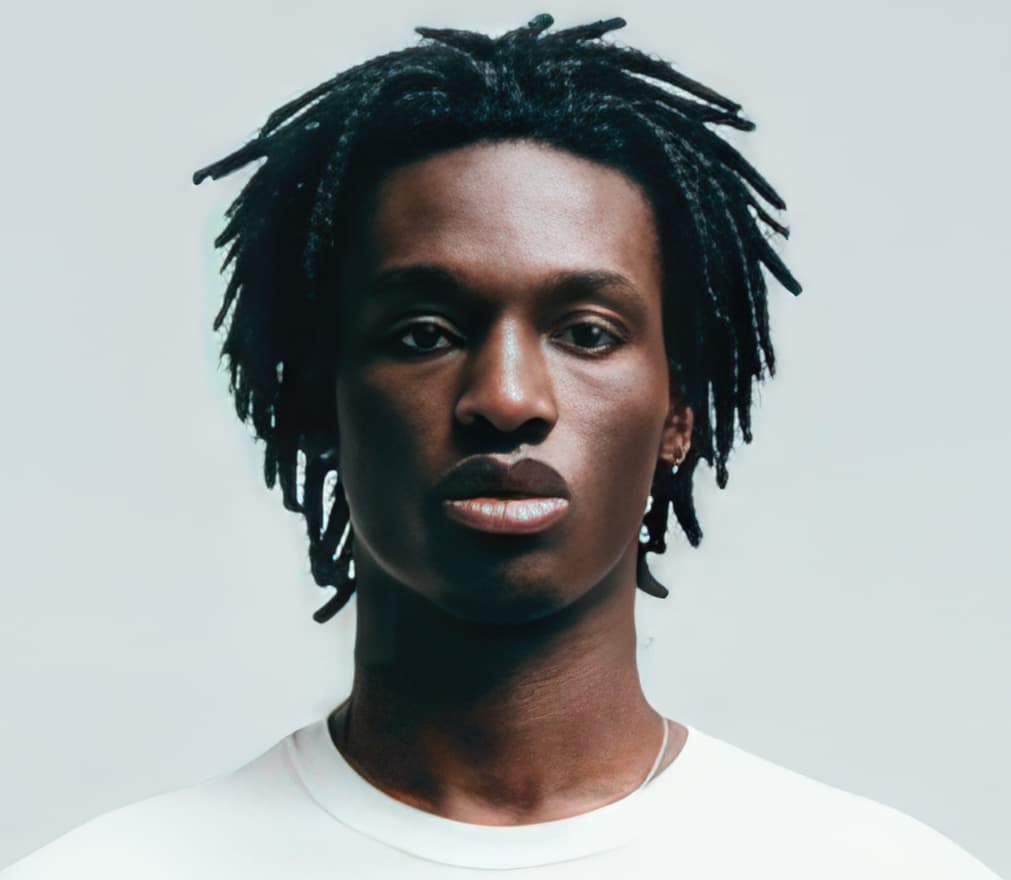
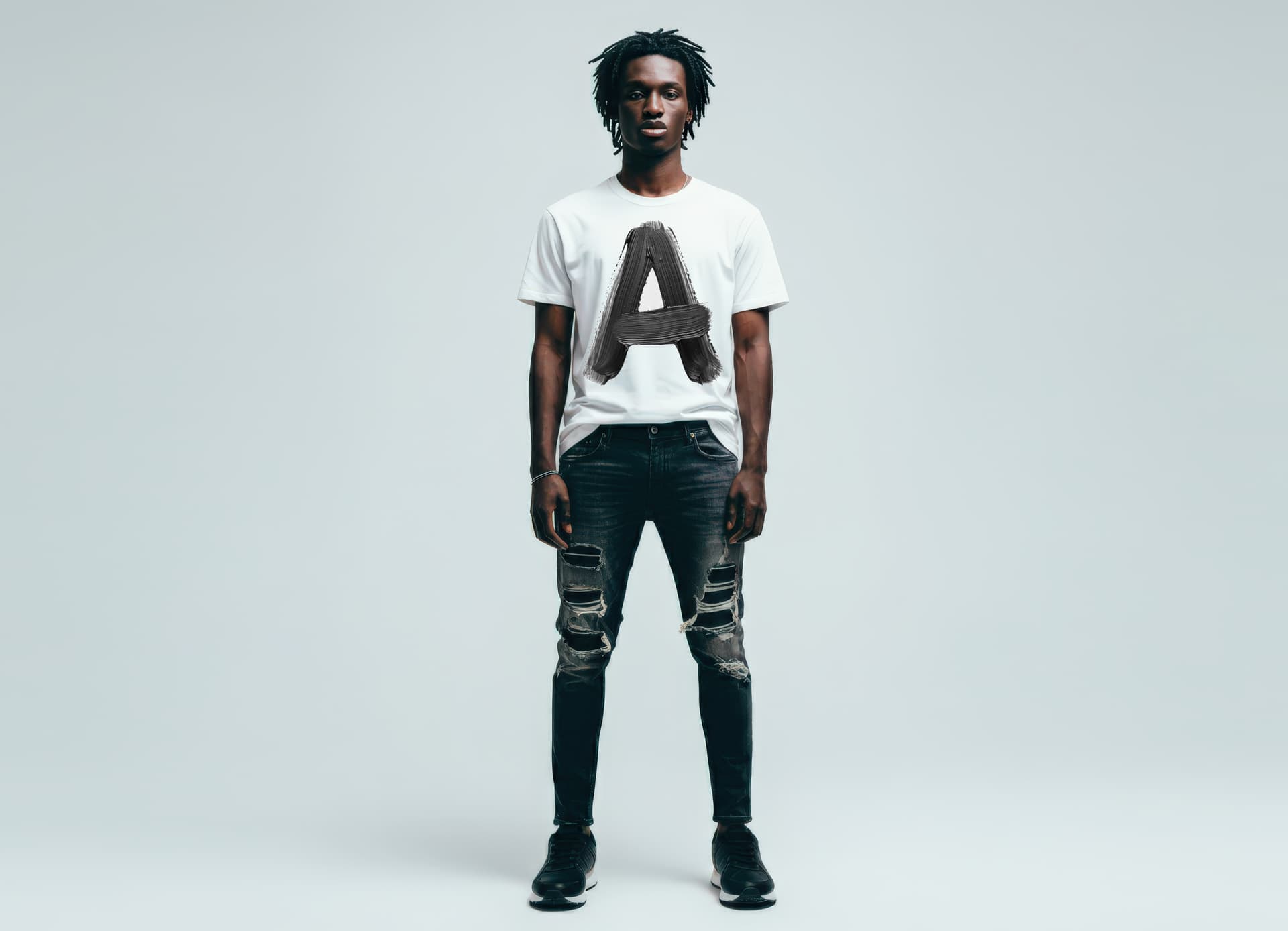
Hi Susan, it’s interesting that Gigapixel is perfectly capable of rendering perfect-looking faces out of abstract sources! Quickie examples here:

But when you’re trying to restore a real-person photographic face, it’s going to have to be replaced with something else.

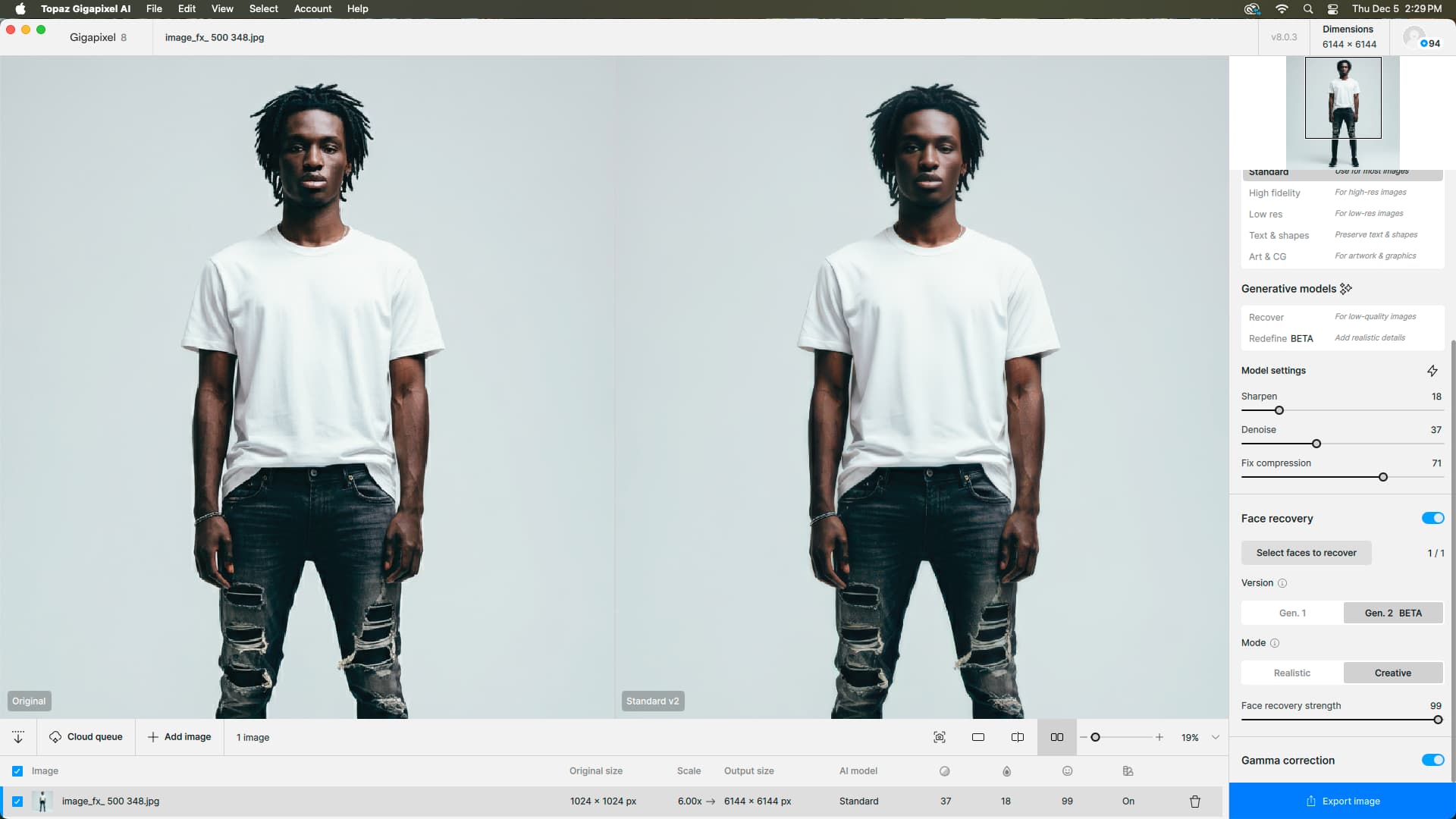
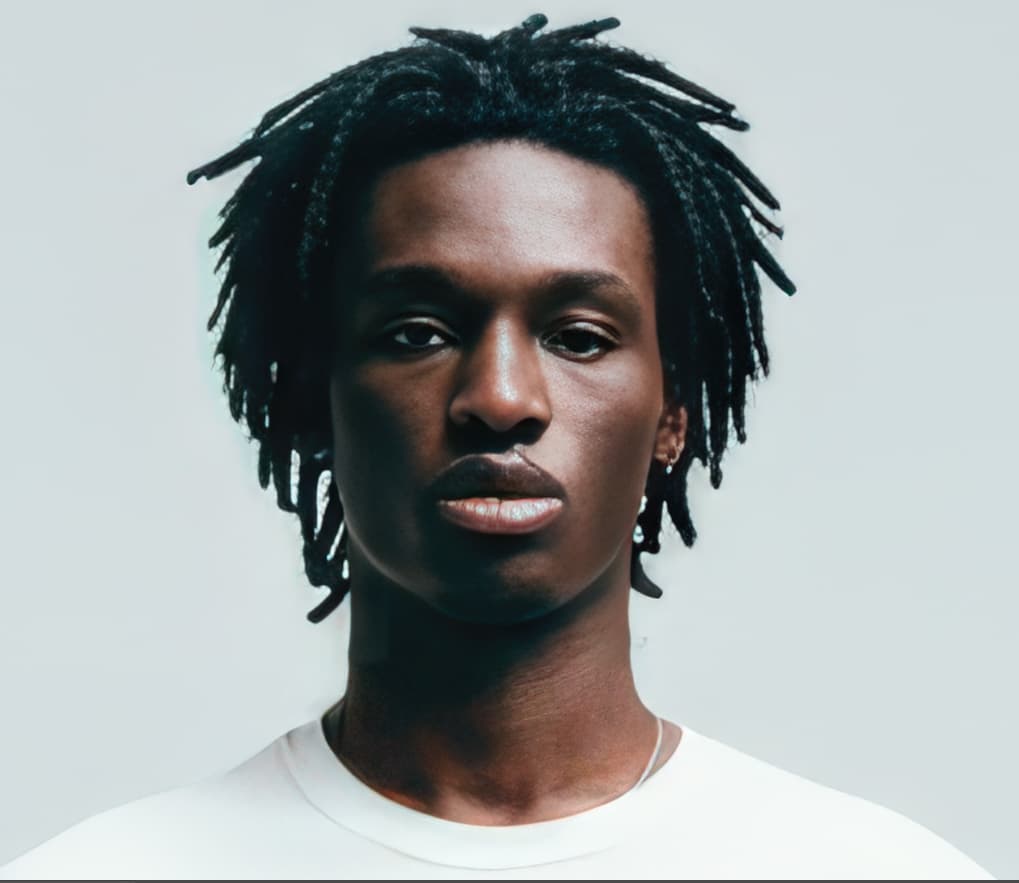
Did you do the Recover > Face recovery dance? My PCs are busy churning out more “artsy” but I’m trying this on my Mac Studio now, ooooh. I’ll report back!

Update: I got the exact same result using your screenshot source.

Re the Redefine bug whereby it often immediately returns a cached result in 1 second when re-previewing (entire image) after changing a parameter value: I have also been getting this since 8.0.0 (I first noticed it in 8.0.1, but downgraded and saw that it was happening there as well). I originally assumed it was over-enthusiastic cache reuse, but later changed to a guess that it’s something to do with the updated GUI values not getting updated all the way to the algorithm. This became most obvious when I changed from Creativity 6 to 3 and the the return cached result was still obviously creativity 6. I have noticed the problem with changes to the Creativity value, all of the Redefine Advanced values, and unfortunately also the text prompt. (I thought I’d also seen it once or twice with changes to the Upscale factor, but I’ve not been able to repro that just now).

I have also noticed a related symptom whereby a changed slider (that it apparently missed) has returned to the old value after restarting Gigapixel, which further implies that Gigapixel somehow didn’t notice that the slider value had been changed.

I finally found a workaround that mostly works for me: when changing any GUI value for Redefine after the first (entire image) preview render, flip the slider value back and forth an extra time or two, and that causes it to finally catch the new value. However, I’ve not felt like I’ve been able to get this kind of workaround to work with changes to the text prompt. As such, I’ve lost confidence in being able to tweak the text prompt any more, and now resort to completely restarting Gigapixel (I’m using it via the Photoshop plugin) when wanting to change the prompt after the first render.

(By the way, it would be really nice not to lose the prompt contents every time I restart Gigapixel — I have to keep remembering to copy my prompt to the clipboard before restarting Gigapixel or sending back to Photoshop so that I can paste it back again the next time)

Here is a screen recording (and I’m pretty sure the corresponding log file) of the following:

  • opening Gigapixel plugin from PS
  • doing a Creativity 6 preview
  • Changing Creativity to 3
  • doing another preview which returns immediately and displays the Creativity 6 result
  • restarting Gigapixel plugin and noting that the Creativity slider has returned to 6
    ScreenRecording_7lNfo3Po3c.zip (18.8 MB)
    2024-12-05-11-38-36.tzlog (116.0 KB)
2 Likes

I can confirm the change-setting-rerender bug. In those cases I just close and reopen the image, no need to quit.

I need to try using text prompts again but was having little luck with them before (ie, they were completely ignored).

1 Like

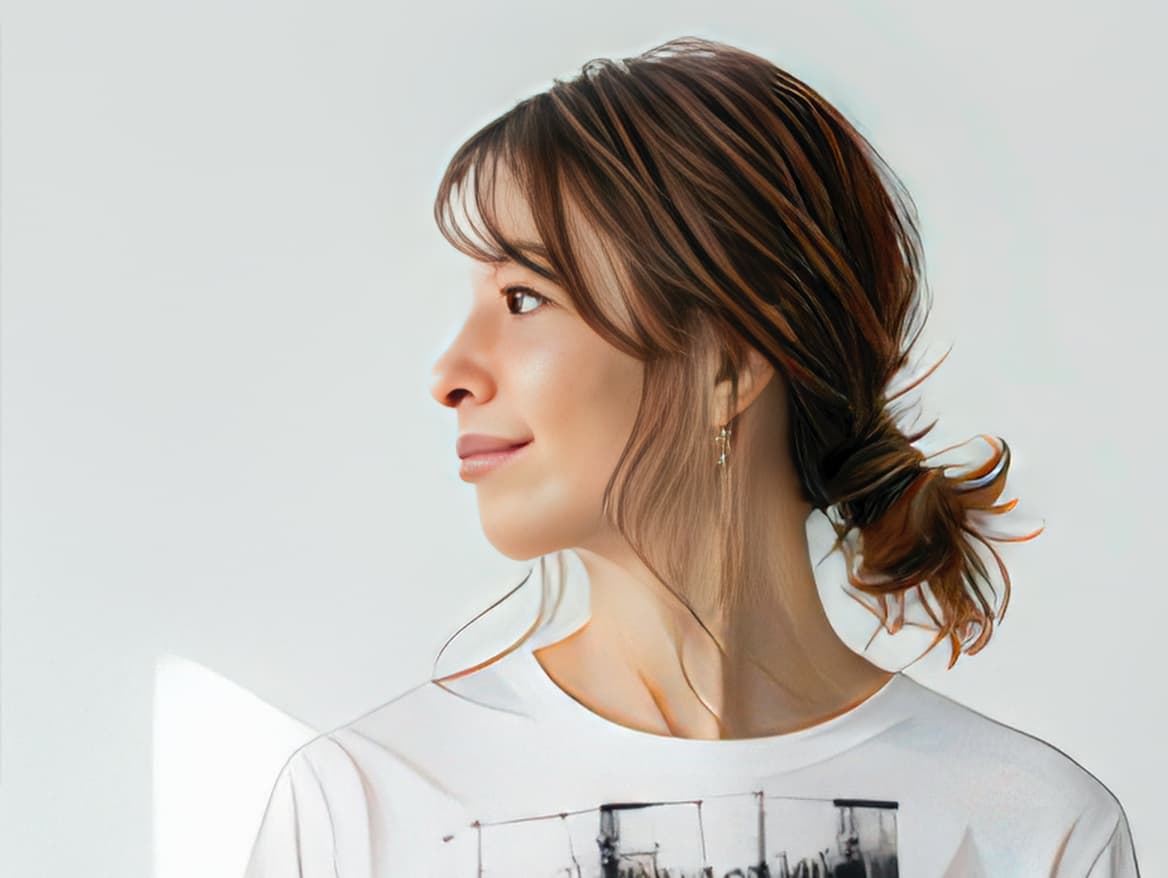
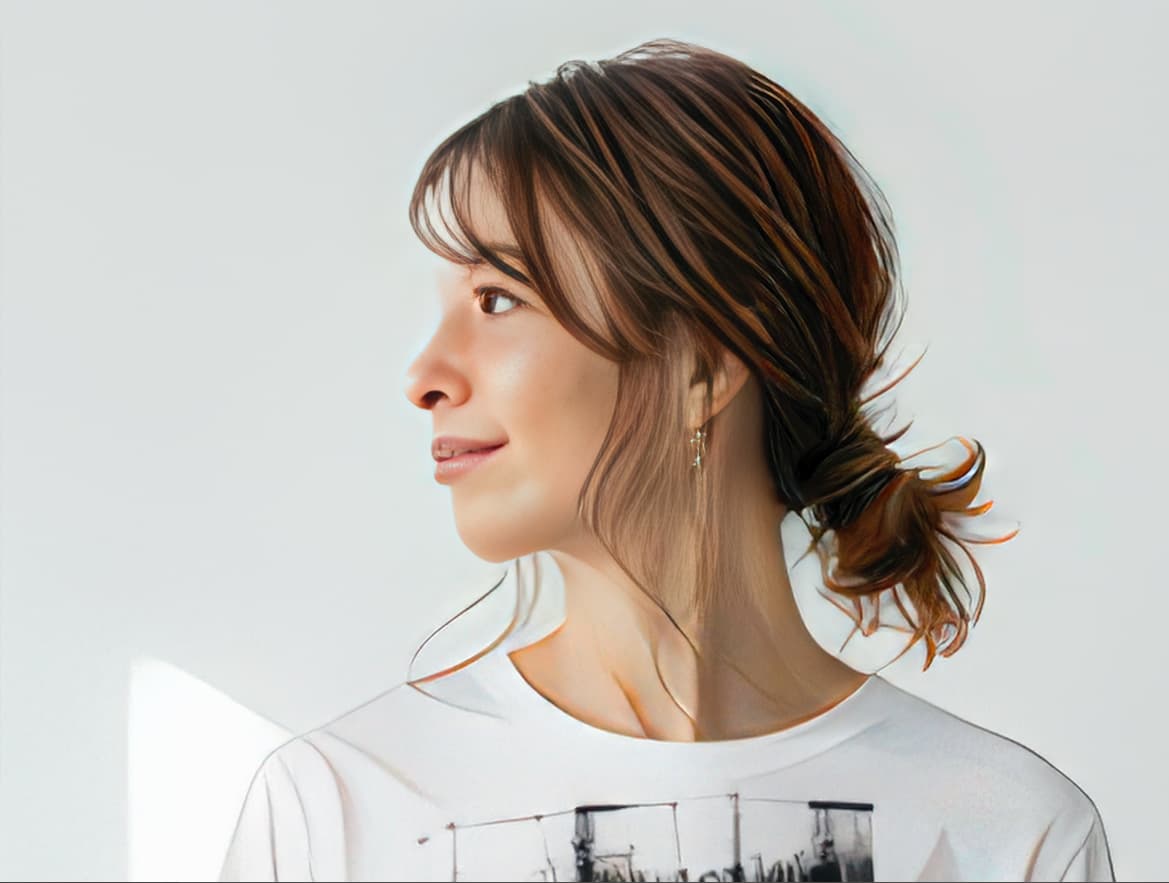
I don’t know if this is helpful, but I will post another one I worked on today. The original was generated in Google AI. I ran it through GIGAPIXEL (I have attached a face close-up and full figure), then took it into Photoshop to repair/retouch the face/add product/extend background. Finish attached.


I don’t think it’s possible to close and reopen the image the Photoshop-plugin usage mode

Good point, I most often work in standalone mode.

I have good experience with text prompts here. For example, with my heron: it was still not worth anything, but when I (in desperation, as a last attempt just before destroying my computer) wrote “bird heron with detailed feather and eye and bill”, it suddenly gave a pretty nice result (in relation to the miserable original, of course). But I don’t know how well it works in general.

I would also really like it if Gigapixel remembered the prompt. I always have to copy and save the text – sometimes it comes out to more words. If it could remember, say, the last 10 prompts when I experiment with them, that would be a joy…

I’m looking forward to testing prompts more, right now I am doing large Redefine batches on the PCs… And the Mac cannot do Redefine in this lifetime, so we wait :wink:

As for the consolation: Often these abstract creations look quite nice, but they also often seem quite chaotic, random, inexplicable – which may not be a problem, but what if someone asked “What did the poet mean by that?”. And the poet is silent… (the poet is the artificial intelligence, of course). The Topaz Girl family (including the animals) is completely OK, there are no doubts there. The architecture of the temples on the tops of the cliffs is often strange. How did they get the building materials there?

Of course the original WOMBOs were like that, and are of no use as-is or as full-frame Redefines. That’s why I like to zoom in to 50 or 100% and look around for little “vignettes” in the scene to extract.

And anything rendered in AI is open to incredible interpretation by the technology! I’m still amazed Gigapixel’s model can generate what it does on the level it does, sometimes close to reality, often not so much, using different art styles (watercolor, pencil, etc.) depending on input. (The Topaz People when present mostly seem to operate independently of any art style and often float above the chaos!)

That’s the fun of these 6X results - fantasy scenes you wouldn’t otherwise imagine, and source material for further work.

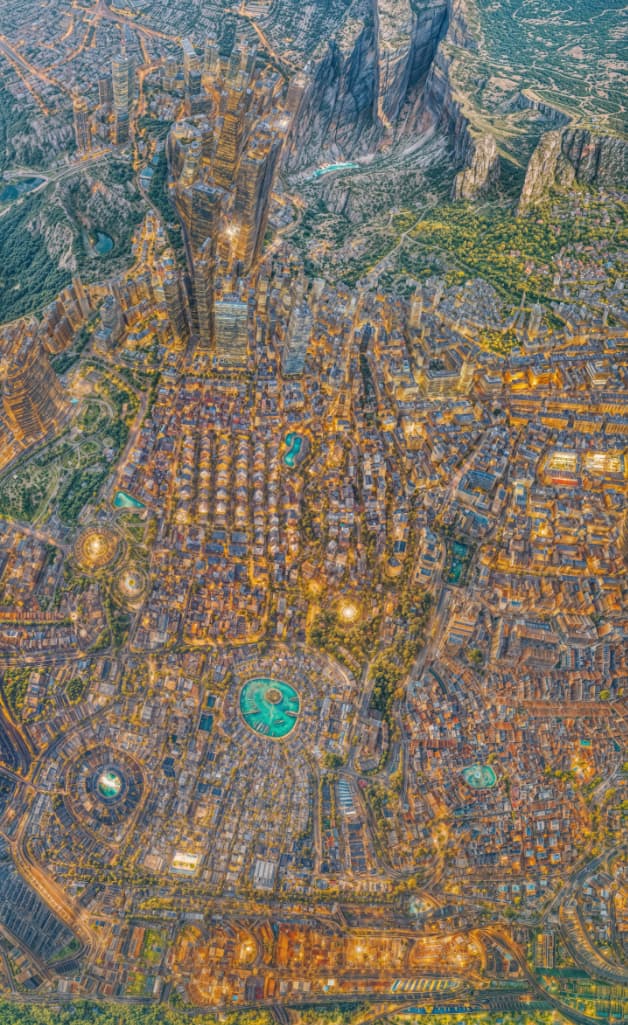
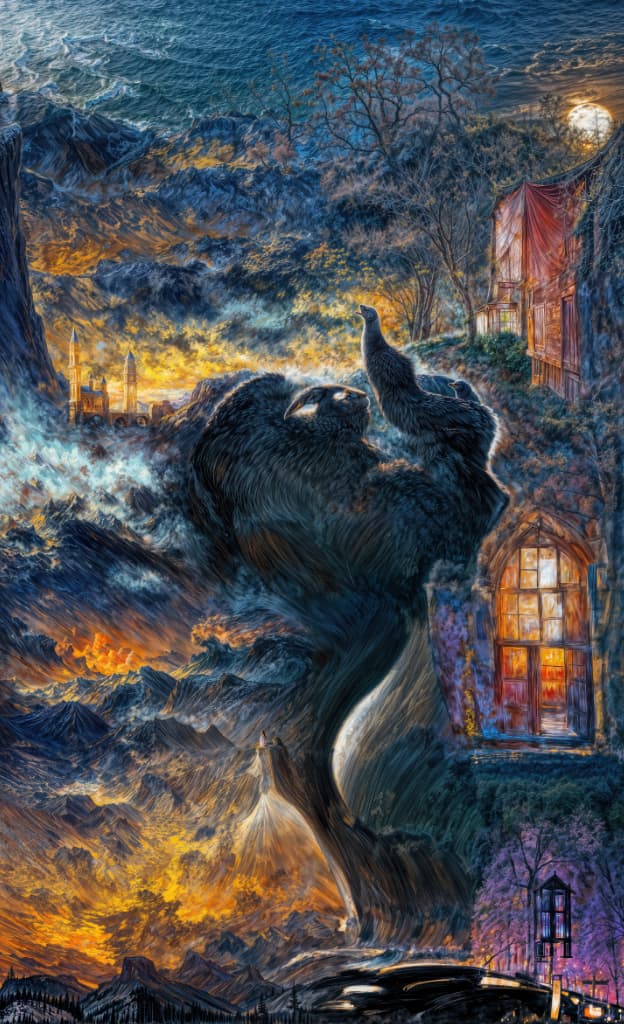
Full frame example of a WOMBO “aerial” after Redefining, reduced:

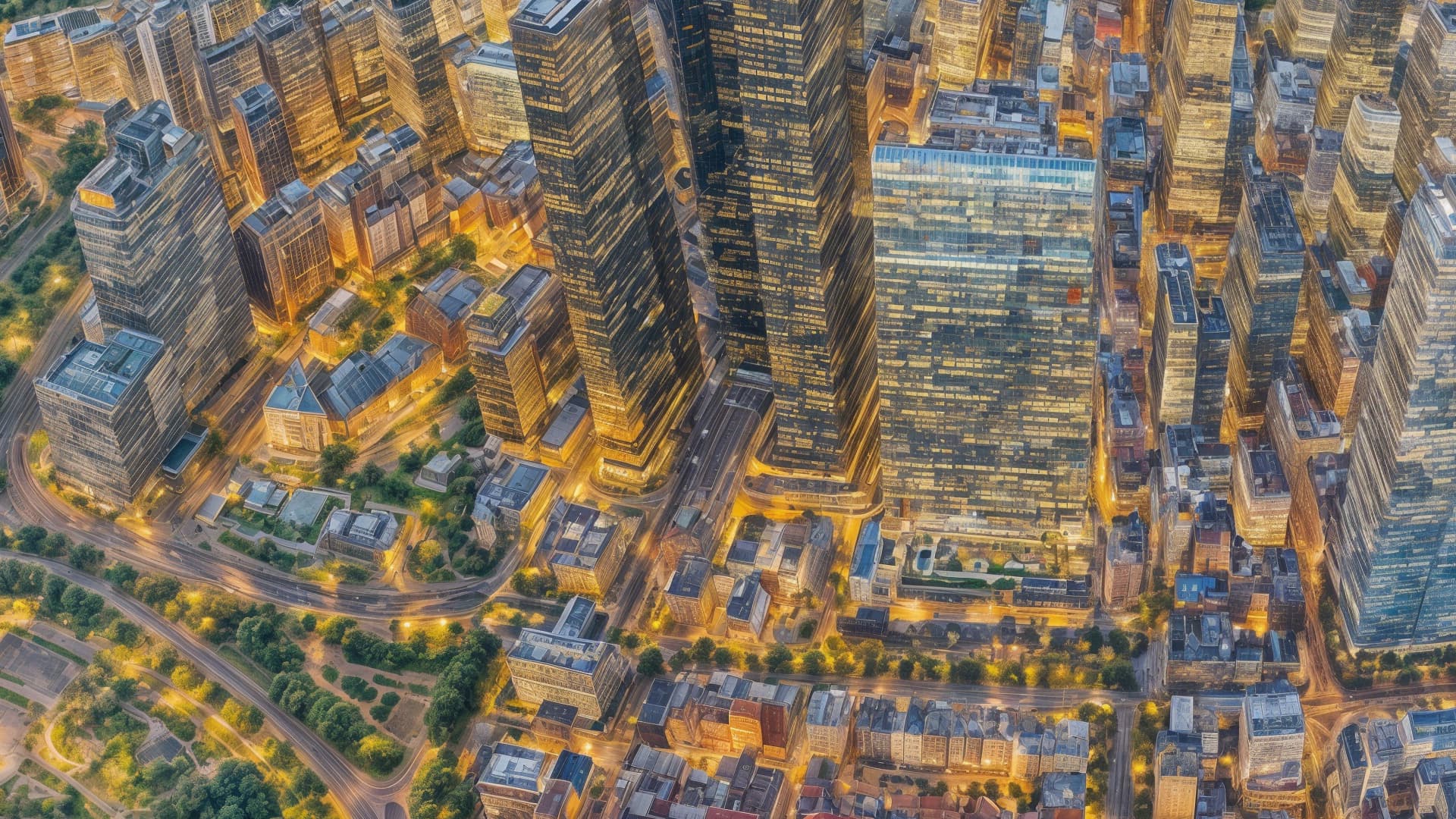
100% crop:

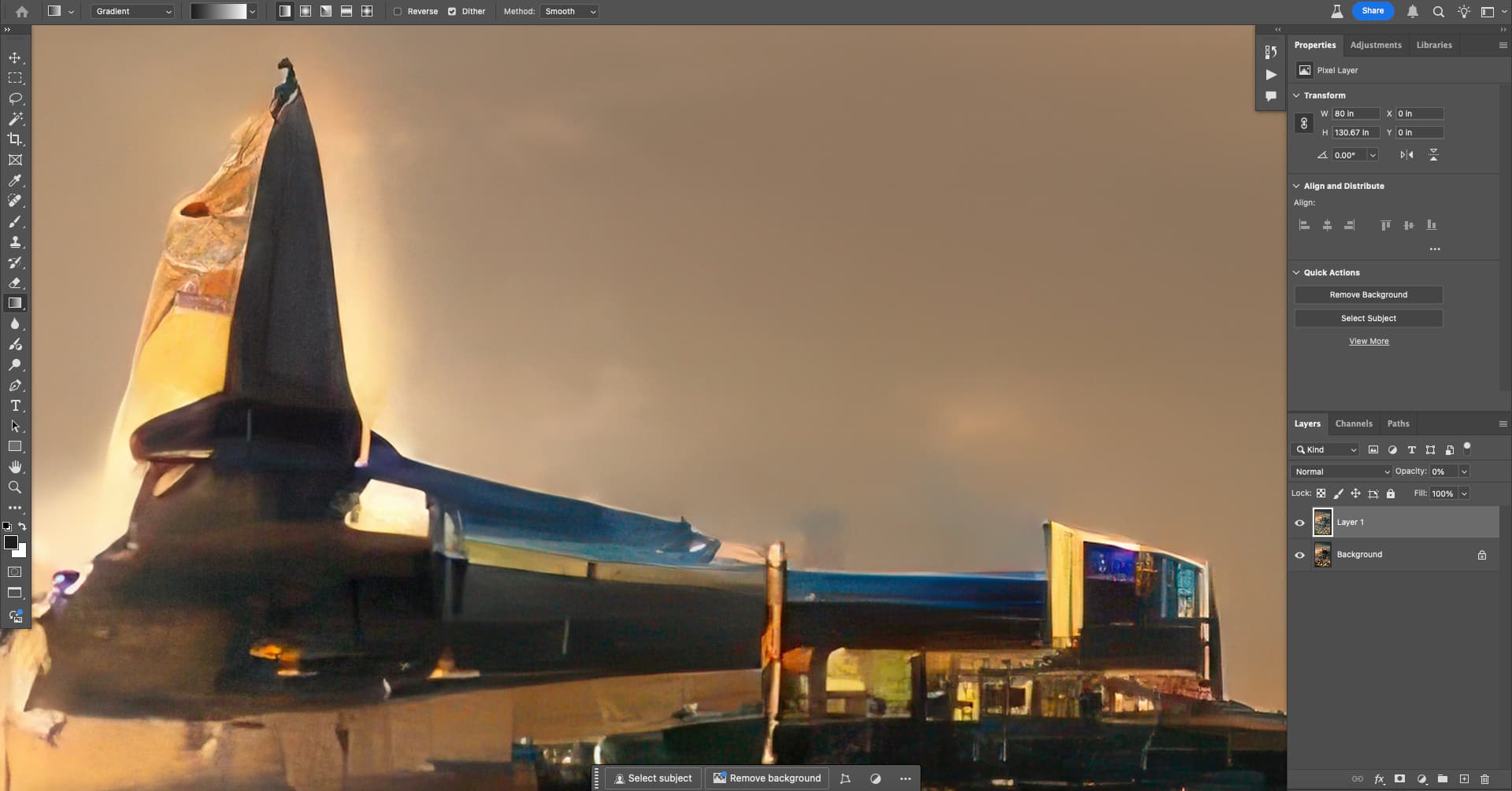
This was originally supposed to be a “city scene at night” by the original WOMBO prompt, below is what Redefine did:

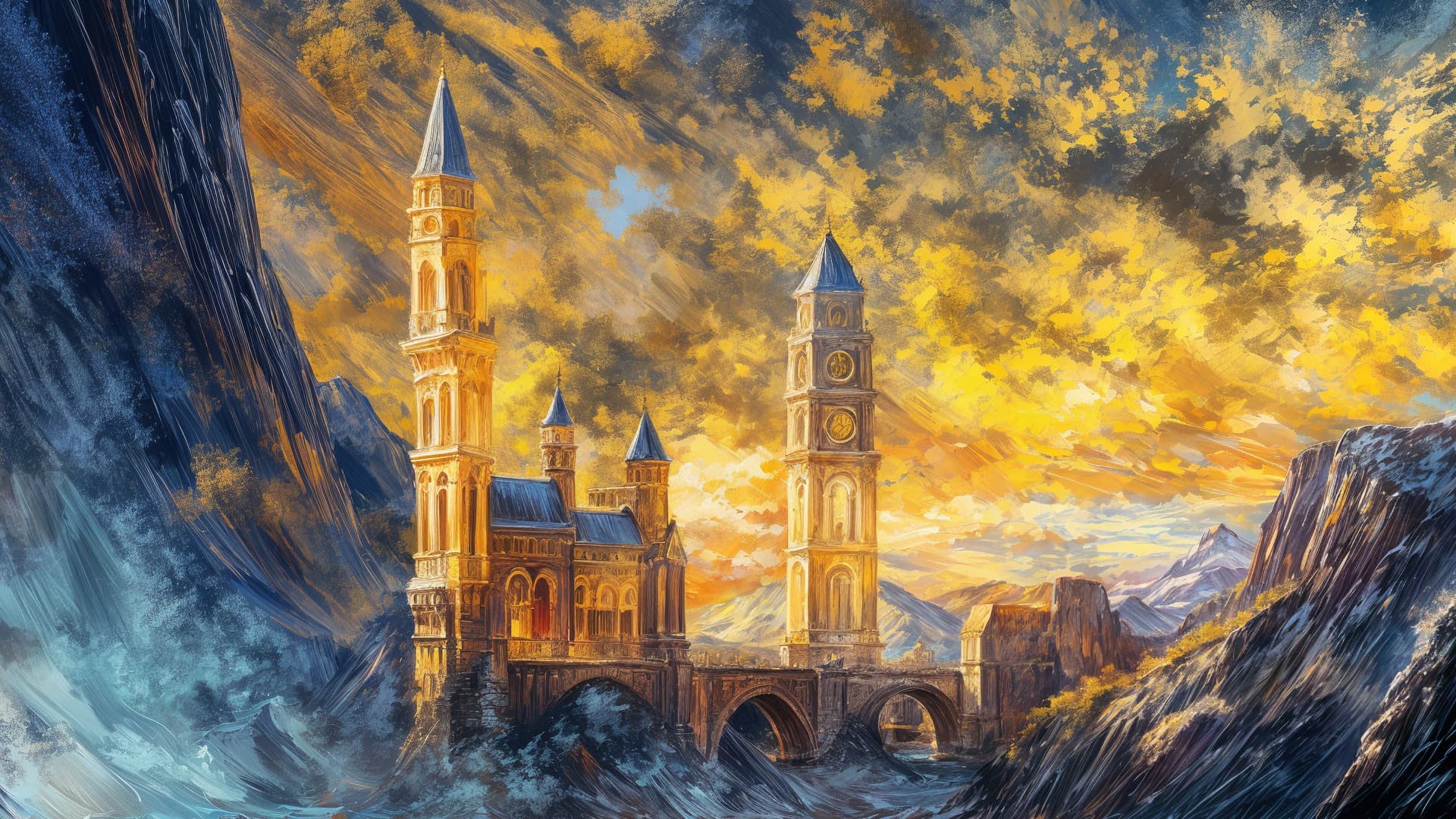
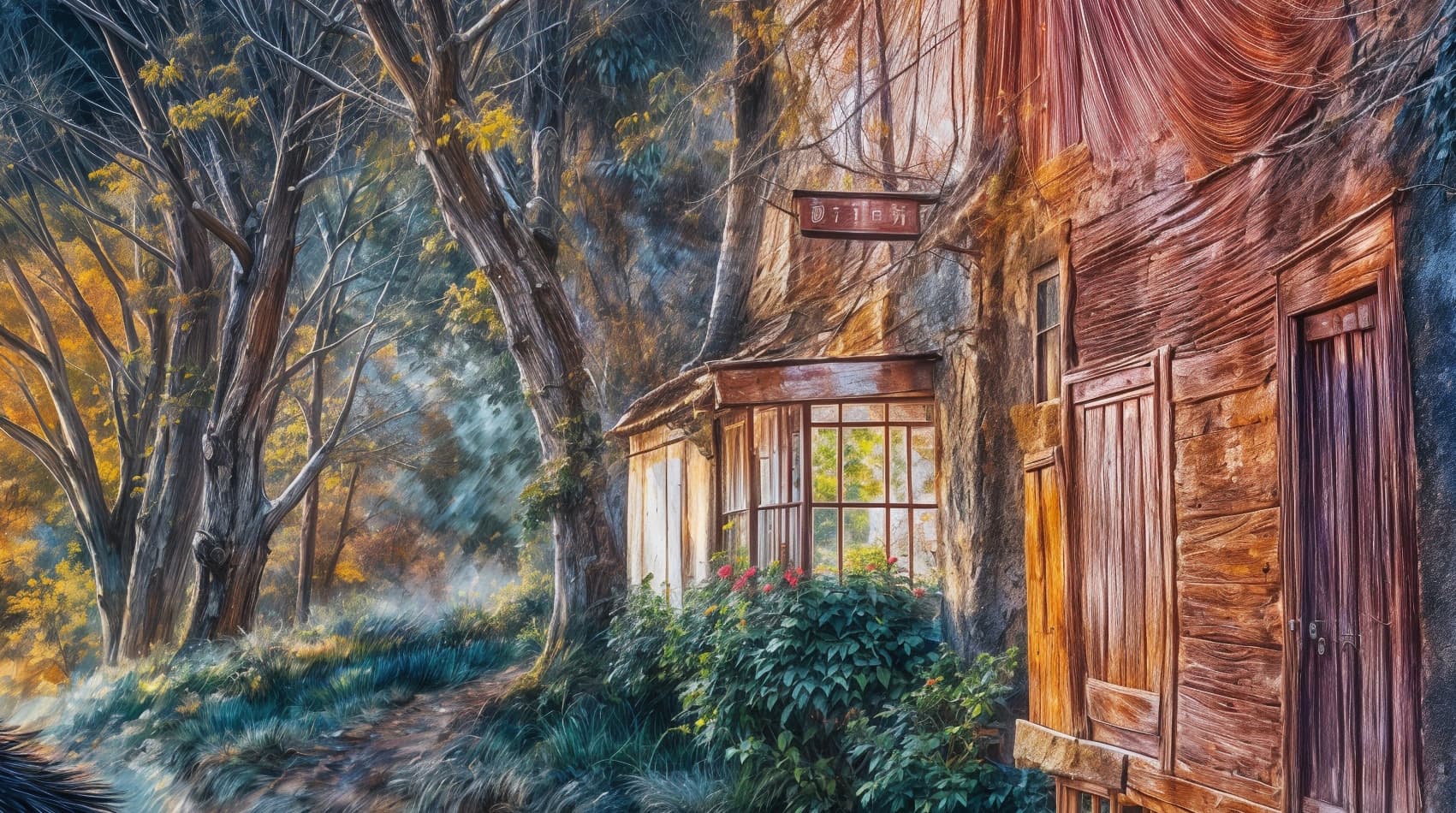
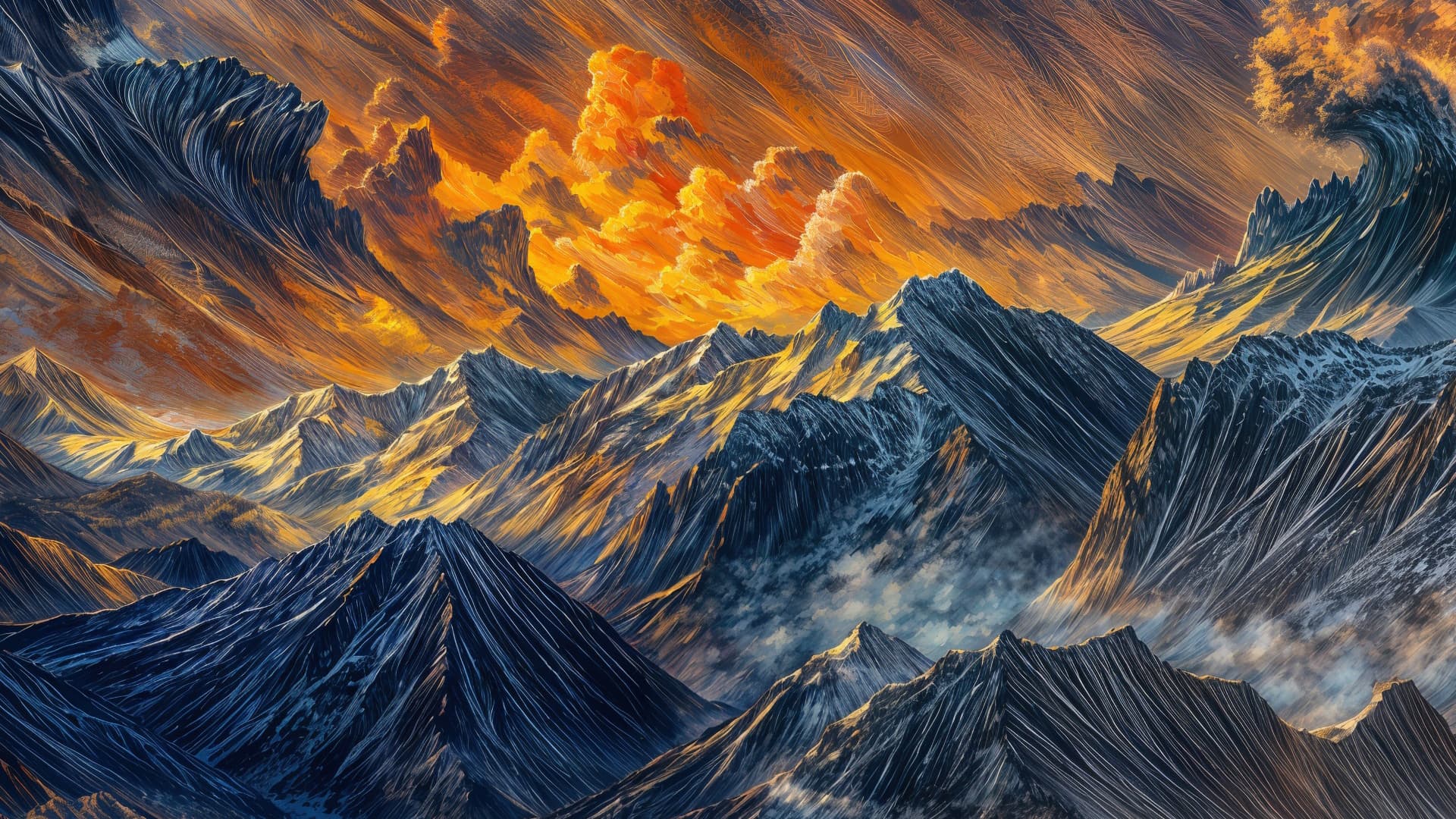
Different unedited “vignettes” from this single render at 100%:

Now I just need to refine a proper workflow to take them to their next level as standalone artworks and textures.

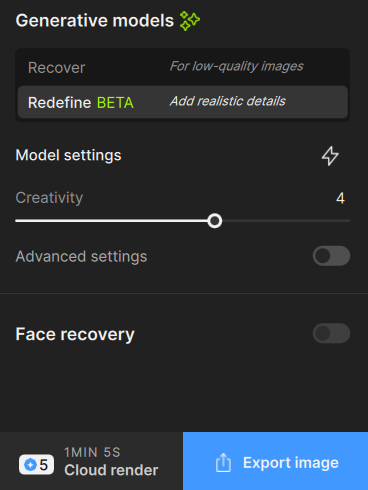
Quick question- Ver 8.0.3 - Redefine model - has the cloud render button moved, I don’t see it. Currently Im processing a large file locally on my mac. Will look again when its done (last one Recover model took 17 hours, no kidding :blush: for a mere .1 upscale 4914px wide up to 5400px

I see it in the bottom right, next to “Export image”:
{FB2B3139-95F0-49AE-976D-08601190A1FD}