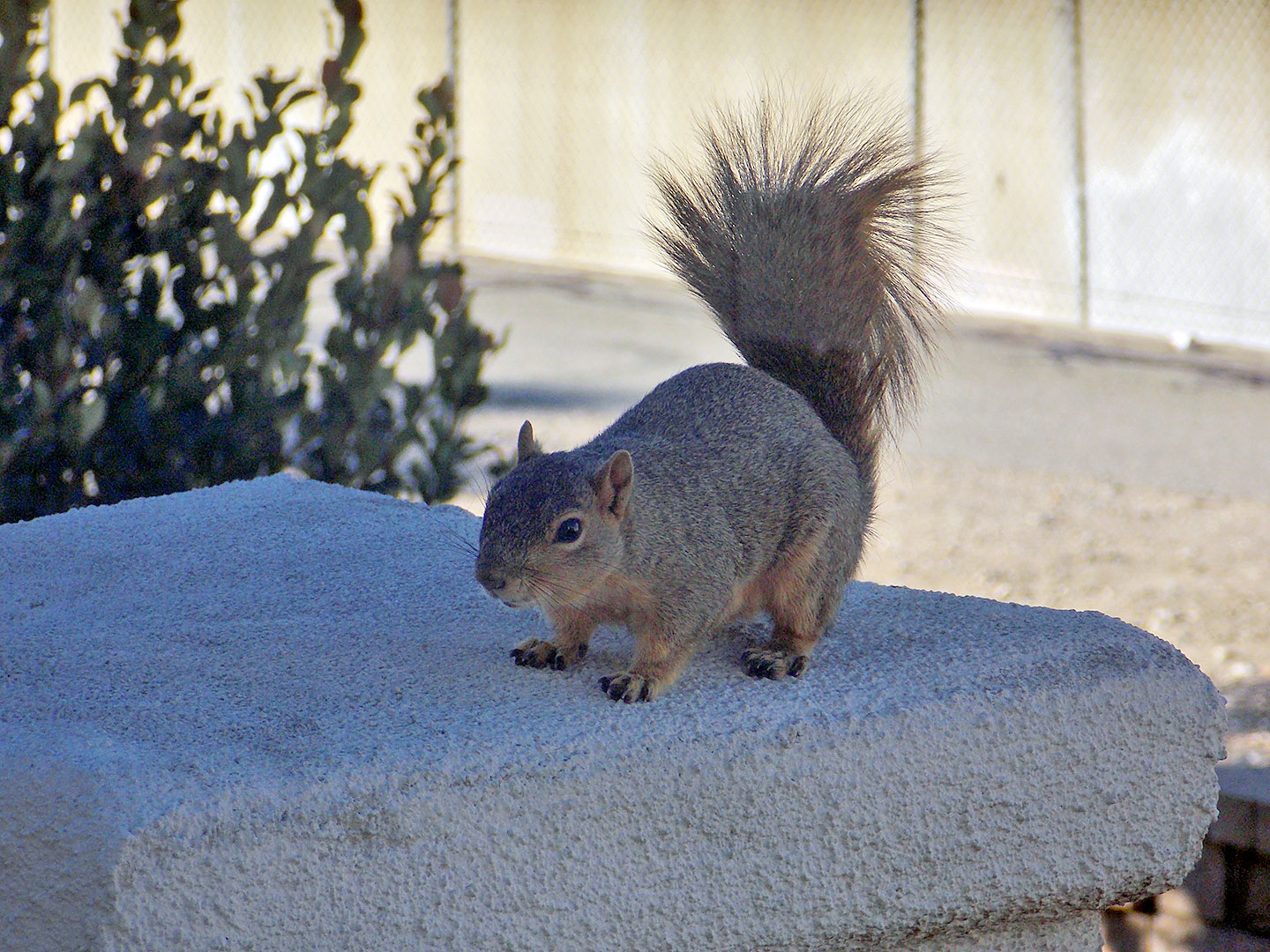
Real photo time again! Non-DSLR pic of a squirrel, full frame:
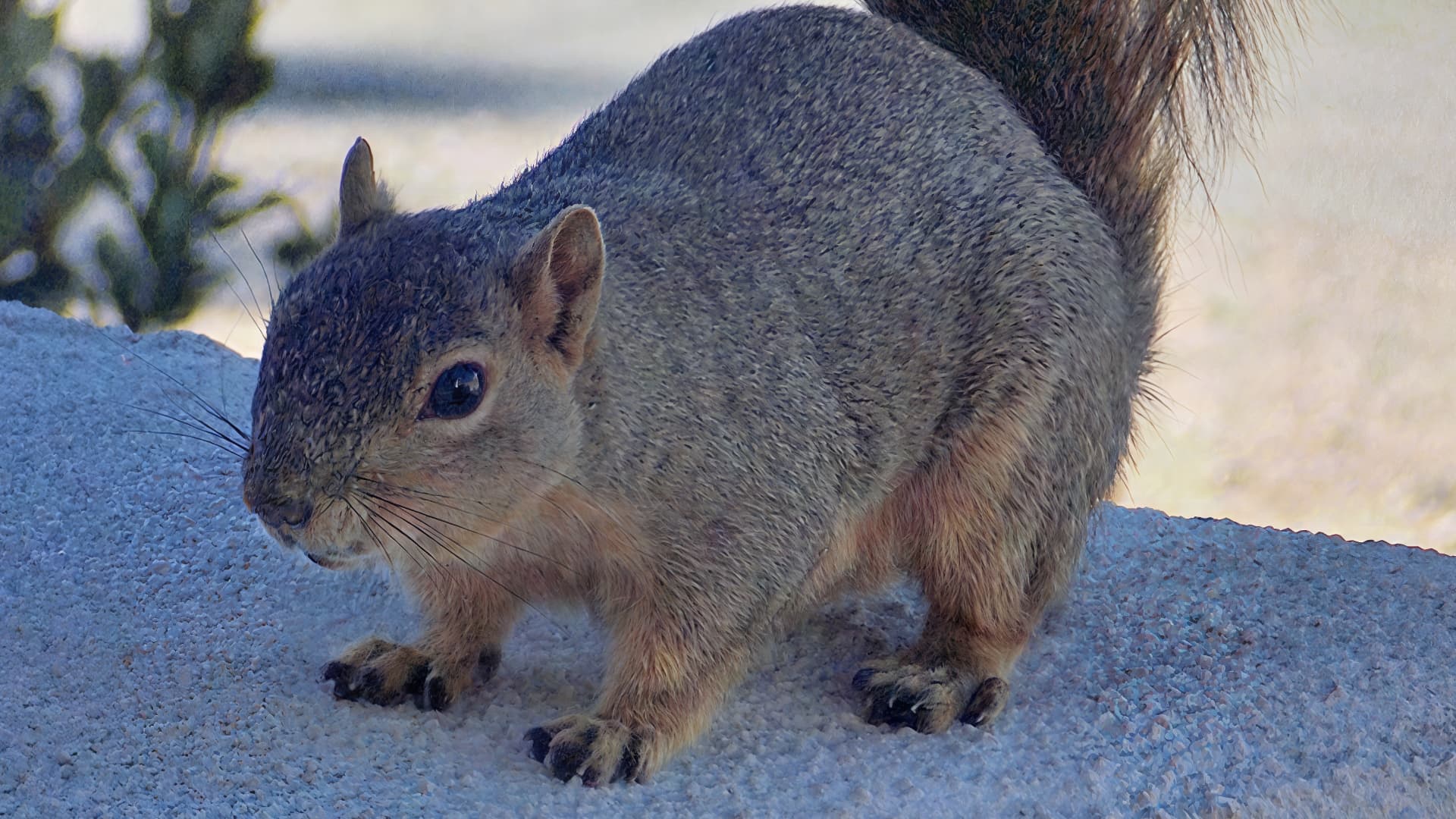
4X Redefine, lowest settings, 66.7% view:
4X Redefine, higher settings, 66.7% view:
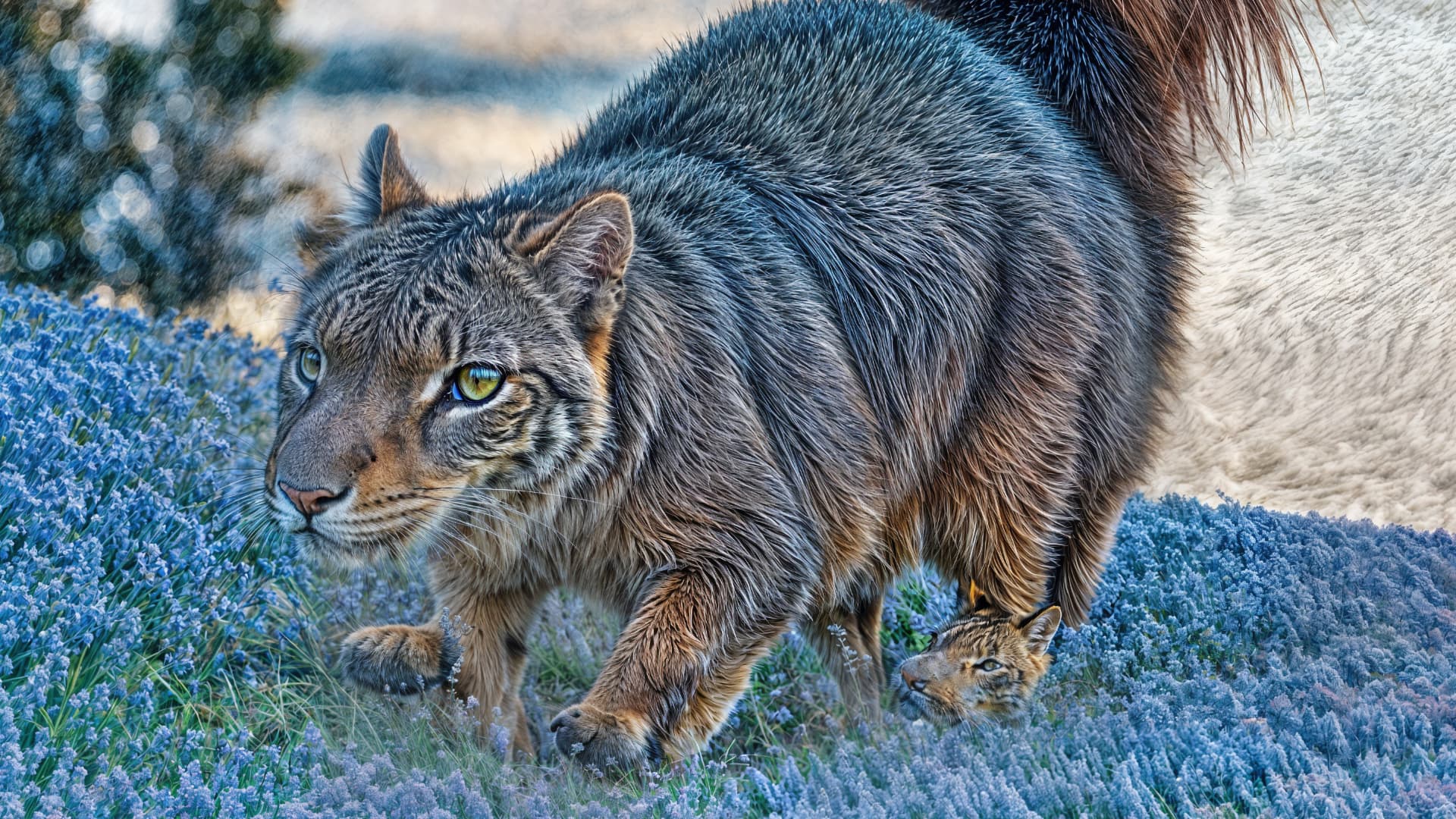
This is some sort of AI Evolution of the species!
Real photo time again! Non-DSLR pic of a squirrel, full frame:
4X Redefine, lowest settings, 66.7% view:
4X Redefine, higher settings, 66.7% view:
This is some sort of AI Evolution of the species!
Wow! Is that related to the rabbits in Monty Python?!
It’s from the upcoming sequel!
A shapeshifting cross between a tiger and a squirrel. Hahaha.
However, if you run Photo Ai for the first pass to denoise the photo, and then add the most detailed prompt possible in Gigapixel, the image should have more detail without doing anything surreal like the final result you got.
Is there any way to get the look of animal fur smoother than in the pictures posted with redefine? The pictures show that redefine, used on animal pictures, grossly exaggerates the fur texture. I have played with the settings and have yet to find out a settings combination that does not add excessive detail to the fur. I use it on animal pictures generated by AI (stable diffusion) and for the moment, the upscalers built into stable diffusion are way ahead of GPAI when it comes to animal fur. Is there hope for improvement, or maybe a set of GPAI settings that does well on that subject?
Thanks for the additional instructions, I was wondering where you did the denoising. I will experiment.
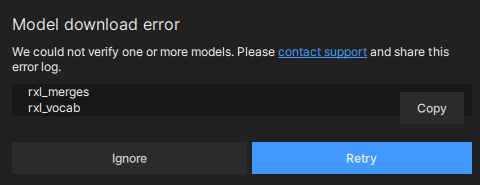
Just started getting this error in the past hour, clicking ignore seems to be fine, but the popup everytime I open a file is getting annoying.
Never mind, error stopped popping up now. Not really sure what was going on there.
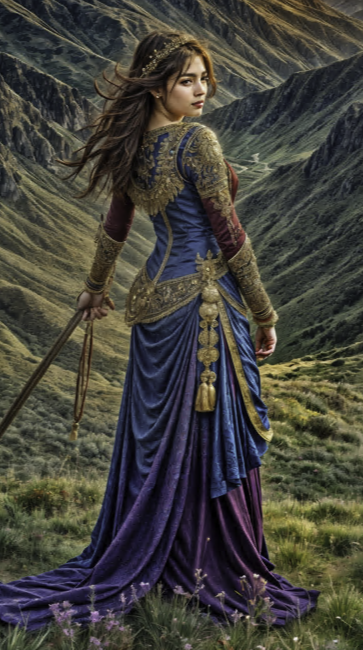
Beautiful piece! Faces are sometimes hit or miss lately, in other apps as well.
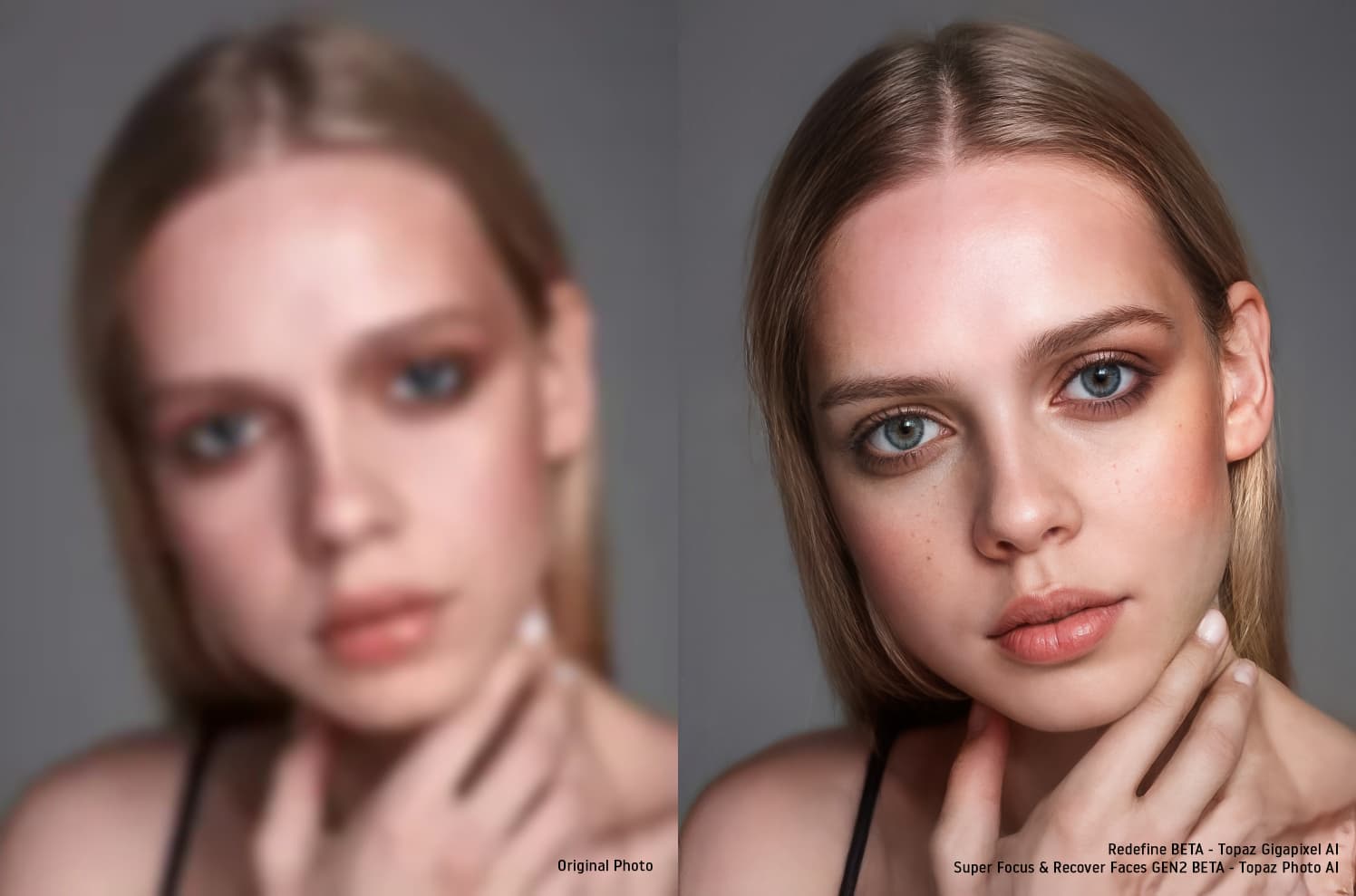
Hi everyone! 
Of course the hand didn’t recover, but the face looks amazing,
I used: Topaz Photo AI (Super Focus & Recover Faces GEN2 BETA) &
Topaz Gigapixel AI (Redefine BETA)
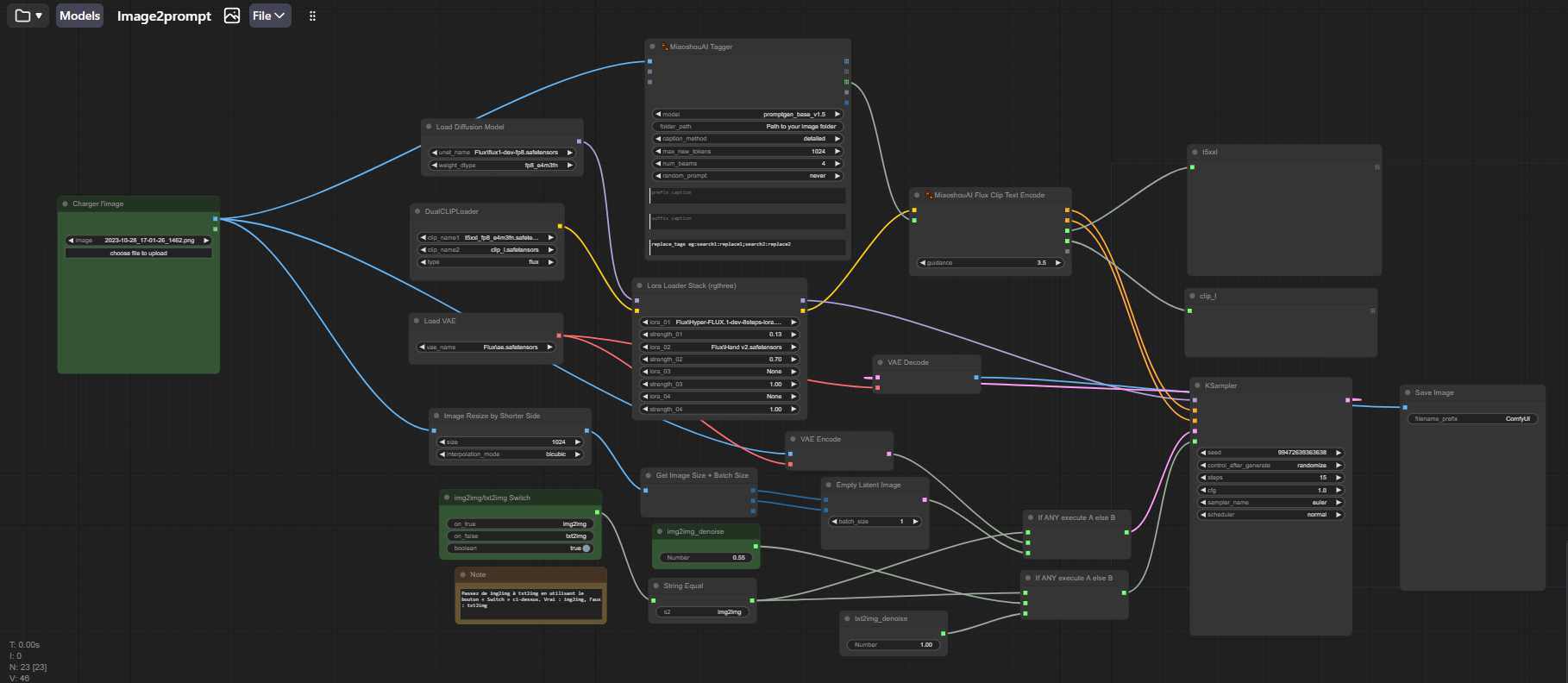
By the way, I don’t know if you also use Comfy Ui but there’s a very interesting node for creating an automatic prompt from an image. It’s called “MiaoshouAI”.
There are 3-4 variants of the node. But if there are people in the image, the node that might work best is this one:
Afterwards, the resulting image that generated it, is not bad because it improves on the basic one. I then combine it with the original in Photoshop before going through Gigapixel with “Redefine”, putting back the previously created prompt. Then I come back to Photoshop and use a bit of the ComfyUI image, combining it with the Gigapixel image to smooth out some of the exaggerated detail.
Here’s how I rework my images with AI and Gigapixel.
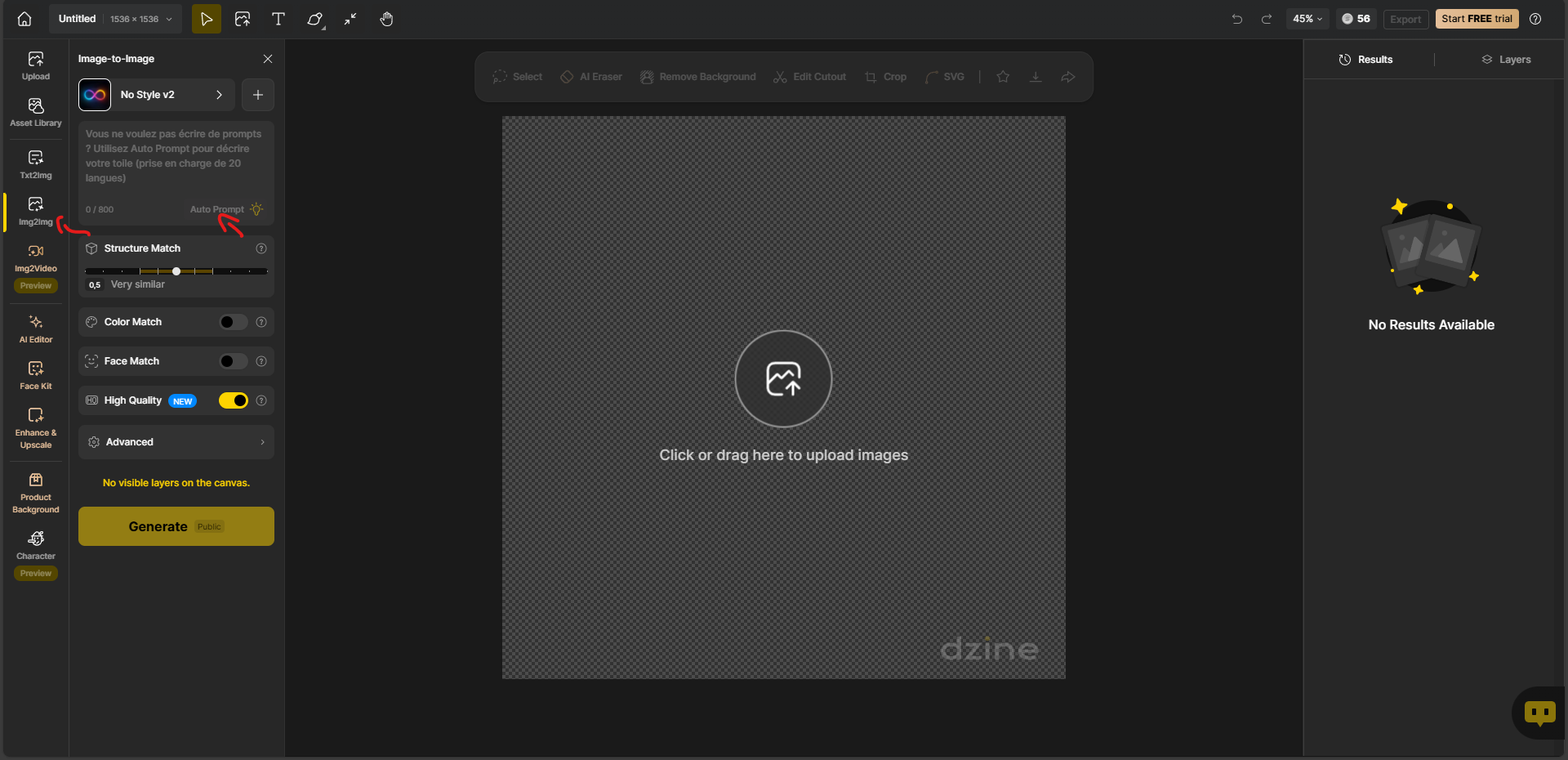
There’s also a website to create your own prompt. It’s this one: https://www.dzine.ai/
Registration is free.
You have a certain amount of free credit to start with. These are used to generate the images. But the part I use the most is the automatic prompt generation. And that’s unlimited.
Impressive result
I’ve tried a few times in different version updates since I bought this and Photo AI. I never had problem with Photo AI but thought Gigapixel will do a better job in regenerating details but I constantly battling with the program when it gets stuck. Is there anything I can do? I am on 8.0.2 at the moment and I’ve tried 8.0, and 8.0.1 all the same.
Thanks for the info! I’ve heard of it but have not used it yet.
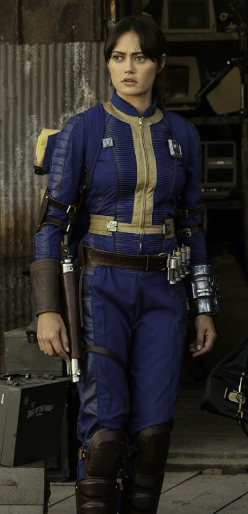
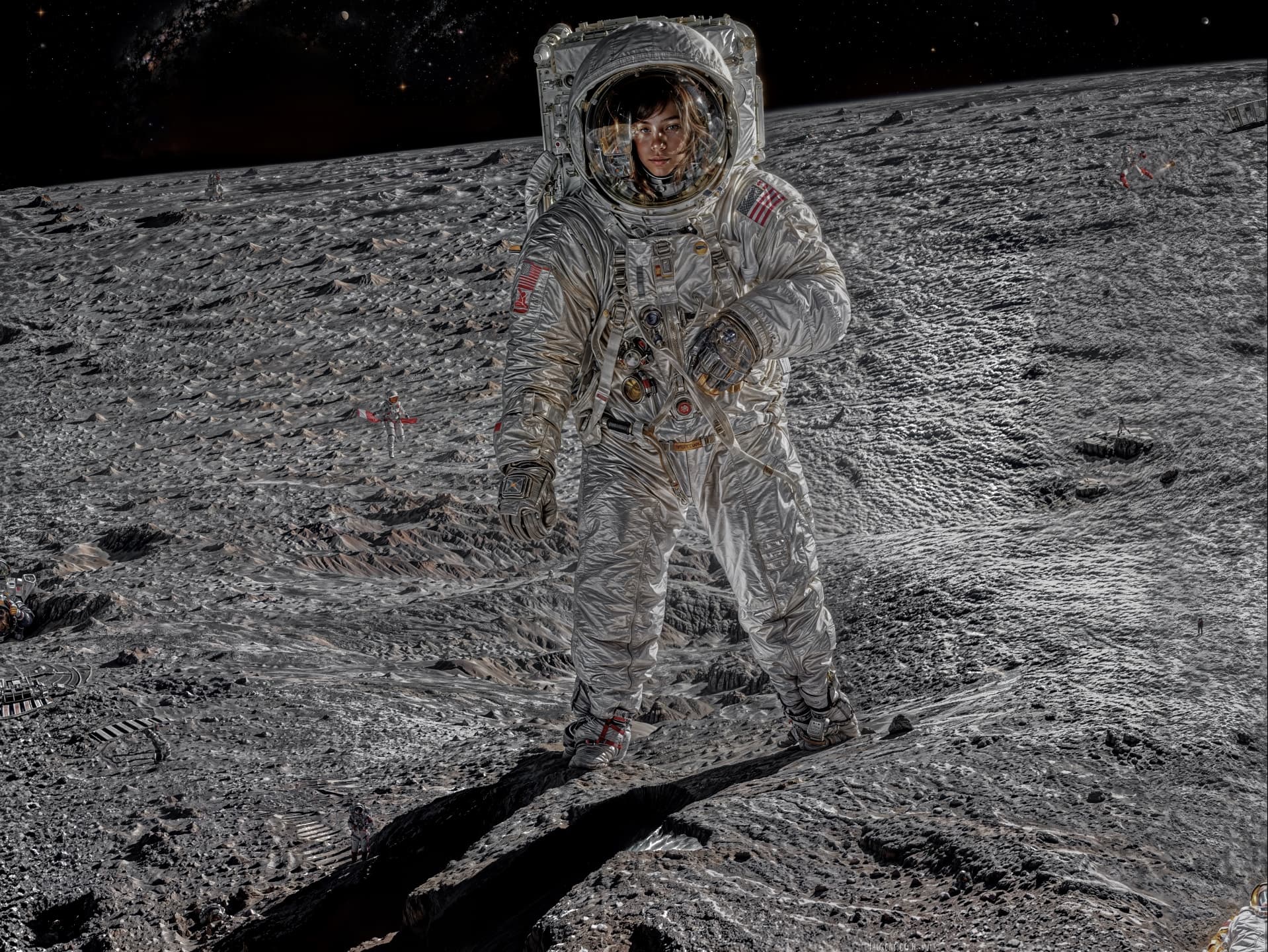
I see they have familiar faces on their website though!
No way! She’s so famous!
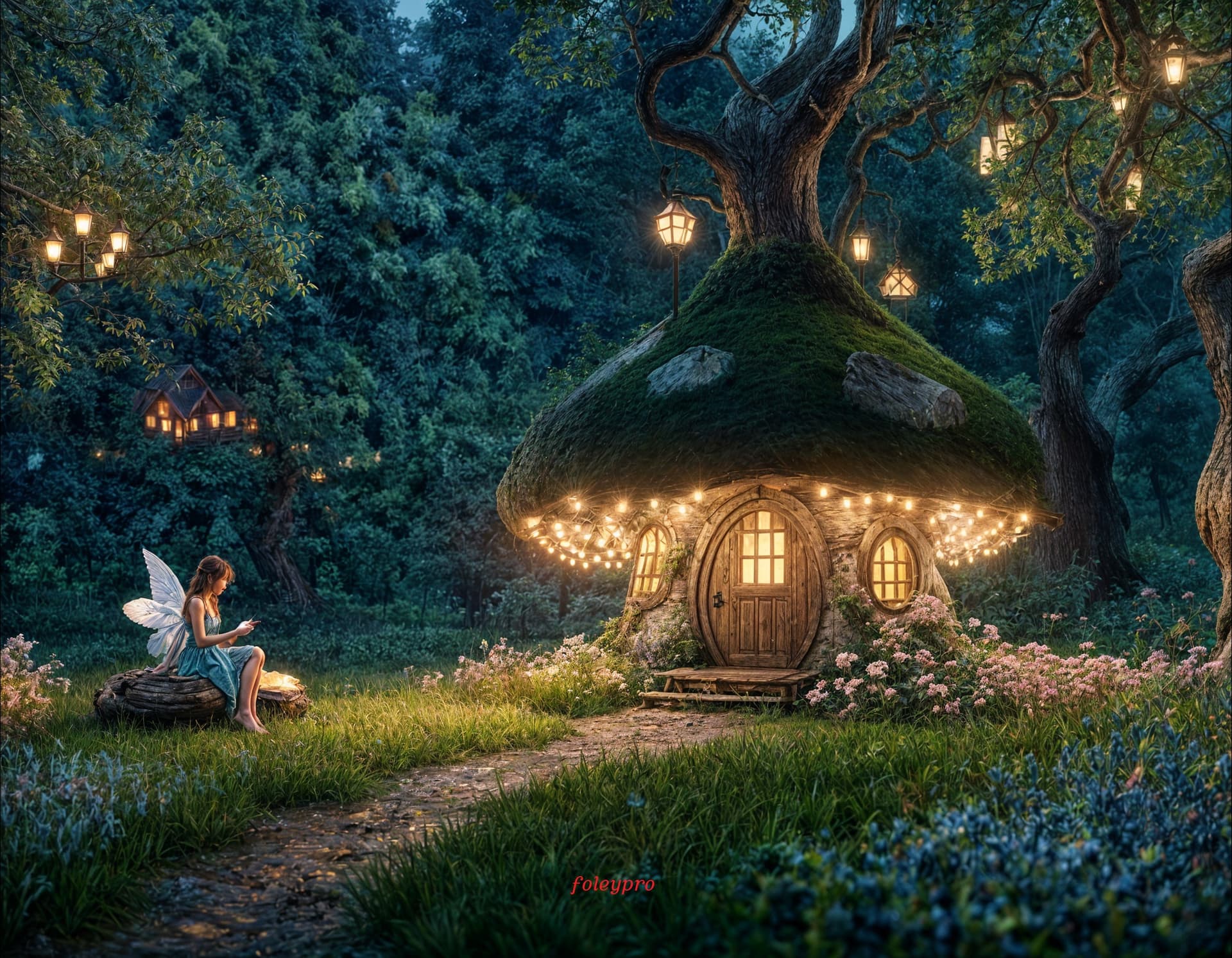
And notice she is not alone…
All together now, “It was Topaz Girl!”
Gigapixel 8.0.2 works fine, except when i use one of the two generative models.
Everytime when its rendering the image, the application crashes.
My system:
Win 10
32 GB Ram
CPU: AMD Ryzen 7 5700X
GPU: AMD Radeon RX 6700 XT
All drivers and Windows are up to date.
Any ideas or tips?
Thanks in advance
2024-11-28-09-42-51.tzlog (49.6 KB)
1bd636db-0188-4612-bbd6-4f81643c506c.zip (446.5 KB)
The dump file as zip because it was too big