Couldn’t agree more, I will stand pat with the applications I own now and will not be renewing. I still have memory leaks, don’t need to create or render animations and would simply like to use the applications as they stated with regards to minimum requirements. It shouldn’t be a moving or unknown target as the add to the application.
It’s a shame because when I first came to Topaz they were the best in class.
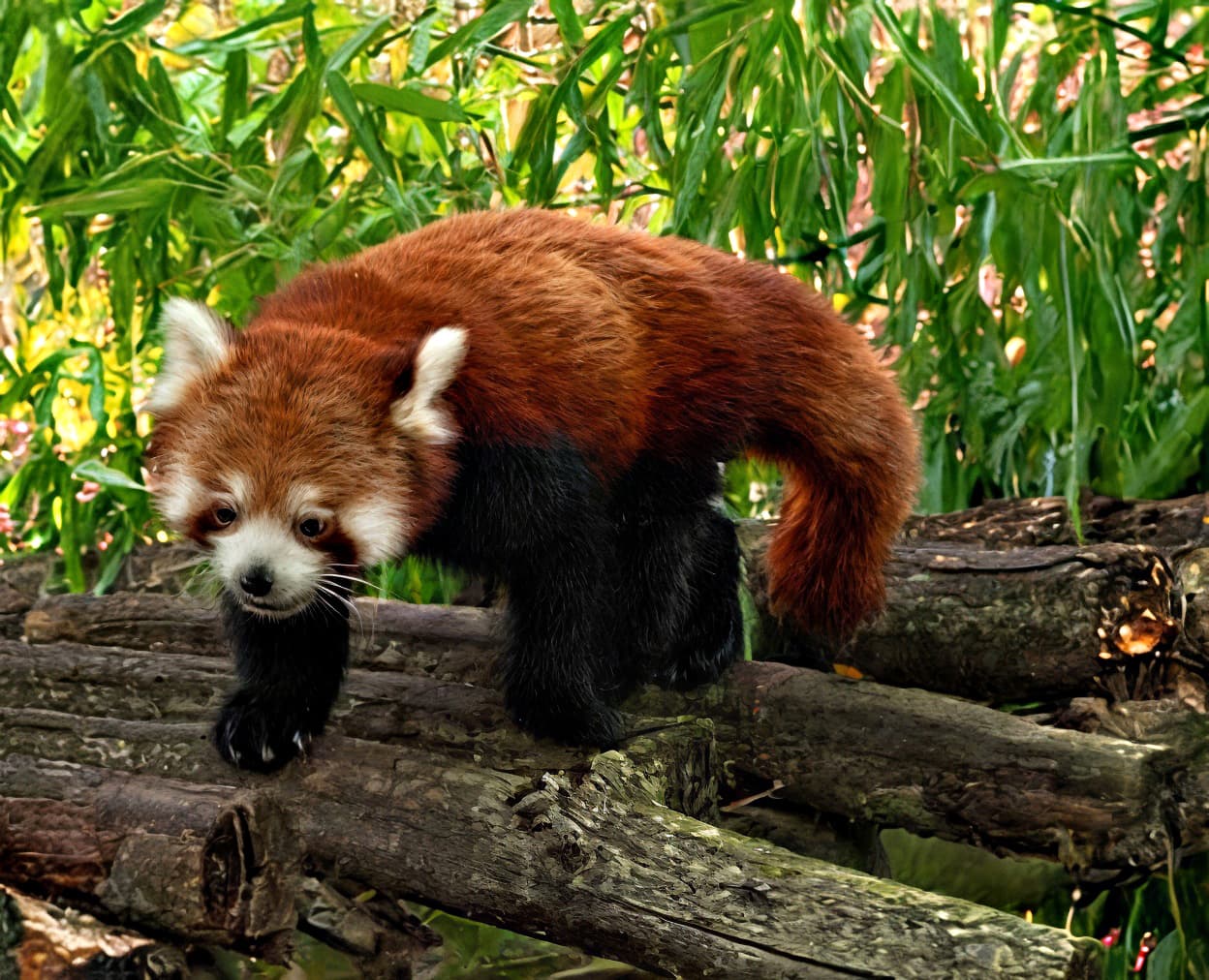
A simple Redefine at level 1 using “Red Panda” for the prompt, enlarged 4X took 55 sec with my RTX 2070 Super. I like that it preserved the flatter face and broader muzzle of the original.
Thank you . And yes I didn’t think to lighten the image a bit. Probably a little too tired when I finished the image xd. I had forgotten to take into account that the background of the original image before cropping was a bit darker.
That said, the panda looks sad on your upscale x4 version.
Even if the hair details are nice and the blur on the animal is eliminated. But the original image was so degraded that Redefine wasn’t able to properly recreate the details of the paws and claws.
Nor the details of the wooden platform that forms part of the décor. I had already tested this method before creating the workflow I presented.
But maybe there’s a way for me to recover some of the little details in the eyes. Because I have a few small defects in my final image.
The background of the image and the bamboo leaves are really well recovered .
The quality of the wood on the platform and the tree on the far left are less well recovered, however. As for the animal, it’s nice apart from the clawed paw tips. There are a few odd and unnatural features. But given the quality of the original image, the overall recovery is already nice .
It’s a matter of how much you’re trying to save the original versus create something new and different. In addition to changing the shape of the face several of the attempts completely changed the legs and feet (natural moving gait versus stationary on only 3 legs).
Taking your comments into account, and also looking at the few tests you were able to do on the original image, I’m in the process of remaking the image starting from the cropped original.
Here, I’m testing 100% Gigapixel. There was also a bit of Photo AI with the “SuperFocus” model + upscale x2 with High Fidelity v2.
And final composition in Photoshop with no less than 6 variations, each time using the best parts of each image.
Thank you for bringing this up. We’re really sorry about this and are thinking of a solution that would help beta users with credits. This certainly goes against the spirit of beta testing and is not how this process should work.
We have some ideas, will implement, and do our best to right this wrong.
Alpha/Transparency is also lost when upscaling an 8 bit .png with only grayscale colors in it. It works fine once you paint (at least) one single colored pixel in one of these png images.


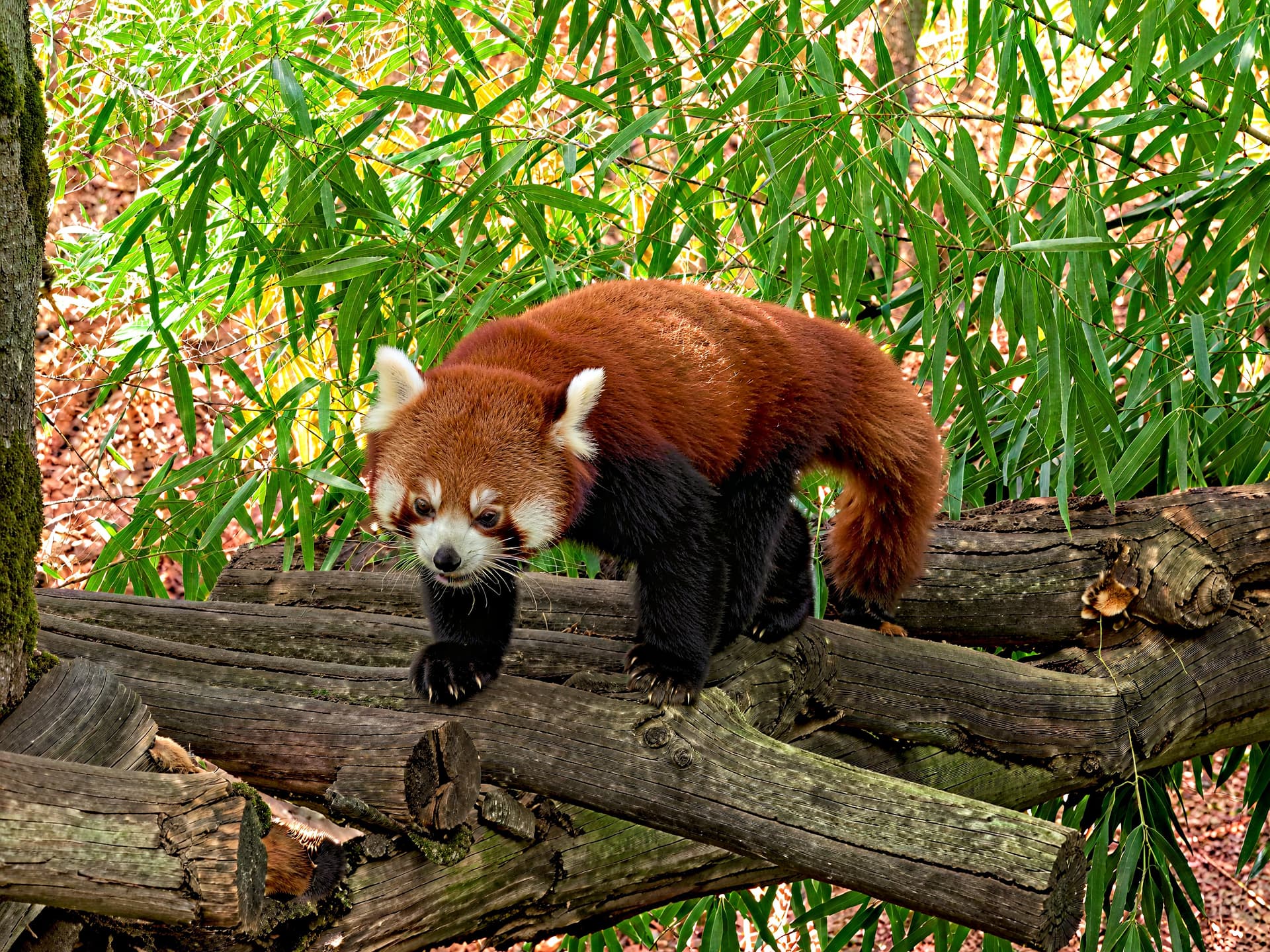
 . And yes I didn’t think to lighten the image a bit. Probably a little too tired when I finished the image xd. I had forgotten to take into account that the background of the original image before cropping was a bit darker.
 .
. .
.