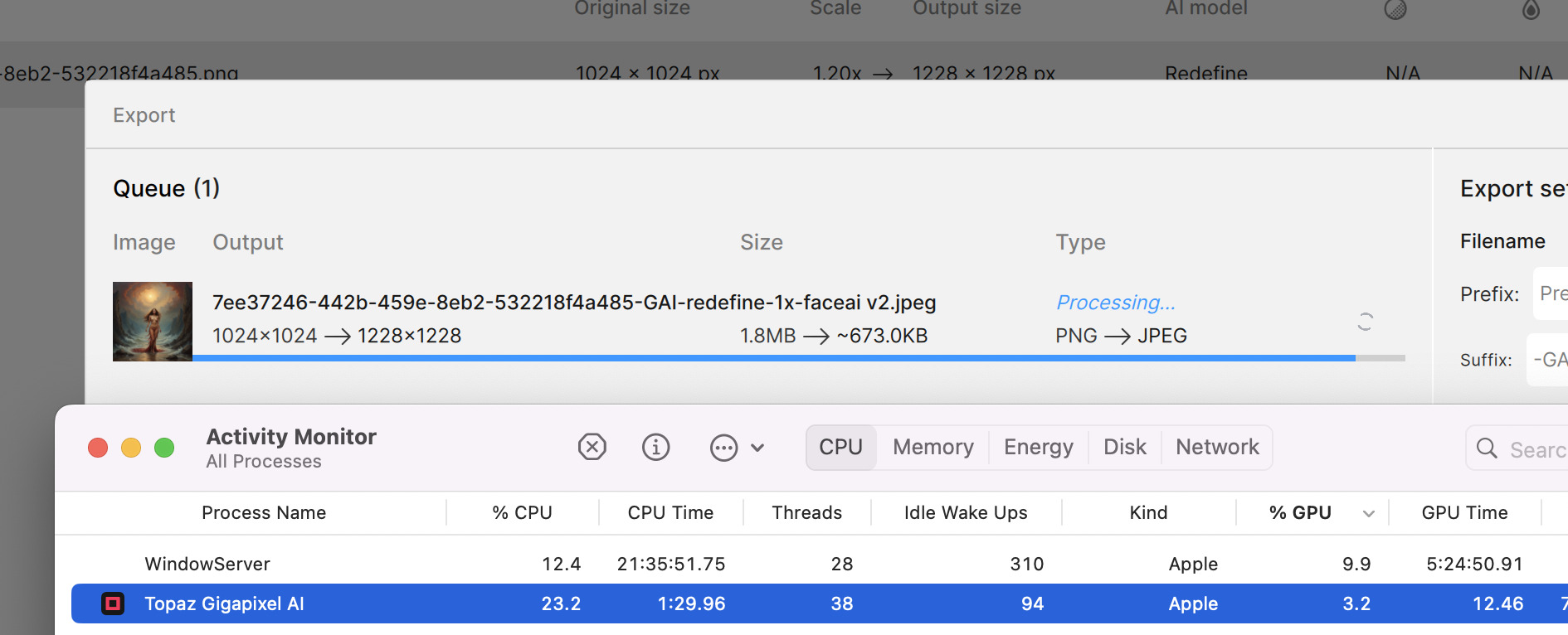
ISSUE: very often GAI is doing absolutely nothing:

Latest MacOS, M1 Max
GAI restart, try again… very low use of resources and not much is happening
ISSUE: very often GAI is doing absolutely nothing:
Latest MacOS, M1 Max
GAI restart, try again… very low use of resources and not much is happening
During processing, does your computer lock up intermittently or slow down at all? I experience this on the M2 Mini, which implies something is going on (perhaps not in an efficient manner).
no my M1 does not freeze
OK, my M2 clogs up like an older Intel Mac used to when running Gigapixel several years ago. Hard to app-switch and type when it’s doing whatever it’s doing with Redefine, but I’ve learned not to do that anymore at home (for now) 
And interesting to see he was so negative about the new Generative AI in 8. Did Topaz ask him to be negative about it? Did he get paid extra for that? It boggles the mind. Master marketing by Topaz. 
Indeed! If he sells more product with a code using his affiliate ID he earns more…
But many of the affiliates are affiliates for multiple companies/products. So I don’t think any are starving to death or not getting cool gear/software to play with.
Long time user and having a weird issue I have not seen before.
First off my computer specs
ryzen 9 5950x with 128gb 3600 ram rtx 4090
bequiet platinum 1200
asus rog x570 mobo
Everything is up to date, as I am religious about it.
I do a lot of graphical work hence the over the top PC. However using the latest version of Gigapixel, or photo AI for that matter, I get randoms reboots on my machine. And there is nothing in the event viewer except for the fact it was shut down incorrectly.
I don’t have this issue with photoshop, premier, any game, or any other graphical program.
Has anyone else encountered this?
I can usually scale about 50 images and then POOF… it reboots.
Hello Michael, right now there’s an issue upscaling images greater than 12k x 12k. Adding this to known issues - this is something we will address in the next patch release.
Just over 4 years ago I suggested this feature and back then they replied and the development team implemented it across their range of products. I love that its still in there.
Are you able to use Comparison View in Photo AI?
If so, could you help me figure out where it’s located. Thx!
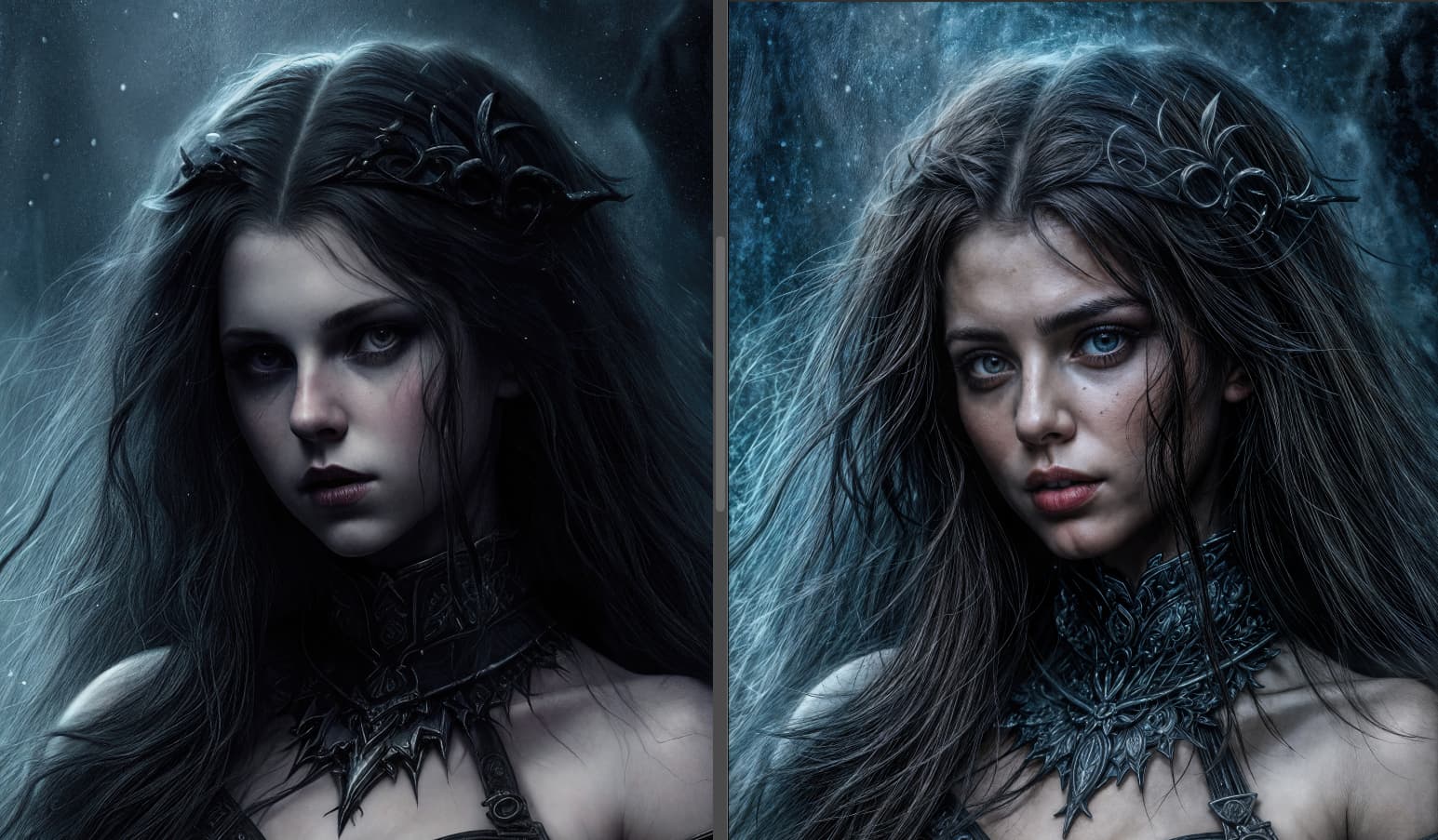
A study in contrasts, or, How to conjure up the Topaz Girl!
AI renders enlarged 6X, with low and high Redefine Creativity, shown here about 25%. At lower values, Creativity retains the look of the originals but with improved detail, while at high values, our familiar friend returns!
Face Recovery was turned on inadvertently for the example at left, which retained more of the original art in the face even at a high Creativity setting but left the “face square” as a result of the auto face mask. Same high settings at right without Face Recovery (hello TG!).
I’m surprised she doesn’t always end up like every other young girl these days, looking like Taylor Swift!
Hi Dacota, fyi this problem is not limited to over 12K resolution.
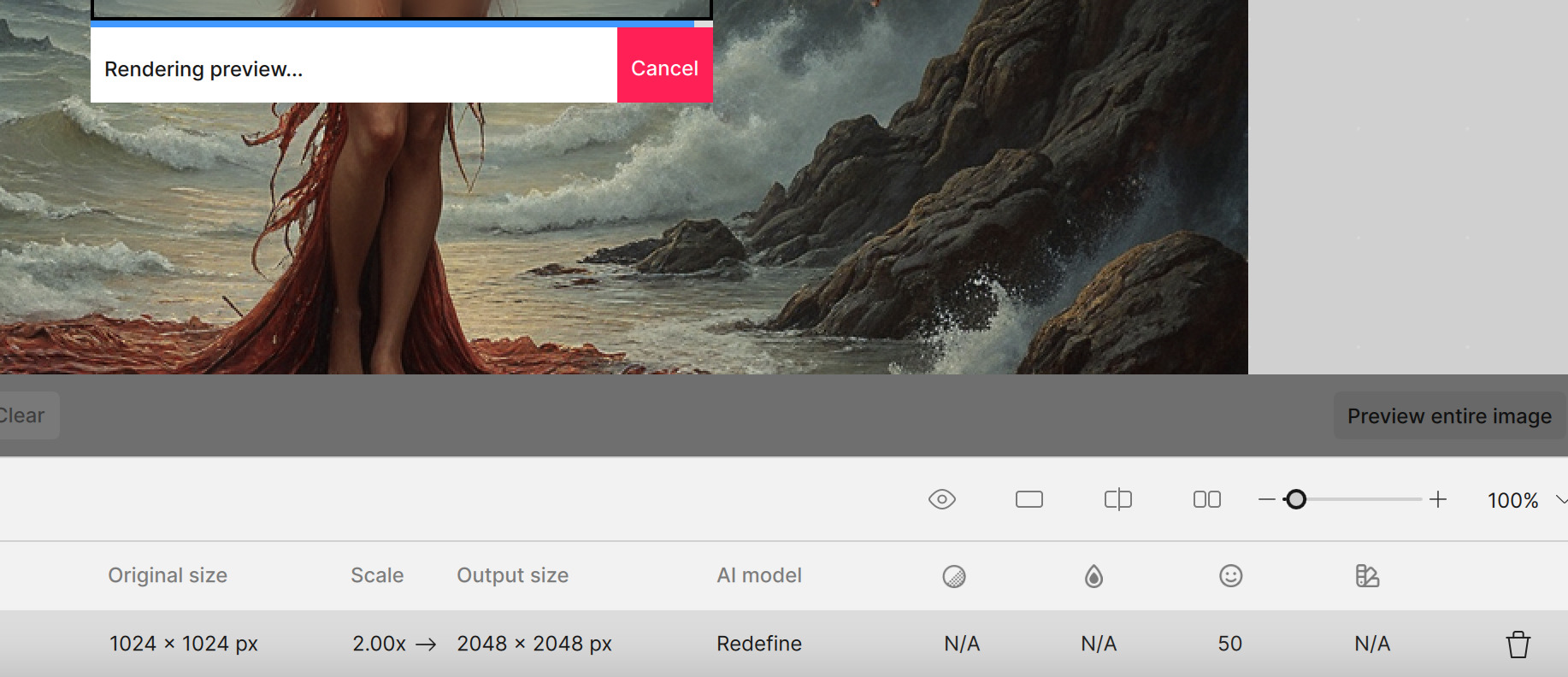
This preview has been running over an hour with no result:
I closed/reopened GAI. Started Export. GAI was doing nothing, CPU/GPU unused.
I paused the export, then resumed. after this there was instantly some, but very low use of CPU/GPU
end result - GAI never finished
repeating this numerous times… and suddenly it started working, I hope:
Edit: it actually finished.
So if this can be resolved, so GAI is more robust and not hanging/doing nothing ad hock, that would be great
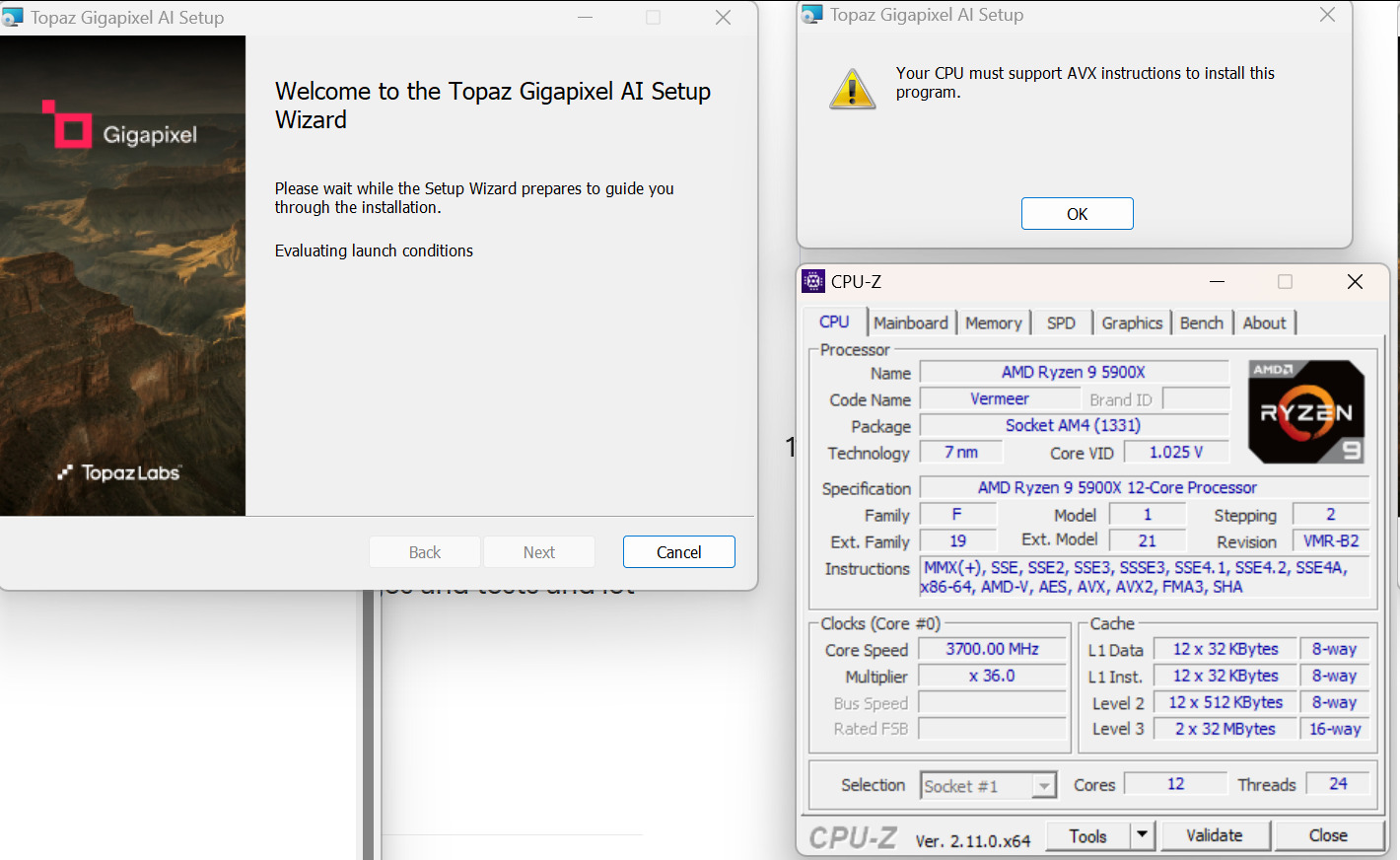
Ok… so now it’s my turn to run into this one. New build - upgraded my MB:
Say What?
Edit - took a “step back” and tried 7.4.3 which did not return any error?
Is this supposed to be a ground-level view of Mars?
I have the solution to the problem. Because I’ve got that too. But I know how to get around it.
If the setup is in a folder on your local disk, for example in your C drive, and it’s in the “Download” folder, for example. You can do the following:
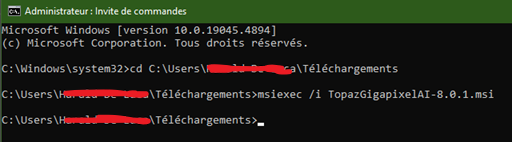
Thanks!
I also searched AVX here in the foums and found that there are a couple of recent threads with people having the same problem.
The irony of it all is that all it never gave this error before. The difference now is that I installed the very same CPU that I have been using for quite some time now without problems running GAI & PAI in a VM. Now it is instead installed in a new motherboard and running Windows on “bare metal”.
Fun fact:
I Installed 7.4.3 without any problems.
Then I installed 8.0.0 on top of that - still without problems, but I still got (expected) that nasty problem with having to do the first launch by right-clicking on the icon (start menu) and select “Run as Administrator”.
I then proceeded to try again with 8.0.1. I did not get the AVX error this time, but instead the installer complained about a DLL missing.
Lastly I opened GAI and - instead of using my “stand alone” installer - followed the “update available” prompt. This time it did install - no problem at all.
But I assume that you’ve done the installation here from the method I gave. No? Anyway, it’s good that it works now.