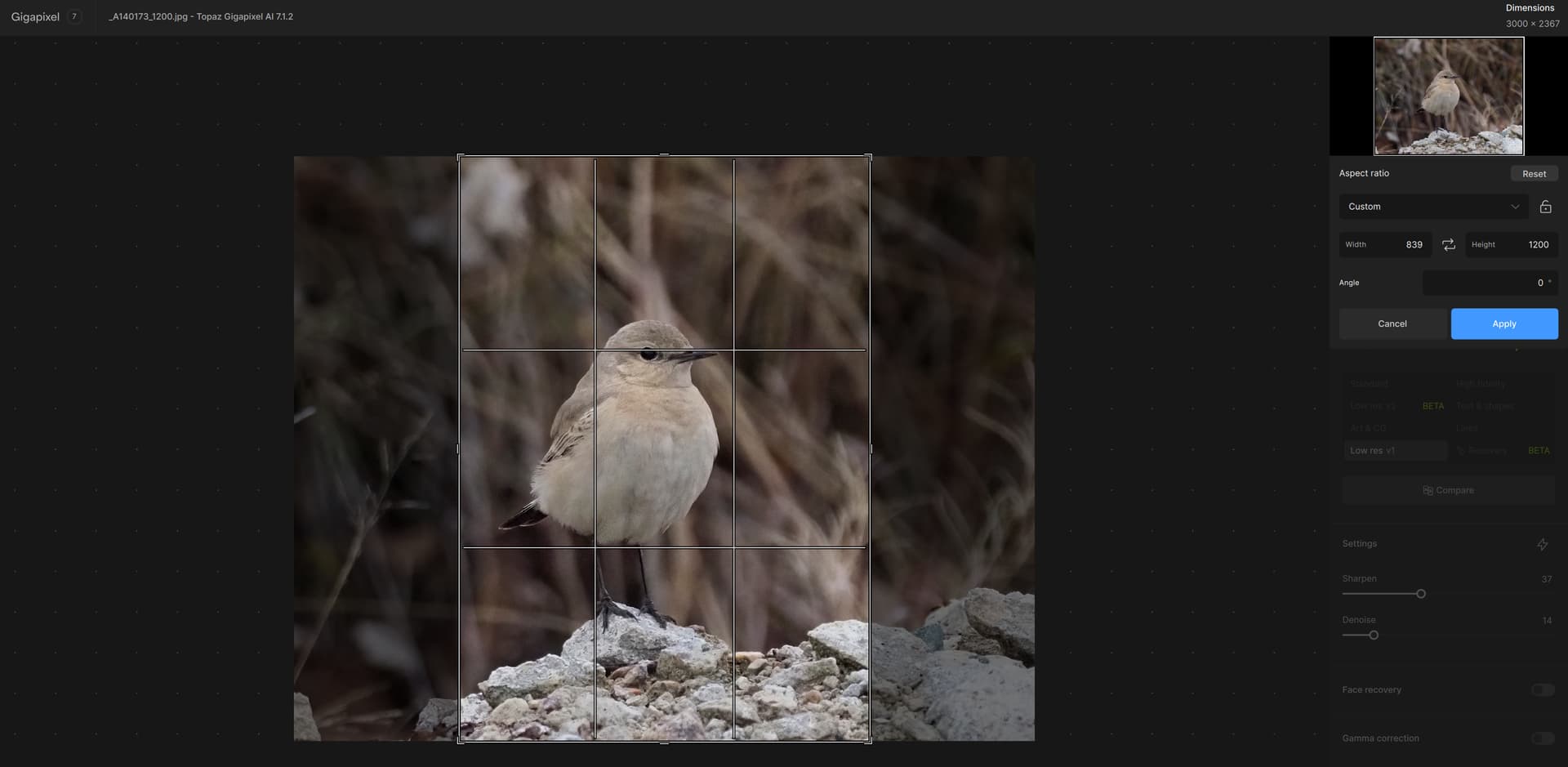
I just checked in mine, and I can move the top, bottom, left, and right independently when in Custom sizing.
1 Like
I can move the individual sides of the adjustable section (rectangular quadrilateral) completely freely after selecting “Custom”.
1 Like
The behaviour seems to be a bit erratic. It works sometimes, but sometimes the side (or top and bottom) borders move simultaneously.
1 Like
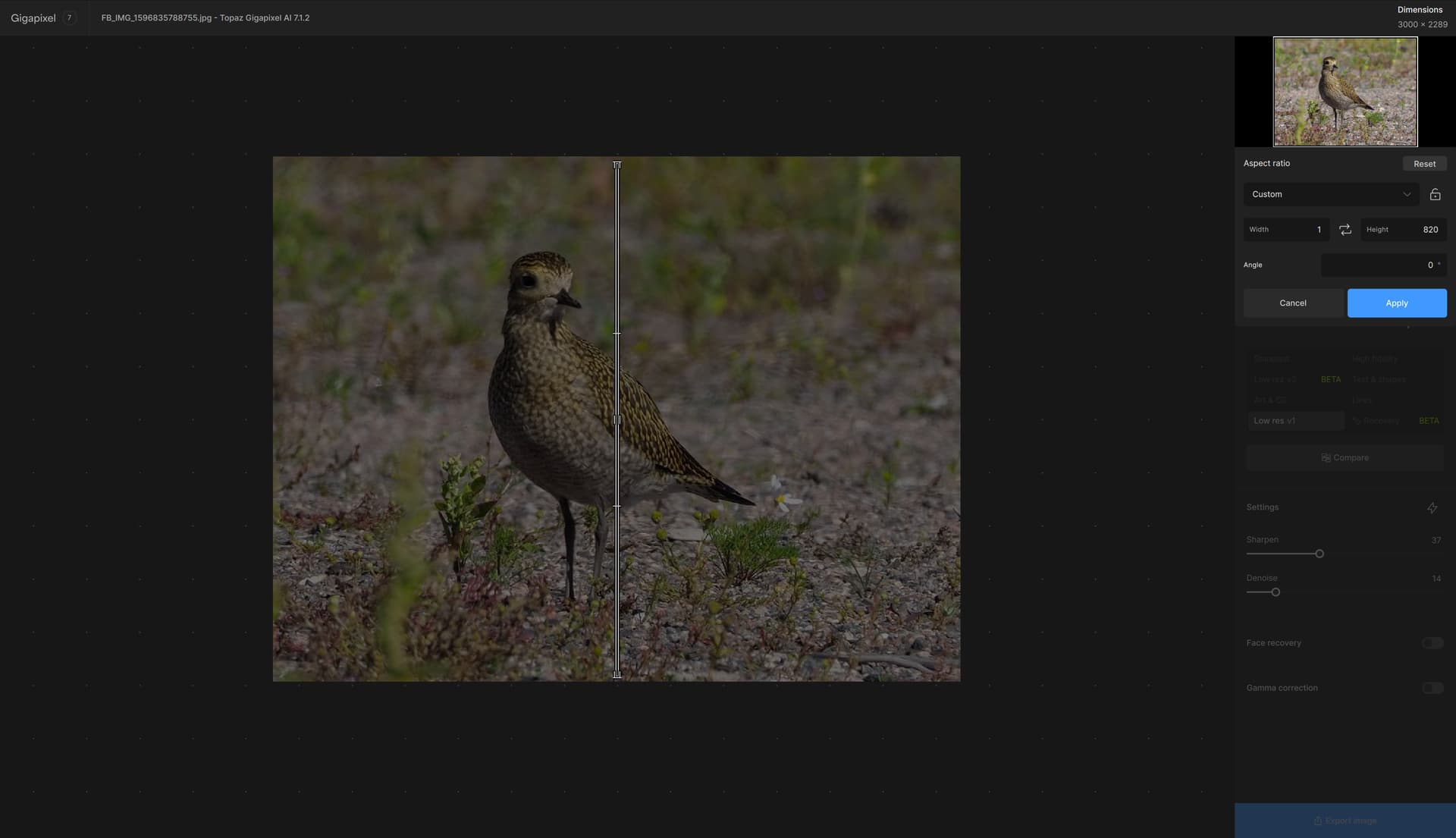
Also, when trying to resize the crop from the corner of the crop area, the crop area can sometimes collapse altogether.
1 Like
There is a bug in the export dialog related to TIFF compression. If “zip” is chosen first and then changed to “None”, the file is not compressed. However, if “None” is the default option, the TIFF gets zipped.
2 Likes
The DPI-Bug is solved 
But the Bug “Twice Processing for Preview” is still there … 
2 Likes
And the other Bug is also still there 
Photoshop-Plugin: “The Result often not get back to Photoshop”
2 Likes
Issues report again:
- Preview process twice, this issue is hard to find while using a High performence
GPU (Nvidia 3060+), for CPU user,this issue make the software unuseable!
this issue is not exist in 7.05~7.04 and Photo AI.
2.In Photoshop-plugin,if we use centext menu to “close image” ,should go to PS
directly ( = Cancel)
3.Crop in Recover Mode Not working (or not an issue,we can use PS to crop)
4.Preference set default resize factor is not working (or not an issue,we can change it
every time)
2 Likes
Great idea xof! I haven’t seen many people mention it, but I like it as well - did you use that feature a lot?
1 Like
Glad you got it fixed Richard. Did you get good results?
Thanks for the feedback unrelent! Yeah I love the new version but I know some people are quite attached to 6.3.3! Do let me know if you have any suggestions. There’s quite a few new models for you if you’re coming from v6.
The Low Res v2 model is currently in Beta, but do give it a shot on images like this. As Imo mentioned sometimes the beta model generates artifacts, but sometimes the results are awesome.
1 Like
Yes, depends on the image at the moment. I find that images with significant grain can cause these types of artifacts, but do let us know if you discover any patterns here, we’re looking into those.
I use this 99% of the time! I batch photos so it’s a big time saving for me
1 Like
Hey virtala - please DM me, I’d like to learn more about how you use the crop tool in general as we work towards improving it. Cheers
Interesting! Do you do 1x sometimes or do you always upscale? Sometimes I find 1x is great for simply fixing some images.
2 Likes
Makes sense - please DM me, I’d like to stay in touch with ya if you don’t mind chatting!
1 Like
Thanks for the notes virtala, this is helpful!

So I upscaled to 9126 x 7168 and still cant see the difference between the original JPEG and the lines option…What does the line option do…?
Hi,
I use cropping mainly for bird and insect photos.
The end result need not be in any fixed aspect ratio,
so the first thing I have to do is to select the custom ratio in the crop tool.
It would be nice if I could set that option in the Preferences.
I have an entomological data project which contains thousands of images of beetles and butterflies.
All those images must be cropped, enlarged and sharpened individually.
At this moment I mainly use Photo AI 2.3.0.
Cropping in that tool works well, and it is easy to crop an image using it.
If the cropping in Gigapixel AI will work similarly, it is good enough for me.
Since I have so many images to edit,
it is important that each editing goes as fast as possible.
In Photo AI I usually accept the program’s automatic edits,
so that after cropping I only need to click the quick save button.
At present Gigapixel AI does not have the quick save option,
and that is one reason why I mainly use Photo AI.
If cropping in Gigapixel AI works similarly as in Photo AI
and it has a quick save button, then I will use it for my project images.
Anyway, both programs are excellent tools for image editing,
so please forward my thanks to your production team!
Yours,
Matti Virtala
1 Like
