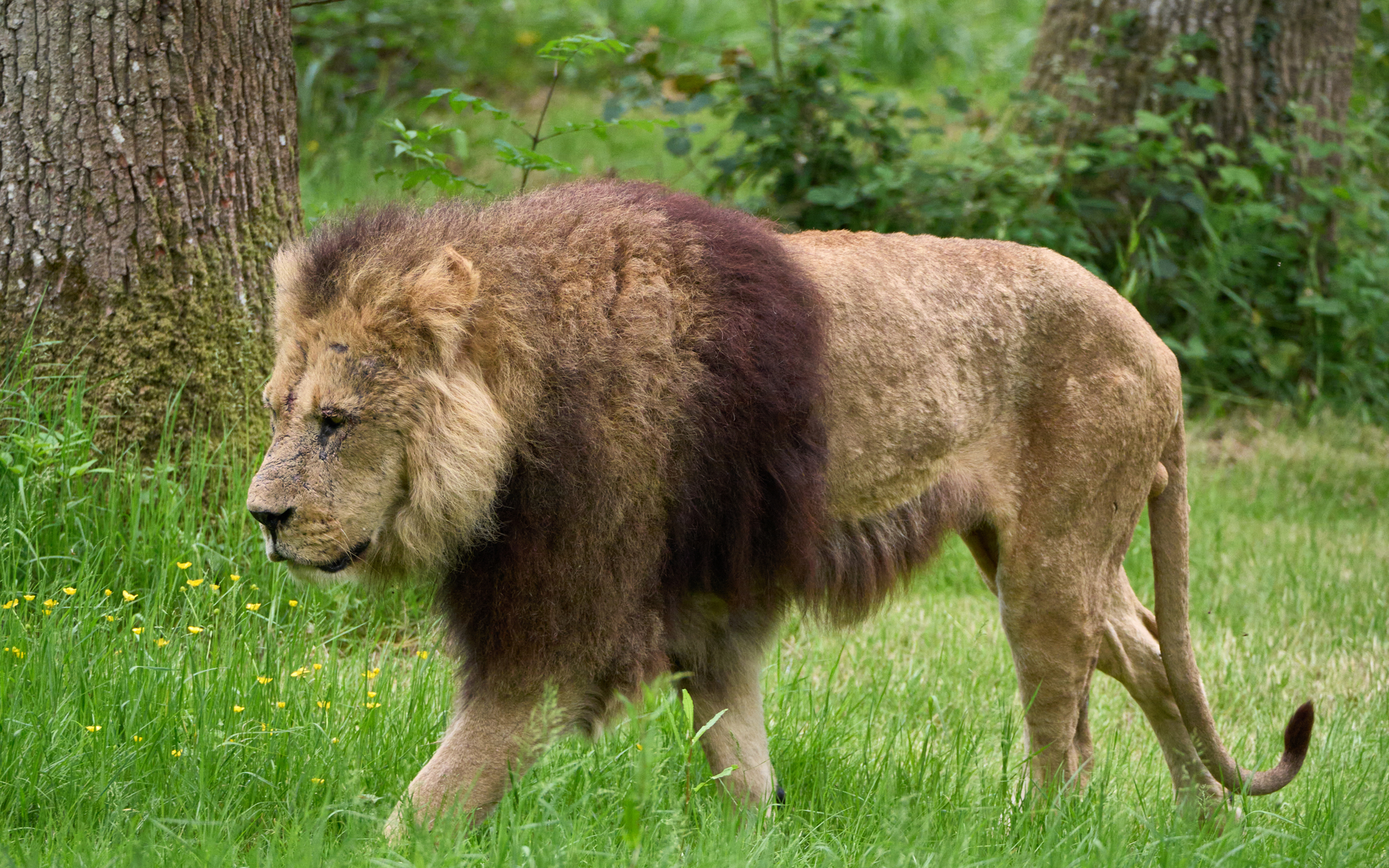
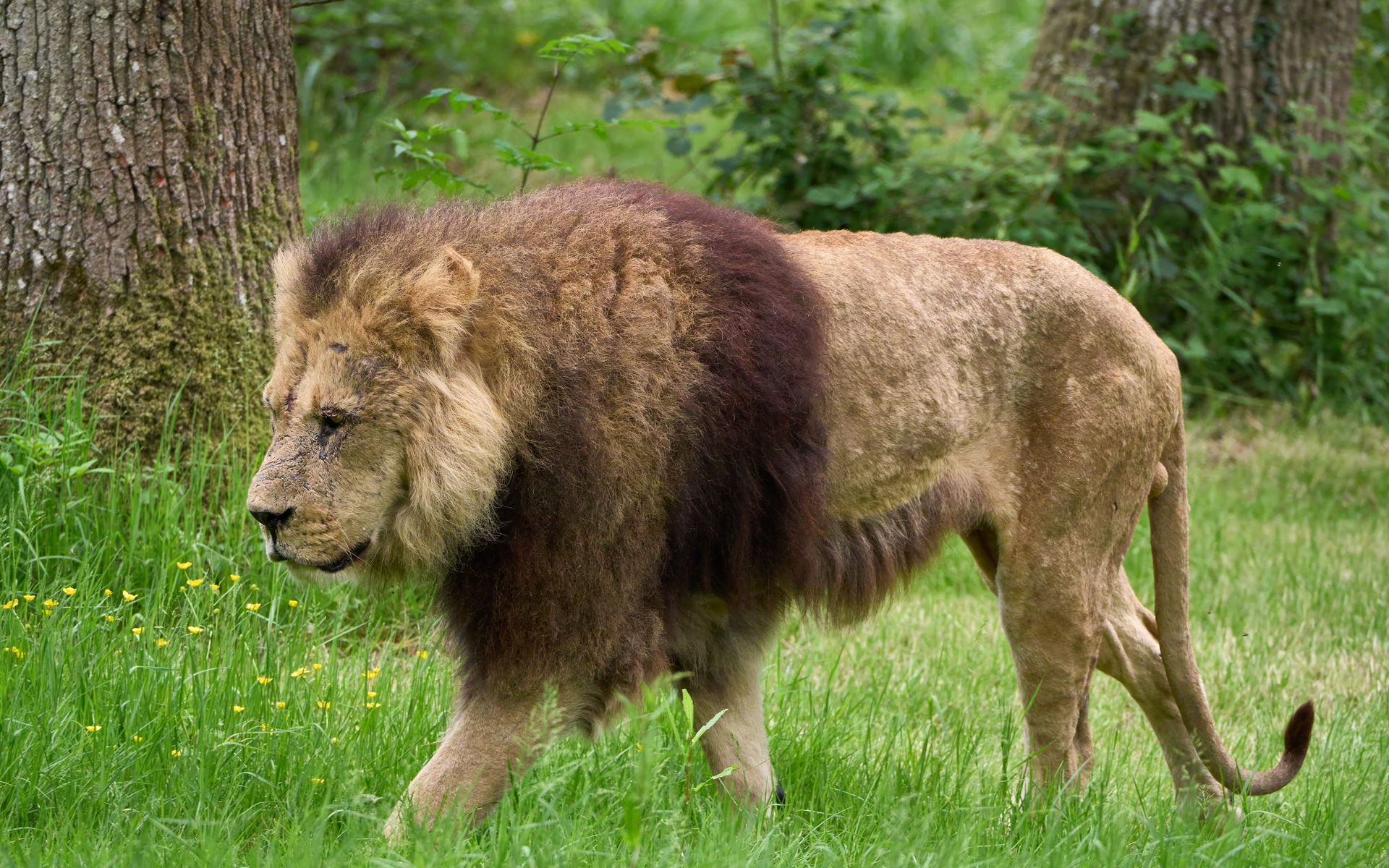
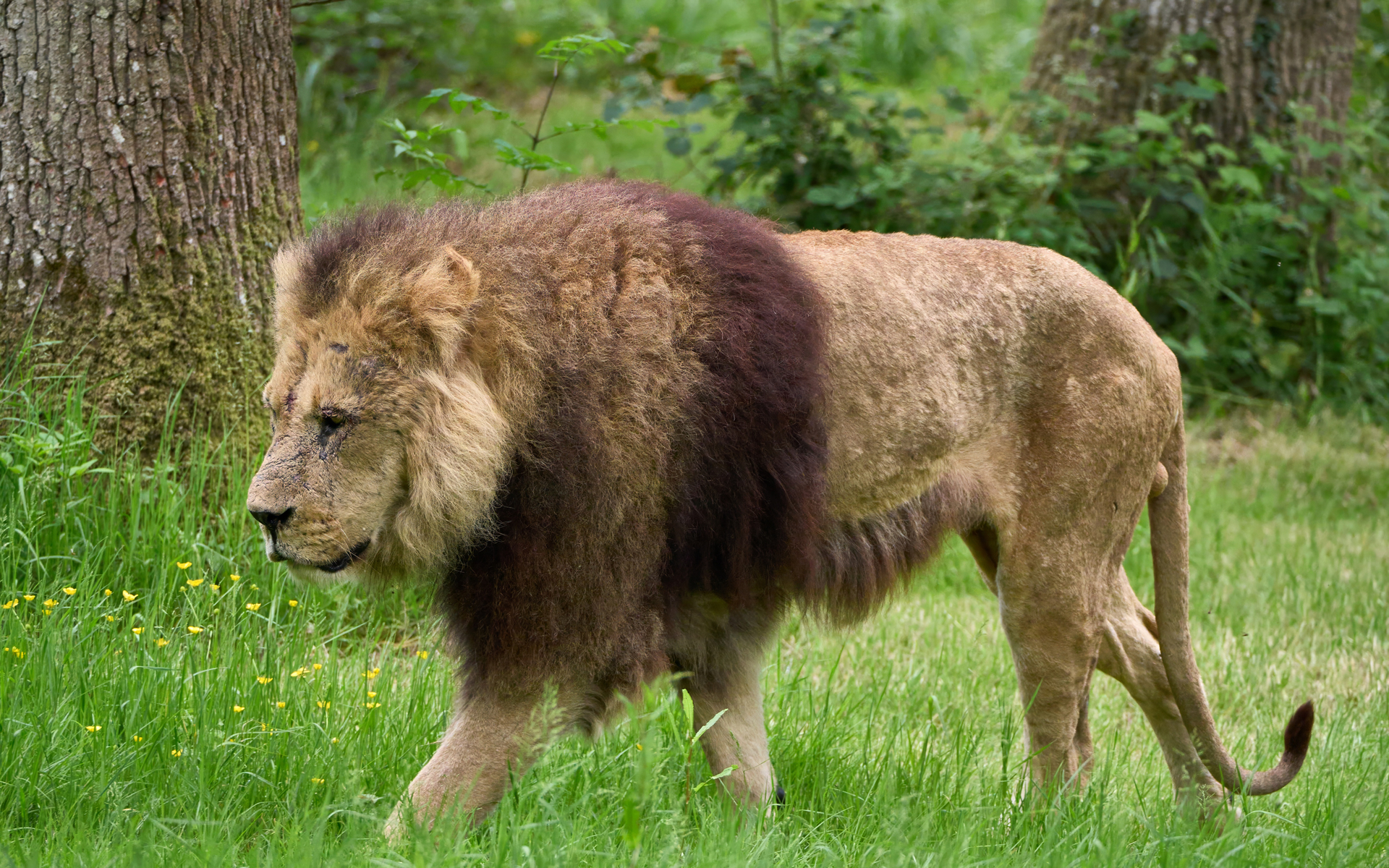
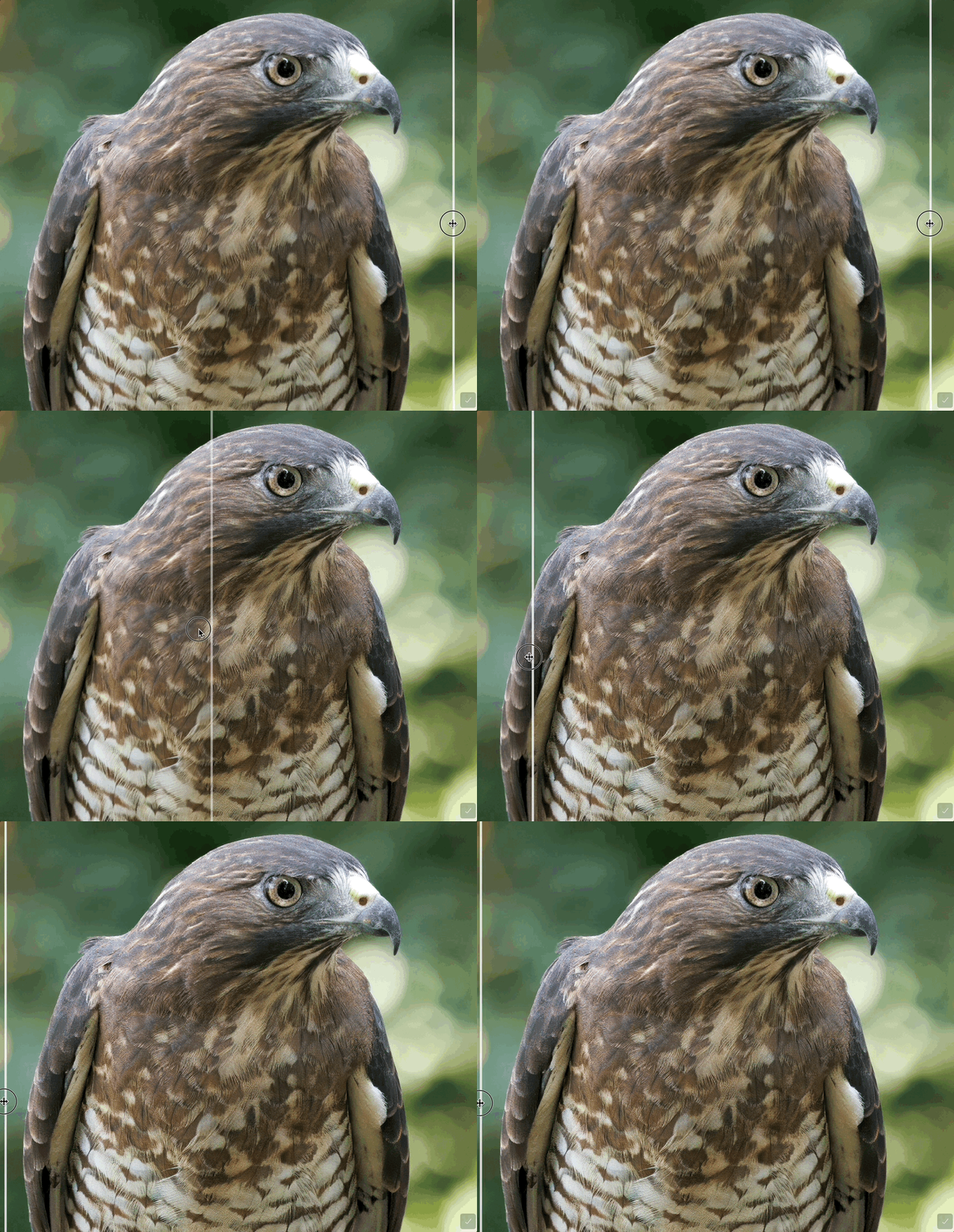
Hi. I’ve been developing some wildlife shots, and trying out the various sharpening options. Despite the subjects being things like lions and tigers (which should be perfect for “wildlife” ), I’m not convinced that the new Wildlife model is an improvement, and in fact I think it is over-sharpening and creating an unnatural look.
The following is a good example. Here’s the JPG output from Capture One. As you can see it’s well focused, and because it’s micro-four thirds there’s good depth of field even though it’s at the equivalent of about 472mm focal length.
I’m not unhappy with this, but if you zoom in to 100% you can see the details are slightly soft, so let’s sharpen it with Topaz Photo. This is the output with denoise and subject sharpening with the standard model:
Thanks for sharing your detailed feedback and examples. Our team really appreciates you taking the time to compare results across models.
We’ll share your observations with the development team as part of our ongoing refinement of the Wildlife model. Input like yours is incredibly helpful for tuning the balance between detail enhancement and maintaining a natural look, especially for subjects like fur and fine textures.
I can see the three photos. When I enlarge all of them, I can hardly see a difference between the two sharpened models. I will say that I have used the Wildlife model a few times on similar wildlife and birds and don’t ever see a marked improvement over the best of other models: Std., Lens Blur v2, Natural, etc. The advantages of the “Wildlife” model aren’t coming through clearly enough. The idea is good and I would love to have the next quality step up from other models, but just doesn’t seem like it’s there yet.
Unlike the regular Sharpening Models and especially Lens Blur or Motion Blur the Wildlife Sharpen isn’t meant for restoring images where the Sharpening has been lost either Blurry or Out of Focus images.
The Wildlife Sharping is meant as a finishing touch for improving images with already well defined and high quality details because, the Wildlife Sharpen delivers a fine subtle effect for natural Sharpening and unlike with the other Sharpening methods you don’t see those over sharpened white halos especially with fine feathers or fur
Here’s some information about the Wildlife Sharpen
Wildlife Sharpen — Natural Detail for Wildlife Images
We’re introducing Wildlife Sharpen, a new model designed specifically for fine, natural detail in wildlife photography. When researching places to improve Topaz Photo, better sharpening for wildlife comes up frequently in fur, feathers, whiskers, scales, and delicate textures.
Existing sharpen models in Topaz Photo are for general sharpening which smooths away these details, producing an artificial, plastic result. The Wildlife model aims to preserve lifelike textures while keeping larger structures crisp without that over-sharpened halo look.
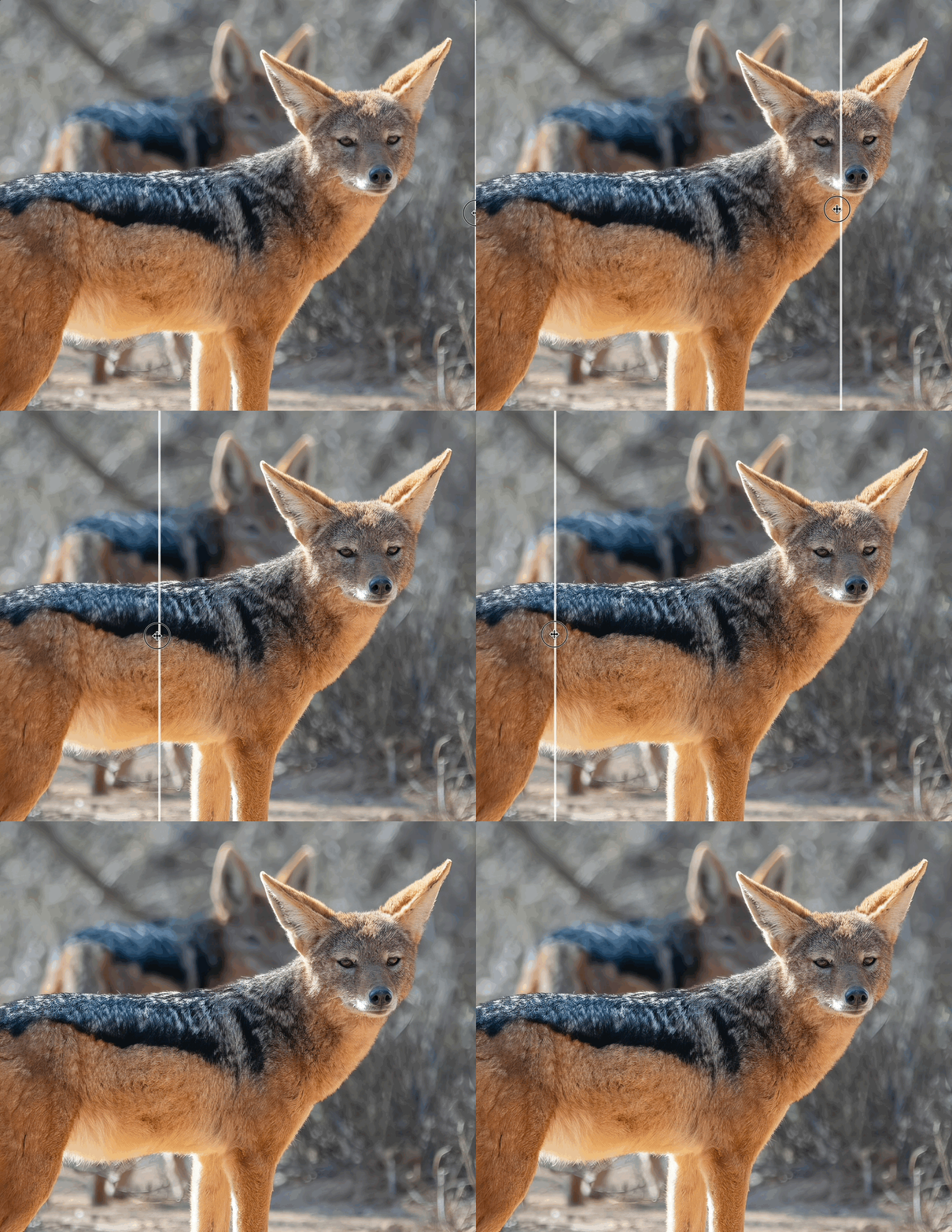
Below are before and after examples.
Low resolution JPG image, upscaled first, then sharpened. The GIF only shows the sharpening step.
Use on high-resolution images (5MP or higher) with low–medium blur to keep lifelike fur/feather detail and avoid “plastic” looks.
Not for heavy blur recovery, the other sharpen models will be better for cases where the subject is significantly out of focus or smeared by motion.
Treat as a finishing step once the image is in good shape, after denoise or other adjustments.
For low-resolution files, Upscale first to increase resolution and generate enough pixels for the model, then apply the Sharpen - Wildlife model reveal convincing micro-detail.
Thank you, And-E, very useful. I think it probably just takes some practice and comparison to refine. I guess it’s not supposed to be “easy” to really get significant improvement – I think it just takes some work, time, and practice. I’ll work on it.
BTW – I find the Super Focus to be one of the most amazing photo editing tools I’ve used. It’s not perfect for every picture or situation, but it is the most impressive model/algorithm I think I’ve use across a wide spectrum of editing.
 ), I’m not convinced that the new Wildlife model is an improvement, and in fact I think it is over-sharpening and creating an unnatural look.