I am a photographer and retoucher specializing in fashion apparel photography, and I have been using your company’s products for the past two years.
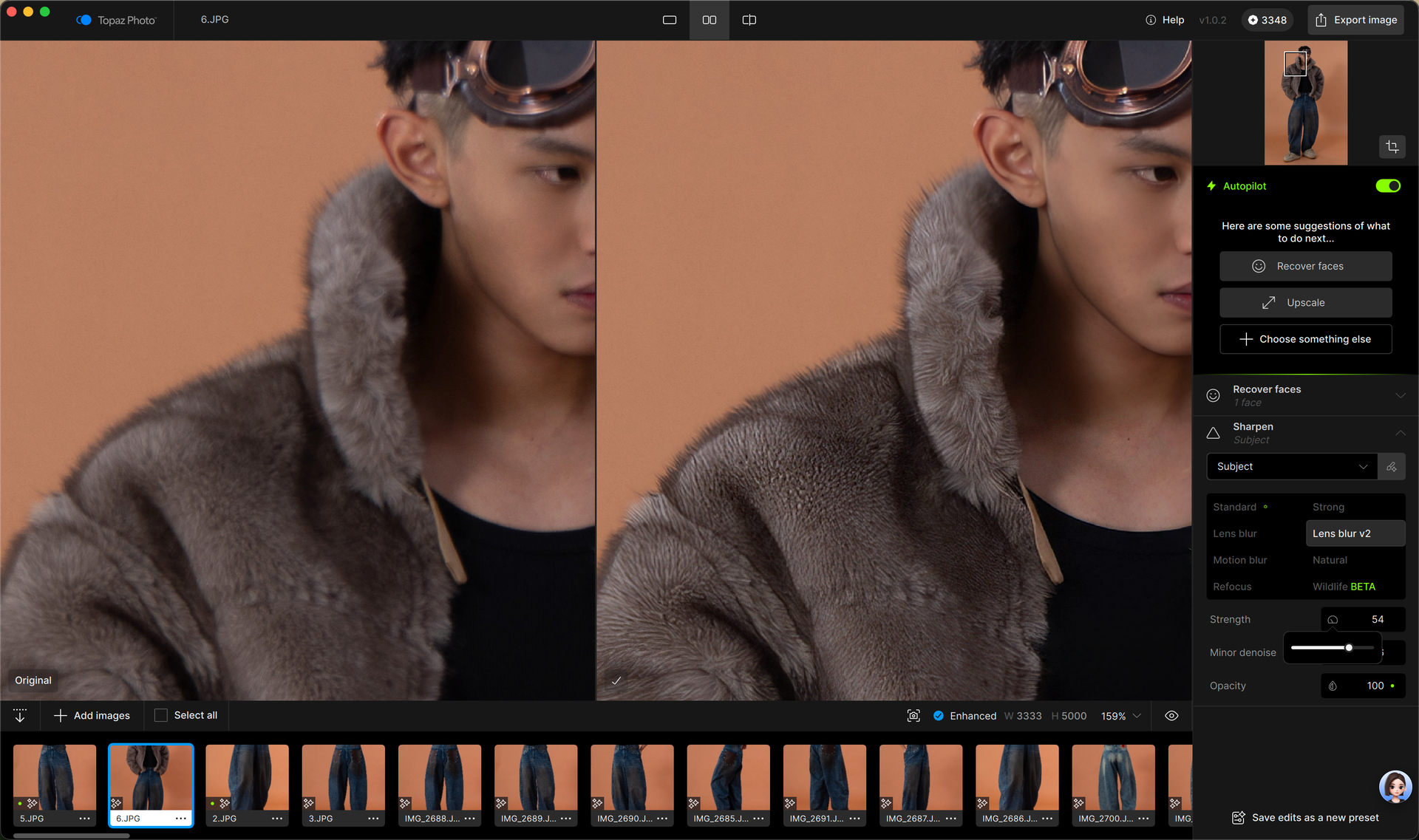
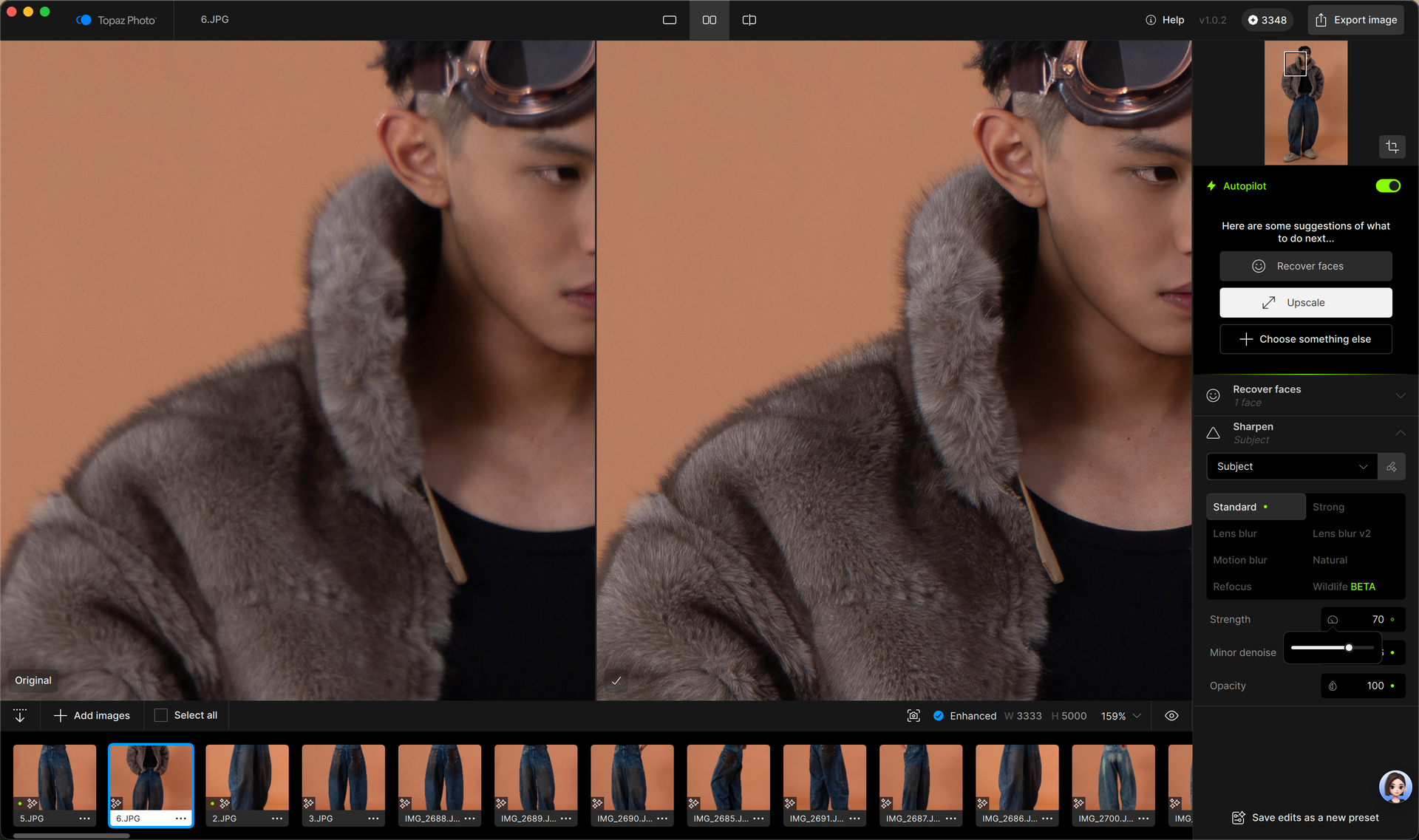
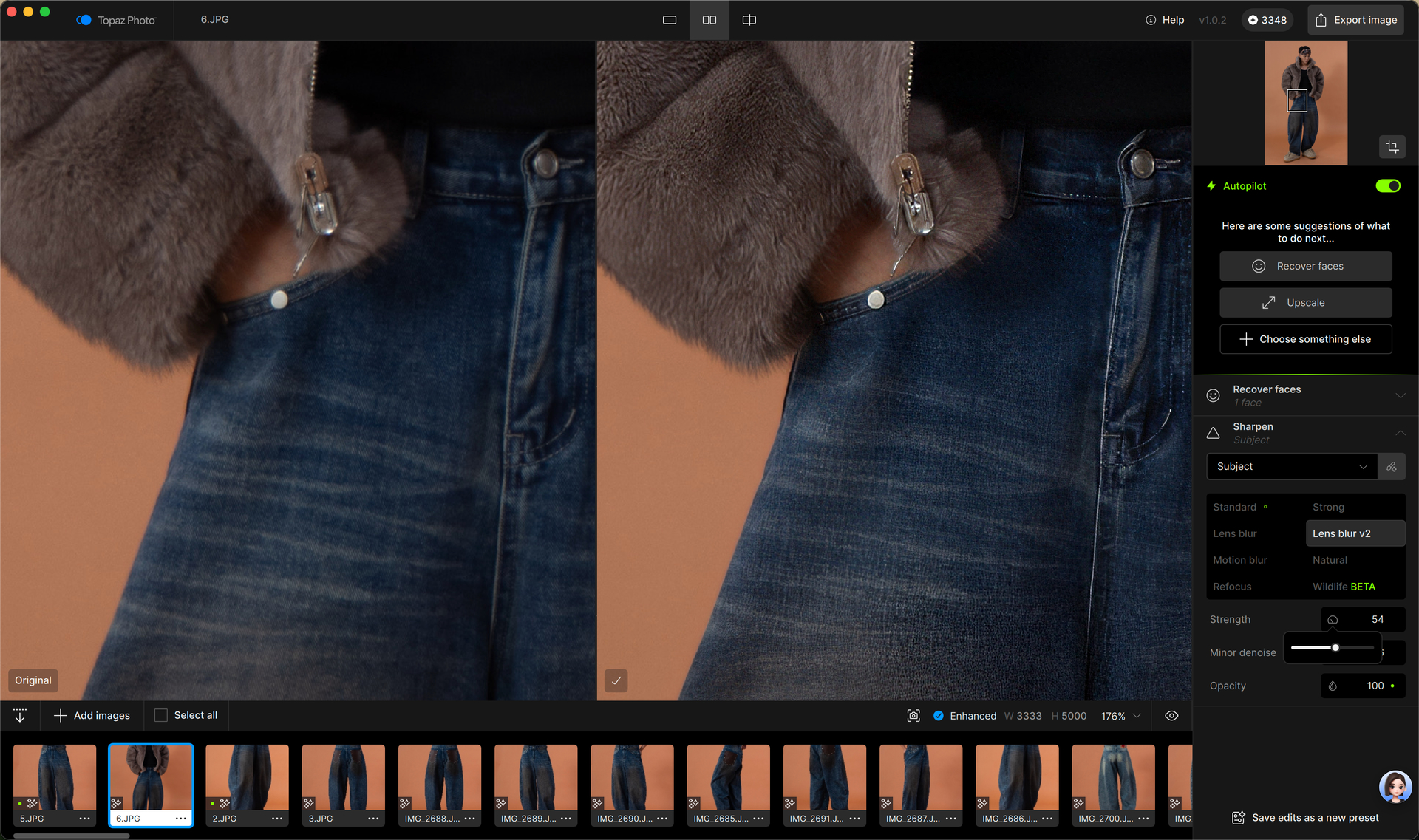
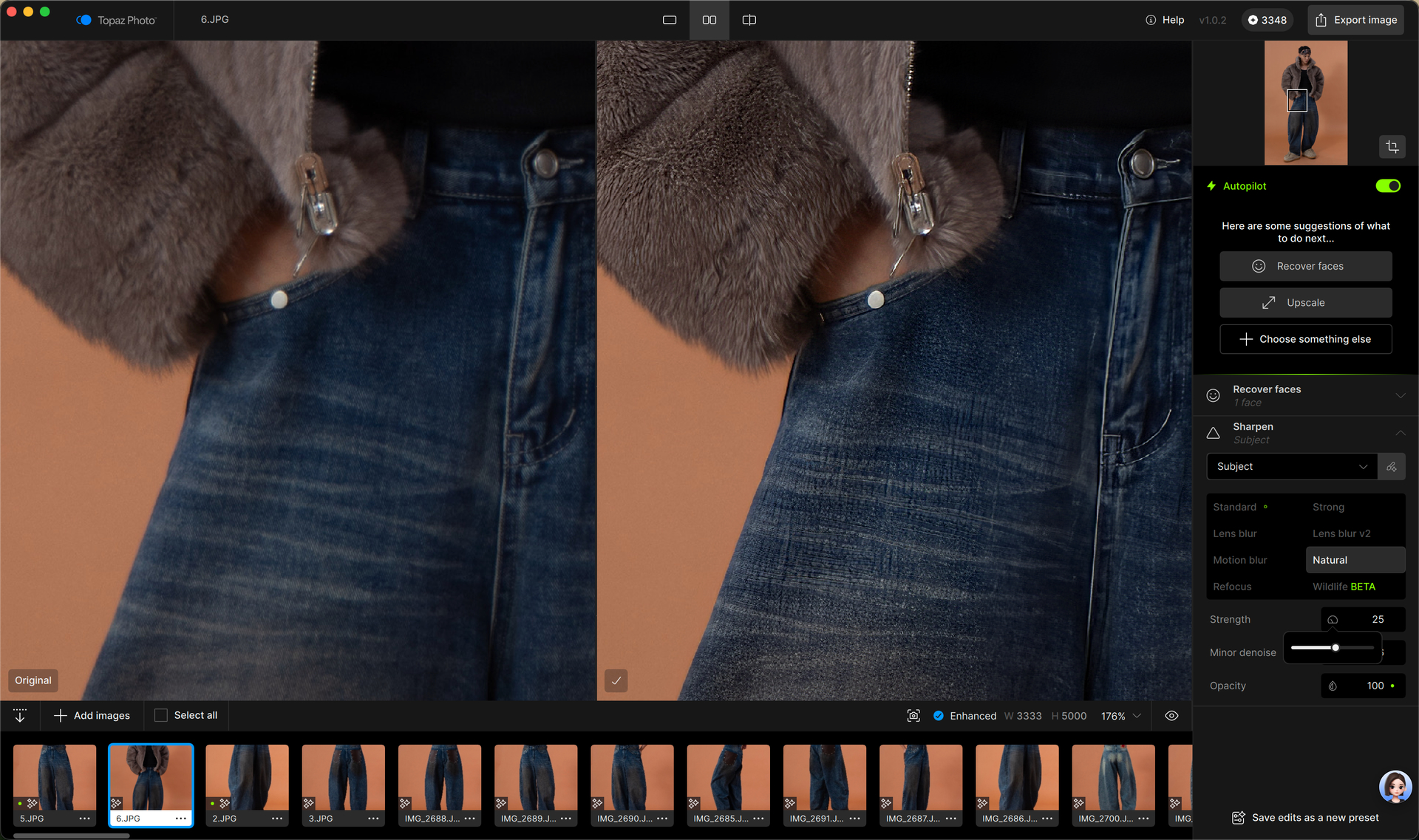
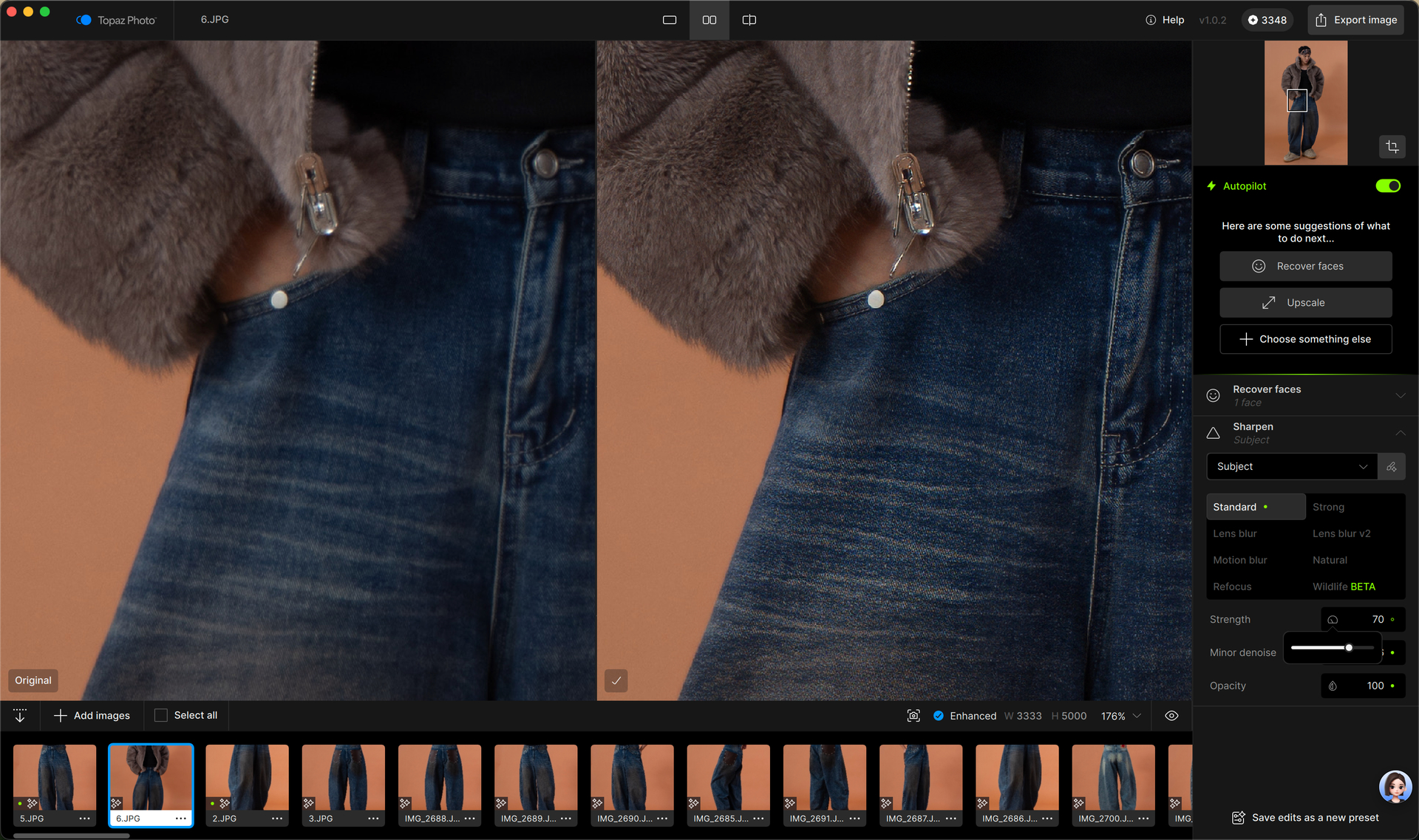
I have been using your Autopilot feature, but the optimization results consistently come out over-sharpened. I have to manually intervene and adjust nearly every photo to reduce the sharpening effect. Some of the sharpening models are basically unusable. Standard is the only viable model; all the others are very unfriendly to fabric textures on clothing, especially knits and denim, and easily produce over-sharpening or zebra patterns. Once the lens is out of focus, after using the deblur model with lens blur, the texture is basically flattened. The standard model can only be said to provide marginal relief, but it’s still not the best result.
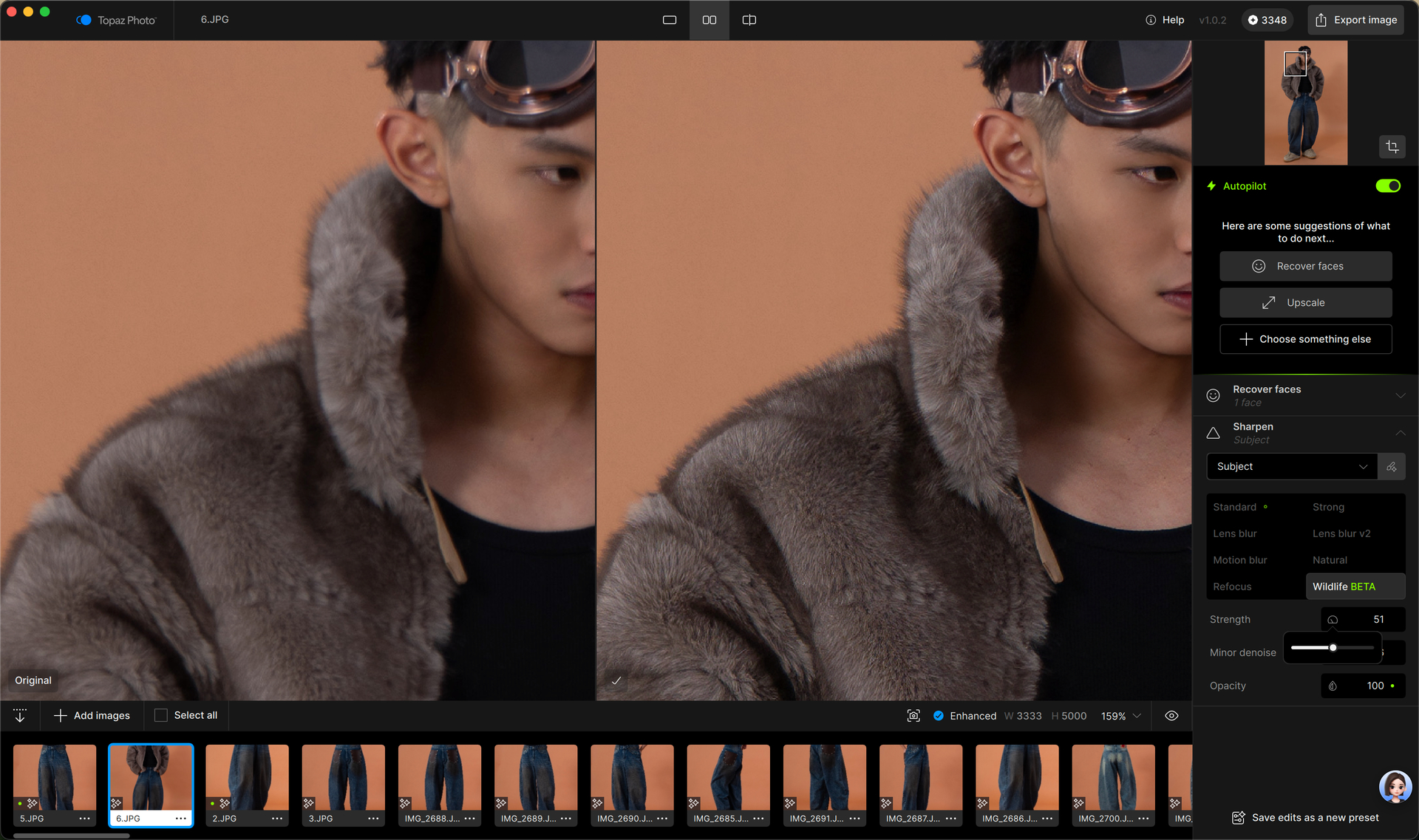
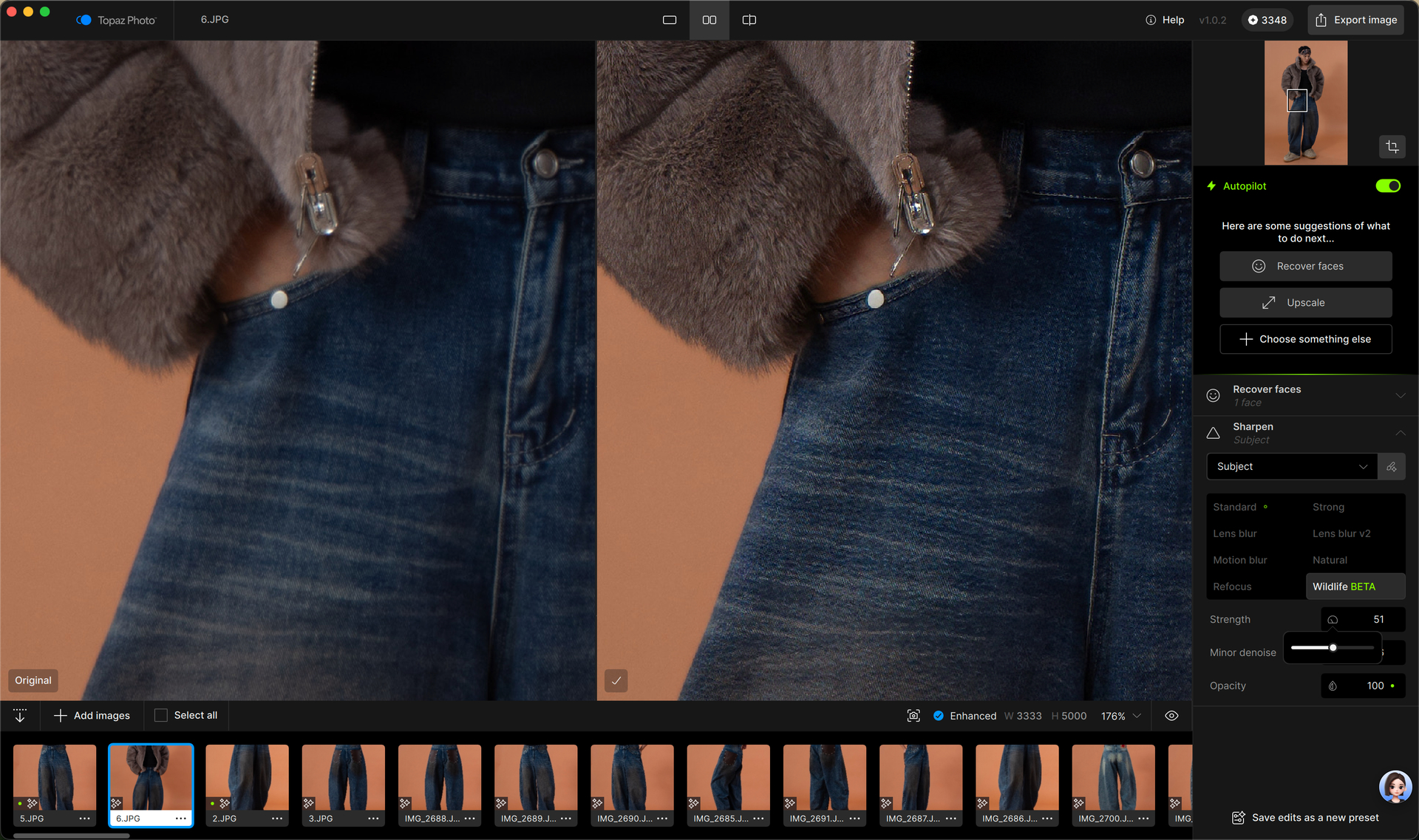
But I just discovered today that with the new wildlife model after the update, I feel this is finally the best model for realistic photos. I want to give all the credit and recognition to this model. Not only does the texture under out-of-focus situations get naturally sharpened and clarity restored, but photos that are already sufficiently sharp are further enhanced with texture and quality. I just didn’t expect why this excellent model took so long to arrive. lol, well done TopazI am a photographer and retoucher specializing in fashion apparel photography, and I have been using your company’s products for the past two years.
I have been using your Autopilot feature, but the optimization results consistently come out over-sharpened. I have to manually intervene and adjust nearly every photo to reduce the sharpening effect. Some of the sharpening models are basically unusable. Standard is the only viable model; all the others are very unfriendly to fabric textures on clothing, especially knits and denim, and easily produce over-sharpening or zebra patterns. Once the lens is out of focus, after using the deblur model with lens blur, the texture is basically flattened. The standard model can only be said to provide marginal relief, but it’s still not the best result.
But I just discovered today that with the new wildlife model after the update, I feel this is finally the best model for realistic photos. I want to give all the credit and recognition to this model. Not only does the texture under out-of-focus situations get naturally sharpened and clarity restored, but photos that are already sufficiently sharp are further enhanced with texture and quality. I just didn’t expect why this excellent model took so long to arrive. lol, well done Topaz!