Hi. I’ve been experimenting with super focus on a wildlife group shot, which should be an ideal subject, but it has a few foibles.
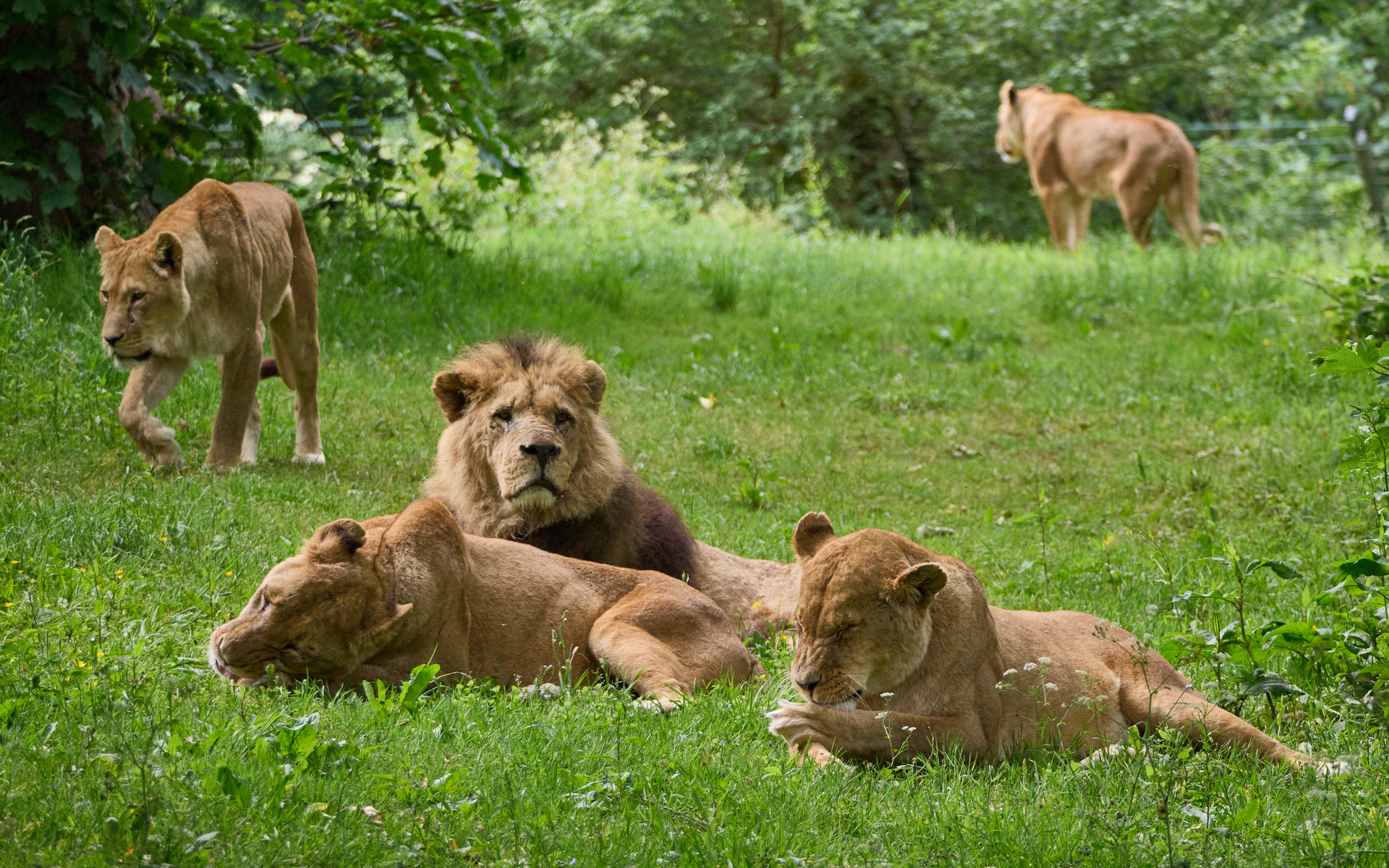
Here’s the original image straight out of Capture One. It’s a bit soft, and only the two lionesses at the front are well in focus:
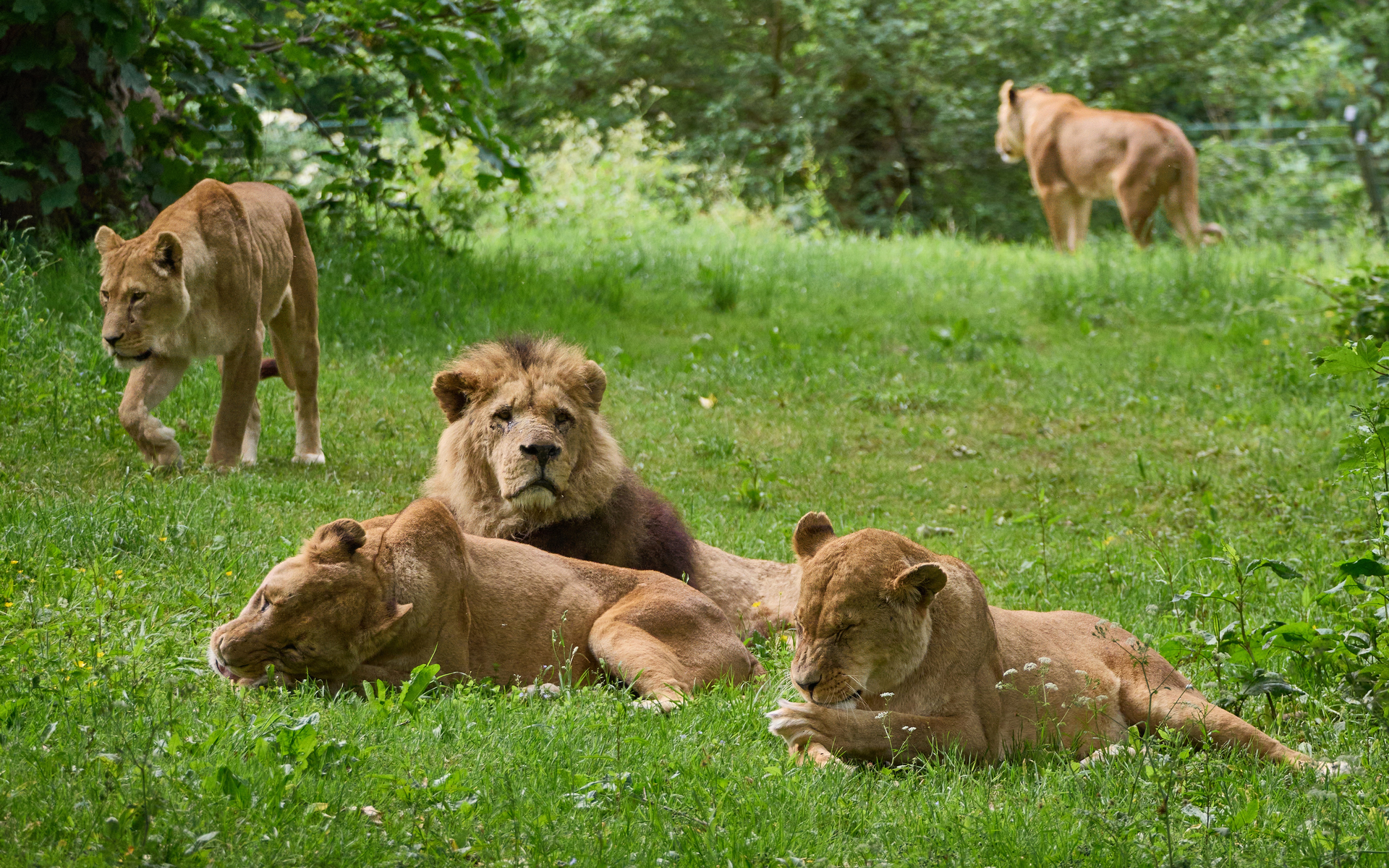
Sharpening with the standard model does a decent job, although the output is a bit grainy (denoise would probably sort that out) and hasn’t really improved the lioness at top left. Note that the sharpening is applied evenly to the two lying lionesses at the front:
Let’s try super-focus. First I had to edit the subject area to exclude the completely out of focus lioness at top right, as otherwise it was doing some un-natural sharpening there. Then I got this output:
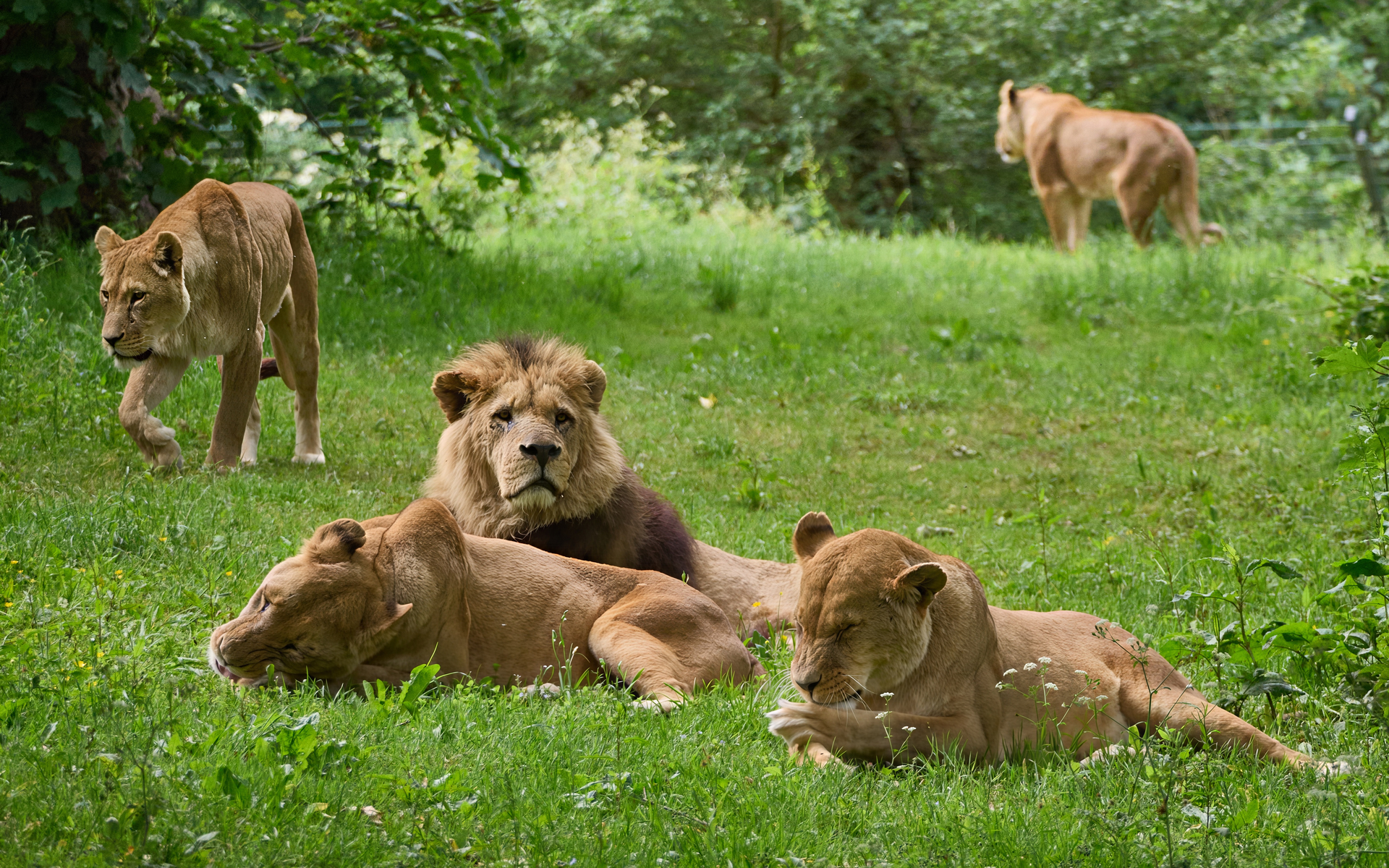
Super-focus has done a great job on the male, and on the lioness at top left. Also the image is not grainy/noisy like the standard sharpening version. However there is an odd problem - the subject detection has got it wrong and has sharpened the plants in front of the two lying lionesses, but defocused their bellies, which are now less sharp than the original.
I probably could manually do subject editing to try and include the lionesses bellies and exclude the plants, but that would be a massive amount of work and might still look unnatural. However if the subject detection just included all the lions’ bodies plus plants in front things would be better.
Do you agree? Is there any way to prompt Topaz to get a better result?
Thanks, Andrew
