The name Gigapixel suggests that you have a programme that will enlarge images to significant sizes and feature accelerated cloud processing speed but your new Wonder and Standard Max have dismally low file-size restrictions for cloud processing which, it turns out, is very detrimental to making large images. If one wants an image larger than the small limit, it means that a two-stage processing is required to get a 4x file from an existing large file and even then Gig consistently craps out on reprocessing the resulting 2x file into a further 2x file without cloud processing. I’ll explain:
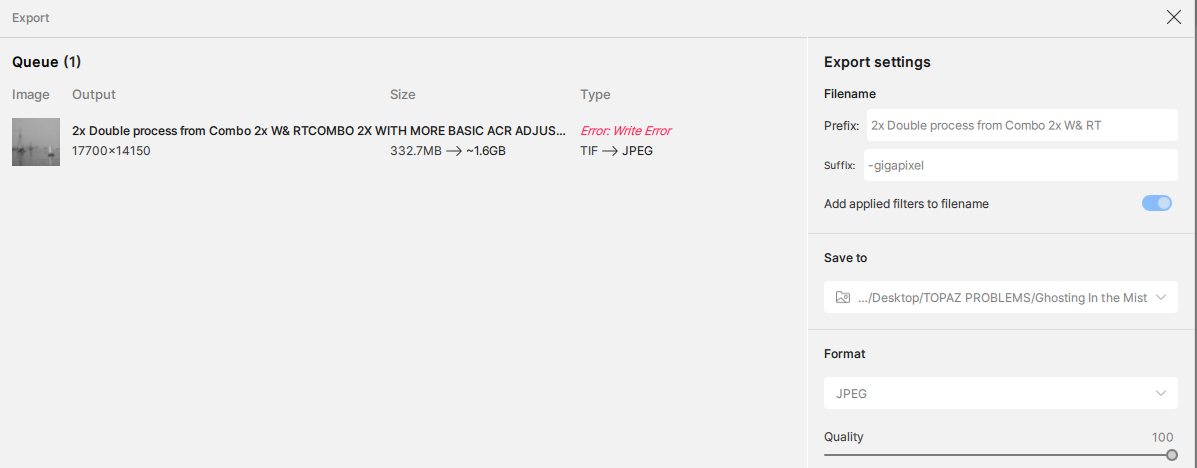
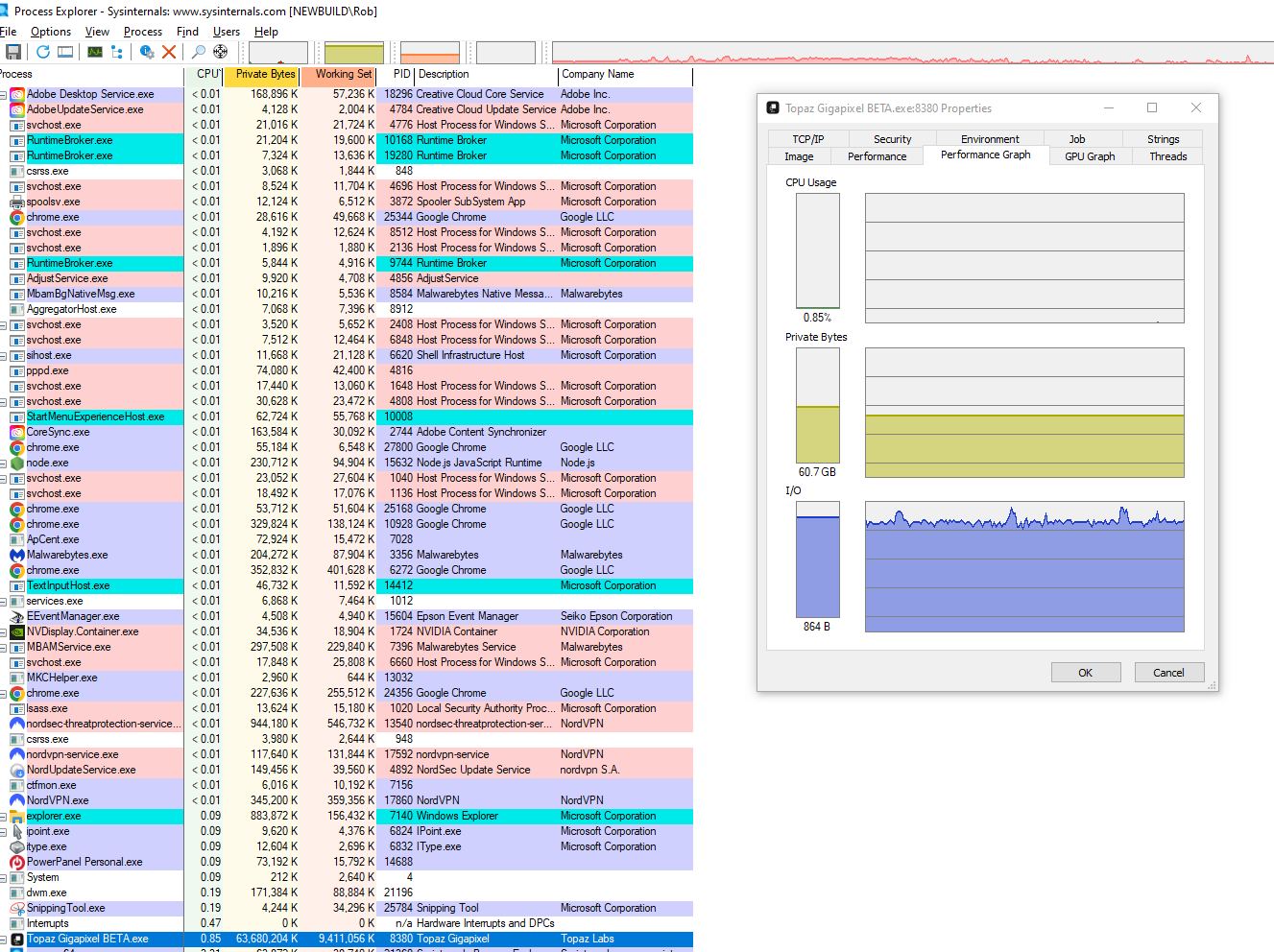
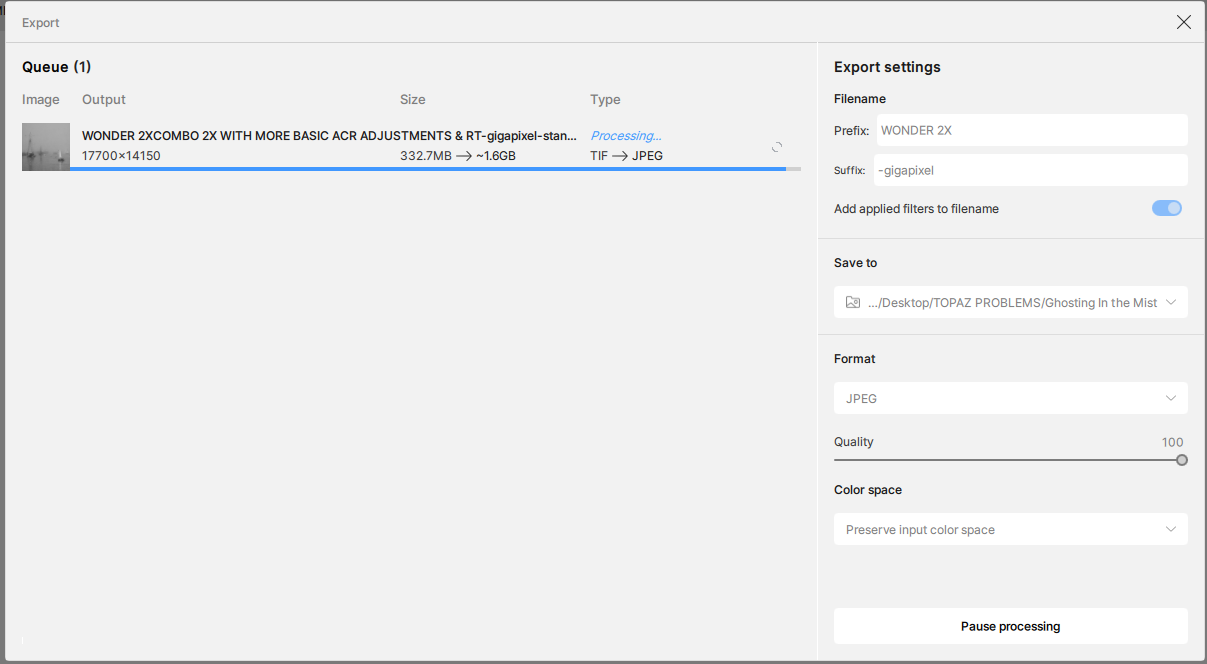
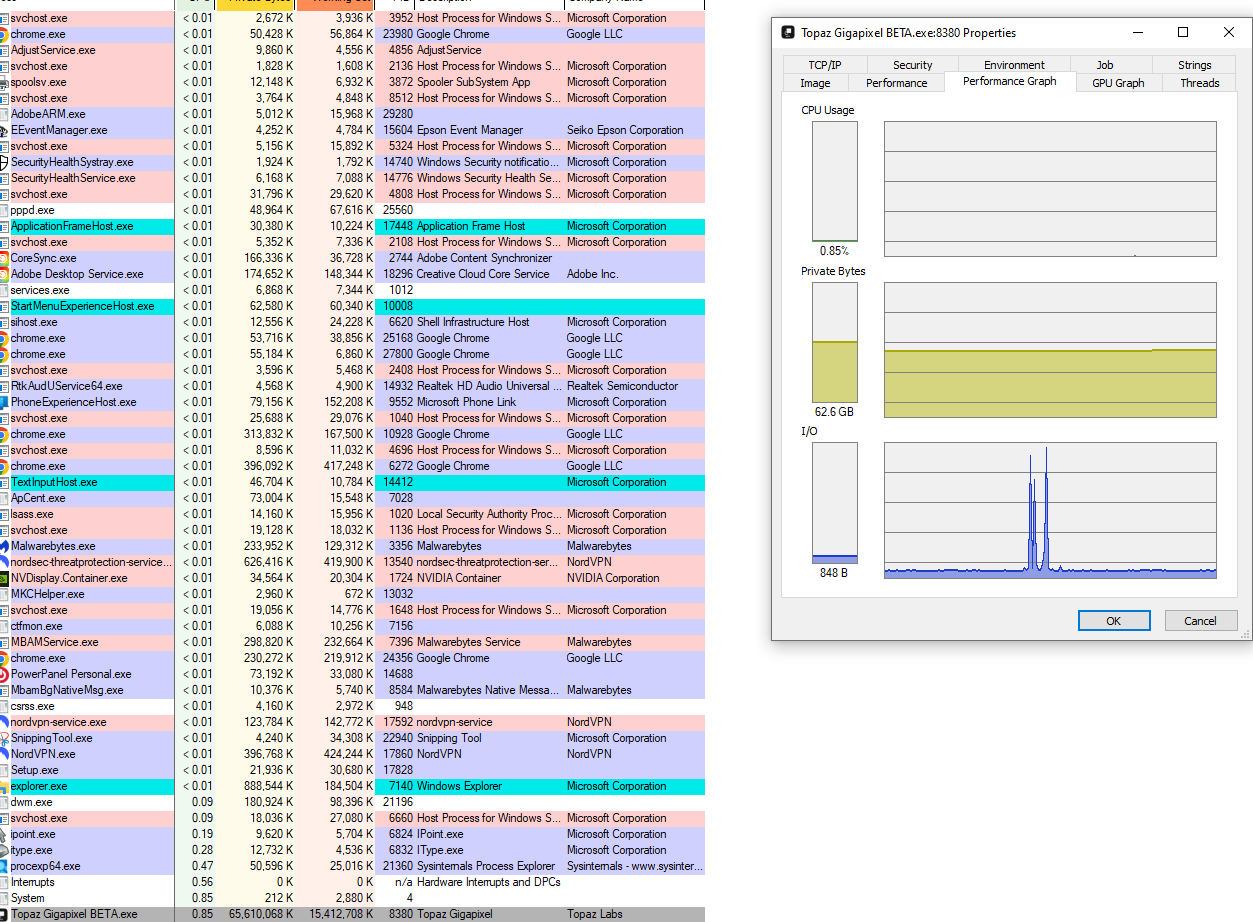
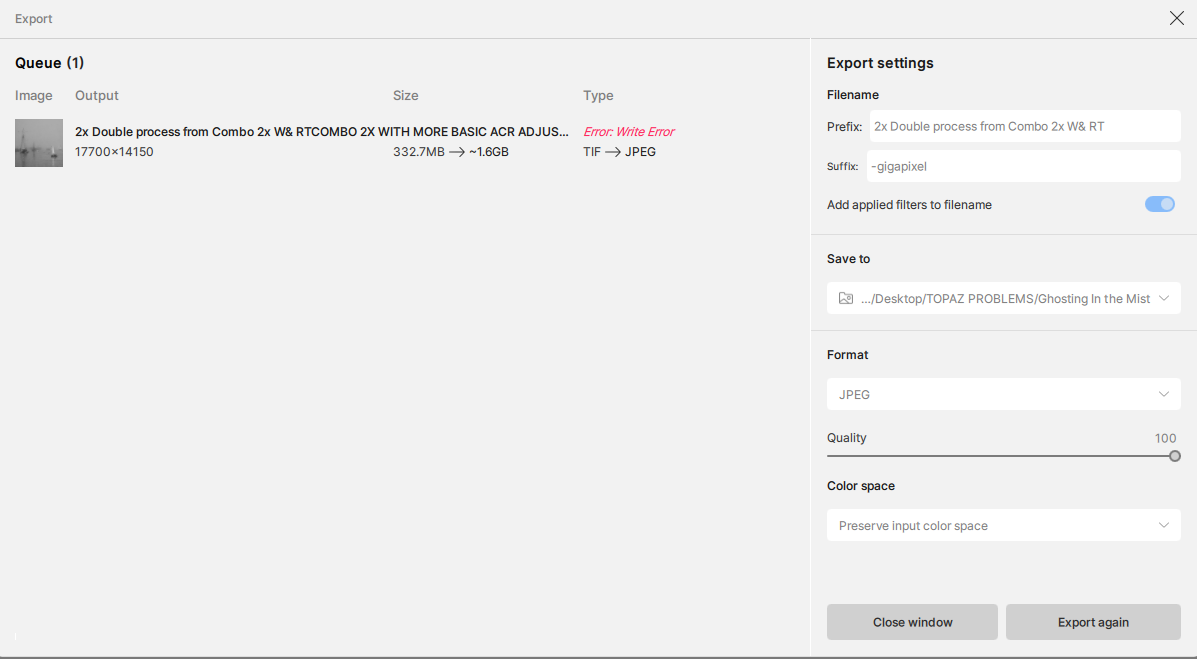
Esther has the original file of a foggy sailboat scene sent earlier from a large greyscale tiff scan ( 144 Mb ) for processing with the existing suite before the beta. The results were horrible in all cases. I want to test Gig. for truly GB files so that enlargements can be made for wall-sized prints. So I ran the image through the beta Strd Max and Wonder to see the new renditions. Strd. Max at 50% gave a good 2x ( file size limits ) and Wonder gave a totally “illustrative” rendition looking no longer like a photograph. Very discouraging: all plastic. I had to run the Max version through Photoshop ACR to get rid of excessive noise to calm it down, especially in the quarter tones . Since those two Max and Wonder file sizes were identical I placed them as layers together in Photoshop with Wonder on top at 33% visibility and achieved a quite satisfactory result but too small., only 59 x47" @ 300 dpi. The file is a flat 8-bit jpeg with no other channels. I then tried repeatedly to upscale it in-house at 2x in Gig and found that in both Max and Standard it failed each time to upscale. It was particularly frustrating to find that the Max programme would run for many many hours, always recalculating the time needed, only to come to the end with a failure message. Upscaling with Strd was much faster but always ended up with write failure messages at the end. It seems that your output files are not re-scalable in your own programme. I enclose screen shots from the process as well as some internal tech readouts on what resources it was using in the PC. ( the drop in the committed GPU memory was nearer the end of the failed process )
So for this report my questions & recommendations are:
* to look into why we cannot re-res your output files through Gig ( I’ll send you the “problem” file if asked )
* eliminate your limits on file size on your cloud processing: they belie the name Gigapixel and your marketing of the service. I rather doubt that your processors will be overloaded with huge file sizes like what I am testing for.
* Noting the methodology I mentioned above to get an acceptable high-res file, I will, in a further report, illuminate the need for adjustable controls in Wonder
* You need to incorporate much better noise control for your products, both in luminosity and colour noise in quarter tones and near-blacks. I assume that you have the knowledge and technology to emulate those functions in ACR.
* Your Strd. Max and Wonder offerings are often good ( with ACR optimizations) but Wonder, in particular, only seems useful for certain kinds of subjects whereas Max seems more universal. I strongly suggest considering retooling Wonder, ( more later ) but also/instead formulating a single programme that combines the two, with controls to affect either side of the AI. My workaround is cumbersome and sends your clients elsewhere for satisfaction.
Questions:
* Please explain why you quote file sizes in MP? I cannot understand what that means in terms of being able to adjust my request for an enlargement factor? It doesn’t have any reference in the working world.
* Please explain why you have a “custom” enlargement option that will not work with your cloud processing. As in the above question: if your limits are X MP and I have a file deemed too large for 4x, I cannot select 3.5 x to see if I can reach the maximum. I can only go down by presets. I suggest you offer a “Max” enlargement option for cloud processing that will calculate the true max ( of your limits ) instead of only having presets. Size matters at times.
* Please explain why you show us numbers in the process/progress line that don’t make any sense? IE: say a <200 Mb file showing to become a 1.6 GB file at 3X only to be saved at much <1 GB as a tiff. What are we supposed to know about those numbers?
* Please explain why you give us completely inaccurate and frustrating timelines for the processing when they are 100% wrong even in smooth processing, both in-house and in-cloud. It is frustrating to see the clock constantly being reset as the process continues. ( Why give us expectations instead of " go have lunch and come back later" ? )
Since we are testing for shortcomings and failures my report is full of negatives but I will close by saying you are on to something good here but needing massage. Good on you for your advances.