Great observation! I was also thinking that it looks like it was drawn (and not photographed). John James Audubon didn’t come to my mind, but you’re right, it looks like he painted it.
The leaves didn’t move too much because they’re in the background in the blur. But yes for the monkeys, I made a mask in Photoshop. I also used a copy cropped to the level of the monkeys that I imported into Gemini to make a first improvement pass. I then continued in Gigapixel. Then I put this piece back in the main photo and masked what didn’t interest me  .
.
In summary, I made some variations of the photo as I usually do and only recovered the best parts of each one  .
.
Yeah, you have to be precise in the prompt. In my beak example, I also asked to keep the worn look of the beak from the original photo. So it perfectly improved the micro details. Because for the record, in Pairi Daiza Park, there is only one Nile Slipper Bill. And since many people have photographed it a lot in width, length and crosswise, and then posted it on Facebook, well we know every detail of the bird  . So I had to be as precise as possible in my refinement of the details.
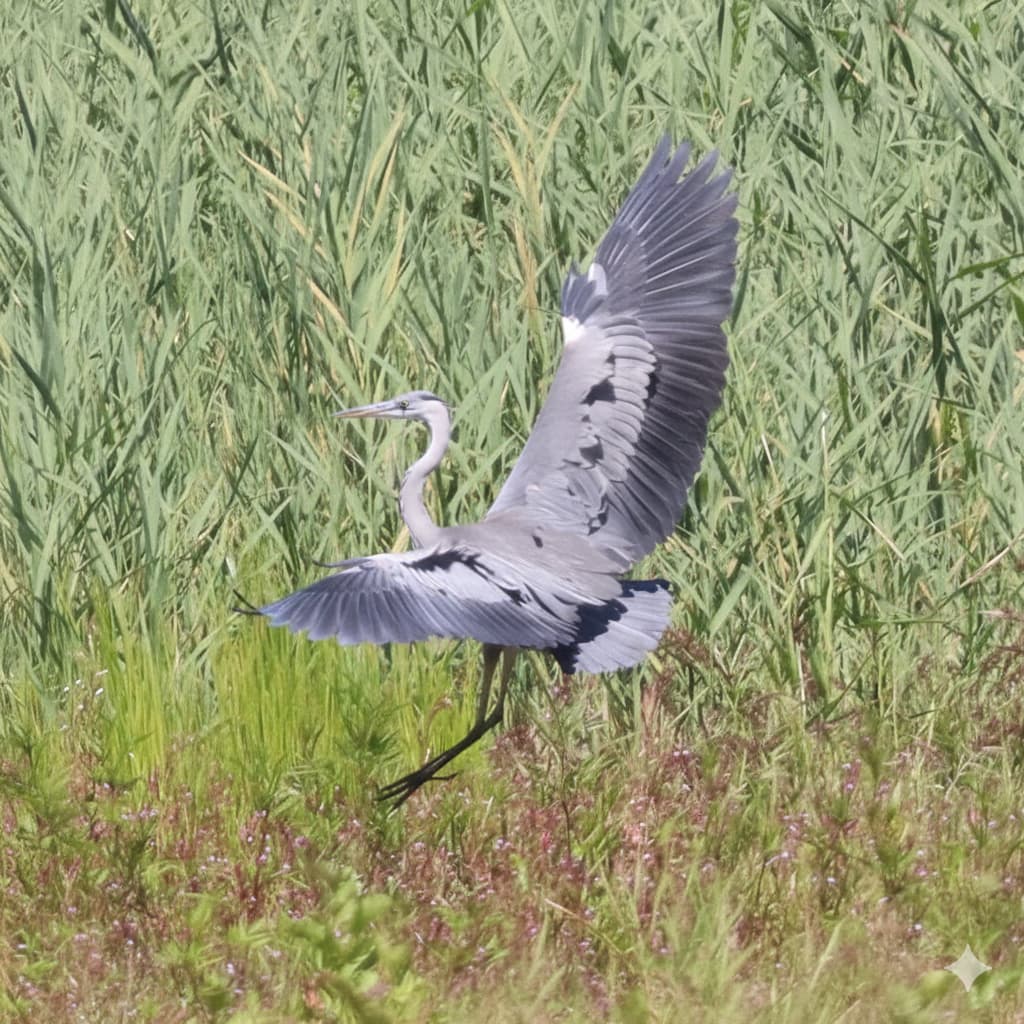
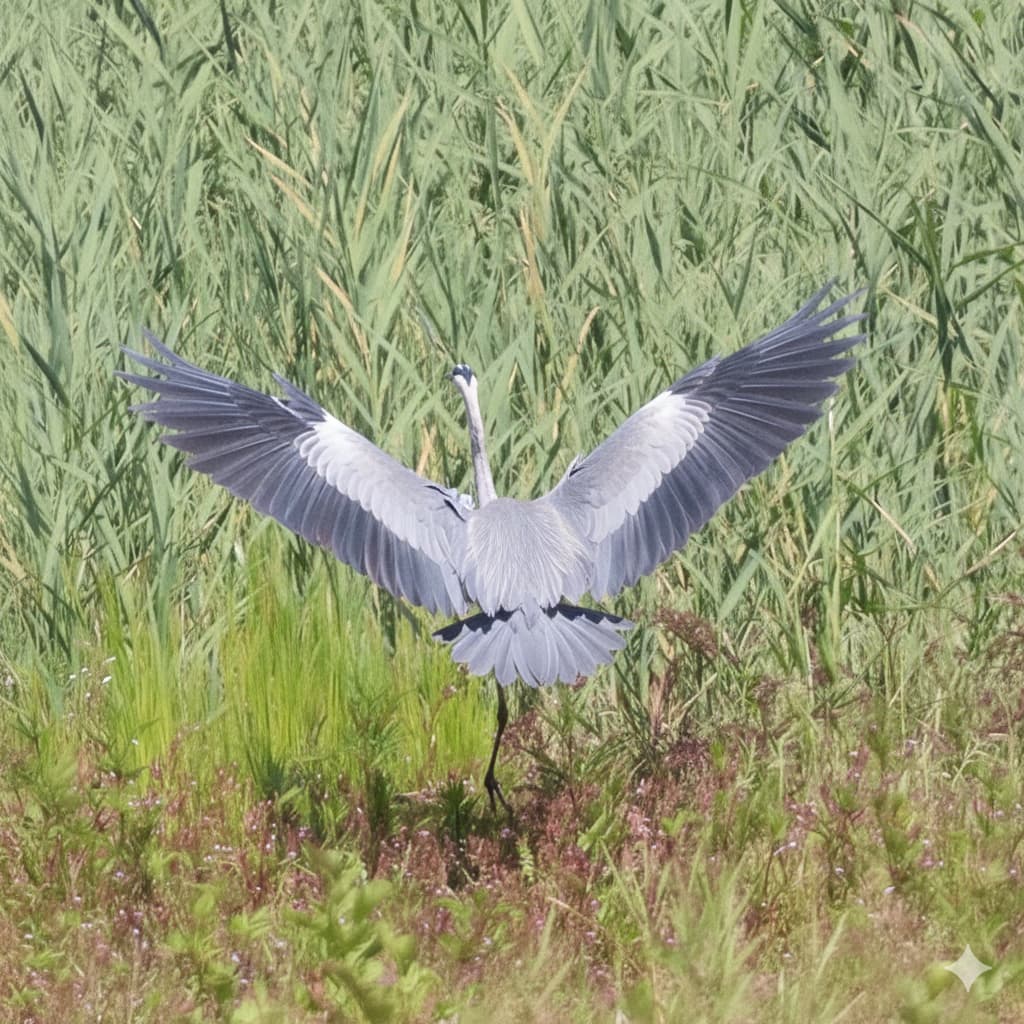
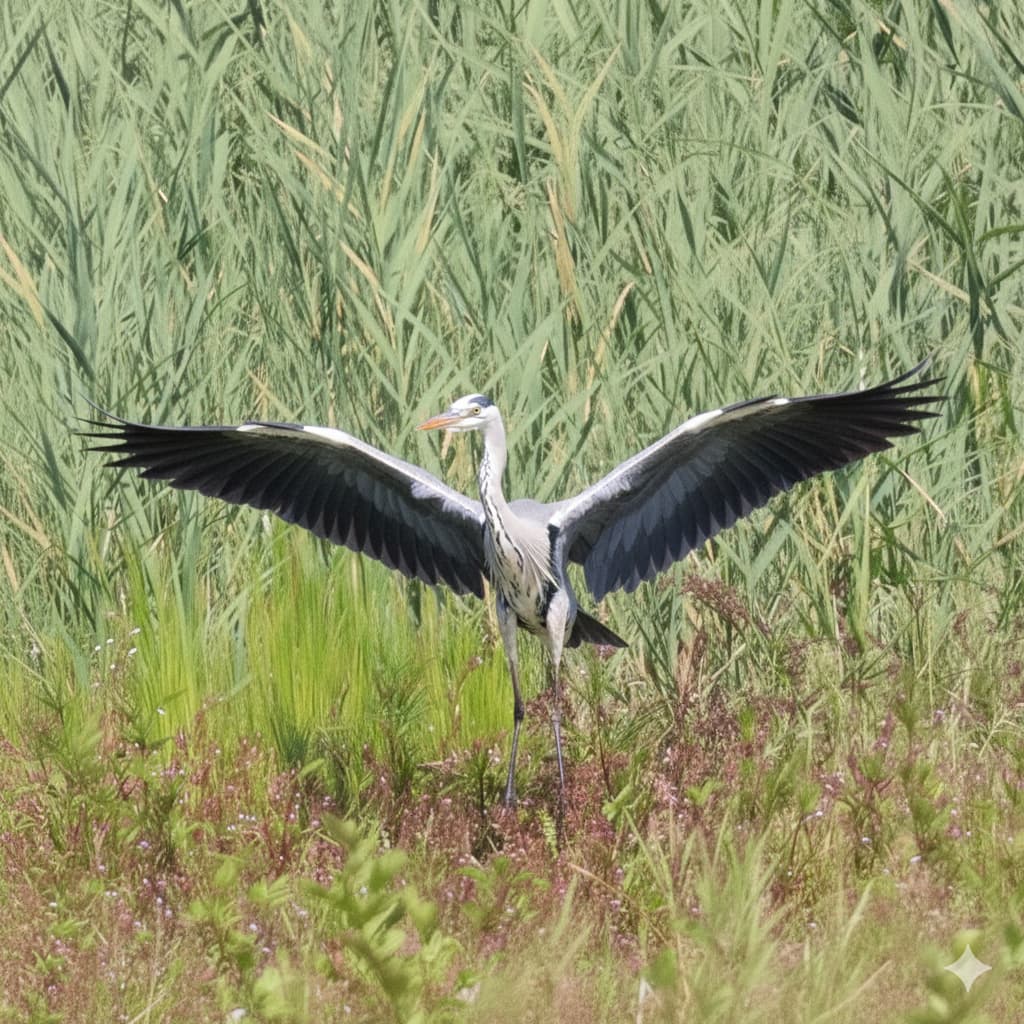
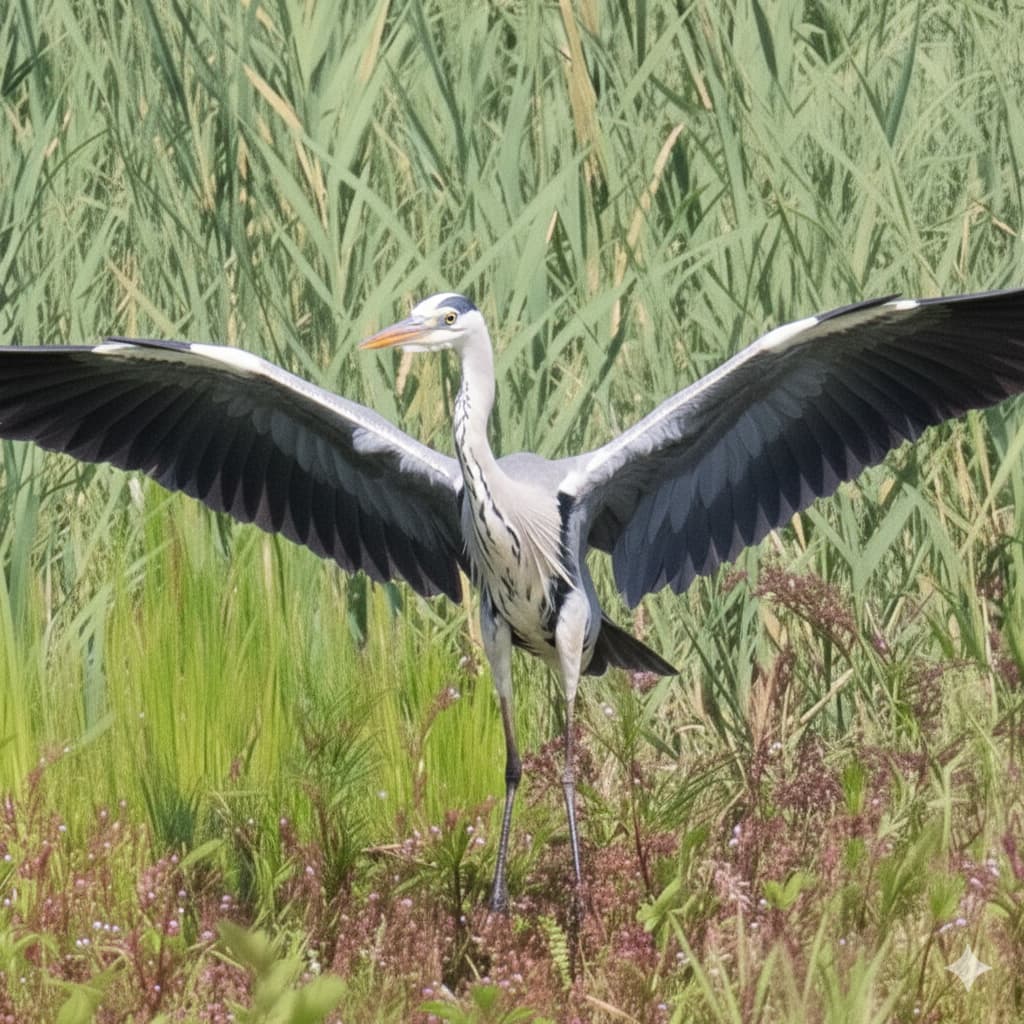
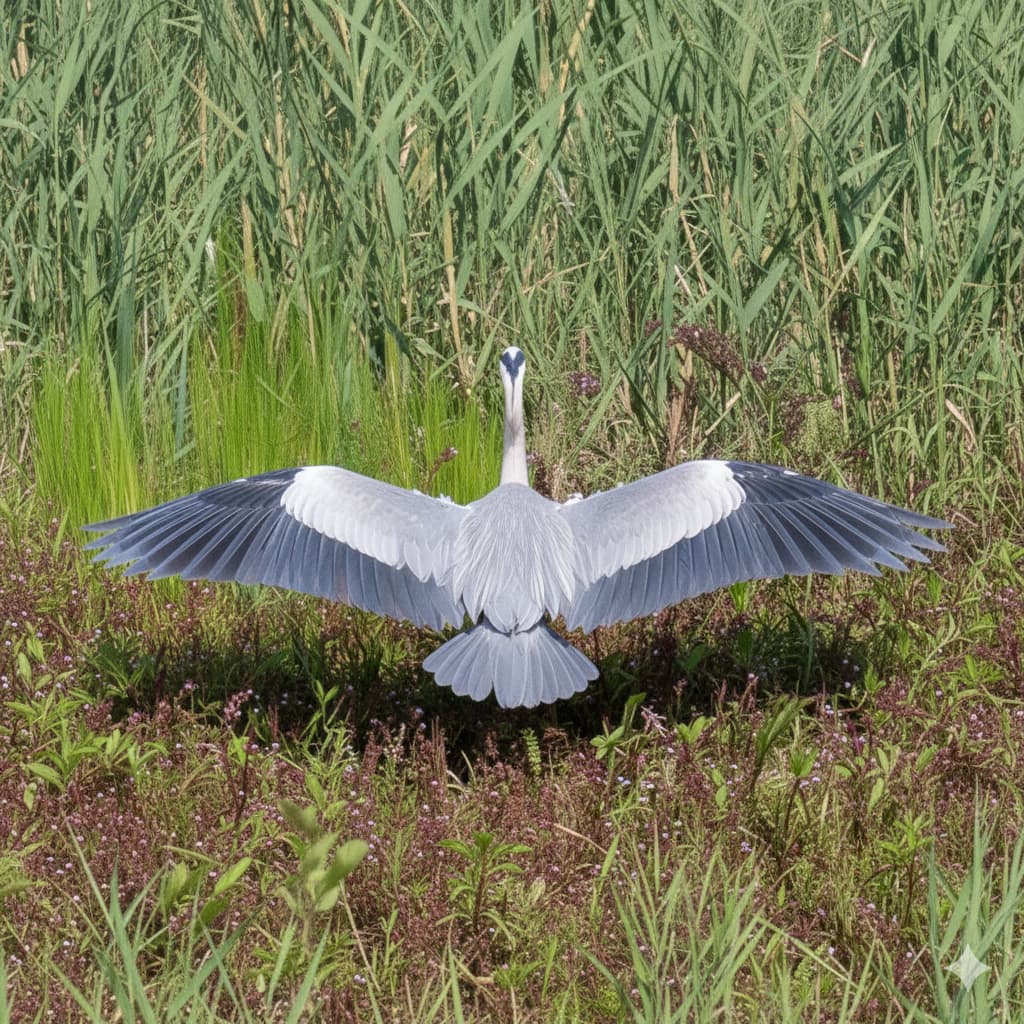
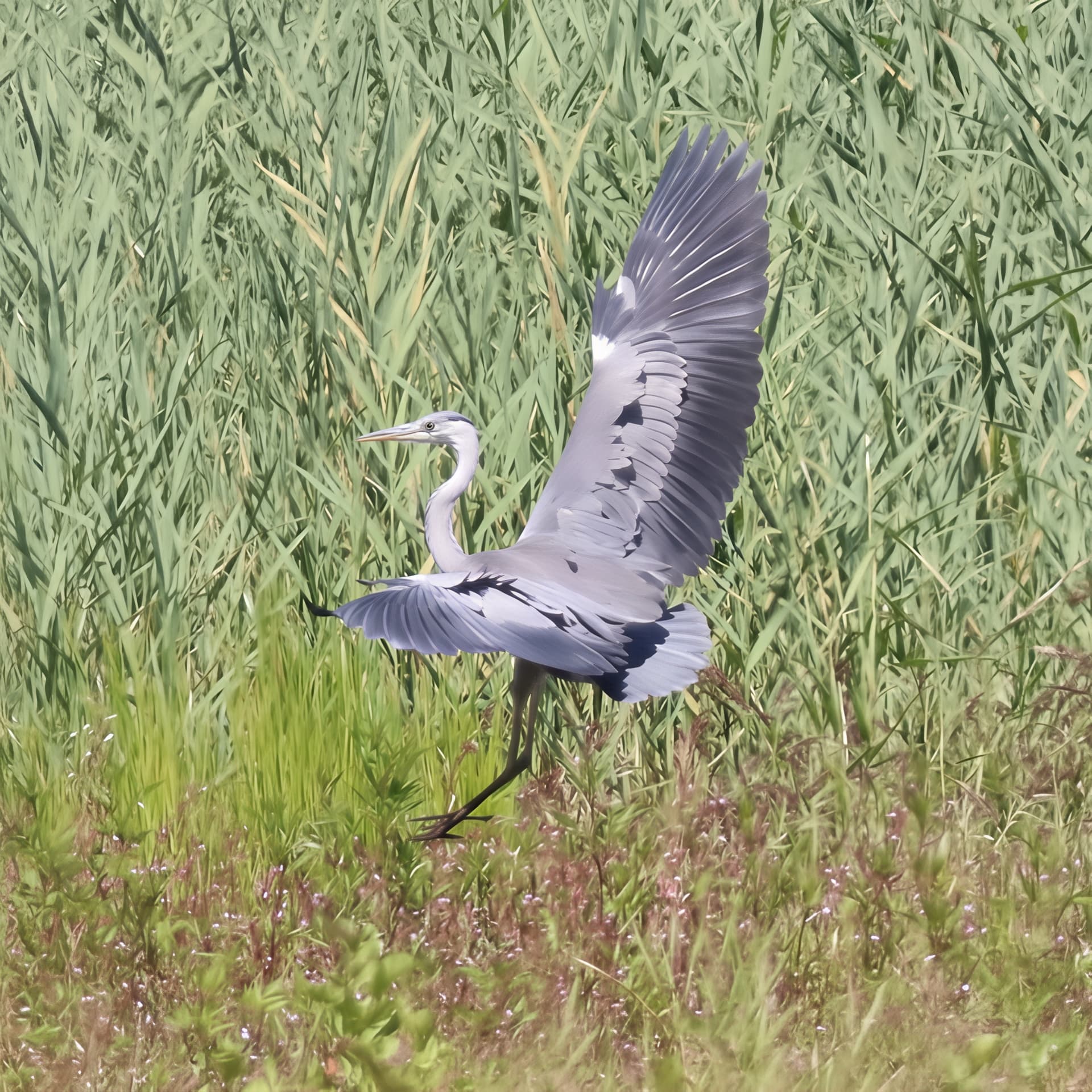
I think you’re right – there are probably a lot of photos of a grey heron on the Internet for training, and very advanced algorithms for gradually generating “intermediate images” (like Google uses for “street-view”) to achieve the chosen goal. There are many possibilities for changes in the photo, so it has to be strictly controlled using a whispered hint/prompt into the AI’s ear.
I’ll try to see what result I actually like. It should be as close as possible to (assumed) reality, so that it doesn’t look too artificial and at the same time not like a bad (original) photo. Adding and improving details, sharpening… Just so that it doesn’t mainly require writing a thick book as a prompt about what not to do in a photo.
Anyway, thanks for the examples!
You’re welcome
Hi, here are 2 more new improved photos. The facial and hair details are really striking in the final rendering.
Japanese macaque - Imgsli first photo
Japanese macaque - Imgsli second photo
Those are definitely bringing out a lot more detail. But both examples look (to me) as though they’re over-sharpening with lots of white speckles.
Do you have any control over the level of sharpening or is it a ‘get what you get’ process?
BTW, would you be willing to share the originals here?
For the fur, I used Redefine. Then, I used Standard max for the final scaling. I also tried Wonder, but it lacked sharpness. Maybe that’s why you found it much too sharp.
So, here are the originals. They were shot on a Galaxy S25 Ultra with 2x digital zoom.
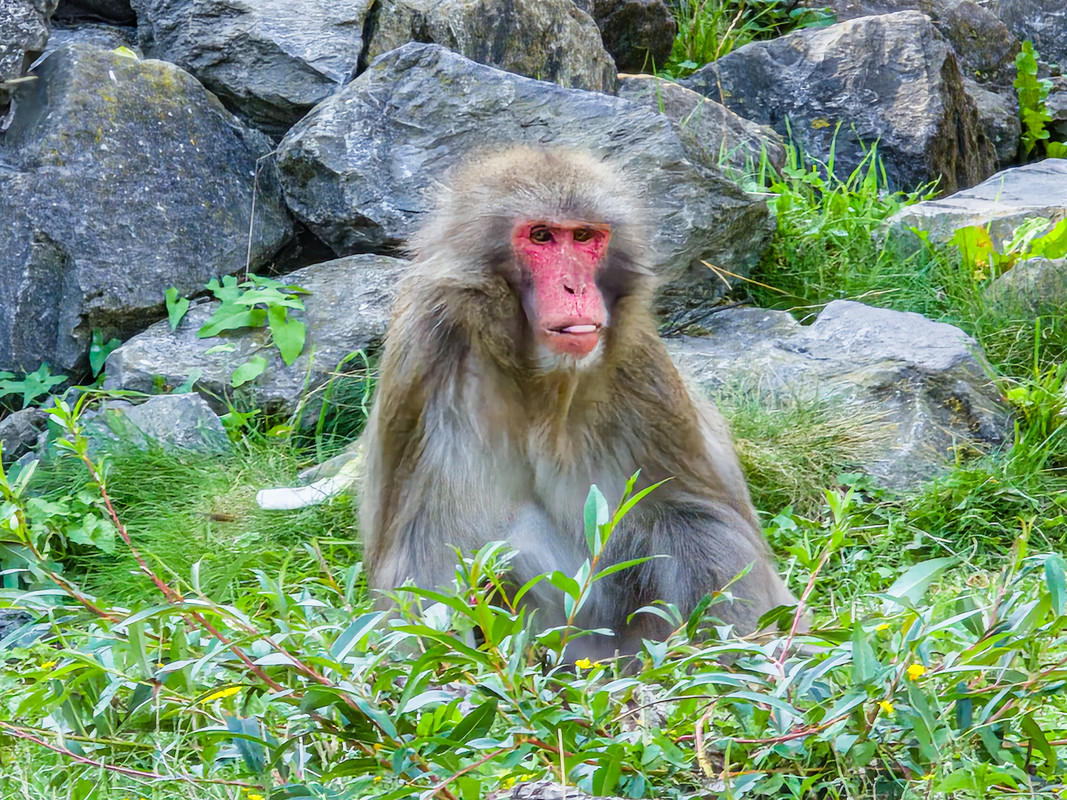
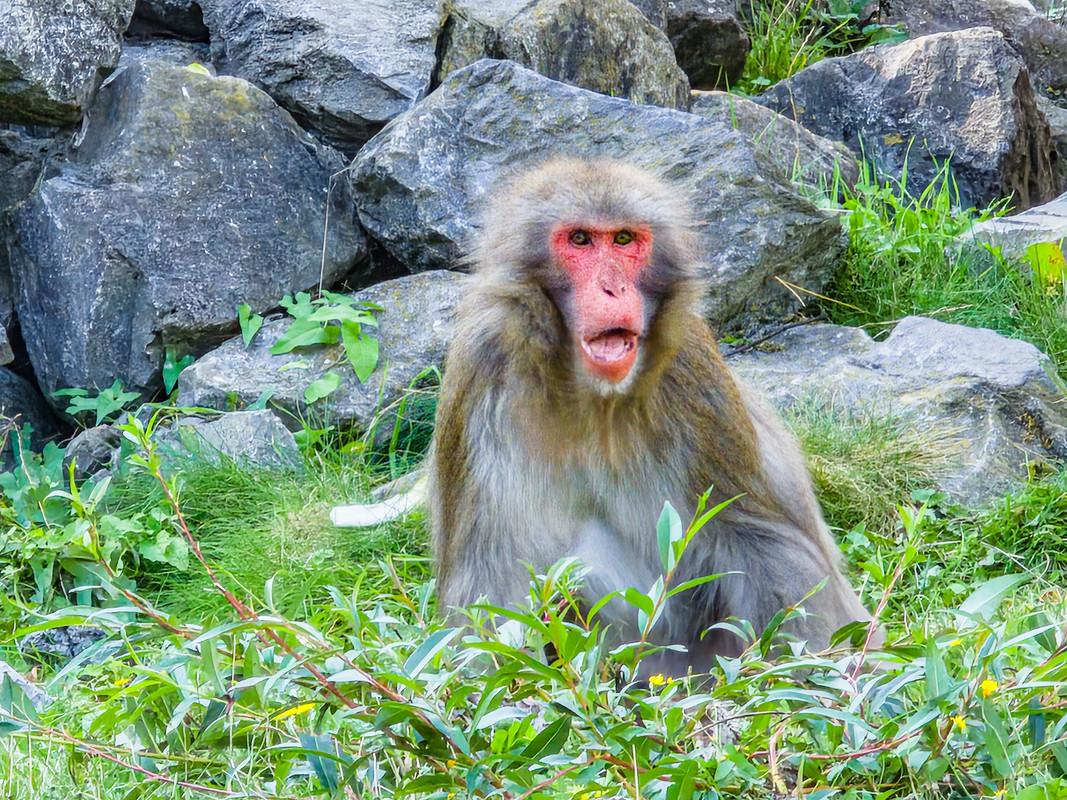
In all my personal tests I’ve found Wonder too soft for my taste/needs.
Thx for the reply and posts! Actually impressive pics for a phone cam.
As for the monkeys, I like the improvement – the fur, the eyes, and especially the face. As for the white spots, there are a lot of them and I don’t know why – the focus made them lightly “stand out”. I see similar spots in my photos taken from water, reflections. I don’t know here, they probably shouldn’t be there.
That’s how I feel about Wonder too.
You’re welcome, and yeah, I’m happy with my smartphone. The upgrade is great.
On the other hand, Wonder is very effective on images with a resolution of 1 megapixel. I was able to see this.
Here are two new photos with a cattle egret in low-key photography.
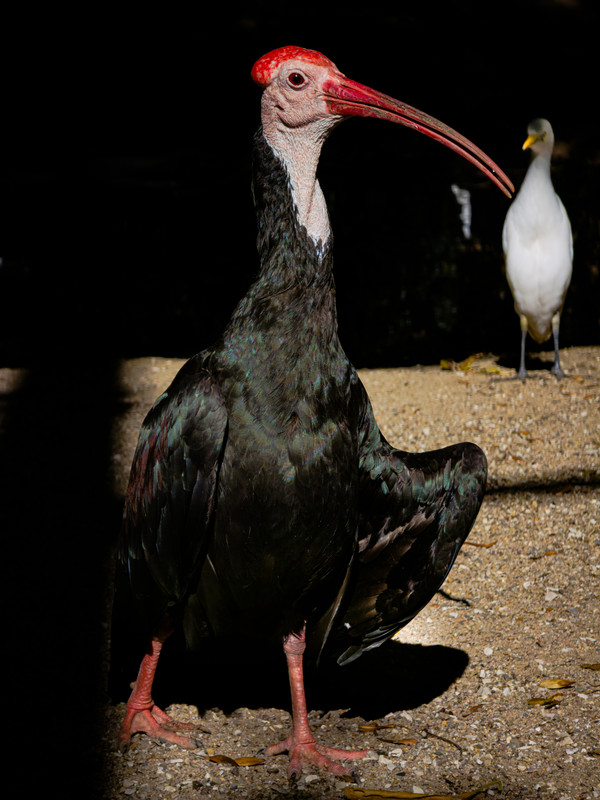
Also, to really appreciate the quality of my Samsung Galaxy S25 Ultra, here is one of my best photos taken on September 19. The only retouching was in terms of colors, brightness, contrast, highlights and accentuation of the “low-key” effect.
And here is the version with improved details and very, very good sharpness.
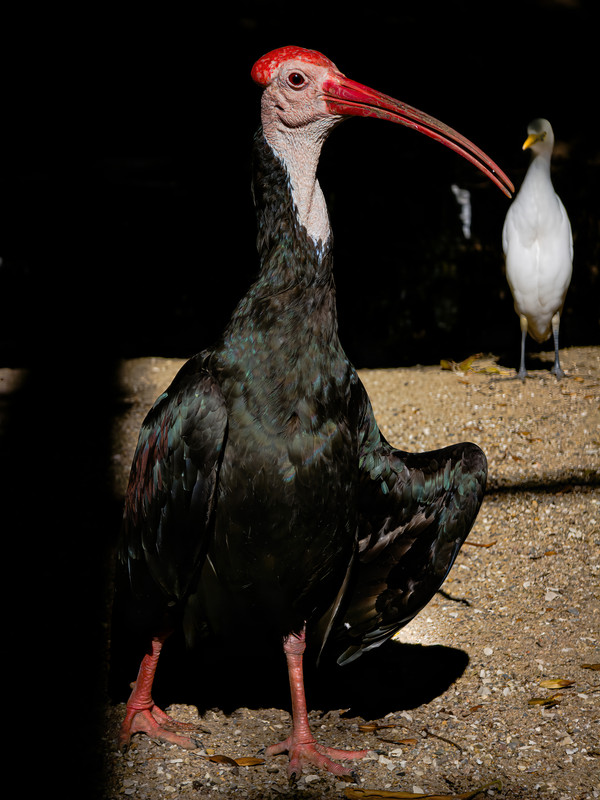
Such an unusual bird, I don’t know it at all. Does it really have such an interesting coloration of feathers?
The advantage of nice originals is that you don’t have to make big changes, you just have to “fine-tune” the picture. Your zoo is definitely magnificent.
It’s a Northern Bald Ibis.
Thanks! I didn’t know this species of ibis.
