Thanks very much for all that info - I will give it another try and see if I get better results.
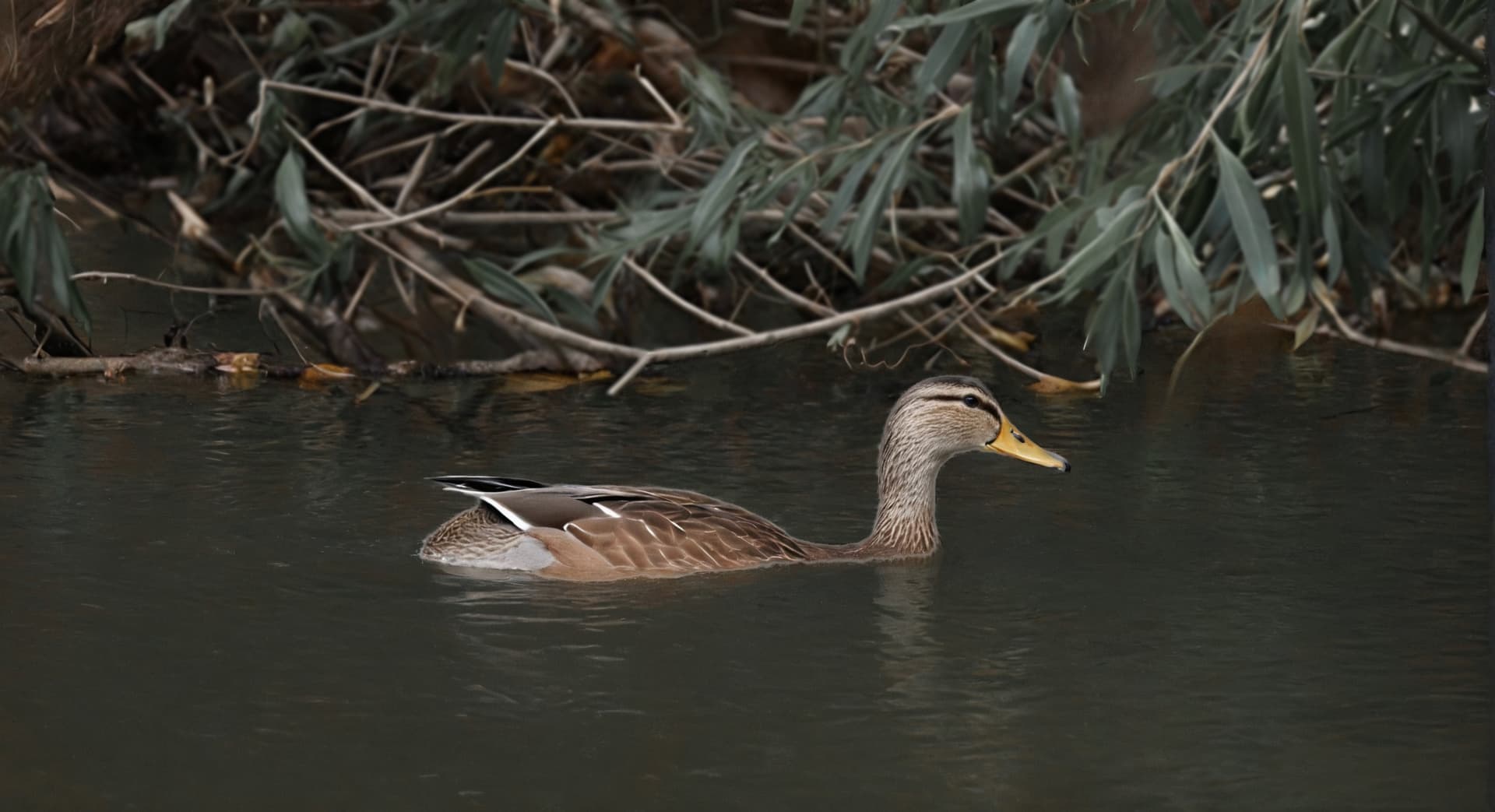
I overcame my laziness and tried to improve my duckling a bit. I removed the speckled reflections from the water, slightly blurred the background and adjusted the green of the leaves (I don’t know what they really are, I would have to wade through there in a fishing suit – which I don’t have). I also shortened the branch reaching the duckling. I would also like to improve the feathers, the duckling was too far away for my camera, so the details are suppressed. If I succeed, I will brag. If not, I will modestly remain silent. 
You’re welcome 
It’s already pretty good. In full screen, it looks great. You really have to be like me to care about the little details 
 . But if you really want details, make a copy of your final image with a very tight crop on the duck. Then, add this last one in Gemini and ask it to “improve the texture of the duck’s feathers”. Once the rendering is satisfactory, retrieve it and add it to your final image well positioned with a mask and some brush strokes to refine the edges.
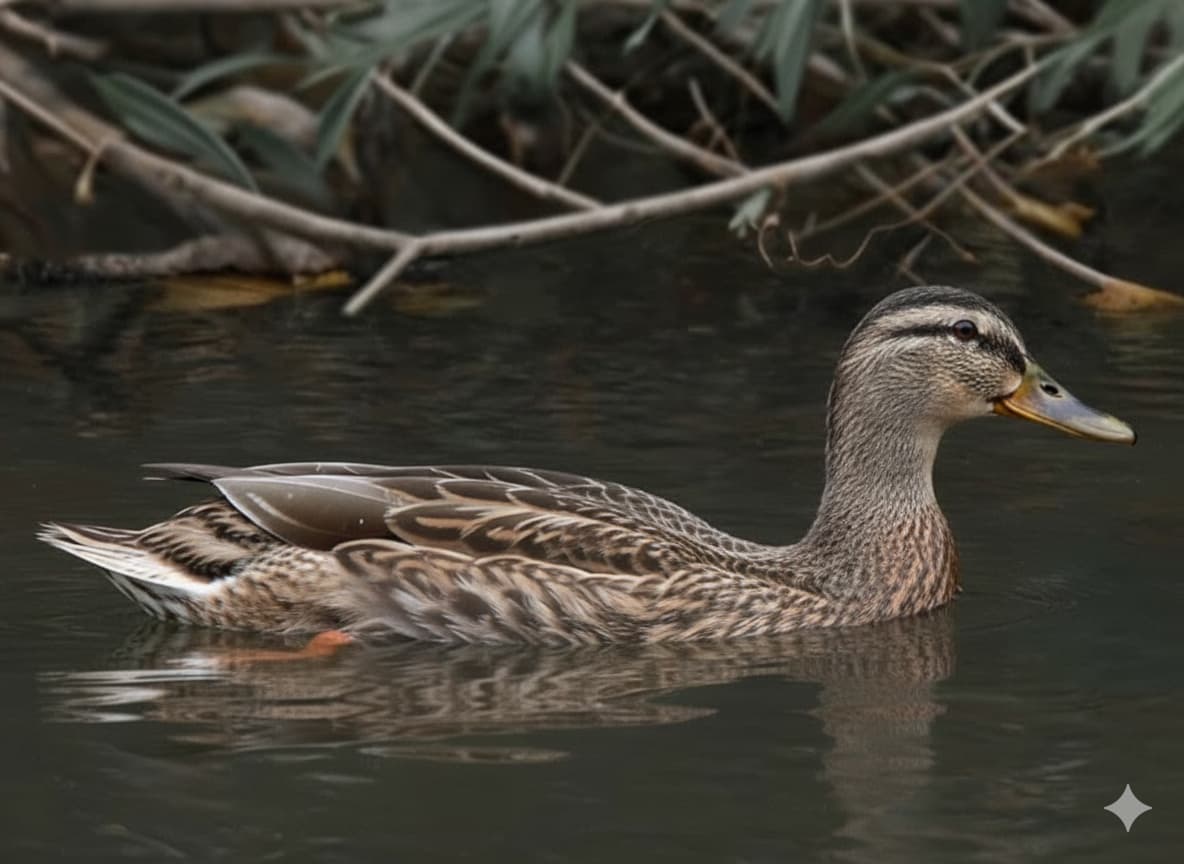
Ah, the trick is in the tight crop. I didn’t think of that. The result is great, the duckling is as alive! (It’s still swimming in a remote, inaccessible part of the pond.) The feathers look real now and I appreciate the addition of the orange leg, as in reality.
Thanks for the tip! I’ll try it myself.
Yeah and you’re welcome
So, here’s a significant improvement. Here it was to remove the mesh and refocus on the main subject. Before using my usual AI software, I first made a first pass in Photoshop for a manual work of removing the grid. Then with a copy of the original, I also did a grid removal in Google Gemini. I then increased the scale of the latter with variants with Gigapixel and the Recover V1 wonder and standard Max models. I also used Photo studio with the Super Focus model for the focus. I mixed all of each improved image variant to give the result that is here. Also, as a final touch, I used the AI filter of Photoshop’s Camera Raw to blur the background to create depth of field.
Removing those grids is great.
Thanks 
Also @unrelent I have a really extreme example of improvement via Google Gemini.
Here is the source photo taken from quite far away with my Galaxy S25 ultra
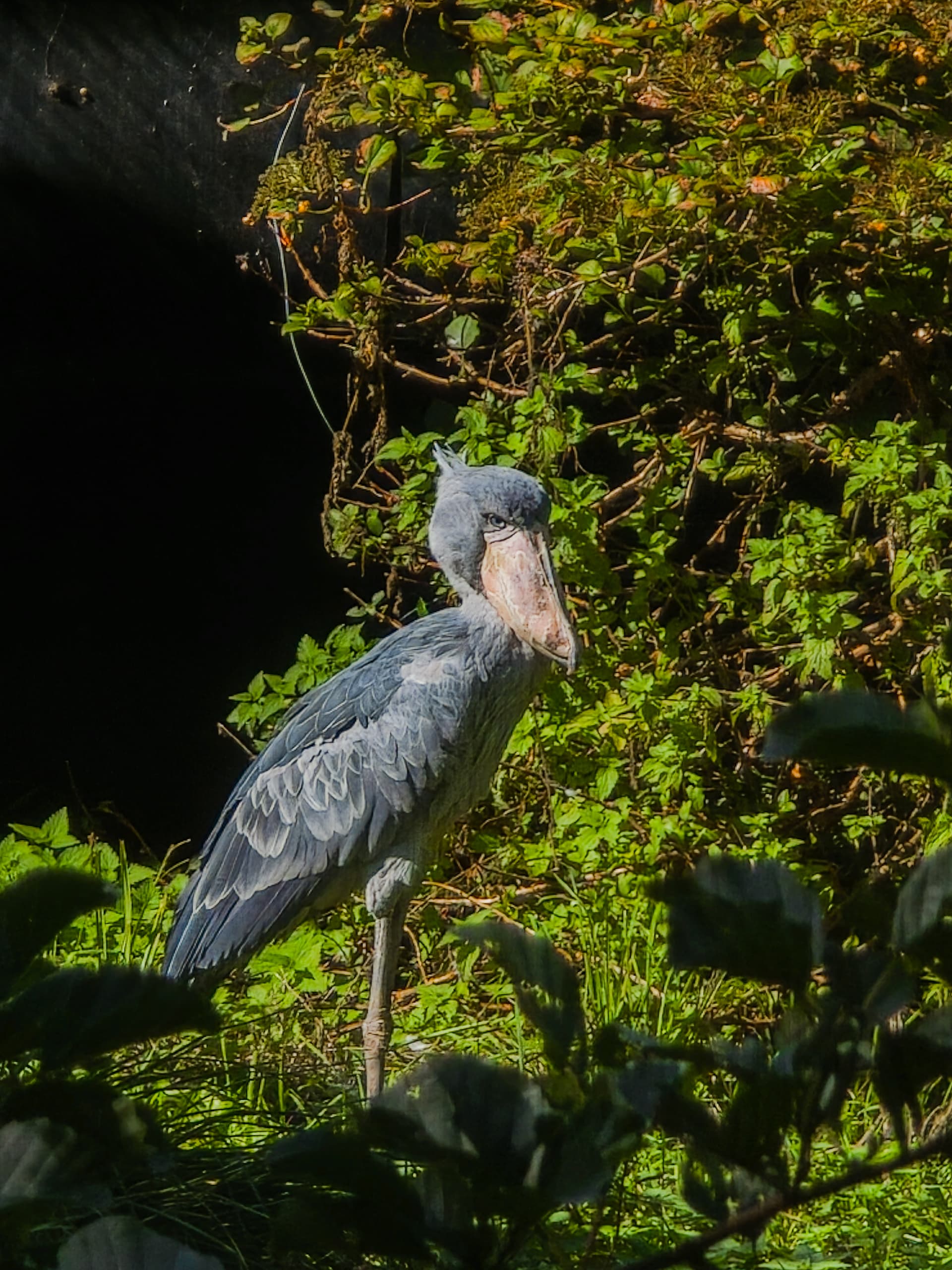
I subsequently managed to improve the overall details but I was not satisfied with the rendering of the beak which is not realistic due to the lack of sharpness of the original.
I made a copy of the photo and cropped it at head level.
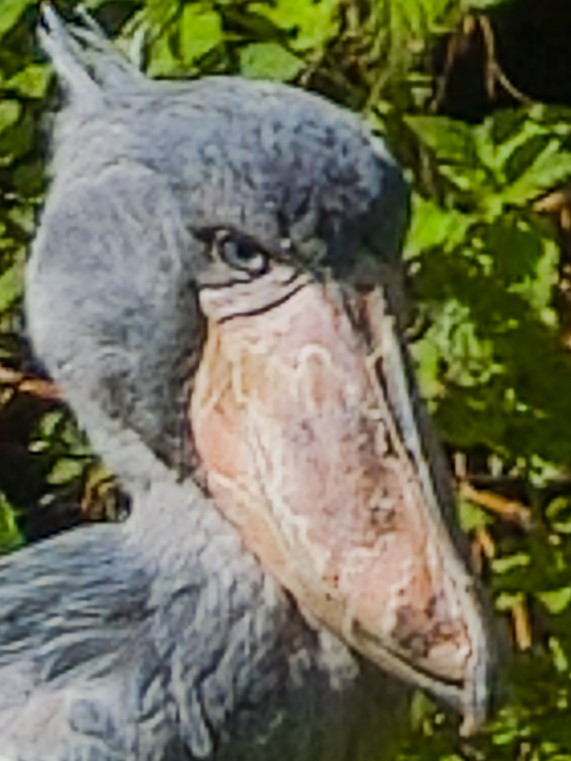
Next, I ask Gemini to “improve the texture of the beak and eye of this shoebill bird while preserving the beak wear characteristics.”
Here is the result:
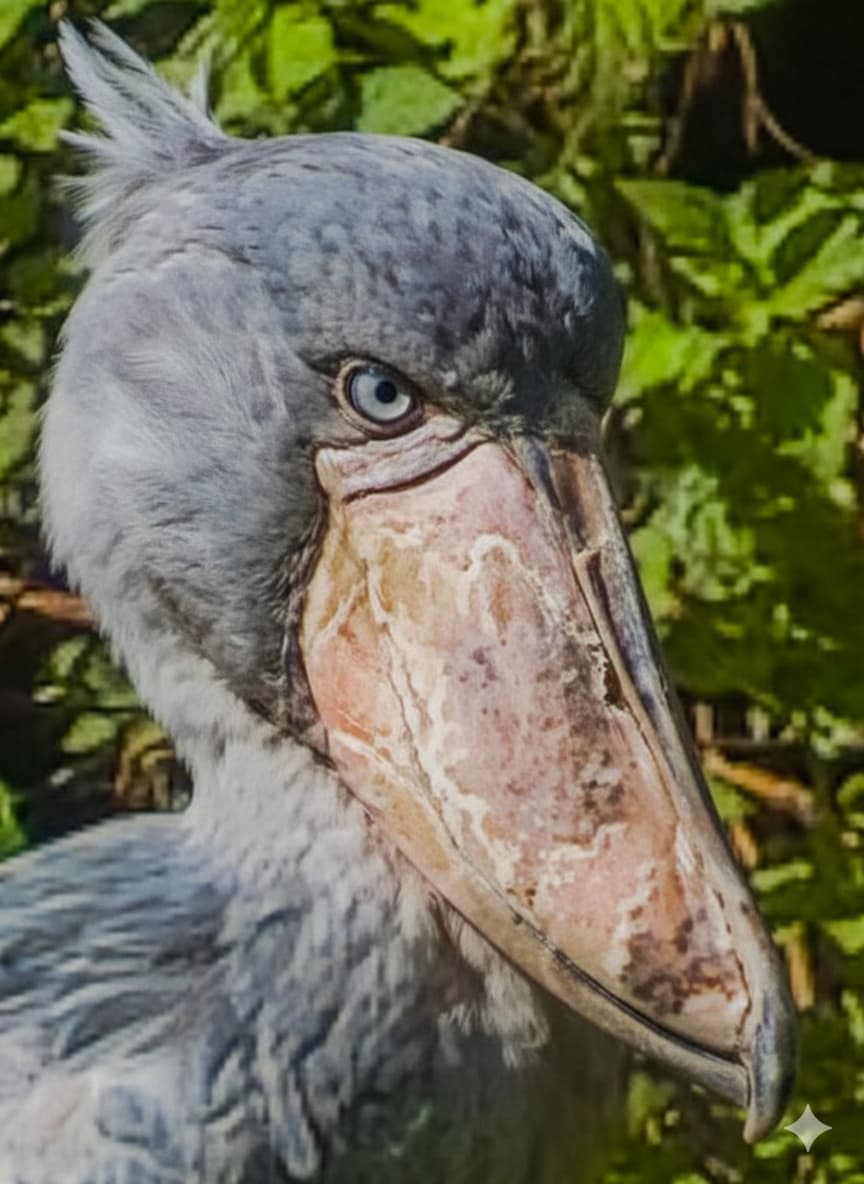
Seeing the quality of the latter, I then say well ok, I will then improve the texture of the feathers. So I ask Gemini “also improve the texture of the feathers”
Here is the result:
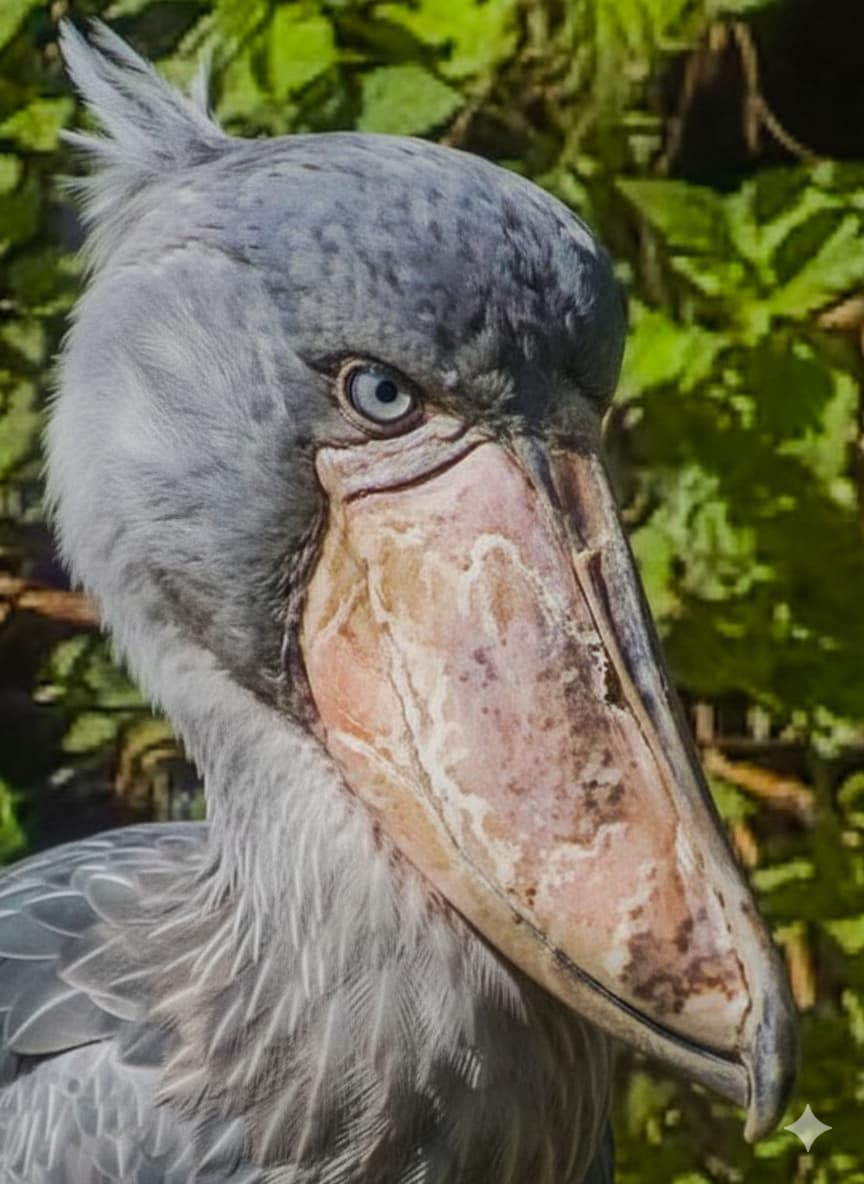
It’s truly amazing what you can do with AI tools these days.
And here is the result finally finished.
in full screen of the comparator, it gives this
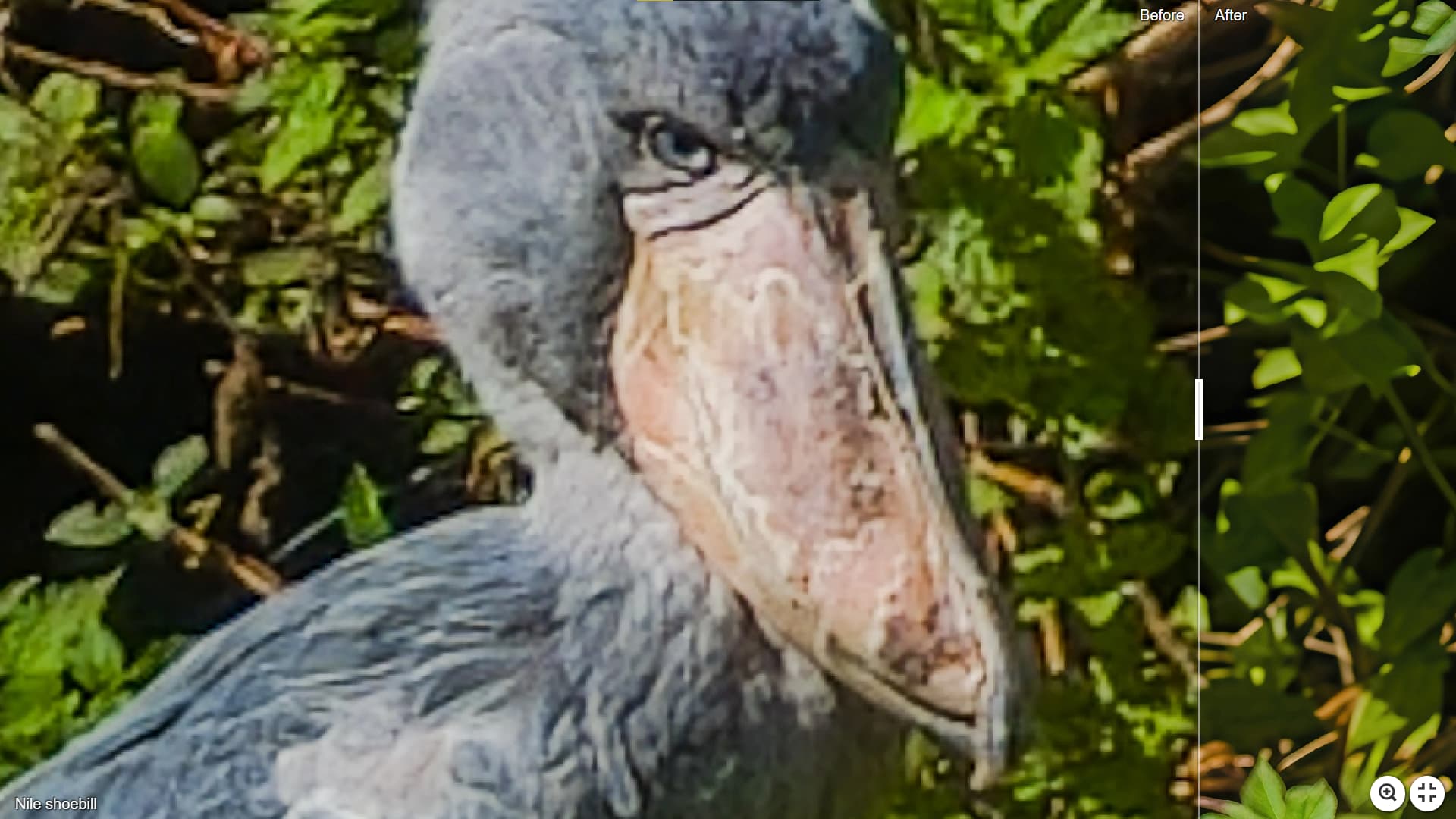
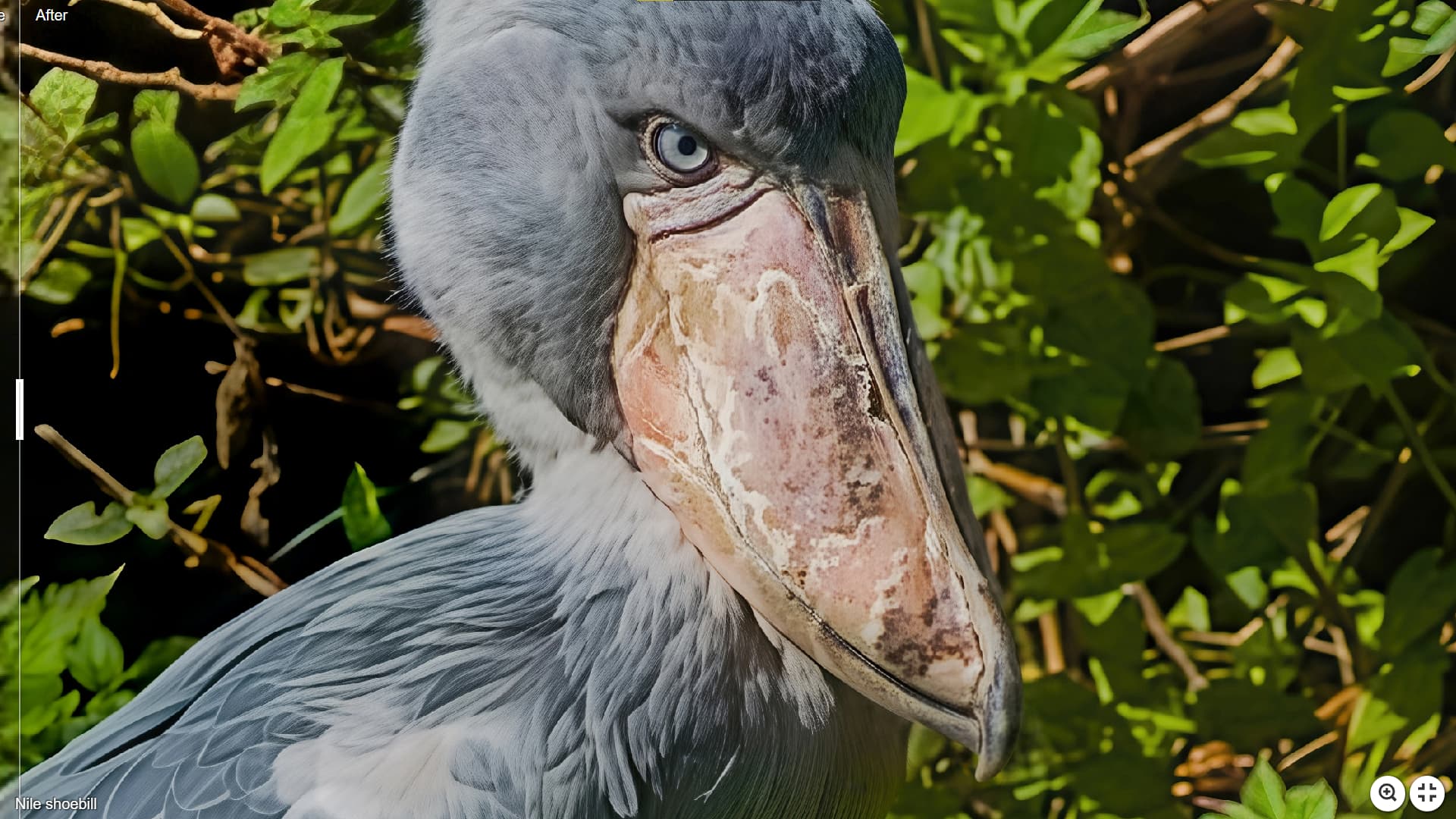
Are you finding the primary details improvements are around the focus point? Is that true generally or just with this image? Or, did you mask to affect just the monkeys?
The fur regains a lot of details but the leaves were virtually unchanged.
Nice, as always. The beak turned out well. I also like the nicely corrected eye and the feathers on the top of the bird’s head.
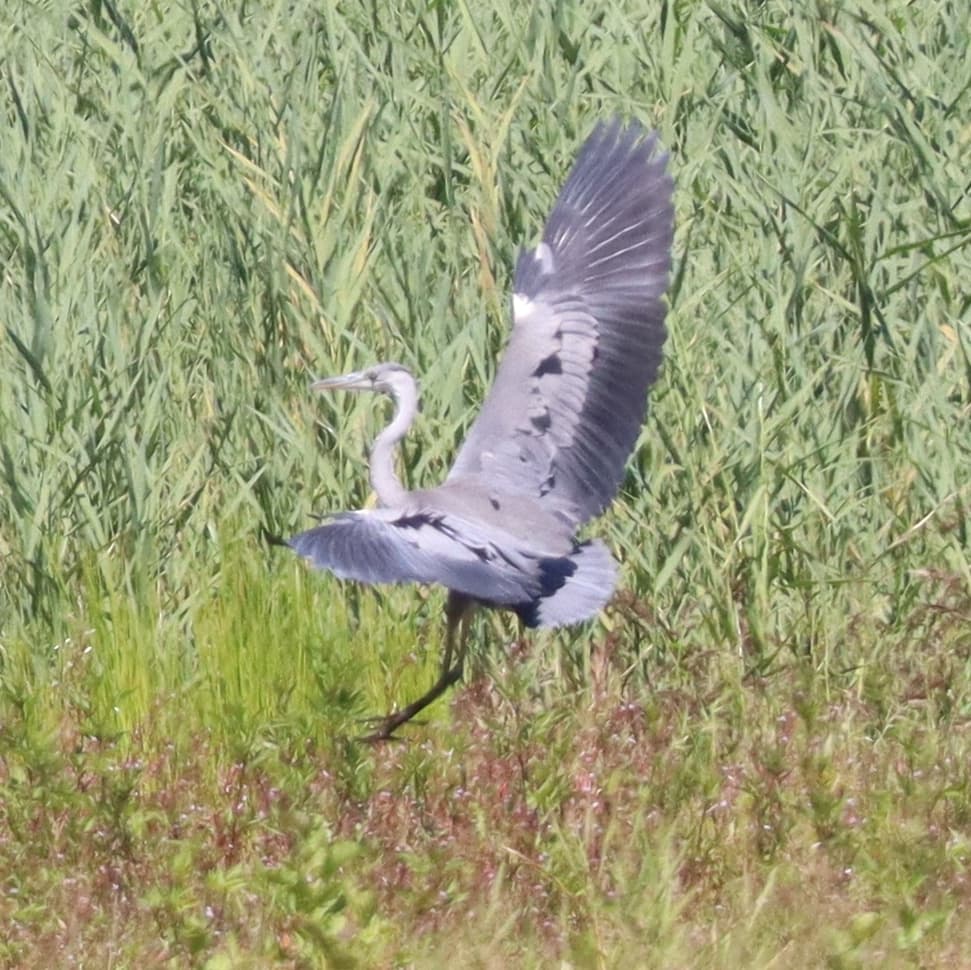
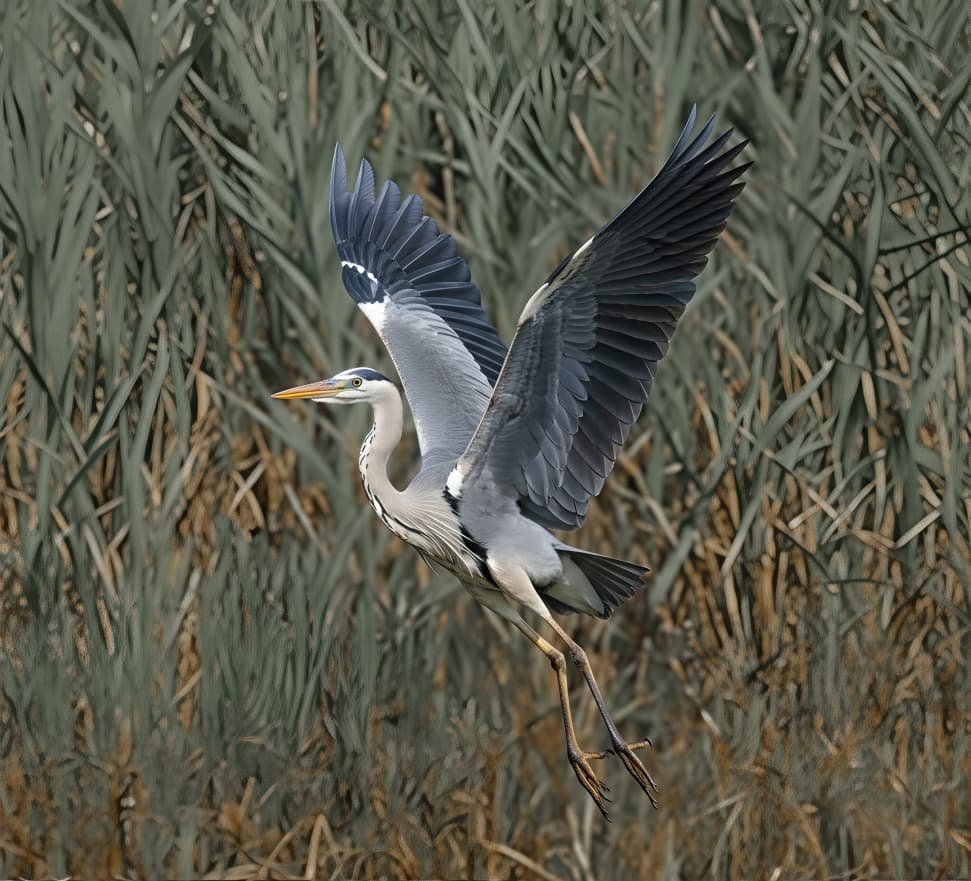
By the way, I tried Gemini and it works wonders. But it also makes big changes. For example, in a photo of a Grey Heron taking off, it rotated the entire body of the bird and raised one wing, which was originally almost horizontal from the camera’s perspective. When I explicitly disabled it in the prompt, it worked fine. It seems to me that Gemini is sensitive to the prompt. When I have time, I’ll post a sample.
I saw a tutorial video in the past week that said explicitly to do what you discovered. It said to tell Nano Banana what not to change in a prompt as well as what to change.
I’m glad to hear that – I already thought I was doing something wrong. I discovered what you’re writing about empirically (my favorite method “trial and error” ).
Here is a sample from the very beginning. The first image is a cutout from a photo (the heron was about 300 meters away). The second image is the result of my first attempt with Gemini. I was surprised by the details of the bird, but amazed by its change. Who would have thought that it was the same picture/heron. Then I put on a heavy weapon – text prompt, and it worked (I’m not finished with the final editing yet, but I have the body and wings at least in the position as on the original). But the details are remarkable. The main thing is to give the heron proper legs (which Gemini can do quite well, as you can see) – it’s hard to talk to AI… Not to mention the background of the picture. Moreover, one can’t compare it to a live bird, it’s too shy, even at those 300 meters across the pond it didn’t trust me at all and so it preferred to take off. So, is the bird really real? No one knows.
Always the best way! Then you discover other things too. 
That 2nd one is so cool. It looks like something from Audubon.
