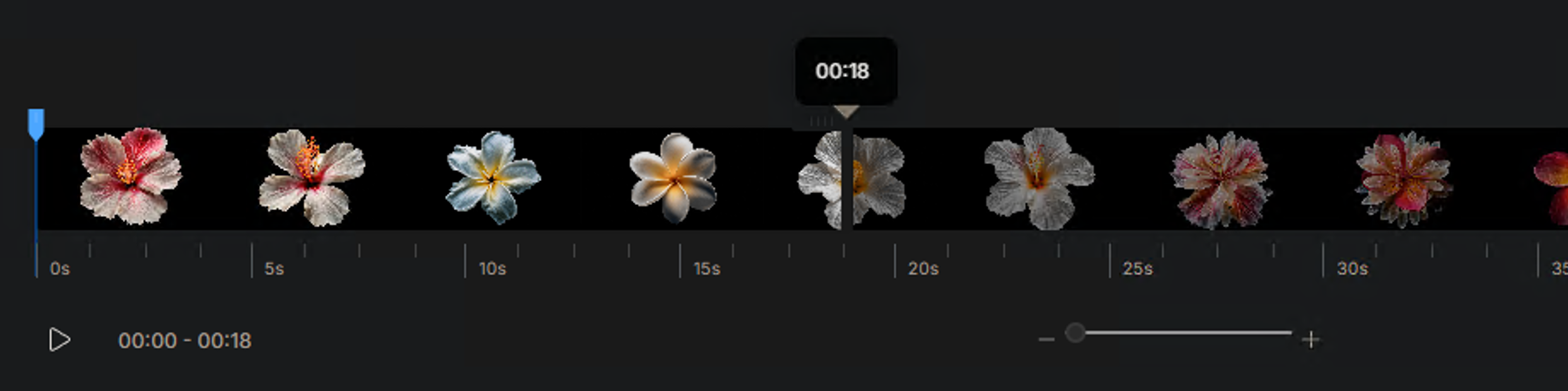
how do i adjust the timeline in astra to select a different part of the video to render?
Right now i can only have the first 18 seconds.. but i want to do 19seconds and on .
how do i adjust the timeline in astra to select a different part of the video to render?
Right now i can only have the first 18 seconds.. but i want to do 19seconds and on .
You are likely hitting the max render limit:
Creative mode has a 450 frame limit
Precise mode has a 9000 frame limit
If you need to render more, you’ll need to render them in separate parts and stitch them back together in an editing app.
I understand that, but being able to select another section to render with the slider would be super convenient. like in and out points
Can you let me know if you are still running into this issue? There should be a trim feature as shown in the screenshot below
This is extremely cumbersome and reduces usability; why not execute longer segments at once if you have enough credits?
If I were to make a 5-minute short film, it would require 20 executions, and it would be difficult to make precise selections manually.
Thanks for the feedback — I understand the concern.
This is mainly due to GPU processing limits on the server side, which is why longer videos are split into smaller segments to keep processing stable and fair for all users.
We’ll also pass your suggestion to the team for consideration, as improving longer-segment handling is definitely something we’re looking at.