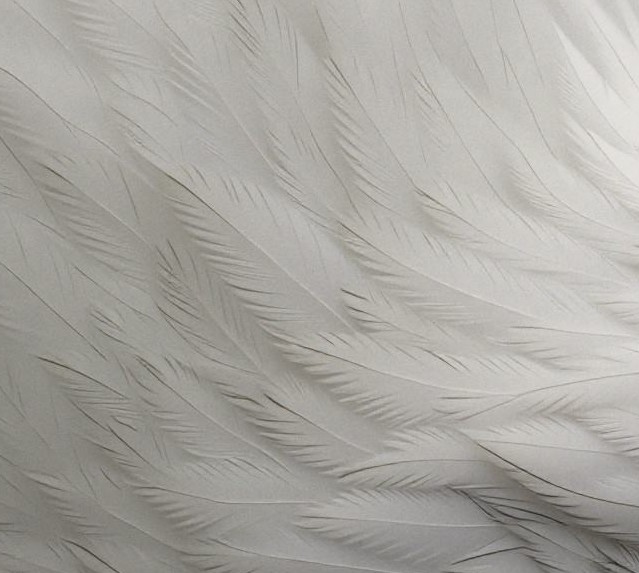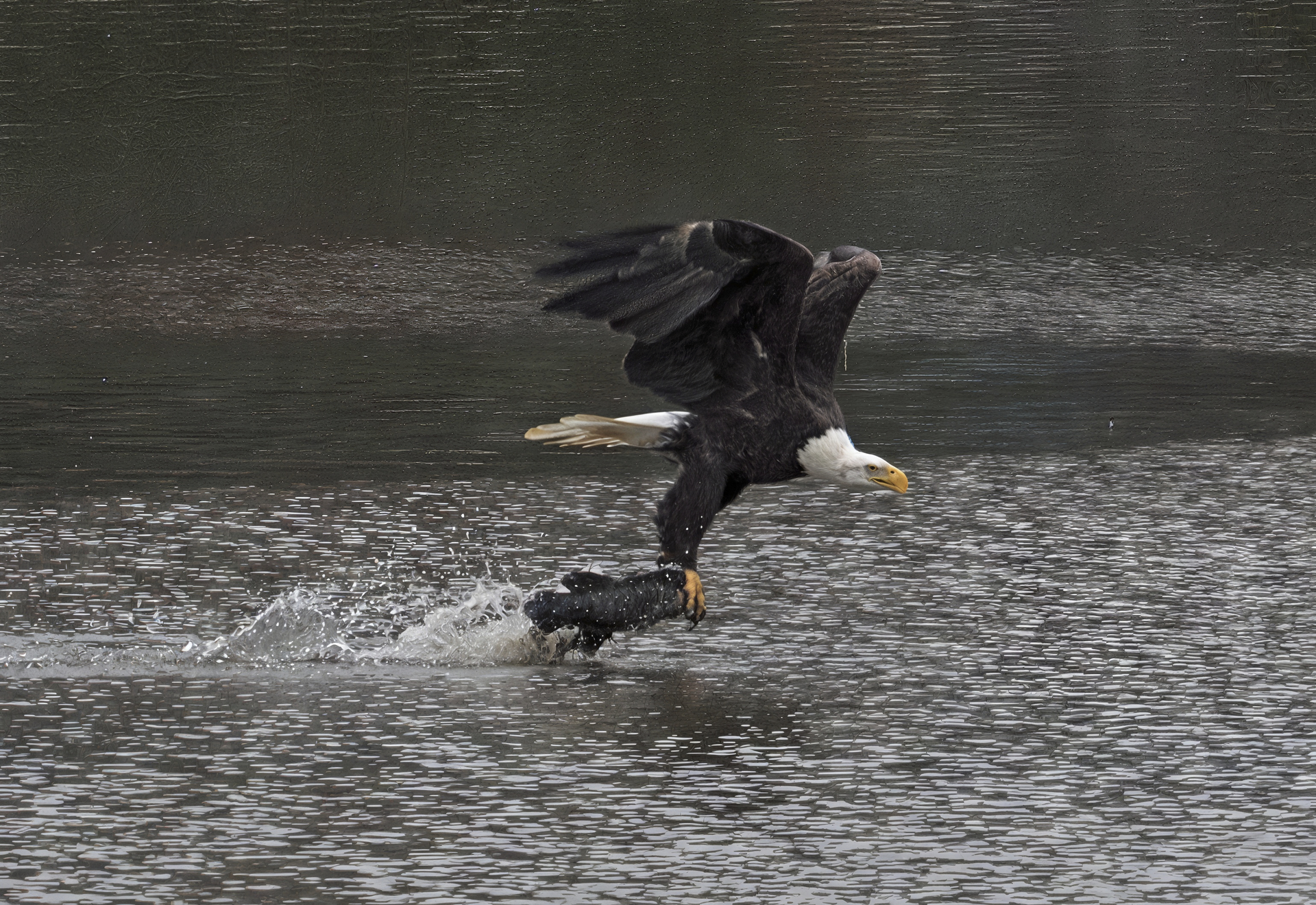
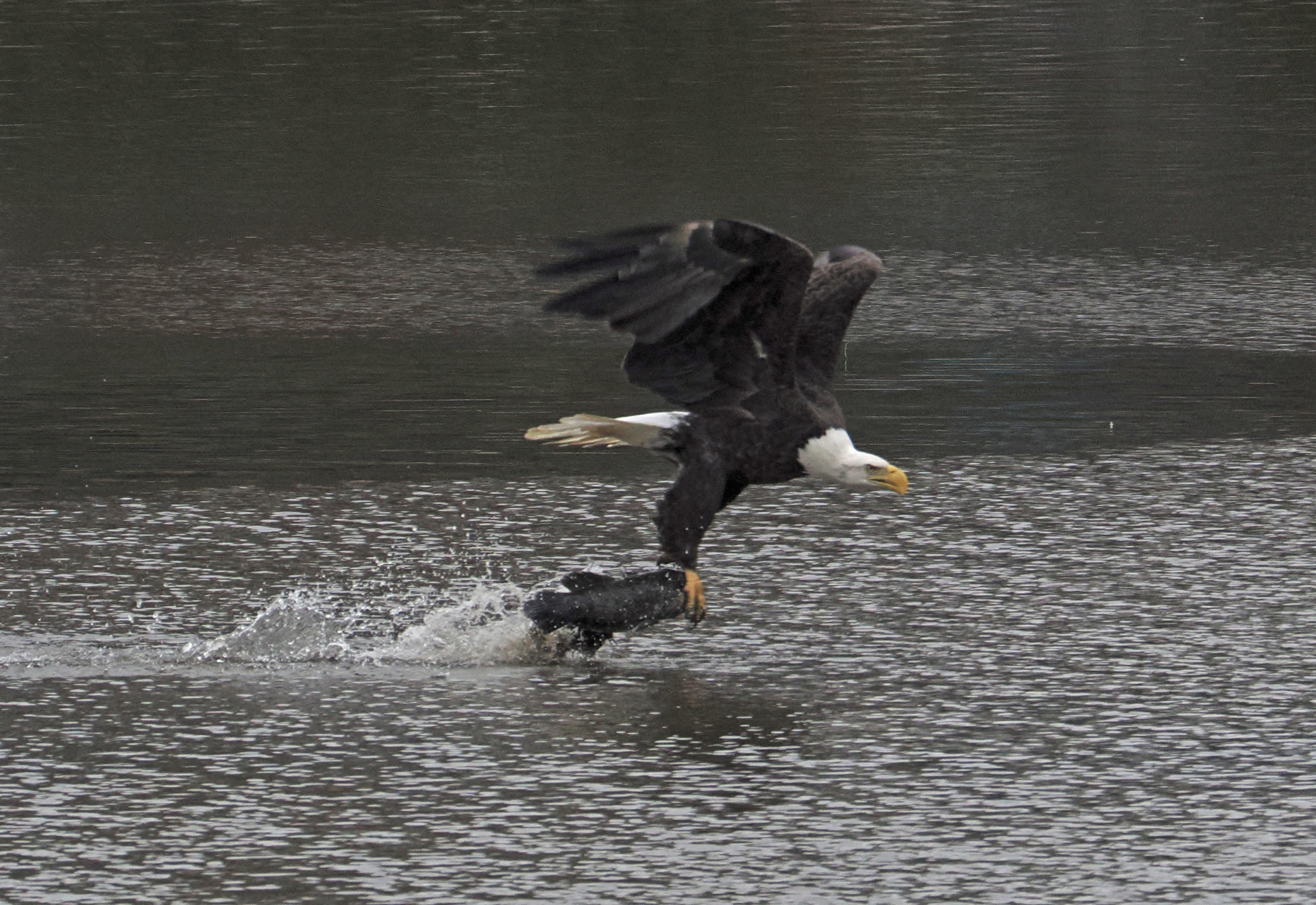
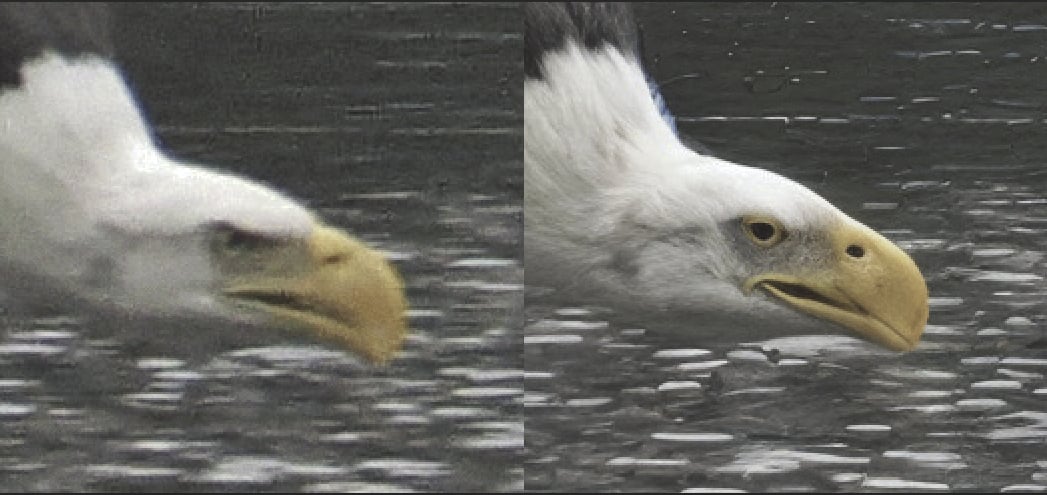
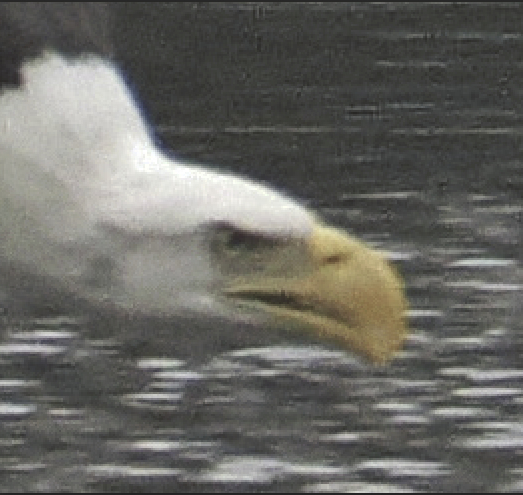
Top: AI, Bottom: original. The images pretty speak for themselves. AI ignored the “angry” ridge over the eye and covered the eagle with fur. “Recover” program…
Hi.
Interesting, the images don’t really speak for themselves as it would have been nice to know a bit more information with example images / screenshots and for example; the Crop compared to the original image, the applications used if any before and after Gigapixel in addition did you use the old Topaz Gigapixel AI or the new Topaz Gigapixel.
And the Model plus, Settings used for instance; Very Compressed, High Fidelity, Redefine Realistic/Creative or another option plus, if you have access to the new Topaz Gigapixel Standard MAX or Wonder and the Upscale used 2, 4, or 6 times again compared to the original image and Crop meaning original Resolution and the Upscaled Resolution.
Also, the Subject is small within the frame yes I know that was probably the look you were going for but, never the less, small which Is another factor that reduces the actual Subject Resolution.
Basically because, all these factors have an effect on the final results
May I also ask, if you have access to Topaz Photo which as the name implies is better suited for Photographers with more Photography orientated options Super Focus, Motion Blur Lens Blur, Refocus, Natural and Wildlife Sharping as well as Standard MAX and Wonder including all the Denoising options plus more….
Thank you
I don’t recall the specifics in generating this photo, but AI should have, at least:
- recognized this as a bird
- not removed clearly present features such as the brow over the eye. Eagles always have a distinctive angry look; this looks like a goofy, nerdy bird

- not changed features like removing the tip of the eagle’s bill - these things were clearly visible and should have been clarified, and not remodeled
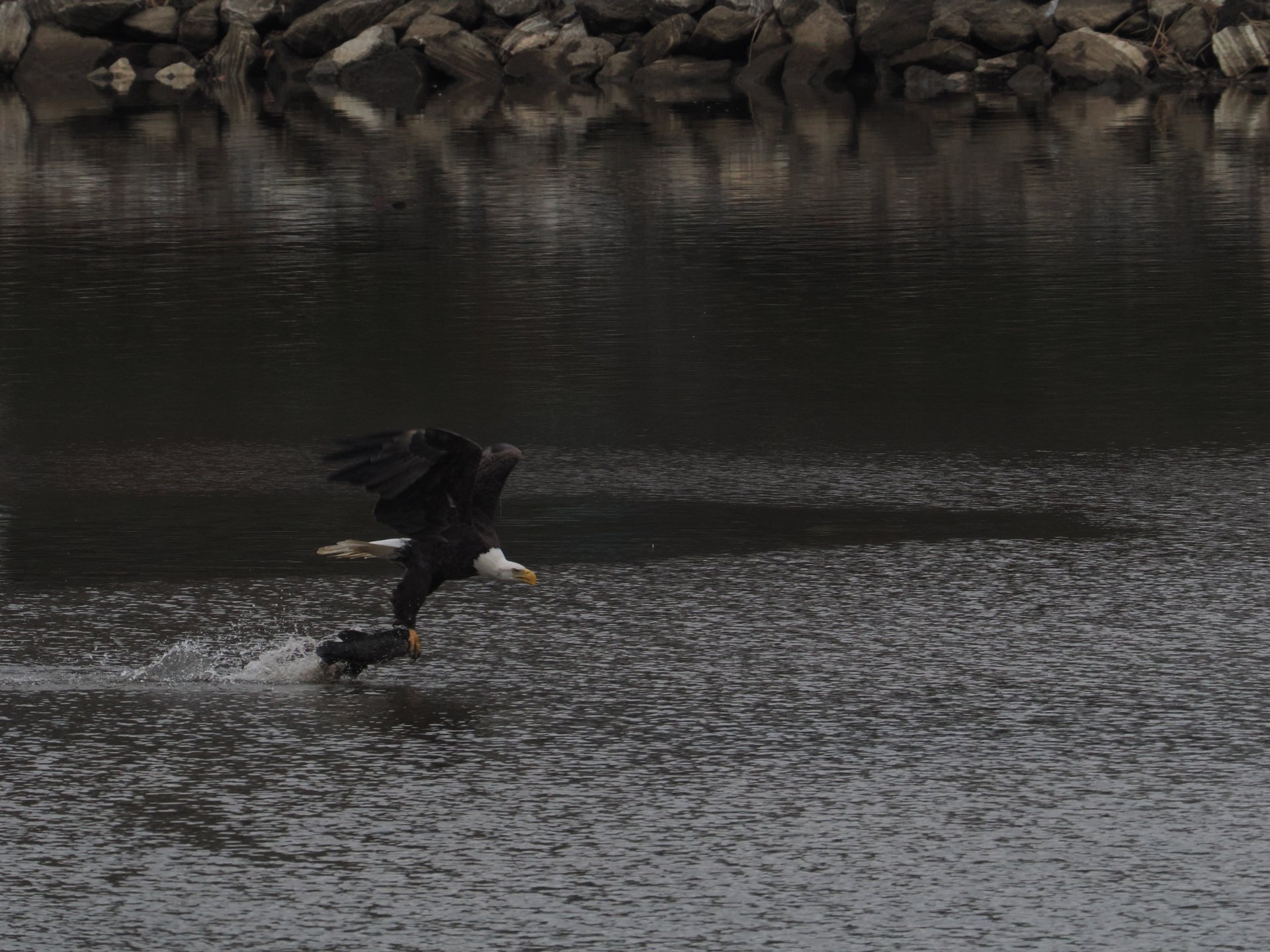
I tested that image, and while I can get good results with Redefine, it’s adding some artifacts that would need to be removed in Photoshop. This image is low-res, but it looks like it has also been cropped. The eagle doesn’t have a lot of details, so it was probably small in the frame. Do you have the original RAW file? (uncropped image). I’m sure you could get better results using the original.
1 Like

Thanks very helpful and may I reiterate that although Gigapixel can be successfully used on Photographs it’s primarily usage is designed for all types of general Upscaling including CGI, Scans, Printed Work and Art whereas Topaz Photo is ideally suited for Photography
- recognized this as a bird
Hopefully in the future but, for now neither Topaz Photo or Gigapixel has sophisticated Animal Recognition they only basically see Pixels
- not removed clearly present features such as the brow over the eye. Eagles always have a distinctive angry look; this looks like a goofy, nerdy bird
I agree a very good point but here’s the thing with Low Resolution Subjects and you have to admit the Subject is very Low Resolution plus the fact you completely missed Focus and it’s very Under Exposed which any software of this kind would struggle with because, you or I know what’s there but, that doesn’t necessarily apply to the AI
In addition, again you haven’t said about the settings used for example did you try Wonder and Standard MAX if you have access to them or Gigapixel’s Redefine because it’s important to know these things for anyone to offer constructive suggestions.
There’s one or two things about AI and the majority of the AI’s Machine Learning has been trained on Human Subjects and yes Animals as well and you have to understand there’s a lot more different types of Animal Species especially birds than, Humans and yes, before anyone mentions it I know Humans are animals.
Plus, the Machine Learning has mostly been trained on Deblurring all sorts of Images.
Because, it all boils down to the information the AI has to go on and how the AI Interpolates that information and what it sees.
We have a Human equivalent of AI Interpolation it’s called Squinting of the Eyes to make things appear less blurry and Sharper.
Cameras Lenses, also have a similar equivalent for example, a Small Aperture (Small Hole) greater Depth of Field and a Larger Aperture (Large Hole) a smaller Depth of Failed.
- not changed features like removing the tip of the eagle’s bill - these things were clearly visible and should have been clarified, and not remodeled
This brings us back to Topaz Photo which as mentioned in my previous reply has a lot more Photography Specific Enhancements including Super Focus and if I may add to that if you have a Studio Subscription then you’ll have access to a hole host of online Tool and Apps including the brilliant Topaz Bloom.
Don’t get me wrong I’m definitely not knocking Gigapixel far from I use it myself but, what I saying for Photography you have a wealth of other applications to choose from.
Hope this helps
Just a heads-up. The forum limits the resolution of embedded images. If you want people to see a more accurate representation of your original image, you’d have to link it via Dropbox or similar.
Also, Redefine generally does a better job at higher scale factors.
That was a lot of feedback! Thanks very much you guys. I admit I am rather foggy as to what is what and what does what in Gigapixel. Must work on that.
al
For this image, our tools won’t give you the best results. Here are a couple issues with this image.
-
The lighting is not ideal, so some details are lost. You can recover a few in Lightroom Classic if you adjust the exposure and shadows.
-
You need to be realistic about what you want. There are not a lot of details on the bird. Feathers are not visible, and generally, it’s very pixelated.
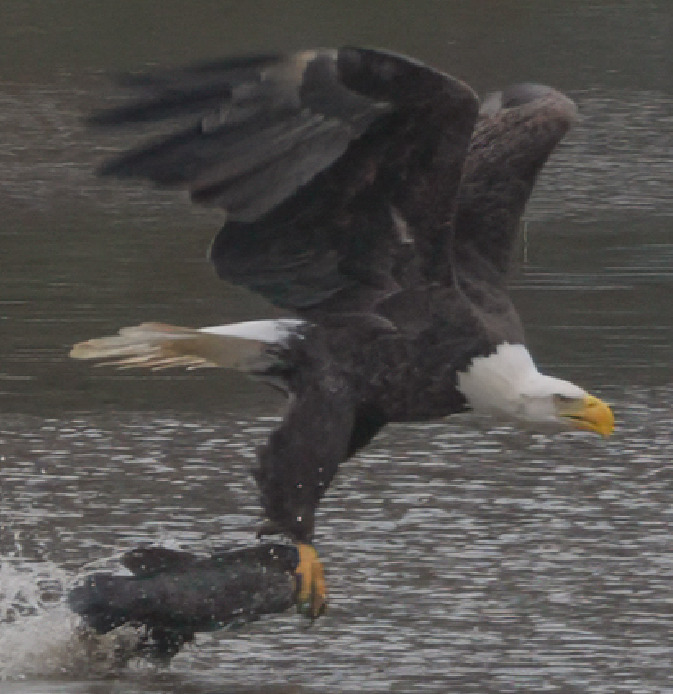
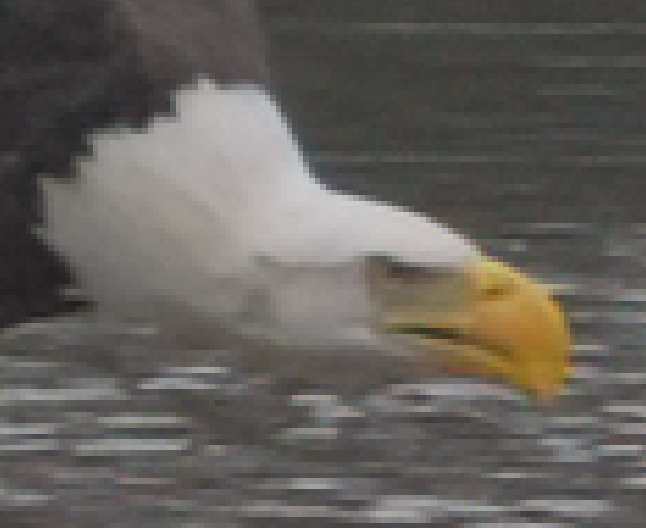
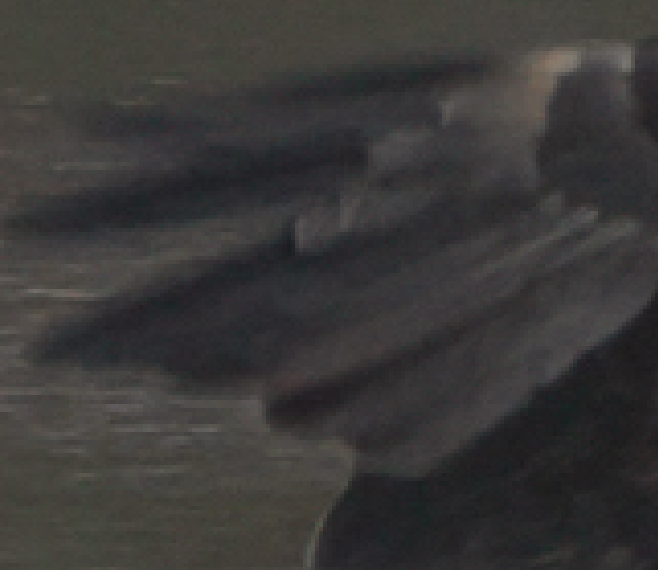
You can use Redefine to add those details, but at this point it’s an AI generated image, not what you shot. You would need a bigger lens, or be closer to the subject, to fully capture an eagle like this. Also, ensure that you shoot in “action” mode or similar for moving animals, and a faster shutter speed. There is motion blur on that image, too. It’s not a bad photo, but not necessarily one that I would spend a lot of time recovering.
1 Like
I agree with what others have said: GAI won’t be the best tool for these images because the resolution of the source images is too low. Recovering such low-resolution images requires a large generative model capable of recognizing the bird. Including such a large model in GAI is challenging, as the model would be enormous, and many users have already complained that GAI/TPAI takes up too much disk space.
I recommend that you first pre-process the images with another AI generative model, then use GAI to further enhance them.
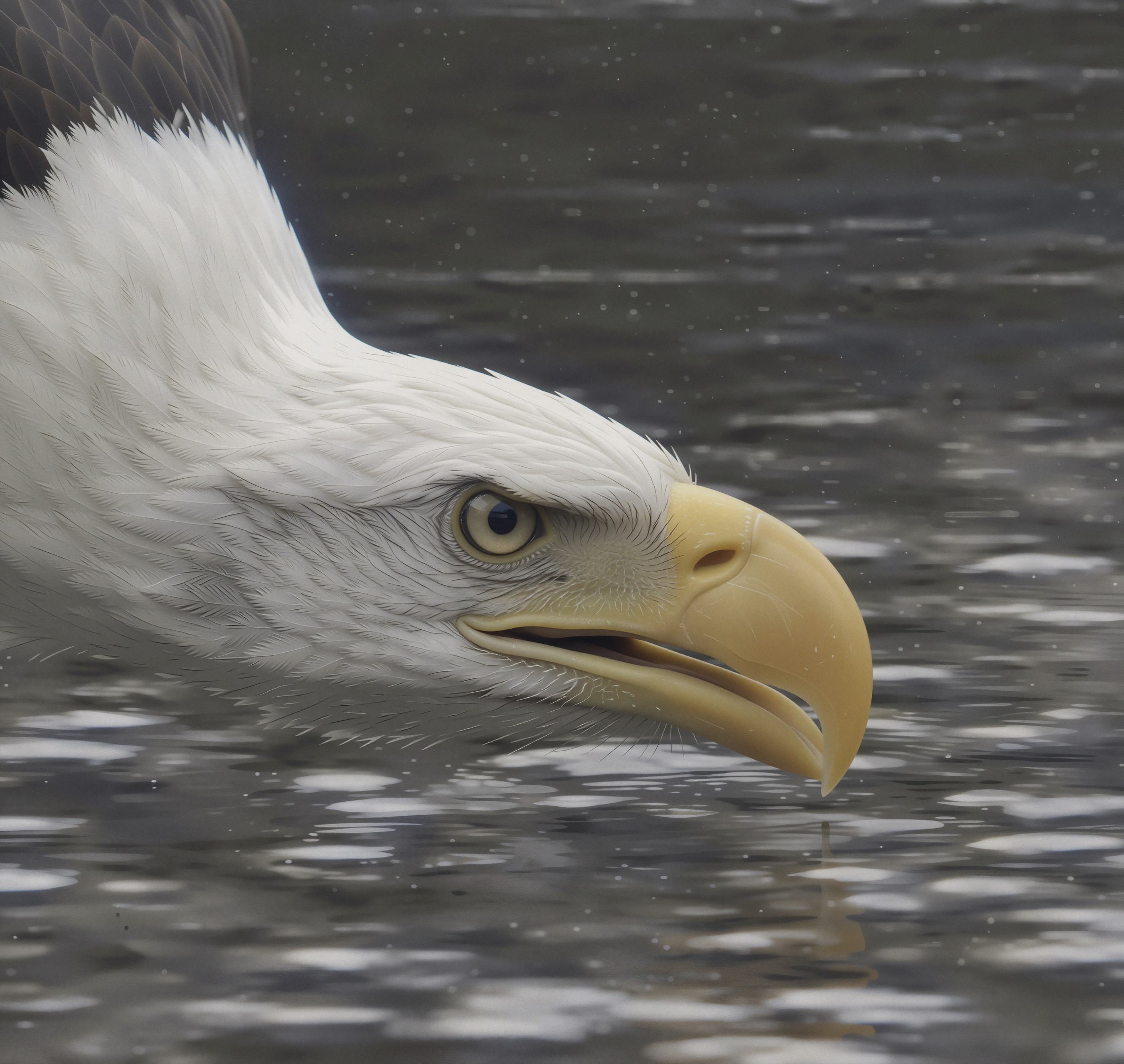
This one looks nice! I was able to get similar results with Bloom, but I didn’t like the eye as it was less accurate but this is not the photo that was taken. Maybe a blend with the original would look nice.
2 Likes