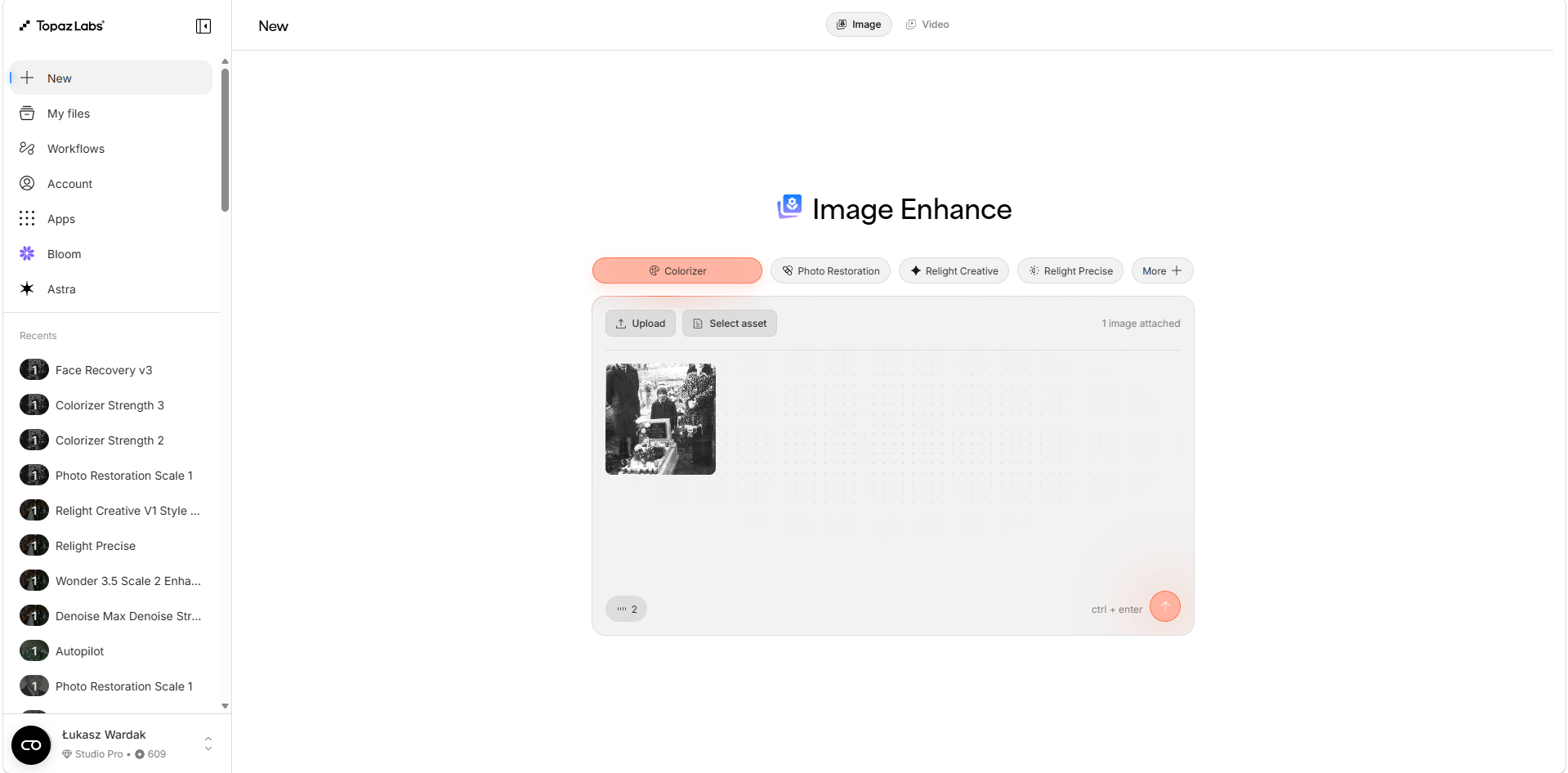
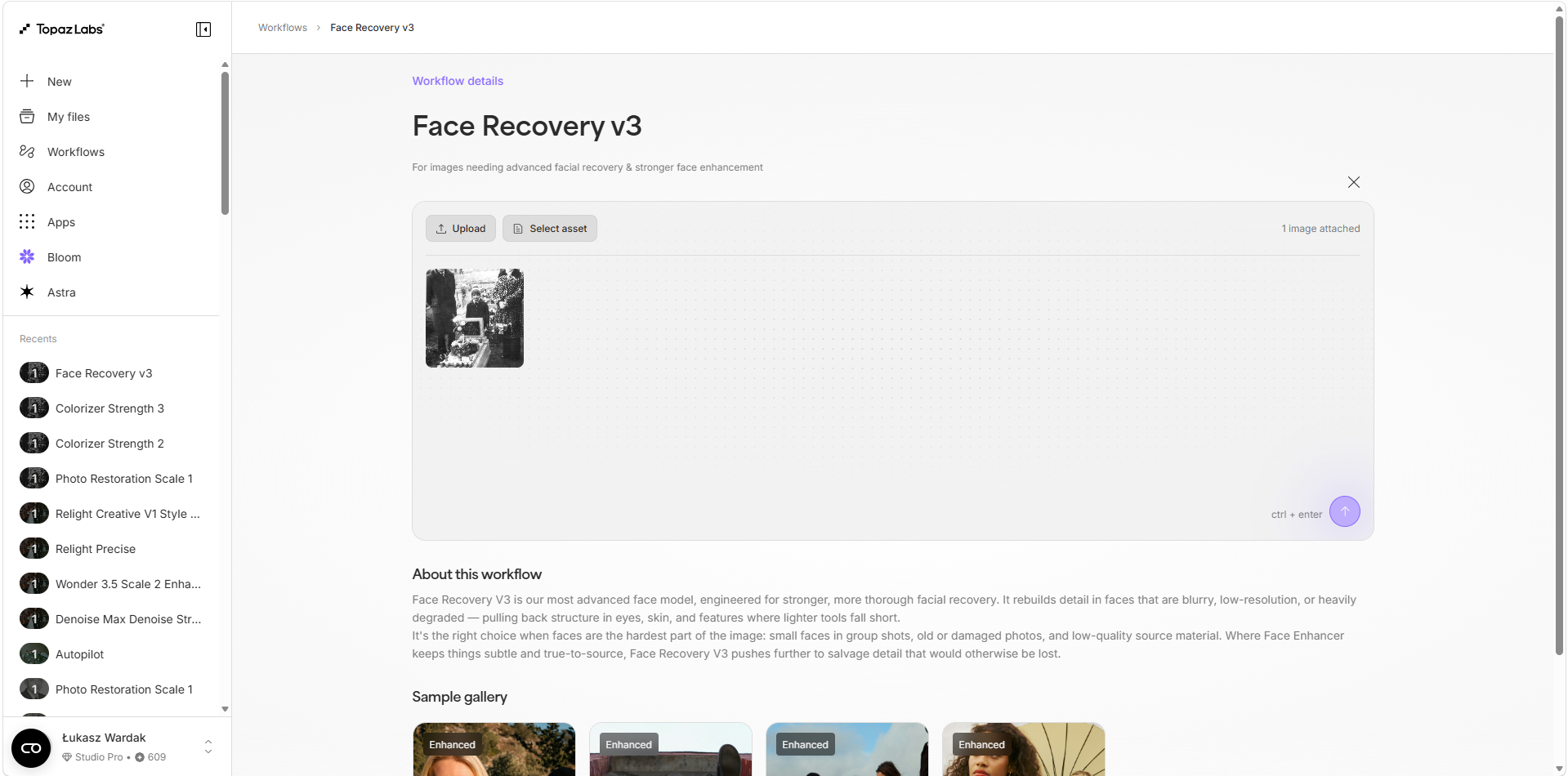
Face Recovery performs only so-so when it comes to very old, black-and-white family photos—I have an idea: when selecting, for example, the “Custom” option in Face Recovery, you could add a few portrait photos of the same person. That way, the AI would have context and might not turn a woman’s face into a man’s or add a beard, for example. Furthermore, Face Recovery would have context and might be able to restore the face much more accurately.
In the case of a family archive, this is often possible because it contains, for example, ID photos from different periods of a person’s life.
Sure, thanks for the reply—a feature like that would be very helpful for the initial restoration of old photos in Topaz Photo AI (Face Recovery) before moving on to the “Photo Restoration” section in the web app, especially for photos with several people in them, where you could assign one or more portrait photos as references for each person.