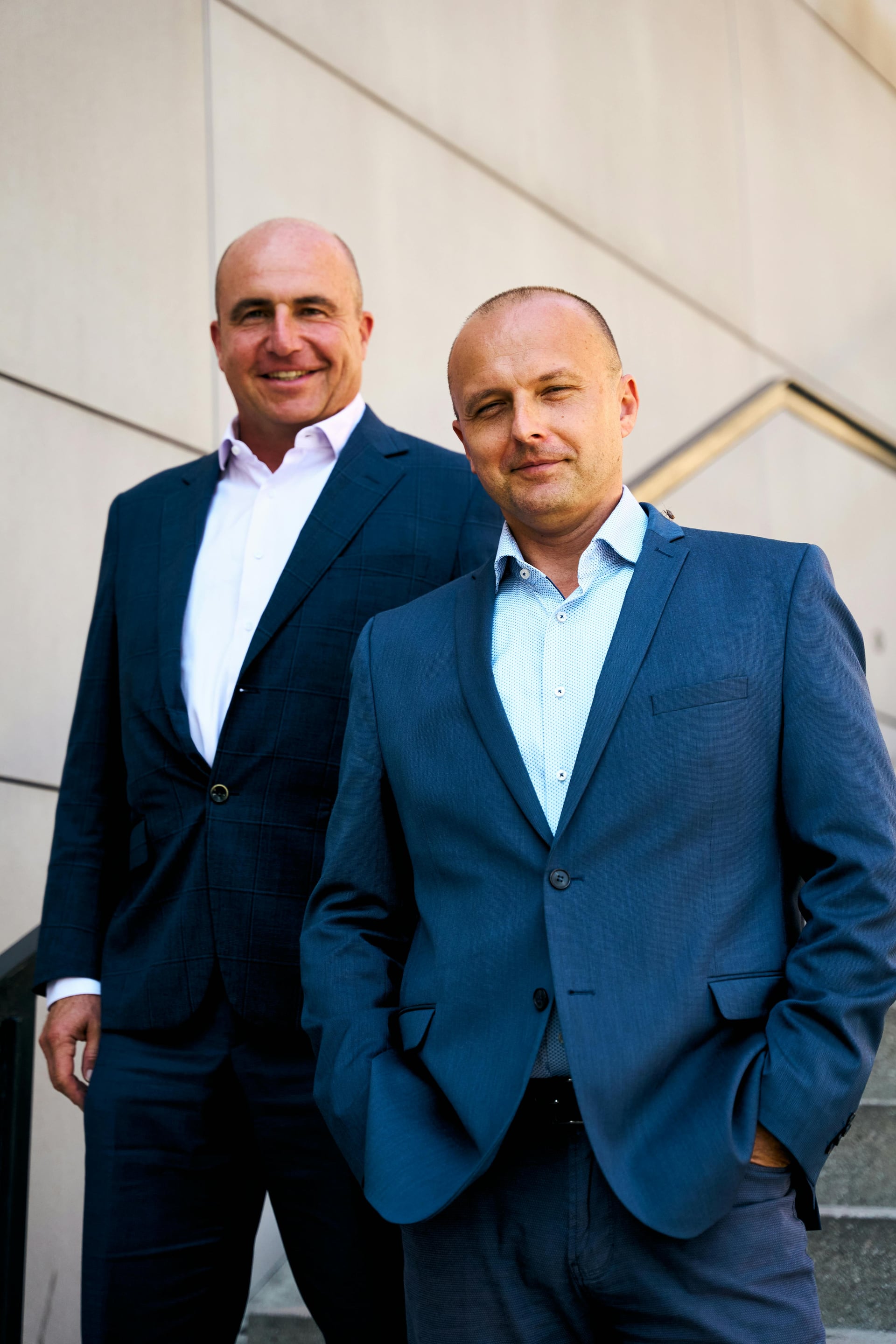
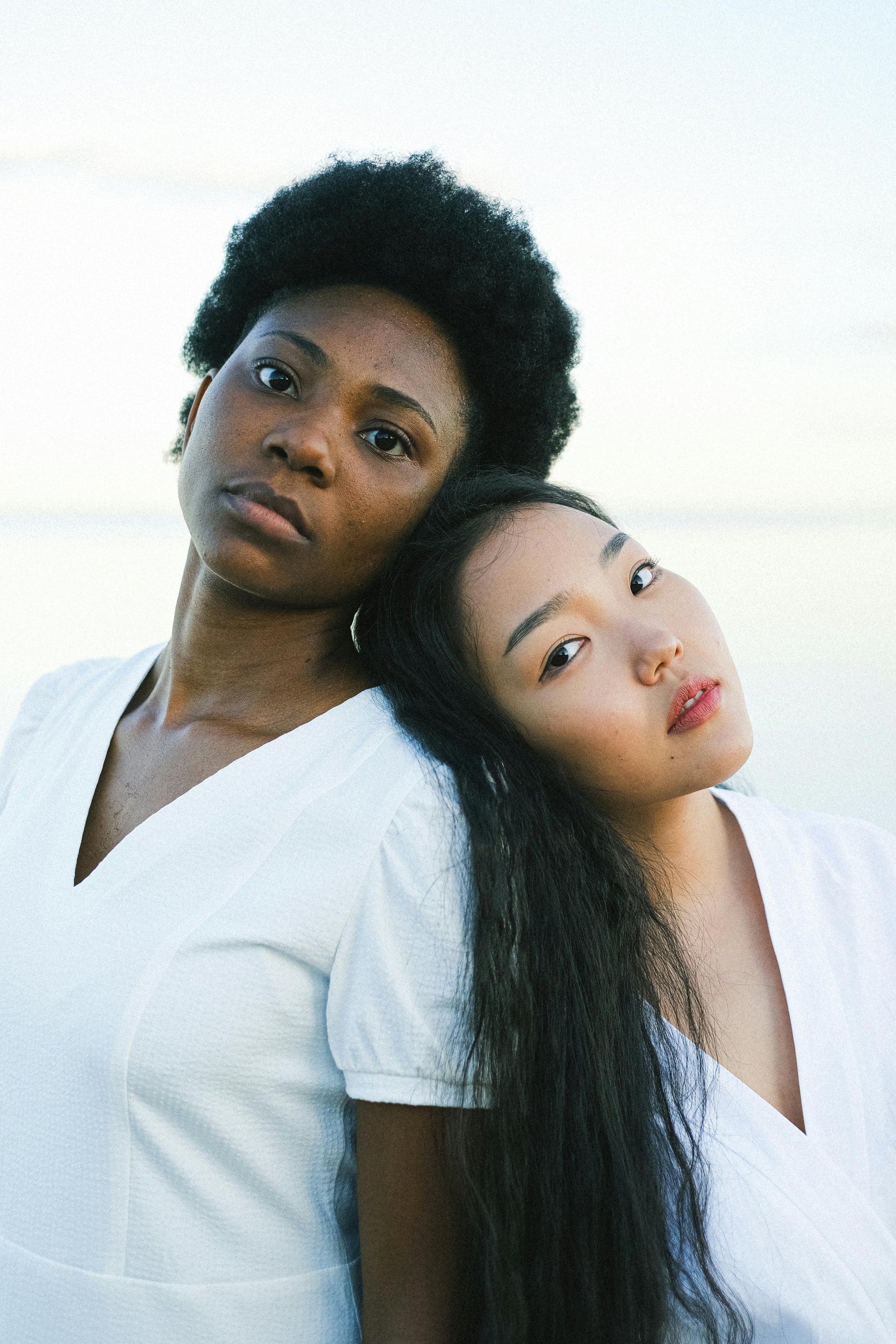
With some images, I am unable to adjust the Face Recovery settings after changing the Upscale factor.
- We’ve recreated this on 2 different machines with various images, one on Mac OS Tahoe 26.0.1 (Gigapixel v1.1.1) and one on Tahoe 26.2 (Gigapixel v1.0.7)
- For some reason, not all images are affected, but I’m running into it pretty frequently
- Model doesn’t seem to make a difference
- Sometimes it will be stuck at a very strong setting and others at seemingly none
- Sometimes the Recovery area only affects part of the face (see above eyebrows around 45 seconds into screen recording below)
- Turning Face Recovery off/on or selecting/deselecting face has no impact
- Exported files look like the preview, so it’s not just a previewing bug
Steps to recreate:
- Open image(s) in Gigapixel, select any model, set Upscale at 1x
- Turn on Face Recovery and set the slider very high or very low (issue happens with mid-range settings too, but it’s easier to see at extreme settings)
- Change Upscale to 2x and try to change the Face Recovery settings, no impact
- Set to another Upscale size (by dimensions or factor) and it may now be stuck on a different setting, and/or some of the face may be unaffected
- Return to 1x and settings are adjustable again
Here’s a link to a screen recording of the behavior.
I’ve attached some stock images with which we recreated the issue (but have encountered it on various other images we work with).
Thank you for your consideration!