I run Topaz Video on a PC dedicated to that purpose. It is equipped with a Viewsonic 1080x1920 monitor. When I try to use the Export Queue screen to check progress, only the video display part of the window is visible. The video playback controls and job queue are off the bottom of screen and can not be made visible. However, if I use Remote Desktop to access the system from a PC with 1440p monitor, the entire screen is visible. While the home screen resizes to fit the display/window in which it is running, the Export Queue screen does not. It should resize to fit the available display parameters.
Sounds like the app and window are not updating or pulling monitor settings from a different monitor profile that could be stored in the system cache.
Had another user with a similar issue last week that did a clean install and that had the app restore its settings to match the correct monitor.
If that does not resolve the issue, grab the logs from the app and send to the support team at help@topazlabs.com and we can see what the app is opening at resolution wise to get a better idea of the issue.
I have observed this behavior on macOS Version 26.4 (25E241) - beta 4. You can resize the main window, but the content inside does not resize.
Edit: it did resize once (made it bigger), but now, impossible to reduce its size.
Edit: screenshot of export window. It is possible to zoom in/out, pan the display content, but the inner region that is supposed to display the frame being up-scaled will not resize
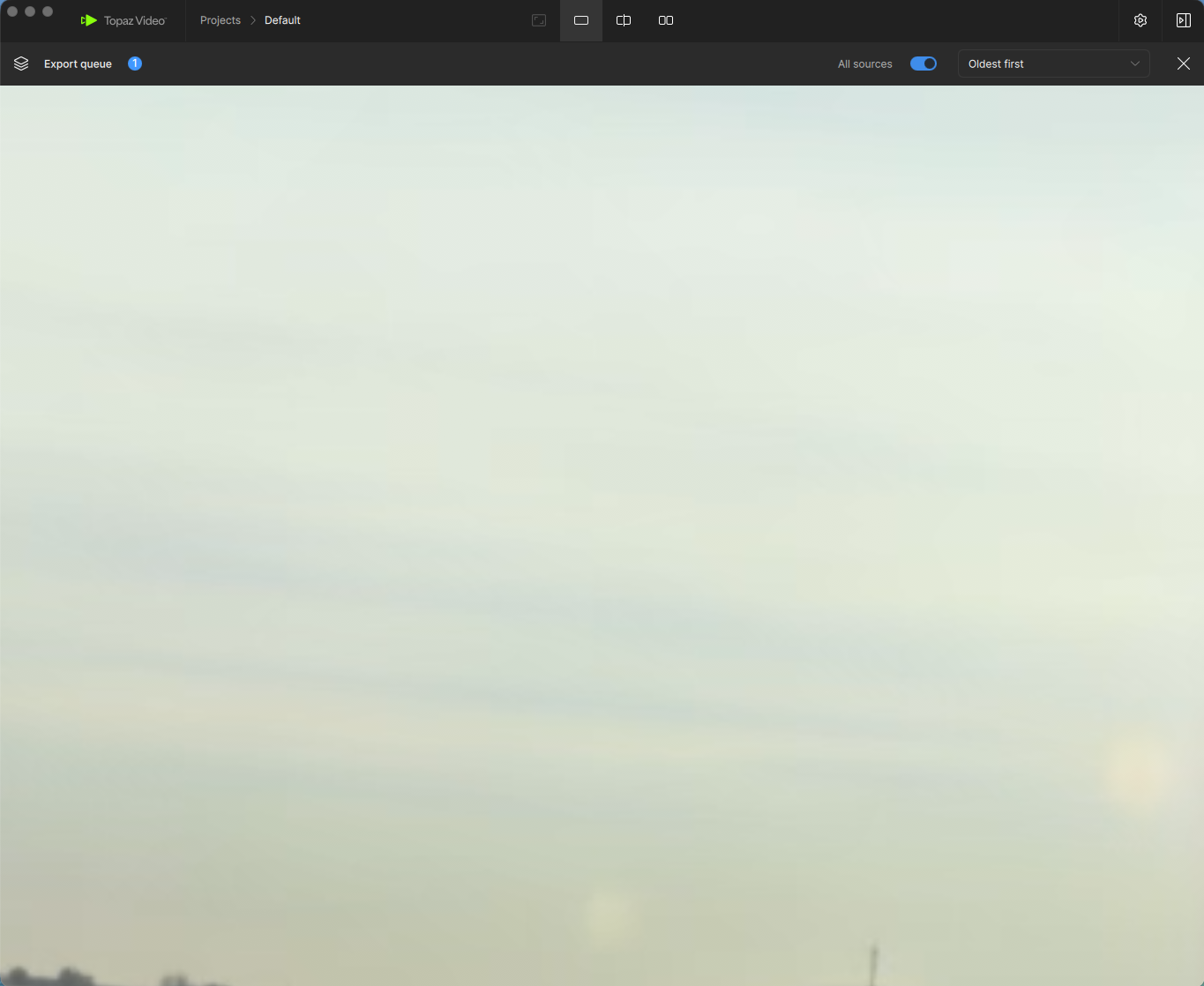
A reinstall of Topaz Video on the PC using the 1080 monitor worked the first time I opened the Export Queue (i.e. I could see the scrubber and the job list). However, the screen did not resize if I opened it in a smaller window, and once I opened it on the 1440 monitor (via Remote Desktop) it reverted to being off the screen on any monitor smaller than 1440.
Understood, sounds like the app is not able to update or remember the sizing needs when being changed between monitors when viewing the Export Queue window if the Live Export Preview feature is enabled.
Passing that note along to the team for review.
Update:
Just tested and the app is just being sized down too small to show the queue list below the preview frame. If you stretch the window back out the queue is there but when sized too small it hides it and there is not a way to scroll down to see the files. Have updated the team to look into this from a UI side and address.
