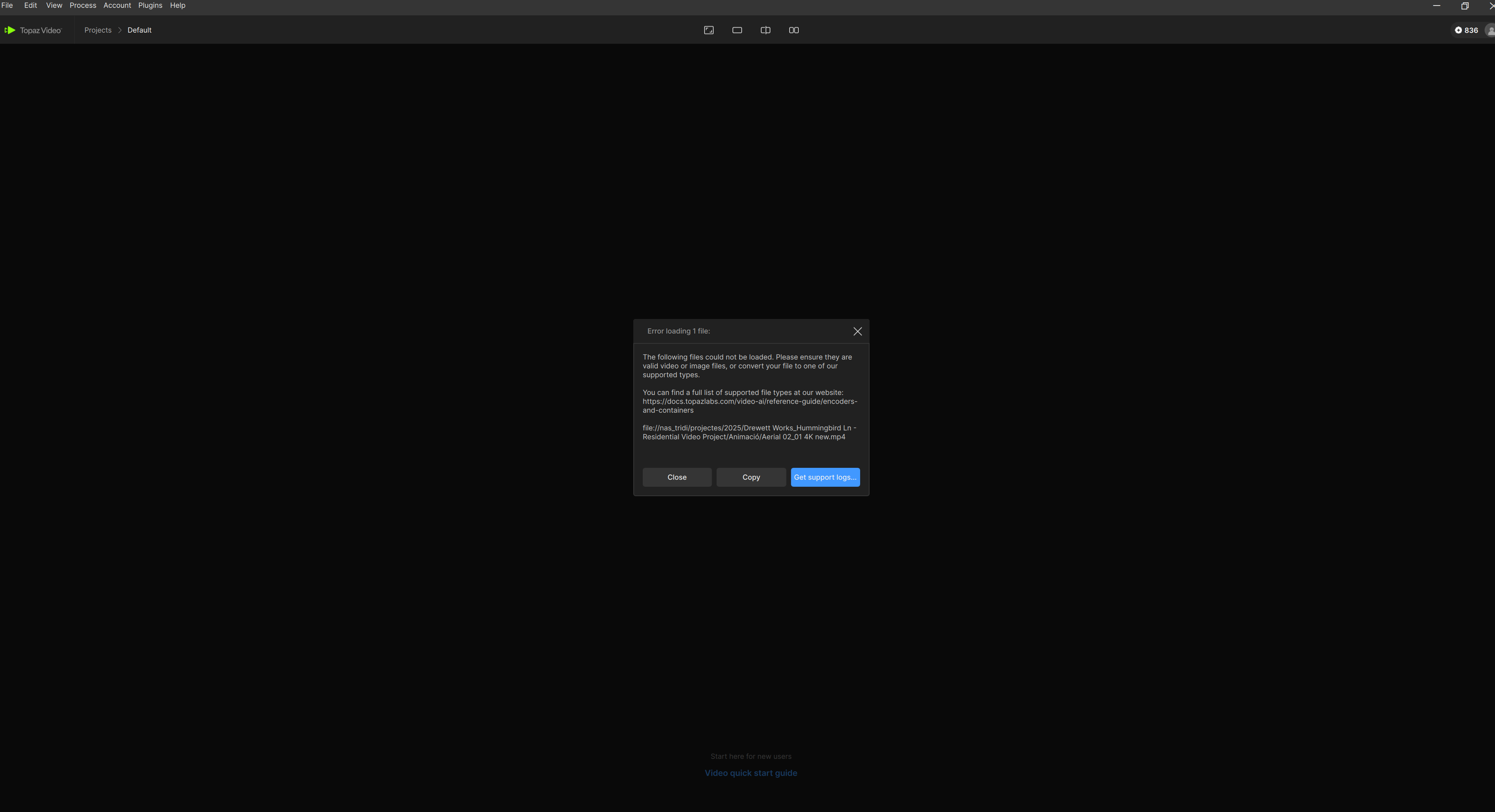
The following files could not be loaded. Please ensure they are valid video or image files, or convert your file to one of our supported types.
You can find a full list of supported file types at our website:
The following files could not be loaded. Please ensure they are valid video or image files, or convert your file to one of our supported types.
You can find a full list of supported file types at our website:
Can you send the logs to the support team to review what is going on here? help@topazlabs.com
To gather logs, please select Help > Logging > Get Logs for Support and attach the zip file to your reply.
Here is a video to help with the steps of how to collect the logs.
What codec and container are your video files stored in?
We are seeing some users getting this error after updating to 1.6.0 when their source files are being pulled in from an external or networked drive. If you are pulling your sources from such drives, can you move the file to the local drive and import it from there to see if that works?
They are working on a patch to correct this in the next update.
Yes, the files moved to local drive works well, thank you and waiting for a patch for correct this issue,