Good day! I have a general question about Gigapixel’s Redefine Creative (beta) feature.
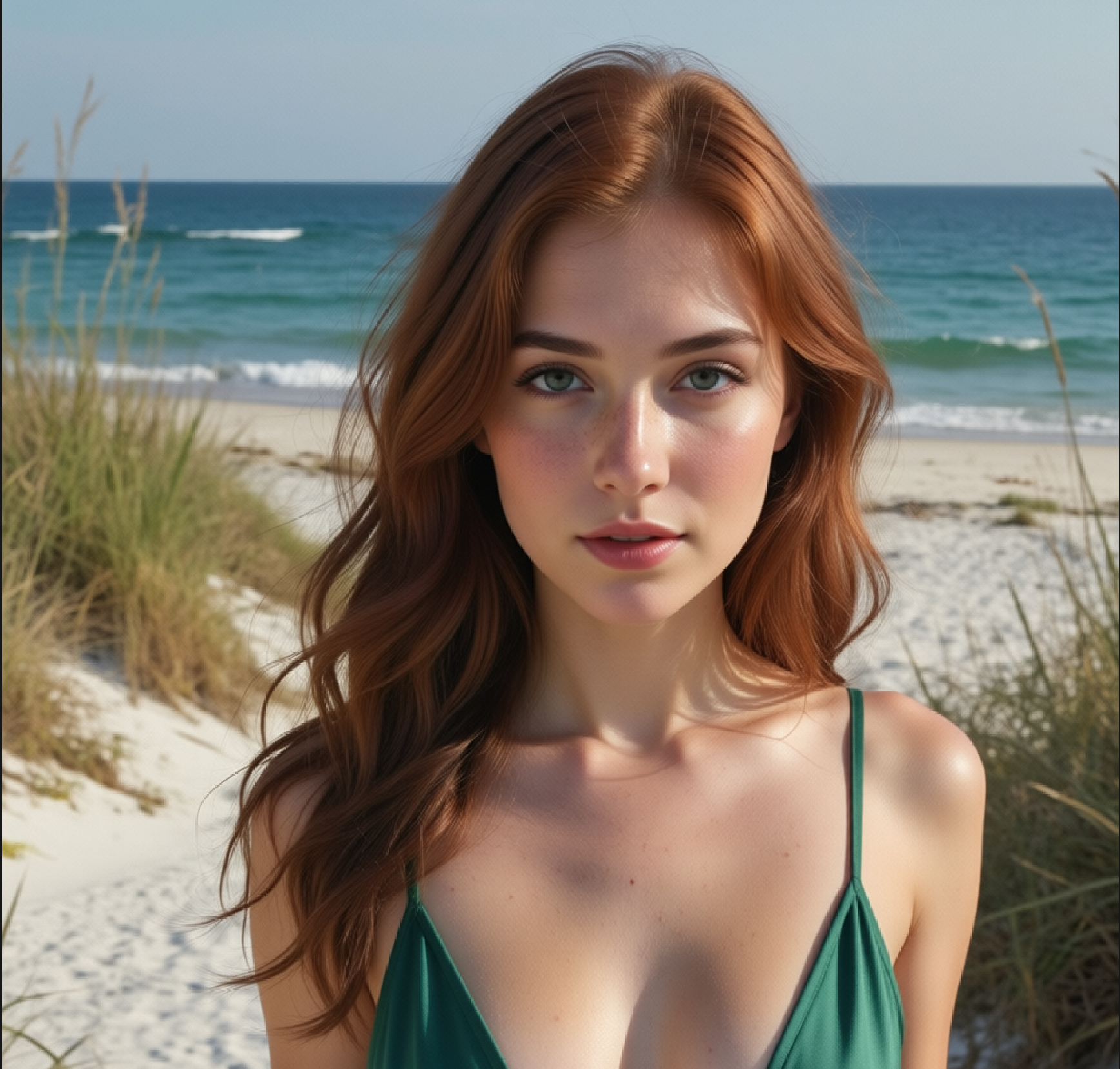
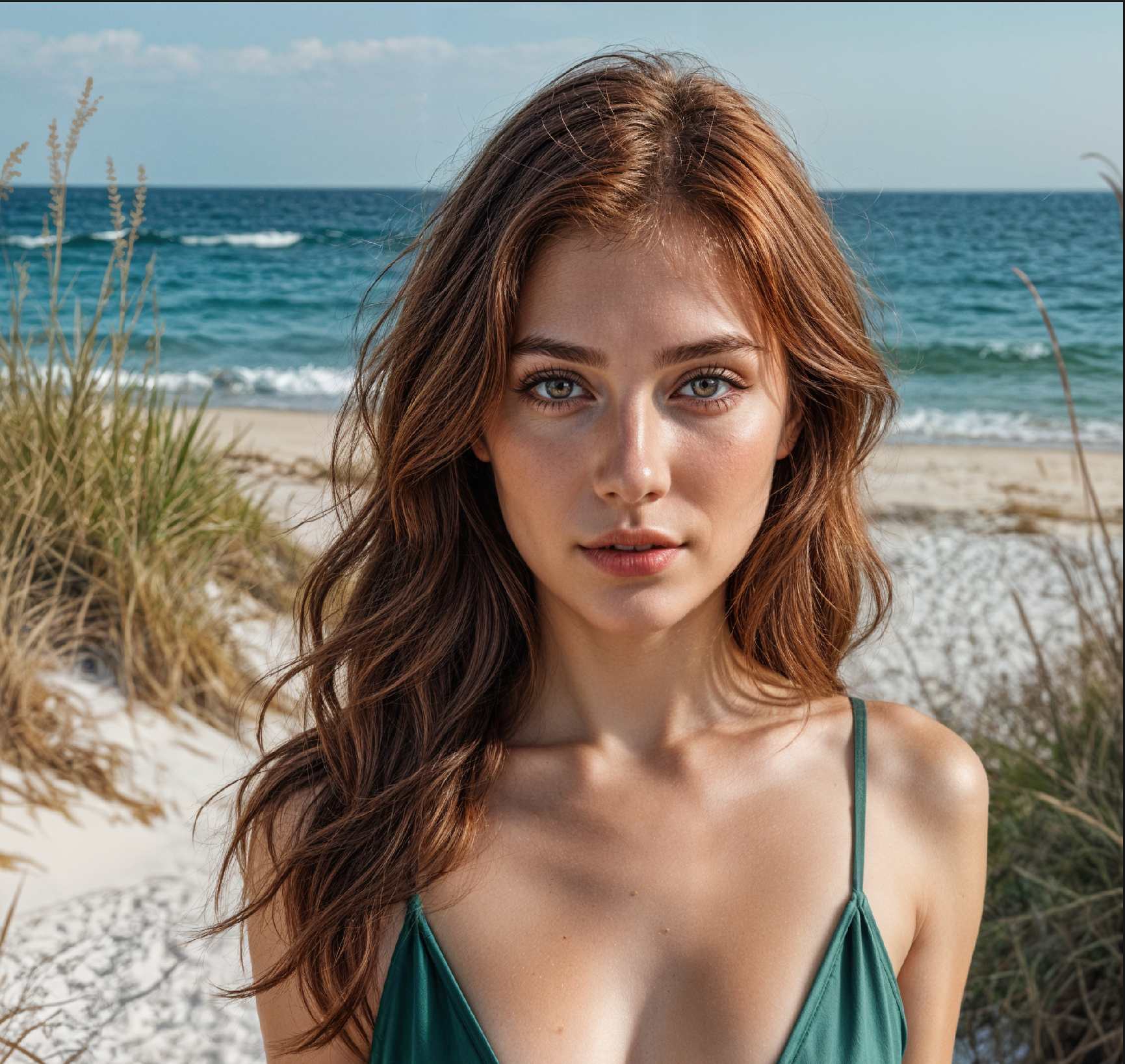
Is there any way to guide the regeneration so it will ignore certain areas, or pay extra attention to specific areas? For example, in the image I’m including (before/after attached), the overall detail is good, and Gigapixel does a fantastic job with facial skin, irises, and hair.
However, I’m consistently seeing issues in non-face skin areas—arms, legs, and chest often end up with unnatural skin-like patterns/textures (or hairy chests on women with some settings).
My main question is about eye control. Redefine Creative often adds puffiness under the eyes and subtle fullness that increases detail, but it also makes a subject look older/different by effectively “redefining” the person. The added detail can look impressive, but it noticeably ages/changes the subject. Note: the attached was with creativity to high (but same results for low) description: Realistic, Portrait, detailed eyes, no puffy undereye
I’m afraid not at this present time not without either using Gigapixel as a Photoshop Plugin creating multiple Layers with different Redefine Creativity levels and combining them in Photoshop or creating multiple instances of your image within the Standalone Version of Gigapixel and combining them later again within Photoshop or another external editor.
Having said that there is an alternative do you by any chance have access to Topaz Bloom which can be thought of as (excuse the pun) a more Refined version of Gigapixel’s Redefine plus, with Bloom it will create four different versions of the image and if you like Upscale them at the same time.
But, and it’s only a small but if you read between the lines at this MOMENT there’s still no form of MASKING YET in this current version of Topaz Bloom or should I say hopefully watch this space.
After the initial post I tried playing around further with it and it seems like it has a single setting that it applies and ignores everything added to the description. Tried with various sizes 1024x1024 and <1 M and “auto”. All were ignored. I got a small win with the “Redefine realistic” on output with the face, but then the arms and other skin texture was “patterned" like a lizard. I was able to “fix” it as you suggested with Photoshop, but wasn’t really the answer I was hoping for, but then again, it does say beta .
I will look at some of the web features, the last time I tried, those were extremely slow. I had just hoped that since I had a good graphics card, I could have a non-web solution for these types of issues and render locally.
 .
.
 |
| 